2015 GMC SIERRA 1500 USB port
[x] Cancel search: USB portPage 221 of 539
Black plate (18,1)GMC Sierra Owner Manual (GMNA Localizing-U.S/Canada/Mexico-
7299746) - 2015 - crc - 11/11/13
7-18 Infotainment System
USB Port
Playing from a USB
A USB mass storage device or
Media Transfer Protocol (MTP)
device can be connected to the
USB port.
The vehicle may have USB ports
are in the center console, armrest,
or one in the upper glove box. See
Center Console Storage on
page 4-3andGlove Box on
page 4-2.
USB MP3 Player and USB Drives
.The USB MP3 players and USB
drives connected must comply
with the USB Mass Storage
Class specification (USB MSC).
.Hard disk drives are not
supported.
To play a USB device:
.Connect the USB.
.Press the MEDIA button on the
faceplate until the connected
device is shown. While the USB source is active,
press the corresponding faceplate
button for the icons on the screen to
operate USB function:
.t(Seek Previous/Fast
Reverse)
.u(Seek Next/Fast Forward)
.j/r(Play/Pause)
.Z(Shuffle)
For information on how to use the
screen icons, see “Playing an
Audio CD.”
USB Menu
Press the MENU knob to display the
USB menu and the following may
display:
Browse : Select to display the files
and folders on the USB device.
Tone Settings : Select to adjust
Bass, Midrange, Treble, Balance,
Fade, and EQ (Equalizer). See “Tone Settings”
under“Playing an
Audio CD” inCD Player on
page 7-15.
Auto Volume : If equipped, see
“Playing an Audio CD” inCD Player
on page 7-15.
EQ (Equalizer): If equipped, this
feature adjusts the equalizer
settings. See “EQ (Equalizer)
Settings” inAM-FM Radio on
page 7-8.
Playing from an iPod®/iPad®/
iPhone®
This feature supports the following
devices:
.iPod nano®(1st, 2nd, 3rd, and
4th generation)
.iPod with video (5.0 and 5.5
generation)
.iPod classic®(6th generation)
.iPod touch®(1st and 2nd
generation)
.iPad
Page 222 of 539
Black plate (19,1)GMC Sierra Owner Manual (GMNA Localizing-U.S/Canada/Mexico-
7299746) - 2015 - crc - 11/11/13
Infotainment System 7-19
.iPhone 3G, iPhone 3GS,
iPhone 4
There may be problems with
operation and function in the
following situations:
.When connecting a device with
a more recent version of the
firmware installed than is
supported by the infotainment
system.
.When connecting a device on
which firmware from other
providers is installed.
To connect and control a device:
1. Connect one end of the standard USB cable to the device's dock
connector.
2. Connect the other end to a USB port in the center console. See
Center Console Storage on
page 4-3.
3. Press the MEDIA button to select the source. The music information displays on
the radio’s display and begins
playing through the vehicle’s audio
system.
The device battery recharges
automatically while the vehicle is on.
When the vehicle is off while a
device is connected using the USB
cable, the device battery stops
charging and the device will
automatically turn off.
If the device is an unsupported
model, it can still be listened to in
the vehicle by connecting to the
auxiliary input jack using a standard
3.5 mm (1/8 in) stereo cable.
Menu
Press the MENU knob to display the
device Menu and the following may
display:
Browse :
Select to display the files
or songs on the device. See
“Browse Device Media” later in this
section. Tone Settings :
Select to adjust
Bass, Midrange, Treble, Balance,
Fade, and EQ (Equalizer). See
“Tone Settings” under“Playing an
Audio CD” inCD Player on
page 7-15.
Auto Volume : If equipped, see
“Playing an Audio CD” inCD Player
on page 7-15.
EQ (Equalizer): If equipped, this
feature adjusts the Equalizer
settings. See “EQ (Equalizer)” in
AM-FM Radio on page 7-8.
Browse Device Media
Use the following to browse:
Playlists:
1. Turn the MENU knob to highlight and press to view the playlists
stored on the device.
2. Turn the MENU knob to highlight and press to select a playlist
name to view a list of all songs
in the playlist.
Page 224 of 539
Black plate (21,1)GMC Sierra Owner Manual (GMNA Localizing-U.S/Canada/Mexico-
7299746) - 2015 - crc - 11/11/13
Infotainment System 7-21
Playing Music from the SD Card
An SD card is played the same way
a USB device is played. SeeUSB
Port on page 7-18.
Auxiliary Jack
This vehicle may have an AUX jack
in the center console or armrest.
See Center Console Storage on
page 4-3.
Possible auxiliary audio sources
include:
.Laptop computer
.Audio music player
This jack is not an audio output. Do
not plug headphones into the
auxiliary input jack. Auxiliary
devices should be set up while the
vehicle is in P (Park).
Connect a 3.5 mm (1/8 in) cable
from the auxiliary device to the
auxiliary input jack.
If an auxiliary device has already
been connected, but a different
source is currently active, press the MEDIA faceplate button repeatedly
to scroll through all of the available
audio source screens, until the AUX
source screen is shown.
Playing from the AUX Jack
An auxiliary device is played
through the audio system and
controlled through the device itself.
AUX Menu
Press the MENU knob to display the
AUX menu and the following may
display:
Tone Settings :
Select to adjust
Bass, Midrange, Treble, Balance,
Fade, and EQ (Equalizer). See
“Tone Settings” underAM-FM Radio
on page 7-8.
Auto Volume : If equipped, see
“Playing an Audio CD.”
DSP: If equipped, this feature
adjusts the pre-defined settings.
See “DSP” inAM-FM Radio on
page 7-8. EQ (Equalizer):
If equipped, this
feature adjusts the pre-defined
equalizer settings. See “EQ
(Equalizer)” inAM-FM Radio on
page 7-8.
Bluetooth Audio
If equipped, music may be played
from a paired Bluetooth device. See
“Pairing” in“Information Controls”
under “Bluetooth” for help pairing a
device.
Volume and song selection may be
controlled using the Infotainment
controls or on the phone/device.
If Bluetooth Audio is selected and
nothing is heard, check the volume
setting on both phone/device and
the Infotainment system.
Music can be launched by pressing
the MEDIA screen button on the
Home Page.
To play music via Bluetooth:
1. Power on the device, and pair to connect the device.
Page 417 of 539
Black plate (50,1)GMC Sierra Owner Manual (GMNA Localizing-U.S/Canada/Mexico-
7299746) - 2015 - crc - 11/11/13
10-50 Vehicle Care
Number Usage26 Export/Power Take Off/SEO Battery 1
27 Obstacle Detection/ USB Ports
28 Body Control Module 2
32 SEO Battery 2
35 AC Inverter
36 Amplifier
37 Spare
39 Rear Sliding Window
42 Right Door Window Motor
43 Front Blower Number Usage
44 SEO
45 Body Control Module 6
46 Body Control Module 7
47 Passenger Seat
50 Retained Accessory Power/Accessory
51 Rear Sliding Window Open
52 Rear Sliding Window CloseWheels and Tires
Tires
Every new GM vehicle has
high-quality tires made by a
leading tire manufacturer. See
the warranty manual for
information regarding the tire
warranty and where to get
service. For additional
information refer to the tire
manufacturer.
{Warning
.Poorly maintained and
improperly used tires are
dangerous.
.Overloading the tires can
cause overheating as a
result of too much flexing.
There could be a blowout
(Continued)
Page 534 of 539
Black plate (9,1)GMC Sierra Owner Manual (GMNA Localizing-U.S/Canada/Mexico-
7299746) - 2015 - crc - 11/11/13
INDEX i-9
OnStar . . . . . . . . . . . . . . . . . . . . . . . 13-15
OnStar®
System, In Brief . . . . . . . . . . . . . . 1-30
OnStar®Additional
Information . . . . . . . . . . . . . . . . . . . 14-6
OnStar
®Connections . . . . . . . . . . 14-4
OnStar®Emergency . . . . . . . . . . . 14-2
OnStar®Navigation . . . . . . . . . . . . 14-3
OnStar®Overview . . . . . . . . . . . . . 14-1
OnStar®Security . . . . . . . . . . . . . . 14-3
OnStar®Vehicle
Diagnostics . . . . . . . . . . . . . . . . . . 14-6
Operating Mode Overheated EngineProtection . . . . . . . . . . . . . . . . . 10-25
Ordering
Service Publications . . . . . . . . .13-11
Outlets Power . . . . . . . . . . . . . . . . . . . . . . . . . 5-6
Overheated Engine Protection
Operating Mode . . . . . . . . . . . . . 10-25
Overheating, Engine . . . . . . . . . . 10-23
Overview, Infotainment System . . . . . . . . . . . . . . . . . . . . . . . . 7-2
P
Pandora Internet Radio . . . . . . . . 7-12
Park
Shifting Into . . . . . . . . . . . . . . . . . . . 9-29
Shifting Out of . . . . . . . . . . . . . . . . 9-31
Parking Brake . . . . . . . . . . . . . . . . . . . . . . . . . 9-48
Brake and P (Park)
Mechanism Check . . . . . . . . 10-36
Over Things That Burn . . . . . . . 9-31
Parking or Backing
Assistance Systems . . . . . . . . . . 9-56
Passenger Airbag Status Indicator . . . . . . . . . . . . . . . . . . . . . 5-20
Passenger Compartment Air Filter . . . . . . . . . . . . . . . . . . . . . . . . . . 8-9
Passenger Sensing System . . . 3-30
Perchlorate Materials Requirements, California . . . . . 10-3
Personalization
Vehicle . . . . . . . . . . . . . . . . . . . . . . . 5-45
Phone Bluetooth . . . . . . . . 7-29, 7-31, 7-35, 7-40, 7-44Pickup Conversion to
Chassis Cab . . . . . . . . . . . . . . . . 9-101
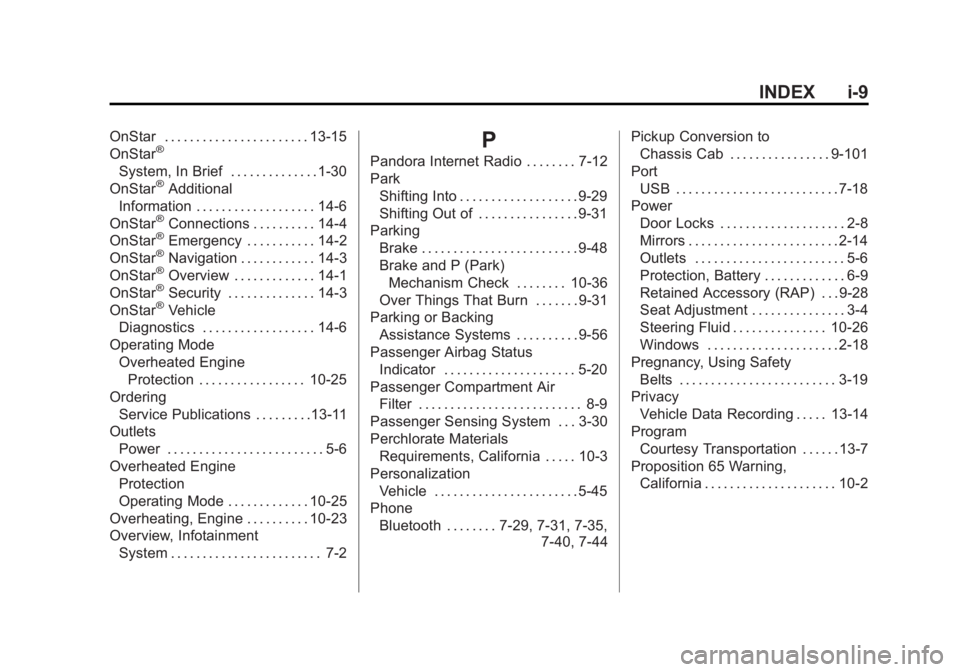
Port USB . . . . . . . . . . . . . . . . . . . . . . . . . . 7-18
Power Door Locks . . . . . . . . . . . . . . . . . . . . 2-8
Mirrors . . . . . . . . . . . . . . . . . . . . . . . . 2-14
Outlets . . . . . . . . . . . . . . . . . . . . . . . . 5-6
Protection, Battery . . . . . . . . . . . . . 6-9
Retained Accessory (RAP) . . . 9-28
Seat Adjustment . . . . . . . . . . . . . . . 3-4
Steering Fluid . . . . . . . . . . . . . . . 10-26
Windows . . . . . . . . . . . . . . . . . . . . . 2-18
Pregnancy, Using Safety Belts . . . . . . . . . . . . . . . . . . . . . . . . . 3-19
Privacy
Vehicle Data Recording . . . . . 13-14
Program Courtesy Transportation . . . . . . 13-7
Proposition 65 Warning, California . . . . . . . . . . . . . . . . . . . . . 10-2
Page 538 of 539
Black plate (13,1)GMC Sierra Owner Manual (GMNA Localizing-U.S/Canada/Mexico-
7299746) - 2015 - crc - 11/11/13
INDEX i-13
Transfer Case . . . . . . . . . . . . . . . . . 9-38
TransmissionAutomatic . . . . . . . . . . . . . . . . . . . . . 9-33
Fluid, Automatic . . . . . . . . . . . . 10-14
Messages . . . . . . . . . . . . . . . . . . . . 5-42
Transportation Program, Courtesy . . . . . . . . . . . . . . . . . . . . . 13-7
Trip Odometer . . . . . . . . . . . . . . . . . 5-13
Truck-Camper Loading Information . . . . . . . . . . . . . . . . . . . 9-21
Turn and Lane-Change
Signals . . . . . . . . . . . . . . . . . . . . . . . . 6-4
Turn Signal Bulb Replacement . . . . . . . . . . 10-39
U
Uniform Tire QualityGrading . . . . . . . . . . . . . . . . . . . . . 10-72
Universal Remote System . . . . . 5-52 Operation . . . . . . . . . . . . . . . . . . . . . 5-54
Programming . . . . . . . . . . . . . . . . . 5-52
Updates Software . . . . . . . . . . . . . . . . . . . . . . . 7-8
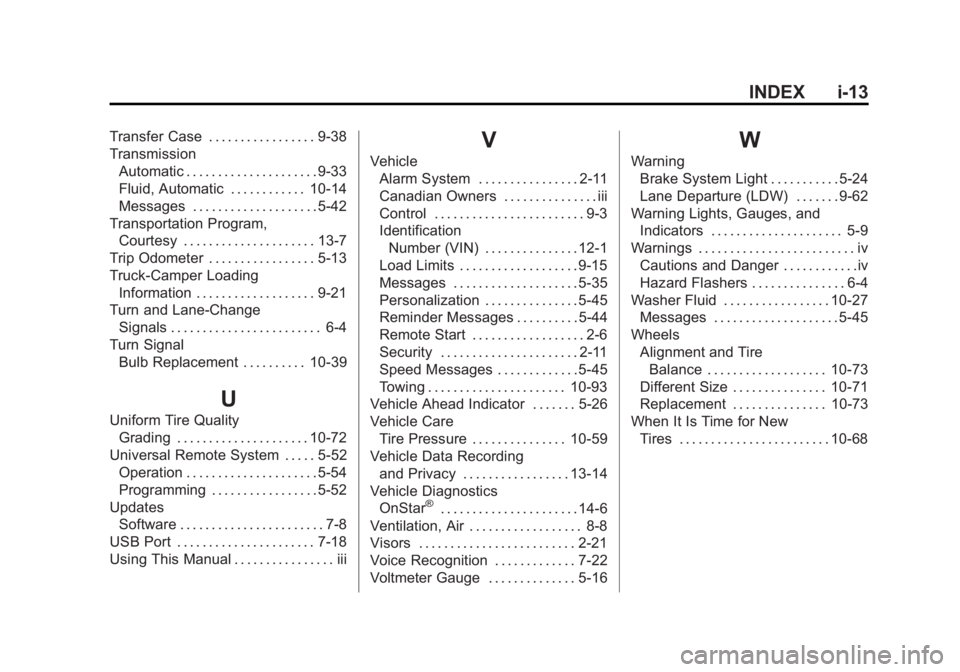
USB Port . . . . . . . . . . . . . . . . . . . . . . 7-18
Using This Manual . . . . . . . . . . . . . . . . iii
V
Vehicle Alarm System . . . . . . . . . . . . . . . . 2-11
Canadian Owners . . . . . . . . . . . . . . . iii
Control . . . . . . . . . . . . . . . . . . . . . . . . 9-3
IdentificationNumber (VIN) . . . . . . . . . . . . . . . 12-1
Load Limits . . . . . . . . . . . . . . . . . . . 9-15
Messages . . . . . . . . . . . . . . . . . . . . 5-35
Personalization . . . . . . . . . . . . . . . 5-45
Reminder Messages . . . . . . . . . . 5-44
Remote Start . . . . . . . . . . . . . . . . . . 2-6
Security . . . . . . . . . . . . . . . . . . . . . . 2-11
Speed Messages . . . . . . . . . . . . . 5-45
Towing . . . . . . . . . . . . . . . . . . . . . . 10-93
Vehicle Ahead Indicator . . . . . . . 5-26
Vehicle Care
Tire Pressure . . . . . . . . . . . . . . . 10-59
Vehicle Data Recording and Privacy . . . . . . . . . . . . . . . . . 13-14
Vehicle Diagnostics OnStar
®. . . . . . . . . . . . . . . . . . . . . . 14-6
Ventilation, Air . . . . . . . . . . . . . . . . . . 8-8
Visors . . . . . . . . . . . . . . . . . . . . . . . . . 2-21
Voice Recognition . . . . . . . . . . . . . 7-22
Voltmeter Gauge . . . . . . . . . . . . . . 5-16
W
Warning Brake System Light . . . . . . . . . . . 5-24
Lane Departure (LDW) . . . . . . . 9-62
Warning Lights, Gauges, and Indicators . . . . . . . . . . . . . . . . . . . . . 5-9
Warnings . . . . . . . . . . . . . . . . . . . . . . . . . iv
Cautions and Danger . . . . . . . . . . . .iv
Hazard Flashers . . . . . . . . . . . . . . . 6-4
Washer Fluid . . . . . . . . . . . . . . . . . 10-27 Messages . . . . . . . . . . . . . . . . . . . . 5-45
Wheels Alignment and TireBalance . . . . . . . . . . . . . . . . . . . 10-73
Different Size . . . . . . . . . . . . . . . 10-71
Replacement . . . . . . . . . . . . . . . 10-73
When It Is Time for New Tires . . . . . . . . . . . . . . . . . . . . . . . . 10-68