2015 FORD SUPER DUTY key battery
[x] Cancel search: key batteryPage 215 of 470
ROADSIDE ASSISTANCE
Vehicles Sold In The U.S.: GettingRoadside Assistance
To fully assist you should you have avehicle concern, Ford Motor Companyoffers a complimentary roadsideassistance program. This program isseparate from the New Vehicle LimitedWarranty. The service is available:
•24 hours, seven days a week.
•for the coverage period listed on theRoadside Assistance Card included inyour Owner's Manual portfolio.
Roadside assistance will cover:
•a flat tire change with a good spare, ifprovided with the vehicle (exceptvehicles that have been supplied witha tire inflation kit).
•battery jump start.
•lock-out assistance (key replacementcost is the customer's responsibility).
•fuel delivery — Independent ServiceContractors, if not prohibited by state,local or municipal law, shall deliver upto 2.0 gallons (7.5 liters) of gasoline or5.0 gallons (18.9 liters) of diesel fuelto a disabled vehicle. Fuel deliveryservice is limited to two no-chargeoccurrences within a 12-month period.
•winch out — available within 100 feet(30.5 meters) of a paved or countymaintained road, no recoveries.
•towing — Ford and Lincoln eligiblevehicles towed to an authorized dealerwithin 35 miles (56.3 kilometers) of thedisablement location or to the nearestauthorized dealer. If a memberrequests to be towed to an authorizeddealer more than 35 miles (56.3kilometers) from the disablementlocation, the member shall beresponsible for any mileage costs inexcess of 35 miles (56.3 kilometers).
Trailers shall be covered up to $200 if thedisabled eligible vehicle requires service atthe nearest authorized dealer. If the traileris disabled, but the towing vehicle isoperational, the trailer does not qualify forany roadside services.
Vehicles Sold In The U.S. : UsingRoadside Assistance
Complete the roadside assistanceidentification card and place it in yourwallet for quick reference. This card isfound in the owner's information portfolioin the glove compartment.
U.S. Ford vehicle customers who requireRoadside Assistance, call 1-800-241-3673.
If you need to arrange roadside assistancefor yourself, Ford Motor Company willreimburse a reasonable amount for towingto the nearest dealership within 35 miles(56.3 kilometers). To obtainreimbursement information, U.S. Fordvehicle customers call 1-800-241-3673.Customers will be asked to submit theiroriginal receipts.
Vehicles Sold In Canada : GettingRoadside Assistance
Canadian customers who require roadsideassistance, call 1-800-665-2006.
Vehicles Sold In Canada : UsingRoadside Assistance
For your convenience, you may completethe roadside assistance identification cardfound in the centerfold of your warrantyguide and retain for future reference.
Canadian roadside coverage and benefitsmay differ from the U.S. coverage. If yourequire more information, please refer tothe coverage section of your warrantyguide, call us in Canada at1-800-665-2006, or visit our website atwww.ford.ca.
212Super Duty (), enUSARoadside Emergencies
Page 216 of 470
HAZARD WARNING FLASHERS
Note:The hazard warning flashers willoperate when the ignition is in any positionor if the key is not in the ignition. If usedwhen the engine is not running, the batterywill lose charge. As a result, there may beinsufficient power to restart your engine.
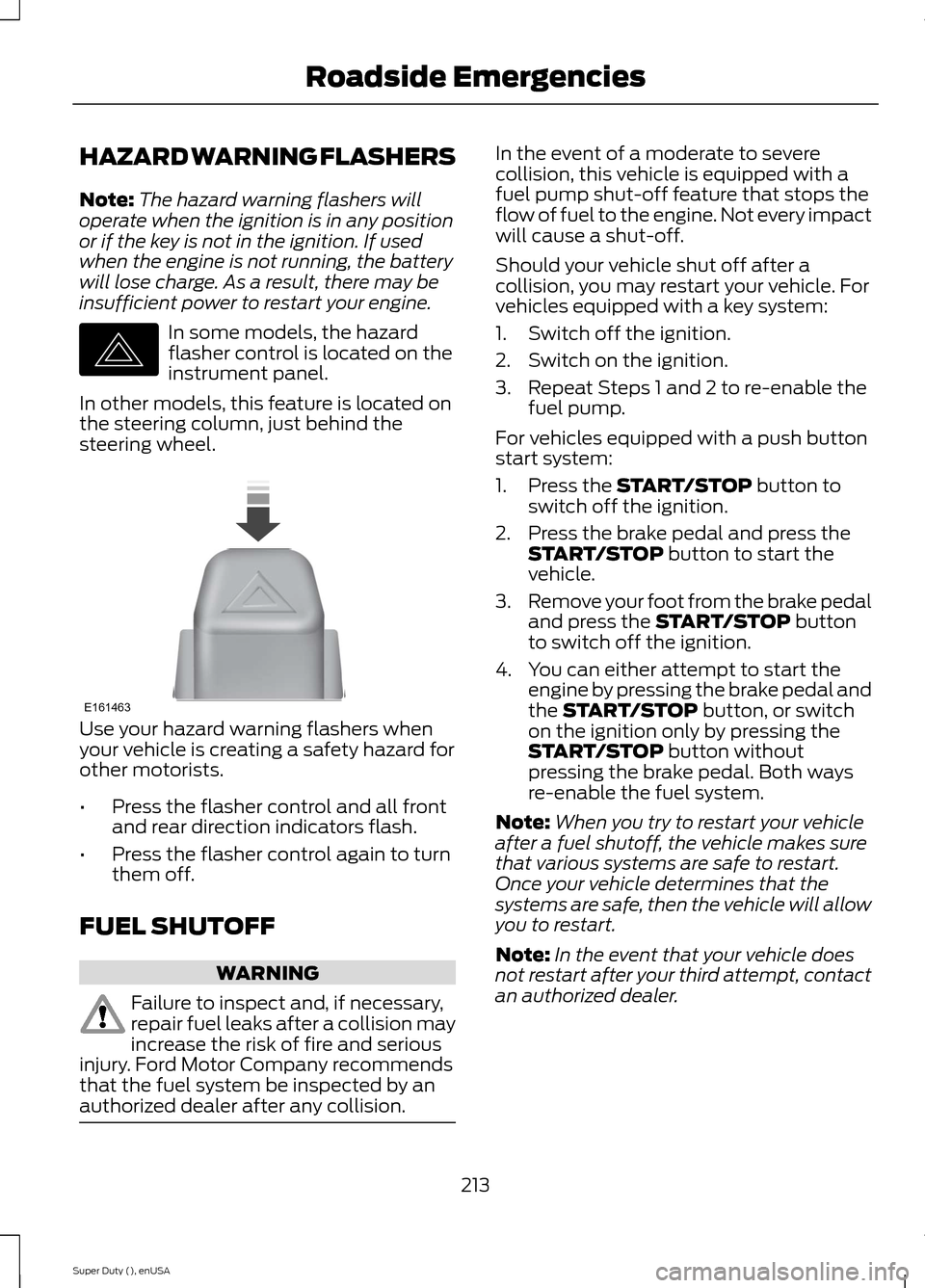
In some models, the hazardflasher control is located on theinstrument panel.
In other models, this feature is located onthe steering column, just behind thesteering wheel.
Use your hazard warning flashers whenyour vehicle is creating a safety hazard forother motorists.
•Press the flasher control and all frontand rear direction indicators flash.
•Press the flasher control again to turnthem off.
FUEL SHUTOFF
WARNING
Failure to inspect and, if necessary,repair fuel leaks after a collision mayincrease the risk of fire and seriousinjury. Ford Motor Company recommendsthat the fuel system be inspected by anauthorized dealer after any collision.
In the event of a moderate to severecollision, this vehicle is equipped with afuel pump shut-off feature that stops theflow of fuel to the engine. Not every impactwill cause a shut-off.
Should your vehicle shut off after acollision, you may restart your vehicle. Forvehicles equipped with a key system:
1.Switch off the ignition.
2.Switch on the ignition.
3.Repeat Steps 1 and 2 to re-enable thefuel pump.
For vehicles equipped with a push buttonstart system:
1.Press the START/STOP button toswitch off the ignition.
2.Press the brake pedal and press theSTART/STOP button to start thevehicle.
3.Remove your foot from the brake pedaland press the START/STOP buttonto switch off the ignition.
4.You can either attempt to start theengine by pressing the brake pedal andthe START/STOP button, or switchon the ignition only by pressing theSTART/STOP button withoutpressing the brake pedal. Both waysre-enable the fuel system.
Note:When you try to restart your vehicleafter a fuel shutoff, the vehicle makes surethat various systems are safe to restart.Once your vehicle determines that thesystems are safe, then the vehicle will allowyou to restart.
Note:In the event that your vehicle doesnot restart after your third attempt, contactan authorized dealer.
213Super Duty (), enUSARoadside EmergenciesE142663 E161463
Page 235 of 470
GENERAL INFORMATION
Have your vehicle serviced regularly to helpmaintain its roadworthiness and resalevalue. There is a large network of Fordauthorized dealers that are there to helpyou with their professional servicingexpertise. We believe that their speciallytrained technicians are best qualified toservice your vehicle properly and expertly.They are supported by a wide range ofhighly specialized tools developedspecifically for servicing your vehicle.
To help you service your vehicle, weprovide scheduled maintenanceinformation which makes tracking routineservice easy. See ScheduledMaintenance (page 440).
If your vehicle requires professional service,your authorized dealer can provide thenecessary parts and service. Check yourwarranty information to find out whichparts and services are covered.
Use only recommended fuels, lubricants,fluids and service parts conforming tospecifications. Motorcraft® parts aredesigned and built to provide the bestperformance in your vehicle.
Precautions
•Do not work on a hot engine.
•Make sure that nothing gets caught inmoving parts.
•Do not work on a vehicle with theengine running in an enclosed space,unless you are sure you have enoughventilation.
•Keep all open flames and other burningmaterial (such as cigarettes) awayfrom the battery and all fuel relatedparts.
Working with the Engine Off
1.Set the parking brake and shift to P(Park).
2.Turn off the engine and remove the key(if equipped).
3.Block the wheels.
Working with the Engine On
WARNING
To reduce the risk of vehicle damageand/or personal burn injuries, do notstart your engine with the air cleanerremoved and do not remove it while theengine is running.
1.Set the parking brake and shift to P(Park).
2.Block the wheels
OPENING AND CLOSING THE
HOOD
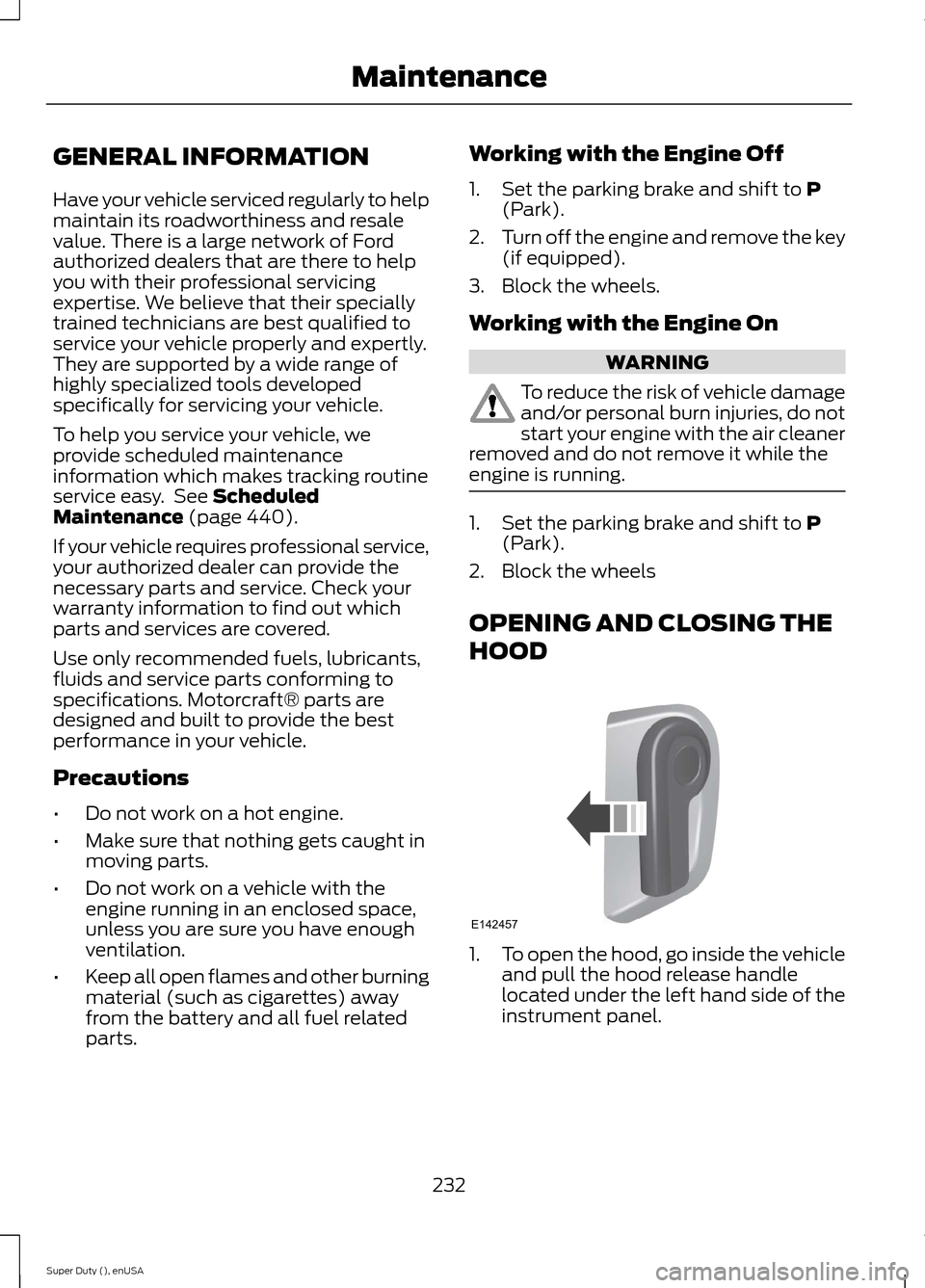
1.To open the hood, go inside the vehicleand pull the hood release handlelocated under the left hand side of theinstrument panel.
232Super Duty (), enUSAMaintenanceE142457
Page 249 of 470
control fan, heated steering wheel, audioand navigation system. A message may beshown in the information displays to alertthe driver that battery protection actionsare active. These messages are only fornotification that an action is taking place,and not intended to indicate an electricalproblem or that the battery requiresreplacement.
Electrical accessory installation
To ensure proper operation of the BMS,any electrical devices that are added tothe vehicle should not have their groundconnection made directly at the negativebattery post. A connection at the negativebattery post can cause inaccuratemeasurements of the battery conditionand potential incorrect system operation.
Note:Electrical or electronic accessoriesadded to the vehicle by the dealer or theowner may adversely affect batteryperformance and durability, and may alsoaffect the performance of other electricalsystems in the vehicle.
When a battery replacement is required,the battery should only be replaced witha Ford recommended replacement batterywhich matches the electrical requirementsof the vehicle. After battery replacement,or in some cases after charging the batterywith the external charger, the BMS requireseight hours of vehicle sleep time (key offwith doors closed) to relearn the newbattery state of charge. Prior to relearningthe state of charge, the BMS may disableelectrical features (to protect the battery)earlier than normal.
CHECKING THE WIPER
BLADES
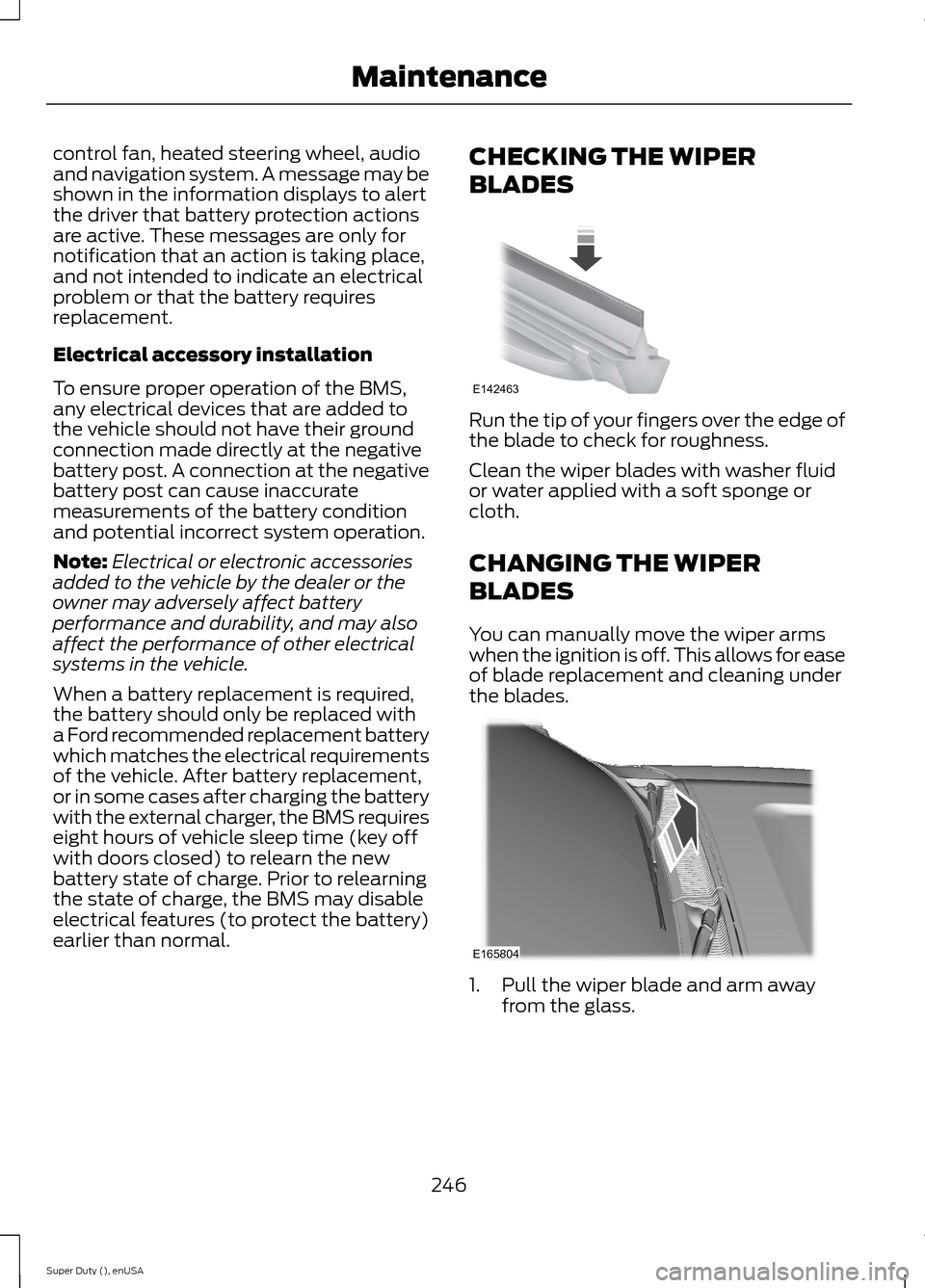
Run the tip of your fingers over the edge ofthe blade to check for roughness.
Clean the wiper blades with washer fluidor water applied with a soft sponge orcloth.
CHANGING THE WIPER
BLADES
You can manually move the wiper armswhen the ignition is off. This allows for easeof blade replacement and cleaning underthe blades.
1.Pull the wiper blade and arm awayfrom the glass.
246Super Duty (), enUSAMaintenanceE142463 E165804
Page 461 of 470
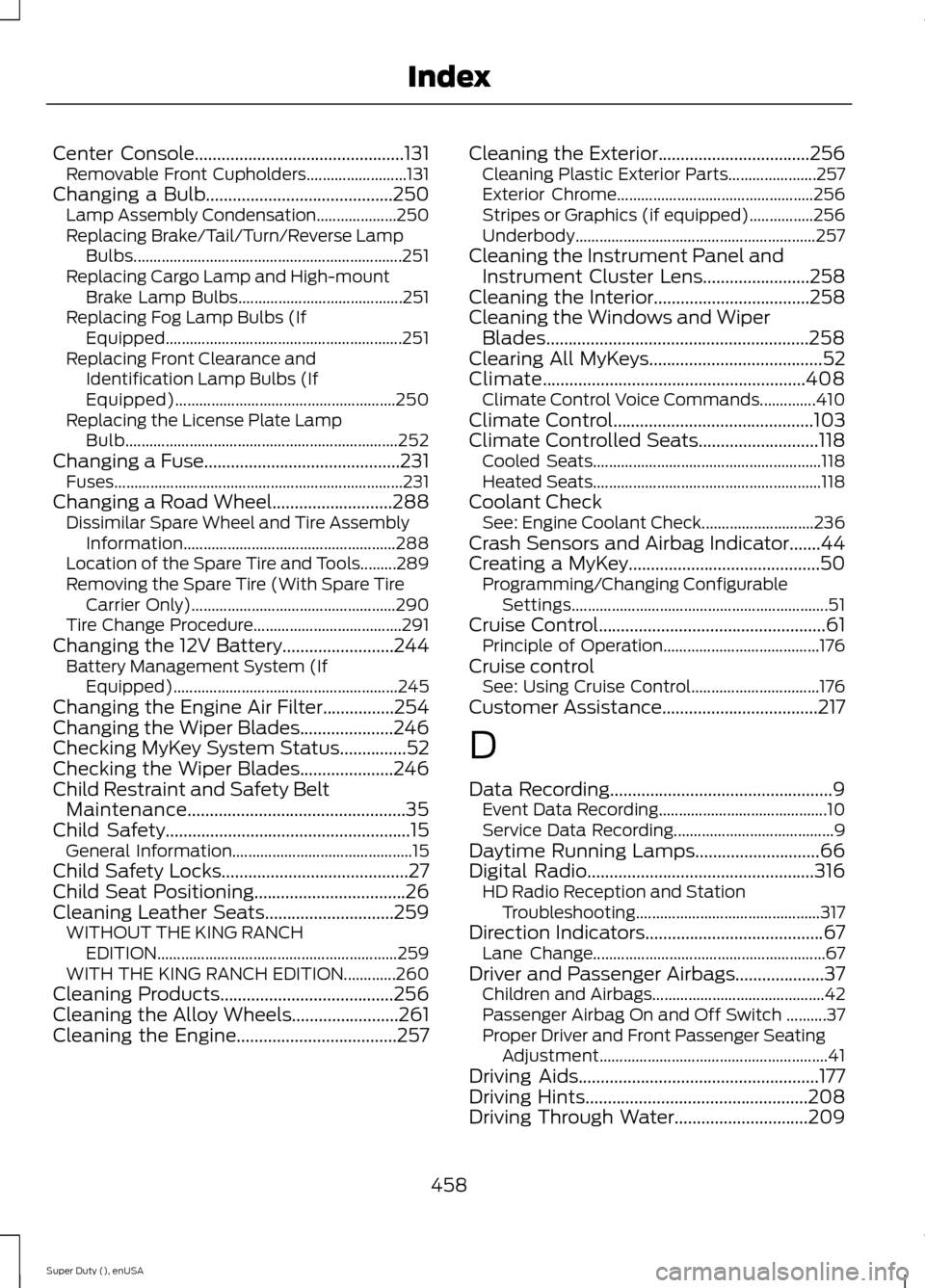
Center Console...............................................131Removable Front Cupholders.........................131Changing a Bulb..........................................250Lamp Assembly Condensation....................250Replacing Brake/Tail/Turn/Reverse LampBulbs...................................................................251Replacing Cargo Lamp and High-mountBrake Lamp Bulbs.........................................251Replacing Fog Lamp Bulbs (IfEquipped...........................................................251Replacing Front Clearance andIdentification Lamp Bulbs (IfEquipped).......................................................250Replacing the License Plate LampBulb....................................................................252Changing a Fuse............................................231Fuses........................................................................231Changing a Road Wheel...........................288Dissimilar Spare Wheel and Tire AssemblyInformation.....................................................288Location of the Spare Tire and Tools.........289Removing the Spare Tire (With Spare TireCarrier Only)...................................................290Tire Change Procedure.....................................291Changing the 12V Battery.........................244Battery Management System (IfEquipped)........................................................245Changing the Engine Air Filter................254Changing the Wiper Blades.....................246Checking MyKey System Status...............52Checking the Wiper Blades.....................246Child Restraint and Safety BeltMaintenance.................................................35Child Safety.......................................................15General Information.............................................15Child Safety Locks..........................................27Child Seat Positioning..................................26Cleaning Leather Seats.............................259WITHOUT THE KING RANCHEDITION............................................................259WITH THE KING RANCH EDITION.............260Cleaning Products.......................................256Cleaning the Alloy Wheels........................261Cleaning the Engine....................................257
Cleaning the Exterior..................................256Cleaning Plastic Exterior Parts......................257Exterior Chrome.................................................256Stripes or Graphics (if equipped)................256Underbody............................................................257Cleaning the Instrument Panel andInstrument Cluster Lens........................258Cleaning the Interior...................................258Cleaning the Windows and WiperBlades...........................................................258Clearing All MyKeys.......................................52Climate...........................................................408Climate Control Voice Commands..............410Climate Control.............................................103Climate Controlled Seats...........................118Cooled Seats.........................................................118Heated Seats.........................................................118Coolant CheckSee: Engine Coolant Check............................236Crash Sensors and Airbag Indicator.......44Creating a MyKey...........................................50Programming/Changing ConfigurableSettings................................................................51Cruise Control...................................................61Principle of Operation.......................................176Cruise controlSee: Using Cruise Control................................176Customer Assistance...................................217
D
Data Recording..................................................9Event Data Recording..........................................10Service Data Recording........................................9Daytime Running Lamps............................66Digital Radio...................................................316HD Radio Reception and StationTroubleshooting..............................................317Direction Indicators........................................67Lane Change..........................................................67Driver and Passenger Airbags....................37Children and Airbags...........................................42Passenger Airbag On and Off Switch ..........37Proper Driver and Front Passenger SeatingAdjustment.........................................................41Driving Aids......................................................177Driving Hints..................................................208Driving Through Water..............................209
458Super Duty (), enUSAIndex
Page 464 of 470
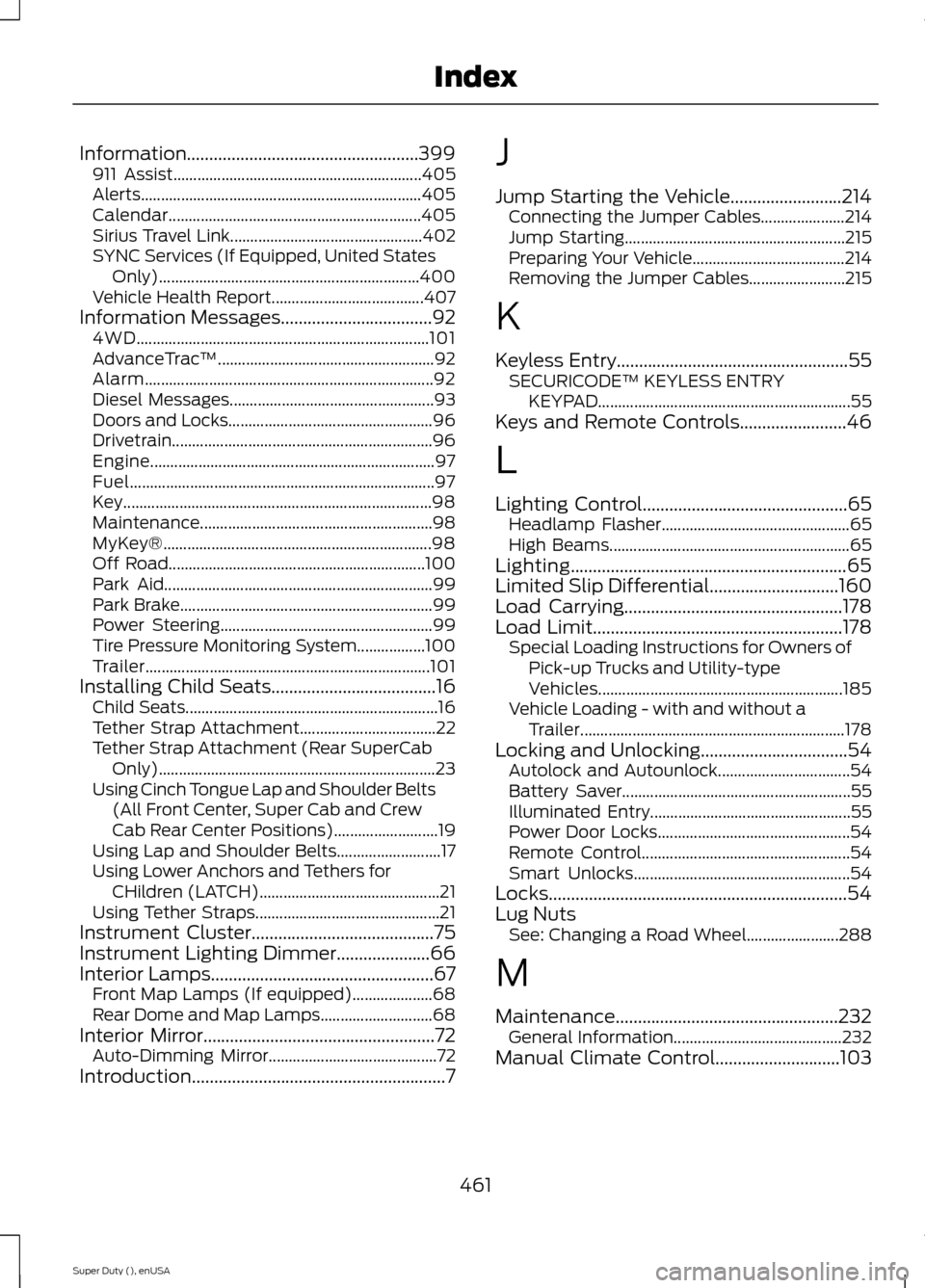
Information....................................................399911 Assist..............................................................405Alerts......................................................................405Calendar...............................................................405Sirius Travel Link................................................402SYNC Services (If Equipped, United StatesOnly).................................................................400Vehicle Health Report......................................407Information Messages..................................924WD.........................................................................101AdvanceTrac™......................................................92Alarm........................................................................92Diesel Messages...................................................93Doors and Locks...................................................96Drivetrain.................................................................96Engine.......................................................................97Fuel............................................................................97Key.............................................................................98Maintenance..........................................................98MyKey®...................................................................98Off Road................................................................100Park Aid...................................................................99Park Brake...............................................................99Power Steering.....................................................99Tire Pressure Monitoring System.................100Trailer.......................................................................101Installing Child Seats.....................................16Child Seats...............................................................16Tether Strap Attachment..................................22Tether Strap Attachment (Rear SuperCabOnly).....................................................................23Using Cinch Tongue Lap and Shoulder Belts(All Front Center, Super Cab and CrewCab Rear Center Positions)..........................19Using Lap and Shoulder Belts..........................17Using Lower Anchors and Tethers forCHildren (LATCH).............................................21Using Tether Straps..............................................21Instrument Cluster.........................................75Instrument Lighting Dimmer.....................66Interior Lamps..................................................67Front Map Lamps (If equipped)....................68Rear Dome and Map Lamps............................68Interior Mirror....................................................72Auto-Dimming Mirror..........................................72Introduction.........................................................7
J
Jump Starting the Vehicle.........................214Connecting the Jumper Cables.....................214Jump Starting.......................................................215Preparing Your Vehicle......................................214Removing the Jumper Cables........................215
K
Keyless Entry....................................................55SECURICODE™ KEYLESS ENTRYKEYPAD...............................................................55Keys and Remote Controls........................46
L
Lighting Control..............................................65Headlamp Flasher...............................................65High Beams............................................................65Lighting..............................................................65Limited Slip Differential.............................160Load Carrying.................................................178Load Limit........................................................178Special Loading Instructions for Owners ofPick-up Trucks and Utility-typeVehicles.............................................................185Vehicle Loading - with and without aTrailer..................................................................178Locking and Unlocking.................................54Autolock and Autounlock.................................54Battery Saver.........................................................55Illuminated Entry..................................................55Power Door Locks................................................54Remote Control....................................................54Smart Unlocks......................................................54Locks...................................................................54Lug NutsSee: Changing a Road Wheel.......................288
M
Maintenance..................................................232General Information..........................................232Manual Climate Control............................103
461Super Duty (), enUSAIndex
Page 466 of 470
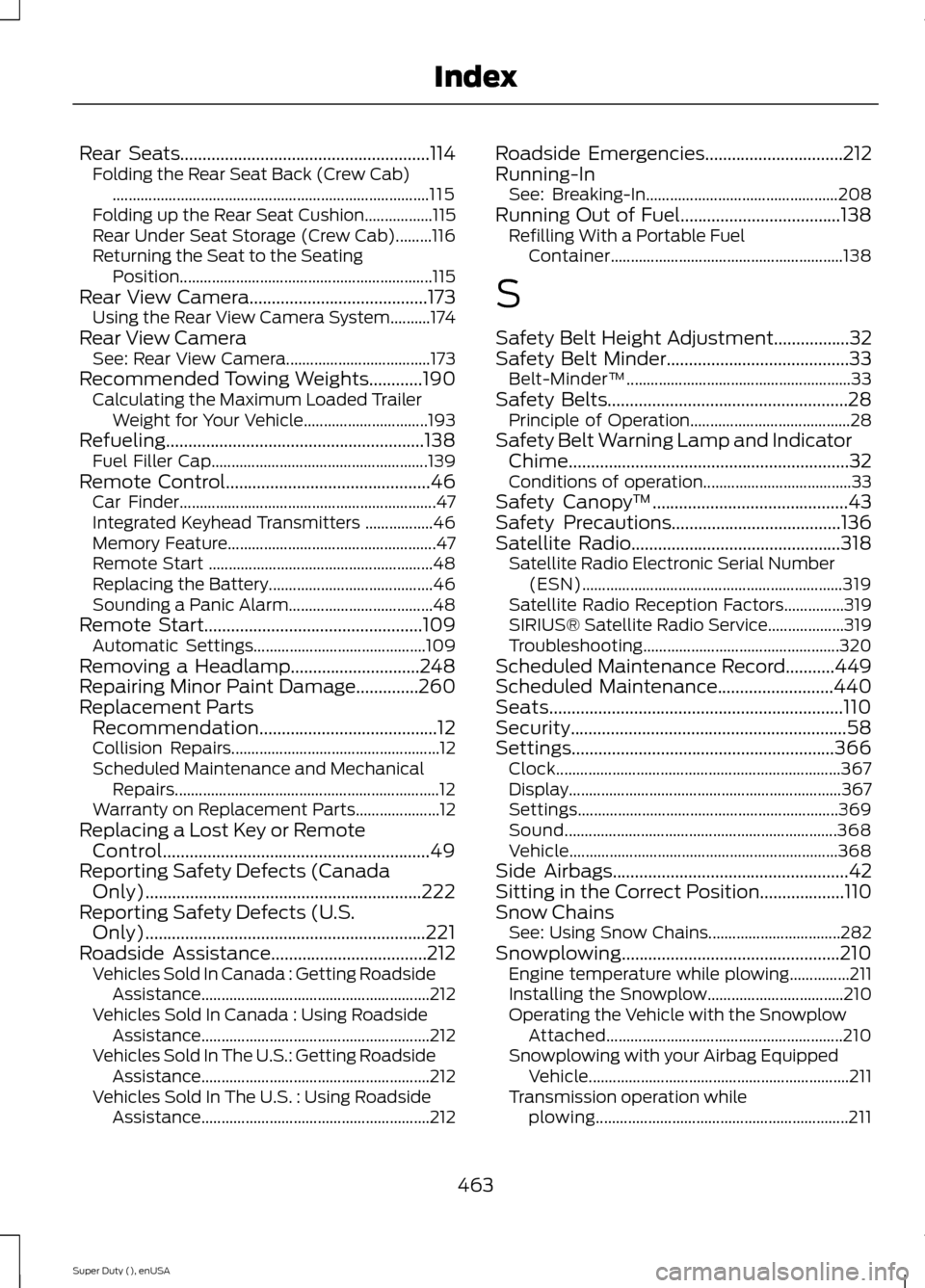
Rear Seats........................................................114Folding the Rear Seat Back (Crew Cab)...............................................................................115Folding up the Rear Seat Cushion.................115Rear Under Seat Storage (Crew Cab).........116Returning the Seat to the SeatingPosition...............................................................115Rear View Camera........................................173Using the Rear View Camera System..........174Rear View CameraSee: Rear View Camera....................................173Recommended Towing Weights............190Calculating the Maximum Loaded TrailerWeight for Your Vehicle...............................193Refueling..........................................................138Fuel Filler Cap......................................................139Remote Control..............................................46Car Finder................................................................47Integrated Keyhead Transmitters .................46Memory Feature....................................................47Remote Start ........................................................48Replacing the Battery.........................................46Sounding a Panic Alarm....................................48Remote Start.................................................109Automatic Settings...........................................109Removing a Headlamp.............................248Repairing Minor Paint Damage..............260Replacement PartsRecommendation........................................12Collision Repairs....................................................12Scheduled Maintenance and MechanicalRepairs..................................................................12Warranty on Replacement Parts.....................12Replacing a Lost Key or RemoteControl............................................................49Reporting Safety Defects (CanadaOnly)..............................................................222Reporting Safety Defects (U.S.Only)...............................................................221Roadside Assistance...................................212Vehicles Sold In Canada : Getting RoadsideAssistance.........................................................212Vehicles Sold In Canada : Using RoadsideAssistance.........................................................212Vehicles Sold In The U.S.: Getting RoadsideAssistance.........................................................212Vehicles Sold In The U.S. : Using RoadsideAssistance.........................................................212
Roadside Emergencies...............................212Running-InSee: Breaking-In................................................208Running Out of Fuel....................................138Refilling With a Portable FuelContainer..........................................................138
S
Safety Belt Height Adjustment.................32Safety Belt Minder.........................................33Belt-Minder™........................................................33Safety Belts......................................................28Principle of Operation........................................28Safety Belt Warning Lamp and IndicatorChime...............................................................32Conditions of operation.....................................33Safety Canopy™............................................43Safety Precautions......................................136Satellite Radio...............................................318Satellite Radio Electronic Serial Number(ESN).................................................................319Satellite Radio Reception Factors...............319SIRIUS® Satellite Radio Service...................319Troubleshooting.................................................320Scheduled Maintenance Record...........449Scheduled Maintenance..........................440Seats..................................................................110Security..............................................................58Settings...........................................................366Clock.......................................................................367Display....................................................................367Settings.................................................................369Sound....................................................................368Vehicle...................................................................368Side Airbags.....................................................42Sitting in the Correct Position...................110Snow ChainsSee: Using Snow Chains.................................282Snowplowing.................................................210Engine temperature while plowing...............211Installing the Snowplow..................................210Operating the Vehicle with the SnowplowAttached...........................................................210Snowplowing with your Airbag EquippedVehicle.................................................................211Transmission operation whileplowing...............................................................211
463Super Duty (), enUSAIndex
Page 468 of 470
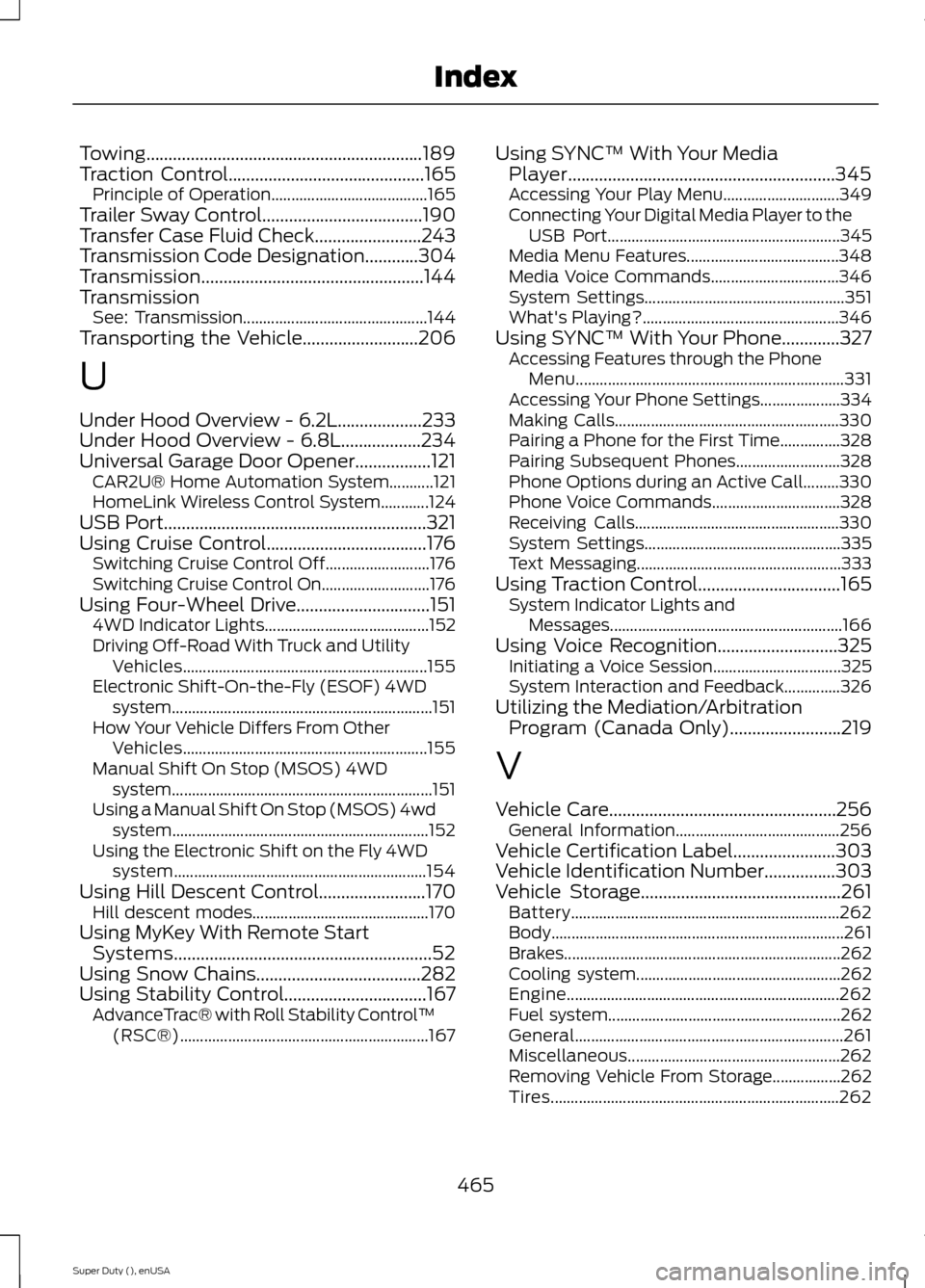
Towing..............................................................189Traction Control............................................165Principle of Operation.......................................165Trailer Sway Control....................................190Transfer Case Fluid Check........................243Transmission Code Designation............304Transmission..................................................144TransmissionSee: Transmission..............................................144Transporting the Vehicle..........................206
U
Under Hood Overview - 6.2L...................233Under Hood Overview - 6.8L..................234Universal Garage Door Opener.................121CAR2U® Home Automation System...........121HomeLink Wireless Control System............124USB Port...........................................................321Using Cruise Control....................................176Switching Cruise Control Off..........................176Switching Cruise Control On...........................176Using Four-Wheel Drive..............................1514WD Indicator Lights.........................................152Driving Off-Road With Truck and UtilityVehicles.............................................................155Electronic Shift-On-the-Fly (ESOF) 4WDsystem.................................................................151How Your Vehicle Differs From OtherVehicles.............................................................155Manual Shift On Stop (MSOS) 4WDsystem.................................................................151Using a Manual Shift On Stop (MSOS) 4wdsystem................................................................152Using the Electronic Shift on the Fly 4WDsystem...............................................................154Using Hill Descent Control........................170Hill descent modes............................................170Using MyKey With Remote StartSystems..........................................................52Using Snow Chains.....................................282Using Stability Control................................167AdvanceTrac® with Roll Stability Control™(RSC®)..............................................................167
Using SYNC™ With Your MediaPlayer............................................................345Accessing Your Play Menu.............................349Connecting Your Digital Media Player to theUSB Port..........................................................345Media Menu Features......................................348Media Voice Commands................................346System Settings..................................................351What's Playing?.................................................346Using SYNC™ With Your Phone.............327Accessing Features through the PhoneMenu...................................................................331Accessing Your Phone Settings....................334Making Calls........................................................330Pairing a Phone for the First Time...............328Pairing Subsequent Phones..........................328Phone Options during an Active Call.........330Phone Voice Commands................................328Receiving Calls...................................................330System Settings.................................................335Text Messaging...................................................333Using Traction Control................................165System Indicator Lights andMessages..........................................................166Using Voice Recognition...........................325Initiating a Voice Session................................325System Interaction and Feedback..............326Utilizing the Mediation/ArbitrationProgram (Canada Only).........................219
V
Vehicle Care...................................................256General Information.........................................256Vehicle Certification Label.......................303Vehicle Identification Number................303Vehicle Storage.............................................261Battery...................................................................262Body.........................................................................261Brakes.....................................................................262Cooling system...................................................262Engine....................................................................262Fuel system..........................................................262General...................................................................261Miscellaneous.....................................................262Removing Vehicle From Storage.................262Tires........................................................................262
465Super Duty (), enUSAIndex