2015 FORD MUSTANG brake
[x] Cancel search: brakePage 139 of 441
AUTOMATIC TRANSMISSION
(If Equipped)
WARNINGS
Always set the parking brake fully
and make sure the gearshift is
latched in park (P). Turn the ignition
to the off position and remove the key
whenever you leave your vehicle. Do not apply the brake pedal and
accelerator pedal simultaneously.
Applying both pedals simultaneously
for more than three seconds will limit
engine rpm, which may result in difficulty
maintaining speed in traffic and could lead
to serious injury. Understanding the Positions of
Your Automatic Transmission
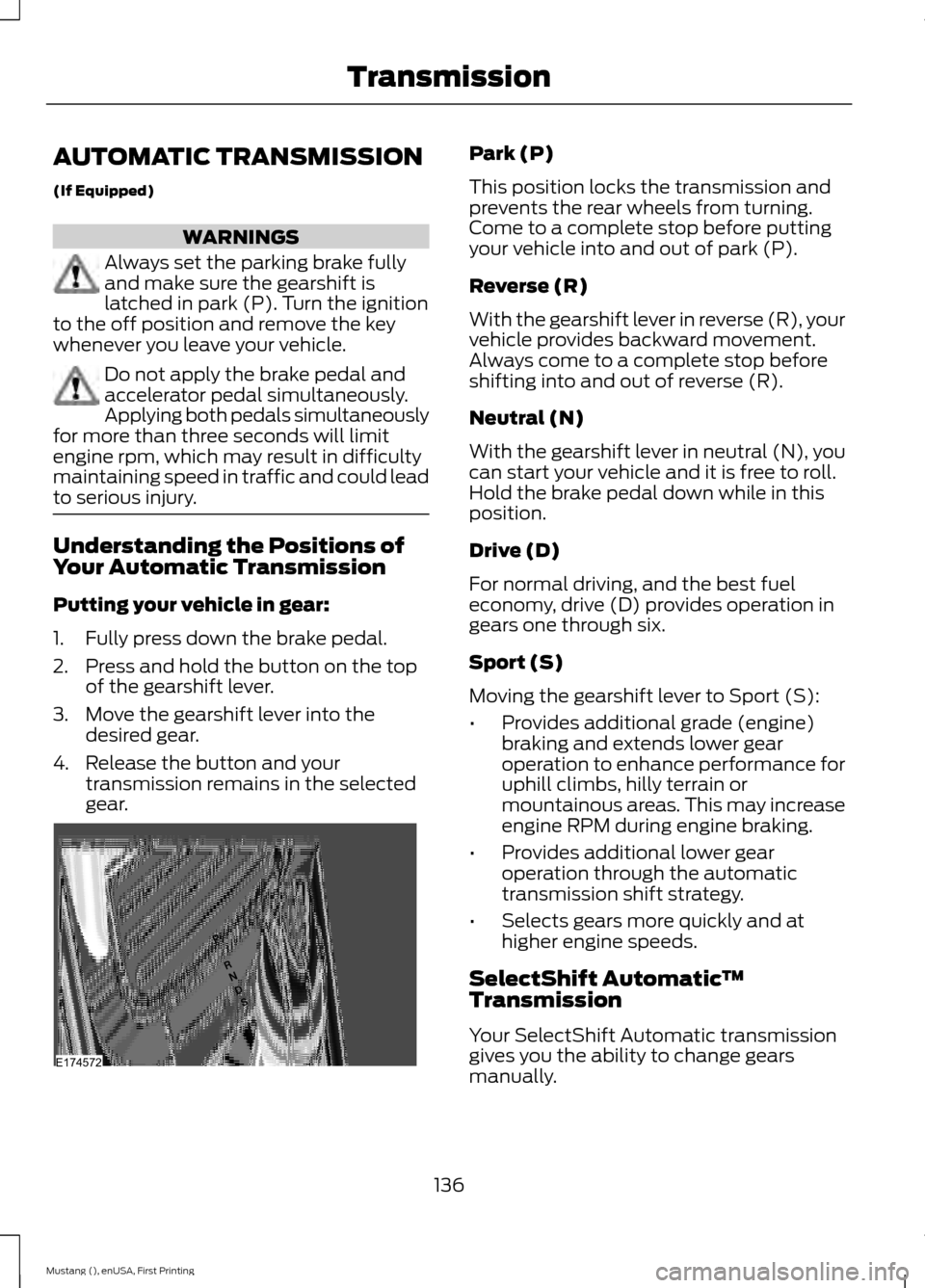
Putting your vehicle in gear:
1. Fully press down the brake pedal.
2. Press and hold the button on the top
of the gearshift lever.
3. Move the gearshift lever into the desired gear.
4. Release the button and your transmission remains in the selected
gear. Park (P)
This position locks the transmission and
prevents the rear wheels from turning.
Come to a complete stop before putting
your vehicle into and out of park (P).
Reverse (R)
With the gearshift lever in reverse (R), your
vehicle provides backward movement.
Always come to a complete stop before
shifting into and out of reverse (R).
Neutral (N)
With the gearshift lever in neutral (N), you
can start your vehicle and it is free to roll.
Hold the brake pedal down while in this
position.
Drive (D)
For normal driving, and the best fuel
economy, drive (D) provides operation in
gears one through six.
Sport (S)
Moving the gearshift lever to Sport (S):
•
Provides additional grade (engine)
braking and extends lower gear
operation to enhance performance for
uphill climbs, hilly terrain or
mountainous areas. This may increase
engine RPM during engine braking.
• Provides additional lower gear
operation through the automatic
transmission shift strategy.
• Selects gears more quickly and at
higher engine speeds.
SelectShift Automatic ™
Transmission
Your SelectShift Automatic transmission
gives you the ability to change gears
manually.
136
Mustang (), enUSA, First Printing TransmissionE174572
Page 140 of 441
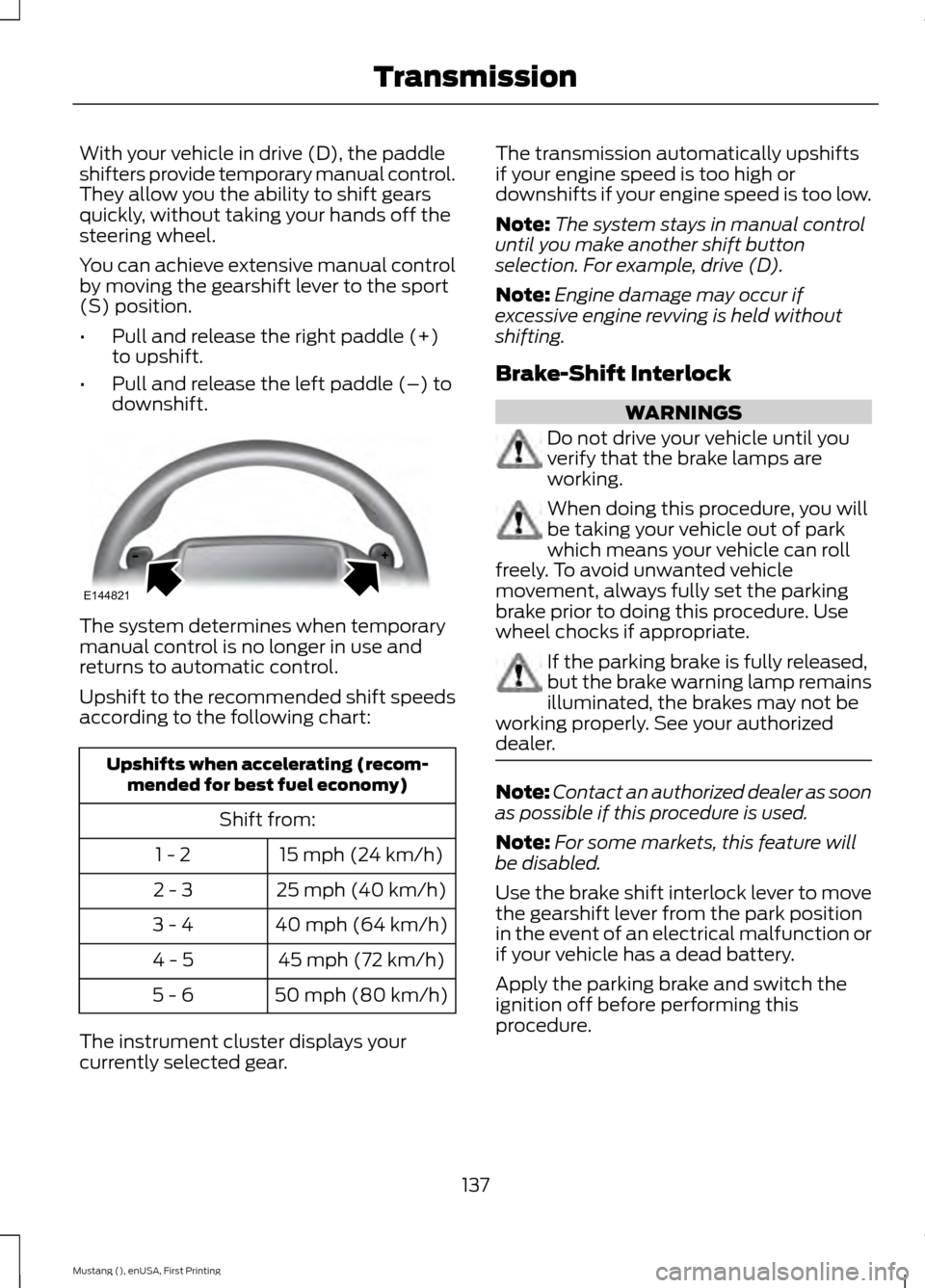
With your vehicle in drive (D), the paddle
shifters provide temporary manual control.
They allow you the ability to shift gears
quickly, without taking your hands off the
steering wheel.
You can achieve extensive manual control
by moving the gearshift lever to the sport
(S) position.
•
Pull and release the right paddle (+)
to upshift.
• Pull and release the left paddle (–) to
downshift. The system determines when temporary
manual control is no longer in use and
returns to automatic control.
Upshift to the recommended shift speeds
according to the following chart:
Upshifts when accelerating (recom-
mended for best fuel economy)
Shift from:15 mph (24 km/h)
1 - 2
25 mph (40 km/h)
2 - 3
40 mph (64 km/h)
3 - 4
45 mph (72 km/h)
4 - 5
50 mph (80 km/h)
5 - 6
The instrument cluster displays your
currently selected gear. The transmission automatically upshifts
if your engine speed is too high or
downshifts if your engine speed is too low.
Note:
The system stays in manual control
until you make another shift button
selection. For example, drive (D).
Note: Engine damage may occur if
excessive engine revving is held without
shifting.
Brake-Shift Interlock WARNINGS
Do not drive your vehicle until you
verify that the brake lamps are
working.
When doing this procedure, you will
be taking your vehicle out of park
which means your vehicle can roll
freely. To avoid unwanted vehicle
movement, always fully set the parking
brake prior to doing this procedure. Use
wheel chocks if appropriate. If the parking brake is fully released,
but the brake warning lamp remains
illuminated, the brakes may not be
working properly. See your authorized
dealer. Note:
Contact an authorized dealer as soon
as possible if this procedure is used.
Note: For some markets, this feature will
be disabled.
Use the brake shift interlock lever to move
the gearshift lever from the park position
in the event of an electrical malfunction or
if your vehicle has a dead battery.
Apply the parking brake and switch the
ignition off before performing this
procedure.
137
Mustang (), enUSA, First Printing TransmissionE144821
Page 141 of 441
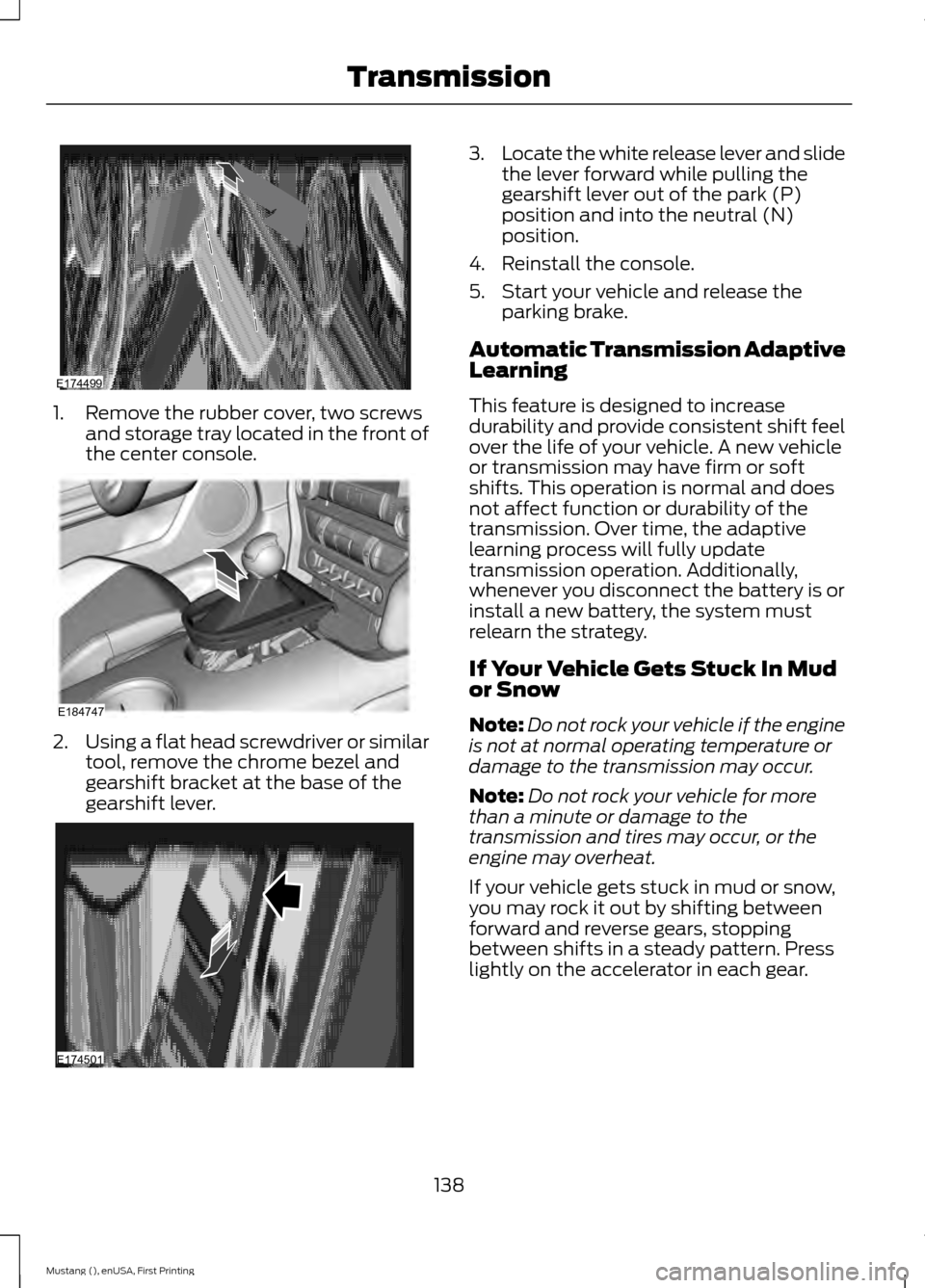
1. Remove the rubber cover, two screws
and storage tray located in the front of
the center console. 2.
Using a flat head screwdriver or similar
tool, remove the chrome bezel and
gearshift bracket at the base of the
gearshift lever. 3.
Locate the white release lever and slide
the lever forward while pulling the
gearshift lever out of the park (P)
position and into the neutral (N)
position.
4. Reinstall the console.
5. Start your vehicle and release the parking brake.
Automatic Transmission Adaptive
Learning
This feature is designed to increase
durability and provide consistent shift feel
over the life of your vehicle. A new vehicle
or transmission may have firm or soft
shifts. This operation is normal and does
not affect function or durability of the
transmission. Over time, the adaptive
learning process will fully update
transmission operation. Additionally,
whenever you disconnect the battery is or
install a new battery, the system must
relearn the strategy.
If Your Vehicle Gets Stuck In Mud
or Snow
Note: Do not rock your vehicle if the engine
is not at normal operating temperature or
damage to the transmission may occur.
Note: Do not rock your vehicle for more
than a minute or damage to the
transmission and tires may occur, or the
engine may overheat.
If your vehicle gets stuck in mud or snow,
you may rock it out by shifting between
forward and reverse gears, stopping
between shifts in a steady pattern. Press
lightly on the accelerator in each gear.
138
Mustang (), enUSA, First Printing TransmissionE174499 E184747 E174501
Page 143 of 441
GENERAL INFORMATION
Note:
Occasional brake noise is normal. If
a metal-to-metal, continuous grinding or
continuous squeal sound is present, the
brake linings may be worn-out. Have the
system checked by an authorized dealer. If
your vehicle has continuous vibration or
shudder in the steering wheel while braking,
have it checked by an authorized dealer.
Note: Brake dust may accumulate on the
wheels, even under normal driving
conditions. Some dust is inevitable as the
brakes wear and does not contribute to
brake noise. See Cleaning the Alloy
Wheels (page 232). See
Warning Lamps and
Indicators (page 79).
Wet brakes result in reduced braking
efficiency. Gently press the brake pedal a
few times when driving from a car wash or
standing water to dry the brakes.
Brake Over Accelerator
In the event the accelerator pedal
becomes stuck or entrapped, apply steady
and firm pressure to the brake pedal to
slow the vehicle and reduce engine power.
If you experience this condition, apply the
brakes and bring your vehicle to a safe
stop. Move the transmission to park (P),
switch the engine off and apply the parking
brake. Inspect the accelerator pedal for
any interference. If none are found and the
condition persists, have your vehicle towed
to the nearest authorized dealer.
Brake Assist
Brake assist detects when you brake
rapidly by measuring the rate at which you
press the brake pedal. It provides
maximum braking efficiency as long as you
press the pedal, and can reduce stopping
distances in critical situations. Anti-lock Brake System
This system helps you maintain steering
control during emergency stops by keeping
the brakes from locking. This lamp momentarily
illuminates when you turn the
ignition on. If the light does not
illuminate during start up, remains on or
flashes, the system may be disabled. Have
the system checked by an authorized
dealer. If the anti-lock brake system is
disabled, normal braking is still effective. If the brake warning lamp
illuminates when you release the
parking brake, have the system
checked by an authorized dealer.
HINTS ON DRIVING WITH
ANTI-LOCK BRAKES
Note: When the system is operating, the
brake pedal will pulse and may travel
further. Maintain pressure on the brake
pedal. You may also hear a noise from the
system. This is normal.
The anti-lock braking system will not
eliminate the risks when:
• You drive too closely to the vehicle in
front of you.
• Your vehicle is hydroplaning.
• You take corners too fast.
• The road surface is poor.
PARKING BRAKE WARNINGS
If the parking brake is fully released,
but the brake warning lamp remains
illuminated, the brakes may not be
working properly. See your authorized
dealer as soon as possible.
140
Mustang (), enUSA, First Printing BrakesE144522 E144522
Page 144 of 441

WARNINGS
Always set the parking brake fully
and make sure that the transmission
is securely latched in park (P)
(automatic transmission) or first gear (1)
(manual transmission). To set the parking brake, pull the parking
brake handle up as far as possible.
To release the parking brake:
1. Press and hold the button located at
the end of the parking brake handle.
2. Pull the handle up slightly, then push the handle down.
HILL START ASSIST WARNINGS
The system does not replace the
parking brake. When you leave your
vehicle, always apply the parking
brake and shift the transmission into park
(P) for automatic transmission or first gear
for manual transmission. You must remain in your vehicle once
you have activated the system.
During all times, you are responsible
for controlling your vehicle,
supervising the system and
intervening, if required. If the engine is revved excessively, or
if a malfunction is detected, the
system will be deactivated.
The system makes it easier to pull away
when your vehicle is on a slope without the
need to use the parking brake. When the system is active, your vehicle will
remain stationary on the slope for two to
three seconds after you release the brake
pedal. This allows you time to move your
foot from the brake to the accelerator
pedal. The brakes are released
automatically once the engine has
developed sufficient drive to prevent your
vehicle from rolling down the slope. This
is an advantage when pulling away on a
slope, for example from a car park ramp,
traffic lights or when reversing uphill into
a parking space.
The system will activate automatically on
any slope that will cause significant vehicle
rollback. For vehicles with a manual
transmission, you can switch this feature
off using the information display. See
Information Displays (page 83). The
system will remain on or off depending on
how it was last set.
Using Hill Start Assist
1. Press the brake pedal to bring your vehicle to a complete standstill. Keep
the brake pedal pressed.
2. If the sensors detect that your vehicle is on a slope, the system will activate
automatically.
3. When you remove your foot from the brake pedal, your vehicle will remain
on the slope without rolling away for
about two or three seconds. This hold
time will automatically be extended if
you are in the process of driving off.
4. Drive off in the normal manner. The brakes will release automatically.
141
Mustang (), enUSA, First Printing Brakes
Page 145 of 441
PRINCIPLE OF OPERATION
The traction control system helps avoid
drive wheel spin and loss of traction.
If your vehicle begins to slide, the system
applies the brakes to individual wheels
and, when needed, reduces engine power
at the same time. If the wheels spin when
accelerating on slippery or loose surfaces,
the system reduces engine power in order
to increase traction.
USING TRACTION CONTROL
In certain situations (for example, stuck in
snow or mud), you can turn the traction
control off. This may be beneficial as this
allows the wheels to spin with full engine
power.
Turn the traction control system off by
toggling the stability control switch. Your
vehicle may have restrictions regarding this
feature. See Principle of Operation
(page 50). Locate the switch at the lower
center of the instrument panel. System Indicator Lights and
Messages WARNING
If a failure has been detected within
the traction control system, the
stability control light will illuminate
steadily. Verify that the traction control
system was not manually disabled using
the stability control button. If the stability
control light still illuminates steadily, have
the system serviced by an authorized
dealer immediately. Operating your vehicle
with traction control disabled could lead
to an increased risk of loss of vehicle
control, vehicle rollover, personal injury and
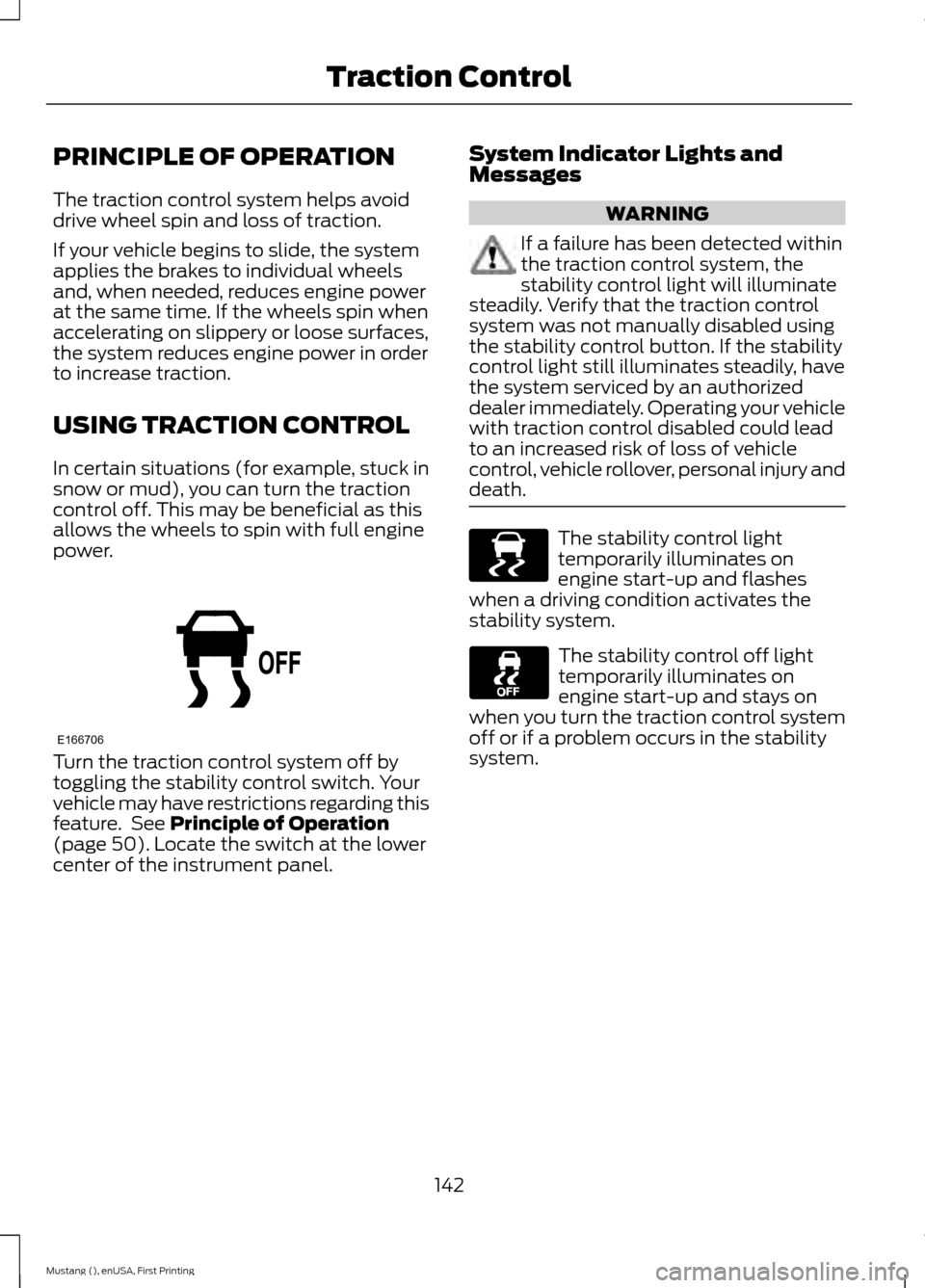
death. The stability control light
temporarily illuminates on
engine start-up and flashes
when a driving condition activates the
stability system. The stability control off light
temporarily illuminates on
engine start-up and stays on
when you turn the traction control system
off or if a problem occurs in the stability
system.
142
Mustang (), enUSA, First Printing Traction ControlE166706 E138639
Page 147 of 441
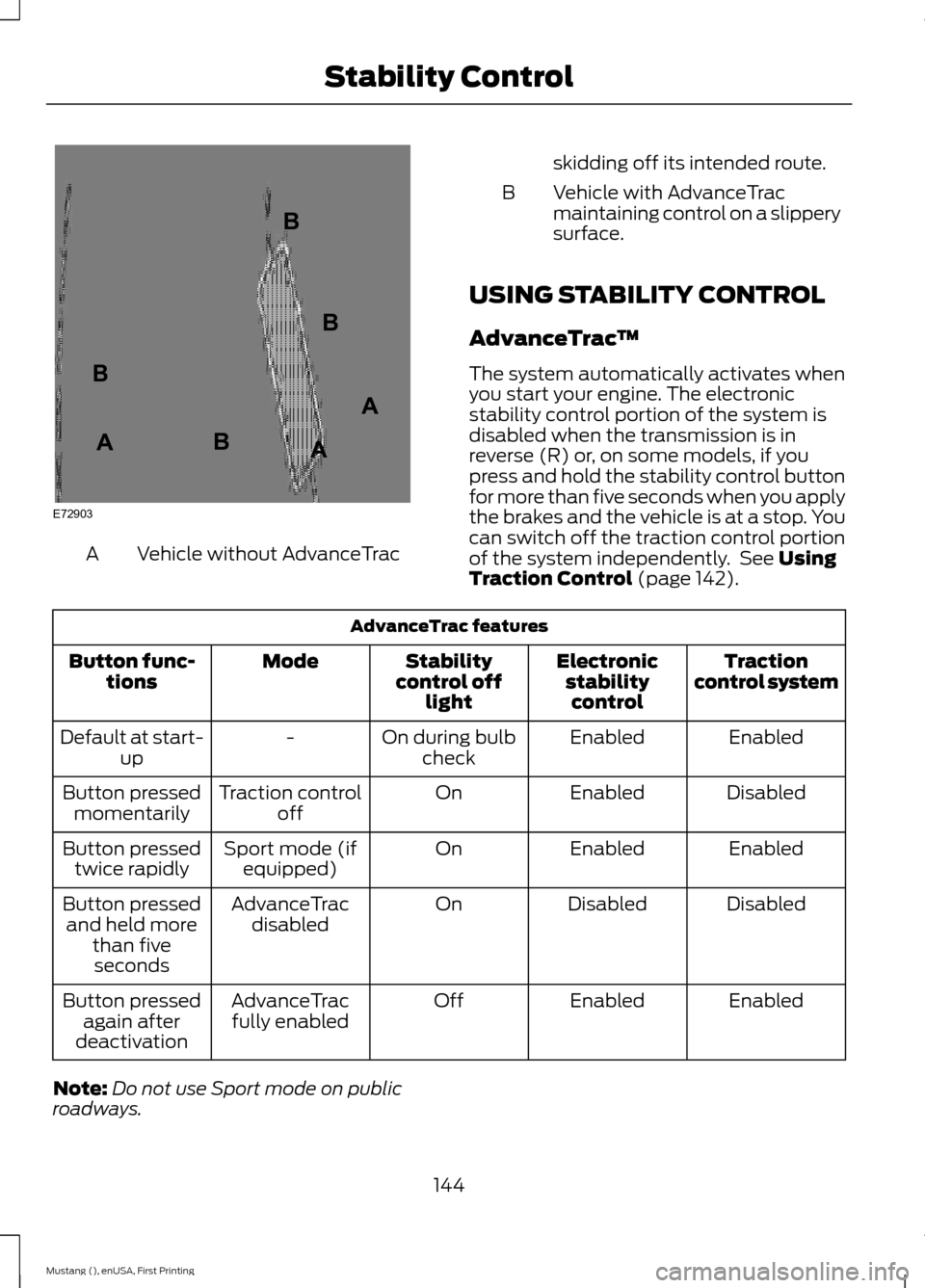
Vehicle without AdvanceTrac
A skidding off its intended route.
Vehicle with AdvanceTrac
maintaining control on a slippery
surface.
B
USING STABILITY CONTROL
AdvanceTrac ™
The system automatically activates when
you start your engine. The electronic
stability control portion of the system is
disabled when the transmission is in
reverse (R) or, on some models, if you
press and hold the stability control button
for more than five seconds when you apply
the brakes and the vehicle is at a stop. You
can switch off the traction control portion
of the system independently. See Using
Traction Control (page 142). AdvanceTrac features
Traction
control system
Electronic
stabilitycontrol
Stability
control off light
Mode
Button func-
tions
Enabled
Enabled
On during bulb
check
-
Default at start-
up
Disabled
Enabled
On
Traction control
off
Button pressed
momentarily
Enabled
Enabled
On
Sport mode (if
equipped)
Button pressed
twice rapidly
Disabled
Disabled
On
AdvanceTrac
disabled
Button pressed
and held more than fiveseconds
Enabled
Enabled
Off
AdvanceTrac
fully enabled
Button pressed
again after
deactivation
Note: Do not use Sport mode on public
roadways.
144
Mustang (), enUSA, First Printing Stability ControlE72903A
AA
B
BB
B
Page 148 of 441
Some models may also come equipped
with a sport mode which allows the driver
to reduce normal AdvanceTrac system
intervention and provide a more spirited
driving experience. To enter sport mode,
toggle the stability control button twice
rapidly. The message appears in the
information display that the system is now
in sport mode.
For vehicles equipped with the selectable
drive mode feature, AdvanceTrac sport
mode is not available. You can utilize the
performance oriented AdvanceTrac mode
by selecting track drive mode. In this mode,
AdvanceTrac intervention is reduced and
tuned specifically for track use only and is
not for use on public roads. In all of the
selectable drive modes, you can disable
traction control and AdvanceTrac with the
AdvanceTrac switch.
Line Lock (If Equipped)
Line Lock is a feature intended for use at
tracks only and should not be used on
public roadways. Use of this feature will
result in significantly increased rear tire
wear. It is intended to condition the rear
tires to maximum traction prior to track
use. Line Lock maintains brake force at the
front wheels, allowing the rear wheels to
spin with minimal vehicle movement.
This feature is located in the Track Apps
menu. Make selections through the 5-way
information display control and OK button
located on the steering wheel.
Using Line Lock
There are three Line Lock stages:
• Initiated.
• Engaged.
• Off. Initiating Line Lock
The initiation stage verifies that the vehicle
is ready for Line Lock function, and
confirms driver intent. Follow the prompts
in the information display in to initiate Line
Lock.
The following conditions must be met to
initialize Line Lock:
•
The vehicle is on a level surface.
• The engine is running.
• The vehicle is traveling less than 25
mph (40 km/h).
• Selectable Drive Mode is not in wet
mode (if equipped).
• There are no AdvanceTrac faults.
If you want to cancel Line Lock once it is
initialized, press the left information
display control. Once initiated, Line Lock
is prepared for activation and will remain
initiated up to 25 mph (40 km/h). If vehicle
speed exceeds 25 mph (40 km/h), Line
Lock will be automatically canceled.
Engaging Line Lock
Follow the prompts in the information
display to engage Line Lock after it is
initialized. To engage, firmly apply the
brakes. Then press the OK button. Once
engaged, release the brake pedal. The
front brakes will remain applied and the
rear brakes will release. At this point, the
engagement timer is initiated and shown
on the driver information display.
The following conditions must be met to
engage Line Lock:
• The vehicle is on a level surface.
• The engine is running.
• The vehicle is stopped.
• The parking brake is not applied.
• The driver door is closed.
• The transmission is in a forward gear.
145
Mustang (), enUSA, First Printing Stability Control