Page 189 of 596
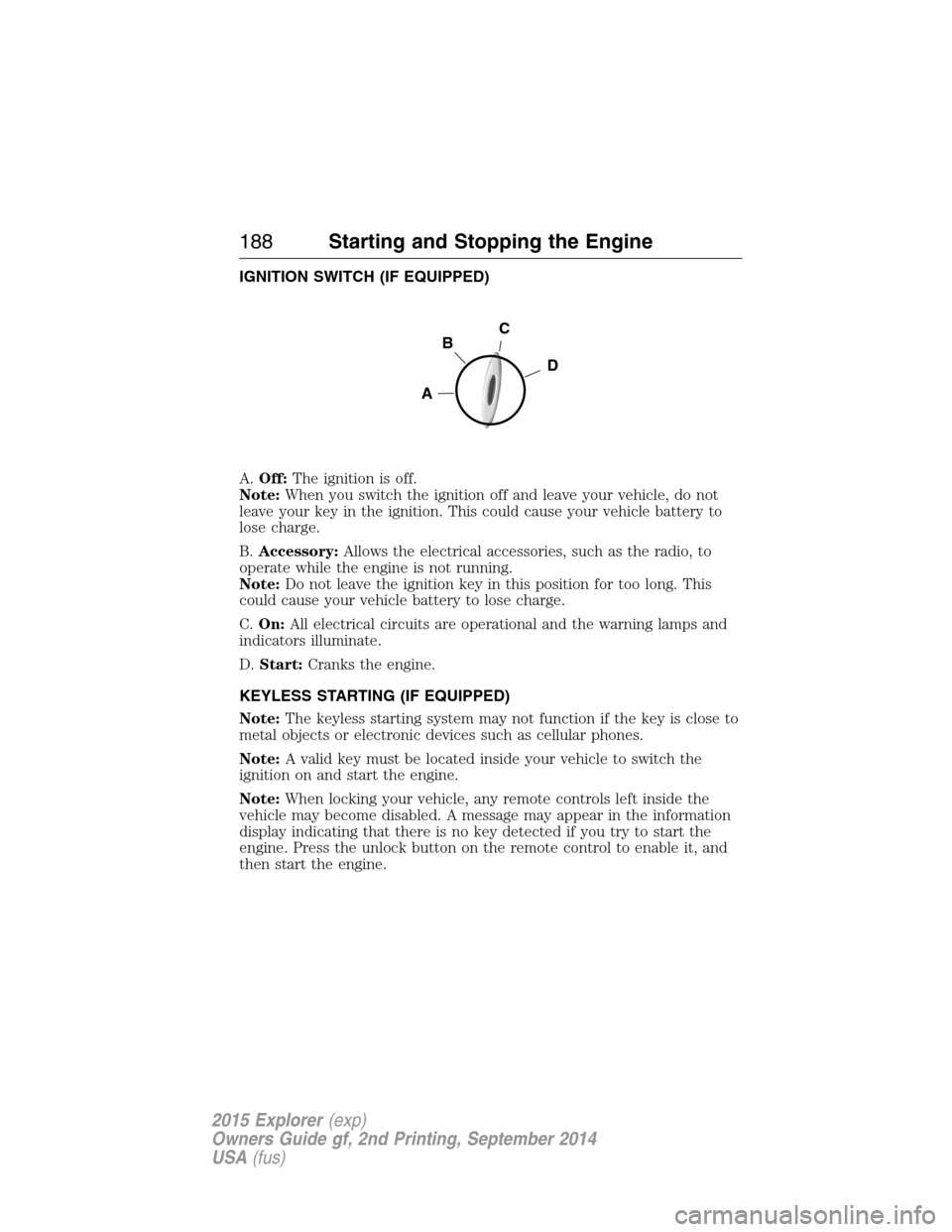
IGNITION SWITCH (IF EQUIPPED)
A.Off:The ignition is off.
Note:When you switch the ignition off and leave your vehicle, do not
leave your key in the ignition. This could cause your vehicle battery to
lose charge.
B.Accessory:Allows the electrical accessories, such as the radio, to
operate while the engine is not running.
Note:Do not leave the ignition key in this position for too long. This
could cause your vehicle battery to lose charge.
C.On:All electrical circuits are operational and the warning lamps and
indicators illuminate.
D.Start:Cranks the engine.
KEYLESS STARTING (IF EQUIPPED)
Note:The keyless starting system may not function if the key is close to
metal objects or electronic devices such as cellular phones.
Note:A valid key must be located inside your vehicle to switch the
ignition on and start the engine.
Note:When locking your vehicle, any remote controls left inside the
vehicle may become disabled. A message may appear in the information
display indicating that there is no key detected if you try to start the
engine. Press the unlock button on the remote control to enable it, and
then start the engine.
C
D
B
A
188Starting and Stopping the Engine
2015 Explorer(exp)
Owners Guide gf, 2nd Printing, September 2014
USA(fus)
Page 190 of 596
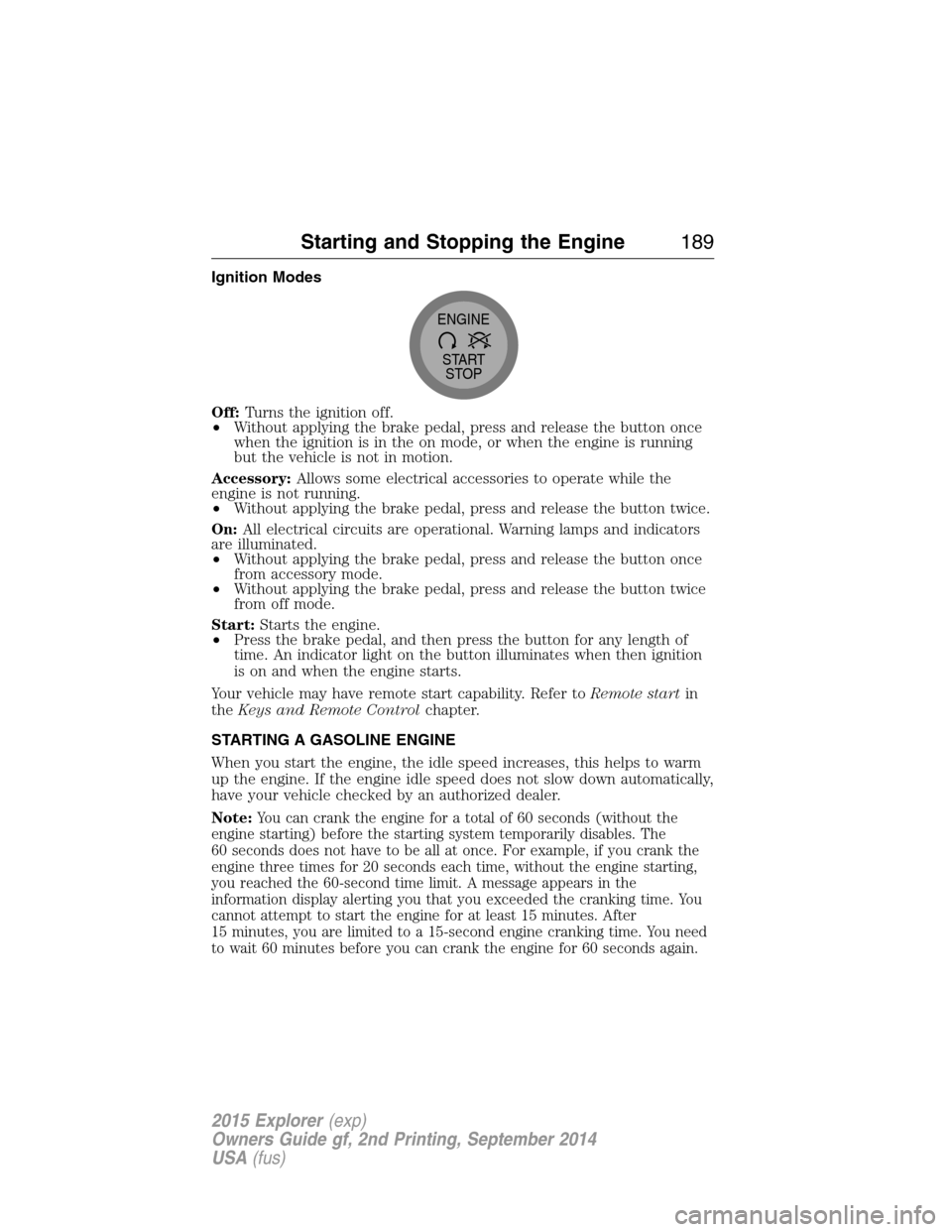
Ignition Modes
Off:Turns the ignition off.
•Without applying the brake pedal, press and release the button once
when the ignition is in the on mode, or when the engine is running
but the vehicle is not in motion.
Accessory:Allows some electrical accessories to operate while the
engine is not running.
•Without applying the brake pedal, press and release the button twice.
On:All electrical circuits are operational. Warning lamps and indicators
are illuminated.
•Without applying the brake pedal, press and release the button once
from accessory mode.
•Without applying the brake pedal, press and release the button twice
from off mode.
Start:Starts the engine.
•Press the brake pedal, and then press the button for any length of
time. An indicator light on the button illuminates when then ignition
is on and when the engine starts.
Your vehicle may have remote start capability. Refer toRemote startin
theKeys and Remote Controlchapter.
STARTING A GASOLINE ENGINE
When you start the engine, the idle speed increases, this helps to warm
up the engine. If the engine idle speed does not slow down automatically,
have your vehicle checked by an authorized dealer.
Note:
You can crank the engine for a total of 60 seconds (without the
engine starting) before the starting system temporarily disables. The
60 seconds does not have to be all at once. For example, if you crank the
engine three times for 20 seconds each time, without the engine starting,
you reached the 60-second time limit. A message appears in the
information display alerting you that you exceeded the cranking time. You
cannot attempt to start the engine for at least 15 minutes. After
15 minutes, you are limited to a 15-second engine cranking time. You need
to wait 60 minutes before you can crank the engine for 60 seconds again.
START
STOP ENGINE
Starting and Stopping the Engine189
2015 Explorer(exp)
Owners Guide gf, 2nd Printing, September 2014
USA(fus)
Page 248 of 596
Cause Action
The surface of the radar in the
grille is dirty or obstructed in
some way.Clean the grille surface in front of
the radar or remove the object
causing the obstruction.
The surface of the radar in the
grille is clean but the message
remains in the display.Wait a short time. It may take
several minutes for the radar to
detect that it is no longer
obstructed.
Heavy rain or snow is interfering
with the radar signals.Do not use the system in these
conditions because it may not
detect any vehicle ahead.
Swirling water, or snow or ice on
the surface of the road may
interfere with the radar signals.Do not use system in these
conditions because it may not
detect any vehicle ahead.
You are in a desert or remote area
with no other vehicles and no
roadside objects.Wait a short time or switch to
normal cruise control.
Due to the nature of radar technology, it is possible to get a blockage
warning and not be blocked. This can happen, for example, when driving
in sparse rural or desert environments. A false blocked condition will
either self-clear or clear after a key cycle.
Switching to Normal Cruise Control
WARNING:Normal cruise control will not brake due to slower
vehicles. Always be aware of which mode is selected and apply
the brakes when necessary.
You can manually change from adaptive cruise control to normal cruise
control through the information display.
The cruise control indicator light will replace the adaptive
cruise control indicator light if normal cruise control is selected.
The gap setting will not be displayed, the system will not
automatically respond to lead vehicles and automatic braking will not be
activated. The system will default to adaptive cruise control when the
engine is started.
Cruise Control247
2015 Explorer(exp)
Owners Guide gf, 2nd Printing, September 2014
USA(fus)
Page 594 of 596
R
Radio ..........................401, 406–407
AM/FM .....................................480
Single CD ................401, 406–407
Radio reception .........................399
Radio voice commands .............485
Rear heated seats .....................167
Rear view camera
display ................................234, 521
Rear window
defroster ....................144, 146, 148
Receiving a text
message .............................429, 503
Recommendations for
attaching safety restraints for
children ........................................25
Relays ........................................300
Remote entry system
illuminated entry ......................77
locking/unlocking doors ...........73
opening the trunk .....................74
replacing the batteries .............64
Remote start climate
operation ...................................154
Reverse sensing system ...........229
Roadside assistance ..................286
Roll stability control .................224
Roof rack ...................................264
Route preferences ....................537
S
Safety Belt Maintenance ............48
Safety belts (see Safety
restraints) ..............................40, 43
Safety defects, reporting ..........299Safety information ............418, 470
Safety restraints ..............40–41, 43
Belt-Minder® ............................44
Belt-Minder®,
deactivating/activating .............45
extension assembly ..................43
for adults .............................40–41
for children ...............................25
inflatable safety belt .................46
Occupant Classification
Sensor ........................................54
safety belt maintenance ...........48
seat belt maintenance ..............48
warning light and chime ..........44
Safety restraints -
LATCH anchors ...........................31
Safety seats for children ............25
Safety Compliance
Certification Label ....................393
Satellite Radio ...................401, 486
Scheduled Maintenance Guide
Normal Scheduled
Maintenance and Log .............576
SD card ......................416, 493, 533
Seat belts
(see Safety restraints) ...............40
Seats ..........................................166
child safety seats ......................25
climate control ........................165
easy access/easyout feature ..163
front seats ...............159–160, 164
heated ..............................163, 167
memory seat .....................65, 162
second row seats ....................166
third row seats ........168, 173–174
Second-row power fold seat ....170
SecuriCode keyless entry
system ..........................................82
Index593
2015 Explorer(exp)
Owners Guide gf, 2nd Printing, September 2014
USA(fus)