2015 FORD EXPLORER display
[x] Cancel search: displayPage 260 of 596
Switching the Systems Off and On
One or both systems can be switched off temporarily by using the
information display control; refer to theInformation Displaychapter.
When you switch off the Blind Spot Information System, you will not
receive alerts and the information display will display a system off
message. The yellow alert indicator in the outside mirror will also flash
twice. The system switches back on whenever you switch the ignition on.
You can also have one or both systems switched off permanently at an
authorized dealer. Once switched off, the system can only be switched
back on at an authorized dealer.
COLLISION WARNING SYSTEM (IF EQUIPPED)
WARNING:This system is designed to be a supplementary
driving aid. It is not intended to replace the driver’s attention,
and judgment, or the need to apply the brakes. This system does NOT
activate the brakes automatically. Failure to press the brake pedal to
activate the brakes may result in a collision.
WARNING:The collision warning system with brake support
cannot help prevent all collisions. Do not rely on this system to
replace driver judgment and the need to maintain distance and speed.
Note:The system does not detect, warn or respond to potential
collisions with vehicles to the rear or sides of the vehicle.
Note:The collision warning system is active at speeds above
approximately 5 mph (8 km/h).
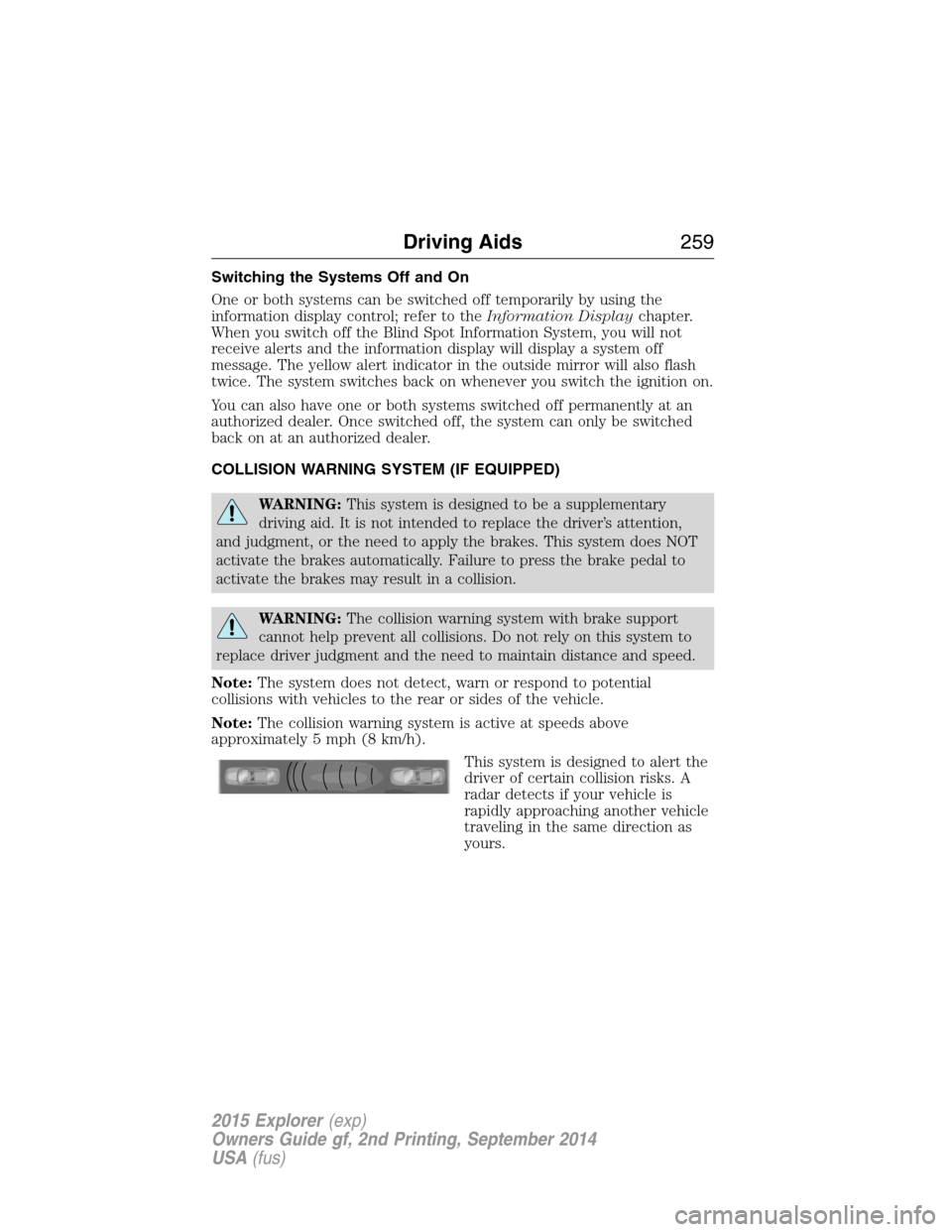
This system is designed to alert the
driver of certain collision risks. A
radar detects if your vehicle is
rapidly approaching another vehicle
traveling in the same direction as
yours.
Driving Aids259
2015 Explorer(exp)
Owners Guide gf, 2nd Printing, September 2014
USA(fus)
Page 261 of 596
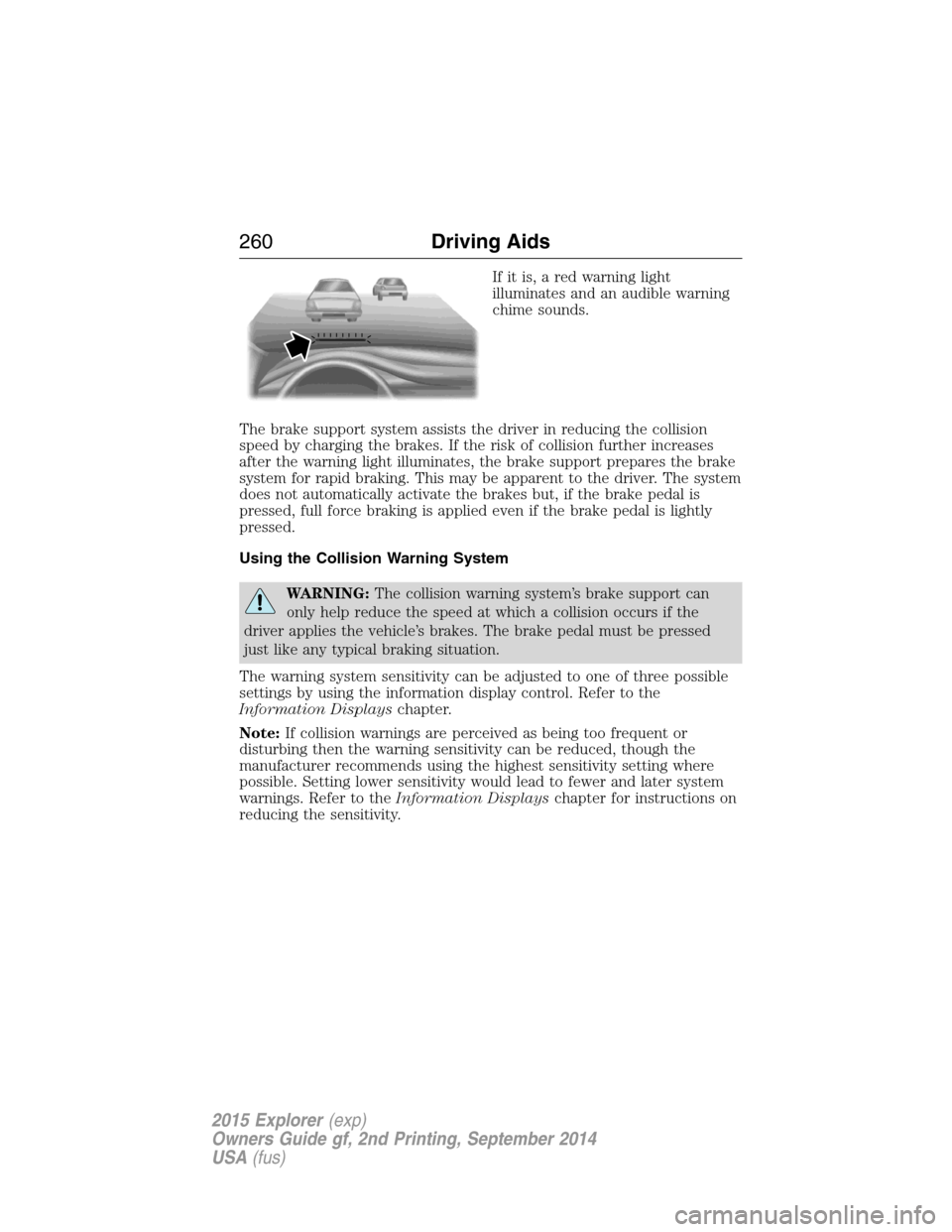
If it is, a red warning light
illuminates and an audible warning
chime sounds.
The brake support system assists the driver in reducing the collision
speed by charging the brakes. If the risk of collision further increases
after the warning light illuminates, the brake support prepares the brake
system for rapid braking. This may be apparent to the driver. The system
does not automatically activate the brakes but, if the brake pedal is
pressed, full force braking is applied even if the brake pedal is lightly
pressed.
Using the Collision Warning System
WARNING:The collision warning system’s brake support can
only help reduce the speed at which a collision occurs if the
driver applies the vehicle’s brakes. The brake pedal must be pressed
just like any typical braking situation.
The warning system sensitivity can be adjusted to one of three possible
settings by using the information display control. Refer to the
Information Displayschapter.
Note:If collision warnings are perceived as being too frequent or
disturbing then the warning sensitivity can be reduced, though the
manufacturer recommends using the highest sensitivity setting where
possible. Setting lower sensitivity would lead to fewer and later system
warnings. Refer to theInformation Displayschapter for instructions on
reducing the sensitivity.
260Driving Aids
2015 Explorer(exp)
Owners Guide gf, 2nd Printing, September 2014
USA(fus)
Page 262 of 596
Blocked Sensors
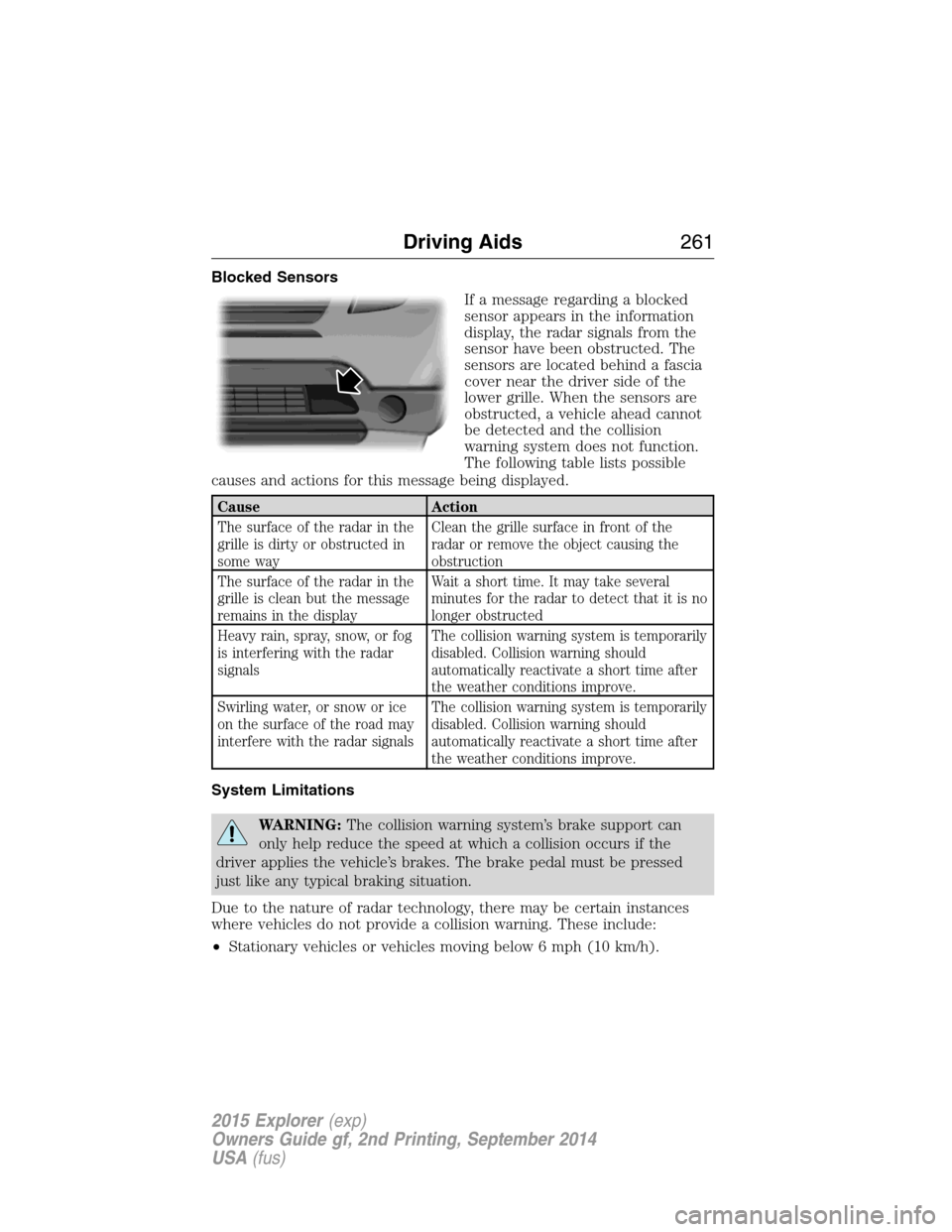
If a message regarding a blocked
sensor appears in the information
display, the radar signals from the
sensor have been obstructed. The
sensors are located behind a fascia
cover near the driver side of the
lower grille. When the sensors are
obstructed, a vehicle ahead cannot
be detected and the collision
warning system does not function.
The following table lists possible
causes and actions for this message being displayed.
Cause Action
The surface of the radar in the
grille is dirty or obstructed in
some wayClean the grille surface in front of the
radar or remove the object causing the
obstruction
The surface of the radar in the
grille is clean but the message
remains in the displayWait a short time. It may take several
minutes for the radar to detect that it is no
longer obstructed
Heavy rain, spray, snow, or fog
is interfering with the radar
signalsThe collision warning system is temporarily
disabled. Collision warning should
automatically reactivate a short time after
the weather conditions improve.
Swirling water, or snow or ice
on the surface of the road may
interfere with the radar signalsThe collision warning system is temporarily
disabled. Collision warning should
automatically reactivate a short time after
the weather conditions improve.
System Limitations
WARNING:The collision warning system’s brake support can
only help reduce the speed at which a collision occurs if the
driver applies the vehicle’s brakes. The brake pedal must be pressed
just like any typical braking situation.
Due to the nature of radar technology, there may be certain instances
where vehicles do not provide a collision warning. These include:
•Stationary vehicles or vehicles moving below 6 mph (10 km/h).
Driving Aids261
2015 Explorer(exp)
Owners Guide gf, 2nd Printing, September 2014
USA(fus)
Page 263 of 596
•Pedestrians or objects in the roadway.
•Oncoming vehicles in the same lane.
•Severe weather conditions (see blocked sensor section).
•Debris build-up on the grille near the headlamps (see blocked sensor
section).
•Small distance to vehicle ahead.
•Steering wheel and pedal movements are large (very active driving
style).
•High interior temperatures, which may deactivate the illumination or
the warning lamps until the interior temperature reduces (audible
warning still sounds).
Certain conditions may reduce the visibility of the warning lamp;
therefore, it is recommended to keep the audible warning on.
If the front end of the vehicle is hit or damaged, the radar sensing zone
may be altered causing missed or false collision warnings. See your
authorized dealer to have your collision warning radar checked for
proper coverage and operation.
STEERING
Electric Power Steering
WARNING:The electric power steering system has diagnostic
checks that continuously monitor the system to ensure proper
operation. When a system error is detected a steering message will
appear in the information display.
WARNING:The electric power steering system has diagnostic
checks that continuously monitor the system to ensure proper
operation of the electronic system. When an electronic error is
detected, a message will be displayed in the information display. If this
happens, stop the vehicle in a safe place, and turn off the engine. After
at least 10 seconds, reset the system by restarting the engine, and
watch the information display for a steering message. If a steering
message returns, or returns while driving, take the vehicle to your
dealer to have it checked.
262Driving Aids
2015 Explorer(exp)
Owners Guide gf, 2nd Printing, September 2014
USA(fus)
Page 264 of 596

WARNING:Obtain immediate service if a system error is
detected. You may not notice any difference in the feel of your
steering, but a serious condition may exist. Failure to do so may result
in loss of steering control.
Your vehicle is equipped with an electric power-assisted steering system.
There is no fluid reservoir to check or fill.
If your vehicle loses electrical power while you are driving (or if the
ignition is turned off), you can steer the vehicle manually, but it takes
more effort. Extreme continuous steering may increase the effort it takes
for you to steer. This occurs to prevent internal overheating and
permanent damage to your steering system. If this should occur, you will
neither lose the ability to steer the vehicle manually nor will it cause
permanent damage. Typical steering and driving maneuvers will allow the
system to cool and steering assist will return to normal.
When a steering system error is detected, steering messages may appear
in the information display.
Steering Tips
If the steering wanders or pulls, check for:
•an improperly inflated tire
•uneven tire wear
•loose or worn suspension components
•loose or worn steering components
•improper vehicle alignment
A high crown in the road or high crosswinds may also make the steering
seem to wander/pull.
Driving Aids263
2015 Explorer(exp)
Owners Guide gf, 2nd Printing, September 2014
USA(fus)
Page 308 of 596

Fuse or relay
numberFuse amp
ratingProtected components
5 20A Amplifier
6 5A Not used (spare)
7 7.5A Memory seat module logic feed
8 10A Not used (spare)
9 10A 4-inch radio display, Power
liftgate logic, Electronic finish
panel, SYNC
10 10A Run/accessory relay (wipers, rear
washer), Rain sensor
11 10A Instrument cluster, Heads-up
display
12 15A Interior courtesy lamps (overhead
console, Second row, cargo),
Puddle lamps, Console bin LED,
Backlighting
13 15A Right turn lamps, Right trailer tow
turn/stop lamps
14 15A Left turn lamps, Left trailer tow
turn/stop lamps
15 15A Reverse lamps, Stop lamps,
High-mounted stop lamp
16 10A Low beam headlamps (right)
17 10A Low beam headlamps (left)
18 10A Keypad illumination, Brake shift
interlock, Start button run
indicator, Passive anti-theft
system, Powertrain control
module wake-up, Rear seat power
enable
19 20A Memory seat power
20 20A Locks
21 10A Intelligent access, Keypad
Fuses307
2015 Explorer(exp)
Owners Guide gf, 2nd Printing, September 2014
USA(fus)
Page 309 of 596
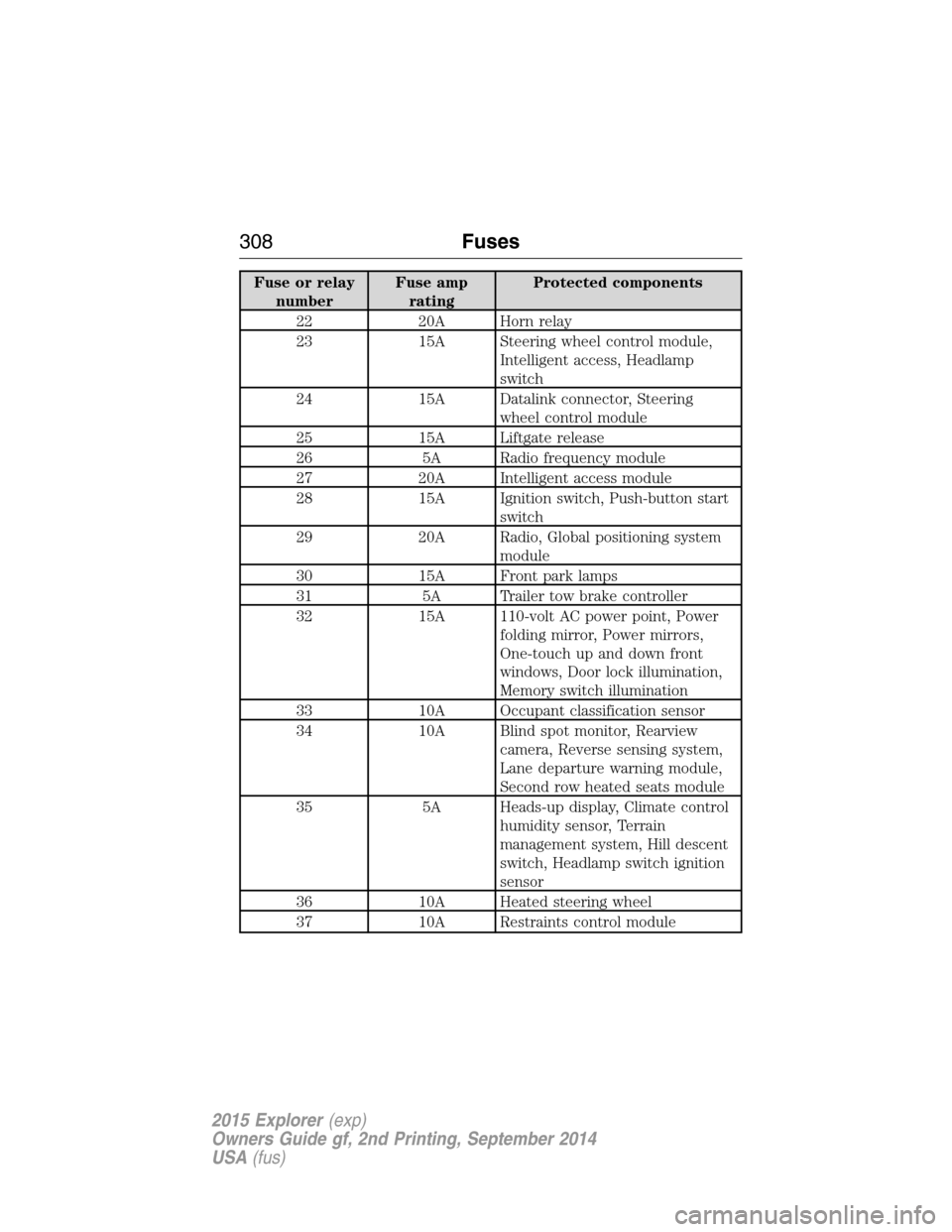
Fuse or relay
numberFuse amp
ratingProtected components
22 20A Horn relay
23 15A Steering wheel control module,
Intelligent access, Headlamp
switch
24 15A Datalink connector, Steering
wheel control module
25 15A Liftgate release
26 5A Radio frequency module
27 20A Intelligent access module
28 15A Ignition switch, Push-button start
switch
29 20A Radio, Global positioning system
module
30 15A Front park lamps
31 5A Trailer tow brake controller
32 15A 110-volt AC power point, Power
folding mirror, Power mirrors,
One-touch up and down front
windows, Door lock illumination,
Memory switch illumination
33 10A Occupant classification sensor
34 10A Blind spot monitor, Rearview
camera, Reverse sensing system,
Lane departure warning module,
Second row heated seats module
35 5A Heads-up display, Climate control
humidity sensor, Terrain
management system, Hill descent
switch, Headlamp switch ignition
sensor
36 10A Heated steering wheel
37 10A Restraints control module
308Fuses
2015 Explorer(exp)
Owners Guide gf, 2nd Printing, September 2014
USA(fus)
Page 320 of 596
•A coolant concentration of 60% will provide improved freeze point
protection. Engine coolant concentrations above 60% will decrease the
overheat protection characteristics of the engine coolant and may
cause engine damage.
If you drive in extremely hot climates:
•It may be necessary to have a Ford authorized dealer decrease the
coolant concentration to 40%.
•A coolant concentration of 40% will provide improved overheat
protection. Engine coolant concentrations below 40% will decrease the
freeze and corrosion protection characteristics of the engine coolant
and may cause engine damage.
Vehicles driven year-round in non-extreme climates should use prediluted
engine coolant for optimum cooling system and engine protection.
Engine Fluid Temperature Management (If Equipped)
WARNING:To reduce the risk of collision and injury, be prepared
that the vehicle speed may reduce and the vehicle may not be able
to accelerate with full power until the fluid temperatures reduce.
Your vehicle has been designed to pull a trailer, but because of the added
load, the vehicle’s engine may temporarily reach higher temperatures
during severe operating conditions such as ascending a long or steep
grade while pulling a trailer in hot ambient temperatures.
At this time, you may notice your engine coolant temperature gauge
needle move toward the H and the POWER REDUCED TO LOWER
TEMP message may appear in the information display.
You may notice a reduction in the vehicle’s speed caused by reduced
engine power. Your vehicle has been designed to enter this mode if
certain high temperature/high load conditions take place in order to
manage the engine’s fluid temperatures. The amount of speed reduction
will depend on the vehicle loading, towing, grade, ambient temperature,
and other factors. If this occurs, there is no need to pull off the road.
The vehicle can continue to be driven while this message is active.
The air conditioning may also cycle on and off during severe operating
conditions to protect overheating of the engine. When the engine coolant
temperature decreases to a more normal operating temperature, the air
conditioning will turn on once again.
Maintenance319
2015 Explorer(exp)
Owners Guide gf, 2nd Printing, September 2014
USA(fus)