Page 96 of 426

BLUE&ME™ HANDS-FREE COMMUNICATION
Blue&Me™ Hands-Free Communication Overview
— If Equipped
Windows Mobile™-based FIAT BLUE&ME™ is a per-
sonal telematic system enabling you to use communica-
tion and entertainment applications expressly designed
for use in the car.
The BLUE&ME™ system installed on your car is
equipped with a hands-free kit, message reader and
media player, and it is preset for future installation of
additional services.
The BLUE&ME™ system, fully integrated with voice
commands, buttons on the steering wheel and multifunc-
tion display messages, gives you the possibility of inter-
acting with your Bluetooth® wireless technology mobile
phone (even if you keep it in your pocket or bag) without
having to take your eyes off the road or remove your
hands from the steering wheel. To use voice commands
you are not required to train the voice recognition system
to recognize your voice. This implies that the system is
nearly equally performing with different persons, i.e.: the
voice recognition system is of the “speaker independent”
type.
With this system you can also play your favorite music
stored on USB device and select tracks and playback
modes with both voice commands or buttons on the
steering wheel.
This device complies with Part 15 of the FCC rules
subject to the following two conditions:
•This device may not cause harmful interference.
•This device must accept all interference received, in-
cluding interference that may cause undesired opera-
tion.
94 UNDERSTANDING THE FEATURES OF YOUR VEHICLE
Page 132 of 426
To Open
Press and hold the power sunroof switch rearward for
approximately one second and the sunroof will stop at
the vented position. Press the switch a second time and
hold for approximately one second and release, the
sunroof will open fully, then stop automatically. This is
called “Express Open”. During Express Open operation,
any movement of the sunroof switch will stop the
sunroof.
To Close
With the sunroof in the full open position, pull the power
sunroof button and hold it for approximately one second,
the sunroof will return to the vented position. Pull the
switch a second time and hold for approximately one
second to completely close the sunroof.
Pinch Protect Feature
This feature will detect an obstruction in the opening of
the sunroof during Express Close operation. If an ob-
struction in the path of the sunroof is detected, the
sunroof will automatically retract. Remove the obstruc-
tion if this occurs. Next, press the switch forward and
release to Express Close.
Wind Buffeting
Wind buffeting can be described as the perception of
pressure on the ears or a helicopter-type sound in the
ears. Your vehicle may exhibit wind buffeting with the
windows down, or the sunroof (if equipped) in certain
open or partially open positions. This is a normal occur-
rence and can be minimized. If the buffeting occurs with
the rear windows open, open the front and rear windows
together to minimize the buffeting. If the buffeting occurs
with the sunroof open, adjust the sunroof opening to
minimize the buffeting or open any window.
130 UNDERSTANDING THE FEATURES OF YOUR VEHICLE
Page 140 of 426
REAR WINDOW FEATURES
Rear Window Defroster
The rear window defroster button is located in the
center of the instrument panel, below the radio.
Press this button to turn on the rear window defroster.
An indicator in the instrument cluster will illuminate
when the rear window defroster is on. The rear window
defroster automatically turns off after approximately 20
minutes. To manually shut the defroster off, push the
button a second time.
NOTE:To prevent excessive battery drain, use the rear
window defroster only when the engine is operating.
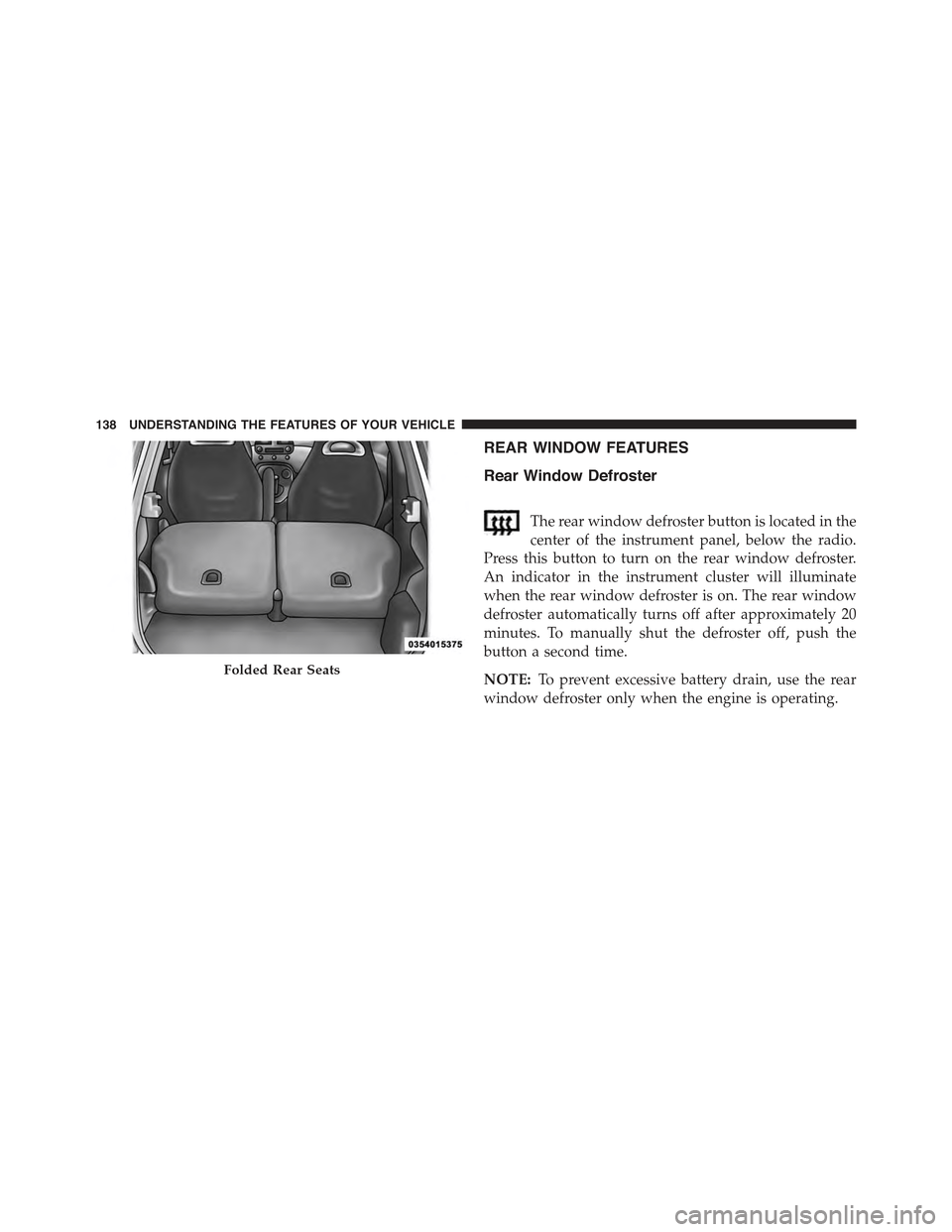
Folded Rear Seats
138 UNDERSTANDING THE FEATURES OF YOUR VEHICLE
Page 141 of 426
CAUTION!
Failure to follow these cautions can cause damage to
the heating elements:
•Use care when washing the inside of the rear
window. Do not use abrasive window cleaners on
the interior surface of the window. Use a soft cloth
and a mild washing solution, wiping parallel to the
heating elements. Labels can be peeled off after
soaking with warm water.
•Do not use scrapers, sharp instruments, or abrasive
window cleaners on the interior surface of the
window.
•Keep all objects a safe distance from the window.
3
UNDERSTANDING THE FEATURES OF YOUR VEHICLE 139
Page 145 of 426
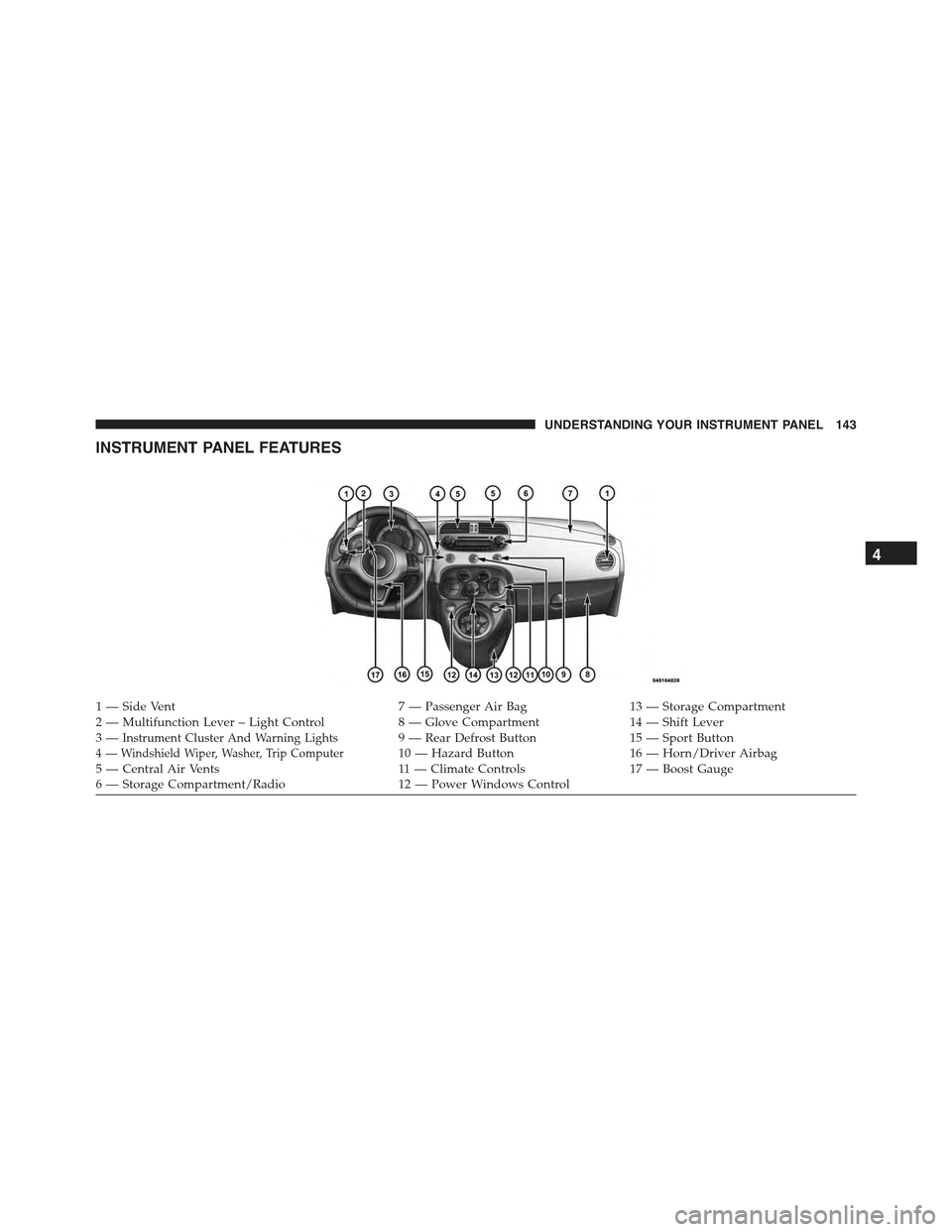
INSTRUMENT PANEL FEATURES
1—SideVent7—PassengerAirBag13 — Storage Compartment2—MultifunctionLever–LightControl8—GloveCompartment14 — Shift Lever3—Instrument Cluster And Warning Lights9—RearDefrostButton15 — Sport Button4 — Windshield Wiper, Washer, Trip Computer10 — Hazard Button16 — Horn/Driver Airbag5 — Central Air Vents11 — Climate Controls17 — Boost Gauge6—StorageCompartment/Radio12 — Power Windows Control
4
UNDERSTANDING YOUR INSTRUMENT PANEL 143
Page 155 of 426
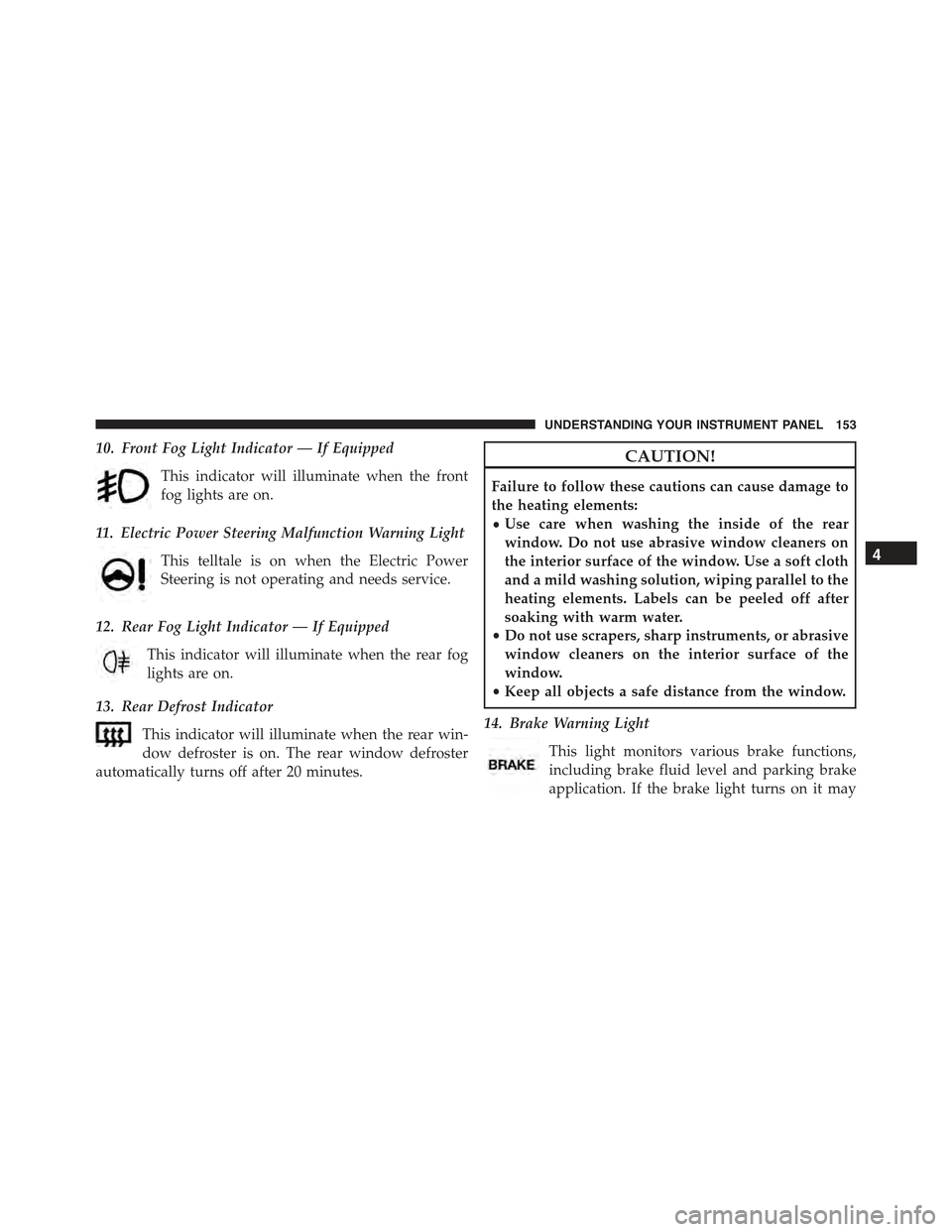
10. Front Fog Light Indicator — If Equipped
This indicator will illuminate when the front
fog lights are on.
11. Electric Power Steering Malfunction Warning Light
This telltale is on when the Electric Power
Steering is not operating and needs service.
12. Rear Fog Light Indicator — If Equipped
This indicator will illuminate when the rear fog
lights are on.
13. Rear Defrost Indicator
This indicator will illuminate when the rear win-
dow defroster is on. The rear window defroster
automatically turns off after 20 minutes.
CAUTION!
Failure to follow these cautions can cause damage to
the heating elements:
•Use care when washing the inside of the rear
window. Do not use abrasive window cleaners on
the interior surface of the window. Use a soft cloth
and a mild washing solution, wiping parallel to the
heating elements. Labels can be peeled off after
soaking with warm water.
•Do not use scrapers, sharp instruments, or abrasive
window cleaners on the interior surface of the
window.
•Keep all objects a safe distance from the window.
14. Brake Warning Light
This light monitors various brake functions,
including brake fluid level and parking brake
application. If the brake light turns on it may
4
UNDERSTANDING YOUR INSTRUMENT PANEL 153
Page 215 of 426
NOTE:
•Continuous use of the Recirculation mode may make
the inside air stuffy and window fogging may occur.
Extended use of this mode is not recommended.
•The use of the Recirculation mode in cold or damp
weather could cause windows to fog on the inside,
because of moisture buildup inside the vehicle. Se-
lect the outside air position for maximum defogging.
•Recirculation can be used in all modes except for
Defrost.
•The A/C can be deselected manually without dis-
turbing the mode control selection.
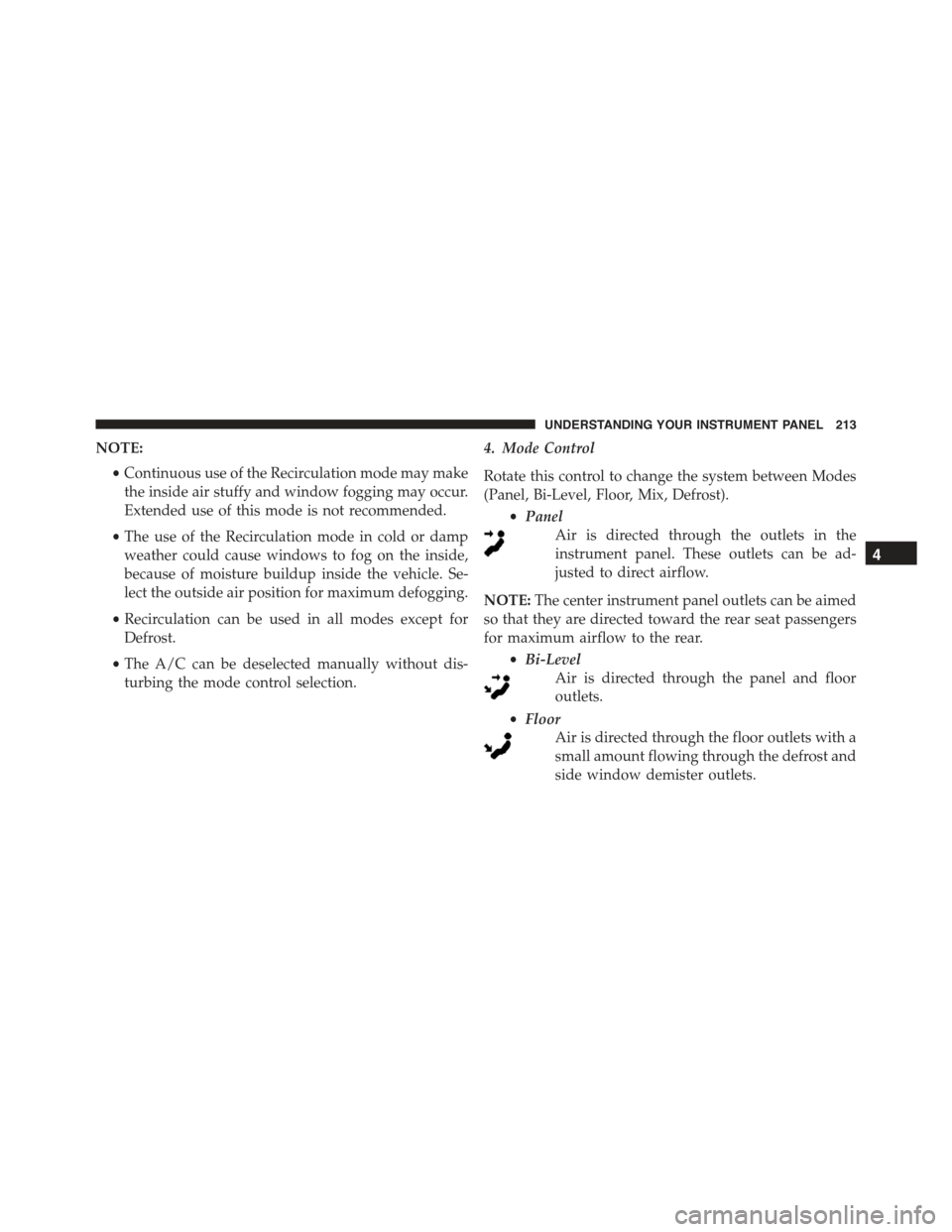
4. Mode Control
Rotate this control to change the system between Modes
(Panel, Bi-Level, Floor, Mix, Defrost).
•Panel
Air is directed through the outlets in the
instrument panel. These outlets can be ad-
justed to direct airflow.
NOTE:The center instrument panel outlets can be aimed
so that they are directed toward the rear seat passengers
for maximum airflow to the rear.
•Bi-Level
Air is directed through the panel and floor
outlets.
•Floor
Air is directed through the floor outlets with a
small amount flowing through the defrost and
side window demister outlets.
4
UNDERSTANDING YOUR INSTRUMENT PANEL 213
Page 216 of 426
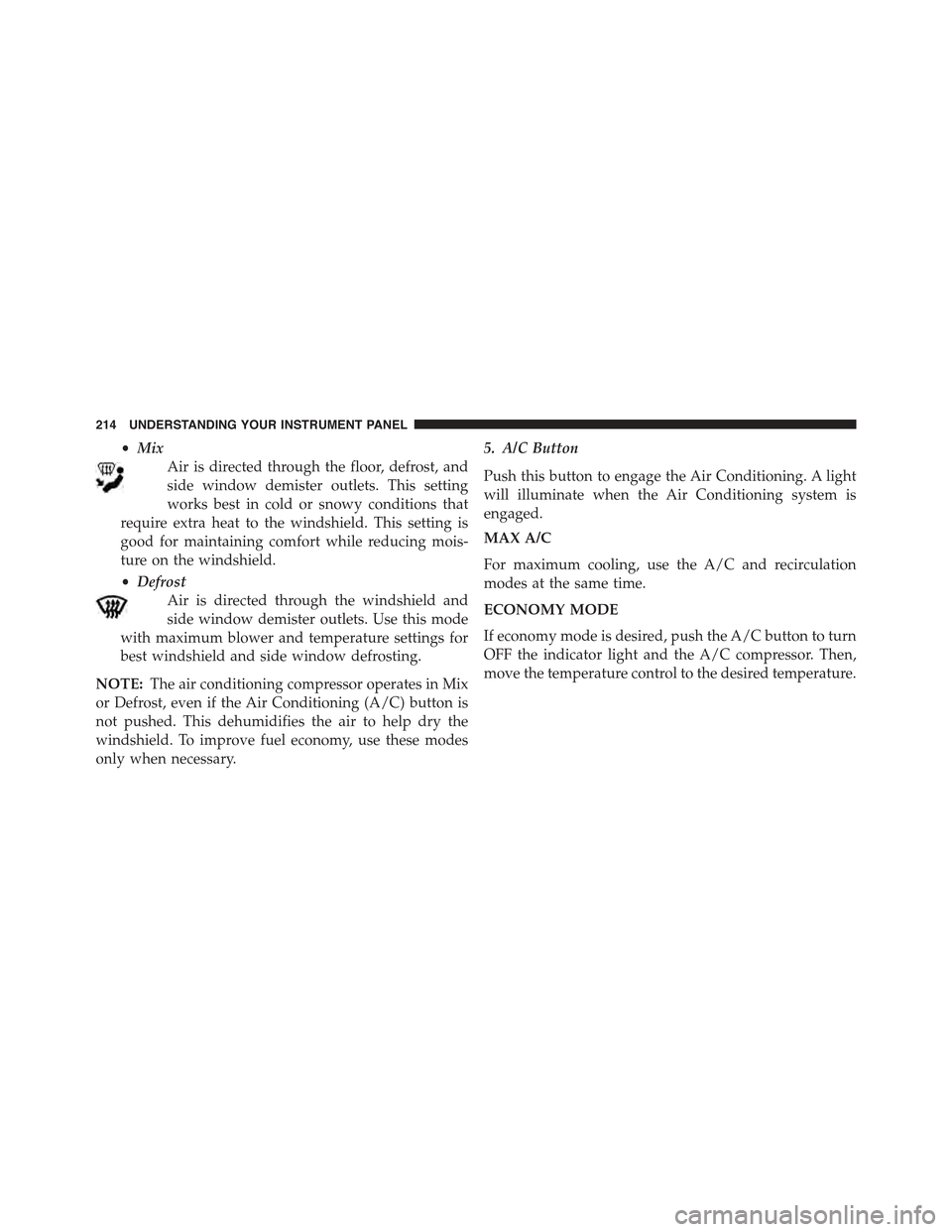
•Mix
Air is directed through the floor, defrost, and
side window demister outlets. This setting
works best in cold or snowy conditions that
require extra heat to the windshield. This setting is
good for maintaining comfort while reducing mois-
ture on the windshield.
•Defrost
Air is directed through the windshield and
side window demister outlets. Use this mode
with maximum blower and temperature settings for
best windshield and side window defrosting.
NOTE:The air conditioning compressor operates in Mix
or Defrost, even if the Air Conditioning (A/C) button is
not pushed. This dehumidifies the air to help dry the
windshield. To improve fuel economy, use these modes
only when necessary.
5. A/C Button
Push this button to engage the Air Conditioning. A light
will illuminate when the Air Conditioning system is
engaged.
MAX A/C
For maximum cooling, use the A/C and recirculation
modes at the same time.
ECONOMY MODE
If economy mode is desired, push the A/C button to turn
OFF the indicator light and the A/C compressor. Then,
move the temperature control to the desired temperature.
214 UNDERSTANDING YOUR INSTRUMENT PANEL