Page 258 of 664

The drivers preferred units can be selected through the
instrument panel settings if equipped. Refer to “ Under-
standing Your Instrument Panel” for more information.
The speed increment shown is dependant on the chosen
speed unit of U.S. (mph) or Metric (km/h):
U.S. Speed (mph)
•Pressing the RES (+) button once will result ina1mph
increase in set speed. Each subsequent tap of the
button results in an increase of 1 mph.
•If the button is continually pressed, the set speed will
continue to increase until the button is released, then
the new set speed will be established.
Metric Speed (km/h)
•Pressing the RES (+) button once will result in a
1 km/h increase in set speed. Each subsequent tap of
the button results in an increase of 1 km/h.
•If the button is continually pressed, the set speed will
continue to increase until the button is released, then
the new set speed will be established.
To Decrease Speed
When the Electronic Speed Control is set, you can de-
crease speed by pushing the SET (-) button.
The drivers preferred units can be selected through the
instrument panel settings if equipped. Refer to “ Under-
standing Your Instrument Panel” for more information.
The speed decrement shown is dependant on the chosen
speed unit of U.S. (mph) or Metric (km/h):
U.S. Speed (mph)
•Pressing the SET (-) button once will result ina1mph
decrease in set speed. Each subsequent tap of the
button results in a decrease of 1 mph.
256 UNDERSTANDING THE FEATURES OF YOUR VEHICLE
Page 260 of 664

PARKSENSE® REAR PARK ASSIST — IF
EQUIPPED
The ParkSense® Rear Park Assist system provides visual
and audible indications of the distance between the rear
fascia and a detected obstacle when backing up, e.g.
during a parking maneuver. Refer to “ParkSense® Sys-
tem Usage Precautions” in this section for limitations of
this system and recommendations.
ParkSense® will retain the last system state (enabled or
disabled) from the last ignition cycle when the ignition is
changed to the ON/RUN position.
ParkSense® can be active only when the shift lever is in
REVERSE. If ParkSense® is enabled at this shift lever
position, the system will remain active until the vehicle
speed is increased to approximately 7 mph (11 km/h) or
above. The system will become active again if the vehicle
speed is decreased to speeds less than approximately
6 mph (9 km/h).
ParkSense® Sensors
The four ParkSense® sensors, located in the rear fascia/
bumper, monitor the area behind the vehicle that is
within the sensors’ field of view. The sensors can detect
obstacles from approximately 12 in (30 cm) up to 79 in
(200 cm) from the rear fascia/bumper in the horizontal
direction, depending on the location, type and orienta-
tion of the obstacle.
ParkSense® Warning Display
The ParkSense® Warning screen will only be displayed if
Sound and Display is selected from the Uconnect®
System. Refer to “Uconnect® Settings” in “Understand-
ing Your Instrument Panel” for further information.
The ParkSense® Warning screen is located within the
Driver Information Display (DID). It provides visual
warnings to indicate the distance between the rear
fascia/bumper and the detected obstacle. Refer to
“Driver Information Display (DID) Settings” in “Under-
standing Your Instrument Panel” for further information.
258 UNDERSTANDING THE FEATURES OF YOUR VEHICLE
Page 268 of 664

Enabling And Disabling ParkSense®
ParkSense® can be enabled and disabled using the
Uconnect® System. The available choices are: Off, Sound
Only, or Sound and Display. Refer to “Uconnect® Set-
tings” in “Understanding Your Instrument Panel” for
further information.
When the ParkSense® button is pushed to disable the
system, the Driver Information Display (DID) will dis-
play the “PARKSENSE OFF” message for approximately
five seconds. Refer to “Driver Information Display (DID)
” in “Understanding Your Instrument Panel” for further
information. When the shift lever is moved to REVERSE
and the system is disabled, the DID will display the
“PARKSENSE OFF” message for as long as the vehicle is
in REVERSE.
Service The ParkSense® Rear Park Assist
System
During vehicle start up, when the ParkSense® Rear Park
Assist System has detected a faulted condition, the
instrument cluster will actuate a single chime, once per
ignition cycle, and it will display the “PARKSENSE
UNAVAILABLE WIPE OFF REAR SENSORS” or the
“PARKSENSE UNAVAILABLE SERVICE REQUIRED”
message. Refer to “Driver Information Display (DID)” for
further information. When the shift lever/gear selector is
moved to REVERSE and the system has detected a
faulted condition, the DID will display the#PARKSENSE
UNAVAILABLE WIPE OFF REAR SENSORS#or
#PARKSENSE UNAVAILABLE SERVICE REQUIRED#
message for as long as the vehicle is in REVERSE. Under
this condition, ParkSense® will not operate.
If “PARKSENSE UNAVAILABLE WIPE OFF REAR SEN-
SORS” appears in the Driver Information Display (DID)
make sure the outer surface and the underside of the rear
266 UNDERSTANDING THE FEATURES OF YOUR VEHICLE
Page 273 of 664

PARKVIEW® REAR BACK UP CAMERA — IF
EQUIPPED
Your vehicle may be equipped with the ParkView® Rear
Back Up Camera that allows you to see an on-screen
image of the rear surroundings of your vehicle whenever
the shift lever is put into REVERSE. The image will be
displayed in the touchscreen display along with a caution
note to “check entire surroundings” across the top of the
screen. After five seconds this note will disappear. The
ParkView® camera is located on the rear of the vehicle
above the rear License plate.
When the vehicle is shifted out of REVERSE, the rear
camera mode is exited and the last selected touchscreen
appears again.
If your vehicle is equipped with the Camera Delay
feature and it is turned On, the rear camera image will be
displayed for up to 10 seconds when the vehicle is shifted
out of REVERSE unless the forward vehicle speed ex-
ceeds 8 mph (13 km/h), the transmission is shifted into
#PARK#or the vehicle’s ignition is cycled to the OFF
position.
Fixed guide lines are overlaid on the image to illustrate
the width of the vehicle.
NOTE:The ParkView® Rear Back Up Camera has pro-
grammable modes of operation that may be selected
through the Uconnect® System. Refer to “Uconnect®
Settings” in “Understanding Your Instrument Panel” for
further information.
Different colored zones indicate the distance to the rear of
the vehicle.
3
UNDERSTANDING THE FEATURES OF YOUR VEHICLE 271
Page 289 of 664
open or partially open positions. This is a normal occur-
rence and can be minimized. If the buffeting occurs with
the rear windows open, open the front and rear windows
together to minimize the buffeting. If the buffeting occurs
with the sunroof open, adjust the sunroof opening to
minimize the buffeting or open any window.
Sunroof Maintenance
Use only a nonabrasive cleaner and a soft cloth to clean
the glass panel.
ELECTRICAL POWER OUTLETS — IF EQUIPPED
The 12 Volt (13 Amp) instrument panel power outlet is
located on the lower instrument panel, below the climate
controls. The power outlet has power available when the
ignition switch is in the ACC or RUN position. The
power outlet will also operate a conventional cigar
lighter unit (if equipped with an optional Smoker’s
Package).
NOTE:To ensure proper operation a MOPAR® cigar
knob and element must be used.
Instrument Panel Outlet
3
UNDERSTANDING THE FEATURES OF YOUR VEHICLE 287
Page 294 of 664
STORAGE
Glove Compartment
The glove compartment is located on the passenger side
of the instrument panel. Pull on the release handle to
open the glove compartment.
Glove Compartment
Opened Glove Compartment
292 UNDERSTANDING THE FEATURES OF YOUR VEHICLE
Page 303 of 664
UNDERSTANDING YOUR INSTRUMENT PANEL
CONTENTS
!INSTRUMENT PANEL FEATURES..........304
!INSTRUMENT CLUSTER — BASE (EVIC).....305
!INSTRUMENT CLUSTER — PREMIUM
ANALOG (DID)........................306
!INSTRUMENT CLUSTER — PREMIUM
DIGITAL (DID)........................307
!INSTRUMENT CLUSTER DESCRIPTIONS.....308
!ELECTRONIC VEHICLE INFORMATION
CENTER (EVIC).......................321
▫Two Button EVIC — If Equipped..........322
▫Oil Change Indicator...................330
!DRIVER INFORMATION DISPLAY DID.......332
▫Four Button DID — If Equipped...........333
▫Oil Change Indicator...................349
!Uconnect® SETTINGS...................351
▫Buttons On The Faceplate................351
▫Buttons On The Touchscreen..............352
▫Customer Programmable Features — Uconnect®
System 8.4 Settings....................352
!Uconnect® 200 — AM/FM STEREO RADIO WITH
CD PLAYER (MP3 AUX JACK) AND SiriusXM
RADIO..............................366
4
Page 304 of 664
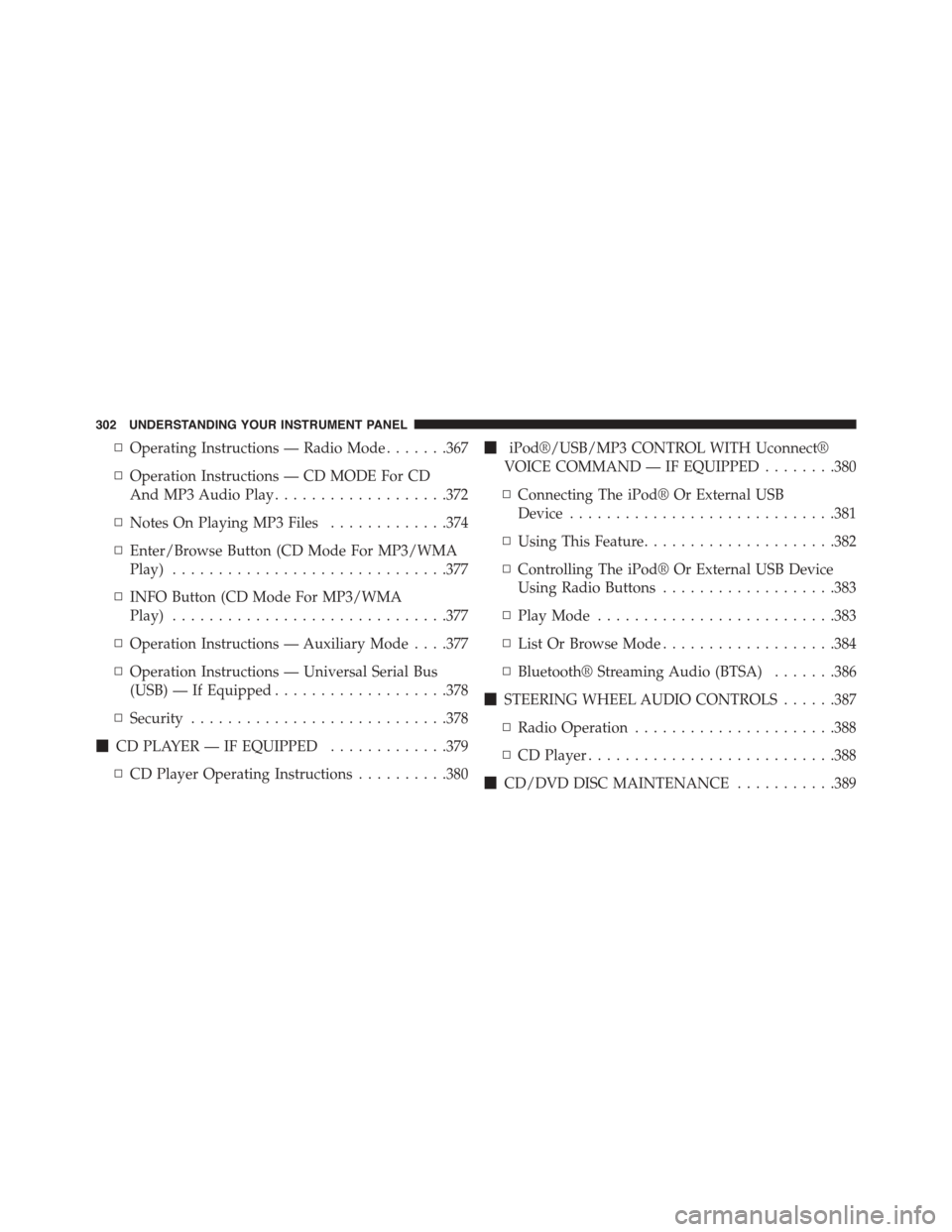
▫Operating Instructions — Radio Mode.......367
▫Operation Instructions — CD MODE For CD
And MP3 Audio Play...................372
▫Notes On Playing MP3 Files.............374
▫Enter/Browse Button (CD Mode For MP3/WMA
Play)..............................377
▫INFO Button (CD Mode For MP3/WMA
Play)..............................377
▫Operation Instructions — Auxiliary Mode . . . .377
▫Operation Instructions — Universal Serial Bus
(USB) — If Equipped...................378
▫Security............................378
!CD PLAYER — IF EQUIPPED.............379
▫CD Player Operating Instructions..........380
!iPod®/USB/MP3 CONTROL WITH Uconnect®
VOICE COMMAND — IF EQUIPPED........380
▫Connecting The iPod® Or External USB
Device.............................381
▫Using This Feature.....................382
▫Controlling The iPod® Or External USB Device
Using Radio Buttons...................383
▫Play Mode..........................383
▫List Or Browse Mode...................384
▫Bluetooth® Streaming Audio (BTSA).......386
!STEERING WHEEL AUDIO CONTROLS......387
▫Radio Operation......................388
▫CD Player...........................388
!CD/DVD DISC MAINTENANCE...........389
302 UNDERSTANDING YOUR INSTRUMENT PANEL


