Page 145 of 638

WARNING!
•A loose head restraint thrown forward in a colli-
sion or hard stop could cause serious injury or
death to occupants of the vehicle. Always securely
stow removed head restraints in a location outside
the occupant compartment.
•ALL the head restraints MUST be reinstalled in the
vehicle to properly protect the occupants. Follow
the re-installation instructions above prior to oper-
ating the vehicle or occupying a seat.
•Do not place items over the top of the Reactive
Head Restraint, such as coats, seat covers or por-
table DVD players. These items may interfere with
the operation of the Reactive Head Restraint in the
event of a collision and could result in serious
injury or death.
Rear Head Restraints
The center head restraint has two adjustable positions, up
or down. When the center seat is being occupied the head
restraint should be in the raised position. When there are
no occupants in the center seat the head restraint can be
lowered for maximum visibility for the driver.
To raise the head restraint, pull upward on the head
restraint. To lower the head restraint, push the adjust-
ment button located at the base of the head restraint and
push downward on the head restraint.
3
UNDERSTANDING THE FEATURES OF YOUR VEHICLE 143
Page 354 of 638
CLIMATE CONTROLS
The air conditioning and heating system is designed to
make you comfortable in all types of weather. This
system can be operated through either the controls on the
instrument panel or through the Uconnect® system dis-
play.
When the Uconnect® system is in different modes (Ra-
dio, Player, Settings, More, etc.) the driver and passenger
temperature settings will be indicated at the top of the
display.
Manual Climate Controls With Touchscreen — If
Equipped
Buttons On Your Uconnect® Faceplate
The buttons on the faceplate are located below the
Uconnect® screen.
Uconnect® Manual Climate Controls — Buttons On The
Faceplate
352 UNDERSTANDING YOUR INSTRUMENT PANEL
Page 378 of 638
Media
Uconnect® offers connections via USB, SD, Bluetooth®
and auxiliary ports (If Equipped). Voice operation is only
available for connected USB and iPod® devices. (Remote
CD player optional and not available on all vehicles.)
Push the VR button. After the beep, say one of the
following commands and follow the prompts to
switch your media source or choose an artist.
•Change sourceto Bluetooth®
•Change sourceto iPod®
•Change sourceto USB
•Play artistBeethoven;Play albumGreatest Hits;Play
songMoonlight Sonata;Play genreClassical
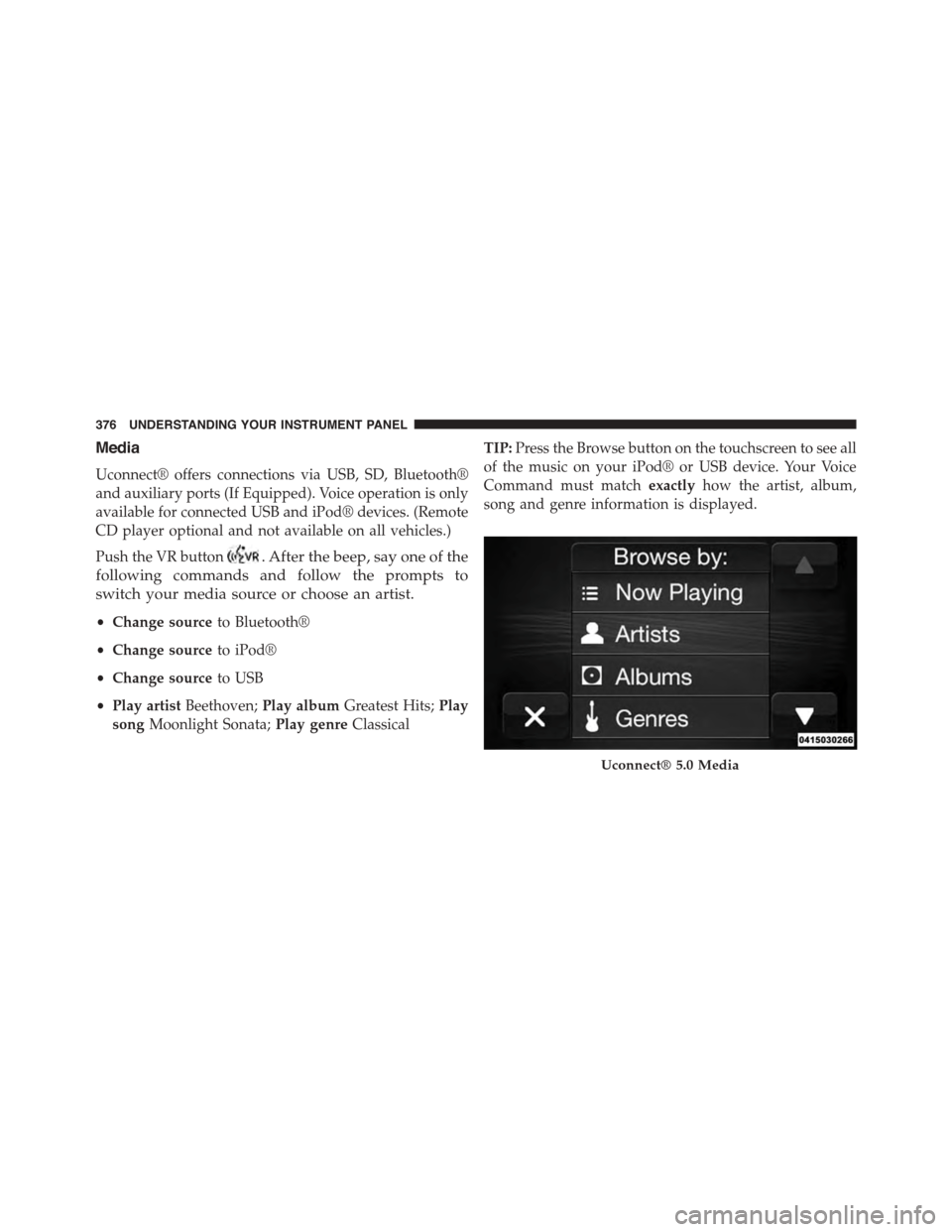
TIP:Press the Browse button on the touchscreen to see all
of the music on your iPod® or USB device. Your Voice
Command must matchexactlyhow the artist, album,
song and genre information is displayed.
Uconnect® 5.0 Media
376 UNDERSTANDING YOUR INSTRUMENT PANEL