Page 290 of 575
vehicle systems depending upon the type of driving
behavior desired. The Drive Modes feature is controlled
through the Uconnect® radio and may be accessed by
performing any of the following:
•Pushing the SRT button on the instrument panel
switch bank.
• Selecting “Drive Modes” from the “SRT & Apps”
menu. •
Selecting “Drive Modes” from within the Performance
Pages menu.
NOTE: Not all options listed in this manual are available
on every vehicle. Refer to the chart below for all available
Drive Mode vehicle configurations.
Engine/
Transmis- sion Red Key/
700+ HP Black Key/
500 HP Transmis-
sion Paddle
Shifters Suspen-
sion Steering Traction
6.2L Auto XXXXXN /AX
6.2L
Manual X
XN/A N/A XN/A X
6.4L Auto N/A N/A XXXX X
6.4L
Manual N/A N/A N/A N/A
XX X
288 UNDERSTANDING YOUR INSTRUMENT PANEL
Page 292 of 575
Transmission, Traction, Steering, and Suspension systems
are all set to their “Track” settings highlighted in red. The
Paddle Shifters are enabled.
Sport Mode
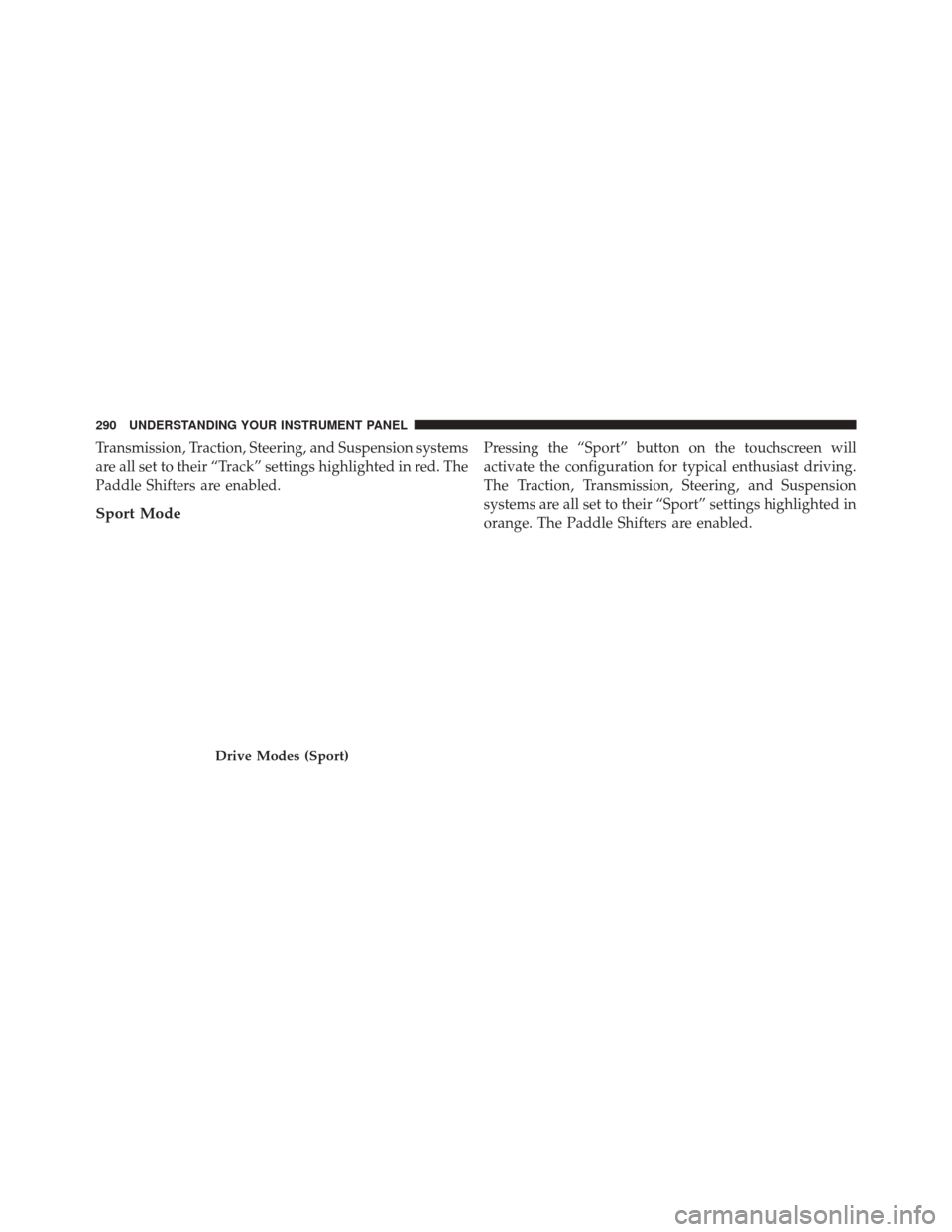
Pressing the “Sport” button on the touchscreen will
activate the configuration for typical enthusiast driving.
The Traction, Transmission, Steering, and Suspension
systems are all set to their “Sport” settings highlighted in
orange. The Paddle Shifters are enabled.
Drive Modes (Sport)
290 UNDERSTANDING YOUR INSTRUMENT PANEL
Page 293 of 575
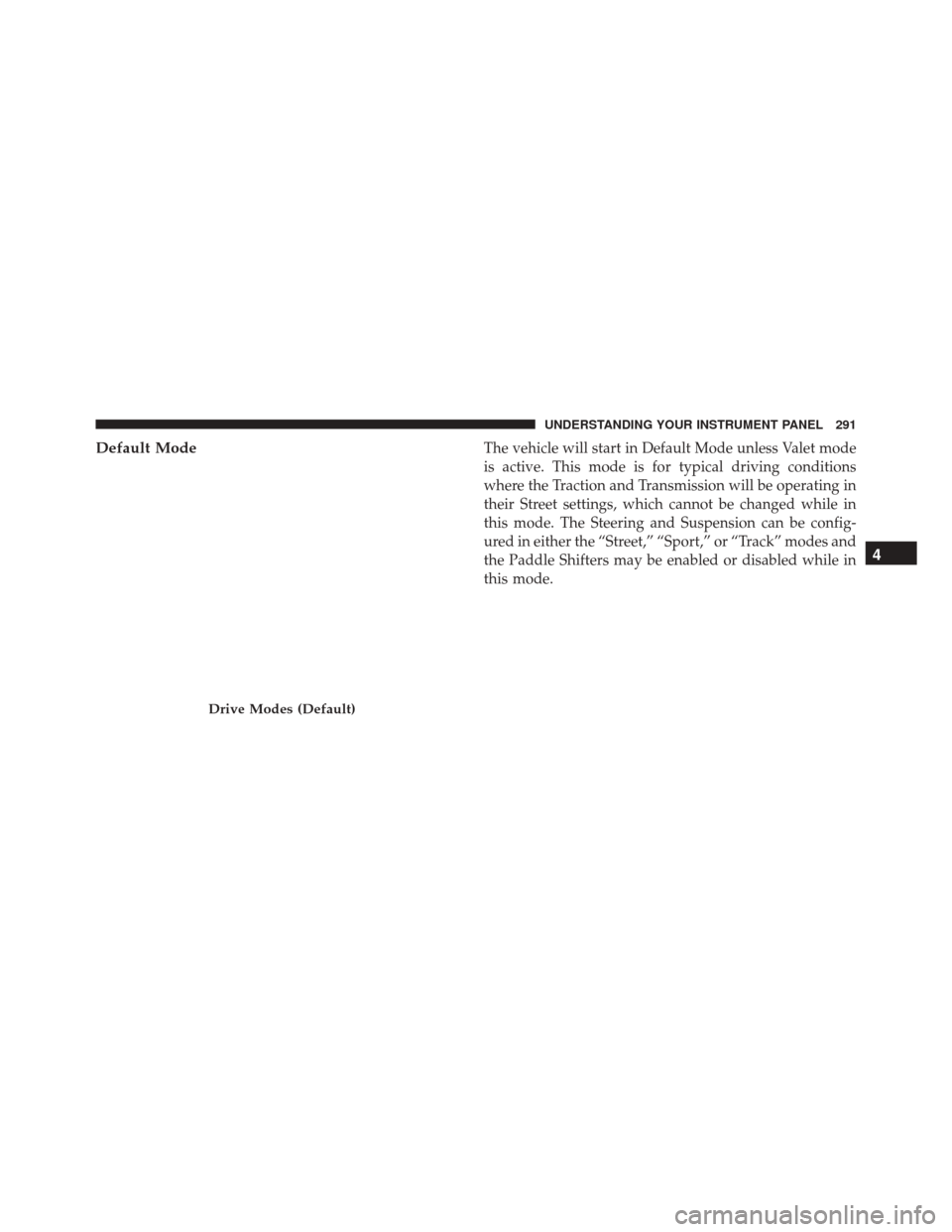
Default ModeThe vehicle will start in Default Mode unless Valet mode
is active. This mode is for typical driving conditions
where the Traction and Transmission will be operating in
their Street settings, which cannot be changed while in
this mode. The Steering and Suspension can be config-
ured in either the “Street,” “Sport,” or “Track” modes and
the Paddle Shifters may be enabled or disabled while in
this mode.
Drive Modes (Default)
4
UNDERSTANDING YOUR INSTRUMENT PANEL 291
Page 294 of 575
Custom Mode
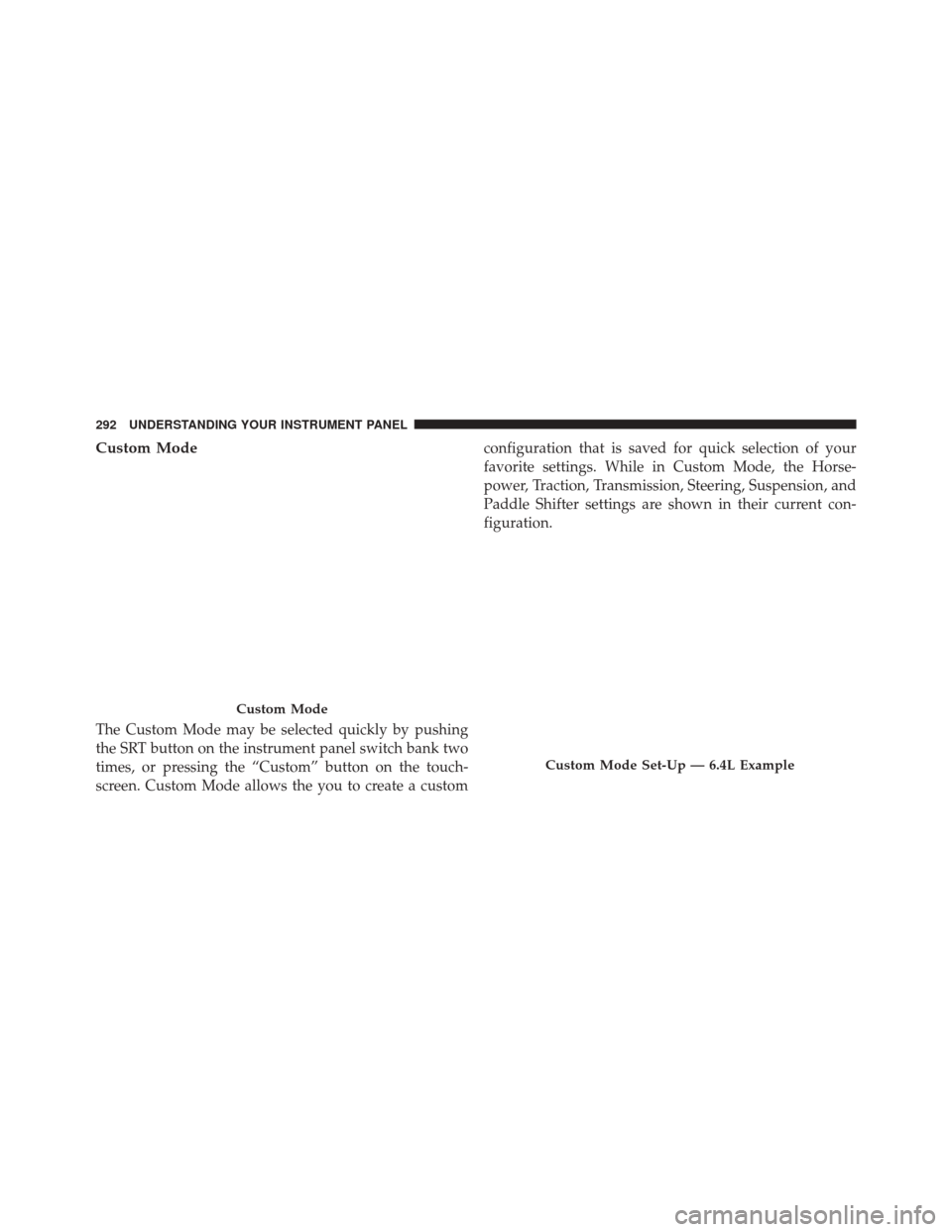
The Custom Mode may be selected quickly by pushing
the SRT button on the instrument panel switch bank two
times, or pressing the “Custom” button on the touch-
screen. Custom Mode allows the you to create a customconfiguration that is saved for quick selection of your
favorite settings. While in Custom Mode, the Horse-
power, Traction, Transmission, Steering, Suspension, and
Paddle Shifter settings are shown in their current con-
figuration.
Custom Mode
Custom Mode Set-Up — 6.4L Example
292 UNDERSTANDING YOUR INSTRUMENT PANEL
Page 297 of 575
•Sport
Press the “Sport” button on the touchscreen to provide
faster shift speeds and will have a moderate comfort
trade-off.
• Street
Press the “Street” button on the touchscreen to provide a
balance of shift speed and comfort for typical daily
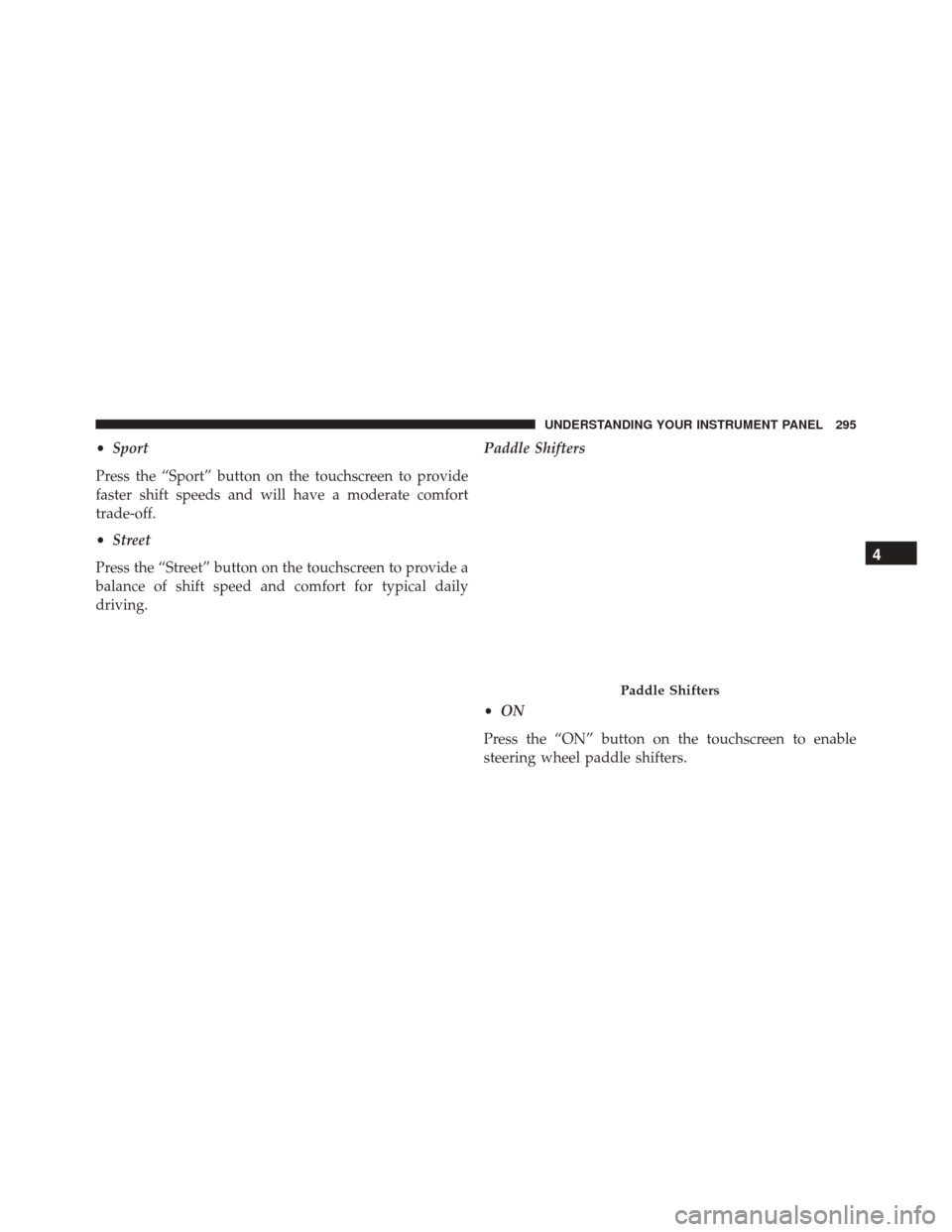
driving. Paddle Shifters
•
ON
Press the “ON” button on the touchscreen to enable
steering wheel paddle shifters.
Paddle Shifters
4
UNDERSTANDING YOUR INSTRUMENT PANEL 295
Page 298 of 575
•OFF
Press the “OFF” button on the touchscreen to disable
steering wheel paddle shifters.
Traction •
Track
Press the “Track” button on the touchscreen to modify
traction control to optimize track performance with the
least stability control.
• Sport
Press the “Sport” button on the touchscreen to turn off
traction control and reduce stability control.
• Street
Press the “Street” button on the touchscreen to provide
full traction control and full stability control.
Traction
296 UNDERSTANDING YOUR INSTRUMENT PANEL
Page 300 of 575
Steering — If Equipped With 6.4L Engine
•Track
Press the “Track” button on the touchscreen to adjust the
steering effort to the highest level.
• Sport
Press the “Sport” button on the touchscreen to adjust the
steering effort to the higher level.
• Street
Press the “Street� button on the touchscreen to adjust the
steering effort to the lowest level.Race Options
Press the “Race Options” button on the touchscreen
while in the Drive Modes screen, to display the vehicle’s
Race Options
298 UNDERSTANDING YOUR INSTRUMENT PANEL
Page 305 of 575
not set, so you are free to select any 4 digit numeric
combination that will be easy to remember.
While in Valet Mode the following vehicle configurations
are set and locked to prevent unauthorized modification:
•Engine limited to the lowest power output state.
• Transmission locks out access to first gear and up-
shifts earlier than normal.
• Traction, Steering, and Suspension are set to their
STREET settings.
• Steering wheel paddle shifters are disabled.
• The Drive Mode interface is not available. Pressing the
SRT button on the touchscreen will display the unlock
keypad.
• The ESC Off button is disabled.
• The Launch Control button is disabled. To exit Valet Mode you must enter the same 4 digit PIN
that was used to enter the mode. The unlock keypad can
be accessed by either pushing the SRT button on the
faceplate, or pressing the “Valet Mode Active – Press
Here to Exit” button on the touchscreen.
Valet Mode Deactivation
4
UNDERSTANDING YOUR INSTRUMENT PANEL 303