Page 238 of 603
NOTE:
•Holding the Up/Down or Left/Right arrow buttons
will loop the user through the currently selected menu
or options presented on the screen.
•Main menu and submenu’s wrap for continuous
scrolling.
•Upon returning to a main menu, the last submenu
screen viewed within that main menu will be dis-
played.
OK Button:
For Digital Speedometer
•Pushing the OK button changes units (MPH or km/h).
For Screen Setup and Vehicle Settings:
•OK button allows user to enter menu and submenus.
•Within each submenu layer, the up/down arrows will
allow the user to select the item of interest.
•Pushing the OK button makes the selection and a
confirmation screen will appear (returning the user to
the 1st page of the submenu).
•Pushing the left arrow button will exit each submenu
layer and return to the main menu.
For the Trip and Fuel Economy menus (and new Perfor-
mance Timers):
•Information is reset by pushing and holding the OK
button.
Engine Oil Life Reset
Oil Change Required
Your vehicle is equipped with an engine oil change
indicator system. The “Oil Change Required” message
will display in the DID for five seconds after a single
236 UNDERSTANDING YOUR INSTRUMENT PANEL
Page 249 of 603

•System Cancel
•Driver Override
•System Off
•ACC Proximity Warning
•ACC Unavailable Warning
•The DID will return to the last display selected after
five seconds of no ACC display activity.
For further information, refer to “Adaptive Cruise Con-
trol (ACC) — If Equipped” in “Understanding The
Features Of Your Vehicle”.
Fuel Economy
Push and release the UP or DOWN arrow button until
the Fuel Economy Menu item is highlighted in the DID.
•Two sub menu pages one with Current value dis-
played and one without the Current Value displayed:
– Current MPG (or L/100 km)
– Range (miles or km)
– Average MPG (or L/100 km)
– The Max and Min values will correspond to the
particular engine requirements
•Lower end of gauge will be displayed in an amber
color and turn green as Fuel Economy improves.
•MPG will have the gauge fill from the left (clockwise).
•L/100 km will have the gauge fill from the right
(counter clockwise).
•HoldOKto reset average fuel economy information.
4
UNDERSTANDING YOUR INSTRUMENT PANEL 247
Page 250 of 603
Trip Info
Push and release the UP or DOWN arrow button until
the Trip Menu item is highlighted in the DID (Toggle left
or right to select Trip A or Trip B). The Trip information
will display the following:
•Distance
•Average Fuel Economy
•Elapsed Time
Hold the OK button to reset feature information.
Audio
Push and release the UP or DOWN arrow button until
the Audio Menu displays in the DID.
Stored Messages
Push and release the UP or DOWN arrow button until
the Messages Menu item is highlighted in the DID. This
feature shows the number of stored warning messages.
Pushing the RIGHT arrow button will allow you to see
what the stored messages are.
Screen Setup
Push and release the UP or DOWN arrow button until
the Screen Setup Menu displays in the DID. Push and
release the OK button to enter the sub-menus. The Screen
Setup feature allows you to change what information is
displayed in the instrument cluster as well as the location
that information is displayed.
248 UNDERSTANDING YOUR INSTRUMENT PANEL
Page 256 of 603
Units
After pressing the “Units” button on the touchscreen the
following settings will be available:
•Units
When in this display, you may select each unit of measure
independently displayed in the Driver Information Dis-
play (DID), and navigation system (if equipped). The
following selectable units of measure are listed below:
•Speed
Select from: “MPH” or “km/h.”
•Distance
Select from: “mi” or “km.”
•Fuel Consumption
Select from: “MPG” (US), “MPG” (UK), “L/100 km” or
“km/L.”
•Capacity
Select from: “gal” (US), “gal” (UK), or “L.”
•Pressure
Select from: “psi,” “kPa,” or “bar.”
•Temperature
Select from: “°C,” or “°F.”
•Power
Select from: “HP” (US), “HP” (UK), and “kW.”
•Torque
Select from: “lb-ft” or “Nm.”
•After the desired setting has been selected, press the
back arrow/Done button on the touchscreen to return
to the previous menu.
254 UNDERSTANDING YOUR INSTRUMENT PANEL
Page 273 of 603

•Navigation Turn-By-Turn In Cluster — If Equipped
When this feature is selected, the turn-by-turn directions
will appear in the display as the vehicle approaches a
designated turn within a programmed route. To make
your selection, press the “Navigation Turn-By-Turn In
Cluster” button on the touchscreen, until a check-mark
appears next to the setting, showing that setting has been
selected. Press the back arrow button on the touchscreen
to return to the previous menu.
Units
After pressing the “Units” button on the touchscreen the
following settings will be available:
•Units
When in this display, you may select each unit of measure
independently displayed in the Driver Information Dis-
play (DID), and navigation system (if equipped). The
following selectable units of measure are listed below:
•Speed
Select from: “MPH” or “km/h.”
•Distance
Select from: “mi” or “km.”
•Fuel Consumption
Select from: “MPG” (US), “MPG” (UK), “L/100 km” or
“km/L.”
•Capacity
Select from: “gal” (US), “gal” (UK), or “L.”
•Pressure
Select from: “psi,” “kPa,” or “bar.”
•Temperature
Select from: “°C,” or “°F.”
4
UNDERSTANDING YOUR INSTRUMENT PANEL 271
Page 323 of 603
Climate Control Functions
A/C (Air Conditioning)
The Air Conditioning (A/C) button allows the operator
to manually activate or deactivate the air conditioning
system. When the air conditioning system is turned on,
cool dehumidified air will flow through the outlets into
the cabin. For improved fuel economy, press the A/C
button to turn off the air conditioning and manually
adjust the blower and airflow mode settings. Also, make
sure to select only Panel, Bi-Level or Floor modes.
NOTE:
•If fog or mist appears on the windshield or side glass,
select Defrost mode and adjust blower speed if
needed.
•If your air conditioning performance seems lower than
expected, check the front of the A/C condenser (lo-
cated in front of the radiator), for an accumulation of
dirt or insects. Clean with a gentle water spray from
behind the radiator and through the condenser. Fabric
front fascia protectors may reduce airflow to the
condenser, reducing air conditioning performance.
MAX A/C
MAX A/C sets the control for maximum cooling perfor-
mance.
Press and release to toggle between MAX A/C and the
prior settings. The button on the touchscreen illuminates
when MAX A/C is ON.
In MAX A/C, the blower level and mode position can be
adjusted to desired user settings. Pressing other settings
will cause the MAX A/C operation to switch to the prior
settings and the MAX A/C indicator will turn off.
4
UNDERSTANDING YOUR INSTRUMENT PANEL 321
Page 342 of 603
SiriusXM Travel Link™ (8.4A/8.4AN)
Need to find a gas station, view local movie listings,
check a sports score or the 5 - day weather forecast?
SiriusXM Travel Link™ is a suite of services that brings a
wealth of information right to your Uconnect® 8.4AN
system. (Not available for 8.4A system.)
Press the VR button. After the beep, say one of the
following commands:
•Show fuel prices
•Show 5 - day weather forecast
•Show extended weather
TIP:Traffic alerts are not accessible with Voice Com-
mand.
SiriusXM Travel Link™
340 UNDERSTANDING YOUR INSTRUMENT PANEL
Page 346 of 603
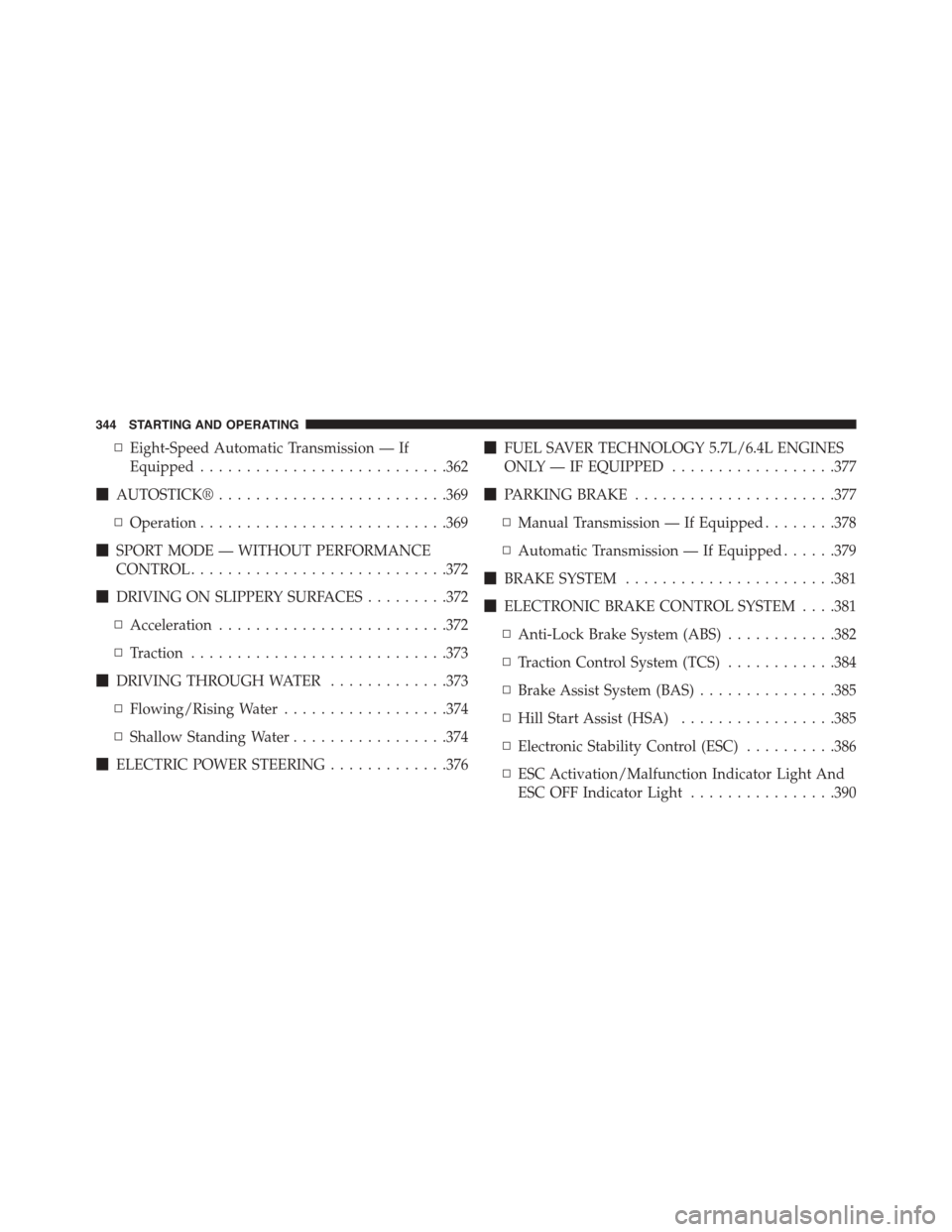
▫Eight-Speed Automatic Transmission — If
Equipped...........................362
!AUTOSTICK®.........................369
▫Operation...........................369
!SPORT MODE — WITHOUT PERFORMANCE
CONTROL............................372
!DRIVING ON SLIPPERY SURFACES.........372
▫Acceleration.........................372
▫Traction............................373
!DRIVING THROUGH WATER.............373
▫Flowing/Rising Water..................374
▫Shallow Standing Water.................374
!ELECTRIC POWER STEERING.............376
!FUEL SAVER TECHNOLOGY 5.7L/6.4L ENGINES
ONLY — IF EQUIPPED..................377
!PARKING BRAKE......................377
▫Manual Transmission — If Equipped........378
▫Automatic Transmission — If Equipped......379
!BRAKE SYSTEM.......................381
!ELECTRONIC BRAKE CONTROL SYSTEM . . . .381
▫Anti-Lock Brake System (ABS)............382
▫Traction Control System (TCS)............384
▫Brake Assist System (BAS)...............385
▫Hill Start Assist (HSA).................385
▫Electronic Stability Control (ESC)..........386
▫ESC Activation/Malfunction Indicator Light And
ESC OFF Indicator Light................390
344 STARTING AND OPERATING