Page 259 of 324
257
Level 1Level 2 Comments
Settings
Secondary page Languages Confirm
Select the language then confirm.
Settings
Secondary page Calculator Select the calculator.
Settings
Secondary page Calendar Select the calendar.
.
Audio and Telematics
Page 260 of 324

258
Audio settings
Press Settings to display the primary
page.
Select " Audio settings ".
Select " Ambience "
o
r "Balance "
o
r "Sound effects "
o
r "Ringtones "
o
r "Voice ".on
-board audio: ar kamys© Sound
Staging optimises sound distribution in
the the passenger compartment.
The distribution (or spatialisation using
the
ar
kamys® system) of sound is an
audio process that allows the audio
quality to be adapted to the number of
passengers in the vehicle.
Available only with the 6 -speaker
configuration.
The audio settings ( Ambience, Bass,
Tr e b l e and Loudness ) are different
and independent for each sound
source.
The settings for F-R balance and
L-R balance are common to all
sources.
-
" Ambience " (choice of 6 musical
ambiences)
-
" Bass "
-
" Tr e b l e "
-
" Loudness " (
ac
tivate/
de
activate)
-
" Balance " ("Driver ", "All
passengers ", "Front only ")
-
" Audible response from touch screen "- "Volume linked to vehicle
speed: " (ac
tivate/de activate)
Audio and Telematics
Page 261 of 324
259
Press on Settings to display the
primary page. Press on "
Settings" to display the
primary page.
Press on Settings
to display the
primary page.
Press on the secondary page. Press on the secondary page
Press on the secondary page.
Select " System Settings ". Select "Time/Date " to change the
time zone, synchronisation with GPS,
the time and its format, then the date.
Select "
Screen settings ".
Select " Units" to change the units
of distance, fuel consumption and
temperature. Select "
Languages " to change
language.
ac
tivate or deactivate "Activate
automatic text scrolling " and
" Activate animations "
Select " Delete data " to delete the
list of recent destinations, personal
points of interest, contacts in the list. Select "
Calculator " to display a
calculator.
Choose the item then select " Delete". Select "
Calendar " to display a
calendar.
Select " Factory settings " to return
to the original settings.
Modifying system settings
.
audio and Telematics
Page 262 of 324
260
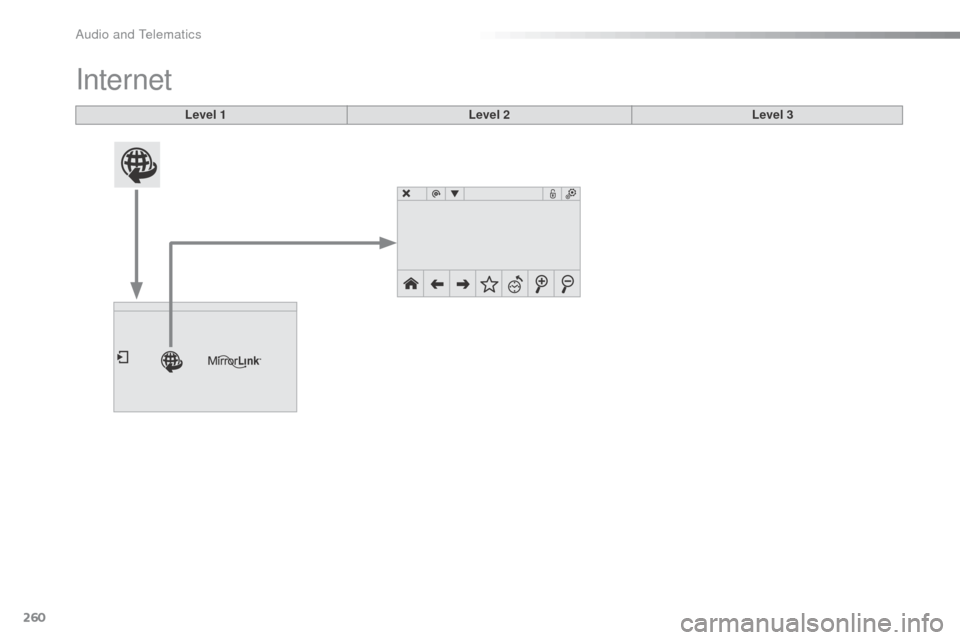
Internet
Level 1Level 2Level 3
audio and Telematics
Page 263 of 324
261
Internet browser
Authentication for Internet browsing via
a smartphone is done using the di al-Up
Networking (DUN) standard. Press on "
Internet browser " to
displays the browser's home page;
first connect your smartphone by
bl
uetooth, option "Internet", see the
" Telephone " section.
Some smartphones of the latest
generation do not support this
standard. Press on Internet
to display the
primary page.
.
audio and Telematics
Page 264 of 324
262
Level 1Level 2Level 3
Usage monitor
Internet
Wi-Fi network connectionBluetooth
(devices)
Audio and Telematics
Page 265 of 324
263
Level 1Level 2 Level 3 Comments
Internet
Secondary page Bluetooth
Connection Search
Start the search for a device to connect.
Connect /
Disconnect Start or end the
b
l
uetooth connection to the
selected device.
Update Import contacts from the selected telephone to
save them in the audio system.
Delete
del
ete the selected telephone.
Confirm Save the settings.
Internet
Secondary page Transfer rate Reset
Reset the usage monitor, them confirm.
Confirm
Internet
Secondary page WiFi connection All
Display all Wi-Fi networks.
Secure Display secure Wi-Fi networks.
Stored Memorise the selected Wi-Fi network(s).
Add Add a new Wi-Fi network.
Activate / Deactivate Activate or deactivate a Wi-Fi network.
Connect Select a Wi-Fi network found by the system and
connect to it.
.
Audio and Telematics
Page 266 of 324
264
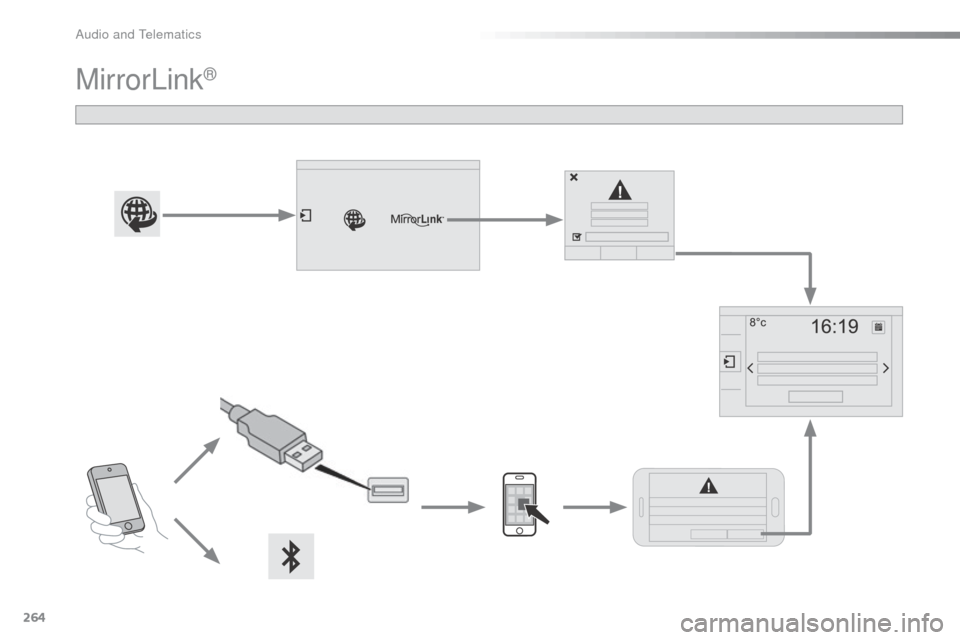
MirrorLink®
audio and Telematics