Page 180 of 271

178
C1_en_Chap10_verifications_ed01-2015
ETG gearbox
The ETG gearbox does not require
any maintenance (no oil change).
Refer to the manufacturer's service
schedule for information on when this
unit should be checked.
Brake wear depends on the style
of driving, particularly in the case
of vehicles used in town, over short
distances. It may be necessary to
Brake pads
For information on checking brake
disc wear, contact a CITROËN dealer
or a qualified workshop.
Brake disc wearOnly use products recommended by
CITROËN or products of equivalent
quality and specification.
In order to optimise the operation of
units as important as those in the
braking system, CITROËN selects and
offers very specific products.
After washing the vehicle, dampness,
or in wintry conditions, ice can form
on the brake discs and pads: braking
efficiency may be reduced. Make light
brake applications to dry and defrost
the brakes.
Parking brake
If excessive travel or a loss of
effectiveness of this system is
noticed, the parking brake must be
checked, even between two
ser
vices.
Checking this system must be done by a
CITROËN dealer or a qualified workshop.
have the condition of the brakes checked, even
between vehicle services.
Unless there is a leak in the circuit, a drop in
the brake fluid level indicates that the brake
pads are worn.
Checks
Page 196 of 271
194
C1_en_Chap12a_Autoradio_Toyota_tactile-1_ed01-2015
DAB (Digital Audio Broadcasting) radio
Display "DAB" waveband.Display the name and "Radiotext" for
the current station.
Short-cut: access to the choice of
audio source, telephone functions and
SmartphoneLink
® mode.
Select the radio station.
Preset stations.
Short press: select the preset
radio station.
Long press: preset a radio
station.
"Next multiplex".
Next radio station.
Display the name and number of the
"Multiplex" service being used.
"Previous multiplex". "DAB radio configuration".
Previous radio station. If the "DAB" radio station being listened
to is not available, the "FM" waveband
appears in the screen.
Audio and Telematics
Page 203 of 271
201
C1_en_Chap12a_Autoradio_Toyota_tactile-1_ed01-2015
Level 1Level 2 Level 3 Comment
Contacts
After making choices, start the call.
Favourites
Call history
Enter a number Call Enter a number then start the call.
Telephone/ message
configuration Connect the
telephone
Telephone
Select the services to use on the
peripheral device.
Audio player
Sounds
configuration Ringtone
Choose settings, activate or
deactivate options.
Ringtone volume
Incoming SMS/MMS tone
Incoming SMS/MMS volume
Incoming e-mail tone
Incoming e-mail volume
Incoming call volume
Contacts/
call histor y
configuration Automatic transfer
Update telephone contacts
Sort contacts by
Add favourite
Remove favourite
Message
configuration Display of incoming calls
Contacts/call history transfer state
Telephone
display
configuration Display of incoming calls
Contacts/call history transfer state
.
Audio and Telematics
Page 204 of 271
202
C1_en_Chap12a_Autoradio_Toyota_tactile-1_ed01-2015
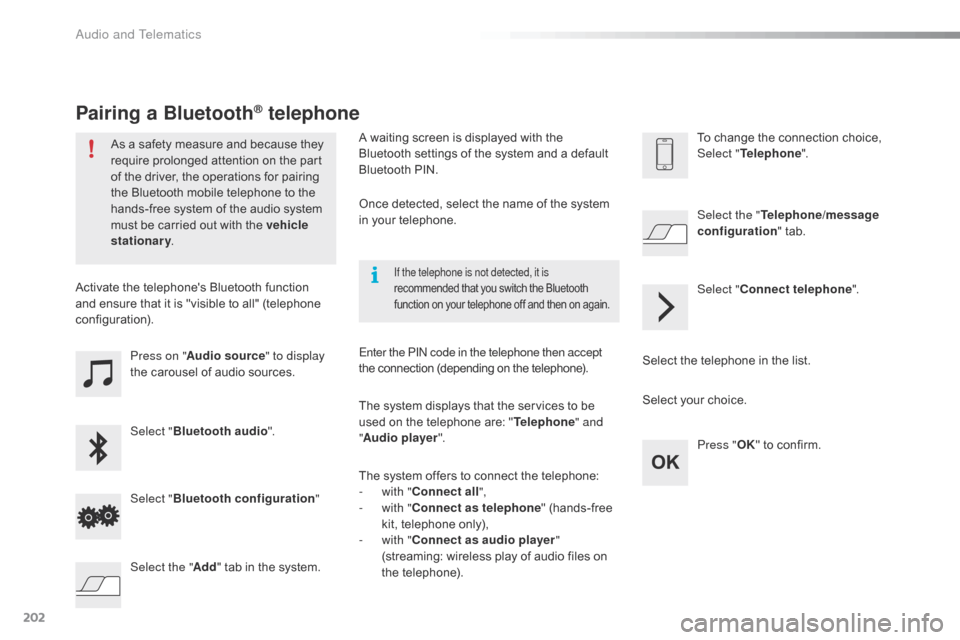
Press on "Audio source " to display
the carousel of audio sources.
Select " Bluetooth audio ".
Select " Bluetooth configuration "
Activate the telephone's Bluetooth function
and ensure that it is "visible to all" (telephone
configuration).
Select the telephone in the list.Select "
Connect telephone ".
Select the "
Telephone/message
configuration " tab.
Select your choice.
Select the " Add" tab in the system. Press "
OK" to confirm.
If the telephone is not detected, it is
recommended that you switch the Bluetooth
function on your telephone off and then on again.
As a safety measure and because they
require prolonged attention on the part
of the driver, the operations for pairing
the Bluetooth mobile telephone to the
hands-free system of the audio system
must be carried out with the vehicle
stationary .
Pairing a Bluetooth® telephone
A waiting screen is displayed with the
Bluetooth settings of the system and a default
Bluetooth
PIN.
Once detected, select the name of the system
in your telephone.
The system displays that the services to be
used on the telephone are: " Telephone" and
" Audio player ".
The system offers to connect the telephone:
-
w
ith "Connect all",
-
w
ith "Connect as telephone " (hands-free
kit, telephone only),
-
w
ith "Connect as audio player "
(streaming: wireless play of audio files on
the telephone).
Enter the PIN code in the telephone then accept
the connection (depending on the telephone). To change the connection choice,
Select "
Telephone ".
Audio and Telematics
Page 205 of 271
203
C1_en_Chap12a_Autoradio_Toyota_tactile-1_ed01-2015
The services available depend on
the network, the SIM card and the
compatibility of the Bluetooth telephone
used. Check the telephone manual and
with your network provider for details of
the services available to you.
The profiles compatible with the system
are: HFP, OPP, PBAP, A2DP, AVRCP,
M A P.This function allows the connection or
disconnection of a peripheral device as
well as the deletion of a pairing.
Automatic reconnection
When the ignition is switched on, the last
telephone connected when the ignition was
switched off reconnects automatically, if this
connection made had been activated during the
pairing procedure (see previous pages).
Connection is confirmed by the display of a
message and the name of the telephone.
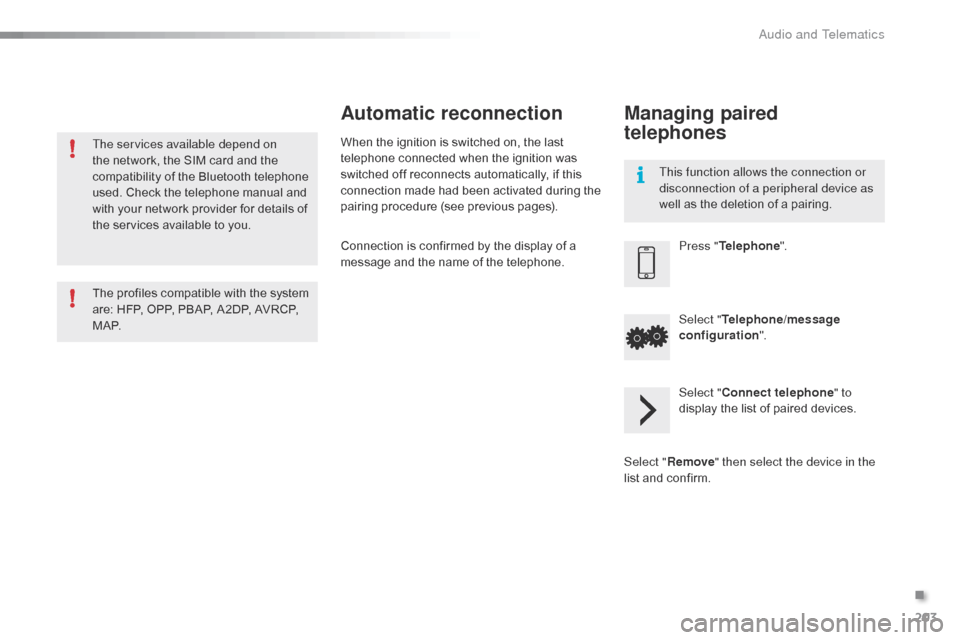
Managing paired
telephones
Press "
Telephone ".
Select " Telephone/message
configuration ".
Select " Connect telephone " to
display the list of paired devices.
Select " Remove " then select the device in the
list and confirm.
.
Audio and Telematics
Page 211 of 271
209
C1_en_Chap12a_Autoradio_Toyota_tactile-1_ed01-2015
Level 1Level 2 Level 3 Comment
Configuration Bluetooth Telephone
Select the services to use on the peripheral
device.
Audio player
Add Connect a new peripheral device.
System configuration Telephone
Select the services to use on the peripheral
device.
Audio player
Cancel
Remove Disconnect and remove a peripheral device
from the list.
Configuration Telephone Connect the telephone
See the telephone section.
Sounds configuration
Contacts/call history configuration
Message configuration
Telephone display configuration
Configuration Screen off Select this mode to switch off the screen, touch
the screen to restore.
.
Audio and Telematics
Page 220 of 271

218
C1_en_Chap12a_Autoradio_Toyota_tactile-1_ed01-2015
Frequently asked questions
The following table groups together the answers to the most frequently asked questions concerning your audio system.
Telephone, Bluetooth®
QUESTIONANSWER SOLUTION
I cannot connect my
Bluetooth telephone. The telephone's Bluetooth function may be switched off or the
telephone may not be visible. -
C
heck that your telephone's Bluetooth
function is switched on.
-
C
heck in the telephone settings that it is
"visible to all".
The Bluetooth telephone is not compatible with the system. You can check the compatibility of your
telephone at www.citroen.co.uk (services).
The volume of the
telephone connected
in Bluetooth mode is
inaudible. The volume depends both on the system and on the telephone. Increase the volume of the audio system, to
maximum if required, and increase the volume of
the telephone if necessary.
The ambient noise level has an influence on the quality of
telephone communication. Reduce the ambient noise level (close the
windows, reduce the booster fan speed, slow
down, ...).
Contacts are not shown in
alphabetical order. Some telephones offer display options. Depending on the settings
chosen, contacts can be transferred in a specific order. Modify the display setting in the telephone
di r e c to r y.
The system does
not receive SMS text
messages. The Bluetooth mode on your telephone does not permit sending
SMS text messages to the system.
Audio and Telematics
Page 241 of 271

239
C1_en_Chap12b_Autoradio_Toyota-2_ed01-2015
The following table groups together the answers to the most frequently asked questions concerning your audio system.
Frequently asked questions
Telephone, Bluetooth®
QUESTIONANSWER SOLUTION
I cannot connect my
Bluetooth telephone. The telephone's Bluetooth function may be switched off or the
telephone may not be visible. -
C
heck that your telephone's Bluetooth
function is switched on.
-
C
heck in the telephone settings that it is
"visible to all".
The Bluetooth telephone is not compatible with the system. You can check the compatibility of your
telephone at www.citroen.co.uk (services).
The volume of the
telephone connected
in Bluetooth mode is
inaudible. The volume depends both on the system and on the telephone. Increase the volume of the audio system, to
maximum if required, and increase the volume of
the telephone if necessary.
The ambient noise level has an influence on the quality of
telephone communication. Reduce the ambient noise level (close the
windows, reduce the booster fan speed, slow
down, ...).
Contacts are not shown in
alphabetical order. Some telephones offer display options. Depending on the settings
chosen, contacts can be transferred in a specific order. Modify the display setting in the telephone
di r e c to r y.
The system does
not receive SMS text
messages. The Bluetooth mode on your telephone does not permit sending
SMS text messages to the system.
.
Audio and Telematics


