Page 373 of 698
Instrument Cluster Messages For (EVIC) And
(DID)
•Front Seatbelts Unbuckled
• Driver Seatbelt Unbuckled
• Passenger Seatbelt Unbuckled
• Service Airbag System
• Traction Control Off
• Washer Fluid Low
• Oil Pressure Low
• Oil Change Due
• Fuel Low
• Service Antilock Brake System
• Service Electronic Throttle Control •
Service Power Steering
• Cruise Off
• Cruise Ready
• Cruise Set To XXX MPH
• Cruise Set To XXX KM/H
• Tire Pressure Screen With Low Tire(s) “Inflate Tire to
XX”
• Service Tire Pressure System
• Parking Brake Engaged
• Brake Fluid Low
• Service Electronic Braking System
• Engine Temperature Hot
• Battery Voltage Low
4
UNDERSTANDING YOUR INSTRUMENT PANEL 371
Page 374 of 698
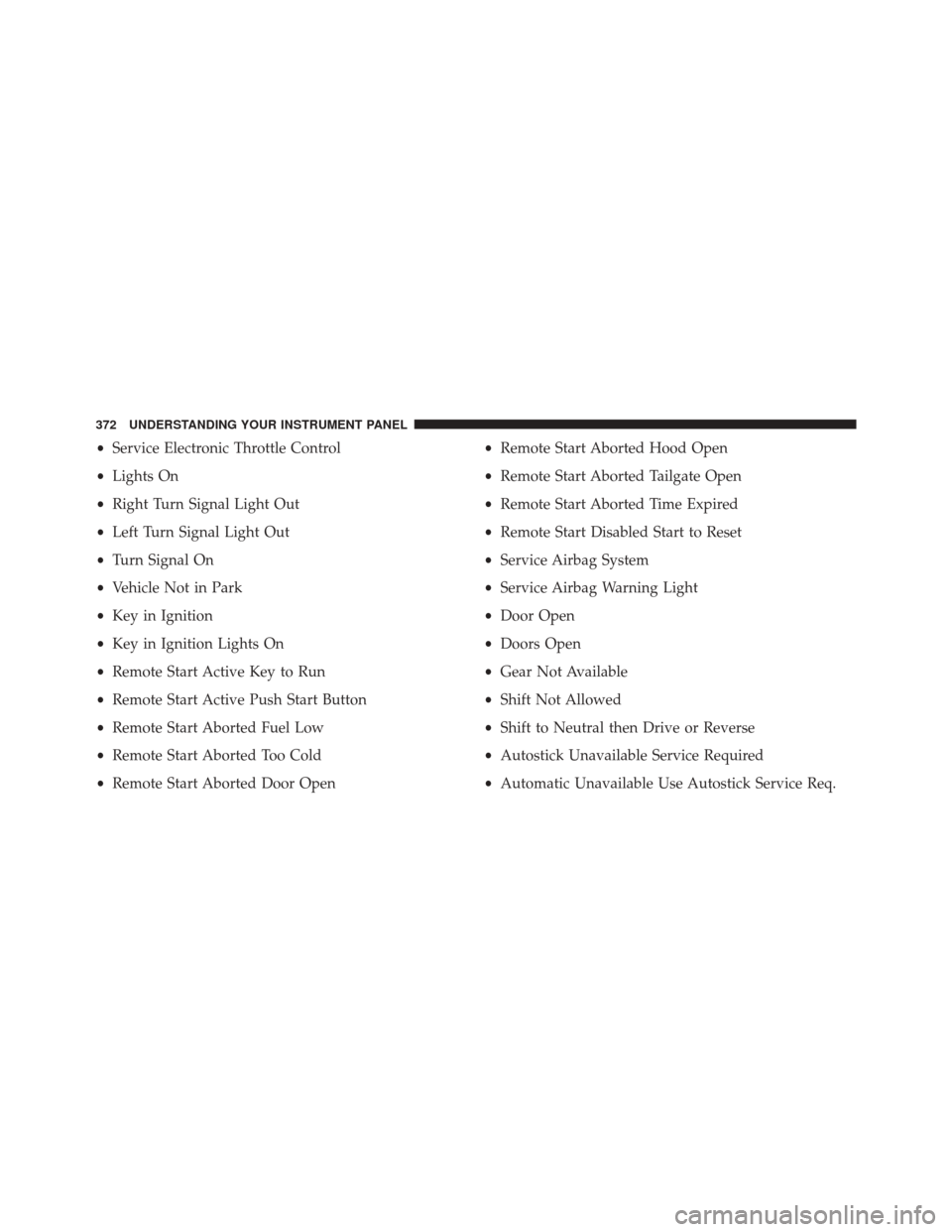
•Service Electronic Throttle Control
• Lights On
• Right Turn Signal Light Out
• Left Turn Signal Light Out
• Turn Signal On
• Vehicle Not in Park
• Key in Ignition
• Key in Ignition Lights On
• Remote Start Active Key to Run
• Remote Start Active Push Start Button
• Remote Start Aborted Fuel Low
• Remote Start Aborted Too Cold
• Remote Start Aborted Door Open •
Remote Start Aborted Hood Open
• Remote Start Aborted Tailgate Open
• Remote Start Aborted Time Expired
• Remote Start Disabled Start to Reset
• Service Airbag System
• Service Airbag Warning Light
• Door Open
• Doors Open
• Gear Not Available
• Shift Not Allowed
• Shift to Neutral then Drive or Reverse
• Autostick Unavailable Service Required
• Automatic Unavailable Use Autostick Service Req.
372 UNDERSTANDING YOUR INSTRUMENT PANEL
Page 375 of 698

•Transmission Getting Hot Press Brake
• Trans. Hot Stop Safely Shift to Park Wait to Cool
• Transmission Cool Ready to Drive
• Service Transmission
• Service Shifter
• Engage Park Brake to Prevent Rolling
• Transmission Too cold Idle with Engine On
• Washer Fluid Low
The Reconfigurable Telltales section is divided into the
white telltales area on the right, amber telltales in the
middle, and red telltales on the left.EVIC Selectable Menu Items
Push and release the UP or DOWN arrow buttons until
the desired Selectable Menu icon is highlighted in the
EVIC.
Speedometer
Push and release the UP or DOWN arrow button until
the Speedometer Menu displays in the EVIC/DID. Push
and release the RIGHT arrow button to toggle
between km/h and MPH and push the OK button to
select your speedometer display.
Vehicle Info
Push and release the UP or DOWN arrow button until
the Vehicle Info icon is highlighted in the EVIC/DID.
Push and release the RIGHT arrow button and Coolant
Temp will be displayed. Push the LEFT or RIGHT arrow
4
UNDERSTANDING YOUR INSTRUMENT PANEL 373
Page 376 of 698

button to scroll through the information sub-menus and
Push the OK button to select or reset the following
resettable sub-menus:
Tire Pressure
Push and release the UP or DOWN arrow button until
“Tire Pressure” is highlighted in the EVIC/DID. Push
and release the RIGHT arrow button and one of the
following will be displayed:
If tire pressure is OK for all tires a vehicle ICON is
displayed with tire pressure values in each corner of the
ICON.
If one or more tires have low pressure, “Inflate Tire To
XX” is displayed with the vehicle ICON and the tire
pressure values in each corner of the ICON with the
pressure value of the low tire displayed in a different
color than the other tire pressure value.If the Tire Pressure system requires service, “Service Tire
Pressure System” is displayed.
Tire PSI is an information only function and cannot be
reset. Push and release the LEFT arrow button to return
to the main menu.
Refer to “Tire Pressure Monitoring System (TPMS)”
under “Starting and Operating” for further information.
Coolant Temperature
Transmission Temperature – Automatic Transmission
Only
Oil Temp
Oil Life
Battery Voltage
374 UNDERSTANDING YOUR INSTRUMENT PANEL
Page 389 of 698

NOTE:If your vehicle has experienced any damage in
the area where the sensor is located, even if the fascia is
not damaged, the sensor may have become misaligned.
Take your vehicle to an authorized dealer to verify sensor
alignment. Having a sensor that is misaligned will result
in the BSM not operating to specification.
• ParkView® Backup Camera Active Guidelines — If
Equipped
When this feature is enabled, active (dynamic) grid lines
are overlaid on the Rear Backup Camera image to
illustrate the width of the vehicle and its projected back
up path based on the steering wheel position. A dashed
center line overlay indicates the center of the vehicle to
assist with parking or aligning to a hitch/receiver.
• ParkView® Backup Camera Fixed Guidelines — If
Equipped
When this feature is enabled, fixed (static) grid lines are
overlaid on the Rear Backup Camera image to illustrate
the width of the vehicle. •
ParkView® Backup Camera Delay
When this feature is enabled, it will allow the ParkView®
Backup Camera display to remain on while in drive for
up to 10 seconds, or 8 mph (13 km/h).
• Rain Sensing Auto Wipers
When this feature is selected, the system will automati-
cally activate the windshield wipers if it senses moisture
on the windshield and the wipers are set to an intermit-
tent position. To make your selection, press the “Rain
Sensing” button on the touchscreen, until a check-mark
appears next to the setting, showing that setting has been
selected. Press the back arrow button on the touchscreen
to return to the previous menu.
• Electric Park Brake Service Mode — If Equipped
This feature provides a means for a technician or vehicle
owner to utilize a vehicle integrated, menu driven system, to
command the electric park brake retraction, to service the
rear foundation brakes (brake pads, calipers, rotors, etc.).
4
UNDERSTANDING YOUR INSTRUMENT PANEL 387
Page 397 of 698

•AUX Volume Match
This feature provides the ability to tune the audio level
for portable devices connected through the AUX input.
To make your selection, press the AUX Volume Match
button on the touchscreen, choose a level from –3 to +3
followed by pressing the back arrow button on the
touchscreen.
Phone/Bluetooth®
After pressing the “Phone/Bluetooth®” button on the
touchscreen the following settings will be available:
• Paired Devices
This feature shows which phones are paired to the
Phone/Bluetooth® system. For further information, refer
to the Uconnect® Supplement Manual.
SiriusXM Setup
After pressing the SIRIUS Setup button on the touch-
screen the following settings will be available.
• Channel Skip
SiriusXM can be programmed to designate a group of
channels that are the most desirable to listen to, or to exclude
undesirable channels while scanning. To make your selec-
tion, press the Channel Skip button on the touchscreen,
select the channels you would like to skip followed by
pressing the back arrow button on the touchscreen.
•Subscription Information
New vehicle purchasers or lessees will receive a free
limited time subscription to SiriusXM™ Satellite Radio
with your radio. Following the expiration of the free
services, it will be necessary to access the information on
the Subscription Information screen in order to re-
subscribe.
4
UNDERSTANDING YOUR INSTRUMENT PANEL 395
Page 398 of 698

Press the Subscription Info button on the touchscreen to
access the Subscription Information screen.
Write down the SIRIUS ID numbers for your receiver. To
reactivate your service, either call the number listed on
the screen or visit the provider online.
NOTE:SiriusXM Travel Link™ is a separate subscription
and is available for U.S. residents only.
Restore Settings
After pressing the “Restore Settings” button on the
touchscreen the following settings will be available:
• Restore Settings
When this feature is selected it will reset the Display,
Clock, Audio, and Radio Settings to their default settings.
To restore the settings to their default setting, press the
Restore Settings button. A pop-up will appear asking
�Are you sure you want to reset your settings to default?” select Yes to restore, or Cancel to exit. Once the settings
are restored, a pop up appears stating
�settings reset to
default.� Press the okay button on the touchscreen to exit.
Clear Personal Data
After pressing the “Clear Personal Data Settings” button
on the touchscreen the following settings will be avail-
able:
•Clear Personal Data
When this feature is selected it will remove personal data
including Bluetooth® devices and presets. To Clear Per-
sonal Data press the “Yes” or “No” button on the
touchscreen. A check mark will appear in the box when
selected. Then press the back arrow button on the touch-
screen.
396 UNDERSTANDING YOUR INSTRUMENT PANEL
Page 423 of 698
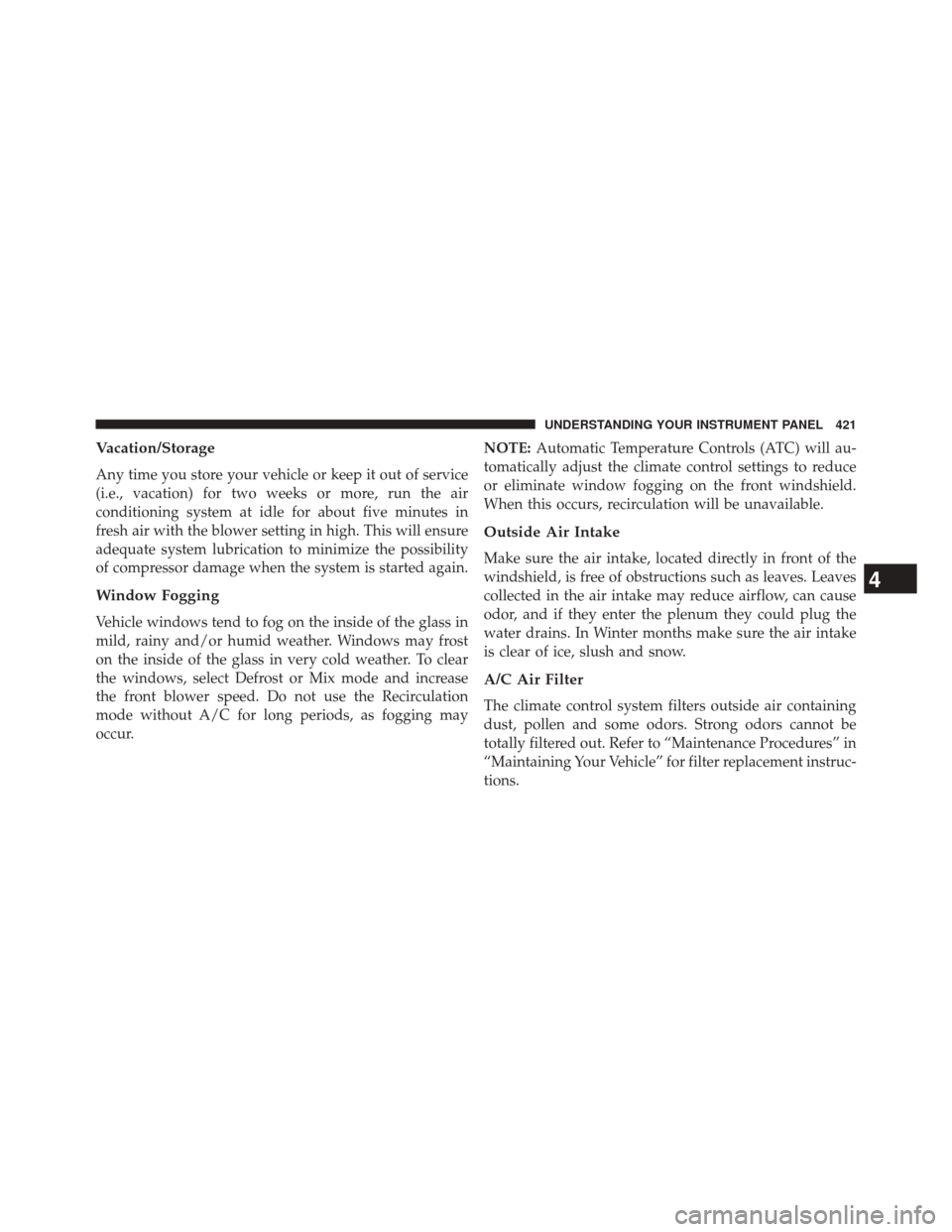
Vacation/Storage
Any time you store your vehicle or keep it out of service
(i.e., vacation) for two weeks or more, run the air
conditioning system at idle for about five minutes in
fresh air with the blower setting in high. This will ensure
adequate system lubrication to minimize the possibility
of compressor damage when the system is started again.
Window Fogging
Vehicle windows tend to fog on the inside of the glass in
mild, rainy and/or humid weather. Windows may frost
on the inside of the glass in very cold weather. To clear
the windows, select Defrost or Mix mode and increase
the front blower speed. Do not use the Recirculation
mode without A/C for long periods, as fogging may
occur.NOTE:
Automatic Temperature Controls (ATC) will au-
tomatically adjust the climate control settings to reduce
or eliminate window fogging on the front windshield.
When this occurs, recirculation will be unavailable.
Outside Air Intake
Make sure the air intake, located directly in front of the
windshield, is free of obstructions such as leaves. Leaves
collected in the air intake may reduce airflow, can cause
odor, and if they enter the plenum they could plug the
water drains. In Winter months make sure the air intake
is clear of ice, slush and snow.
A/C Air Filter
The climate control system filters outside air containing
dust, pollen and some odors. Strong odors cannot be
totally filtered out. Refer to “Maintenance Procedures” in
“Maintaining Your Vehicle” for filter replacement instruc-
tions.
4
UNDERSTANDING YOUR INSTRUMENT PANEL 421