Page 402 of 698

antenna, it is recommended that the radio volume be
turned down or off during mobile phone operation when
not using Uconnect® (if equipped).
General Information
This device complies with Part 15 of the FCC rules and
RSS 210 of Industry Canada. Operation is subject to the
following conditions:
•Changes or modifications not expressly approved by
the party responsible for compliance could void the
user’s authority to operate the equipment.
• This device may not cause harmful interference.
• This device must accept any interference received,
including interference that may cause undesired op-
eration.
CLIMATE CONTROLS
The air conditioning and heating system is designed to
make you comfortable in all types of weather. This
system can be operated through either the controls on the
instrument panel or through the Uconnect® system dis-
play.
When the Uconnect® system is in different modes (Ra-
dio, Player, Settings, More, etc.) the driver and passenger
temperature settings will be indicated at the top of the
display.
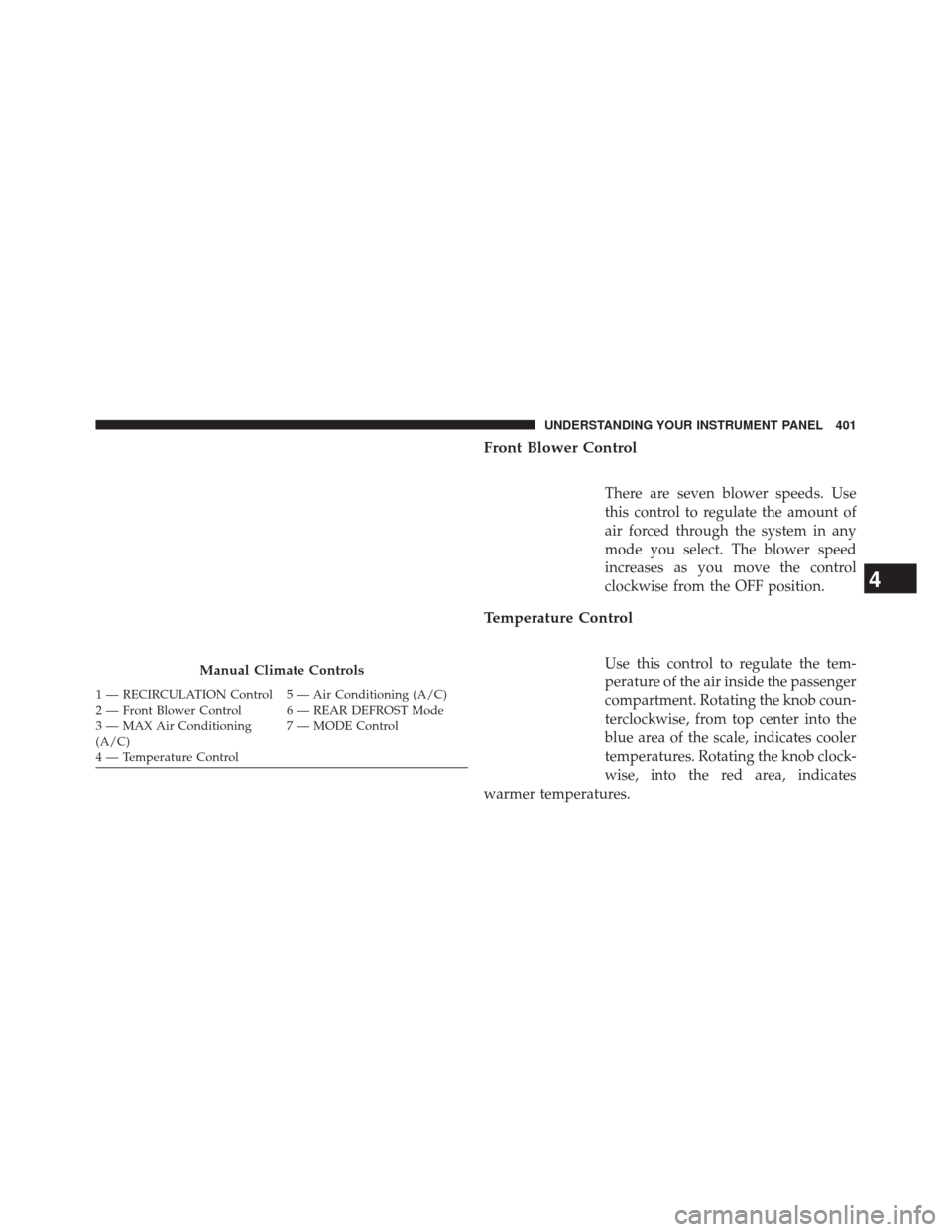
Manual Climate Controls
The controls for the manual heating and air conditioning
system in this vehicle consist of a series of outer rotary
dials and inner push knobs. These comfort controls can
be set to obtain desired interior conditions.
400 UNDERSTANDING YOUR INSTRUMENT PANEL
Page 403 of 698
Front Blower Control
There are seven blower speeds. Use
this control to regulate the amount of
air forced through the system in any
mode you select. The blower speed
increases as you move the control
clockwise from the OFF position.
Temperature Control
Use this control to regulate the tem-
perature of the air inside the passenger
compartment. Rotating the knob coun-
terclockwise, from top center into the
blue area of the scale, indicates cooler
temperatures. Rotating the knob clock-
wise, into the red area, indicates
warmer temperatures.Manual Climate Controls
1 — RECIRCULATION Control 5 — Air Conditioning (A/C)
2 — Front Blower Control 6 — REAR DEFROST Mode
3 — MAX Air Conditioning
(A/C) 7 — MODE Control
4 — Temperature Control
4
UNDERSTANDING YOUR INSTRUMENT PANEL 401
Page 407 of 698
Rotate the temperature control knob to the desired tem-
perature. Also, make sure to select only Panel, Bi-Level or
Floor modes.
Stop/Start System — If Equipped
While in an Autostop, the Climate Controls system may
automatically adjust airflow to maintain cabin comfort.
Customer settings will be maintained upon return to an
engine running condition.
Manual Climate Controls With Touchscreen — If
Equipped
Buttons On Your Uconnect® Faceplate
The buttons on the faceplate are located below the
Uconnect® screen.
Uconnect® Manual Climate Controls — Buttons On TheFaceplate
4
UNDERSTANDING YOUR INSTRUMENT PANEL 405
Page 410 of 698

CAUTION!
Failure to follow these cautions can cause damage to
the heating elements:
•Use care when washing the inside of the rear
window. Do not use abrasive window cleaners on
the interior surface of the window. Use a soft cloth
and a mild washing solution, wiping parallel to the
heating elements. Labels can be peeled off after
soaking with warm water.
• Do not use scrapers, sharp instruments, or abrasive
window cleaners on the interior surface of the
window.
• Keep all objects a safe distance from the window. 6. Blower Control
Blower control is used to regulate the amount of air
forced through the climate system. There are seven
blower speeds available. Adjusting the blower will cause
automatic mode to switch to manual operation. The
speeds can be selected using either buttons on the
faceplate or buttons on the touchscreens as follows:
Knob On The Faceplate
The blower speed increases as you turn the control
clockwise from the lowest blower setting. The blower
speed decreases as you turn the knob counterclockwise.
Buttons On The Touchscreen
Use the small blower icon to reduce the blower setting
and the large blower icon to increase the blower setting.
Blower can also be selected by pressing the blower bar
area between the icons.
408 UNDERSTANDING YOUR INSTRUMENT PANEL
Page 412 of 698
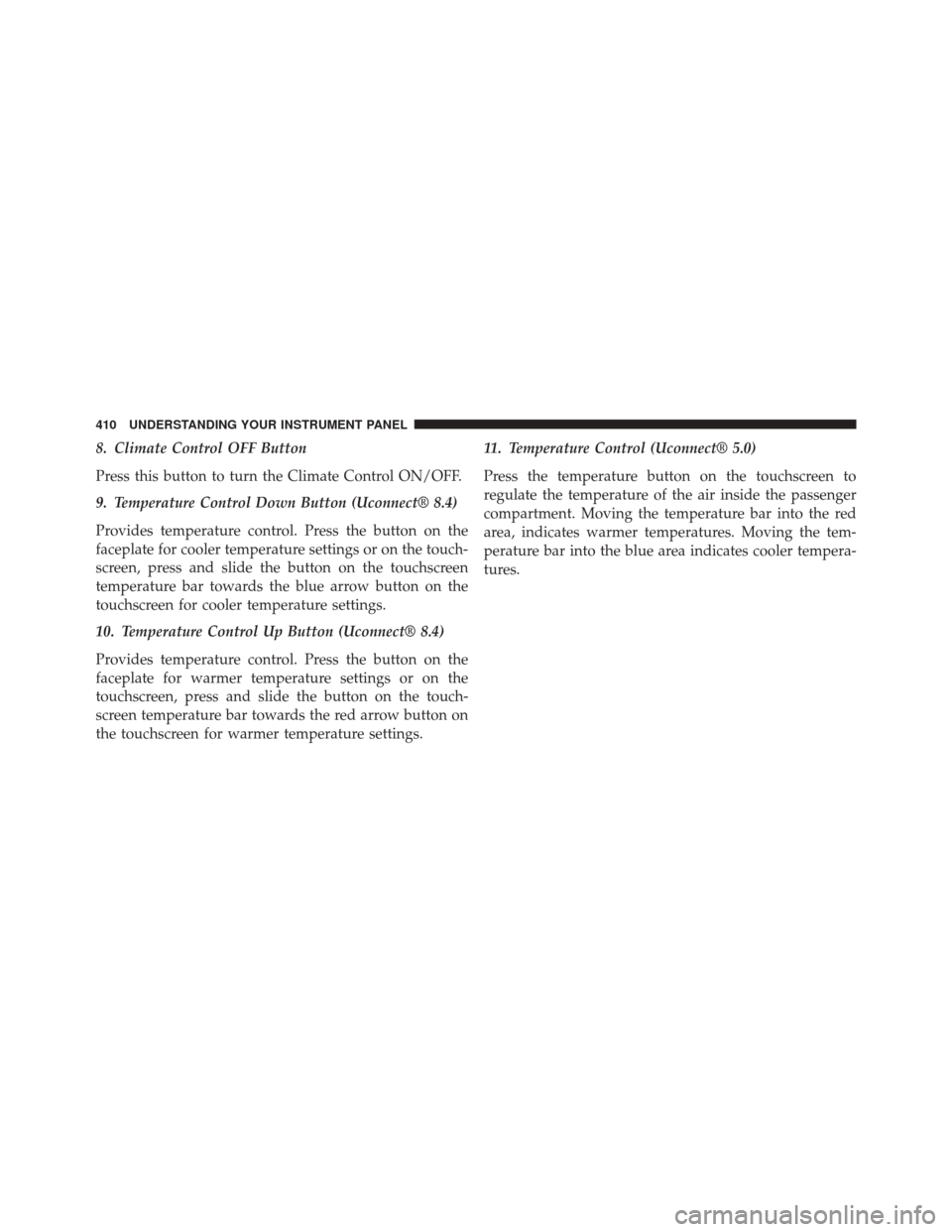
8. Climate Control OFF Button
Press this button to turn the Climate Control ON/OFF.
9. Temperature Control Down Button (Uconnect® 8.4)
Provides temperature control. Press the button on the
faceplate for cooler temperature settings or on the touch-
screen, press and slide the button on the touchscreen
temperature bar towards the blue arrow button on the
touchscreen for cooler temperature settings.
10. Temperature Control Up Button (Uconnect® 8.4)
Provides temperature control. Press the button on the
faceplate for warmer temperature settings or on the
touchscreen, press and slide the button on the touch-
screen temperature bar towards the red arrow button on
the touchscreen for warmer temperature settings.11. Temperature Control (Uconnect® 5.0)
Press the temperature button on the touchscreen to
regulate the temperature of the air inside the passenger
compartment. Moving the temperature bar into the red
area, indicates warmer temperatures. Moving the tem-
perature bar into the blue area indicates cooler tempera-
tures.
410 UNDERSTANDING YOUR INSTRUMENT PANEL
Page 413 of 698
Automatic Climate Controls With Touchscreen —
If Equipped
Buttons On Your Uconnect® FaceplateButtons On Your Uconnect® Touchscreen
Buttons on your touchscreen are accessible on the
Uconnect® system screen.
Uconnect® Automatic Climate Controls — Buttons On
Your FaceplateUconnect® 5.0 Automatic Temperature Controls —Buttons On Your Touchscreen
4
UNDERSTANDING YOUR INSTRUMENT PANEL 411
Page 417 of 698
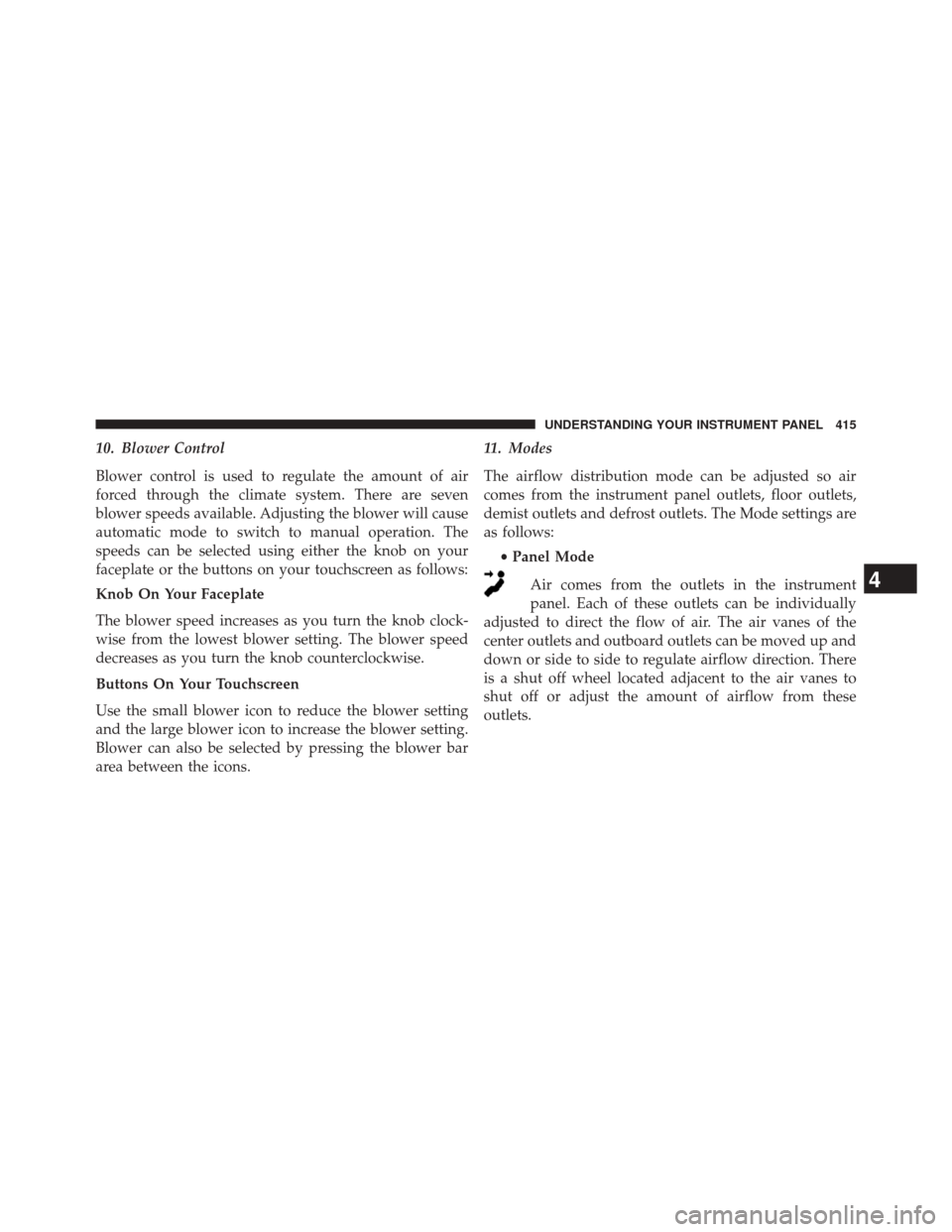
10. Blower Control
Blower control is used to regulate the amount of air
forced through the climate system. There are seven
blower speeds available. Adjusting the blower will cause
automatic mode to switch to manual operation. The
speeds can be selected using either the knob on your
faceplate or the buttons on your touchscreen as follows:
Knob On Your Faceplate
The blower speed increases as you turn the knob clock-
wise from the lowest blower setting. The blower speed
decreases as you turn the knob counterclockwise.
Buttons On Your Touchscreen
Use the small blower icon to reduce the blower setting
and the large blower icon to increase the blower setting.
Blower can also be selected by pressing the blower bar
area between the icons.11. Modes
The airflow distribution mode can be adjusted so air
comes from the instrument panel outlets, floor outlets,
demist outlets and defrost outlets. The Mode settings are
as follows:
•Panel Mode
Air comes from the outlets in the instrument
panel. Each of these outlets can be individually
adjusted to direct the flow of air. The air vanes of the
center outlets and outboard outlets can be moved up and
down or side to side to regulate airflow direction. There
is a shut off wheel located adjacent to the air vanes to
shut off or adjust the amount of airflow from these
outlets.
4
UNDERSTANDING YOUR INSTRUMENT PANEL 415
Page 418 of 698

•Bi-Level Mode
Air comes from the instrument panel outlets and
floor outlets. A slight amount of air is directed
through the defrost and side window demister outlets.
NOTE: BI-LEVEL mode is designed under comfort con-
ditions to provide cooler air out of the panel outlets and
warmer air from the floor outlets.
• Floor Mode
Air comes from the floor outlets. A slight amount
of air is directed through the defrost and side
window demister outlets.
•Mix Mode
Air comes from the floor, defrost and side window
demist outlets. This mode works best in cold or
snowy conditions. 12. Climate Control OFF Button
Press this button to turn the Climate Control ON/OFF.
13. Driver Temperature Control Down Button
(Uconnect® 8.4)
Provides the driver with independent temperature con-
trol. Press the button on the faceplate for cooler tempera-
ture settings or on the touchscreen, press and slide the
button on the touchscreen temperature bar towards the
blue arrow button on the touchscreen for cooler tempera-
ture settings.
NOTE:
In Sync mode, this button will also automatically
adjust the passenger temperature setting at the same
time.
14.
Driver Temperature Control Up Button (Uconnect® 8.4)
Provides the driver with independent temperature con-
trol. Press the button on the faceplate for warmer tem-
perature settings or on the touchscreen, press and slide
416 UNDERSTANDING YOUR INSTRUMENT PANEL