Page 385 of 698
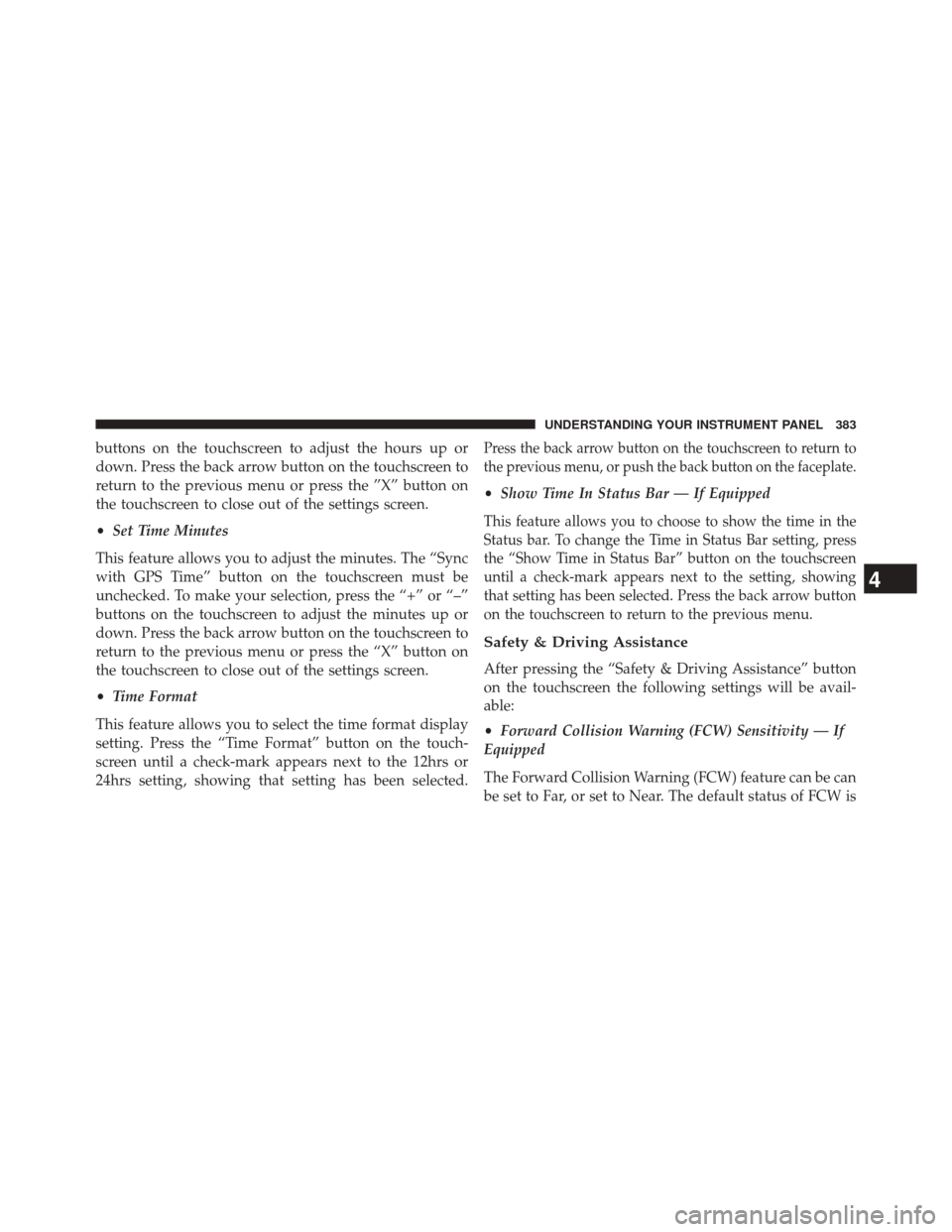
buttons on the touchscreen to adjust the hours up or
down. Press the back arrow button on the touchscreen to
return to the previous menu or press the ”X” button on
the touchscreen to close out of the settings screen.
•Set Time Minutes
This feature allows you to adjust the minutes. The “Sync
with GPS Time” button on the touchscreen must be
unchecked. To make your selection, press the “+” or “–”
buttons on the touchscreen to adjust the minutes up or
down. Press the back arrow button on the touchscreen to
return to the previous menu or press the “X” button on
the touchscreen to close out of the settings screen.
• Time Format
This feature allows you to select the time format display
setting. Press the “Time Format” button on the touch-
screen until a check-mark appears next to the 12hrs or
24hrs setting, showing that setting has been selected.Press the back arrow button on the touchscreen to return to
the previous menu, or push the back button on the faceplate.
• Show Time In Status Bar — If Equipped
This feature allows you to choose to show the time in the
Status bar. To change the Time in Status Bar setting, press
the “Show Time in Status Bar” button on the touchscreen
until a check-mark appears next to the setting, showing
that setting has been selected. Press the back arrow button
on the touchscreen to return to the previous menu.
Safety & Driving Assistance
After pressing the “Safety & Driving Assistance” button
on the touchscreen the following settings will be avail-
able:
•Forward Collision Warning (FCW) Sensitivity — If
Equipped
The Forward Collision Warning (FCW) feature can be can
be set to Far, or set to Near. The default status of FCW is
4
UNDERSTANDING YOUR INSTRUMENT PANEL 383
Page 389 of 698

NOTE:If your vehicle has experienced any damage in
the area where the sensor is located, even if the fascia is
not damaged, the sensor may have become misaligned.
Take your vehicle to an authorized dealer to verify sensor
alignment. Having a sensor that is misaligned will result
in the BSM not operating to specification.
• ParkView® Backup Camera Active Guidelines — If
Equipped
When this feature is enabled, active (dynamic) grid lines
are overlaid on the Rear Backup Camera image to
illustrate the width of the vehicle and its projected back
up path based on the steering wheel position. A dashed
center line overlay indicates the center of the vehicle to
assist with parking or aligning to a hitch/receiver.
• ParkView® Backup Camera Fixed Guidelines — If
Equipped
When this feature is enabled, fixed (static) grid lines are
overlaid on the Rear Backup Camera image to illustrate
the width of the vehicle. •
ParkView® Backup Camera Delay
When this feature is enabled, it will allow the ParkView®
Backup Camera display to remain on while in drive for
up to 10 seconds, or 8 mph (13 km/h).
• Rain Sensing Auto Wipers
When this feature is selected, the system will automati-
cally activate the windshield wipers if it senses moisture
on the windshield and the wipers are set to an intermit-
tent position. To make your selection, press the “Rain
Sensing” button on the touchscreen, until a check-mark
appears next to the setting, showing that setting has been
selected. Press the back arrow button on the touchscreen
to return to the previous menu.
• Electric Park Brake Service Mode — If Equipped
This feature provides a means for a technician or vehicle
owner to utilize a vehicle integrated, menu driven system, to
command the electric park brake retraction, to service the
rear foundation brakes (brake pads, calipers, rotors, etc.).
4
UNDERSTANDING YOUR INSTRUMENT PANEL 387
Page 398 of 698

Press the Subscription Info button on the touchscreen to
access the Subscription Information screen.
Write down the SIRIUS ID numbers for your receiver. To
reactivate your service, either call the number listed on
the screen or visit the provider online.
NOTE:SiriusXM Travel Link™ is a separate subscription
and is available for U.S. residents only.
Restore Settings
After pressing the “Restore Settings” button on the
touchscreen the following settings will be available:
• Restore Settings
When this feature is selected it will reset the Display,
Clock, Audio, and Radio Settings to their default settings.
To restore the settings to their default setting, press the
Restore Settings button. A pop-up will appear asking
�Are you sure you want to reset your settings to default?” select Yes to restore, or Cancel to exit. Once the settings
are restored, a pop up appears stating
�settings reset to
default.� Press the okay button on the touchscreen to exit.
Clear Personal Data
After pressing the “Clear Personal Data Settings” button
on the touchscreen the following settings will be avail-
able:
•Clear Personal Data
When this feature is selected it will remove personal data
including Bluetooth® devices and presets. To Clear Per-
sonal Data press the “Yes” or “No” button on the
touchscreen. A check mark will appear in the box when
selected. Then press the back arrow button on the touch-
screen.
396 UNDERSTANDING YOUR INSTRUMENT PANEL
Page 421 of 698
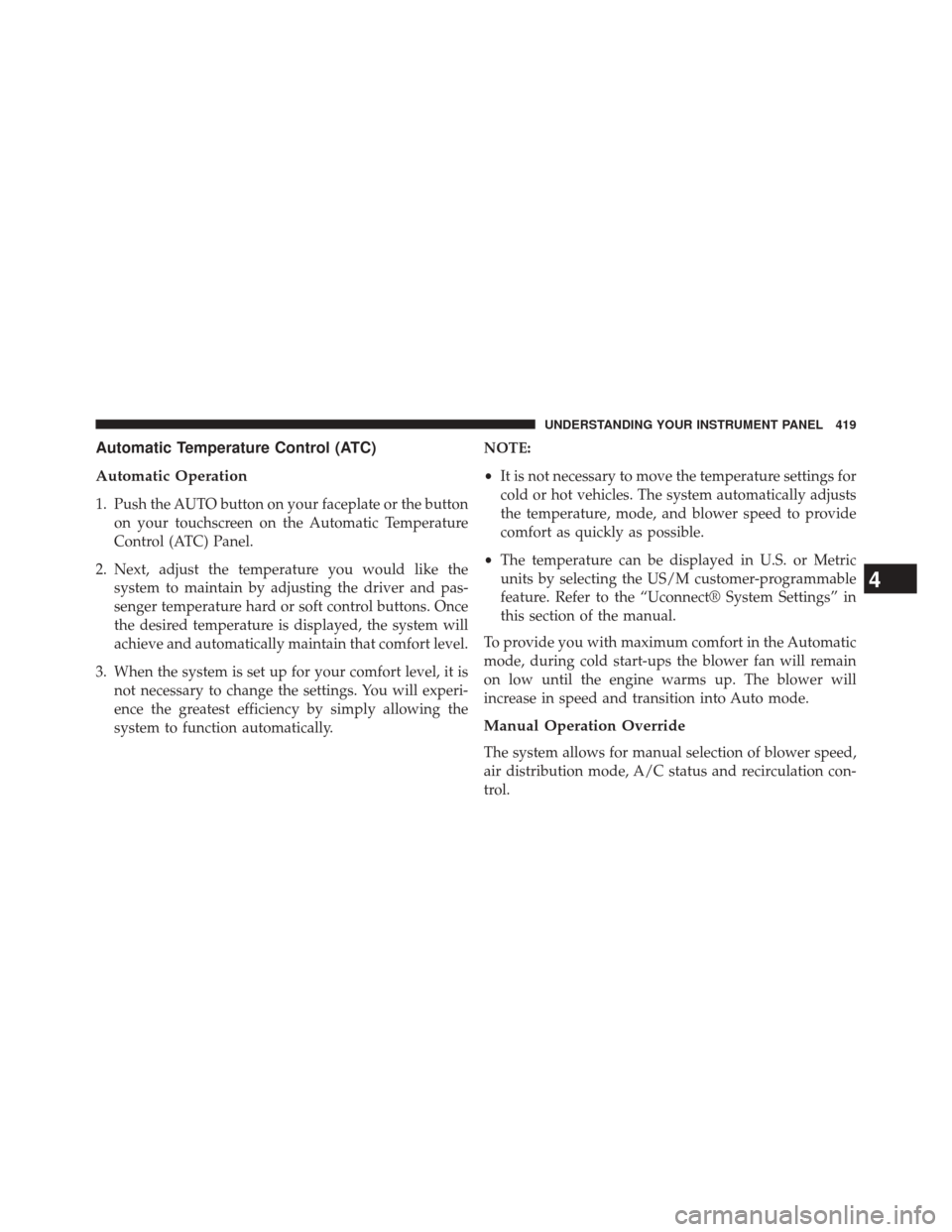
Automatic Temperature Control (ATC)
Automatic Operation
1. Push the AUTO button on your faceplate or the buttonon your touchscreen on the Automatic Temperature
Control (ATC) Panel.
2. Next, adjust the temperature you would like the system to maintain by adjusting the driver and pas-
senger temperature hard or soft control buttons. Once
the desired temperature is displayed, the system will
achieve and automatically maintain that comfort level.
3. When the system is set up for your comfort level, it is not necessary to change the settings. You will experi-
ence the greatest efficiency by simply allowing the
system to function automatically. NOTE:
•
It is not necessary to move the temperature settings for
cold or hot vehicles. The system automatically adjusts
the temperature, mode, and blower speed to provide
comfort as quickly as possible.
• The temperature can be displayed in U.S. or Metric
units by selecting the US/M customer-programmable
feature. Refer to the “Uconnect® System Settings” in
this section of the manual.
To provide you with maximum comfort in the Automatic
mode, during cold start-ups the blower fan will remain
on low until the engine warms up. The blower will
increase in speed and transition into Auto mode.
Manual Operation Override
The system allows for manual selection of blower speed,
air distribution mode, A/C status and recirculation con-
trol.
4
UNDERSTANDING YOUR INSTRUMENT PANEL 419
Page 425 of 698
Uconnect® VOICE RECOGNITION QUICK TIPS
Introducing Uconnect®
Start using Uconnect® Voice Recognition with these
helpful quick tips. It provides the key Voice Commands
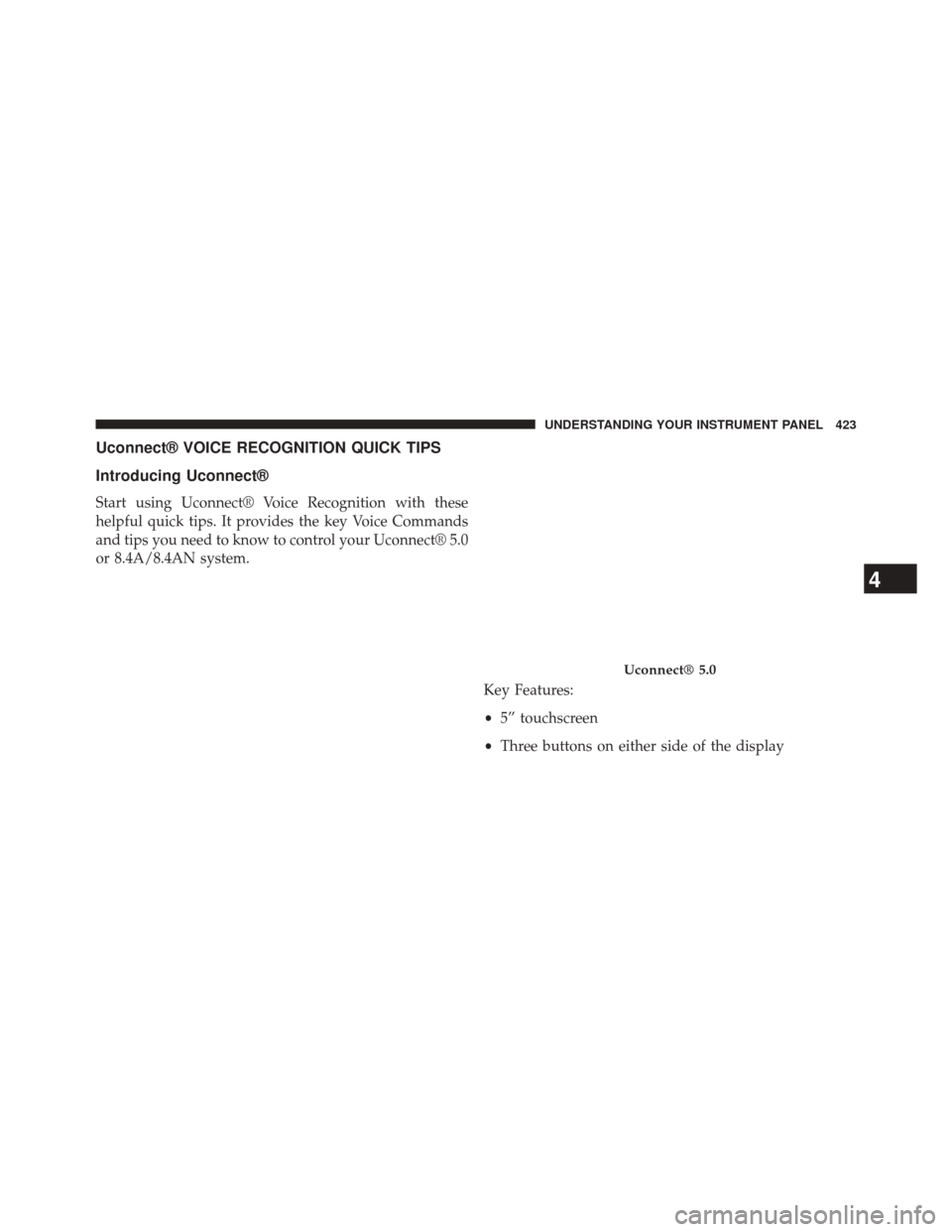
and tips you need to know to control your Uconnect® 5.0
or 8.4A/8.4AN system.Key Features:
•5” touchscreen
• Three buttons on either side of the display
Uconnect® 5.0
4
UNDERSTANDING YOUR INSTRUMENT PANEL 423
Page 431 of 698
Media
Uconnect® offers connections via USB, SD, Bluetooth®
and auxiliary ports (If Equipped). Voice operation is only
available for connected USB and iPod® devices. (Remote
CD player optional and not available on all vehicles.)
Push the VR button
. After the beep, say one of the
following commands and follow the prompts to
switch your media source or choose an artist.
• Change source to Bluetooth®
• Change source to iPod®
• Change source to USB
• Play artist Beethoven; Play album Greatest Hits; Play
song Moonlight Sonata; Play genreClassical TIP:
Press the Browse button on the touchscreen to see all
of the music on your iPod® or USB device. Your Voice
Command must match exactlyhow the artist, album,
song and genre information is displayed.
Uconnect® 5.0 Media
4
UNDERSTANDING YOUR INSTRUMENT PANEL 429
Page 441 of 698
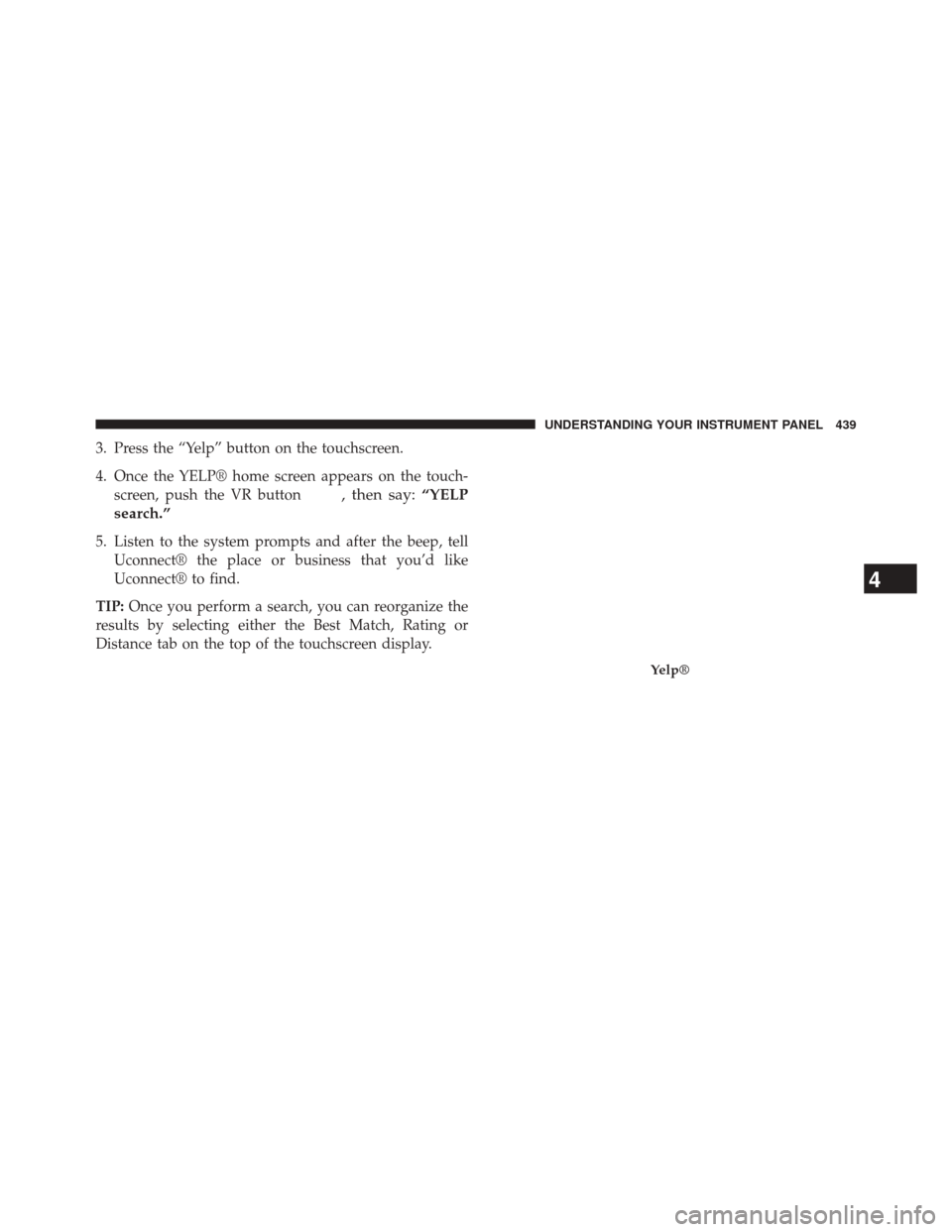
3. Press the “Yelp” button on the touchscreen.
4. Once the YELP® home screen appears on the touch-screen, push the VR button
, then say: “YELP
search.”
5. Listen to the system prompts and after the beep, tell Uconnect® the place or business that you’d like
Uconnect® to find.
TIP: Once you perform a search, you can reorganize the
results by selecting either the Best Match, Rating or
Distance tab on the top of the touchscreen display.
Yelp®
4
UNDERSTANDING YOUR INSTRUMENT PANEL 439