2015 BMW X5M Shifting
[x] Cancel search: ShiftingPage 82 of 255
▷Maximum speed: once maximum engine
speed is attained, upshifting is not auto‐
matically performed in sequential mode. In
addition, the kickdown is deactivated.▷Shortly before falling below a gear-de‐
pendent minimum speed, the transmission
is automatically downshifted.▷Upshifting or downshifting is done only if
the rpm and vehicle speed are appropriate.
For example, there is no downshifting if the
engine speed is too high.▷Kickdown: the lowest possible gear is se‐
lected by simultaneously operating the
kickdown and the left shift paddle or selec‐
tor lever.▷It is also possible to start out in 2nd gear,
e. g. on icy roads.
Switch to Drive mode: push selector lever in
D/S direction.
R is Reverse
Select only when the vehicle is stationary.
It is also possible to rock the vehicle up to
6 mph/10 km/h. To do this, switch between
forward gear and reverse gear without step‐
ping on the brakes in the process.
N is NeutralUse in automatic car washes, e.g. The vehicle
can then roll, refer to page 233.
P Park The drive wheels are blocked.
P is engaged automatically:
▷After the engine is switched off when the
vehicle is in radio-ready state, refer to
page 69, or when the ignition is switched
off, refer to page 69, and when position R
or D is set.▷With the ignition is off, if position N is set.▷If the safety belt is unbuckled, the driver's
door is opened, and the brake is releasedwhile the vehicle is stationary and position
D or R is set.
Displays in the instrument cluster
Drive mode
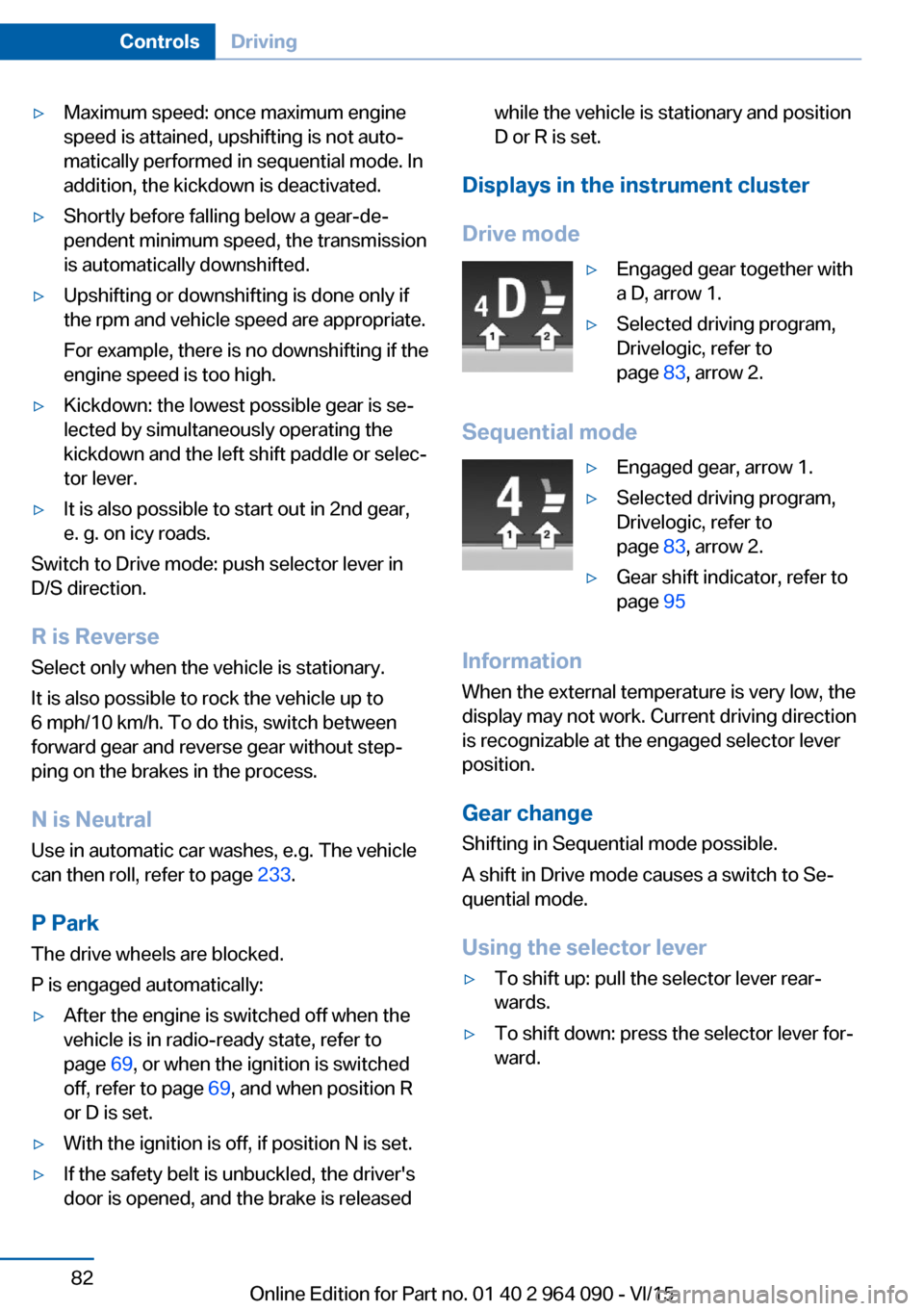
▷Engaged gear together with
a D, arrow 1.▷Selected driving program,
Drivelogic, refer to
page 83, arrow 2.
Sequential mode
▷Engaged gear, arrow 1.▷Selected driving program,
Drivelogic, refer to
page 83, arrow 2.▷Gear shift indicator, refer to
page 95
Information
When the external temperature is very low, the
display may not work. Current driving direction
is recognizable at the engaged selector lever
position.
Gear change
Shifting in Sequential mode possible.
A shift in Drive mode causes a switch to Se‐
quential mode.
Using the selector lever
▷To shift up: pull the selector lever rear‐
wards.▷To shift down: press the selector lever for‐
ward.Seite 82ControlsDriving82
Online Edition for Part no. 01 40 2 964 090 - VI/15
Page 83 of 255
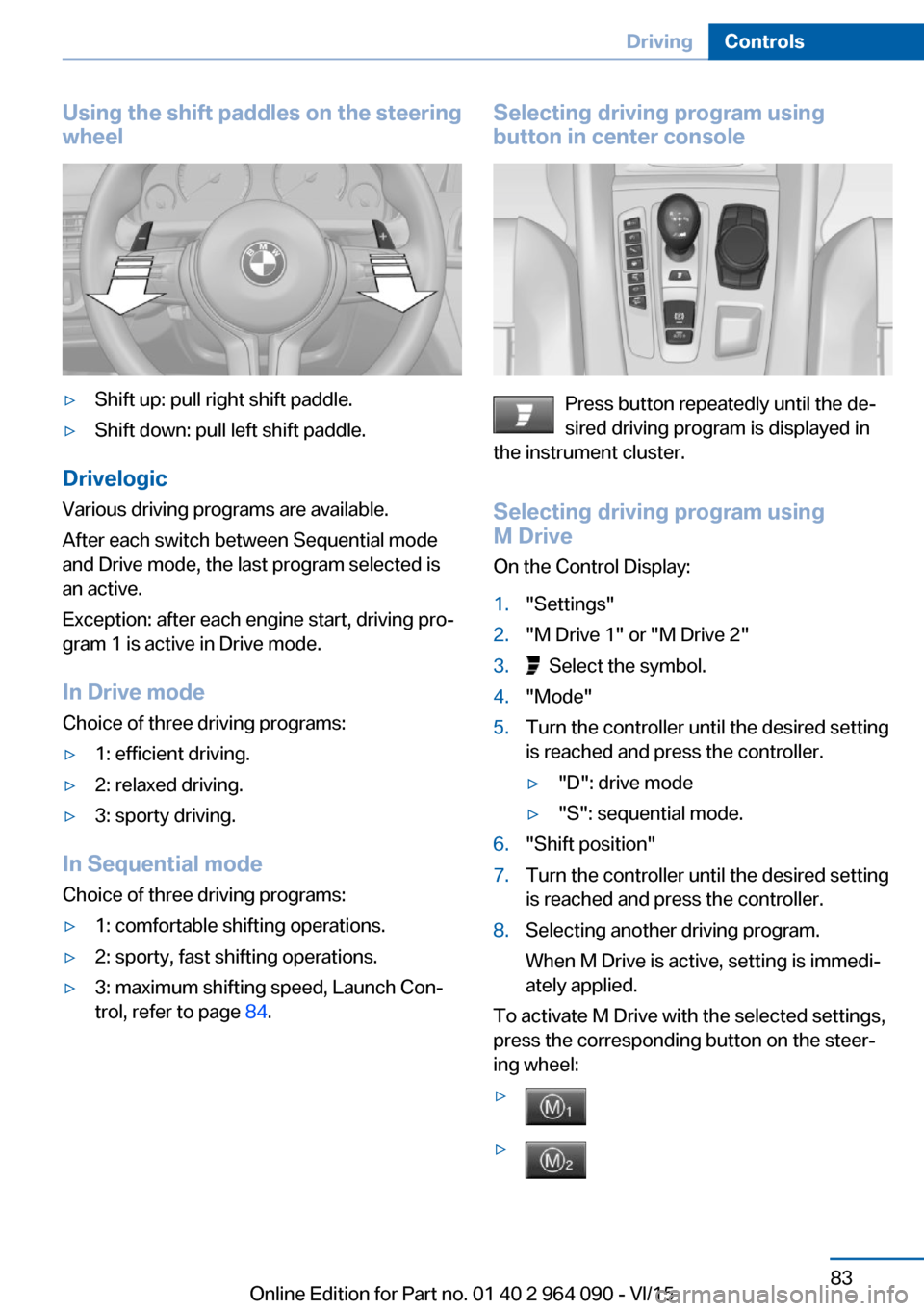
Using the shift paddles on the steeringwheel▷Shift up: pull right shift paddle.▷Shift down: pull left shift paddle.
Drivelogic
Various driving programs are available.
After each switch between Sequential mode
and Drive mode, the last program selected is
an active.
Exception: after each engine start, driving pro‐
gram 1 is active in Drive mode.
In Drive mode
Choice of three driving programs:
▷1: efficient driving.▷2: relaxed driving.▷3: sporty driving.
In Sequential mode Choice of three driving programs:
▷1: comfortable shifting operations.▷2: sporty, fast shifting operations.▷3: maximum shifting speed, Launch Con‐
trol, refer to page 84.Selecting driving program using
button in center console
Press button repeatedly until the de‐
sired driving program is displayed in
the instrument cluster.
Selecting driving program using
M Drive
On the Control Display:
1."Settings"2."M Drive 1" or "M Drive 2"3. Select the symbol.4."Mode"5.Turn the controller until the desired setting
is reached and press the controller.▷"D": drive mode▷"S": sequential mode.6."Shift position"7.Turn the controller until the desired setting
is reached and press the controller.8.Selecting another driving program.
When M Drive is active, setting is immedi‐
ately applied.
To activate M Drive with the selected settings,
press the corresponding button on the steer‐
ing wheel:
▷▷Seite 83DrivingControls83
Online Edition for Part no. 01 40 2 964 090 - VI/15
Page 84 of 255
WARNING
Depending on the setting, the DSC may
only be available to a limited extent or may not
be available with activated M drive. There is
risk of accidents or risk of property damage.
Heed the settings for DSC in the M drive and
react actively if necessary. Adapt your driving
style and react if necessary.◀
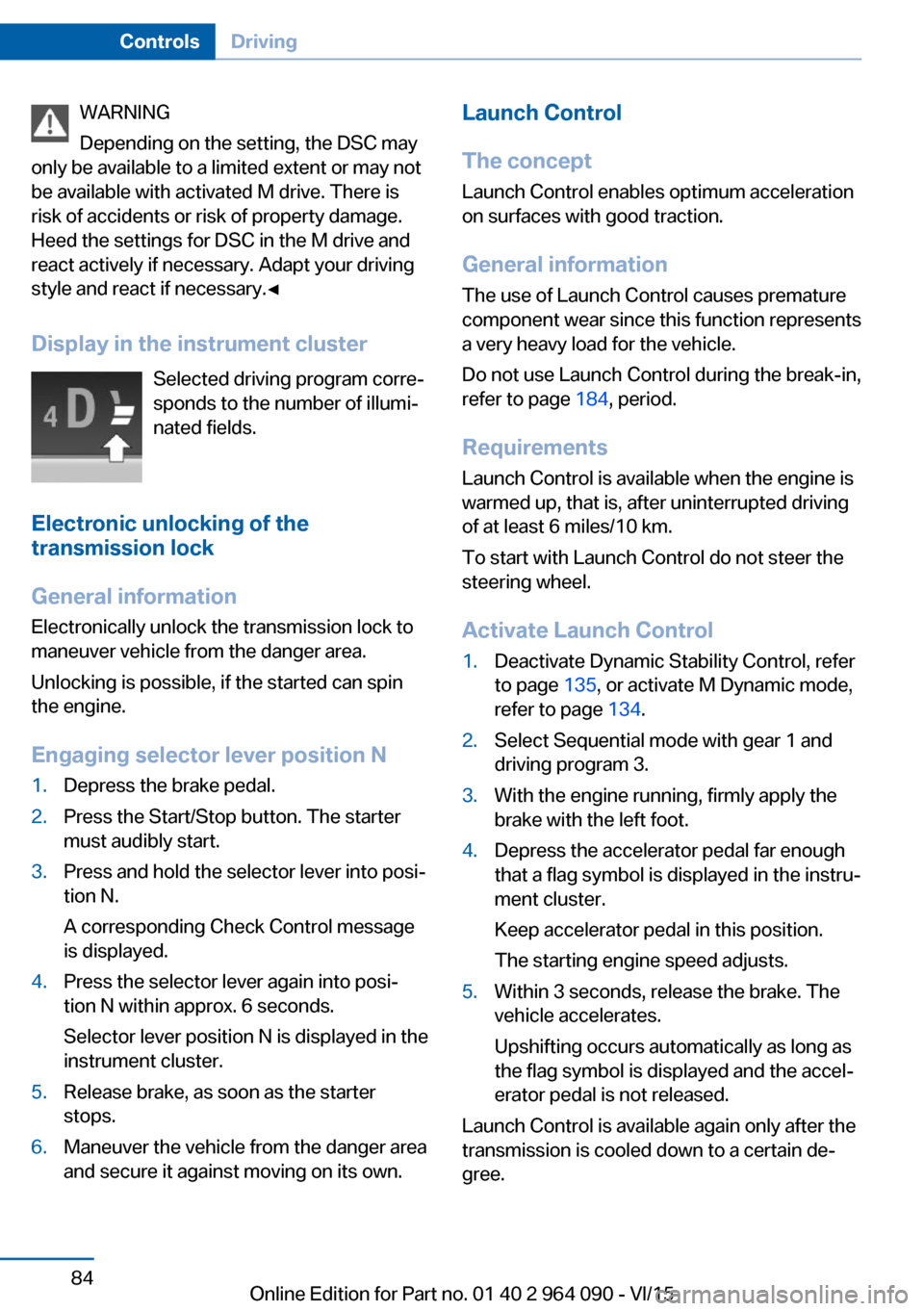
Display in the instrument cluster Selected driving program corre‐
sponds to the number of illumi‐
nated fields.
Electronic unlocking of the transmission lock
General information
Electronically unlock the transmission lock to
maneuver vehicle from the danger area.
Unlocking is possible, if the started can spin
the engine.
Engaging selector lever position N1.Depress the brake pedal.2.Press the Start/Stop button. The starter
must audibly start.3.Press and hold the selector lever into posi‐
tion N.
A corresponding Check Control message
is displayed.4.Press the selector lever again into posi‐
tion N within approx. 6 seconds.
Selector lever position N is displayed in the
instrument cluster.5.Release brake, as soon as the starter
stops.6.Maneuver the vehicle from the danger area
and secure it against moving on its own.Launch Control
The concept Launch Control enables optimum accelerationon surfaces with good traction.
General information
The use of Launch Control causes premature
component wear since this function represents
a very heavy load for the vehicle.
Do not use Launch Control during the break-in,
refer to page 184, period.
Requirements Launch Control is available when the engine is
warmed up, that is, after uninterrupted driving
of at least 6 miles/10 km.
To start with Launch Control do not steer the
steering wheel.
Activate Launch Control1.Deactivate Dynamic Stability Control, refer
to page 135, or activate M Dynamic mode,
refer to page 134.2.Select Sequential mode with gear 1 and
driving program 3.3.With the engine running, firmly apply the
brake with the left foot.4.Depress the accelerator pedal far enough
that a flag symbol is displayed in the instru‐
ment cluster.
Keep accelerator pedal in this position.
The starting engine speed adjusts.5.Within 3 seconds, release the brake. The
vehicle accelerates.
Upshifting occurs automatically as long as
the flag symbol is displayed and the accel‐
erator pedal is not released.
Launch Control is available again only after the
transmission is cooled down to a certain de‐
gree.
Seite 84ControlsDriving84
Online Edition for Part no. 01 40 2 964 090 - VI/15
Page 186 of 255

are securely fastened again after they were re‐
moved, e.g. for cleaning.◀
Driving in wet conditions
When roads are wet, salted, or in heavy rain,
press brake pedal ever so gently every few
miles.
Ensure that this action does not endanger
other traffic.
The heat generated in this process helps dry
the brake discs and pads.
In this way braking efficiency will be available
when you need it.
Hills WARNING
Light but consistent brake pressure can
lead to high temperatures, brakes wearing out
and possibly even brake failure. There is risk of
an accident. Avoid placing excessive stress on
the brake system.◀
WARNING
In idle or with the engine switched off,
safety-relevant functions are restricted or not
available anymore, e.g. braking effect of the
engine or braking force and steering support.
There is risk of an accident. Do not drive in idle
or with the engine switched off.◀
Drive long or steep downhill gradients in the
gear that requires least braking efforts. Other‐
wise the brakes may overheat and reduce
brake efficiency.
You can increase the engine's braking effect
by shifting down in sequential mode, refer to
page 81.
Brake disc corrosion Corrosion on the brake discs and contamina‐
tion on the brake pads are furthered by the fol‐
lowing circumstances:▷Low mileage.▷Extended periods when the vehicle is not
used at all.▷Infrequent use of the brakes.
Corrosion will built up when the maximum
pressure applied to the brake pads during
braking is not reached - thus discs don't get
cleaned.
Corrosion buildup on the brake discs will cause
a pulsating effect on the brakes in their re‐
sponse - generally that cannot be corrected.
Condensation under the parked
vehicle
When using the automatic climate control,
condensation water develops collecting under‐
neath the vehicle.
These traces of water under the vehicle are
normal.
Ground clearance CAUTION
If ground clearance is insufficient, there
might be contact with the front or rear spoiler
e.g. when driving over curbs or entering into
underground car parking garages. There is risk
of property damage. Ensure that there is suffi‐
cient ground clearance available.◀
Driving on poor roads The vehicle combines all-wheel drive with the
advantages of a normal automobile.
CAUTION
Objects in unpaved areas, e.g. stones or
branches, can damage the vehicle. There is
risk of property damage. Do not drive on un‐
paved terrain.◀
For your own safety, for the safety of passen‐
gers and of the vehicle, heed the following
points:
▷Become familiar with the vehicle before
starting a trip; do not take risks in driving.Seite 186Driving tipsThings to remember when driving186
Online Edition for Part no. 01 40 2 964 090 - VI/15