2015 BMW X3 Dynamic
[x] Cancel search: DynamicPage 187 of 257

The achieved extended range is displayed in
the instrument cluster as bonus range.
Overview
The system includes the following
EfficientDynamics functions and displays:▷ECO PRO bonus range, refer to page 183.▷ECO PRO tips driving instruction, refer to
page 184▷ECO PRO climate control, refer to
page 183.▷ECO PRO coasting driving status, refer to
page 185.
Activate ECO PRO
Press button repeatedly until ECO
PRO is displayed in the instrument
cluster.
Configuring ECO PRO
Via the Driving Dynamics Control
1.Activate ECO PRO.2."Configure ECO PRO"3.Configure the program.
Via the iDrive
1."Settings"2."ECO PRO mode"
Or
1."Settings"2."Driving mode"3."Configure ECO PRO"
Configure the program.
ECO PRO Tip
▷"Tip at:":
Adjust the ECO PRO speed.▷"ECO PRO speed warning":The output is reduced once the set ECO
PRO speed is reached.
Coasting
Fuel-efficiency can be optimized by disengag‐
ing the engine and Coasting, refer to
page 185, with the engine idling.
This function is only available in ECO PRO
mode.
ECO PRO climate control
"ECO PRO climate control"
Climate control is set to be fuel-efficient.
By making a slight change to the set tempera‐
ture, or slowly adjusting the rate of heating or
cooling of the car's interior, fuel consumption
can be economized.
The mirror heating is made available when out‐
side temperatures are very cold.
ECO PRO potential Shows potential savings with the current set‐
tings in percentages.
Display in the instrument cluster
ECO PRO bonus range An adjusted driving style helps
you extend your driving range.
This may be displayed as the
bonus range in the instrument
cluster.
The bonus range is shown in the range display.
The bonus range is automatically reset every
time the vehicle is refueled.
Seite 183Saving fuelDriving tips183
Online Edition for Part no. 01 40 2 960 386 - II/15
Page 188 of 257

Efficiency displayDisplay in the instrument clusterDisplay in the instrument cluster with extended
range
A mark in the efficiency display informs about
the current driving style.
Mark in the area of arrow 1: display of the en‐
ergy recovered by coasting or when braking.
Mark in the area of arrow 2: display when ac‐
celerating.
Your driving style's efficiency is shown by the
bar's color:
▷Blue display: efficient driving style as long
as the mark moves within the blue range.▷Gray display: adjust driving style, e. g. by
backing off the accelerator pedal.
The display switches to blue as soon as all
conditions for fuel-efficiency-optimized driving
are met.
ECO PRO tip, driving tip
The arrow indicates that the driving
style can be adjusted to be more fuel
efficient by backing off the accelerator
for instance.
Note The efficiency display and ECO PRO tips in the
instrument cluster appear when the ECO PRO
display is activated.
Activating driving style and ECO PRO tips:1."Settings"2."Instrument cluster"3."ECO PRO Info"
ECO PRO tip, symbols
An additional symbol and text instructions are
displayed.
SymbolMeasureFor efficient driving back off the ac‐
celerator or delay accelerating to al‐
low time to assess road conditions.Reduce speed to the selected ECO
PRO speed.Steptronic transmission: shift from
M/S to D.
Indications on the Control Display
EfficientDynamics Information on fuel consumption and technol‐
ogy can be displayed while driving.
1."Vehicle info"2."EfficientDynamics"
Displaying fuel consumption history
The average fuel consumption can be dis‐
played within an adjustable time frame.
Seite 184Driving tipsSaving fuel184
Online Edition for Part no. 01 40 2 960 386 - II/15
Page 189 of 257

Vertical bars show consumption for the se‐
lected time frame.
Trip interruptions are represented below the
bar on the time axis.
"Consumption history"
Adjusting fuel consumption history time frame
Select the symbol.
Resetting fuel consumption history
1.Open "Options".2."Reset consumption history"
Displaying EfficientDynamics info
The current efficiency can be displayed.
"EfficientDynamics info"
The following systems are displayed:
▷Auto Start/Stop function.▷Energy recovery.▷Climate control output.▷Coasting.
Display ECO PRO tips
"ECO PRO Tips"
Settings are stored for the profile currently in
use.
Coasting
The concept
The system helps to conserve fuel.
To do this, under certain conditions the engine
is automatically decoupled from the transmis‐
sion when selector lever position D is set. The
vehicle continues traveling with the engine
idling to reduce fuel consumption. Selector
lever position D remains engaged.
This driving condition is referred to as coast‐
ing.
As soon as you step on the brake or accelera‐
tor pedal, the engine is automatically coupled
again.
Hints
Coasting is a component of the ECO PRO, re‐
fer to page 182, driving mode.
Coasting is automatically activated when ECO
PRO mode is called via the Driving Dynamics
Control.
The function is available in a certain speed
range.
A proactively driving style helps the driver to
use the function as often as possible and sup‐
ports the fuel-conserving effect of coasting.
Safety mode
The function is not available under one of the
following conditions.▷DSC OFF or TRACTION activated.▷Driving in the dynamic limit range and on
steep uphill or downhill grades.▷Battery charge status temporarily too low
or vehicle electrical system drawing exces‐
sive current.▷Cruise control activated.
Functional requirements
In ECO PRO mode, this function is available in
a speed range from approximately 30 mph, ap‐
prox. 50 km/h to 100 mph, approx. 160 km/h, if
the following conditions are met:
▷Accelerator pedal and brake pedal are not
operated.▷The selector lever is in selector lever posi‐
tion D.▷Engine and transmission are at operating
temperature.
The driving status Coast can be influenced
with the shift paddles.
Seite 185Saving fuelDriving tips185
Online Edition for Part no. 01 40 2 960 386 - II/15
Page 190 of 257

Display
Display in the instrument cluster
The mark in the efficiency display is backlit in
blue and is located at the zero point. The tach‐
ometer approximately indicates idle speed.
The coasting point indicator is illuminated at
the zero point during coasting.
Display in the instrument cluster with
extended range
The mark in the efficiency dis‐
play below the tachometer is
backlit in blue and is located at
the zero point. The tachometer
approximately indicates idle
speed.
The coasting point indicator is illuminated at
the zero point during coasting.
Indications on the Control Display
The Coasting driving condition is displayed in
EfficientDynamics Info while this driving mode
is active.
Color code blue, arrow 1, and symbol, arrow 2:
driving condition Coasting.
Displaying EfficientDynamics info
1."Vehicle info"2."EfficientDynamics"3. "EfficientDynamics info"
Deactivating the system manually The function can be deactivated in the Config‐
ure ECO PRO, refer to page 183, menu, e.g., to
use the braking effect of the engine when trav‐
eling downhill.
Settings are stored for the profile currently in
use.
Seite 186Driving tipsSaving fuel186
Online Edition for Part no. 01 40 2 960 386 - II/15
Page 211 of 257

This prevents leftover sealant from escap‐
ing from the container.4.Wrap the empty sealant container in suita‐
ble material to avoid dirtying the cargo
area.5.Stow the Mobility System back in the vehi‐
cle.
Distributing the sealant
Immediately drive approx. 5 miles/10 km to en‐
sure that the sealant is evenly distributed in the
tire.
Do not exceed a speed of 50 mph/80 km/h.
If possible, do not drive at speeds less than
12 mph/20 km/h.
To correct the tire inflation pressure
1.Stop at a suitable location.2.Screw the connection hose of the com‐
pressor directly onto the tire valve stem.3.Insert the connector into the power socket
inside the vehicle.4.Correct the tire inflation pressure to
2.5 bar.▷Increase pressure: with the ignition
turned on or the engine running, reel
on the compressor.▷To reduce the pressure: press the but‐
ton on the compressor.
Continuing the trip
Do not exceed the maximum permissible
speed of 50 mph/80 km/h.
Reinitialize the Flat Tire Monitor.
Reinitialize the Tire Pressure Monitor.
Replace the defective tire and the sealant con‐
tainer of the Mobility System as soon as possi‐
ble.
Snow chains
Fine-link snow chains Only certain types of fine-link snow chains
have been tested by the manufacturer of the
vehicle, classified as road-safe and approved.
Information about the approved snow chains
are available from the service center.
Use Use only in pairs on the rear wheels, equipped
with the tires of the following size:▷205/65 R 17.▷225/60 R 17.▷245/50 R 18.▷245/45 R 19.
No snow chains on size 245/55 R 17 tires
Do not mount snow chains on size
245/55 R 17 tires; otherwise, the vehicle may
become damaged.◀
Follow the snow chain manufacturer's instruc‐
tions.
Make sure that the snow chains are always
sufficiently tight. Retighten as needed accord‐
ing to the chain manufacturer's instructions.
Do not initialize the Flat Tire Monitor after
mounting snow chains, as doing so may result
in incorrect readings.
Do not initialize the Tire Pressure Monitor after
mounting snow chains, as doing so may result
in incorrect readings.
When driving with snow chains, briefly activate
Dynamic Traction Control if needed.
Maximum speed with snow chains Do not exceed a speed of 30 mph/50 km/hwhen using snow chains.
Seite 207Wheels and tiresMobility207
Online Edition for Part no. 01 40 2 960 386 - II/15
Page 248 of 257

Connecting electrical devi‐ces 163
Continued driving with a flat tire 105 , 108
Control Display 18
Control Display, settings 92
Controller 18, 19
Control systems, driving sta‐ bility 123
Convenient opening with the remote control 37
Coolant 213
Coolant level 213
Coolant temperature 85
Cooling function 154, 157
Cooling, maximum 156
Cooling system 213
Cornering light 96
Corrosion on brake discs 177
Cosmetic mirror 162
Courtesy lamps during un‐ locking 37
Courtesy lamps with the vehi‐ cle locked 38
Cruise control 137
Cruise control, active with Stop & Go 130
Cruising range 85
Cupholder 169
Current fuel consumption 86
D
Damage, tires 202
Damping control, dy‐ namic 126
Data, technical 238
Date 85
Daytime running lights 96
Daytime running lights, bulb replacement 219
Defrosting, refer to Windows, defrosting 153, 156
Dehumidifying, air 154, 157
Deleting personal data 25
Deletion of personal data 25 Destination distance 90
Diesel exhaust fluid, at low temperatures 194
Diesel exhaust fluid, having refilled 194
Diesel exhaust fluid, on mini‐ mum 194
Diesel exhaust fluid, replen‐ ishing yourself 194
Diesel particulate filter 175
Digital clock 85
Dimensions 238
Dimmable exterior mirrors 60
Dimmable interior rearview mirror 60
Direction indicator, refer to Turn signals 72
Display, electronic, instru‐ ment cluster 80
Display in windshield 93
Display lighting, refer to In‐ strument lighting 98
Displays, cleaning 234
Disposal, coolant 214
Disposal, vehicle battery 224
Distance control, refer to PDC 139
Distance to destination 90
Divided screen view, split screen 23
Door lock 39
Door lock, refer to Remote control 34
Downhill control 125
Drive-off assistant 128
Drive-off assistant, refer to DSC 123
Driving Dynamics Con‐ trol 126
Driving instructions, break- in 174
Driving mode 126
Driving notes, general 175
Driving on bad roads 174
Driving stability control sys‐ tems 123 Driving tips 175
DSC Dynamic Stability Con‐ trol 123
DTC Dynamic Traction Con‐ trol 124
Dynamic Damping Con‐ trol 126
Dynamic Stability Control DSC 123
Dynamic Traction Control DTC 124
E
ECO PRO 182
ECO PRO, bonus range 183
ECO PRO display 182
ECO PRO driving mode 182
ECO PRO mode 182
ECO PRO Tip - driving in‐ struction 184
EfficientDynamics 184
Electronic displays, instru‐ ment cluster 80
Electronic oil measure‐ ment 210
Electronic Stability Program ESP, refer to DSC 123
Emergency detection, remote control 35
Emergency release, fuel filler flap 190
Emergency Request 226
Emergency start function, en‐ gine start 35
Emergency unlocking, trans‐ mission lock 78
Energy Control 86
Energy recovery 86
Engine, automatic Start/Stop function 68
Engine, automatic switch- off 68
Engine compartment 208
Engine compartment, work‐ ing in 208 Seite 244ReferenceEverything from A to Z244
Online Edition for Part no. 01 40 2 960 386 - II/15
Page 251 of 257

Lights 95
Lights and bulbs 218
Light switch 95
Load 179
Loading 178
Lock, door 39
Locking/unlocking via door lock 39
Locking/unlocking with re‐ mote control 37
Locking, automatic 46
Locking, settings 45
Locking via tailgate 40
Lock, power window 49
Locks, doors, and win‐ dows 65
Low beams 95
Low beams, automatic, refer to High-beam Assistant 97
Lower back support 54
Low-Sulfur Diesel 193
Luggage rack, refer to Roof- mounted luggage rack 180
Lumbar support 54
M
Maintenance 215
Maintenance require‐ ments 215
Maintenance, service require‐ ments 86
Maintenance system, BMW 215
Make-up mirror 162
Malfunction displays, see Check Control 81
Manual air distribu‐ tion 153, 156
Manual air flow 153, 156
Manual brake, refer to Parking brake 70
Manual mode, Steptronic transmission 77
Manual operation, door lock 39 Manual operation, exterior
mirrors 59
Manual operation, fuel filler flap 190
Manual operation, Park Dis‐ tance Control PDC 140
Manual operation, rearview camera 142
Manual operation, Top View 145
Marking on approved tires 203
Marking, run-flat tires 204
Master key, refer to Remote control 34
Maximum cooling 156
Maximum speed, display 88
Maximum speed, winter tires 203
Measure, units of 93
Medical kit 227
Memory, seat, mirror 58
Menu, EfficientDynamics 184
Menu in instrument clus‐ ter 89
Menus, operating, iDrive 18
Menus, refer to iDrive operat‐ ing concept 20
Messages, see Check Con‐ trol 81
Microfilter 154, 157
Minimum tread, tires 202
Mirror 59
Mirror memory 58
Mobile communication devi‐ ces in the vehicle 175
Mobility System 204
Modifications, technical, refer to Safety 7
Moisture in headlight 218
Monitor, refer to Control Dis‐ play 18
Mounting of child restraint systems 62
Moving sun visor 162 Multifunction steering wheel,
buttons 14
N
Navigation, see user's manual for Navigation, Entertain‐
ment and Communication
Neck restraints, front, refer to Head restraints 56
Neck restraints, rear, refer to Head restraints 57
Neutral cleaner, see wheel cleaner 233
New wheels and tires 202
Nylon rope for tow-starting/ towing 229
O OBD Onboard Diagnosis 216
OBD, see OBD Onboard Di‐ agnosis 216
Obstacle marking, rearview camera 143
Octane rating, refer to Rec‐ ommended fuel grade 192
Odometer 85
Office, see user's manual for Navigation, Entertainment
and Communication
Offroad trips 174
Oil 210
Oil, adding 211
Oil additives 211
Oil change 212
Oil change interval, service requirements 86
Oil filler neck 211
Oil types, alternative 212
Oil types, approved 212
Old batteries, disposal 224
On-board computer 90
On-board computer, refer to On-board computer 90 Seite 247Everything from A to ZReference247
Online Edition for Part no. 01 40 2 960 386 - II/15
Page 253 of 257
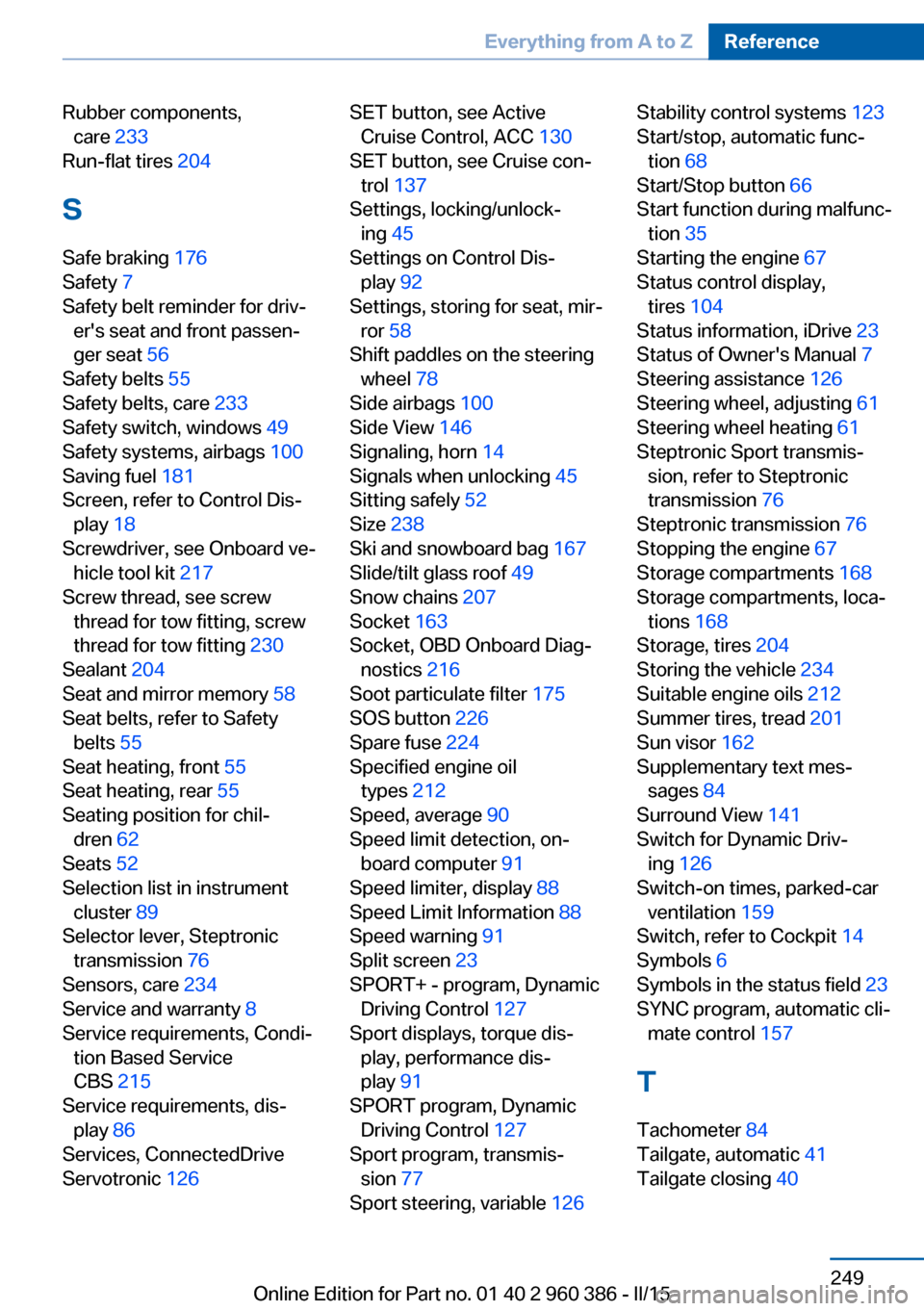
Rubber components,care 233
Run-flat tires 204
S Safe braking 176
Safety 7
Safety belt reminder for driv‐ er's seat and front passen‐
ger seat 56
Safety belts 55
Safety belts, care 233
Safety switch, windows 49
Safety systems, airbags 100
Saving fuel 181
Screen, refer to Control Dis‐ play 18
Screwdriver, see Onboard ve‐ hicle tool kit 217
Screw thread, see screw thread for tow fitting, screw
thread for tow fitting 230
Sealant 204
Seat and mirror memory 58
Seat belts, refer to Safety belts 55
Seat heating, front 55
Seat heating, rear 55
Seating position for chil‐ dren 62
Seats 52
Selection list in instrument cluster 89
Selector lever, Steptronic transmission 76
Sensors, care 234
Service and warranty 8
Service requirements, Condi‐ tion Based Service
CBS 215
Service requirements, dis‐ play 86
Services, ConnectedDrive
Servotronic 126 SET button, see Active
Cruise Control, ACC 130
SET button, see Cruise con‐ trol 137
Settings, locking/unlock‐ ing 45
Settings on Control Dis‐ play 92
Settings, storing for seat, mir‐ ror 58
Shift paddles on the steering wheel 78
Side airbags 100
Side View 146
Signaling, horn 14
Signals when unlocking 45
Sitting safely 52
Size 238
Ski and snowboard bag 167
Slide/tilt glass roof 49
Snow chains 207
Socket 163
Socket, OBD Onboard Diag‐ nostics 216
Soot particulate filter 175
SOS button 226
Spare fuse 224
Specified engine oil types 212
Speed, average 90
Speed limit detection, on- board computer 91
Speed limiter, display 88
Speed Limit Information 88
Speed warning 91
Split screen 23
SPORT+ - program, Dynamic Driving Control 127
Sport displays, torque dis‐ play, performance dis‐
play 91
SPORT program, Dynamic Driving Control 127
Sport program, transmis‐ sion 77
Sport steering, variable 126 Stability control systems 123
Start/stop, automatic func‐ tion 68
Start/Stop button 66
Start function during malfunc‐ tion 35
Starting the engine 67
Status control display, tires 104
Status information, iDrive 23
Status of Owner's Manual 7
Steering assistance 126
Steering wheel, adjusting 61
Steering wheel heating 61
Steptronic Sport transmis‐ sion, refer to Steptronic
transmission 76
Steptronic transmission 76
Stopping the engine 67
Storage compartments 168
Storage compartments, loca‐ tions 168
Storage, tires 204
Storing the vehicle 234
Suitable engine oils 212
Summer tires, tread 201
Sun visor 162
Supplementary text mes‐ sages 84
Surround View 141
Switch for Dynamic Driv‐ ing 126
Switch-on times, parked-car ventilation 159
Switch, refer to Cockpit 14
Symbols 6
Symbols in the status field 23
SYNC program, automatic cli‐ mate control 157
T Tachometer 84
Tailgate, automatic 41
Tailgate closing 40 Seite 249Everything from A to ZReference249
Online Edition for Part no. 01 40 2 960 386 - II/15