2015 BMW 4 SERIES CONVERTIBLE Red tool
[x] Cancel search: Red toolPage 13 of 247

cluding the manufacturer, using special diag‐
nostic tools. You can obtain further information
there if you need it. After an error is corrected,
the information in the fault memory is deleted
or overwritten on a continuous basis.
With the vehicle in use there are situations
where you can associate these technical data
with individuals if combined with other infor‐
mation, e.g., an accident report, damage to the
vehicle, eye witness accounts — possibly with
the assistance of an expert.
Additional functions that are contractually
agreed with the customer - such as vehicle
emergency locating - you can transmit certain
vehicle data from the vehicle.
Event Data Recorder EDR
This vehicle is equipped with an event data re‐
corder EDR. The main purpose of an EDR is to
record, in certain crash or near crash-like situa‐
tions, such as an air bag deployment or hitting
a road obstacle, data that will assist in under‐
standing how a vehicle’s systems performed.
The EDR is designed to record data related to
vehicle dynamics and safety systems for a
short period of time, typically 30 seconds or
less.
The EDR in this vehicle is designed to record
such data as:▷How various systems in your vehicle were
operating.▷Whether or not the driver and passenger
safety belts were fastened.▷How far, if at all, the driver was depressing
the accelerator and/or brake pedal.▷How fast the vehicle was traveling.
These data can help provide a better under‐
standing of the circumstances in which
crashes and injuries occur.
EDR data are recorded by your vehicle only if a
nontrivial crash situation occurs; no data are
recorded by the EDR under normal driving
conditions and no personal data, e.g., name,
gender, age, and crash location, are recorded.
However, other parties, such as law enforce‐
ment, could combine the EDR data with the
type of personally identifying data routinely ac‐
quired during a crash investigation.
To read data recorded by an EDR, special
equipment is required, and access to the vehi‐
cle or the EDR is needed. In addition to the ve‐
hicle manufacturer, other parties, such as law
enforcement, that have the special equipment,
can read the information if they have access to
the vehicle or the EDR.
Vehicle identification
number
The vehicle identification number can be found
in the engine compartment.
The vehicle identification number can also be
found behind the windshield.
Reporting safety defects
For US customers The following only applies to vehicles owned
and operated in the US.
If you believe that your vehicle has a defect
which could cause a crash or could cause in‐
jury or death, you should immediately inform
the National Highway Traffic Safety Adminis‐
tration NHTSA, in addition to notifying BMW of
North America, LLC, P.O. Box 1227, West‐
Seite 9Notes9
Online Edition for Part no. 01 40 2 960 547 - II/15
Page 211 of 247

Replacing componentsVehicle features and optionsThis chapter describes all standard, country-
specific and optional features offered with the
series. It also describes features that are not
necessarily available in your car, e. g., due to
the selected options or country versions. This
also applies to safety-related functions and
systems. The respectively applicable country
provisions must be observed when using the
respective features and systems.
Onboard vehicle tool kit
The onboard vehicle tool kit is located under
the cargo floor panel.
Wiper blade replacement Note Do not fold down the wipers without
wiper blades
Do not fold down the wipers if wiper blades
have not been installed; this may damage the
windshield.◀
Replacing the wiper blades
1.To change the wiper blades, fold up, refer
to page 70, the wiper arms.2.Fold up and hold the wiper arm firmly.3.Squeeze the retainer spring, arrow 1, and
fold up the wiper blade, arrow 2.4.Remove the wiper blade forward from the
catch.5.Insert the new wiper blade in reverse order
of removal until it locks in place.6.Fold down the wipers.
Folding down wipers before opening the hood
Before opening the hood, ensure that the
wiper arms with the wiper blades are against
the windshield to prevent damage.◀
Lamp and bulb replacement
Hints
Lights and bulbs Lights and bulbs make an essential contribu‐
tion to vehicle safety.
The manufacturer of the vehicle recommends
that you entrust corresponding procedures to
the service center if you are unfamiliar those or
if they have not been described here.
You can obtain a selection of replacement
bulbs at the service center.
Seite 207Replacing componentsMobility207
Online Edition for Part no. 01 40 2 960 547 - II/15
Page 217 of 247

These lights are made using LED technology.
Contact your service center in the event of a
malfunction.
Changing wheels
Hints When using run-flat tires or sealants, a tire
does not need to be changed immediately in
the event of pressure loss due to a flat tire.
Which is why no spare tire is available.
The tools for changing wheels are available as
accessories from your service center.
Jacking points for the vehicle jack
The jacking points for the vehicle jack are lo‐
cated at the positions shown.
Vehicle battery Maintenance
The battery is maintenance-free.
The added amount of acid is sufficient for the
service life of the battery.
Further information about the battery can be
obtained from your service center.
Battery replacement
Use approved vehicle batteries only
Only use vehicle batteries that have been
approved for your vehicle by the manufacturer;
otherwise, the vehicle could be damaged and
systems or functions may not be fully availa‐
ble.◀
After a battery replacement, have the battery registered on the vehicle by the service center
to ensure that all comfort features are fully
available and that any Check Control mes‐
sages of these comfort features are no longer
displayed.
Charging the battery
General information Make sure that the battery is always suffi‐
ciently charged to guarantee that the battery
remains usable for its full service life.
The battery may need to be charged in the fol‐
lowing cases:▷When making frequent short-distance
drives.▷If the vehicle is not used for prolonged pe‐
riods, longer than a month.
Hints
Do not connect charging devices to the
12 volt socket in the vehicle
Do not connect battery chargers to the fac‐
tory-installed 12 volt sockets in the vehicle as
this may damage the vehicle battery due to an
increased power consumption.◀
Starting aid terminals
In the vehicle, only charge the battery via the
starting aid terminals, refer to page 218, in the
engine compartment with the engine off.
Seite 213Replacing componentsMobility213
Online Edition for Part no. 01 40 2 960 547 - II/15
Page 218 of 247

Power failureAfter a temporary power loss, some equipment
needs to be newly initialized or individual set‐
tings updated, e. g.:▷Seat and mirror memory: store the posi‐
tions again.▷Time: update.▷Date: update.
Disposing of old batteries
Have old batteries disposed of by your
service center or bring them to a recy‐
cling center.
Maintain the battery in an upright position for
transport and storage. Secure the battery so
that it does not tip over during transport.
Fuses Hints Replacing fuses
Never attempt to repair a blown fuse and
do not replace a defective fuse with a substi‐
tute of another color or amperage rating; this
could lead to a circuit overload, ultimately re‐
sulting in a fire in the vehicle.◀
Plastic tweezers and information on the fuse
types and locations are stored in the fuse box
in the trunk.
In the engine compartment1.Use the onboard vehicle tool kit to loosen
the three cover screws, arrow 1.2.Pull up the holder, arrow 2.3.Remove the cover from one side, arrow 3.4.Press the four fasteners and remove the
cover.
Attaching the covers
1.When attaching the cover, make sure that
all four fasteners are engaged.2.Attach the cover under the rubber lip and
then thread it between the bars.3.Press down on the holder and tighten the
three screws.Seite 214MobilityReplacing components214
Online Edition for Part no. 01 40 2 960 547 - II/15
Page 244 of 247
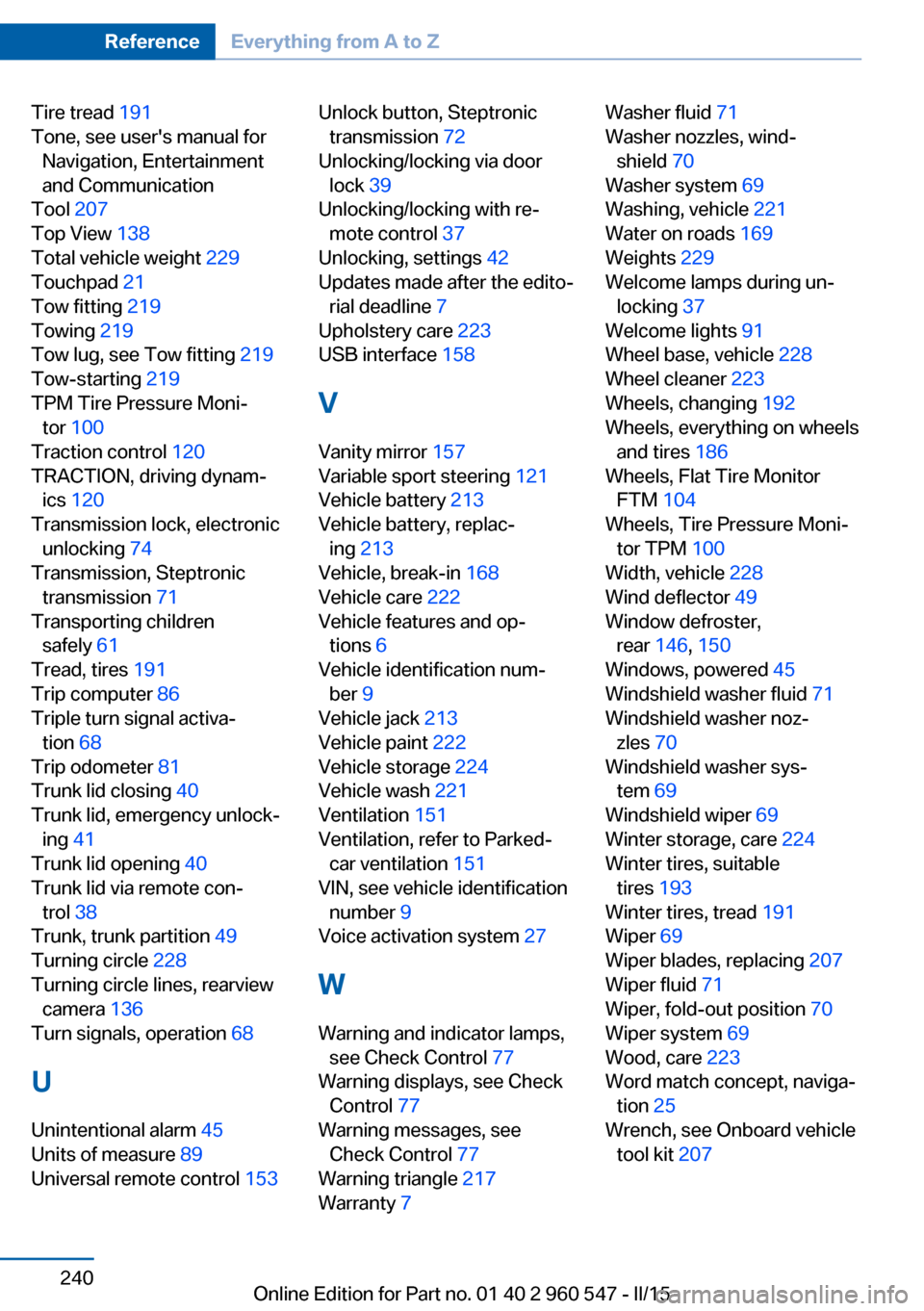
Tire tread 191
Tone, see user's manual for Navigation, Entertainment
and Communication
Tool 207
Top View 138
Total vehicle weight 229
Touchpad 21
Tow fitting 219
Towing 219
Tow lug, see Tow fitting 219
Tow-starting 219
TPM Tire Pressure Moni‐ tor 100
Traction control 120
TRACTION, driving dynam‐ ics 120
Transmission lock, electronic unlocking 74
Transmission, Steptronic transmission 71
Transporting children safely 61
Tread, tires 191
Trip computer 86
Triple turn signal activa‐ tion 68
Trip odometer 81
Trunk lid closing 40
Trunk lid, emergency unlock‐ ing 41
Trunk lid opening 40
Trunk lid via remote con‐ trol 38
Trunk, trunk partition 49
Turning circle 228
Turning circle lines, rearview camera 136
Turn signals, operation 68
U Unintentional alarm 45
Units of measure 89
Universal remote control 153 Unlock button, Steptronic
transmission 72
Unlocking/locking via door lock 39
Unlocking/locking with re‐ mote control 37
Unlocking, settings 42
Updates made after the edito‐ rial deadline 7
Upholstery care 223
USB interface 158
V Vanity mirror 157
Variable sport steering 121
Vehicle battery 213
Vehicle battery, replac‐ ing 213
Vehicle, break-in 168
Vehicle care 222
Vehicle features and op‐ tions 6
Vehicle identification num‐ ber 9
Vehicle jack 213
Vehicle paint 222
Vehicle storage 224
Vehicle wash 221
Ventilation 151
Ventilation, refer to Parked- car ventilation 151
VIN, see vehicle identification number 9
Voice activation system 27
W Warning and indicator lamps, see Check Control 77
Warning displays, see Check Control 77
Warning messages, see Check Control 77
Warning triangle 217
Warranty 7 Washer fluid 71
Washer nozzles, wind‐ shield 70
Washer system 69
Washing, vehicle 221
Water on roads 169
Weights 229
Welcome lamps during un‐ locking 37
Welcome lights 91
Wheel base, vehicle 228
Wheel cleaner 223
Wheels, changing 192
Wheels, everything on wheels and tires 186
Wheels, Flat Tire Monitor FTM 104
Wheels, Tire Pressure Moni‐ tor TPM 100
Width, vehicle 228
Wind deflector 49
Window defroster, rear 146, 150
Windows, powered 45
Windshield washer fluid 71
Windshield washer noz‐ zles 70
Windshield washer sys‐ tem 69
Windshield wiper 69
Winter storage, care 224
Winter tires, suitable tires 193
Winter tires, tread 191
Wiper 69
Wiper blades, replacing 207
Wiper fluid 71
Wiper, fold-out position 70
Wiper system 69
Wood, care 223
Word match concept, naviga‐ tion 25
Wrench, see Onboard vehicle tool kit 207 Seite 240ReferenceEverything from A to Z240
Online Edition for Part no. 01 40 2 960 547 - II/15