Page 95 of 521
94Instrument Panel
Gauges and Multi-Information Display GaugesGauges include the speedometer, tachometer, fuel gauge, and related indicators.
They are displayed when the power mode is in ON.
Displays your driving speed in mph or km/h.
Shows the number of engine revolutions per minute.
Displays the amount of fuel left in the fuel tank.
Displays the temperature of the engine coolant.■
Speedometer
■
Tachometer
■
Fuel Gauge
■
Temperature Gauge
1Fuel GaugeNOTICEYou should refuel when the needle approaches .
Running out of fuel can cause the engine to misfire,
damaging the catalytic converter.
The actual amount of remaining fuel may differ from
the fuel gauge reading.
E
1Temperature GaugeNOTICEDriving with the temperature gauge pointer in the
upper zone can cause serious engine damage. Pull
safely to the side of the road and allow engine
temperature to return to normal.
2 Overheating P. 481
Page 96 of 521
95
uuGauges and Multi-Information Display uMulti-Information Display
Continued
Instrument Panel
Multi-Information DisplayThe multi-information display shows the odometer, trip meter, outside temperature
indicator, and other gauges. It also displays important messages such as warnings
and other helpful information.
Roll the right selector wheel or press the TRIP button to change the display.■
Switching the DisplayModels with navigation systemRight Selector Wheel Engine Oil Life
Vehicle Settings Elapsed Time
OFF
Average Speed
Range
Instant Fuel Economy/
Average Fuel Economy
Turn-by-Turn
Directions
Tire Pressure for
Each Tire
Current Mode
for ACC with LSF
*
* Not available on all models
Page 97 of 521
96
uuGauges and Multi- Information Display uMulti-Information Display
Instrument Panel
Models with navigation system
Odometer Trip ATrip B
Outside temperature
TRIP Button
TRIP
TRIP
TRIP
Page 98 of 521
97
uuGauges and Multi-Information Display uMulti-Information Display
Continued
Instrument Panel
Models without navigation system
Engine Oil Life
Vehicle Settings Elapsed Time
OFF
Average SpeedRange
Average Fuel Economy/
Instant Fuel Economy
Tire Pressure for
Each Tire
Right Selector Wheel
Page 99 of 521
98
uuGauges and Multi- Information Display uMulti-Information Display
Instrument Panel
Models without navigation system
Odometer Trip ATrip B
Outside temperature
TRIP
Button
TRIP
TRIP
TRIP
Page 100 of 521

Continued
99
uuGauges and Multi-Information Display uMulti-Information Display
Instrument Panel
Shows the total number of miles or kilometers that your vehicle has accumulated.
Shows the total number of miles or kilometers driven since the last reset. Meters A
and B can be used to measure two separate trips.■Resetting a trip meter
To reset a trip meter, display it, then press and hold the TRIP button. The trip meter
is reset to 0.0.
Shows the outside temperature in Fahrenheit (U.S.) or Celsius (Canada).■Adjusting the ou tside temperature display
Adjust the temperature reading up to ± 5°F (U.S.) or ± 3°C (Canada) if the
temperature reading seems incorrect.
Shows the estimated average fuel economy of each trip meter in mpg (U.S.) or
l/100 km (Canada). The display is updated at set intervals. When a trip meter is reset,
the average fuel economy is also reset.■
Odometer
■
Trip Meter
■
Outside Temperature
■
Average Fuel Economy
1 Trip Meter
Switch between trip meter A and trip meter B by
pressing the TRIP button.1Outside Temperature
The temperature sensor is in the front bumper.
Road heat and exhaust from another vehicle can
affect the temperature reading when your vehicle
speed is less than 19 mph (30 km/h).
It may take several mi nutes for the display to be
updated after the temperature reading has stabilized.
Use the multi-information display’s customized
features to corre ct the temperature.
2 Customized Features P. 102, 2631Average Fuel Economy
You can change when to reset the average fuel
economy.
2 Customized Features P. 102, 263
Page 101 of 521
uuGauges and Multi- Information Display uMulti-Information Display
100Instrument Panel
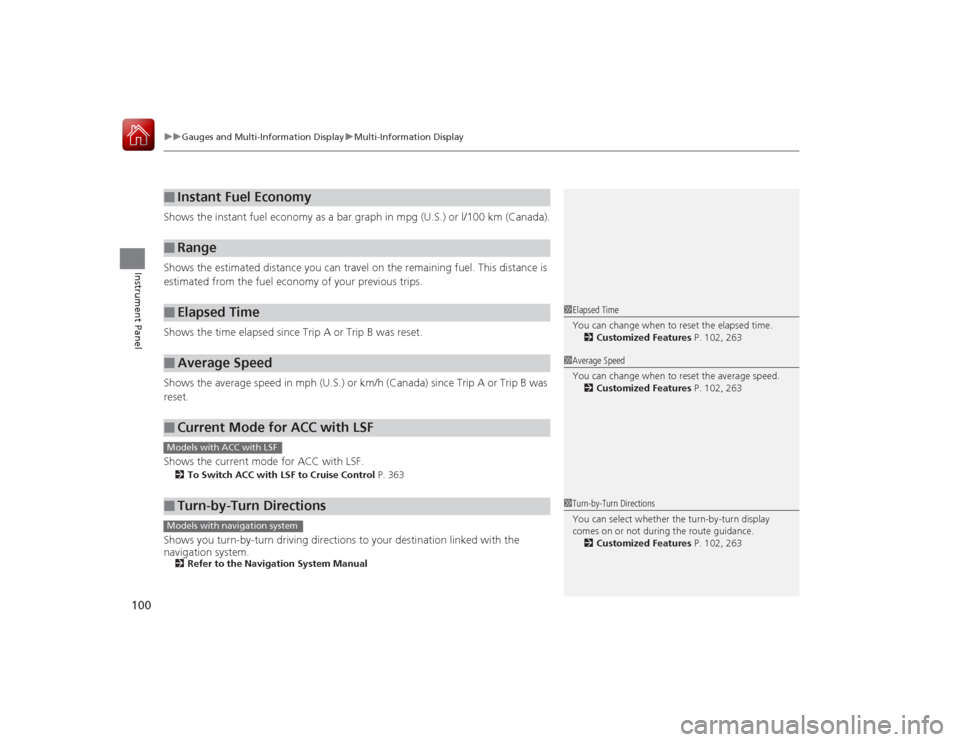
Shows the instant fuel economy as a bar graph in mpg (U.S.) or l/100 km (Canada).
Shows the estimated distance you can travel on the remaining fuel. This distance is
estimated from the fuel economy of your previous trips.
Shows the time elapsed since Trip A or Trip B was reset.
Shows the average speed in mph (U.S.) or km/h (Canada) since Trip A or Trip B was
reset.
Shows the current mode for ACC with LSF.2 To Switch ACC with LSF to Cruise Control P. 363Shows you turn-by-turn driving directions to your destination linked with the
navigation system.2Refer to the Navigation System Manual■
Instant Fuel Economy
■
Range
■
Elapsed Time
■
Average Speed
■
Current Mode for ACC with LSF
■
Turn-by-Turn Directions
1Elapsed Time
You can change when to reset the elapsed time.
2 Customized Features P. 102, 2631Average Speed
You can change when to reset the average speed.
2 Customized Features P. 102, 263
Models with ACC with LSF
1Turn-by-Turn Directions
You can select whether the turn-by-turn display
comes on or not during the route guidance.
2 Customized Features P. 102, 263
Models with navigation system
Page 102 of 521
101
uuGauges and Multi-Information Display uMulti-Information DisplayContinued
Instrument Panel
Shows the remaining oil life and Maintenance Minder
TM.
2 Maintenance Minder
TM P. 413
Shows each tire’s pressure.2Tire Pressure Monitoring System (TPMS) P. 381■
Engine Oil Life
■
Tire Pressure Monitor


