Page 75 of 201
Instruments and controls73Warning lights, gauges
and indicators
Instrument cluster
In some versions, the needles of the
instruments briefly rotate to the end
position when the ignition is switched on.
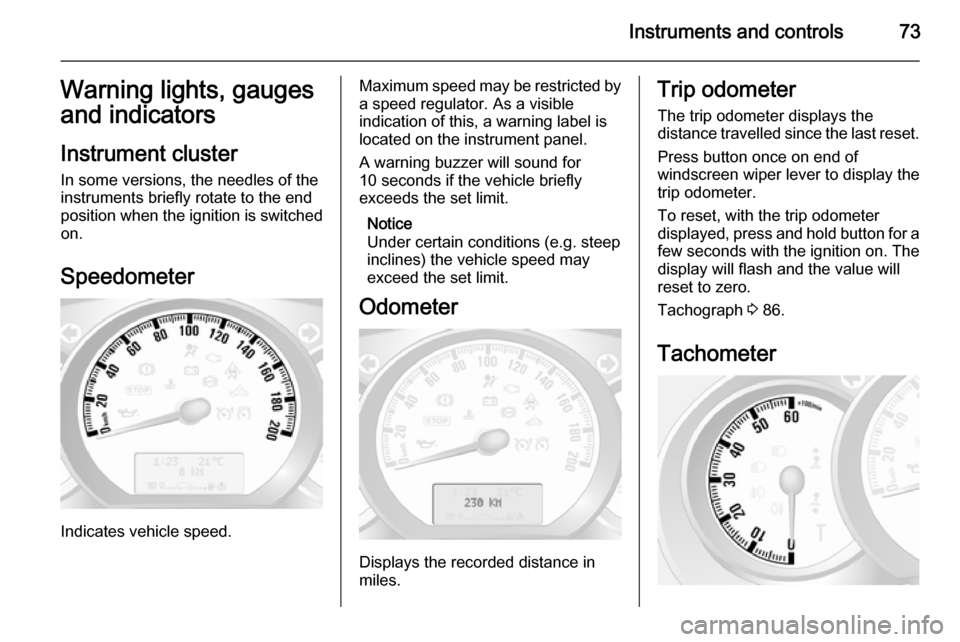
Speedometer
Indicates vehicle speed.
Maximum speed may be restricted by
a speed regulator. As a visible
indication of this, a warning label is
located on the instrument panel.
A warning buzzer will sound for
10 seconds if the vehicle briefly
exceeds the set limit.
Notice
Under certain conditions (e.g. steep
inclines) the vehicle speed may
exceed the set limit.
Odometer
Displays the recorded distance in
miles.
Trip odometer
The trip odometer displays the
distance travelled since the last reset.
Press button once on end of
windscreen wiper lever to display the
trip odometer.
To reset, with the trip odometer
displayed, press and hold button for a few seconds with the ignition on. The
display will flash and the value will
reset to zero.
Tachograph 3 86.
Tachometer
Page 80 of 201
78Instruments and controlsTurn signal
O flashes green.
Flashes if a turn signal or the hazard
warning flashers are activated.
Rapid flashing: failure of a turn signal light or associated fuse.
An audible warning can be heard
when the turn signals are on. When
towing a trailer, the pitch of the
audible warning changes.
Bulb replacement 3 140.
Fuses 3 148.
Turn signals 3 89.
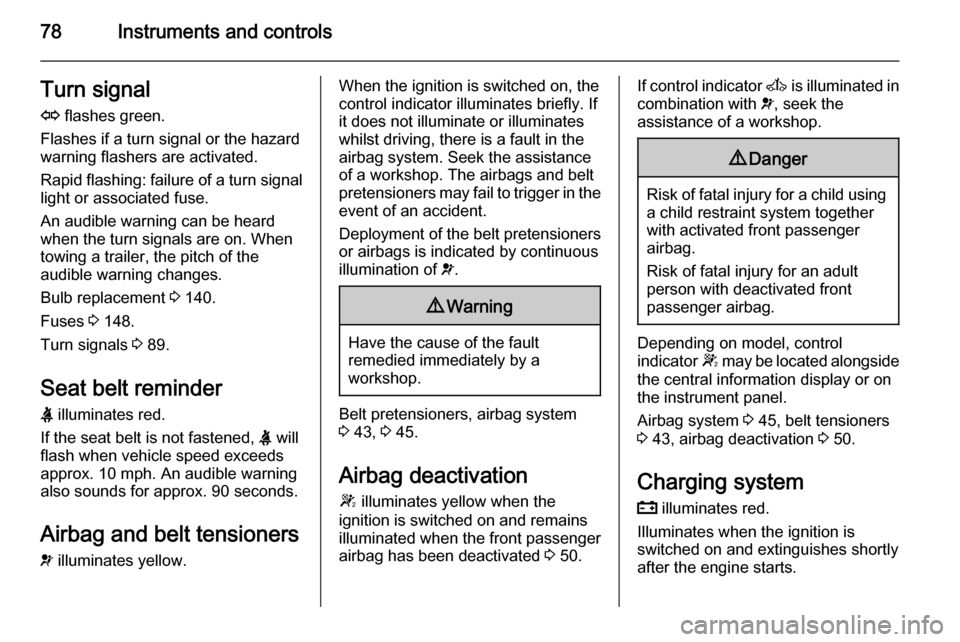
Seat belt reminder
X illuminates red.
If the seat belt is not fastened, X will
flash when vehicle speed exceeds
approx. 10 mph. An audible warning
also sounds for approx. 90 seconds.
Airbag and belt tensioners
v illuminates yellow.When the ignition is switched on, the
control indicator illuminates briefly. If
it does not illuminate or illuminates
whilst driving, there is a fault in the
airbag system. Seek the assistance
of a workshop. The airbags and belt
pretensioners may fail to trigger in the event of an accident.
Deployment of the belt pretensioners
or airbags is indicated by continuous
illumination of v.9 Warning
Have the cause of the fault
remedied immediately by a
workshop.
Belt pretensioners, airbag system
3 43, 3 45.
Airbag deactivation
W illuminates yellow when the
ignition is switched on and remains
illuminated when the front passenger
airbag has been deactivated 3 50.
If control indicator A is illuminated in
combination with v, seek the
assistance of a workshop.9 Danger
Risk of fatal injury for a child using
a child restraint system together
with activated front passenger
airbag.
Risk of fatal injury for an adult
person with deactivated front
passenger airbag.
Depending on model, control
indicator W may be located alongside
the central information display or on
the instrument panel.
Airbag system 3 45, belt tensioners
3 43, airbag deactivation 3 50.
Charging system
p illuminates red.
Illuminates when the ignition is
switched on and extinguishes shortly
after the engine starts.
Page 93 of 201
Lighting91
The courtesy light extinguishes
immediately when the ignition is
switched on.
Rear courtesy lights
Bus
Low level and overhead courtesy
lights are located in the rear
passenger compartment.
Operate rocker switch on the
instrument panel:
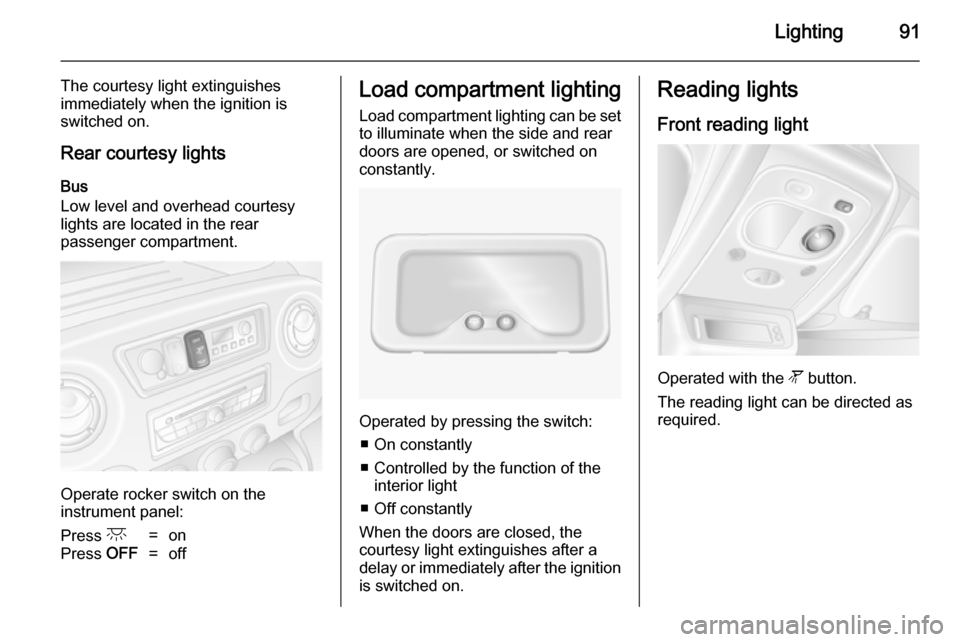
Press c=onPress OFF=offLoad compartment lighting
Load compartment lighting can be setto illuminate when the side and rear
doors are opened, or switched on
constantly.
Operated by pressing the switch:
■ On constantly
■ Controlled by the function of the interior light
■ Off constantly
When the doors are closed, the
courtesy light extinguishes after a
delay or immediately after the ignition
is switched on.
Reading lights
Front reading light
Operated with the l button.
The reading light can be directed as
required.
Page 94 of 201
92Lighting
Rear reading lightsBus
Operate rocker switch on the
instrument panel:
press l=on.press OFF=off.
Each reading light can then be
operated individually and directed as
required.
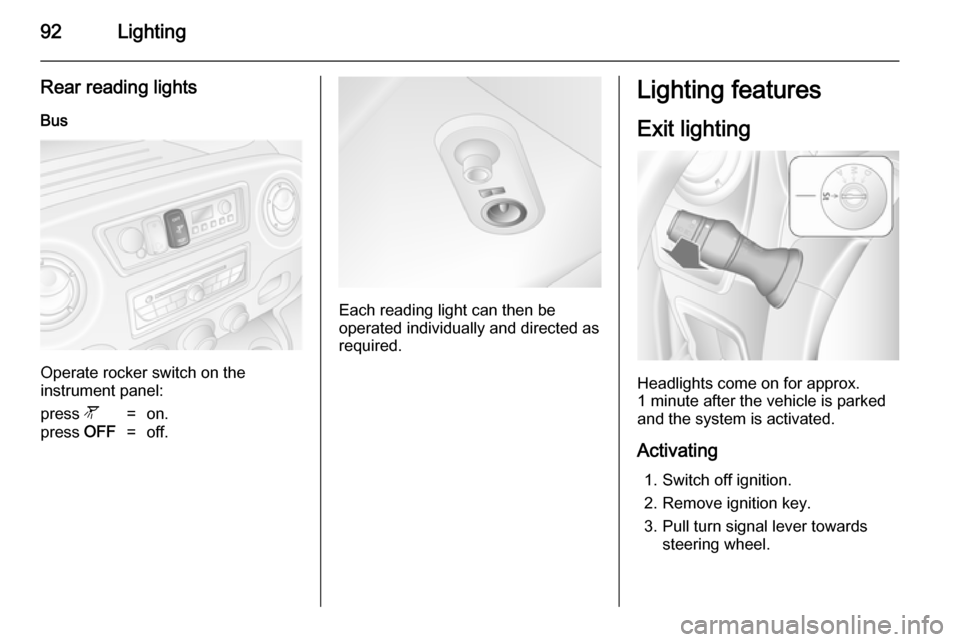
Lighting features
Exit lighting
Headlights come on for approx.
1 minute after the vehicle is parked
and the system is activated.
Activating 1. Switch off ignition.
2. Remove ignition key.
3. Pull turn signal lever towards steering wheel.
Page 98 of 201

96Climate control
Demisting and defrosting the
windows ■ Switch cooling n on.
■ Set temperature control to warmest
level.
■ Set fan speed to highest level.
■ Set air distribution control to V.
■ Switch on heated rear window Ü.
■ Open side air vents as required and
direct them towards door windows.
■ For simultaneous warming of the foot well, set air distribution control
to J.Electronic climate control
system
Controls for: ■ Temperature
■ Air distribution and menu selection
■ Fan speed
AUTO=Automatic modeu=air recirculationV=demisting and defrosting
Heated rear window Ü 3 33, Heated
seats ß 3 40.
The preselected temperature is
automatically regulated. In the
automatic mode the fan speed and air distribution automatically regulate the
air flow.
The system can be manually adapted by use of air distribution and air flowcontrols.
The electronic climate control system
is only fully operational when the
engine is running.
For correct operation do not cover the
sensor on the instrument panel.
Automatic mode Basic setting for maximum comfort:
■ Press AUTO button.
■ Open all air vents.
■ AC on.
■ Set desired temperature.
Temperature preselection
Temperatures can be set to the
desired value.
For reasons of comfort, change
temperature only in small increments.
Page 103 of 201
Climate control101
Remote control
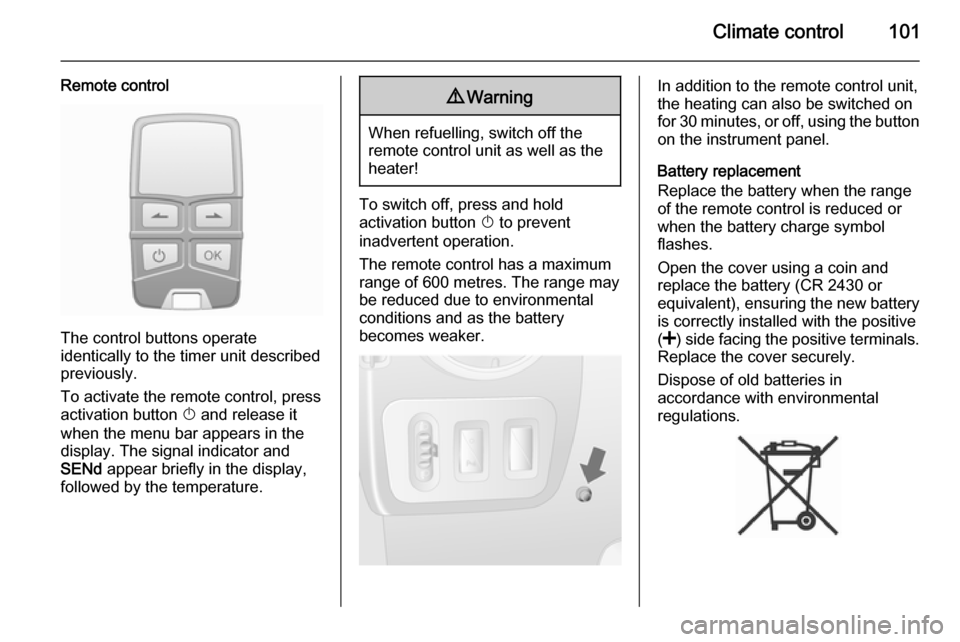
The control buttons operate
identically to the timer unit described
previously.
To activate the remote control, press activation button X and release it
when the menu bar appears in the display. The signal indicator and
SENd appear briefly in the display,
followed by the temperature.
9 Warning
When refuelling, switch off the
remote control unit as well as the
heater!
To switch off, press and hold
activation button X to prevent
inadvertent operation.
The remote control has a maximum
range of 600 metres. The range may
be reduced due to environmental
conditions and as the battery
becomes weaker.
In addition to the remote control unit,
the heating can also be switched on
for 30 minutes, or off, using the button
on the instrument panel.
Battery replacement
Replace the battery when the range
of the remote control is reduced or when the battery charge symbol
flashes.
Open the cover using a coin and
replace the battery (CR 2430 or equivalent), ensuring the new battery
is correctly installed with the positive
( < ) side facing the positive terminals.
Replace the cover securely.
Dispose of old batteries in
accordance with environmental
regulations.
Page 104 of 201

102Climate control
Batteries do not belong in household
waste. They must be disposed of at
an appropriate recycling collection
point.
Remote control fault displayscobA=Poor signal –
adjust positionconP=No signal – move closerbALo=Battery low –
change batteryErr=System error –
consult workshopAdd,
AddE=System in learning
mode
Teach remote control
If the vehicle battery is reconnected, the LED in the instrument panel
button illuminates and the system
configures the remote control menu
automatically. If the LED flashes,
press OK button on remote control,
select Add or AddE and confirm.
Additional remote control units may
also be configured. Press the button
until LED flashes, switch on the
remote control, select Add and
confirm.
AddE teaches the current remote
control unit exclusively and blocks all
previously configured units. Add
teaches up to 4 remote control units,
but only one unit can operate the
system at any one time.
Operation
Heating Y
Select Y in the menu bar and confirm.
The predetermined heating duration,
e.g. L 30, flashes in the display. The
factory setting is 30 minutes.
To temporarily adjust the heating
duration, adjust with the q or r
button and confirm. The value can be
set from 10 to 120 minutes. Due to the power consumption, note the heatingduration.
To switch off, select Y in the menu bar
again and confirm.
Ventilation x
Select x in the menu bar and confirm.
The ventilation duration can be
accepted or adjusted. The duration
shown is accepted without
confirmation.To switch off, select x in the menu bar
again and confirm.
Programming P
Up to 3 preset departure times can be
programmed, either during one day or over one week.
■ Select P in the menu bar and
confirm
■ Select desired preset memory number 1, 2 or 3 and confirm
■ Select day and confirm
■ Select hour and confirm
■ Select minutes and confirm
■ Select Y or x and confirm
■ If necessary, adjust the runtime duration prior to departure andconfirm
The next preset memory number to
be activated is underlined and the
weekday is displayed. Repeat the
procedure to programme the other
preset memory numbers.
Pressing button X during the
procedure will exit without storing programme adjustments.
Page 127 of 201

Driving and operating125
closer to the obstacle. When the
distance is less than 1 ft, the buzzer
is continuous.9 Warning
Under certain circumstances,
various reflective surfaces on
objects or clothing as well as
external noise sources may cause the system to fail to detect
obstacles.
Special attention must be paid to
low obstacles which can damage
the lower part of the bumper.
Caution
Performance of the sensor can be reduced when sensors are
covered, e.g. by ice or snow.
Performance of the parking assist
system can be reduced due to
heavy loading.
Special conditions apply if there
are taller vehicles involved (e.g.
off-road vehicles, mini vans,
vans). Object identification in the
upper part of these vehicles
cannot be guaranteed.
Objects with a very small reflection
cross section, like objects of
narrow size or soft materials, may
not be detected by the system.
Parking assist will not detect
objects out of the detection range.
Deactivation
It is possible to deactivate or
temporarily deactivate the system.
Temporary deactivation
Temporarily deactivate the system by
pressing the r button on the
instrument panel with the ignition on
and reverse gear engaged. Control
indicator in the button illuminates.
When reverse gear is selected no
acoustic signal will sound, indicating
deactivation.
The function is reactivated by
pressing button r again or the next
time the ignition is switched on.
Permanent deactivation
Permanently deactivate the system
by pressing and holding the r
button on the instrument panel for
approx. 3 seconds with the ignition on and reverse gear engaged. Control
indicator in the button illuminates
continuously.
The system is deactivated and will not operate. When reverse gear is
selected no acoustic signal will
sound, indicating deactivation.
The function is reactivated by
pressing and holding button r for
approx. 3 seconds.