Page 229 of 427
229
1. AUDIO/VIDEO SYSTEM OPERATION
5
AUDIO/VIDEO SYSTEM
L/C200_Navi_OM60L27U_(U)
13.06.03 19:41
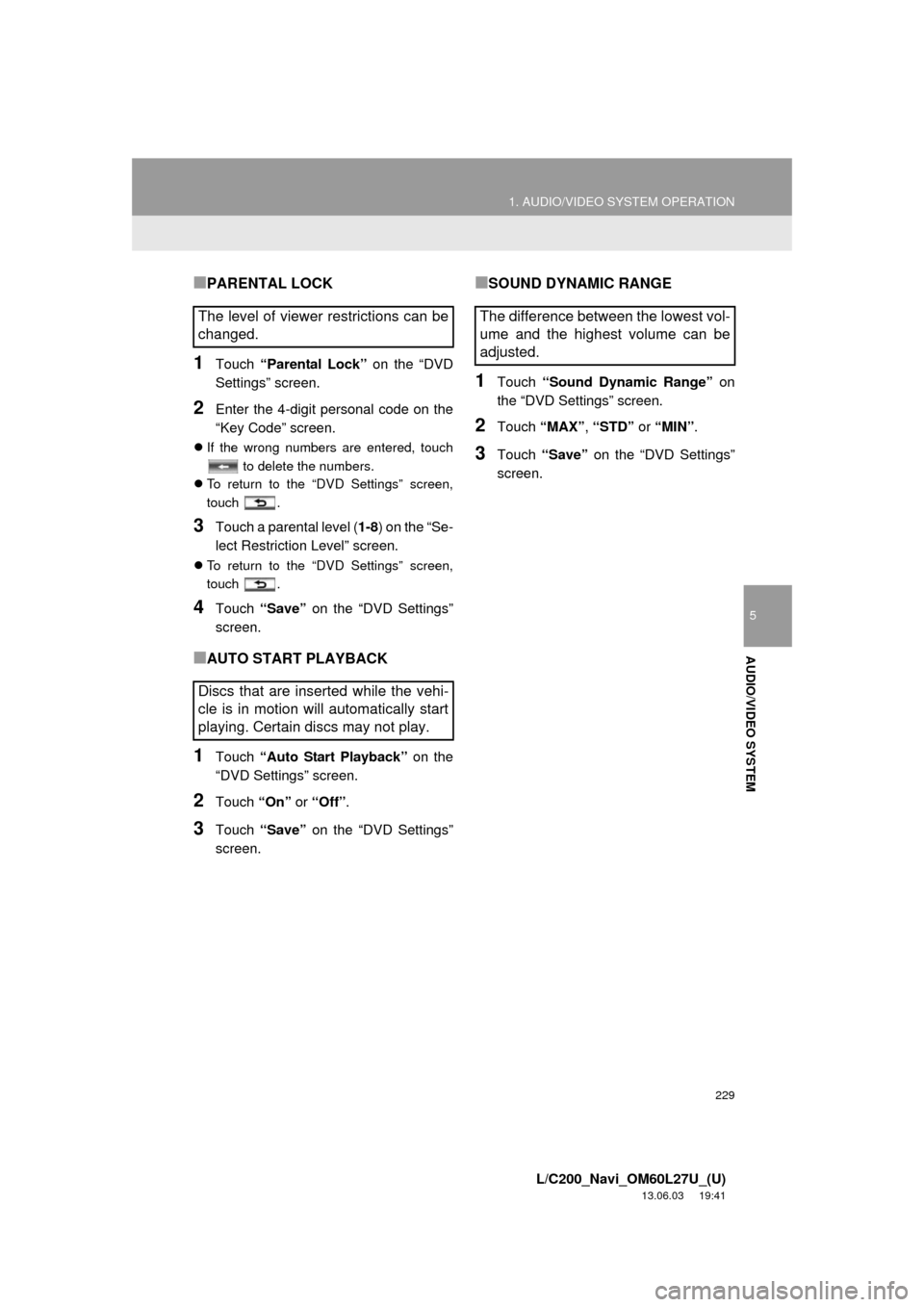
■PARENTAL LOCK
1Touch “Parental Lock” on the “DVD
Settings” screen.
2Enter the 4-digit personal code on the
“Key Code” screen.
If the wrong numbers are entered, touch
to delete the numbers.
To return to the “DVD Settings” screen,
touch .
3Touch a parental level (1-8) on the “Se-
lect Restriction Level” screen.
To return to the “DVD Settings” screen,
touch .
4Touch “Save” on the “DVD Settings”
screen.
■AUTO START PLAYBACK
1Touch “Auto Start Playback” on the
“DVD Settings” screen.
2Touch “On” or “Off”.
3Touch “Save” on the “DVD Settings”
screen.
■SOUND DYNAMIC RANGE
1Touch “Sound Dynamic Range” on
the “DVD Settings” screen.
2Touch “MAX”, “STD” or “MIN”.
3Touch “Save” on the “DVD Settings”
screen.
The level of viewer restrictions can be
changed.
Discs that are inserted while the vehi-
cle is in motion will automatically start
playing. Certain discs may not play.The difference between the lowest vol-
ume and the highest volume can be
adjusted.
Page 230 of 427
230
1. AUDIO/VIDEO SYSTEM OPERATION
L/C200_Navi_OM60L27U_(U)
13.06.03 19:41
1Enter the 4-digit language code.
If the wrong numbers are entered, touch
to delete the numbers.
To return to the “DVD Settings” screen,
touch .
2Touch “OK”.
3Touch “Save” on the “DVD Settings”
screen.
ENTER AUDIO/SUBTITLE/
MENU LANGUAGE CODE
If “Other” on the “Audio Language”
screen, “Subtitle Language” screen or
“Menu Language” screen is touched,
the desired language to be heard or
read can be selected by entering a
language code.CodeLanguage
0514English
1001Japanese
0618French
0405German
0920Italian
0519Spanish
2608Chinese
1412Dutch
1620Portuguese
1922Swedish
1821Russian
1115Korean
0512Greek
0101Afar
0102Abkhazian
0106Afrikaans
0113Amharic
0118Arabic
0119Assamese
0125Aymara
0126Azerbaijani
0201Bashkir
0205Byelorussian
0207Bulgarian
0208Bihari
0209Bislama
0214Bengali, Bangla
0215Tibetan
0218Breton
Page 233 of 427

233
1. AUDIO/VIDEO SYSTEM OPERATION
5
AUDIO/VIDEO SYSTEM
L/C200_Navi_OM60L27U_(U)
13.06.03 19:41
Vehicles with rear seat entertainment
system
Front passengers can cancel this setup
operation by touching “Play”. The player
will resume normal play.
Likewise, a rear passenger can cancel a
front passenger’s selection of the setup
menu.
To lock the rear seat entertainment sys-
tem, see “OPERATION FROM THE
FRONT SEATS” on page 266.
If “Check DISC” appears on the screen:
It indicates that the disc is dirty, damaged,
or it was inserted upside down. Clean the
disc or insert it correctly. If a disc which is
not playable is inserted, “Check DISC” will
also appear on the screen. For appropriate
discs for the player, see “AUDIO/VIDEO
SYSTEM OPERATING HINTS” on page
283.
If “Region code error” appears on the
screen: It indicates that the DVD region
code is not set properly.
If the malfunction is not rectified: Take
your vehicle to your Toyota dealer.
SETUP OPERATION FROM THE
REAR SEAT
This screen appears when a rear pas-
senger selects the setup menu.IF THE PLAYER
MALFUNCTIONS
If the player or another unit equipped
with the player malfunctions, the audio/
video system will display a message.
These are described below.
INFORMATION
●If an MP3/WMA disc contains CD-DA
files only, the CD-DA files can be played.
If an MP3/WMA disc contains CD-DA
files and files other than CD-DA files,
only MP3/WMA files can be played.
Page 234 of 427

234
1. AUDIO/VIDEO SYSTEM OPERATION
L/C200_Navi_OM60L27U_(U)
13.06.03 19:41
Region codes: Some DVD video discs
have a region code indicating which coun-
tries the DVD video disc can be played in
on this DVD player. If the DVD video disc
is not labeled as “ALL” or “1”, you cannot
use it on this DVD player. If you attempt to
play an inappropriate DVD video disc on
this player, “Region code error” appears
on the screen. Even if the DVD video disc
does not have a region code, there are
cases when it cannot be used.
■MARKS SHOWN ON DVD VIDEO
DISCSDVD PLAYER AND DVD
VIDEO DISC INFORMATION
DVD VIDEO DISCS
This DVD player conforms to NTSC/
PAL color TV formats. DVD video discs
conforming to another format such as
SECAM cannot be used.NTSC/PALIndicates NTSC/PAL
format of color TV.
Indicates the number
of audio tracks.
Indicates the number
of language subtitles.
Indicates the number
of angles.
Indicates the screen
to be selected.
Wide screen: 16:9
Standard: 4:3
Indicates a region
code by which this vid-
eo disc can be played.
ALL: in all countries
Number: region code
Page 235 of 427

235
1. AUDIO/VIDEO SYSTEM OPERATION
5
AUDIO/VIDEO SYSTEM
L/C200_Navi_OM60L27U_(U)
13.06.03 19:41
DVD video discs: Digital Versatile Disc
that holds video. DVD video discs have
adopted “MPEG2”, one of the world stan-
dards of digital compression technologies.
The picture data is compressed by 1/40 on
average and stored. Variable rate encoded
technology in which the volume of data as-
signed to the picture is changed depend-
ing on the picture format has also been
adopted. Audio data is stored using PCM
and Dolby Digital, which enables higher
quality of sound. Furthermore, multi-angle
and multi-language features will also help
users enjoy the more advanced technolo-
gy of DVD video.
Viewer restrictions: This feature limits
what can be viewed in conformity with a
level of restrictions of the country. The lev-
el of restrictions varies depending on the
DVD video disc. Some DVD video discs
cannot be played at all, or violent scenes
are skipped or replaced with other scenes.
• Level 1: DVD video discs for children
can be played.
• Level 2 - 7: DVD video discs for children
and G-rated movie can be played.
• Level 8: All types of the DVD video discs
can be played.
Multi-angle feature: The same scene can
be enjoyed from different angles.
Multi-language feature: The subtitle and
audio language can be selected.
Region codes: The region codes are pro-
vided on DVD players and DVD discs. If
the DVD video disc does not have the
same region code as the DVD player, you
cannot play the disc on the DVD player.
For region codes, see page 234.
Audio: This DVD player can play liner
PCM, Dolby Digital and MPEG audio for-
mat DVDs. Other decoded types cannot
be played.
Title and chapter: Video and audio pro-
grams stored in DVD video discs are divid-
ed into parts by title and chapter.
Title: The largest unit of the video and au-
dio programs stored on DVD video discs.
Usually, one movie, one album, or one au-
dio program is assigned as a title.
Chapter: A unit smaller than that of title. A
title comprises of several chapters.DVD VIDEO DISC GLOSSARY
Manufactured under license from Dolby
Laboratories. Dolby and the double-D
symbol are trademarks of Dolby
Laboratories.
Page 260 of 427
260
1. AUDIO/VIDEO SYSTEM OPERATION
L/C200_Navi_OM60L27U_(U)
13.06.03 19:41
12. REAR SEAT ENTERTAINMENT SYSTEM FEATURES*
The rear seat entertainment system is designed for the rear passengers to enjoy
audio and DVD video separately from the front audio/video system. The rear seat
entertainment system can be used when the “ENGINE START STOP” switch is in
ACCESSORY or IGNITION ON mode.
No.NameNo.Name
Front audio/video systemHeadphone volume control dials and
headphone jacks
DisplayA/V input port
Rear seat entertainment system con-
troller
*: If equipped
Page 265 of 427

265
1. AUDIO/VIDEO SYSTEM OPERATION
5
AUDIO/VIDEO SYSTEM
L/C200_Navi_OM60L27U_(U)
13.06.03 19:41
CAUTION
●When the rear seat entertainment sys-
tem is not used
• Keep the display closed. In the event
of an accident, sudden braking or
sudden swerving, the opened display
may hit an occupant’s body, resulting
in injury.
●While driving
• Do not use headphones. Doing so
may cause an accident, resulting in
death or serious injury.
●To prevent accidents and electric shock
• Do not disassemble or modify the
remote control.
●When the remote control is not used
• Stow the remote control. Injuries may
result in the event of sudden braking,
sudden swerving or an accident.
●When you close the display
• Never use any part of your body to
intentionally activate the jam protec-
tion function.
●Conversational speech on some DVDs
is recorded at a low volume to empha-
size the impact of sound effects. If you
adjust the volume assuming that the
conversations represent the maximum
volume level that the DVD will play, you
may be startled by louder sound effects
or startled when you change to a differ-
ent audio source. The louder sounds
may have a significant impact on the
human body or pose a driving hazard.
Keep this in mind when you adjust the
volume.
●Removed battery and other parts:
• Keep away from children. These
parts are small and if swallowed by a
child they can cause choking. Failure
to do so could result in death or seri-
ous injury.
NOTICE
●Cleaning the display
• Wipe the display with a dry soft cloth.
• If the screen is wiped with a rough
cloth, the surface of the screen may
be scratched.
●To prevent damage to the remote control
• Keep the remote control away from
direct sunlight, temperature heat and
high humidity.
• Do not drop or knock the remote con-
trol against hard objects.
• Do not sit on or place heavy objects
on the remote control.
●Closing the display
• Do not close the display using your
hand. Doing so may result in a mal-
function.
●For normal operation after replacing the
battery, observe the following precau-
tions to prevent accidents:
• Always work with dry hands. Moisture
may cause the battery to rust.
• Do not touch or move any other com-
ponents inside the remote control.
• Do not bend either of the battery ter-
minals.
Page 271 of 427
271
1. AUDIO/VIDEO SYSTEM OPERATION
5
AUDIO/VIDEO SYSTEM
L/C200_Navi_OM60L27U_(U)
13.06.03 19:41
1Select disc mode on the source screen
to display the control screen.
2Press the or button until the
desired file number appears on the
screen.
1Press the “” or “” button of “FOL/
CH” until the desired folder number
appears on the screen.
1Press the or button, or press
and hold the or button.
1Press the button.Press the “DISC” button, or select disc
mode, to display DVD video.
PLAYING MP3/WMA DISCS
SELECTING A FILE
SELECTING A FOLDER
FAST FORWARDING OR
REWINDING A FILE
PLAYING OR PAUSING A FILE
PLAYING DVD VIDEO
SELECTING DVD VIDEO MODE
CONTROLLER
No.Function
Selecting an icon
Turning on the DVD mode
Inputting the selected icon
Playing/pausing a disc
Fast forwarding a disc during play-
back and forward slowly during
pause.
Stopping a screen
Turning on the menu


