2014 TOYOTA AURIS TOURING SPORTS CD player
[x] Cancel search: CD playerPage 326 of 632
3265-2. Using the audio system
Auris Touring Sports_EE (OM12G98E)
NOTICE
CD player precautions
Failure to follow the precautions below may result in serious damage to the
CDs or the player itself.
Do not insert anything other than CDs into the CD slot.
Do not apply oil to the CD player.
Store CDs away from direct sunlight.
Never try to disassemble any part of the CD player.
Page 329 of 632
3295-2. Using the audio system
Auris Touring Sports_EE (OM12G98E)
5
Interior features
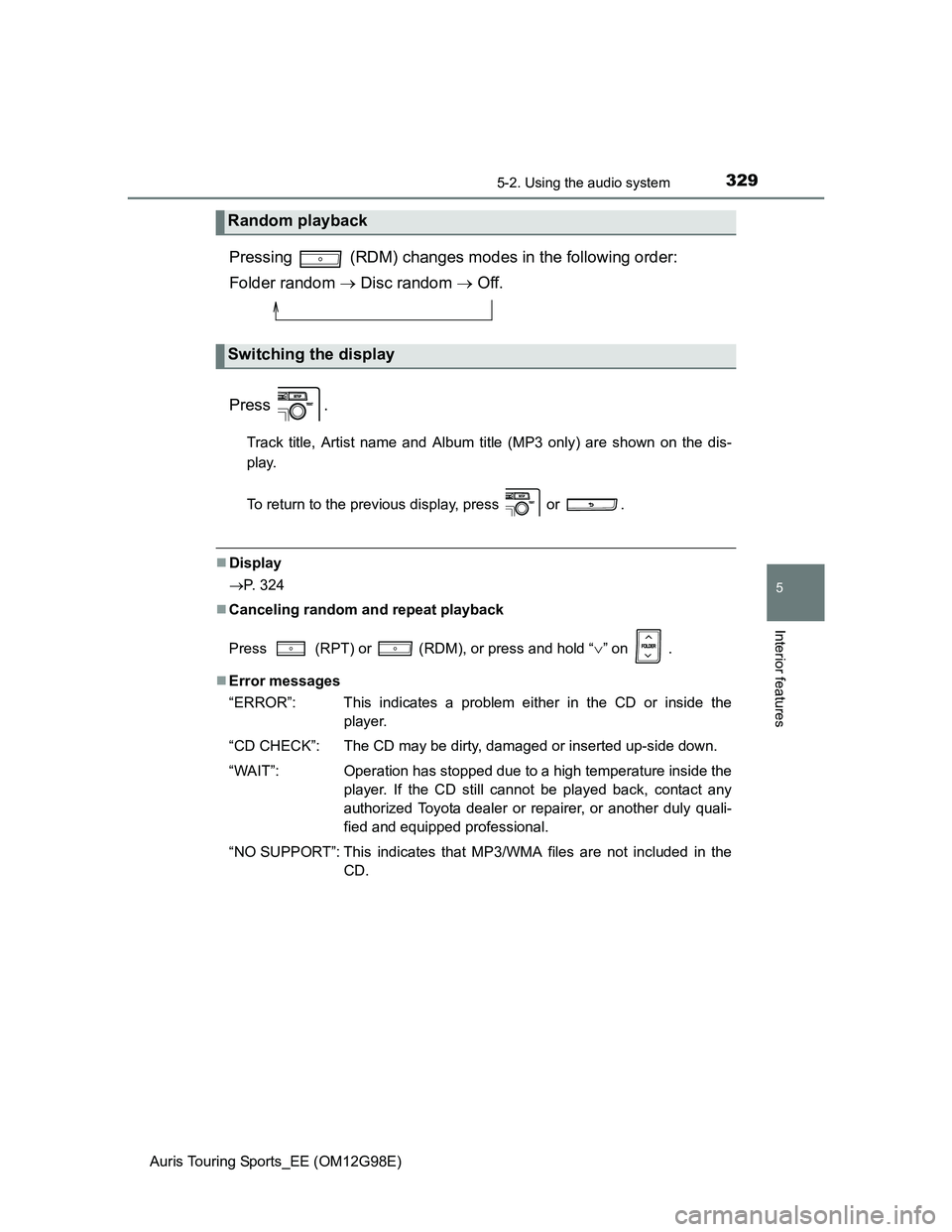
Pressing (RDM) changes modes in the following order:
Folder random Disc random Off.
Press .
Track title, Artist name and Album title (MP3 only) are shown on the dis-
play.
To return to the previous display, press or .
Display
P. 324
Canceling random and repeat playback
Press
(RPT) or (RDM), or press and hold “” on .
Error messages
“ERROR”: This indicates a problem either in the CD or inside the
player.
“CD CHECK”: The CD may be dirty, damaged or inserted up-side down.
“WAIT”: Operation has stopped due to a high temperature inside the
player. If the CD still cannot be played back, contact any
authorized Toyota dealer or repairer, or another duly quali-
fied and equipped professional.
“NO SUPPORT”: This indicates that MP3/WMA files are not included in the
CD.
Random playback
Switching the display
Page 330 of 632
3305-2. Using the audio system
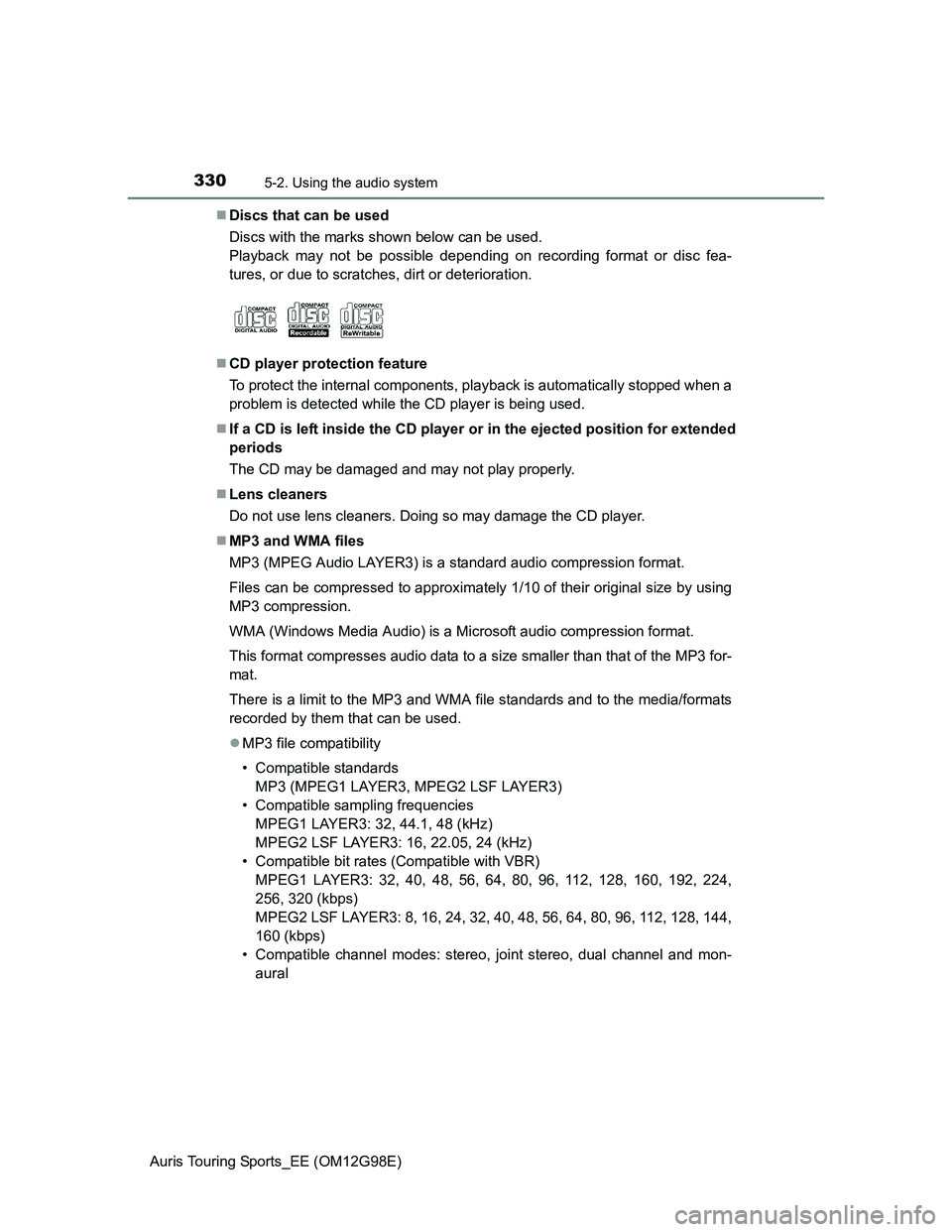
Auris Touring Sports_EE (OM12G98E)Discs that can be used
Discs with the marks shown below can be used.
Playback may not be possible depending on recording format or disc fea-
tures, or due to scratches, dirt or deterioration.
CD player protection feature
To protect the internal components, playback is automatically stopped when a
problem is detected while the CD player is being used.
If a CD is left inside the CD player or in the ejected position for extended
periods
The CD may be damaged and may not play properly.
Lens cleaners
Do not use lens cleaners. Doing so may damage the CD player.
MP3 and WMA files
MP3 (MPEG Audio LAYER3) is a standard audio compression format.
Files can be compressed to approximately 1/10 of their original size by using
MP3 compression.
WMA (Windows Media Audio) is a Microsoft audio compression format.
This format compresses audio data to a size smaller than that of the MP3 for-
mat.
There is a limit to the MP3 and WMA file standards and to the media/formats
recorded by them that can be used.
MP3 file compatibility
• Compatible standards
MP3 (MPEG1 LAYER3, MPEG2 LSF LAYER3)
• Compatible sampling frequencies
MPEG1 LAYER3: 32, 44.1, 48 (kHz)
MPEG2 LSF LAYER3: 16, 22.05, 24 (kHz)
• Compatible bit rates (Compatible with VBR)
MPEG1 LAYER3: 32, 40, 48, 56, 64, 80, 96, 112, 128, 160, 192, 224,
256, 320 (kbps)
MPEG2 LSF LAYER3: 8, 16, 24, 32, 40, 48, 56, 64, 80, 96, 112, 128, 144,
160 (kbps)
• Compatible channel modes: stereo, joint stereo, dual channel and mon-
aural
Page 332 of 632
3325-2. Using the audio system
Auris Touring Sports_EE (OM12G98E)ID3 and WMA tags
ID3 tags can be added to MP3 files, making it possible to record the track
title, artist name, etc.
The system is compatible with ID3 Ver. 1.0, 1.1, and Ver. 2.2, 2.3 ID3 tags.
(The number of characters is based on ID3 Ver. 1.0 and 1.1.)
WMA tags can be added to WMA files, making it possible to record the
track title and artist name in the same way as with ID3 tags.
MP3 and WMA playback
When a disc containing MP3 or WMA files is inserted, all files on the disc
are first checked. Once the file check is finished, the first MP3 or WMA file
is played. To make the file check finish more quickly, we recommend you do
not write in any files other than MP3 or WMA files or create any unneces-
sary folders.
If the discs contain a mixture of music data and MP3 or WMA format data,
only music data can be played.
Extensions
If the file extensions .mp3 and .wma are used for files other than MP3 and
WMA files, they will be mistakenly recognized and played as MP3 and
WMA files. This may result in large amounts of interference and damage to
the speakers.
Playback
• To play MP3 files with steady sound quality, we recommend a fixed bit
rate of 128 kbps and a sampling frequency of 44.1 kHz.
• CD-R or CD-RW playback may not be possible in some instances,
depending on the characteristics of the disc.
• There is a wide variety of freeware and other encoding software for MP3
and WMA files on the market, and depending on the status of the encod-
ing and the file format, poor sound quality or noise at the start of playback
may result. In some cases, playback may not be possible at all.
• When files other than MP3 or WMA files are recorded on a disc, it may
take more time to recognize the disc and in some cases, playback may
not be possible at all.
• Microsoft, Windows, and Windows Media are the registered trademarks
of Microsoft Corporation in the U.S. and other countries.
NOTICE
CDs and adapters that cannot be used (P. 325)
CD player precautions (P. 326)
Page 348 of 632
3485-2. Using the audio system
Auris Touring Sports_EE (OM12G98E)
CAUTION
Caution while driving
Do not connect USB memory or operate the controls.
NOTICE
To prevent damage to USB memory
Do not leave USB memory in the vehicle. The temperature inside the vehi-
cle may become high, resulting in damage to the player.
Do not push down on or apply unnecessary pressure to the USB memory
while it is connected as this may damage the USB memory or its terminal.
Do not insert foreign objects into the port as this may damage the USB
memory or its terminal.
Page 619 of 632
619
Auris Touring Sports_EE (OM12G98E)
Alphabetical index
Alphabetical index
A/C..................................... 295, 304
Air conditioning filter.............. 441
ABS
(Anti-lock Brake System) ...... 276
Function ................................ 276
Warning light ......................... 493
Adaptive Front-lighting
System (AFS) ......................... 223
AFS (Adaptive Front-lighting
System) .................................. 223
Air conditioning filter .............. 441
Air conditioning
system ............................ 295, 304
Air conditioning filter.............. 441
Airbag manual on-off system ... 48
Airbags ....................................... 38
Airbag manual on-off
system .................................. 48
Airbag operating conditions .... 44
Airbag precautions for
your child .............................. 40
Airbag warning light .............. 493
Correct driving posture............ 32
Curtain shield airbag
operating conditions ............. 44
Curtain shield airbag
precautions ........................... 42
General airbag precautions..... 40
Locations of airbags ................ 38
Modification and
disposal of airbags................ 43
Side airbag operating
conditions ............................. 44
Side airbag precautions .......... 40
Side and curtain shield airbags
operating conditions ............. 44
Side and curtain shield airbags
precautions ........................... 40
SRS airbags ............................ 38Alarm .......................................... 79
Alarm ...................................... 79
Warning buzzer............. 491, 507
Anchor brackets ........................ 60
Antennas (smart entry &
start system) .......................... 119
Anti-lock Brake
System (ABS) ........................ 276
Function ................................ 276
Warning light ......................... 493
Armrest ..................................... 386
Ashtrays ................................... 381
Assist grips .............................. 388
Audio input............................... 351
Audio system ........................... 316
Audio input ............................ 351
AUX port/
USB port ............. 333, 342, 351
CD player .............................. 322
iPod....................................... 333
MP3/WMA disc ..................... 327
Optimal use........................... 349
Portable music player ........... 351
Radio .................................... 318
Steering wheel audio
switch ................................. 352
USB memory ........................ 342
Automatic headlight leveling
system .................................... 225
Automatic High Beam ............. 226
Automatic light control
system .................................... 220
AUX port ................................... 351
Auxiliary boxes ................ 364, 369
A
Page 620 of 632
620Alphabetical index
Auris Touring Sports_EE (OM12G98E)
Back door ................................ 149
Back-up lights
Replacing light bulb............... 463
Wattage................................. 601
Battery ...................................... 420
Battery checking ................... 420
If the vehicle has discharged
battery................................. 570
Preparing and checking
before winter ....................... 285
Warning light ................. 492, 508
Bluetooth
®
Hands-free system
(for cellular phone)*
Navigation/multimedia system*
Bottle holders........................... 361
Brake
Emergency brake signal ....... 276
Fluid ...................................... 598
Parking brake ........................ 218
Warning light ......................... 491
Brake assist.............................. 276
Break-in tips ............................ 175
Brightness control
Meter light control ............. 93, 98Care................................... 392, 396
Aluminum wheels.................. 393
Exterior ................................. 392
Interior................................... 396
Seat belts .............................. 397
Cargo hooks............................. 365
CD player .................................. 322
Chains....................................... 287
Child restraint system ............... 51
Baby seats, definition.............. 51
Baby seats, installation ........... 61
Child seats, definition.............. 51
Child seats, installation ........... 61
Installing CRS with ISOFIX
rigid anchors ......................... 65
Installing CRS with
seat belts .............................. 61
Installing CRS with top strap... 66
Junior seats, definition ............ 51
Junior seats, installation ......... 63
Child safety ................................ 50
Airbag precautions .................. 40
Battery precautions ............... 576
Child restraint system ............. 51
How your child should wear
the seat belt .......................... 35
Installing child restraints ......... 60
Panoramic roof shade
precautions ......................... 390
Power window lock switch .... 166
Power window precautions ... 169
Rear door child-protectors .... 148
Removed electronic key
battery precautions ............. 445
Seat belt precautions .............. 37
Seat heater precautions........ 385
BC