Page 206 of 384
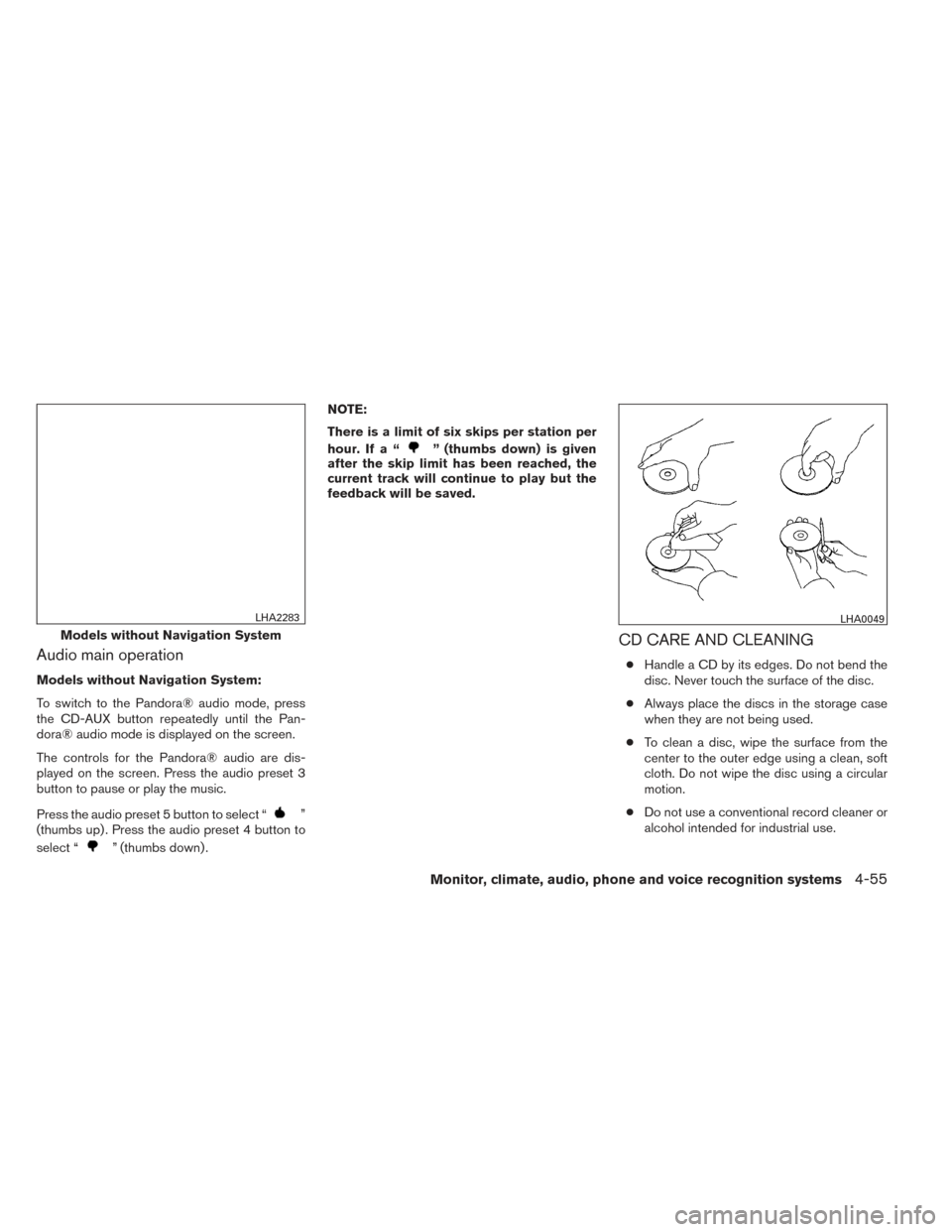
Audio main operation
Models without Navigation System:
To switch to the Pandora® audio mode, press
the CD-AUX button repeatedly until the Pan-
dora® audio mode is displayed on the screen.
The controls for the Pandora® audio are dis-
played on the screen. Press the audio preset 3
button to pause or play the music.
Press the audio preset 5 button to select “
”
(thumbs up) . Press the audio preset 4 button to
select “
” (thumbs down) . NOTE:
There is a limit of six skips per station per
hour. If a “
” (thumbs down) is given
after the skip limit has been reached, the
current track will continue to play but the
feedback will be saved.
CD CARE AND CLEANING
● Handle a CD by its edges. Do not bend the
disc. Never touch the surface of the disc.
● Always place the discs in the storage case
when they are not being used.
● To clean a disc, wipe the surface from the
center to the outer edge using a clean, soft
cloth. Do not wipe the disc using a circular
motion.
● Do not use a conventional record cleaner or
alcohol intended for industrial use.
Models without Navigation System
LHA2283LHA0049
Monitor, climate, audio, phone and voice recognition systems4-55
Page 207 of 384
●A new disc may be rough on the inner and
outer edges. Remove the rough edges by
rubbing the inner and outer edges with the
side of a pen or pencil as illustrated.
1. Volume control switch
2. MODE select switch
3. Tuning switch
STEERING WHEEL SWITCH FOR
AUDIO CONTROL
The audio system can be operated using the
controls on the steering wheel.
MODE select switch
Push the mode select switch to change the mode
in the following sequence:
AM →FM1 →FM2 →XM1 (satellite radio, if so
equipped) →XM2 (satellite radio, if so equipped) →
XM3 (satellite radio, if so equipped) →CD* →
USB/iPod®* (if so equipped) →Bluetooth® Au-
dio* →AUX* →AM.
* These modes are only available when compat-
ible media storage is inserted into the device or
connected to the system.
Volume control switch
Push the volume control switch to increase or
decrease the volume.
Tuning switch
While the display is showing a map or audio
screen, tilt the Menu Control switch upward or
downward to select a station, track, CD or folder.
For most audio sources, tilting the switch
up/down for more than 1.5 seconds provides a
different function than a tilting up/down for less
than 1.5 seconds.
AM and FM: ● Tilt up/down for less than 1.5 seconds to
increase or decrease the preset station.
● Tilt up/down for more than 1.5 seconds to
seek up or down to the next station.
● Press the ENTER button to show the list of
preset stations.LHA2559
4-56Monitor, climate, audio, phone and voice recognition systems
Page 376 of 384
10 Index
4WDwarninglight...............2-17A
Active brake limited slip (ABLS) system . . .5-34
Active Head Restraint ..............1-4
Air bag (See supplemental restraint
system) .....................1-45
Air bag system Front (See supplemental front impact
air bag system) ...............1-52
Airbagwarninglabels.............1-59
Airbagwarninglight...........1-60,2-19
Air cleaner housing filter ............8-17
Air conditioner Air conditioner operation ..........4-16
Air conditioner service ...........4-21
Air conditioner specification label .....9-12
Air conditioner system refrigerant and
oil recommendations .............9-7
Heater and air conditioner controls ....4-14
Servicing air conditioner ..........4-21
Airflowcharts..................4-17
Alarm system
(See vehicle security system) .........2-24
Anchor point locations .............1-30
Antenna.....................4-57
Anti-lock brake warning light ..........2-15
Anti-lock Braking System (ABS) ........5-33
Audible reminders ...............2-23
Audio system ..................4-21
Bluetooth®audio..............4-53 Compact disc (CD) player . .4-31, 4-36, 4-42
FM-AM radio with compact disc (CD)
player ....................4-29
FM/AM/SAT radio with compact disc (CD)
player.................4-34,4-39
Audio System iPod®Player.............4-48,4-50
Audio system Radio ....................4-21
Steering wheel audio control switch . . .4-56
USB interface ............4-44,4-46
Autolight switch .................2-29
Automatic Automatic power window switch .....2-49
Automatic transmission position indicator
light .....................2-20
Driving with automatic transmission ....5-13
Automatic anti-glare inside mirror .......3-15
Automatic door locks ..............3-4
AUXjack..............4-32,4-37,4-44
B
Battery ......................8-14
Charge warning light ............2-16
Before starting the engine ...........5-12
Belt (See drive belt) ..............8-16
Block heater Engine ....................5-39
Bluetooth®audio................4-53
Bluetooth® hands-free phone
system ..................4-59,4-73 Boosterseats..................1-41
Brake
Anti-lock Braking System (ABS) ......5-33
Brakefluid..................8-12
Brakelight(Seestoplight).........8-30
Brake system ................5-32
Brake warning light .............2-16
Brake wear indicators ........2-23,8-22
Parking brake operation ..........5-19
Self-adjusting brakes ............8-22
Brakes ......................8-22
Break-inschedule ...............5-21
Brightness/contrast button ...........4-7
Brightness control Instrument panel ..............2-30
Bulb check/instrument panel ..........2-15
Bulbreplacement................8-30
C
Capacities and recommended
fuel/lubricants ...................9-2
Cargolight ...................2-51
Cargonet....................2-44
Cargo (See vehicle loading information) . . .9-12
Car phone or CB radio .............4-58
CD care and cleaning .............4-55
CD
player (See audio system) . .4-31, 4-36, 4-42
Check tire press .................2-5
Child restraints .......1-24,1-25,1-26,1-28
Precautions on child
restraints ........1-26,1-33,1-37,1-41
Page:
< prev 1-8 9-16 17-24