Page 246 of 388
– Your vehicle is in an area where it isdifficult to receive cellular signal; such as
in a tunnel, in an underground parking
garage, near a tall building or in a moun-
tainous area.
– Your cellular phone is locked to prevent it from being dialed.
● When the radio wave condition is not ideal
or ambient sound is too loud, it may be
difficult to hear the other person’s voice dur-
ing a call.
● Immediately after the ignition switch is
placed in the ON position, it may be impos-
sible to receive a call for a short period of
time.
● Do not place the cellular phone in an area
surrounded by metal or far away from the
in-vehicle phone module to prevent tone
quality degradation and wireless connection
disruption.
● While a cellular phone is connected through
the Bluetooth® wireless connection, the
battery power of the cellular phone may dis-
charge quicker than usual. The Bluetooth®
Hands-Free Phone System cannot charge
cellular phones. ●
If the hands-free phone system seems to be
malfunctioning, see “Troubleshooting guide”
in this section. You can also visit
www.nissanusa.com/bluetooth for trouble-
shooting help.
● Some cellular phones or other devices may
cause interference or a buzzing noise to
come from the audio system speakers. Stor-
ing the device in a different location may
reduce or eliminate the noise.
● Refer to the cellular phone owner’s manual
regarding the telephone charges, cellular
phone antenna and body, etc.
● The signal strength display on the monitor
will not coincide with the signal strength
display of some cellular phones.
REGULATORY INFORMATION
FCC Regulatory information
– CAUTION: To maintain compliance with FCC’s RF exposure guidelines, use only the
supplied antenna. Unauthorized antenna,
modification, or attachments could damage
the transmitter and may violate FCC regula-
tions.
– Operation is subject to the following two con- ditions:
1. This device may not cause interference and 2. this device must accept any interference,
including interference that may cause unde-
sired operation of the device.
IC Regulatory information
– Operation is subject to the following two con- ditions: (1) this device may not cause interfer-
ence, and (2) this device must accept any
interference, including interference that may
cause undesired operation of the device.
– This Class B digital apparatus meets all re- quirements of the Canadian Interference-
Causing Equipment Regulations.
BLUETOOTH® is a
trademark owned by
Bluetooth SIG, Inc.
and licensed to
Bosch.
VOICE COMMANDS
You can use voice commands to operate various
Bluetooth® Hands-Free Phone System features
using the NISSAN Voice Recognition system. For
more details, see “NISSAN Voice Recognition
System” in this section.
Monitor, climate, audio, phone and voice recognition systems4-95
Page 256 of 388
HELP VOICE COMMANDS
The following voice commands can be spoken to
have the system provide instructions and tips for
using the NISSAN Voice Recognition system.● List Commands
● What Can I Say?
● General Help
● Quit
● Exit
TROUBLESHOOTING GUIDE
The system should respond correctly to all voice
commands without difficulty. If problems are en-
countered, follow the solutions given in this guide
for the appropriate error. Where the solutions are
listed by number, try each solution in turn, starting
with number one, until the problem is resolved.
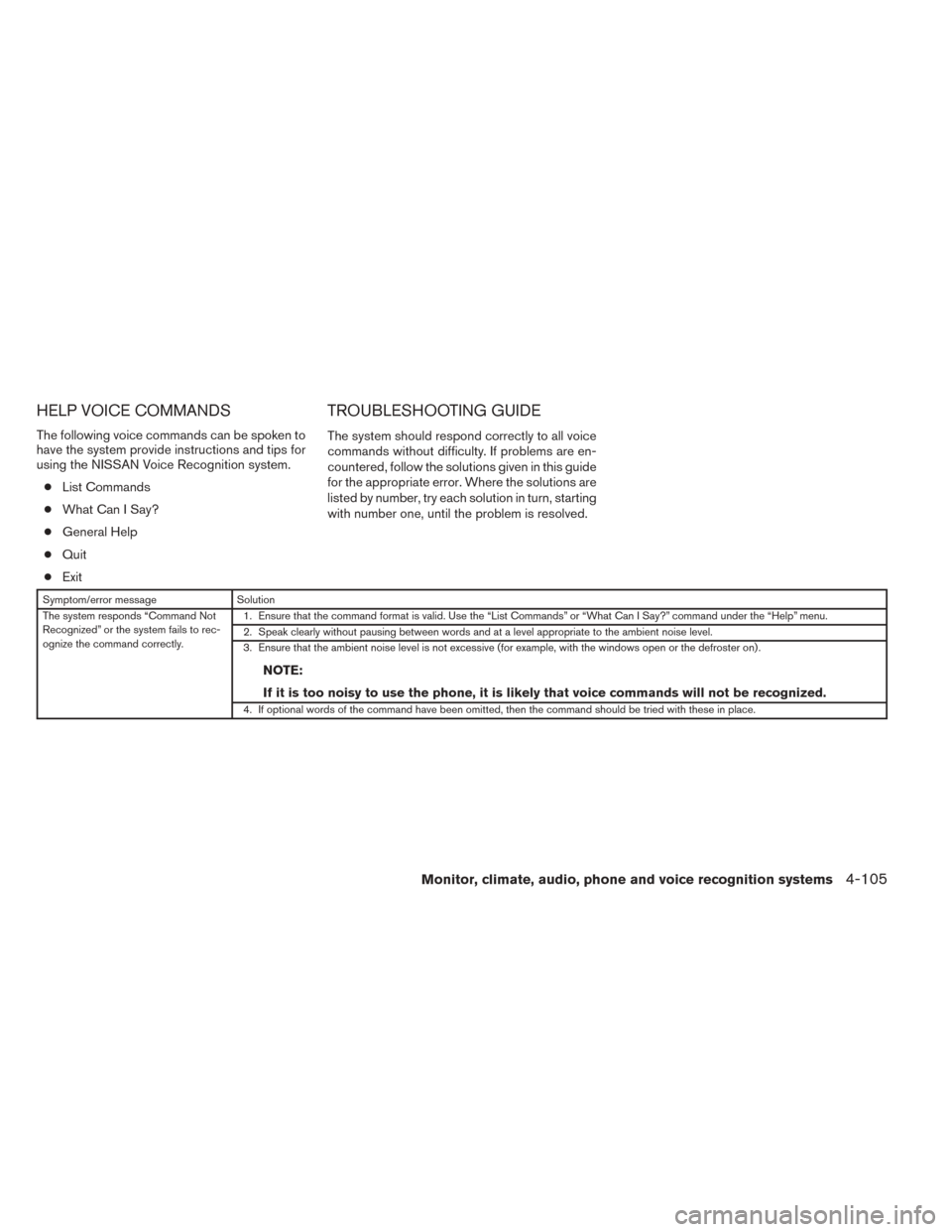
Symptom/error message Solution
The system responds “Command Not
Recognized” or the system fails to rec-
ognize the command correctly. 1. Ensure that the command format is valid. Use the “List Commands” or “What Can I Say?” command under the “Help” menu.
2. Speak clearly without pausing between words and at a level appropriate to the ambient noise level.
3. Ensure that the ambient noise level is not excessive (for example, with the windows open or the defroster on) .
NOTE:
If it is too noisy to use the phone, it is likely that voice commands will not be recognized.
4. If optional words of the command have been omitted, then the command should be tried with these in place.
Monitor, climate, audio, phone and voice recognition systems4-105
Page 382 of 388
FuelCapacities and recommended
fuel/lubricants .................9-2
Fuel economy ................5-27
Fuel-filler door and cap ...........3-25
Fuel-filler door lock opener lever ......3-25
Fuel gauge ...................2-6
Fueloctanerating...............9-5
Fuel recommendation .............9-4
Loosefuelcapwarning ........2-4,3-25
Fuses.......................8-21
Fusiblelinks ...................8-23
G
Gascap .....................3-25
Gauge Engine coolant temperature gauge .....2-6
Fuel gauge ...................2-6
Odometer ...................2-4
Speedometer .................2-3
Tachometer ..................2-5
Trip computer .................2-7
Trip odometer .................2-4
Generalmaintenance...............8-2
Glovebox.....................2-37
Gloveboxlock..................2-37
H
Hands-free phone system,
Bluetooth®.............4-68,4-83,4-93
Hazard warning flasher switch ..........6-2
Headlightandturnsignalswitch........2-26 Headlight control switch
............2-26
Headlights ....................8-28
Head restraints ..................1-5
Heated seats ...................2-30
Heater Heater and air conditioner
controls................4-16,4-25
Heater operation ...........4-18,4-26
Hood release ...................3-23
Horn .......................2-30
I
Ignition switch ...................5-8
Ignition Switch Push-Button Ignition Switch ........5-10
Immobilizer system ......2-23,3-4,5-10,5-13
Important vehicle information label .......9-12
In-cabin microfilter ................8-18
Increasing fuel economy .............5-27
Indicator lights and audible reminders
(See warning/indicator lights and audible
reminders)....................2-12
Inside automatic anti-glare mirror ........3-30
Inside mirror ...................3-29
Instrument brightness control ..........2-29
Instrument panel ...............0-6,2-2
Instrument panel dimmer switch ........2-29
Intelligent Key system Key operating range .............3-12
Key operation ................3-13
Mechanicalkey ................3-3
Remote keyless entry operation .......3-16
Troubleshooting guide ............3-22
Warning signals ...............3-22 Interiorlight................2-44,2-45
Interior trunk lid release
.............3-24
iPod® Player ...............4-56,4-58
ISOFIX child restraints .............1-20
J
Jump starting ...................6-8
K
Key.........................3-2
Keyfob battery replacement ...........8-25
K
eyless entry With Intelligent Key system
(See Intelligent Key system) .........3-16
Keys, For Intelligent Key system ........3-10
L
Labels Air conditioner specification label .....9-13
C.M.V.S.S. certification label ........9-12
Emission control information label .....9-12
Engine serial number ............9-12
F.M.V.S.S. certification label .........9-12
Tire and Loading Information label .....9-13
Vehicle identification number (VIN) plate . .9-11
Warning labels (for SRS) ..........1-51
LATCH (Lower Anchors and Tethers for CHildren)
System ......................1-20
Light Airbagwarninglight.........1-51, 2-17
10-3