2014 NISSAN PATHFINDER HYBRID bluetooth
[x] Cancel search: bluetoothPage 4 of 571
If you see this symbol, it means“Do not do this”
or “Do not let this happen.”
If you see a symbol similar to these in an illustra-
tion, it means the arrow points to the front of the
vehicle.
Arrows in an illustration that are similar to these
indicate movement or action.
Arrows in an illustration that are similar to these
call attention to an item in the illustration.
CALIFORNIA PROPOSITION 65
WARNING
WARNING
Engine exhaust, some of its constituents,
and certain vehicle components contain or
emit chemicals known to the State of Cali-
fornia to cause cancer and birth defects or
other reproductive harm. In addition, cer-
tain fluids contained in vehicles and cer-
tain products of component wear contain
or emit chemicals known to the State of
California to cause cancer and birth de-
fects or other reproductive harm.
CALIFORNIA PERCHLORATE
ADVISORY
Some vehicle parts, such as lithium batter-
ies, may contain perchlorate material. The
following advisory is provided: “Perchlorate
Material – special handling may apply, See
www.dtsc.ca.gov/hazardouswaste/perchlorate/”.
BLUETOOTH® is a
trademark owned by
Bluetooth SIG, Inc.
and licensed to
Visteon and Clarion.
SiriusXM Satellite
Radio requires
subscription, sold
separately. Not
available in Alaska,
Hawaii or Guam.
For more
information, visit
www.siriusxm.com.
© 2013 NISSAN NORTH AMERICA, INC.
All rights reserved. No part of this Owner’s
Manual may be reproduced or stored in a retrieval
system, or transmitted in any form, or by any
means, electronic, mechanical, photocopying,
recording or otherwise, without the prior written
permission of Nissan North America, Inc.
APD1005
Page 83 of 571
If you see this symbol, it means“Do not do this”
or “Do not let this happen.”
If you see a symbol similar to these in an illustra-
tion, it means the arrow points to the front of the
vehicle.
Arrows in an illustration that are similar to these
indicate movement or action.
Arrows in an illustration that are similar to these
call attention to an item in the illustration.
CALIFORNIA PROPOSITION 65
WARNING
WARNING
Engine exhaust, some of its constituents,
and certain vehicle components contain
or emit chemicals known to the State of
California to cause cancer and birth de-
fects or other reproductive harm. In addi-
tion, certain fluids contained in vehicles
and certain products of component wear
contain or emit chemicals known to the
State of California to cause cancer and
birth defects or other reproductive harm.
CALIFORNIA PERCHLORATE
ADVISORY
Some vehicle parts, such as lithium batter-
ies, may contain perchlorate material. The
following advisory is provided: “Perchlorate
Material – special handling may apply, See
www.dtsc.ca.gov/hazardouswaste/perchlorate/”.
BLUETOOTH® is a
trademark owned by
Bluetooth SIG, Inc.
and licensed to
Visteon and Clarion.
SiriusXM Satellite
Radio requires
subscription, sold
separately. Not
available in Alaska,
Hawaii or Guam. For
more information, visit
www.siriusxm.com.
© 2013 NISSAN NORTH AMERICA, INC.
All rights reserved. No part of this Owner’s
Manual may be reproduced or stored in a retrieval
system, or transmitted in any form, or by any
means, electronic, mechanical, photocopying,
recording or otherwise, without the prior written
permission of Nissan North America, Inc.
APD1005
Page 92 of 571
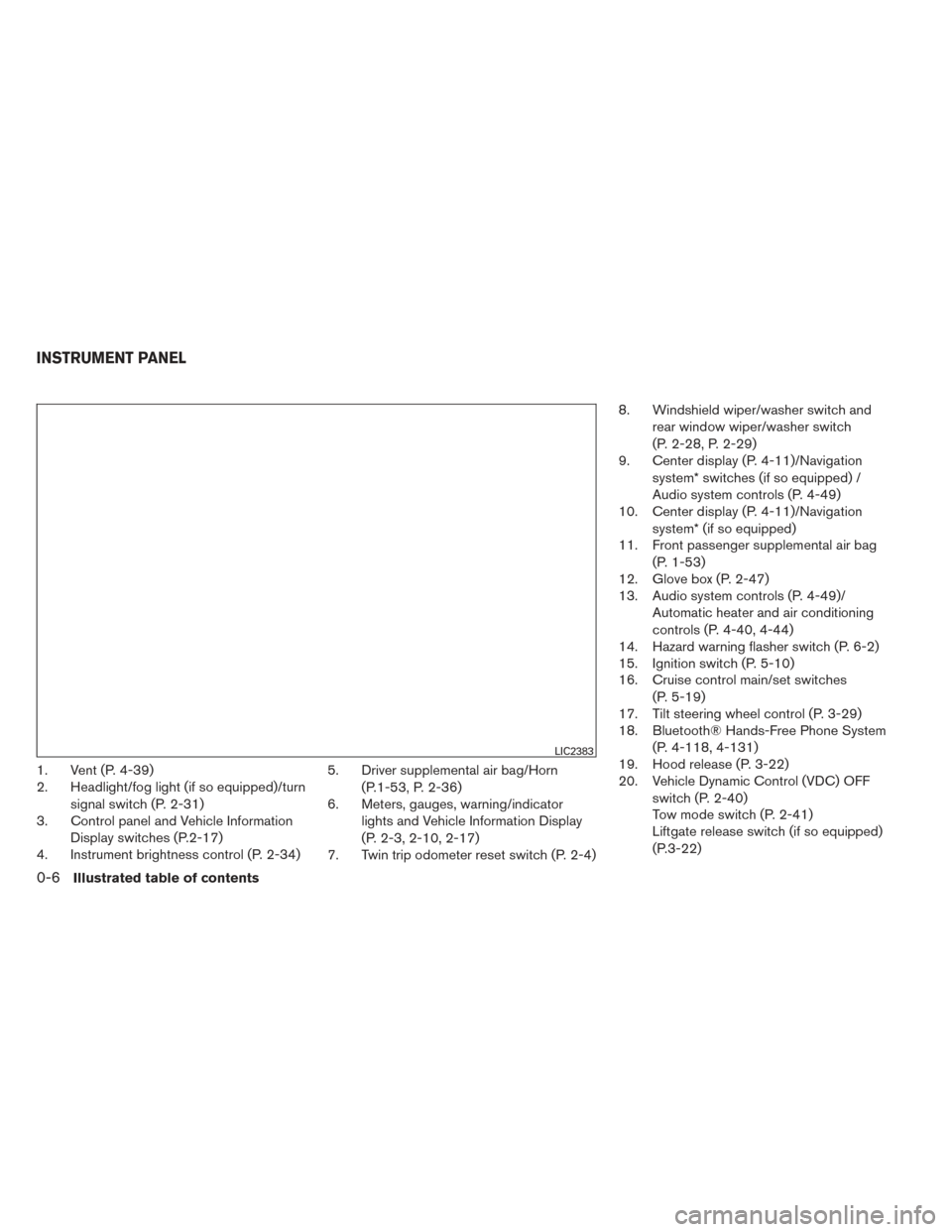
1. Vent (P. 4-39)
2. Headlight/fog light (if so equipped)/turnsignal switch (P. 2-31)
3. Control panel and Vehicle Information
Display switches (P.2-17)
4. Instrument brightness control (P. 2-34) 5. Driver supplemental air bag/Horn
(P.1-53, P. 2-36)
6. Meters, gauges, warning/indicator
lights and Vehicle Information Display
(P. 2-3, 2-10, 2-17)
7. Twin trip odometer reset switch (P. 2-4) 8. Windshield wiper/washer switch and
rear window wiper/washer switch
(P. 2-28, P. 2-29)
9. Center display (P. 4-11)/Navigation
system* switches (if so equipped) /
Audio system controls (P. 4-49)
10. Center display (P. 4-11)/Navigation
system* (if so equipped)
11. Front passenger supplemental air bag
(P. 1-53)
12. Glove box (P. 2-47)
13. Audio system controls (P. 4-49)/
Automatic heater and air conditioning
controls (P. 4-40, 4-44)
14. Hazard warning flasher switch (P. 6-2)
15. Ignition switch (P. 5-10)
16. Cruise control main/set switches
(P. 5-19)
17. Tilt steering wheel control (P. 3-29)
18. Bluetooth® Hands-Free Phone System
(P. 4-118, 4-131)
19. Hood release (P. 3-22)
20. Vehicle Dynamic Control (VDC) OFF
switch (P. 2-40)
Tow mode switch (P. 2-41)
Liftgate release switch (if so equipped)
(P.3-22)
LIC2383
INSTRUMENT PANEL
0-6Illustrated table of contents
Page 168 of 571
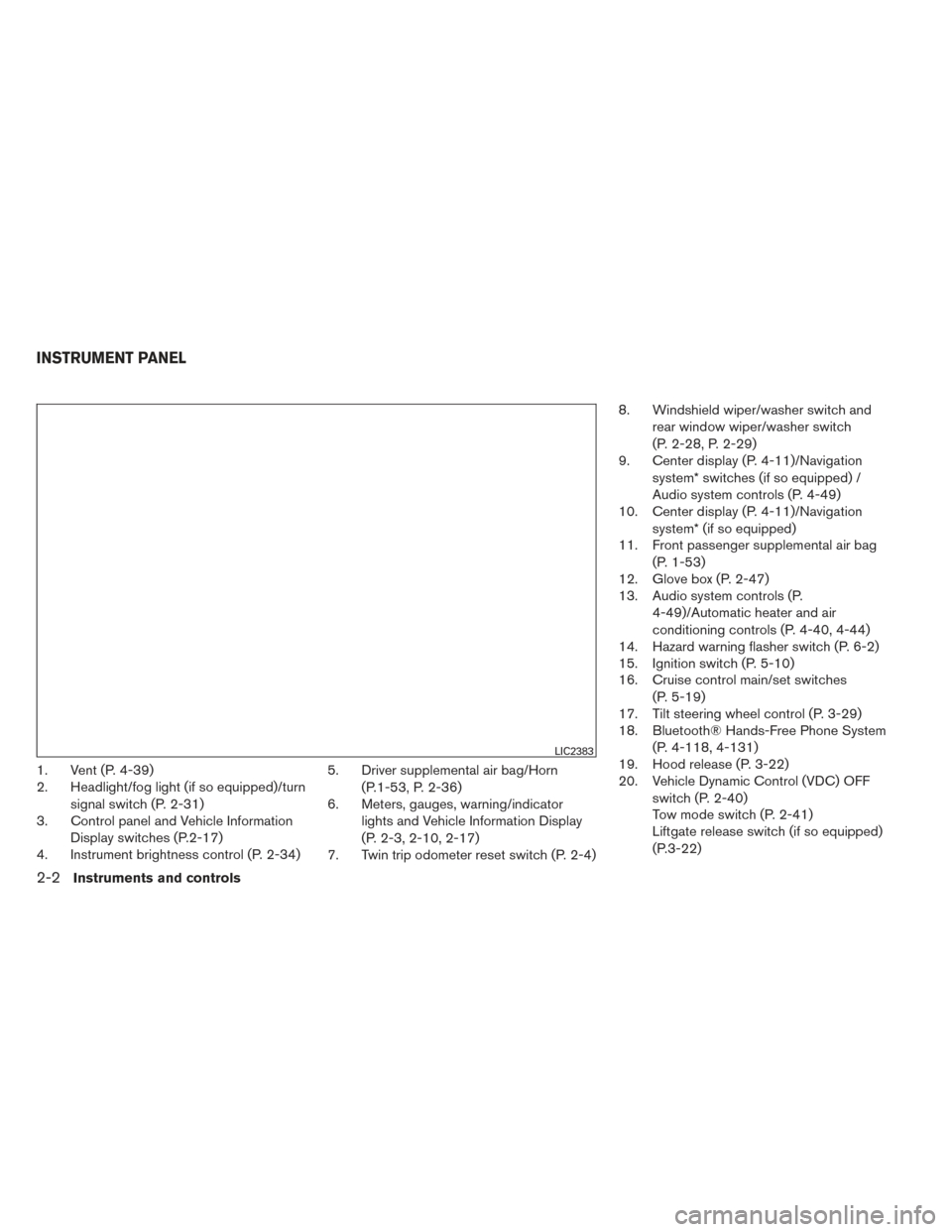
1. Vent (P. 4-39)
2. Headlight/fog light (if so equipped)/turnsignal switch (P. 2-31)
3. Control panel and Vehicle Information
Display switches (P.2-17)
4. Instrument brightness control (P. 2-34) 5. Driver supplemental air bag/Horn
(P.1-53, P. 2-36)
6. Meters, gauges, warning/indicator
lights and Vehicle Information Display
(P. 2-3, 2-10, 2-17)
7. Twin trip odometer reset switch (P. 2-4) 8. Windshield wiper/washer switch and
rear window wiper/washer switch
(P. 2-28, P. 2-29)
9. Center display (P. 4-11)/Navigation
system* switches (if so equipped) /
Audio system controls (P. 4-49)
10. Center display (P. 4-11)/Navigation
system* (if so equipped)
11. Front passenger supplemental air bag
(P. 1-53)
12. Glove box (P. 2-47)
13. Audio system controls (P.
4-49)/Automatic heater and air
conditioning controls (P. 4-40, 4-44)
14. Hazard warning flasher switch (P. 6-2)
15. Ignition switch (P. 5-10)
16. Cruise control main/set switches
(P. 5-19)
17. Tilt steering wheel control (P. 3-29)
18. Bluetooth® Hands-Free Phone System
(P. 4-118, 4-131)
19. Hood release (P. 3-22)
20. Vehicle Dynamic Control (VDC) OFF
switch (P. 2-40)
Tow mode switch (P. 2-41)
Liftgate release switch (if so equipped)
(P.3-22)
LIC2383
INSTRUMENT PANEL
2-2Instruments and controls
Page 272 of 571
Manual operation.............................. 4-46
Operating tips ................................. 4-48
Servicing air conditioner ........................... 4-49
Audio system .................................... 4-49
Radio ........................................ 4-49
FM radio reception . . .......................... 4-50
AM radio reception . . .......................... 4-50
Satellite radio reception (if so equipped) .........4-50
Audio operation precautions ....................4-51
FM/AM radio with compact disc (CD)
changer (if so equipped) .......................4-65
FM/AM/SAT radio with compact disc (CD)
player (if so equipped) ......................... 4-70
FM/AM/SAT radio with CD/DVD player
(if so equipped) ............................... 4-77
Digital Versatile Disc (DVD) Player
Operation (models with Navigation System) ......4-85
USB interface (models without Navigation
System) (if so equipped) .......................4-88
USB interface (models with Navigation
System) ...................................... 4-90
iPod®* player operation without Navigation
System (if so equipped) ........................ 4-93iPod®* player operation with Navigation
System (if so equipped)
........................ 4-95
Bluetooth® streaming audio (if so equipped) .....4-99
CD care and cleaning ......................... 4-102
Steering wheel switch for audio control .........4-103
Antenna ..................................... 4-104
Dual head restraint/headrest DVD system
(if so equipped) . . . .............................. 4-105
System components .......................... 4-105
Before operating dual head restraint/
headrest DVD system ......................... 4-110
Playing a digital versatile disc (DVD) ............4-112
Operating tips ................................ 4-116
Care and maintenance ........................ 4-116
Car phone or CB radio ........................... 4-117
Bluetooth® Hands-Free Phone System without
Navigation System (if so equipped) ................4-118
Regulatory Information ........................ 4-119
Using the system ............................. 4-120
Control
buttons .............................. 4-122
Getting started ............................... 4-122
List of voice commands ....................... 4-124
Voice Adaptation (VA) mode ...................4-128
Page 273 of 571
Manual control............................... 4-129
Troubleshooting guide ........................ 4-130
Bluetooth® Hands-Free Phone System with
Navigation System (if so equipped) ................4-131
Regulatory Information ........................ 4-133
Voice commands ............................. 4-133
Connecting procedure ........................ 4-133
Vehicle Phonebook ........................... 4-135
Handset phonebook .......................... 4-137
Making a call ................................. 4-138
Receiving a call .............................. 4-139
During a call ................................. 4-140
Ending a call ................................. 4-140
Phone settings ............................... 4-141Bluetooth settings
............................ 4-142
Call volume .................................. 4-143
NISSAN Voice Recognition System
(if so equipped) . . . .............................. 4-144
NISSAN Voice Recognition Standard Mode .....4-144
Using the system ............................. 4-147
Before starting ............................... 4-147
Giving voice commands ....................... 4-147
NISSAN Voice Recognition Alternate
Command Mode ............................. 4-152
Using the system ............................. 4-156
Speaker Adaptation function ...................4-159
Troubleshooting guide ........................ 4-160
Page 287 of 571
HOW TO USE THE SETTING
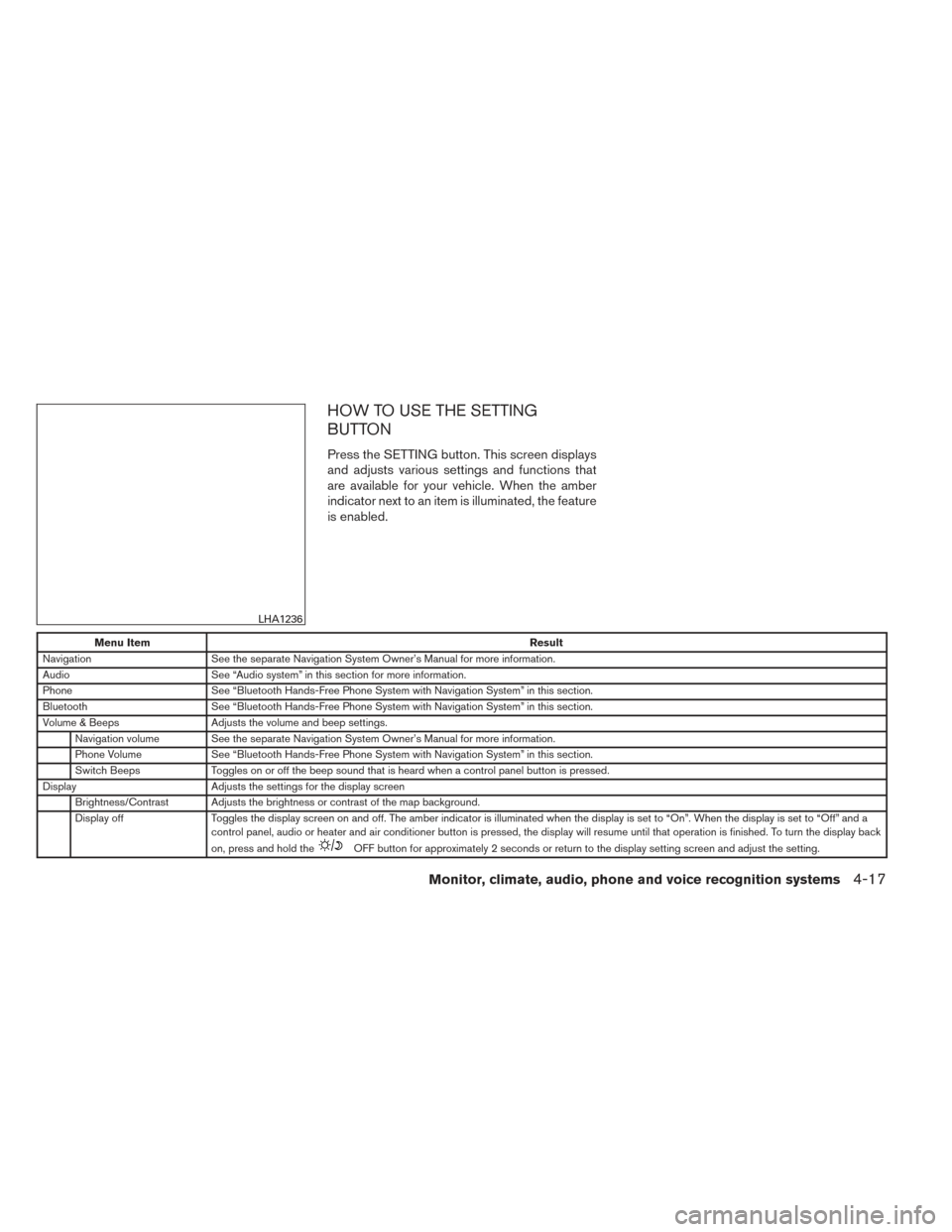
BUTTON
Press the SETTING button. This screen displays
and adjusts various settings and functions that
are available for your vehicle. When the amber
indicator next to an item is illuminated, the feature
is enabled.
Menu ItemResult
Navigation See the separate Navigation System Owner’s Manual for more information.
Audio See “Audio system” in this section for more information.
Phone See “Bluetooth Hands-Free Phone System with Navigation System” in this section.
Bluetooth See “Bluetooth Hands-Free Phone System with Navigation System” in this section.
Volume & Beeps Adjusts the volume and beep settings.
Navigation volume See the separate Navigation System Owner’s Manual for more information.
Phone Volume See “Bluetooth Hands-Free Phone System with Navigation System” in this section.
Switch Beeps Toggles on or off the beep sound that is heard when a control panel button is pressed.
Display Adjusts the settings for the display screen
Brightness/Contrast Adjusts the brightness or contrast of the map background.
Display off Toggles the display screen on and off. The amber indicator is illuminated when the display is set to “On”. When the display is set to “Off” and a
control panel, audio or heater and air conditioner button is pressed, the display will resume until that operation is finished. To turn the display bac k
on, press and hold the
OFF button for approximately 2 seconds or return to the display setting screen and adjust the setting.
LHA1236
Monitor, climate, audio, phone and voice recognition systems4-17
Page 325 of 571
●An incorrect song title may appear when the
Play Mode is changed while using an iPod®
nano (2nd Generation) .
● Audiobooks may not play in the same order
as they appear on an iPod®.
● Large video files cause slow responses in an
iPod®. The vehicle center display may mo-
mentarily black out, but will soon recover.
● If an iPod® automatically selects large video
files while in the shuffle mode, the vehicle
center display may momentarily black out,
but will soon recover.
Bluetooth® streaming audio (if so
equipped)
● Some Bluetooth® audio devices may not be
recognized by the in-vehicle audio system.
● It is necessary to set up the wireless con-
nection between a compatible Bluetooth®
audio device and the in-vehicle Bluetooth®
module before using the Bluetooth® audio.
● Operating procedure of the Bluetooth® au-
dio will vary depending on the devices. Make
sure how to operate your audio device be-
fore using it with this system.
● The Bluetooth® audio may be stopped un-
der the following conditions: ●
Receiving a call on the Hands-Free
Phone System.
● Checking the connection to the hands-
free phone.
● Do not place the Bluetooth® audio device in
an area surrounded by metal or far away from
the in-vehicle Bluetooth® module to prevent
tone quality degradation and wireless con-
nection disruption.
● While an audio device is connected through
the Bluetooth® wireless connection, the
battery power of the device may discharge
quicker than usual.
● This system supports the Bluetooth® Audio
Distribution Profile (A2DP, AVRCP) .BLUETOOTH® is a
trademark owned by
Bluetooth SIG, Inc.
and licensed to
Clarion Co., Ltd.
CD or USB with Compressed Audio
Files (models without Navigation
System)
The file types supported by this system are MP3
and WMA. Explanation of terms:
● MP3 — MP3 is short for Moving Pictures
Experts Group Audio Layer 3. MP3 is the
most well-known compressed digital audio
file format. This format allows for near “CD
quality” sound, but at a fraction of the size of
normal audio files. MP3 conversion of an
audio track from CD-ROM can reduce the
file size by approximately a 10:1 ratio with
virtually no perceptible loss in quality. MP3
compression removes the redundant and
irrelevant parts of a sound signal that the
human ear doesn’t hear.
● WMA — Windows Media Audio (WMA)* is a
compressed audio format created by Micro-
soft as an alternative to MP3. The WMA
codec offers greater file compression than
the MP3 codec, enabling storage of more
digital audio tracks in the same amount of
space when compared to MP3s at the same
level of quality.
● Bit rate — Bit rate denotes the number of
bits per second used by a digital music file.
The size and quality of a compressed digital
audio file is determined by the bit rate used
when encoding the file.
Monitor, climate, audio, phone and voice recognition systems4-55