Page 111 of 432
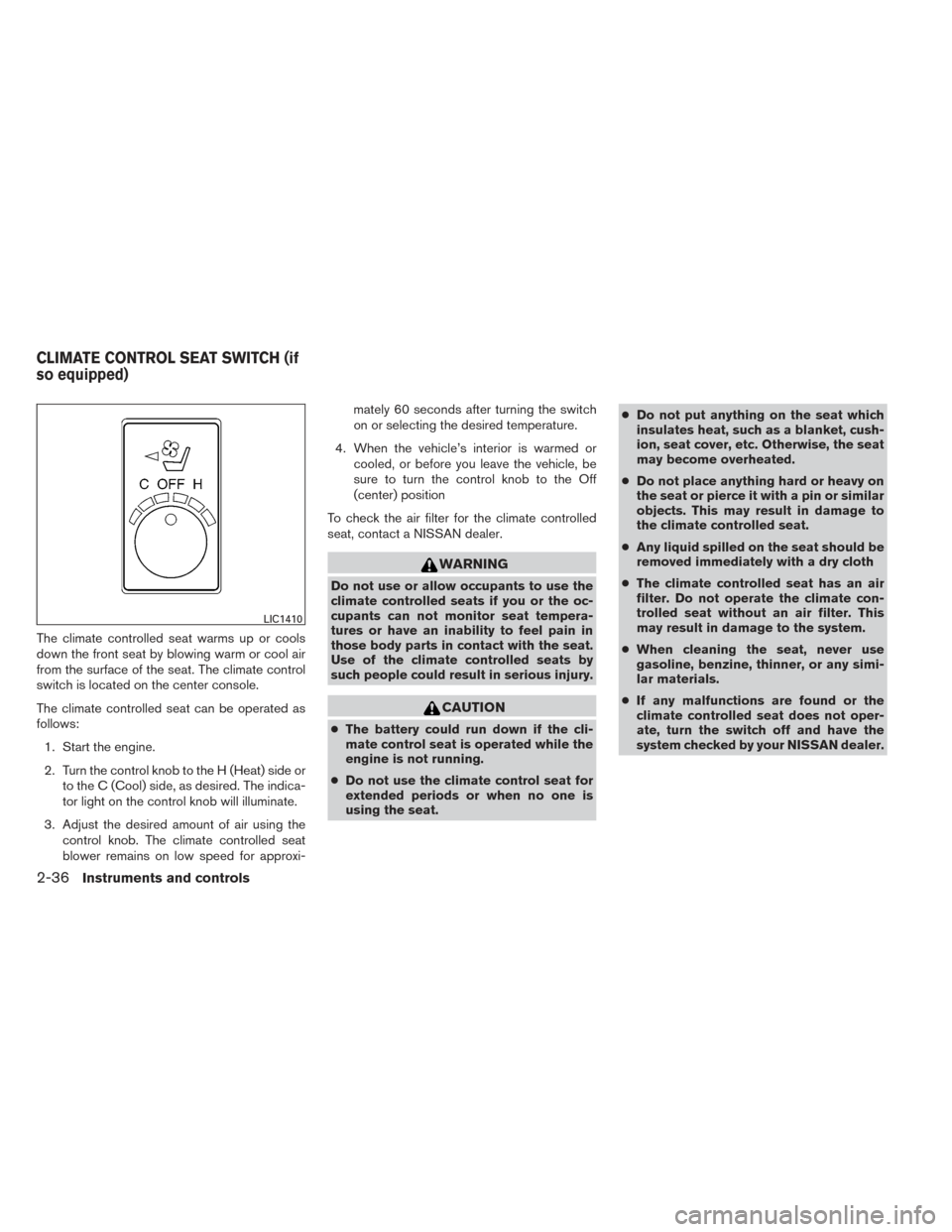
The climate controlled seat warms up or cools
down the front seat by blowing warm or cool air
from the surface of the seat. The climate control
switch is located on the center console.
The climate controlled seat can be operated as
follows:1. Start the engine.
2. Turn the control knob to the H (Heat) side or to the C (Cool) side, as desired. The indica-
tor light on the control knob will illuminate.
3. Adjust the desired amount of air using the control knob. The climate controlled seat
blower remains on low speed for approxi- mately 60 seconds after turning the switch
on or selecting the desired temperature.
4. When the vehicle’s interior is warmed or cooled, or before you leave the vehicle, be
sure to turn the control knob to the Off
(center) position
To check the air filter for the climate controlled
seat, contact a NISSAN dealer.
WARNING
Do not use or allow occupants to use the
climate controlled seats if you or the oc-
cupants can not monitor seat tempera-
tures or have an inability to feel pain in
those body parts in contact with the seat.
Use of the climate controlled seats by
such people could result in serious injury.
CAUTION
● The battery could run down if the cli-
mate control seat is operated while the
engine is not running.
● Do not use the climate control seat for
extended periods or when no one is
using the seat. ●
Do not put anything on the seat which
insulates heat, such as a blanket, cush-
ion, seat cover, etc. Otherwise, the seat
may become overheated.
● Do not place anything hard or heavy on
the seat or pierce it with a pin or similar
objects. This may result in damage to
the climate controlled seat.
● Any liquid spilled on the seat should be
removed immediately with a dry cloth
● The climate controlled seat has an air
filter. Do not operate the climate con-
trolled seat without an air filter. This
may result in damage to the system.
● When cleaning the seat, never use
gasoline, benzine, thinner, or any simi-
lar materials.
● If any malfunctions are found or the
climate controlled seat does not oper-
ate, turn the switch off and have the
system checked by your NISSAN dealer.
LIC1410
CLIMATE CONTROL SEAT SWITCH (if
so equipped)
2-36Instruments and controls
Page 114 of 432
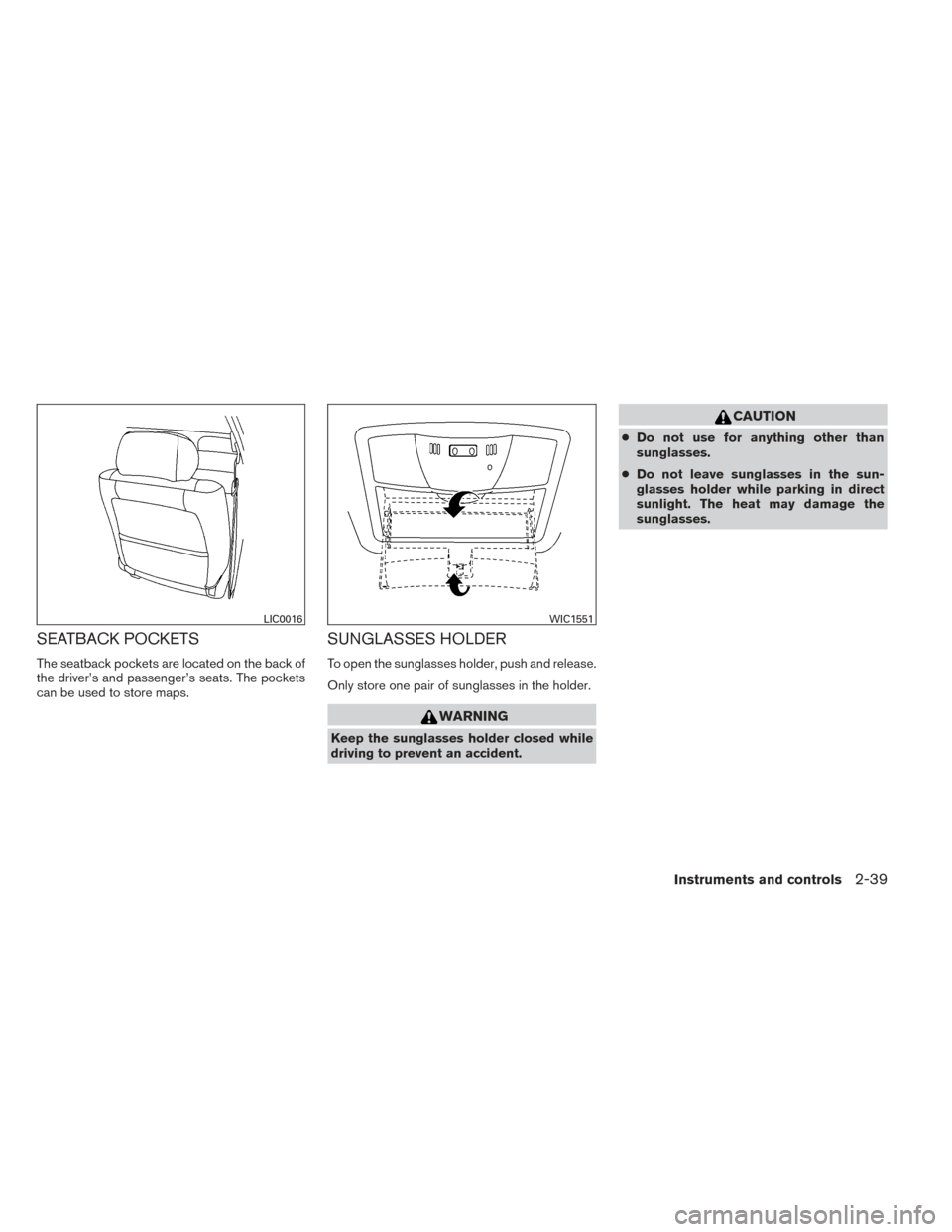
SEATBACK POCKETS
The seatback pockets are located on the back of
the driver’s and passenger’s seats. The pockets
can be used to store maps.
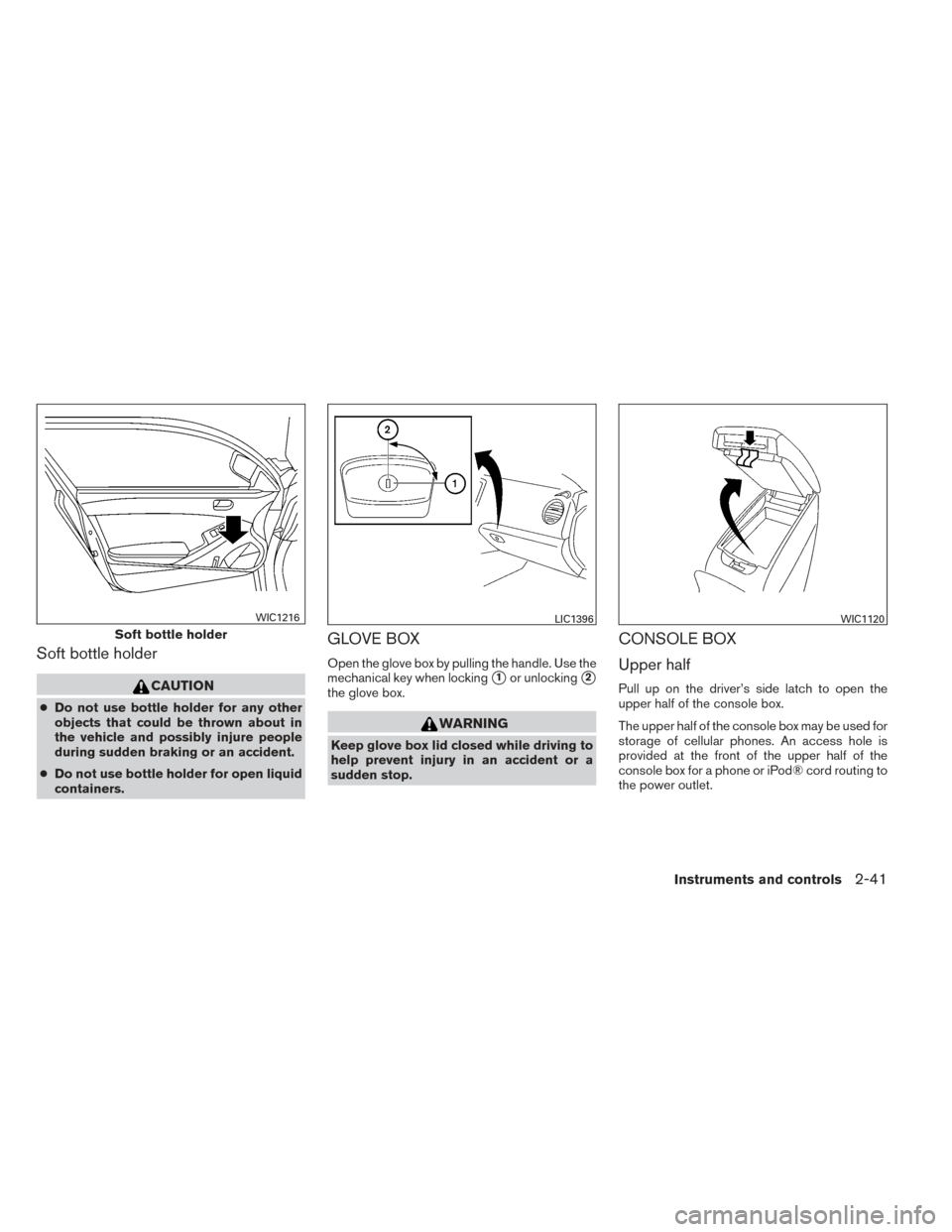
SUNGLASSES HOLDER
To open the sunglasses holder, push and release.
Only store one pair of sunglasses in the holder.
WARNING
Keep the sunglasses holder closed while
driving to prevent an accident.
CAUTION
●Do not use for anything other than
sunglasses.
● Do not leave sunglasses in the sun-
glasses holder while parking in direct
sunlight. The heat may damage the
sunglasses.
LIC0016WIC1551
Instruments and controls2-39
Page 116 of 432
Soft bottle holder
CAUTION
●Do not use bottle holder for any other
objects that could be thrown about in
the vehicle and possibly injure people
during sudden braking or an accident.
● Do not use bottle holder for open liquid
containers.
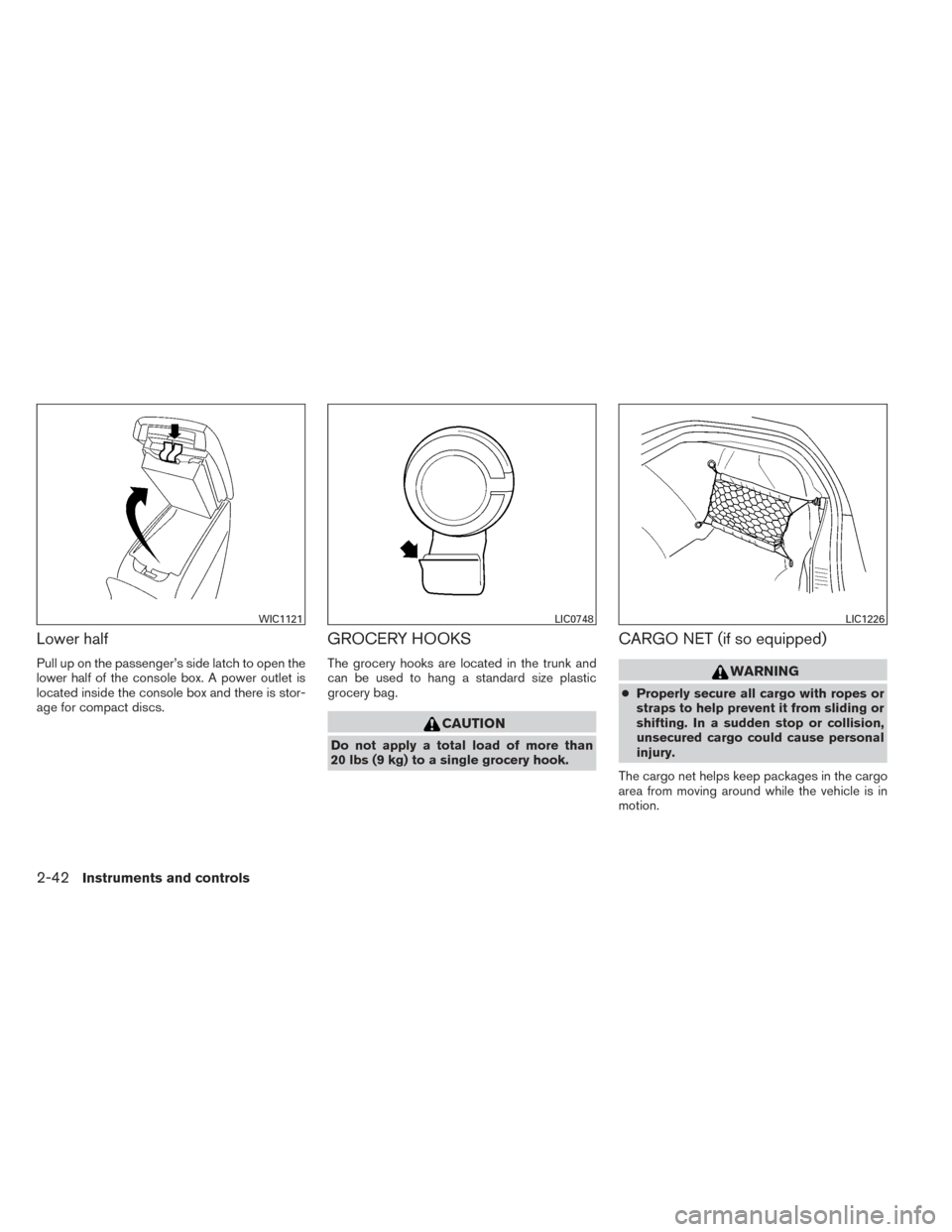
GLOVE BOX
Open the glove box by pulling the handle. Use the
mechanical key when locking
�1or unlocking�2
the glove box.
WARNING
Keep glove box lid closed while driving to
help prevent injury in an accident or a
sudden stop.
CONSOLE BOX
Upper half
Pull up on the driver’s side latch to open the
upper half of the console box.
The upper half of the console box may be used for
storage of cellular phones. An access hole is
provided at the front of the upper half of the
console box for a phone or iPod® cord routing to
the power outlet.
Soft bottle holder
WIC1216LIC1396WIC1120
Instruments and controls2-41
Page 117 of 432
Lower half
Pull up on the passenger’s side latch to open the
lower half of the console box. A power outlet is
located inside the console box and there is stor-
age for compact discs.
GROCERY HOOKS
The grocery hooks are located in the trunk and
can be used to hang a standard size plastic
grocery bag.
CAUTION
Do not apply a total load of more than
20 lbs (9 kg) to a single grocery hook.
CARGO NET (if so equipped)
WARNING
●Properly secure all cargo with ropes or
straps to help prevent it from sliding or
shifting. In a sudden stop or collision,
unsecured cargo could cause personal
injury.
The cargo net helps keep packages in the cargo
area from moving around while the vehicle is in
motion.
WIC1121LIC0748LIC1226
2-42Instruments and controls
Page 118 of 432
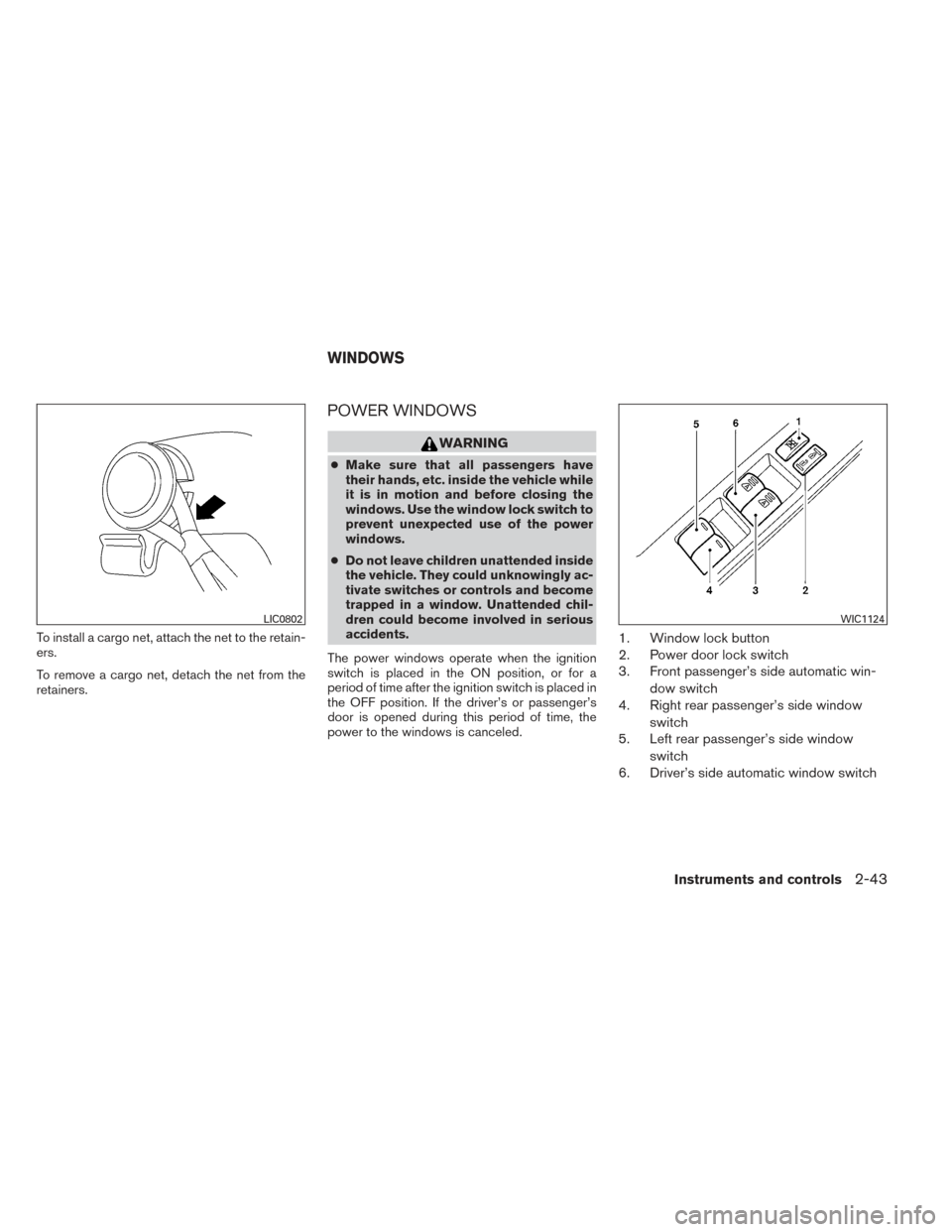
To install a cargo net, attach the net to the retain-
ers.
To remove a cargo net, detach the net from the
retainers.
POWER WINDOWS
WARNING
●Make sure that all passengers have
their hands, etc. inside the vehicle while
it is in motion and before closing the
windows. Use the window lock switch to
prevent unexpected use of the power
windows.
● Do not leave children unattended inside
the vehicle. They could unknowingly ac-
tivate switches or controls and become
trapped in a window. Unattended chil-
dren could become involved in serious
accidents.
The power windows operate when the ignition
switch is placed in the ON position, or for a
period of time after the ignition switch is placed in
the OFF position. If the driver’s or passenger’s
door is opened during this period of time, the
power to the windows is canceled.
1. Window lock button
2. Power door lock switch
3. Front passenger’s side automatic win- dow switch
4. Right rear passenger’s side window
switch
5. Left rear passenger’s side window
switch
6. Driver’s side automatic window switch
LIC0802WIC1124
WINDOWS
Instruments and controls2-43
Page 120 of 432
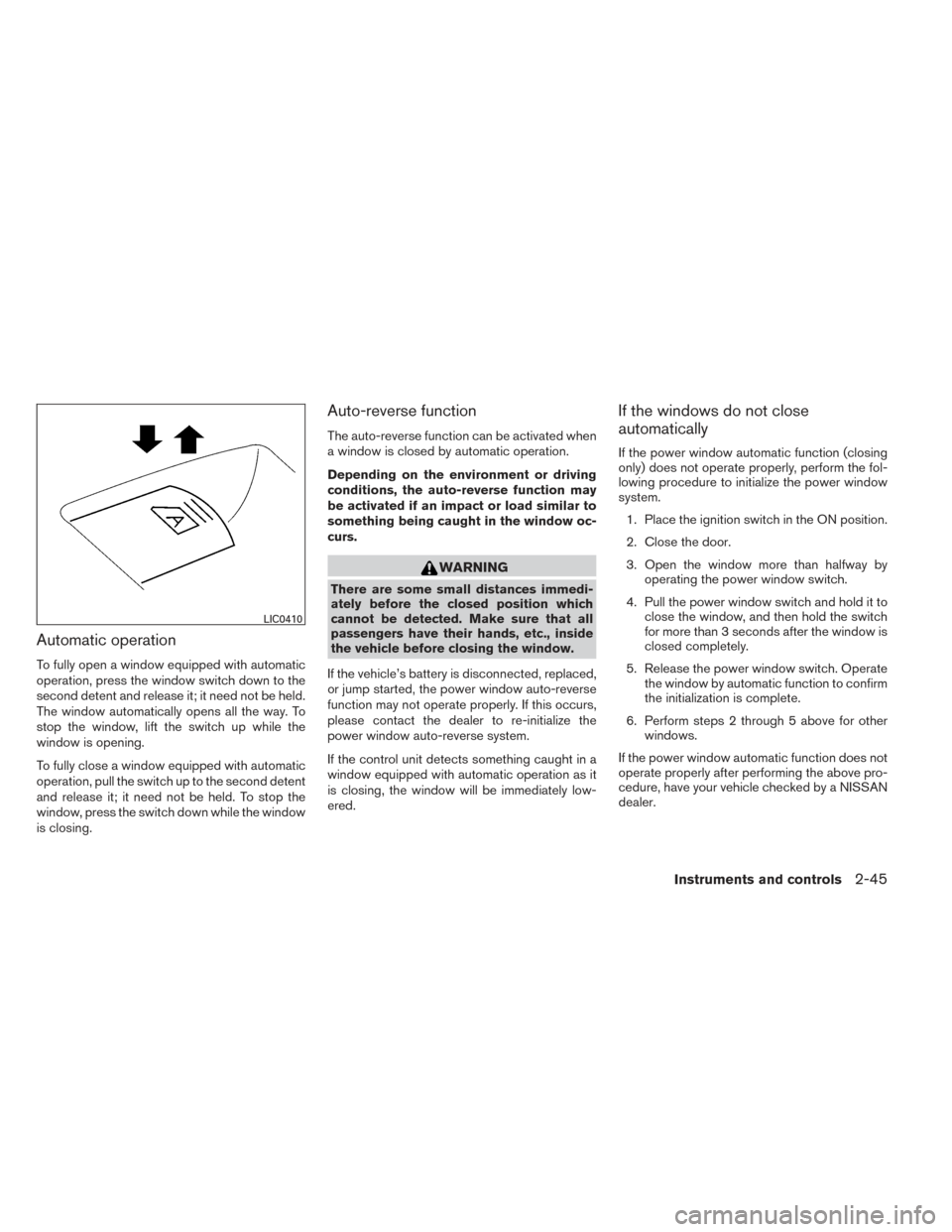
Automatic operation
To fully open a window equipped with automatic
operation, press the window switch down to the
second detent and release it; it need not be held.
The window automatically opens all the way. To
stop the window, lift the switch up while the
window is opening.
To fully close a window equipped with automatic
operation, pull the switch up to the second detent
and release it; it need not be held. To stop the
window, press the switch down while the window
is closing.
Auto-reverse function
The auto-reverse function can be activated when
a window is closed by automatic operation.
Depending on the environment or driving
conditions, the auto-reverse function may
be activated if an impact or load similar to
something being caught in the window oc-
curs.
WARNING
There are some small distances immedi-
ately before the closed position which
cannot be detected. Make sure that all
passengers have their hands, etc., inside
the vehicle before closing the window.
If the vehicle’s battery is disconnected, replaced,
or jump started, the power window auto-reverse
function may not operate properly. If this occurs,
please contact the dealer to re-initialize the
power window auto-reverse system.
If the control unit detects something caught in a
window equipped with automatic operation as it
is closing, the window will be immediately low-
ered.
If the windows do not close
automatically
If the power window automatic function (closing
only) does not operate properly, perform the fol-
lowing procedure to initialize the power window
system. 1. Place the ignition switch in the ON position.
2. Close the door.
3. Open the window more than halfway by operating the power window switch.
4. Pull the power window switch and hold it to close the window, and then hold the switch
for more than 3 seconds after the window is
closed completely.
5. Release the power window switch. Operate the window by automatic function to confirm
the initialization is complete.
6. Perform steps 2 through 5 above for other windows.
If the power window automatic function does not
operate properly after performing the above pro-
cedure, have your vehicle checked by a NISSAN
dealer.
LIC0410
Instruments and controls2-45
Page 121 of 432
POWER MOONROOF
The moonroof will only operate when the ignition
switch is placed in the ON position. The power
moonroof is operational for a period of time, even
if the ignition switch is placed in the ACC or OFF
position. If the driver’s door or the front passen-
ger’s door is opened during this period of time,
the power to the moonroof is canceled.
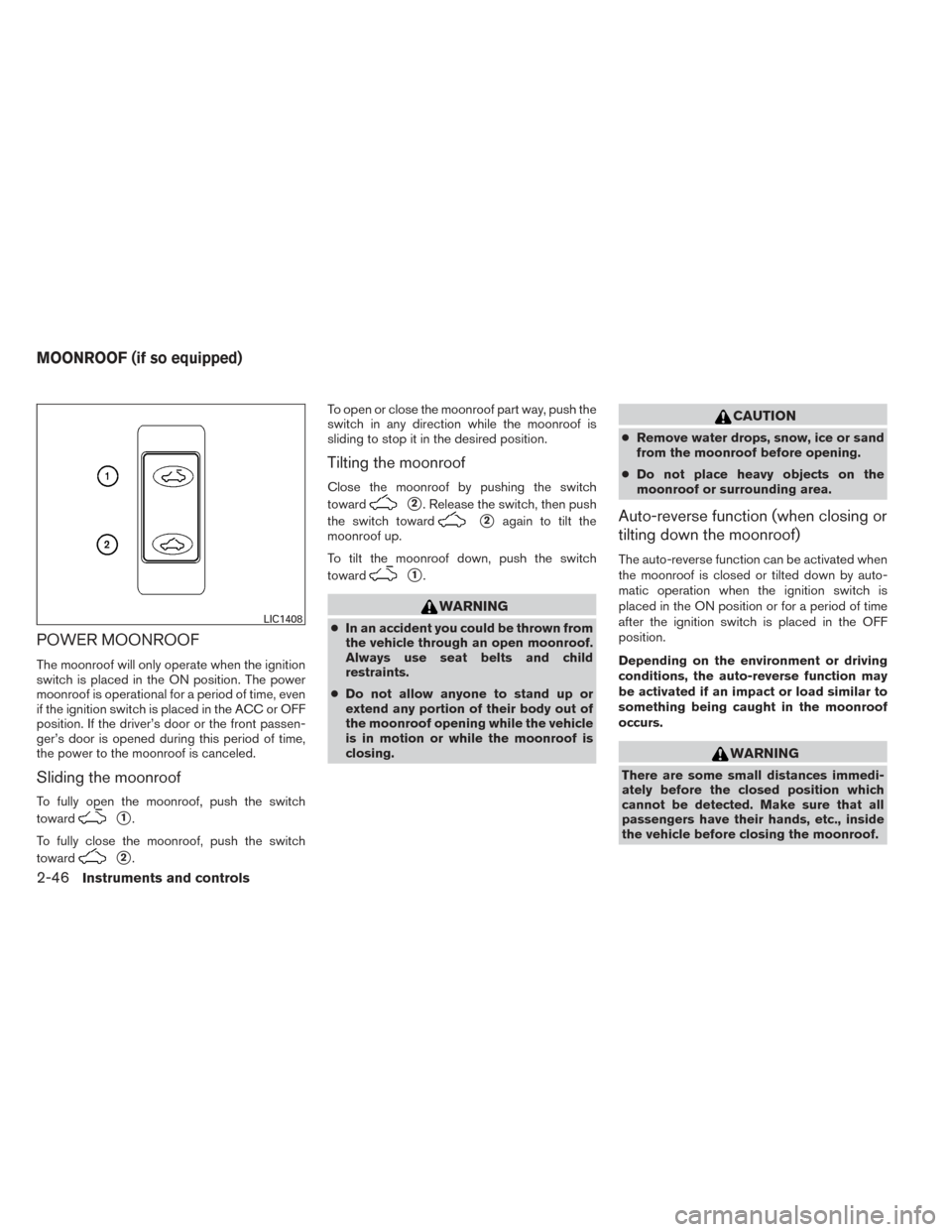
Sliding the moonroof
To fully open the moonroof, push the switch
toward
�1.
To fully close the moonroof, push the switch
toward
�2. To open or close the moonroof part way, push the
switch in any direction while the moonroof is
sliding to stop it in the desired position.
Tilting the moonroof
Close the moonroof by pushing the switch
toward
�2. Release the switch, then push
the switch toward
�2again to tilt the
moonroof up.
To tilt the moonroof down, push the switch
toward
�1.
WARNING
● In an accident you could be thrown from
the vehicle through an open moonroof.
Always use seat belts and child
restraints.
● Do not allow anyone to stand up or
extend any portion of their body out of
the moonroof opening while the vehicle
is in motion or while the moonroof is
closing.
CAUTION
● Remove water drops, snow, ice or sand
from the moonroof before opening.
● Do not place heavy objects on the
moonroof or surrounding area.
Auto-reverse function (when closing or
tilting down the moonroof)
The auto-reverse function can be activated when
the moonroof is closed or tilted down by auto-
matic operation when the ignition switch is
placed in the ON position or for a period of time
after the ignition switch is placed in the OFF
position.
Depending on the environment or driving
conditions, the auto-reverse function may
be activated if an impact or load similar to
something being caught in the moonroof
occurs.
WARNING
There are some small distances immedi-
ately before the closed position which
cannot be detected. Make sure that all
passengers have their hands, etc., inside
the vehicle before closing the moonroof.
LIC1408
MOONROOF (if so equipped)
2-46Instruments and controls
Page 122 of 432
When closing:
If the control unit detects something caught in the
moonroof as it moves to the front, the moonroof
will immediately open backward.
When tilting down:
If the control unit detects something caught in the
moonroof as it tilts down, the moonroof will im-
mediately tilt up.
If the auto-reverse function malfunctions and re-
peats opening or tilting up the moonroof, keep
pushing the tilt down switch within 5 seconds
after it happens; the moonroof will fully close
gradually. Make sure nothing is caught in the
moonroof.
WARNING
●In an accident you could be thrown from
the vehicle through an open moonroof.
Always use seat belts and child
restraints.
● Do not allow anyone to stand up or
extend any portion of their body out of
the moonroof opening while the vehicle
is in motion or while the moonroof is
closing.
CAUTION
● Remove water drops, snow, ice or sand
from the moonroof before opening.
● Do not place heavy objects on the
moonroof or surrounding area.
Sunshade
Open and close the sunshade by sliding it for-
ward or backward.
If the moonroof does not close
Have your NISSAN dealer check and repair the
moonroof.
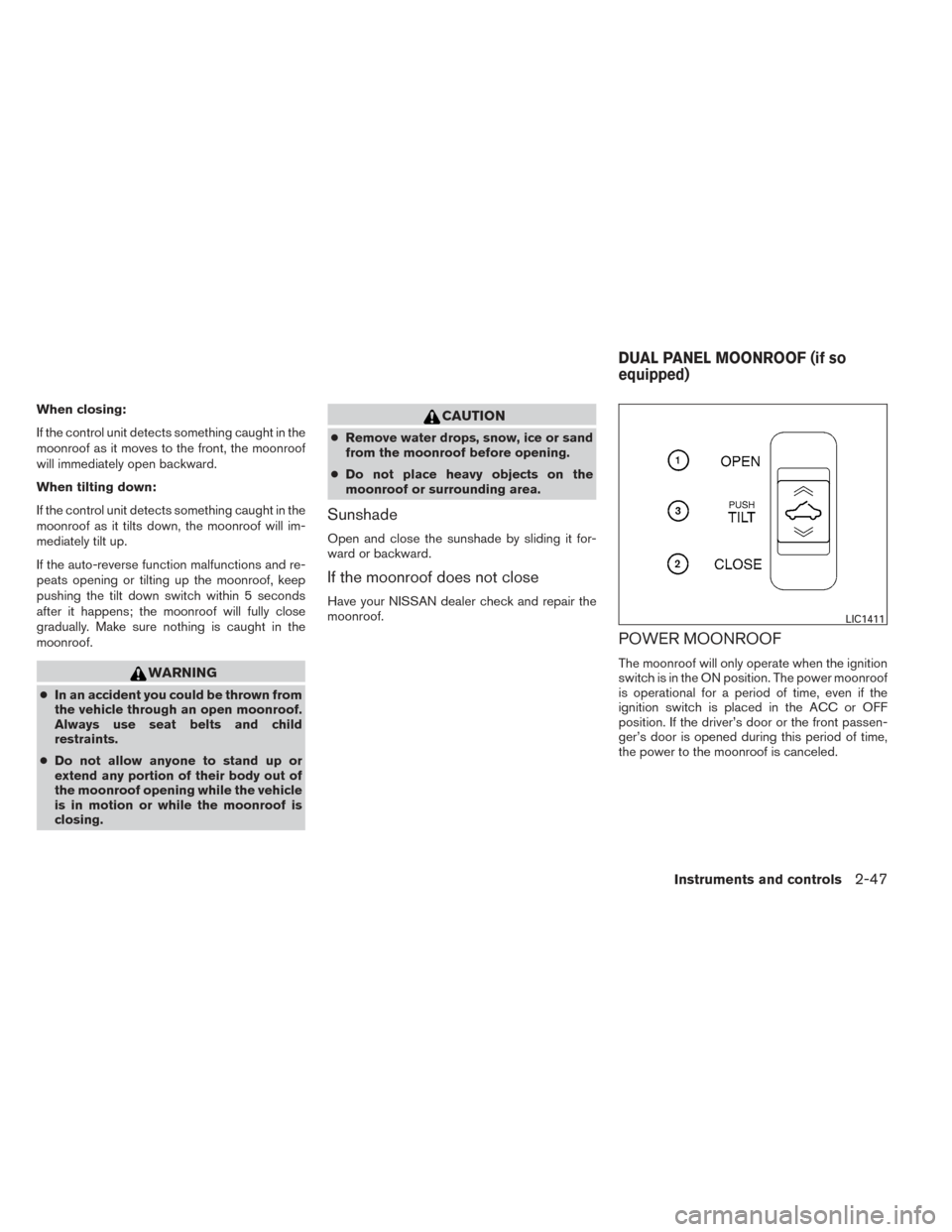
POWER MOONROOF
The moonroof will only operate when the ignition
switch is in the ON position. The power moonroof
is operational for a period of time, even if the
ignition switch is placed in the ACC or OFF
position. If the driver’s door or the front passen-
ger’s door is opened during this period of time,
the power to the moonroof is canceled.
LIC1411
DUAL PANEL MOONROOF (if so
equipped)
Instruments and controls2-47