Page 109 of 432
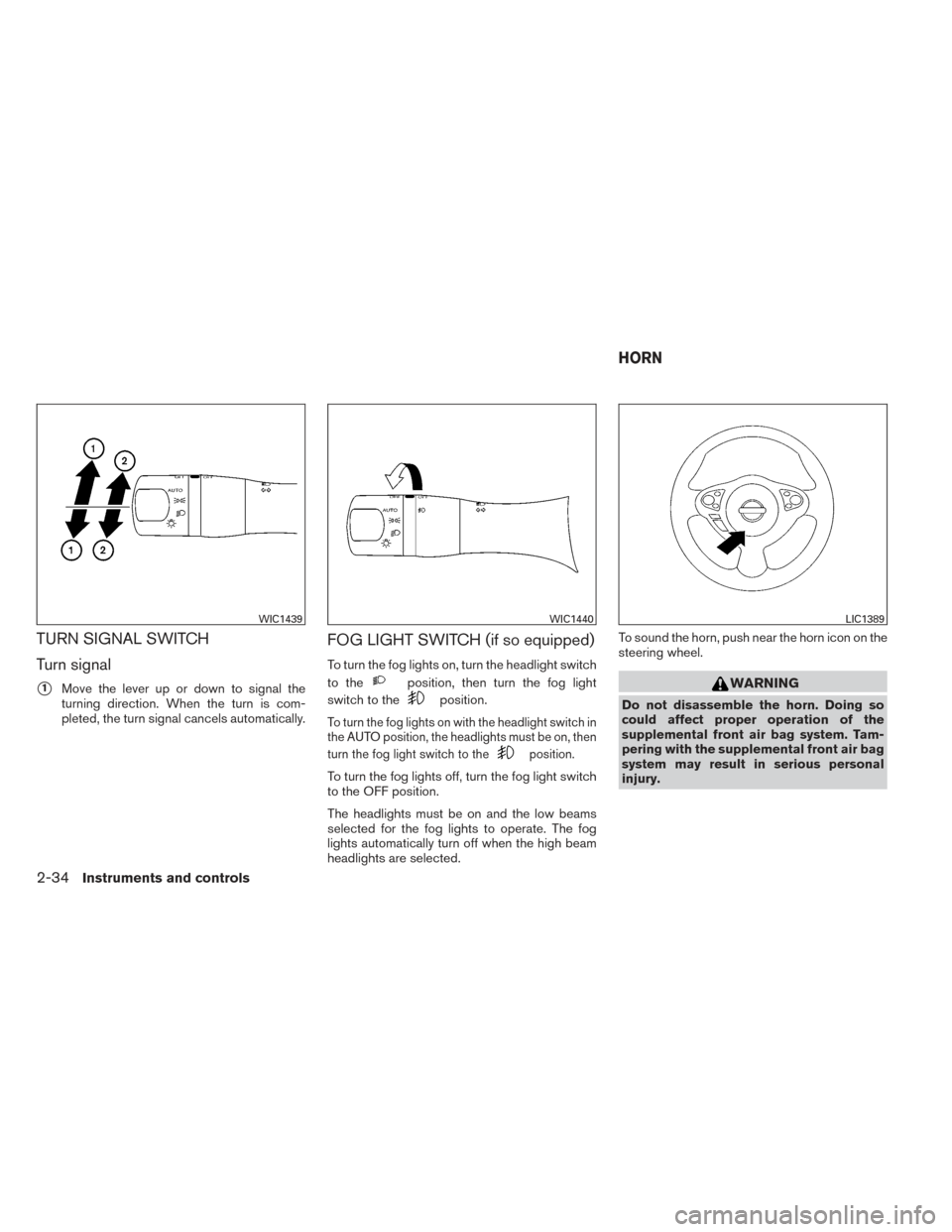
TURN SIGNAL SWITCH
Turn signal
�1Move the lever up or down to signal the
turning direction. When the turn is com-
pleted, the turn signal cancels automatically.
FOG LIGHT SWITCH (if so equipped)
To turn the fog lights on, turn the headlight switch
to the
position, then turn the fog light
switch to the
position.
To turn the fog lights on with the headlight switch in
the AUTO position, the headlights must be on, then
turn the fog light switch to the
position.
To turn the fog lights off, turn the fog light switch
to the OFF position.
The headlights must be on and the low beams
selected for the fog lights to operate. The fog
lights automatically turn off when the high beam
headlights are selected. To sound the horn, push near the horn icon on the
steering wheel.
WARNING
Do not disassemble the horn. Doing so
could affect proper operation of the
supplemental front air bag system. Tam-
pering with the supplemental front air bag
system may result in serious personal
injury.
WIC1439WIC1440LIC1389
HORN
2-34Instruments and controls
Page 110 of 432
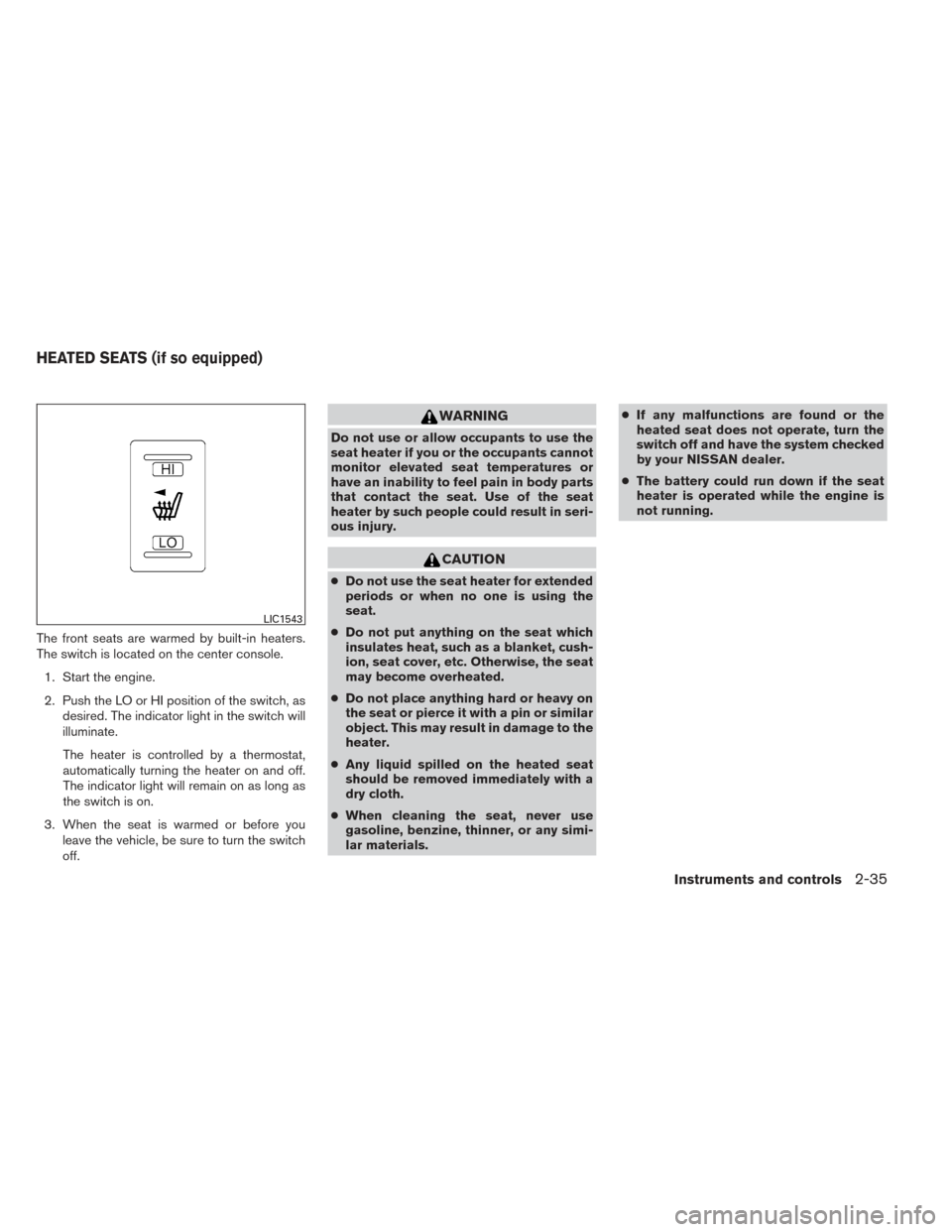
The front seats are warmed by built-in heaters.
The switch is located on the center console.1. Start the engine.
2. Push the LO or HI position of the switch, as desired. The indicator light in the switch will
illuminate.
The heater is controlled by a thermostat,
automatically turning the heater on and off.
The indicator light will remain on as long as
the switch is on.
3. When the seat is warmed or before you leave the vehicle, be sure to turn the switch
off.
WARNING
Do not use or allow occupants to use the
seat heater if you or the occupants cannot
monitor elevated seat temperatures or
have an inability to feel pain in body parts
that contact the seat. Use of the seat
heater by such people could result in seri-
ous injury.
CAUTION
●Do not use the seat heater for extended
periods or when no one is using the
seat.
● Do not put anything on the seat which
insulates heat, such as a blanket, cush-
ion, seat cover, etc. Otherwise, the seat
may become overheated.
● Do not place anything hard or heavy on
the seat or pierce it with a pin or similar
object. This may result in damage to the
heater.
● Any liquid spilled on the heated seat
should be removed immediately with a
dry cloth.
● When cleaning the seat, never use
gasoline, benzine, thinner, or any simi-
lar materials. ●
If any malfunctions are found or the
heated seat does not operate, turn the
switch off and have the system checked
by your NISSAN dealer.
● The battery could run down if the seat
heater is operated while the engine is
not running.
LIC1543
HEATED SEATS (if so equipped)
Instruments and controls2-35
Page 111 of 432
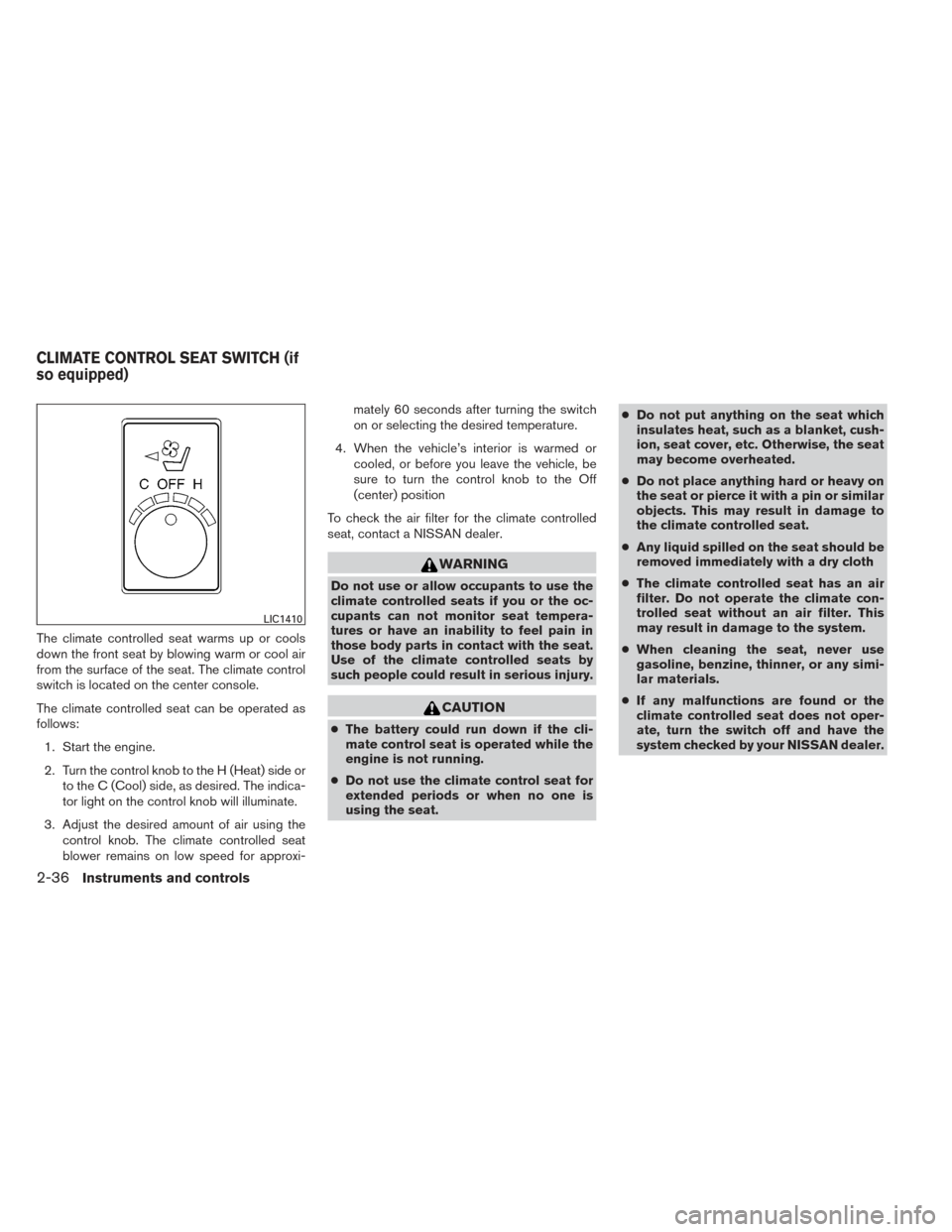
The climate controlled seat warms up or cools
down the front seat by blowing warm or cool air
from the surface of the seat. The climate control
switch is located on the center console.
The climate controlled seat can be operated as
follows:1. Start the engine.
2. Turn the control knob to the H (Heat) side or to the C (Cool) side, as desired. The indica-
tor light on the control knob will illuminate.
3. Adjust the desired amount of air using the control knob. The climate controlled seat
blower remains on low speed for approxi- mately 60 seconds after turning the switch
on or selecting the desired temperature.
4. When the vehicle’s interior is warmed or cooled, or before you leave the vehicle, be
sure to turn the control knob to the Off
(center) position
To check the air filter for the climate controlled
seat, contact a NISSAN dealer.
WARNING
Do not use or allow occupants to use the
climate controlled seats if you or the oc-
cupants can not monitor seat tempera-
tures or have an inability to feel pain in
those body parts in contact with the seat.
Use of the climate controlled seats by
such people could result in serious injury.
CAUTION
● The battery could run down if the cli-
mate control seat is operated while the
engine is not running.
● Do not use the climate control seat for
extended periods or when no one is
using the seat. ●
Do not put anything on the seat which
insulates heat, such as a blanket, cush-
ion, seat cover, etc. Otherwise, the seat
may become overheated.
● Do not place anything hard or heavy on
the seat or pierce it with a pin or similar
objects. This may result in damage to
the climate controlled seat.
● Any liquid spilled on the seat should be
removed immediately with a dry cloth
● The climate controlled seat has an air
filter. Do not operate the climate con-
trolled seat without an air filter. This
may result in damage to the system.
● When cleaning the seat, never use
gasoline, benzine, thinner, or any simi-
lar materials.
● If any malfunctions are found or the
climate controlled seat does not oper-
ate, turn the switch off and have the
system checked by your NISSAN dealer.
LIC1410
CLIMATE CONTROL SEAT SWITCH (if
so equipped)
2-36Instruments and controls
Page 112 of 432
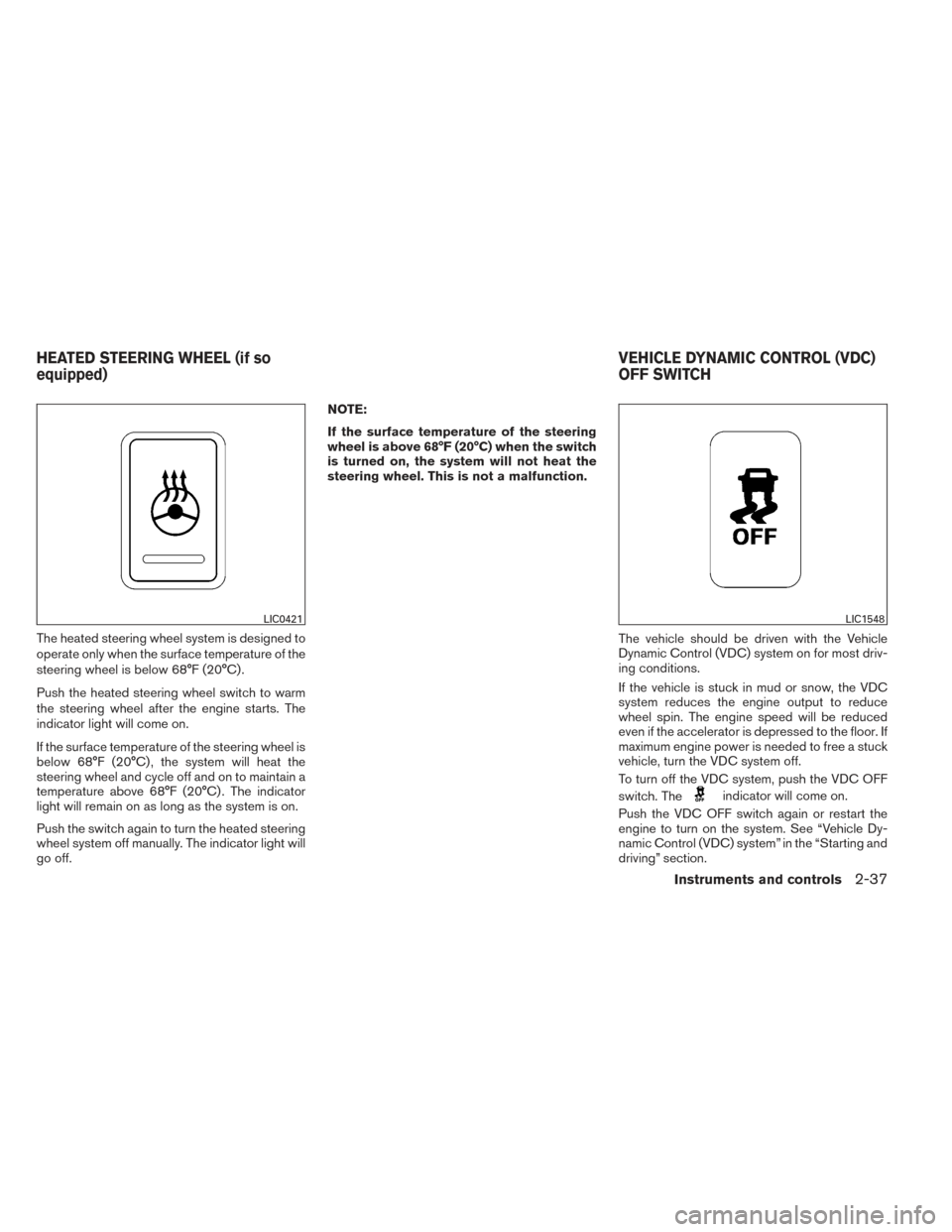
The heated steering wheel system is designed to
operate only when the surface temperature of the
steering wheel is below 68°F (20°C) .
Push the heated steering wheel switch to warm
the steering wheel after the engine starts. The
indicator light will come on.
If the surface temperature of the steering wheel is
below 68°F (20°C) , the system will heat the
steering wheel and cycle off and on to maintain a
temperature above 68°F (20°C) . The indicator
light will remain on as long as the system is on.
Push the switch again to turn the heated steering
wheel system off manually. The indicator light will
go off.NOTE:
If the surface temperature of the steering
wheel is above 68°F (20°C) when the switch
is turned on, the system will not heat the
steering wheel. This is not a malfunction.
The vehicle should be driven with the Vehicle
Dynamic Control (VDC) system on for most driv-
ing conditions.
If the vehicle is stuck in mud or snow, the VDC
system reduces the engine output to reduce
wheel spin. The engine speed will be reduced
even if the accelerator is depressed to the floor. If
maximum engine power is needed to free a stuck
vehicle, turn the VDC system off.
To turn off the VDC system, push the VDC OFF
switch. The
indicator will come on.
Push the VDC OFF switch again or restart the
engine to turn on the system. See “Vehicle Dy-
namic Control (VDC) system” in the “Starting and
driving” section.
LIC0421LIC1548
HEATED STEERING WHEEL (if so
equipped) VEHICLE DYNAMIC CONTROL (VDC)
OFF SWITCH
Instruments and controls2-37
Page 113 of 432
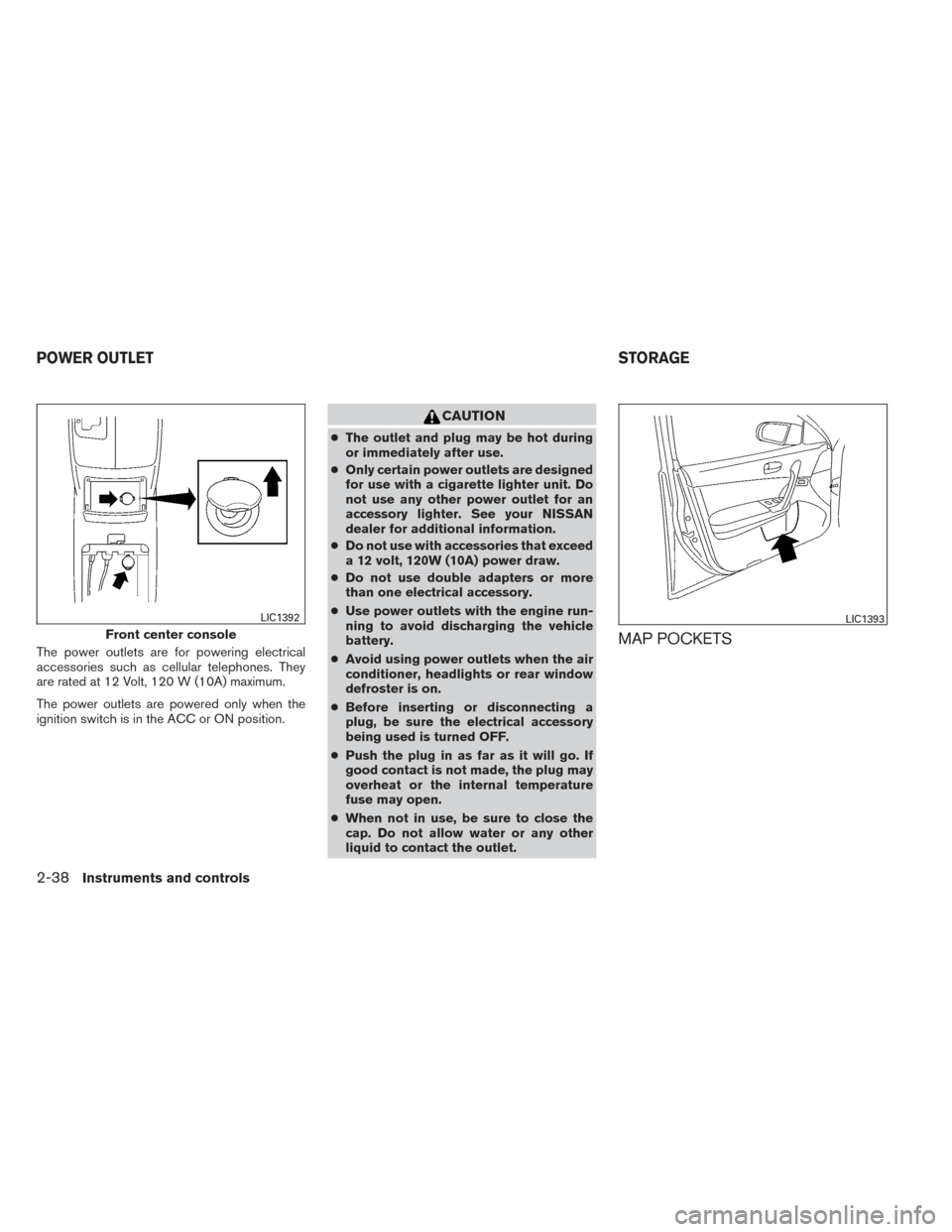
The power outlets are for powering electrical
accessories such as cellular telephones. They
are rated at 12 Volt, 120 W (10A) maximum.
The power outlets are powered only when the
ignition switch is in the ACC or ON position.
CAUTION
●The outlet and plug may be hot during
or immediately after use.
● Only certain power outlets are designed
for use with a cigarette lighter unit. Do
not use any other power outlet for an
accessory lighter. See your NISSAN
dealer for additional information.
● Do not use with accessories that exceed
a 12 volt, 120W (10A) power draw.
● Do not use double adapters or more
than one electrical accessory.
● Use power outlets with the engine run-
ning to avoid discharging the vehicle
battery.
● Avoid using power outlets when the air
conditioner, headlights or rear window
defroster is on.
● Before inserting or disconnecting a
plug, be sure the electrical accessory
being used is turned OFF.
● Push the plug in as far as it will go. If
good contact is not made, the plug may
overheat or the internal temperature
fuse may open.
● When not in use, be sure to close the
cap. Do not allow water or any other
liquid to contact the outlet.
MAP POCKETSFront center console
LIC1392LIC1393
POWER OUTLET STORAGE
2-38Instruments and controls
Page 114 of 432
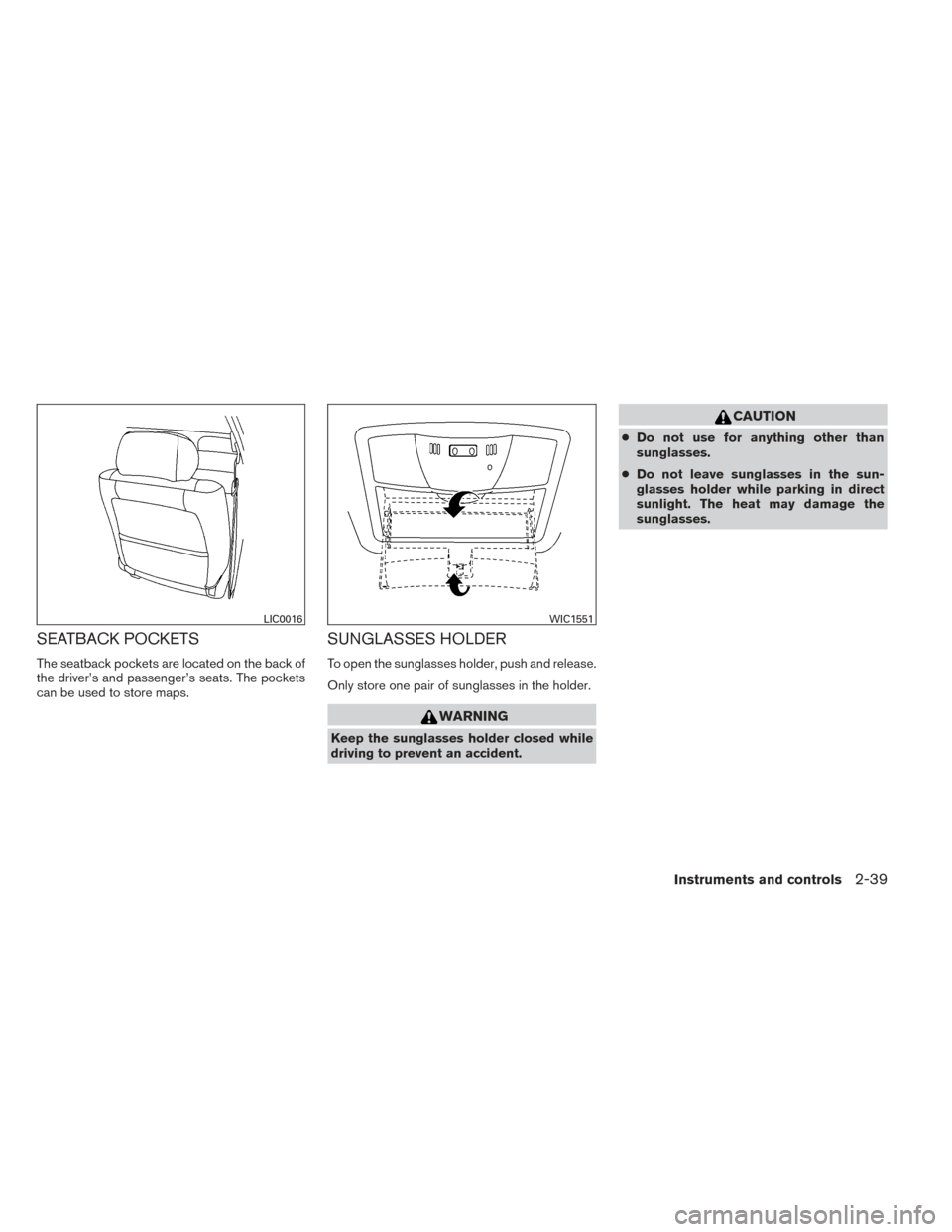
SEATBACK POCKETS
The seatback pockets are located on the back of
the driver’s and passenger’s seats. The pockets
can be used to store maps.
SUNGLASSES HOLDER
To open the sunglasses holder, push and release.
Only store one pair of sunglasses in the holder.
WARNING
Keep the sunglasses holder closed while
driving to prevent an accident.
CAUTION
●Do not use for anything other than
sunglasses.
● Do not leave sunglasses in the sun-
glasses holder while parking in direct
sunlight. The heat may damage the
sunglasses.
LIC0016WIC1551
Instruments and controls2-39
Page 125 of 432
CAUTION
●Do not place objects (such as newspa-
pers, handkerchiefs, etc.) on the screen
inlet port. Doing so may entangle these
objects in the screen when it is extend-
ing or retracting, causing improper op-
eration or damage to the screen.
● Do not push the sun shade arm with
your hands, etc., as this may deform it.
Improper operation or damage to the
screen may result.
● Do not hang any object on the arm rail
as this may result in improper operation
or damage the screen.
● Do not forcefully pull the screen. Doing
so may elongate the screen. Improper
operation or damage to the screen may
result.
● To avoid personal injury, keep your
hands, fingers and head away from the
sun shade arm, arm rail and screen inlet
port.
● Do not allow children near the rear sun
shade system. They could be injured.
● Do not pull or push the rear sun shade.
This could cause improper operation or
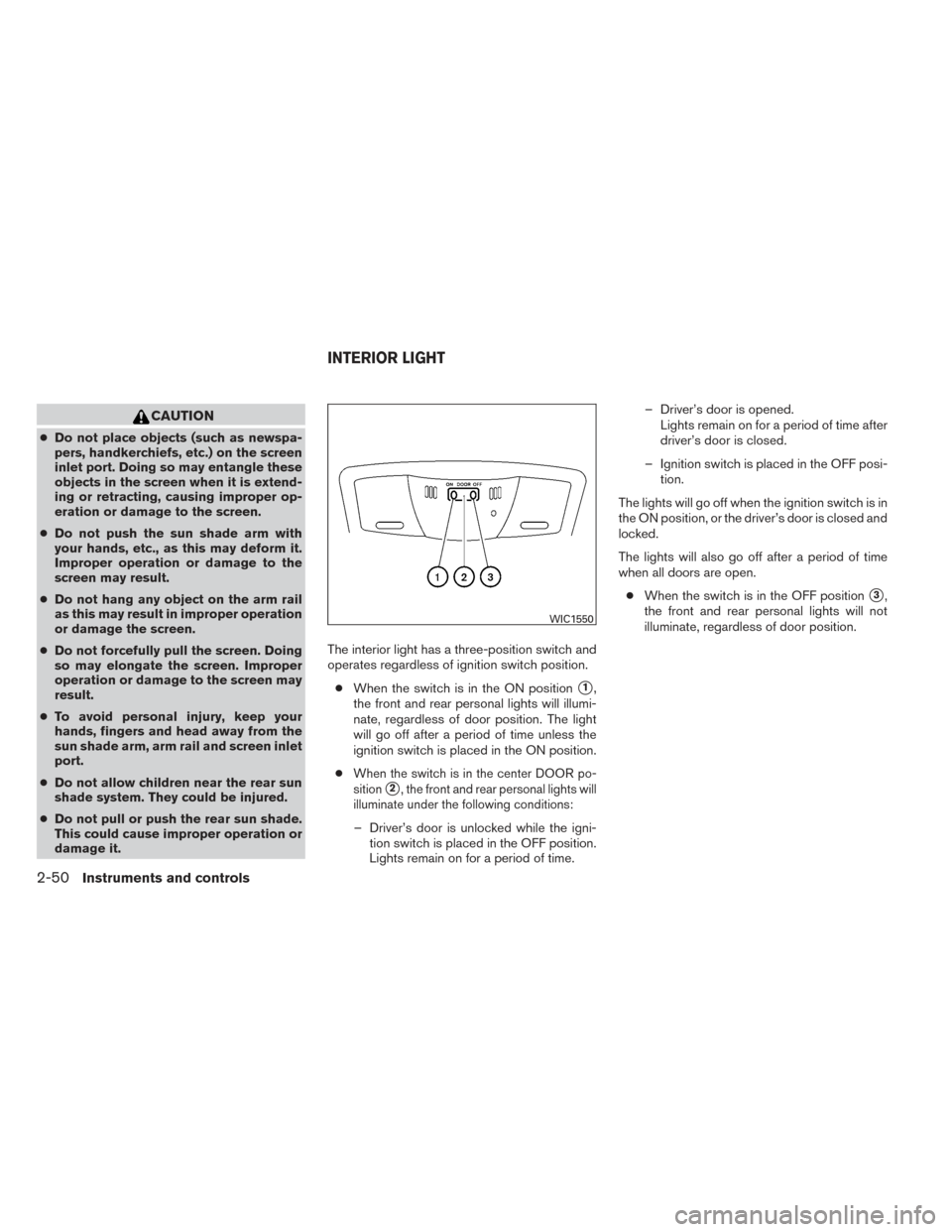
damage it. The interior light has a three-position switch and
operates regardless of ignition switch position.
● When the switch is in the ON position
�1,
the front and rear personal lights will illumi-
nate, regardless of door position. The light
will go off after a period of time unless the
ignition switch is placed in the ON position.
●
When the switch is in the center DOOR po-
sition
�2, the front and rear personal lights will
illuminate under the following conditions:
– Driver’s door is unlocked while the igni- tion switch is placed in the OFF position.
Lights remain on for a period of time. – Driver’s door is opened.
Lights remain on for a period of time after
driver’s door is closed.
– Ignition switch is placed in the OFF posi- tion.
The lights will go off when the ignition switch is in
the ON position, or the driver’s door is closed and
locked.
The lights will also go off after a period of time
when all doors are open. ● When the switch is in the OFF position
�3,
the front and rear personal lights will not
illuminate, regardless of door position.
WIC1550
INTERIOR LIGHT
2-50Instruments and controls
Page 126 of 432
NOTE:
The footwell and doorstep lights illuminate
when the driver and passenger doors are
opened regardless of the interior light
switch position. These lights will turn off
automatically after a period of time while
doors are open to prevent the battery from
becoming discharged.
CAUTION
Do not use for extended periods of time
with the engine stopped. This could result
in a discharged battery.
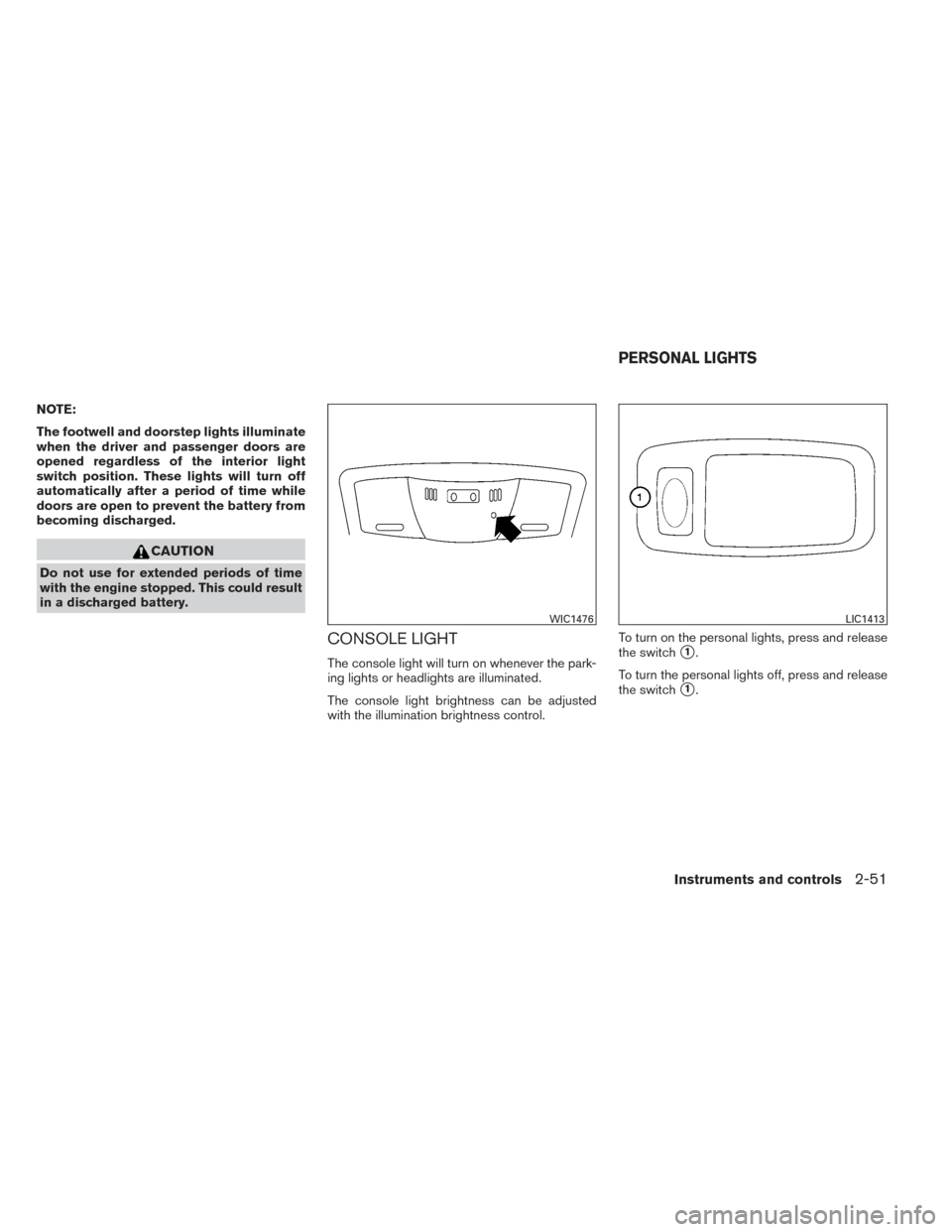
CONSOLE LIGHT
The console light will turn on whenever the park-
ing lights or headlights are illuminated.
The console light brightness can be adjusted
with the illumination brightness control.To turn on the personal lights, press and release
the switch�1.
To turn the personal lights off, press and release
the switch
�1.
WIC1476LIC1413
PERSONAL LIGHTS
Instruments and controls2-51