2014 NISSAN ALTIMA navigation system
[x] Cancel search: navigation systemPage 150 of 428
WARNING
●Radio waves could adversely affect
electric medical equipment. Those who
use a pacemaker should contact the
electric medical equipment manufac-
turer for the possible influences before
use.
● The Intelligent Key transmits radio
waves when the buttons are pressed.
The FAA advises the radio waves may
affect aircraft navigation and communi-
cation systems. Do not operate the In-
telligent Key while on an airplane. Make
sure the buttons are not operated unin-
tentionally when the unit is stored for a
flight.
The Intelligent Key can operate all the door locks
using the remote controller function. The operat-
ing environment and/or conditions may affect the
Intelligent Key operation.
Be sure to read the following before using the
Intelligent Key.
CAUTION
● Be sure to carry the Intelligent Key with
you when operating the vehicle.
● Never leave the Intelligent Key in the
vehicle when you leave the vehicle.
The Intelligent Key is always communicating with
the vehicle as it receives radio waves. The Intel-
ligent Key transmits weak radio waves. Environ-
mental conditions may interfere with the opera-
tion of the Intelligent Key under the following
operating conditions: ● When operating near a location where
strong radio waves are transmitted, such as
a TV tower, power station and broadcasting
station.
● When in possession of wireless equipment,
such as a cellular telephone, transceiver,
and CB radio.
● When the Intelligent Key is in contact with or
covered by metallic materials.
● When any type of radio wave remote control
is used nearby.
● When the Intelligent Key is placed near an
electric appliance such as a personal com-
puter. ●
When the vehicle is parked near a parking
meter.
In such cases, correct the operating conditions
before using the Intelligent Key function or use
the mechanical key.
Although the life of the battery varies depending
on the operating conditions, the battery’s life is
approximately 2 years. If the battery is dis-
charged, replace it with a new one.
When the Intelligent Key battery is low, an indi-
cator illuminates in the Vehicle Information Dis-
play. See “Vehicle Information Display” in the
“Instruments and controls” section.
Since the Intelligent Key is continuously receiving
radio waves, if the key is left near equipment
which transmits strong radio waves, such as sig-
nals from a TV and personal computer, the bat-
tery life may become shorter.
For information regarding replacement of a bat-
tery, see “Battery replacement” in the “Mainte-
nance and do-it-yourself” section.
As many as 4 Intelligent Keys can be registered
and used with one vehicle. For information about
the purchase and use of additional Intelligent
Keys, contact a NISSAN dealer.
NISSAN INTELLIGENT KEY®
WITHOUT DOOR AND TRUNK
REQUEST SWITCHES
Pre-driving checks and adjustments3-19
Page 170 of 428
4 Monitor, climate, audio, phone and voice
recognition systems
Control panel buttons — color screen with
Navigation System (if so equipped)..................4-4
How to use the touch screen ....................4-5
How to use the BACK button ....................4-7
How to use the APPS button ....................4-7
button...................................4-9
RearView Monitor (if so equipped) ..................4-10
How to read the displayed lines .................4-10
Difference between predicted and actual
distances ..................................... 4-11
How to adjust the screen (if so equipped) ........4-12
Operating tips ................................. 4-12
Rear and rear-wide view monitor with moving
object detection (MOD) (if so equipped) ............4-13
How to switch the display ......................4-14
How to park with predicted course lines ..........4-16
How to adjust the screen .......................4-20
Operating tips ................................. 4-20
Moving Object Detection (MOD)
(if so equipped) ............................... 4-20
Vents . .......................................... 4-22
Heater and Air Conditioner (manual)
(if so equipped) .................................. 4-24Controls
...................................... 4-25
Heater operation .............................. 4-25
Air conditioner operation .......................4-26
Air flow charts ................................. 4-28
Heater and Air Conditioner (automatic)
(if so equipped) .................................. 4-31
Automatic operation ........................... 4-32
Manual operation .............................. 4-33
Operating tips ................................. 4-33
Servicing air conditioner ........................... 4-34
Audio system .................................... 4-34
Radio ........................................ 4-34
FM radio reception ............................ 4-35
AM radio reception ............................ 4-35
Satellite radio reception (if so equipped) . . . ......4-35
Audio operation precautions ....................4-36
FM/AM radio with compact disc (CD) player
(if so equipped) ............................... 4-43
FM/AM radio with compact disc (CD) player
(Type A) (if so equipped) .......................4-47
FM/AM radio with compact disc (CD) player
(Type B) (if so equipped) .......................4-51
Page 171 of 428

FM/AM/SAT radio with compact disc (CD)
player (Type C) (if so equipped).................4-55
FM/AM/SAT radio with compact disc (CD)
player (if so equipped) ......................... 4-61
USB interface (models without Navigation
System) (if so equipped) .......................4-65
USB interface (models with Navigation
System) ...................................... 4-67
iPod®* player operation without Navigation
System (if so equipped) ........................ 4-70
iPod®* player operation with Navigation
System (if so equipped) ........................ 4-72
Bluetooth® streaming audio without
Navigation System (Type A) (if so equipped) ......4-75
Bluetooth® streaming audio without
Navigation System (Type B) (if so equipped) ......4-76
Bluetooth® streaming audio with Navigation
System (if so equipped) ........................ 4-76
CD care and cleaning .......................... 4-78
Steering wheel switch for audio control ..........4-78
Antenna ...................................... 4-80
NissanConnect App Smartphone Integration
(if so equipped) .................................. 4-80
Registering with NissanConnect App ............4-80 Connect Phone
............................... 4-80
Application Download .......................... 4-80
Car phone or CB radio ............................ 4-81
Bluetooth® Hands-Free Phone System without
Navigation System (Type A) (if so equipped) .........4-81
Regulatory Information ......................... 4-83
Using the system .............................. 4-83
Control buttons ............................... 4-86
Getting started ................................ 4-86
List of voice commands ........................ 4-88
Voice Adaptation (VA) mode ....................4-92
Manual control ................................ 4-94
Troubleshooting guide ......................... 4-95
Bluetooth® Hands-Free Phone System without
Navigation System (Type B) (if so equipped) . . . ......4-96
Regulatory Information ......................... 4-97
Using the system .............................. 4-98
Control buttons ............................... 4-99
Connecting
procedure ........................ 4-100
Voice commands ............................. 4-101
Making a call ................................. 4-102
Receiving a call .............................. 4-103
During a call ................................. 4-103
Page 172 of 428
Ending a call................................. 4-103
Text messaging ............................... 4-104
Bluetooth® settings .......................... 4-105
Manual control ............................... 4-106
Bluetooth® Hands-Free Phone System with
Navigation System (if so equipped) ................4-107
Regulatory Information ........................ 4-108
Voice commands ............................. 4-109
Connecting Procedure ........................ 4-109
Vehicle phonebook ........................... 4-110
Making a call ................................. 4-110
Receiving a call .............................. 4-110
During a call ................................. 4-110
Ending a call ................................. 4-110
Text messaging ............................... 4-111Bluetooth® settings
.......................... 4-112
Phone settings ............................... 4-113
NISSAN Voice Recognition System
(if so equipped) . . . .............................. 4-114
Using the system ............................. 4-114
System features .............................. 4-115
Bluetooth® Hands-Free Phone System
voice commands ............................. 4-116
Navigation System voice commands ............4-116
Audio system voice commands .................4-117
Information voice commands ...................4-117
My Apps Voice Commands ....................4-117
Help voice commands ........................ 4-117
Troubleshooting guide ........................ 4-118
Page 173 of 428
WARNING
●Positioning of the heating or air condi-
tioning controls and display controls
should not be done while driving in or-
der that full attention may be given to
the driving operation.
● Do not disassemble or modify this sys-
tem. If you do, it may result in accidents,
fire, or electrical shock.
● Do not use this system if you notice any
abnormality, such as a frozen screen or
lack of sound. Continued use of the
system may result in accident, fire or
electric shock.
● In case you notice any foreign object in
the system hardware, spill liquid on it,
or notice smoke or smell coming from it,
stop using the system immediately and
contact your nearest NISSAN dealer. Ig-
noring such conditions may lead to ac-
cidents, fire or electrical shock.
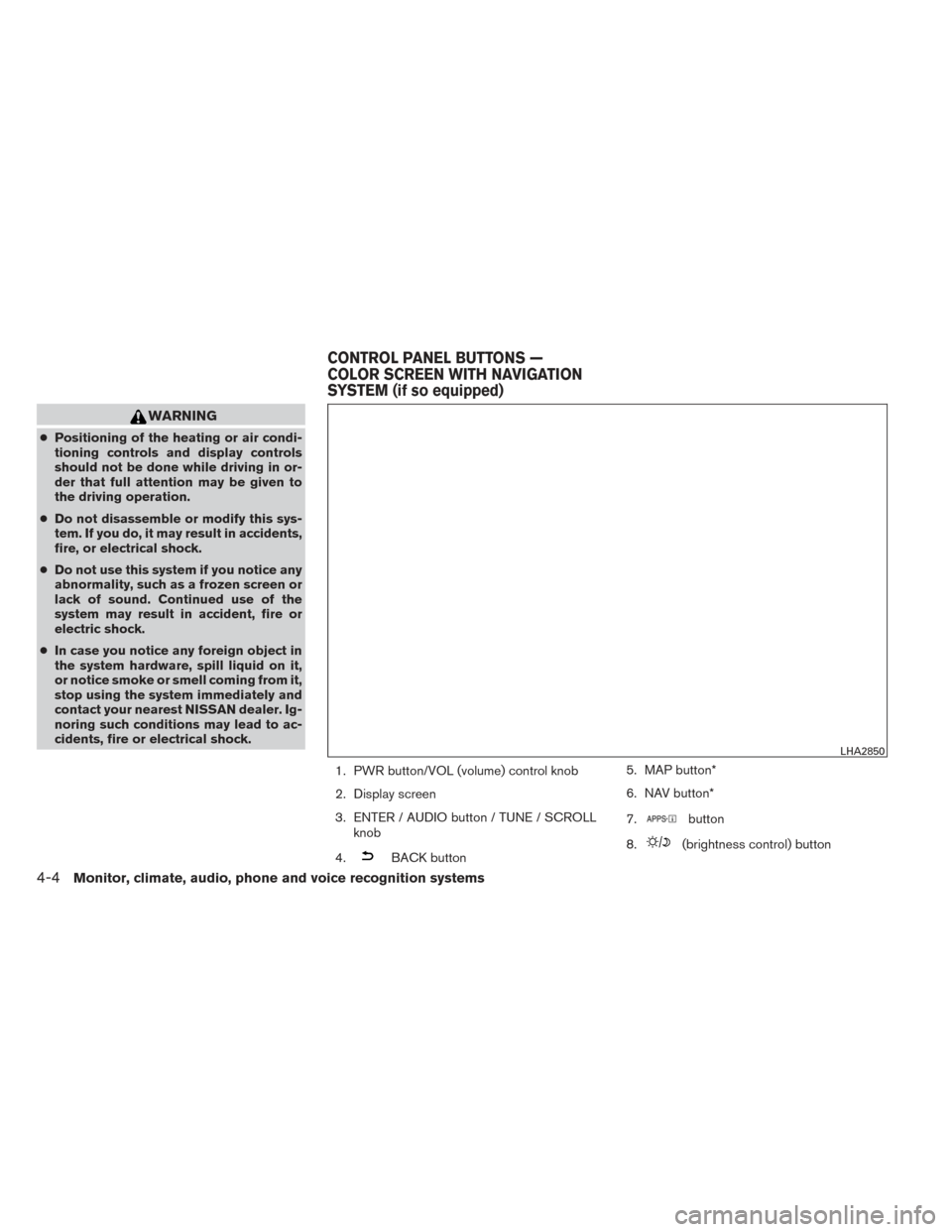
1. PWR button/VOL (volume) control knob
2. Display screen
3. ENTER / AUDIO button / TUNE / SCROLLknob
4.
BACK button 5. MAP button*
6. NAV button*
7.
button
8.
(brightness control) button
LHA2850
CONTROL PANEL BUTTONS —
COLOR SCREEN WITH NAVIGATION
SYSTEM (if so equipped)
4-4Monitor, climate, audio, phone and voice recognition systems
Page 174 of 428
9.button**
10. CAMERA button
* For information regarding the Navigation system
control buttons, refer to the separate Navigation
System Owner’s Manual.
** For information regarding the Bluetooth®
Hands-Free Phone System control button, see
“Bluetooth® Hands-Free Phone System with
Navigation System (if so equipped)” in this sec-
tion.
When you use this system, make sure the engine
is running.
If you use the system with the engine not
running (ignition ON or ACC) for a long
time, it will discharge the battery, and the
engine will not start.
Reference symbols:
“Example” — Words marked in quotes refer to a
key shown only on the display. These keys can be
selected by touching the screen.HOW TO USE THE TOUCH
SCREEN
CAUTION
● The glass display screen may break if it
is hit with a hard or sharp object. If the
glass screen breaks, do not touch it.
Doing so could result in an injury.
● To clean the display, never use a rough
cloth, alcohol, benzine, thinner or any
kind of solvent or paper towel with a
chemical cleaning agent. They will
scratch or deteriorate the panel.
● Do not splash any liquid such as water
or car fragrance on the display. Contact
with liquid will cause the system to
malfunction.
To help ensure safe driving, some functions can-
not be operated while driving.
The on-screen functions that are not available
while driving will be “grayed out” or muted.
Park the vehicle in a safe location and then oper-
ate the navigation system.
WARNING
● ALWAYS give your full attention to
driving.
● Avoid using vehicle features that could
distract you. If distracted, you could
lose control of your vehicle and cause
an accident.
Monitor, climate, audio, phone and voice recognition systems4-5
Page 176 of 428
Touch screen maintenance
If you clean the display screen, use a dry, soft
cloth. If additional cleaning is necessary, use a
small amount of neutral detergent with a soft
cloth. Never spray the screen with water or de-
tergent. Dampen the cloth first and then wipe the
screen.
HOW TO USE THE BACK BUTTON
Press theBACK button to return to the
previous screen.
HOW TO USE THE APPS BUTTON
For more information about the “SiriusXM Travel
Link”, and “SiriusXM Traffic” features, see the
separate Navigation System Owner’s Manual.
For more information about the “My Apps” key,
see “NissanConnect APP Smartphone Integra-
tion (if so equipped)” in this section.
For more information about the “Voice Com-
mands” key, see “NISSAN Voice Recognition
System” in this section. To select and/or adjust several functions, fea-
tures and modes that are available for your ve-
hicle:
1. Press the APPS button.
2. Select the “Settings” key.
LHA2773
Monitor, climate, audio, phone and voice recognition systems4-7
Page 177 of 428
3. Select the desired item.
Menu itemResult
Audio See “Audio system” in this section for more information.
Navigation See the separate Navigation System Owner’s Manual for more information.
Phone & Bluetooth See “Bluetooth Hands-Free Phone System with Navigation System” in this section.
System Select this key to select and/or adjust various functions of this system. A screen with additional options will appear.
Menu item Result
Display Select this key to adjust the appearance of the display.
Brightness Adjusts the brightness of the display.
Display Mode Adjusts to fit the level of lighting in the vehicle. Touch key to cycle through options. “Day” and “Night” modes are suited for the respective times of day while “Automatic” controls the display automatically.
Scroll Direction Adjusts the direction of the menu scroll. Choose either “Up” or “Down”.
LHA2852
4-8Monitor, climate, audio, phone and voice recognition systems