Page 169 of 338

Multi-information display 5-108 Features and controls
5
2. Lightly press the multi-information meter switch to select “ ” (operation sound setting). 3. Press and hold the multi-information meter switch (for about 2 seconds or more) to switch in sequence from ON (operation sound on)
OFF (operation
sound off)
ON (operation sound on).
The setting is changed to the selected con- dition.
N00557500091
The time until the display appears can be changed. 1. Press and hold the multi-information meter switch (for about 2 seconds ormore) to switch from the setting mode screen to the menu screen. Refer to “Changing the function settings(With ignition switch in the “ON” posi-tion)” on page 5-103. 2. Lightly press the multi-information meter switch to select “ALARM” (rest time set-ting).
3. Press and hold the multi-information meter switch (for about 2 seconds or more) to display “ALARM” (rest time setting). 4. Lightly press the multi-information meter switch to select the time until the displayappears.5. Press and hold the multi-information meter switch (for about 2 seconds or more) to change the setting to the selectedtime.
NOTE
If the battery is disconnected, the memory of the operation sound setting is erased and is automatically set to “ON” (operation sound on). The operation sound setting only deactivates the operation sound of the multi-informationmeter switch and rheostat meter illumination button. The warning display and other sounds cannot be deactivated.
Changing the time until “REST REMINDER” is displayed
NOTE
If the battery is disconnected, the memory of the unit setting is erased and is automatically set to the “OFF”. The drive time is reset when the ignition switch is in the “OFF” position.
BK0200800US.book
108 ページ 2013年2月14日 木曜日 午後2時28分
Page 171 of 338
Multi-information display 5-110 Features and controls
5
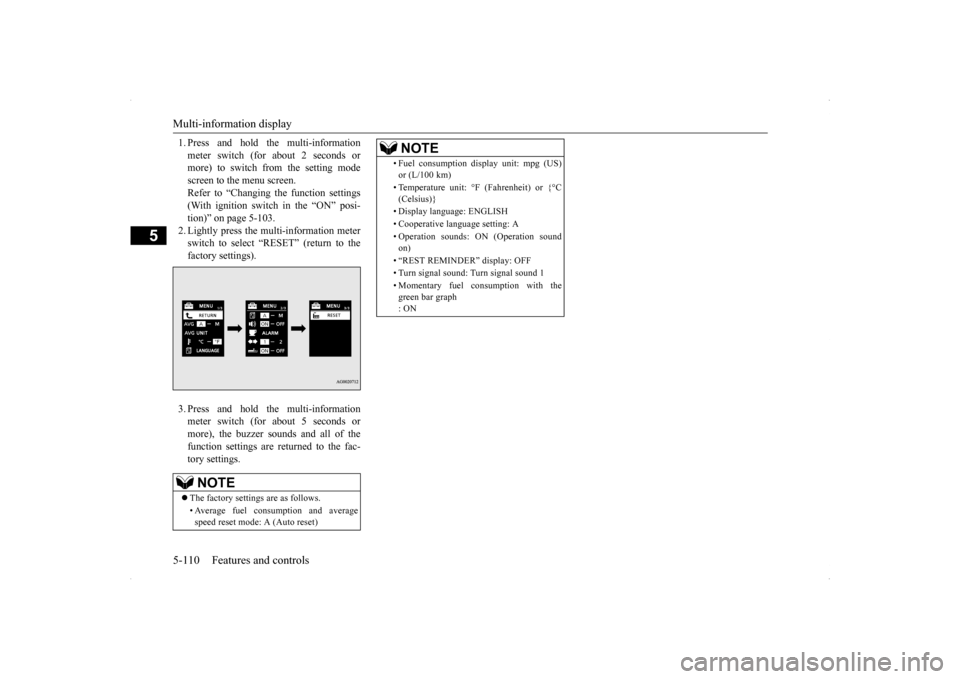
1. Press and hold the multi-information meter switch (for about 2 seconds or more) to switch from the setting mode screen to the menu screen.Refer to “Changing the function settings (With ignition switch in the “ON” posi- tion)” on page 5-103.2. Lightly press the multi-information meter switch to select “RESET” (return to the factory settings). 3. Press and hold the multi-information meter switch (for about 5 seconds or more), the buzzer sounds and all of thefunction settings are returned to the fac- tory settings.NOTE
The factory settings are as follows. • Average fuel consumption and average speed reset mode: A (Auto reset)
• Fuel consumption display unit: mpg (US) or (L/100 km) • Temperature unit: °F (Fahrenheit) or {°C (Celsius)} • Display language: ENGLISH • Cooperative language setting: A • Operation sounds: ON (Operation sound on) • “REST REMINDER” display: OFF• Turn signal sound: Turn signal sound 1 • Momentary fuel consumption with the green bar graph : ONNOTE
BK0200800US.book
110 ページ 2013年2月14日 木曜日 午後2時28分
Page 182 of 338
Indicators
Features and controls 5-121
5
N00519900127 N00520000216
The arrows will flash in
time with the corre-
sponding exterior turn signals when the turnsignal lever is used. Both arrows will flas
h when the hazard warn-
ing flasher switch is pressed.
N00520100086
A blue light comes on when the headlightsare on high beam.
N00520200191
This indicator comes on while the front foglights are on.
N00551300026
This indicator light illuminates while theposition lights are on.
Screen
Do this
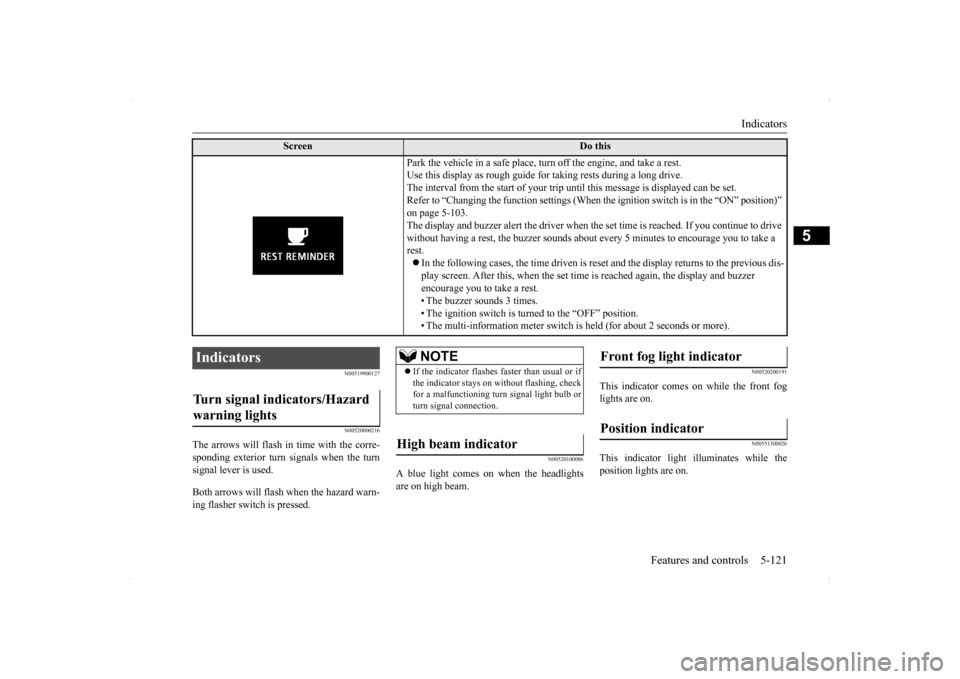
Park the vehicle in a safe place, turn off the engine, and take a rest. Use this display as rough guide for taking rests during a long drive.The interval from the start of your trip until this message is displayed can be set.Refer to “Changing the function settings (When
the ignition switch is in the “ON” position)”
on page 5-103. The display and buzzer alert the driver when the
set time is reached. If you continue to drive
without having a rest, the buzzer sounds about every 5 minutes to encourage you to take a rest. In the following cases, the time driven is reset and the display returns to the previous dis- play screen. After this, when the set time is reached again, the display and buzzer encourage you to take a rest. • The buzzer sounds 3 times.• The ignition switch is turned to the “OFF” position. • The multi-information meter switch is held (for about 2 seconds or more).
Indicators Turn signal indicators/Hazard warning lights
NOTE
If the indicator flashes faster than usual or if the indicator stays on without flashing, checkfor a malfunctioning turn signal light bulb or turn signal connection.
High beam indicator
Front fog light indicator Position indicator
BK0200800US.book
121 ページ 2013年2月14日 木曜日 午後2時28分