2014 Lexus GS350 power
[x] Cancel search: powerPage 2 of 102
2
GS350_QG_OM30D73U_(U)
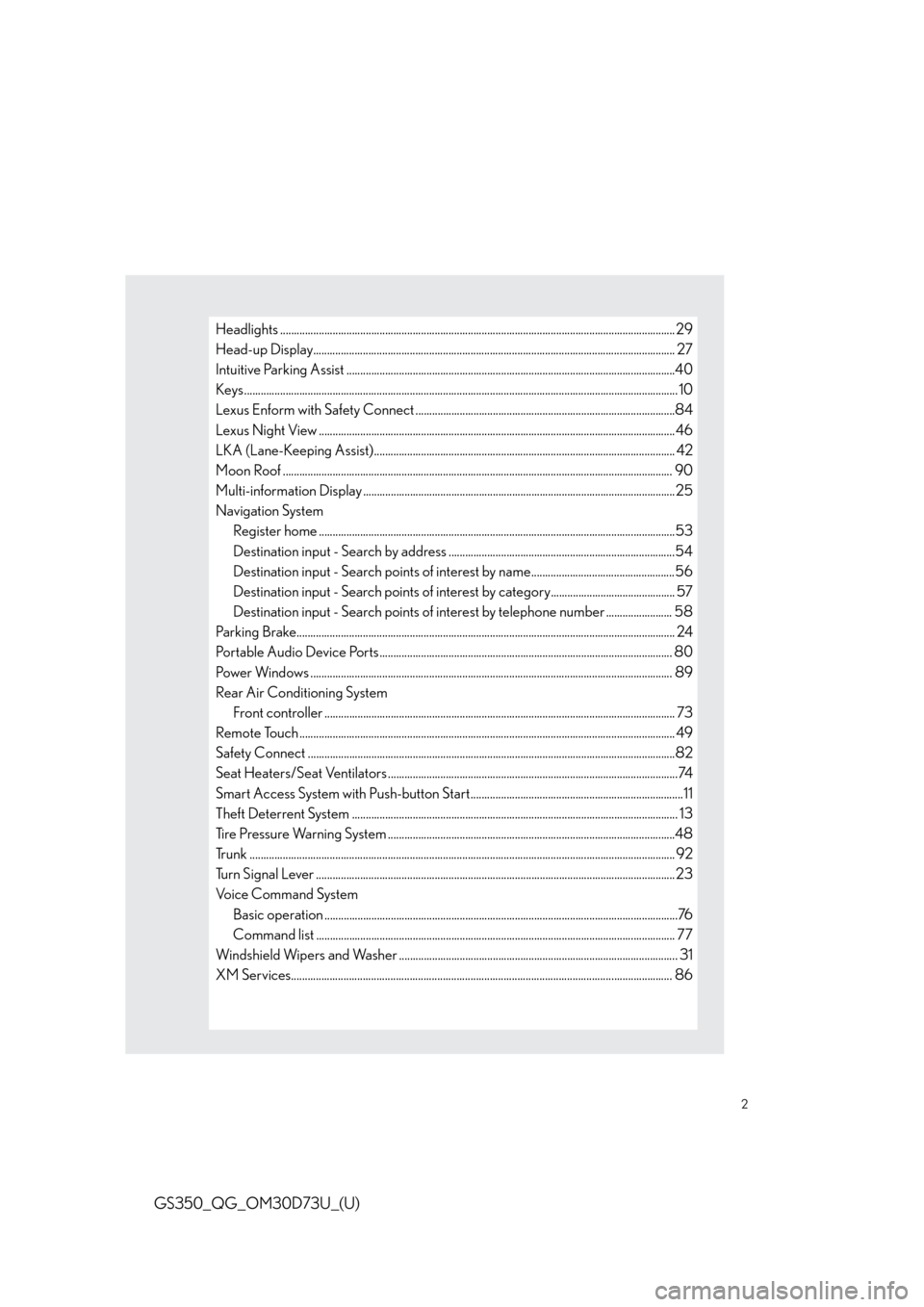
Headlights ............................................................................................................................................... 29
Head-up Display................................................................................................................................... 27
Intuitive Parking Assist .......................................................................................................................40
Keys ............................................................................................................................................................. 10
Lexus Enform with Safety Connect ..............................................................................................84
Lexus Night View .................................................................................................................................46
LKA (Lane-Keeping Assist)............................................................................................................. 42
Moon Roof ............................................................................................................................................. 90
Multi-information Display .................................................................................................................25
Navigation System
Register home .................................................................................................................................53
Destination input - Search by address ..................................................................................54
Destination input - Search points of interest by name....................................................56
Destination input - Search points of interest by category............................................. 57
Destination input - Search points of interest by telephone number ........................ 58
Parking Brake......................................................................................................................................... 24
Portable Audio Device Ports.......................................................................................................... 80
Power Windows ................................................................................................................................... 89
Rear Air Conditioning System
Front controller ............................................................................................................................... 73
Remote Touch ........................................................................................................................................ 49
Safety Connect .....................................................................................................................................82
Seat Heaters/Seat Ventilators .........................................................................................................74
Smart Access System with Push-button Start.............................................................................11
Theft Deterrent System ...................................................................................................................... 13
Tire Pressure Warning System ........................................................................................................48
Trunk .......................................................................................................................................................... 92
Turn Signal Lever ..................................................................................................................................23
Voice Command System
Basic operation ................................................................................................................................76
Command list .................................................................................................................................. 77
Windshield Wipers and Washer ..................................................................................................... 31
XM Services.......................................................................................................................................... 86
Page 3 of 102

3
GS350_QG_OM30D73U_(U)
OverviewInstrument Panel
Windshield wiper and washer switch P.31
Multi-information display P.25
Headlight switch
Turn signal lever
Fog light switch
*
P.29
P.23
Inside lock buttons P.87
Trunk opener P.92
Hood lock release lever*
Driving position memory
switches
P.15
See P.6
See P.5
Window lock switch P.89
Outside rear view
mirror switches
*
Power window switches
P.89
Door lock switches P.87
PCS OFF switch*
Tire pressure warning reset switch P.48
AFS OFF switch P.30
Page 11 of 102

11
GS350_QG_OM30D73U_(U)
■Wireless remote control
Locks all the doors
Unlocks all the doors
Pressing the button unlocks the driver’s
door. Pressing the button again within
5 seconds unlocks the other doors.
Opens the windows and moon roof
(press and hold)
*
Opens the trunk (press and hold)
If the vehicle is equipped with a power
trunk opener and closer, the trunk lid
automatically opens fully.
Sounds the alarm (press and hold)
*: This setting must be customized at your
Lexus dealer.
Smart Access System with Push-button Start
■Entering the vehicle
Grip the driver’s door handle to unlock the
door. Grip the passenger’s door handle to
unlock all the doors.
Make sure to touch the sensor on the
back of the handle.
The doors cannot be unlocked for 3 sec-
onds after the doors are locked.
1
2
3
4
5
The following operations can be performed simply by carrying the electronic key on your
person, for example in your pocket. (The driver should always carry the electronic key.)
For details on starting the engine, see page 17.
Page 12 of 102

12
GS350_QG_OM30D73U_(U)
■Exiting the vehicle
Touch the lock sensor (the indentation on
the upper part of the door handle) to lock
all the doors.
■Opening the trunk
Press the button.
If the vehicle is equipped with power
trunk opener and closer, the trunk lid
automatically opens fully.
For details on what to do when the electronic key does not operate properly, see page 97.
Page 18 of 102

18
GS350_QG_OM30D73U_(U)
■Stopping the engine
Stop the vehicle.
Shift the shift lever to P.
Set the parking brake.
Press the engine switch.
Release the brake pedal and check that “POWER ON” on the multi-information dis-
play is off.
■Changing engine switch modes
Modes can be changed by pressing the engine switch with the brake pedal released. (The
mode changes each time the switch is pressed.)
Off
*
The emergency flashers can be used.
The multi-information display will not be
displayed.
ACCESSORY mode
Some electrical components such as the
audio system can be used.
“POWER ON” will be displayed on the
multi-information display.
IGNITION ON mode
All electrical components can be used.
“POWER ON” will be displayed on the
multi-information display.
*: If the shift lever is in a position other than
P when turning off the engine, the
engine switch will be turned to ACCES-
SORY mode, not to off.
1
2
3
4
5
Page 21 of 102

21
GS350_QG_OM30D73U_(U)
■Shift position purpose
*1: To improve fuel efficiency and reduce noises, set the shift lever in the D position for nor-
mal driving.
*2: Any gear range can be fixed when driving in M mode.
■Selecting shift ranges in the D position
To drive using temporary shift range selection, operate the “-” or “+” paddle shift switch.
Changing the shift range allows restriction of the highest gear, preventing unnecessary
upshifting and enabling the level of engine braking force to be selected.
Upshifting
Downshifting
6-speed models:
The selected shift range, from D1 to
D6, will be displayed in the meter.
8-speed models:
The selected shift range, from D1 to
D8, will be displayed in the meter.
To return to normal D position driving,
the “+” paddle shift switch must be held
down for a period of time.
Shift positionObjective or function
PParking the vehicle/starting the engine
RReversing
NNeutral
(Condition in which the power is not transmitted)
DNormal driving*1
MM mode driving*2
1
2
Page 66 of 102

66
GS350_QG_OM30D73U_(U)
Audio System
■Audio control screen
Follow the procedure below to display the audio control screen.
Press the “MENU” button on the
Remote Touch.
Please refer to page 49 for the Remote
To u c h o p e r a t i o n .
The “Menu” screen will be displayed.
Using the Remote Touch, select
“Radio” or “Media” and select each tab.
■Side Display (vehicles with a navigation system)
Operations such as selecting a preset sta-
tion or track are carried out on the screen.
Changing the audio sources
Station selector/selecting a track/file/
chapter
■Remote control (steering wheel switches)
Some audio features can be controlled using the switches on the steering wheel.
Radio mode: Selects a radio station
Audio CD mode: Selects a track
MP3/WMA disc mode: Selects a file
and folder
DVD mode: Selects a chapter
iPod mode: Selects a song
Increases/decreases volume
Turns the power on, selects an audio
source
1
2
1
2
1
2
3
Page 92 of 102

92
GS350_QG_OM30D73U_(U)
Trunk
■Opening the trunk
●From inside the vehicle
Press the opener switch.
If the vehicle is equipped with a power
trunk opener and closer, the trunk lid
automatically opens fully
Turn the main switch in the glove box off to
disable the trunk opener.
On
Off
The trunk lid cannot be opened even with
the wireless remote control or the trunk
release button.
●From outside the vehicle
• Trunk release button
While carrying the electronic key, press the
button on the trunk lid.
When all the doors are unlocked with
the power door lock system, the trunk
can be opened without carrying the
electronic key.
• Wireless remote control
P.1 0
■Trunk easy closer (vehicles with power trunk opener and closer)
In the event that the trunk lid is left slightly open, the trunk easy closer will automatically
close it to the fully closed position.
1
2