Page 145 of 508
Features of your vehicle54
4
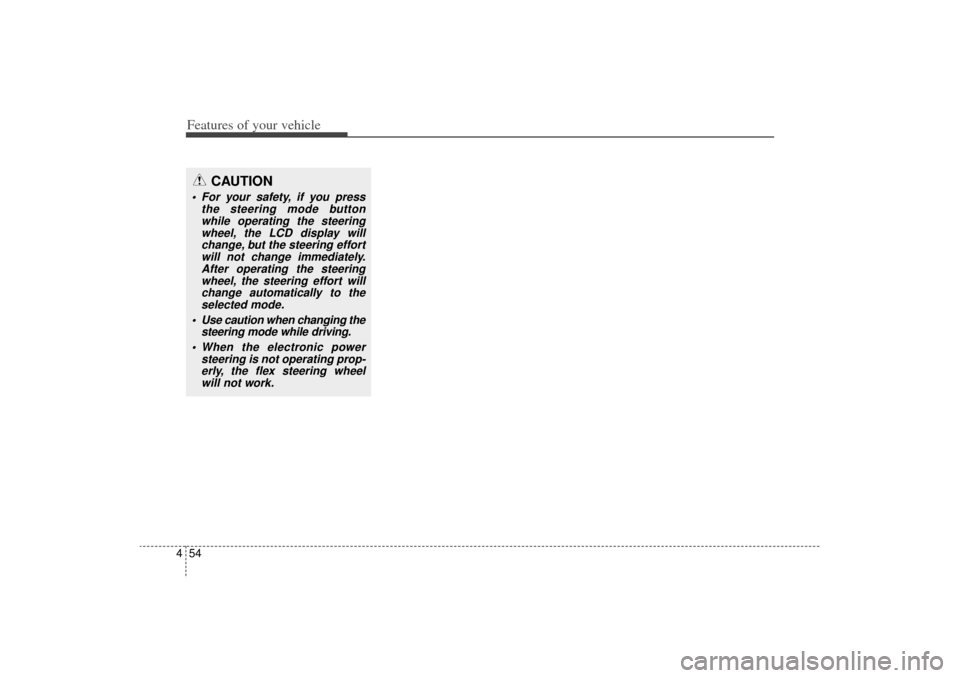
CAUTION
For your safety, if you press
the steering mode buttonwhile operating the steeringwheel, the LCD display willchange, but the steering effortwill not change immediately.After operating the steeringwheel, the steering effort willchange automatically to theselected mode.
Use caution when changing the steering mode while driving.
When the electronic power steering is not operating prop-erly, the flex steering wheelwill not work.
XM(FL) CAN(ENG) 4a(~158).QXP 1/23/2013 3:48 PM Page 54
Page 161 of 508
Features of your vehicle70
4LCD Display ControlThe LCD display modes can be
changed by using the control buttons
on the steering wheel.
[Type A]
(1) : TRIP button for changing trip
modes
(2) : RESET button for resetting items
❈ For the LCD modes, refer to “LCD
Display” in this chapter. [Type B]
(1) : MODE button for changing
modes or SELECT button
for setting the selected item
(2) : MOVE button for changing items or RESET button for
resetting the selected item
OXM043124
XM(FL) CAN(ENG) 4a(~158).QXP 1/23/2013 3:49 PM Page 70
Page 172 of 508
481
Features of your vehicle
Warning MessagesShift to "P" position (for smart keysystem and automatic transaxle) This warning message illuminates if you try to turn off the engine without
the shift lever in P (Park) position.
At this time, the Engine Start/Stop Button turns to the ACC position (If
you press the Engine Start/Stop
Button once more, it will turn to the
ON position).
Low Key Battery
(for smart key system) This warning message illuminates if the battery of the smart key is
discharged when the Engine
Start/Stop Button changes to the
OFF position.
Press start button while turn
steering (for smart key system) This warning message illuminates if the steering wheel does not
unlock normally when the Engine
Start/Stop Button is pressed.
It means that you should press the Engine Start/Stop Button while
turning the steering wheel right
and left.
OXM043105E
OXM043111E
OXM043101E
XM(FL) CAN(ENG) 4a(~158).QXP 1/23/2013 3:50 PM Page 81
Page 176 of 508
485
Features of your vehicle
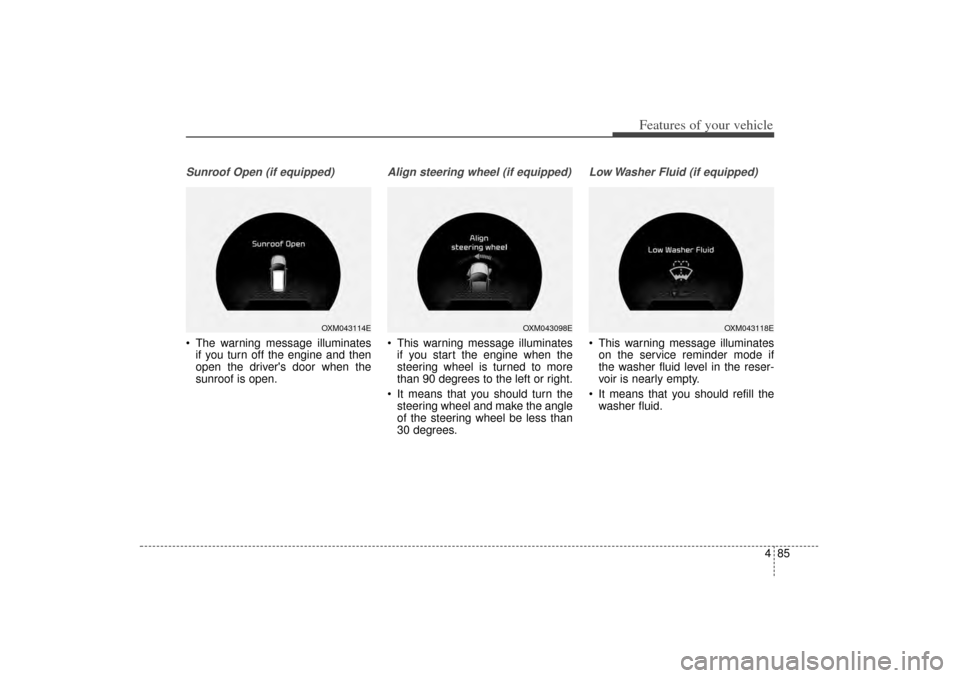
Sunroof Open (if equipped) The warning message illuminatesif you turn off the engine and then
open the driver's door when the
sunroof is open.
Align steering wheel (if equipped) This warning message illuminatesif you start the engine when the
steering wheel is turned to more
than 90 degrees to the left or right.
It means that you should turn the steering wheel and make the angle
of the steering wheel be less than
30 degrees.
Low Washer Fluid (if equipped) This warning message illuminateson the service reminder mode if
the washer fluid level in the reser-
voir is nearly empty.
It means that you should refill the washer fluid.
OXM043114E
OXM043098E
OXM043118E
XM(FL) CAN(ENG) 4a(~158).QXP 1/23/2013 3:50 PM Page 85
Page 179 of 508

Features of your vehicle88
4Trip A/B
Tripmeter (1) The tripmeter is the total driving dis-
tance since the last tripmeter reset.
- Distance range: 0.0 ~ 9999.9 km. or mi
To reset the tripmeter, press the RESET button on the steering
wheel for more than 1 second
when the tripmeter is displayed.Average Vehicle Speed (2) The average vehicle speed is cal-culated by the total driving dis-
tance and driving time since the
last average vehicle speed reset.
- Speed range: 0 ~ 999 km/h or MPH
To reset the average vehicle speed, press the RESET button on the
steering wheel for more than 1 sec-
ond when the average vehicle
speed is displayed.
✽ ✽ NOTICE• The average vehicle speed is not dis-
played if the driving distance is less
than 50 meters (0.03 miles) or the
driving time is less than 10 seconds
since the ignition switch or Engine
Start/Stop button is turned to ON.
• Even if the vehicle is not in motion, the average vehicle speed keeps
going while the engine is running.Elapsed Time (3) The elapsed time is the total driv-
ing time since the last elapsed time
reset.
- Time range (hh:mm): 00:00 ~ 99:59
To reset the elapsed time, press the RESET button on the steer-
ing wheel for more than 1 second
when the elapsed time is dis-
played.✽ ✽ NOTICEEven if the vehicle is not in motion,
the elapsed time keeps going while
the engine is running.
■Type A
OXMA043323COXMA043096C
■ Type B
XM(FL) CAN(ENG) 4a(~158).QXP 1/23/2013 3:50 PM Page 88
Page 180 of 508
489
Features of your vehicle
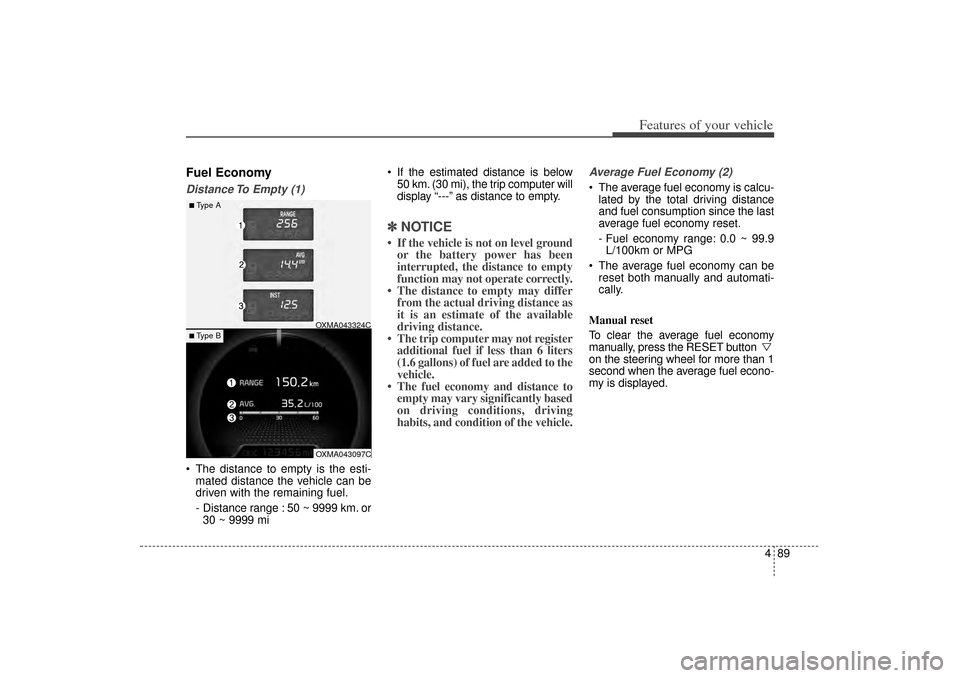
Fuel EconomyDistance To Empty (1) The distance to empty is the esti-mated distance the vehicle can be
driven with the remaining fuel.
- Distance range : 50 ~ 9999 km. or30 ~ 9999 mi If the estimated distance is below
50 km. (30 mi), the trip computer will
display “---” as distance to empty.
✽ ✽ NOTICE• If the vehicle is not on level ground
or the battery power has been
interrupted, the distance to empty
function may not operate correctly.
• The distance to empty may differ from the actual driving distance as
it is an estimate of the available
driving distance.
• The trip computer may not register additional fuel if less than 6 liters
(1.6 gallons) of fuel are added to the
vehicle.
• The fuel economy and distance to empty may vary significantly based
on driving conditions, driving
habits, and condition of the vehicle.
Average Fuel Economy (2) The average fuel economy is calcu-
lated by the total driving distance
and fuel consumption since the last
average fuel economy reset.
- Fuel economy range: 0.0 ~ 99.9L/100km or MPG
The average fuel economy can be reset both manually and automati-
cally.
Manual reset
To clear the average fuel economy
manually, press the RESET button
on the steering wheel for more than 1
second when the average fuel econo-
my is displayed.
■Type A
OXMA043324COXMA043097C
■ Type B
XM(FL) CAN(ENG) 4a(~158).QXP 1/23/2013 3:50 PM Page 89
Page 251 of 508
Features of your vehicle160
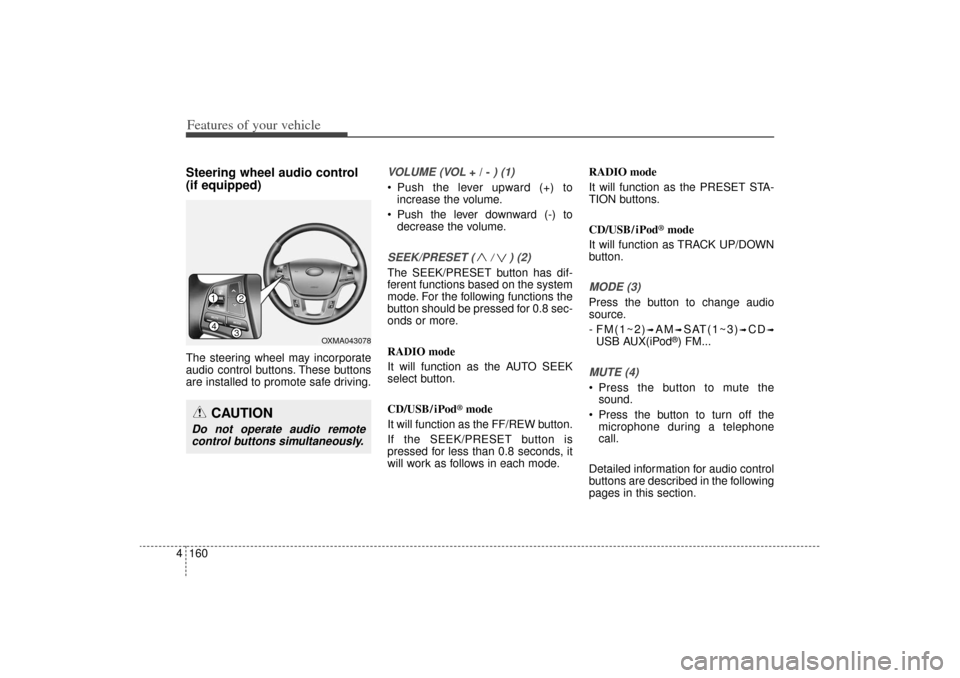
4Steering wheel audio control
(if equipped) The steering wheel may incorporate
audio control buttons. These buttons
are installed to promote safe driving.
VOLUME (VOL
+ / -
) (1)
• Push the lever upward (+) to
increase the volume.
Push the lever downward (-) to decrease the volume.SEEK/PRESET ( / ) (2)The SEEK/PRESET button has dif-
ferent functions based on the system
mode. For the following functions the
button should be pressed for 0.8 sec-
onds or more.
RADIO mode
It will function as the AUTO SEEK
select button.
CD/USB/ iPod
®mode
It will function as the FF/REW button.
If the SEEK/PRESET button is
pressed for less than 0.8 seconds, it
will work as follows in each mode. RADIO mode
It will function as the PRESET STA-
TION buttons.
CD/USB/ iPod
®mode
It will function as TRACK UP/DOWN
button.
MODE (3)Press the button to change audio
source.
- FM(1~2)
➟AM
➟SAT(1~3)
➟CD
➟
USB AUX(iPod
®) FM...
MUTE (4) Press the button to mute the sound.
Press the button to turn off the microphone during a telephone
call.
Detailed information for audio control
buttons are described in the following
pages in this section.
CAUTION
Do not operate audio remote control buttons simultaneously.
14
32
OXMA043078
XM(FL) CAN(ENG) 4b(AUDIO).qxp 1/23/2013 3:42 PM Page 160
Page 291 of 508
Features of your vehicle200
4USING
Bluetooth
®
Wireless
Technology
Phone Menu ScreenPhone MenusWith a
Bluetooth
®
Wireless
Technology device connected, press
the key to display the Phone
menu screen.
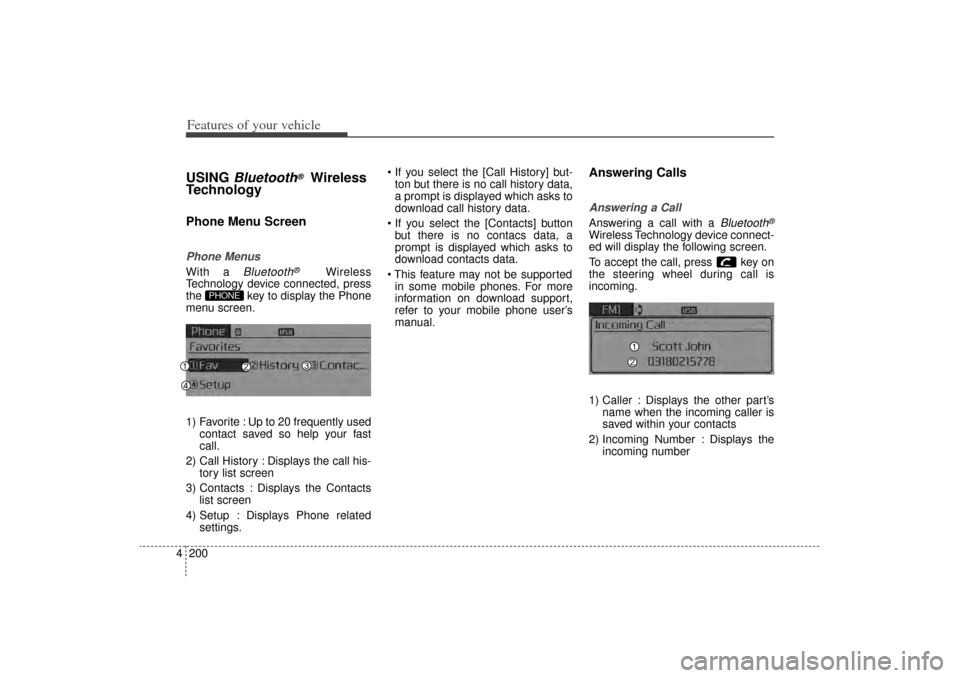
1) Favorite : Up to 20 frequently used contact saved so help your fast
call.
2) Call History : Displays the call his- tory list screen
3) Contacts : Displays the Contacts list screen
4) Setup : Displays Phone related settings. If you select the [Call History] but-
ton but there is no call history data,
a prompt is displayed which asks to
download call history data.
If you select the [Contacts] button but there is no contacs data, a
prompt is displayed which asks to
download contacts data.
This feature may not be supported in some mobile phones. For more
information on download support,
refer to your mobile phone user’s
manual.
Answering CallsAnswering a CallAnswering a call with a
Bluetooth
®
Wireless Technology device connect-
ed will display the following screen.
To accept the call, press key on
the steering wheel during call is
incoming.
1) Caller : Displays the other part’s name when the incoming caller is
saved within your contacts
2) Incoming Number : Displays the incoming number
PHONE
XM(FL) CAN(ENG) 4b(AUDIO).qxp 1/23/2013 3:43 PM Page 200
![KIA Sorento 2014 3.G Owners Manual Features of your vehicle70
4LCD Display ControlThe LCD display modes can be
changed by using the control buttons
on the steering wheel.
[Type A]
(1) : TRIP button for changing trip
modes
(2) : RESET](/manual-img/2/2957/w960_2957-160.png "KIA Sorento 2014 3.G Owners Manual Features of your vehicle70
4LCD Display ControlThe LCD display modes can be
changed by using the control buttons
on the steering wheel.
[Type A]
(1) : TRIP button for changing trip
modes
(2) : RESET")