Page 1278 of 1534
4 207
Features of your vehicle
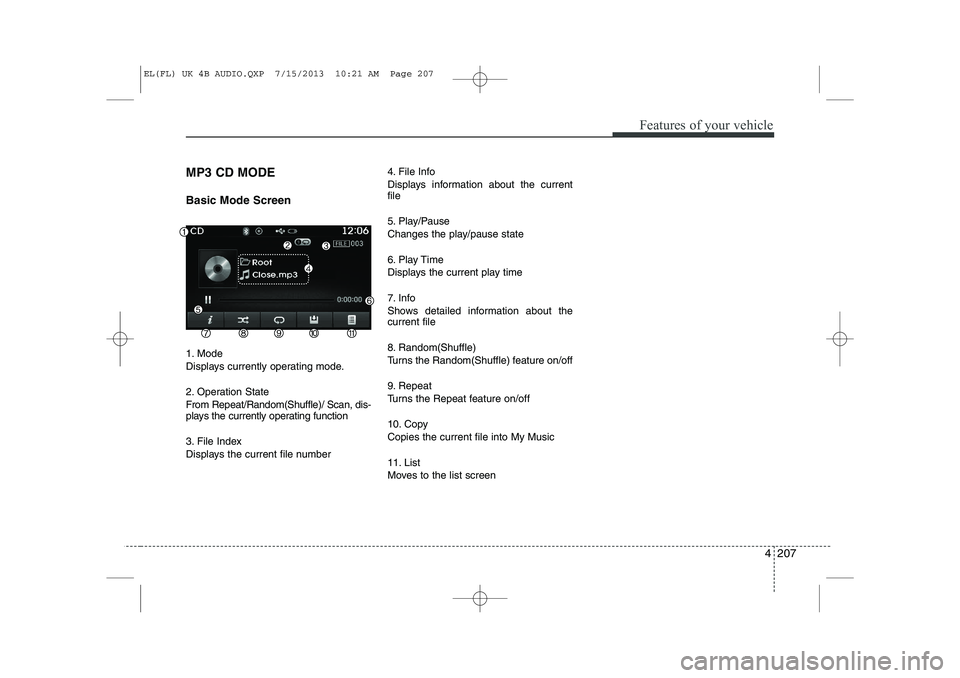
MP3 CD MODE Basic Mode Screen
1. Mode
Displays currently operating mode.
2. Operation State
From Repeat/Random(Shuffle)/ Scan, dis-
plays the currently operating function
3. File Index
Displays the current file number4. File Info
Displays information about the current file
5. Play/Pause
Changes the play/pause state
6. Play Time
Displays the current play time
7. Info
Shows detailed information about the current file
8. Random(Shuffle)
Turns the Random(Shuffle) feature on/off
9. Repeat
Turns the Repeat feature on/off
10. Copy Copies the current file into My Music
11. List
Moves to the list screen
EL(FL) UK 4B AUDIO.QXP 7/15/2013 10:21 AM Page 207
Page 1280 of 1534
4 209
Features of your vehicle
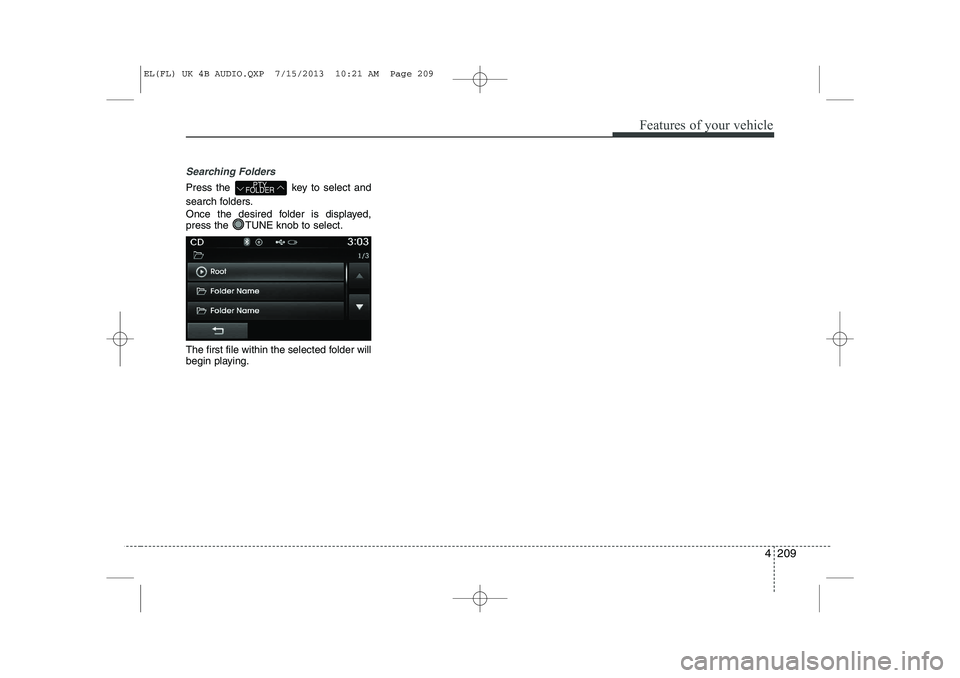
Searching Folders
Press the key to select and
search folders.
Once the desired folder is displayed,
press the TUNE knob to select.
The first file within the selected folder will
begin playing.PTY
FOLDER
EL(FL) UK 4B AUDIO.QXP 7/15/2013 10:21 AM Page 209
Page 1282 of 1534
4 211
Features of your vehicle
Repeat
Press the button to repeat the cur-
rent file or folder.
Each time the button is pressed, the fea- ture changes in order of Repeat ➟
Repeat
Folder ➟Off.
Repeat: Repeats the current file.
Repeat Folder: Repeats all files within the current Folder.
Copying Files
Press the button to copy the cur- rent file into My Music.
✽✽ NOTICE
Selecting another feature during copy- ing will display a pop-up asking whether
you wish to cancel copying. To cancel,
select 'Yes’.
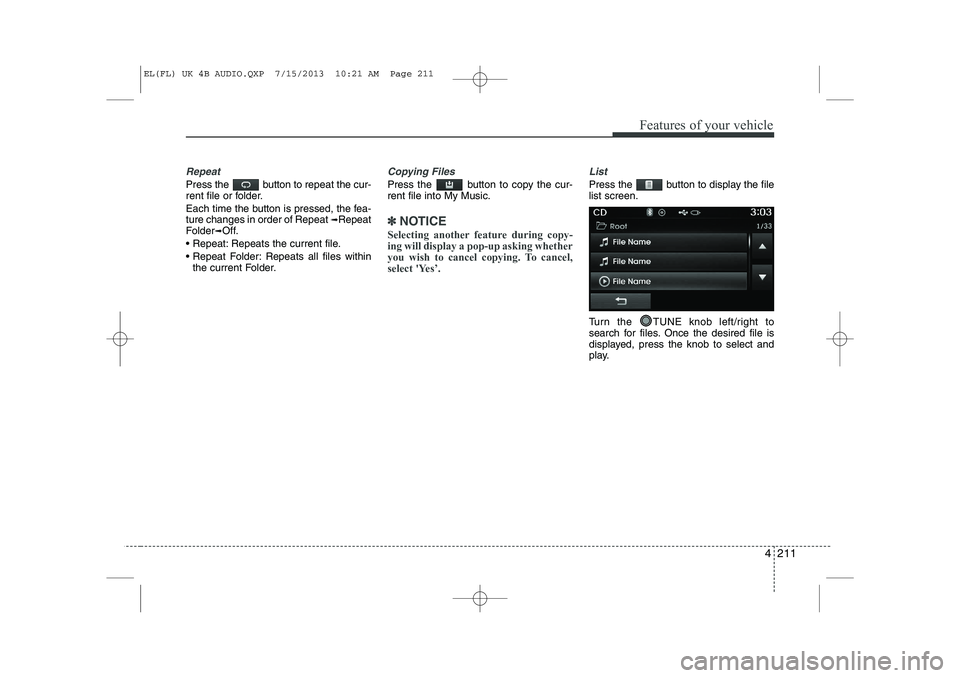
List
Press the button to display the file list screen.
Turn the TUNE knob left/right to
search for files. Once the desired file is
displayed, press the knob to select and
play.
EL(FL) UK 4B AUDIO.QXP 7/15/2013 10:21 AM Page 211
Page 1285 of 1534
Features of your vehicle
214
4
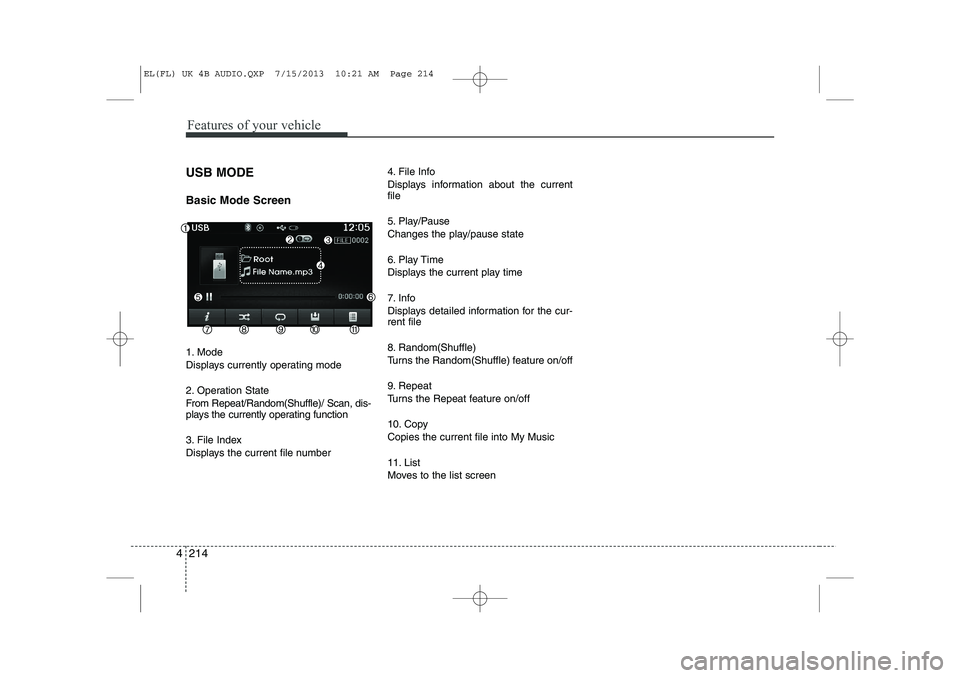
USB MODE Basic Mode Screen
1. Mode
Displays currently operating mode
2. Operation State
From Repeat/Random(Shuffle)/ Scan, dis-
plays the currently operating function
3. File Index
Displays the current file number 4. File Info
Displays information about the current file
5. Play/Pause
Changes the play/pause state
6. Play Time
Displays the current play time
7. Info
Displays detailed information for the cur- rent file
8. Random(Shuffle)
Turns the Random(Shuffle) feature on/off
9. Repeat
Turns the Repeat feature on/off
10. Copy Copies the current file into My Music
11. List
Moves to the list screen
EL(FL) UK 4B AUDIO.QXP 7/15/2013 10:21 AM Page 214
Page 1287 of 1534
Features of your vehicle
216
4
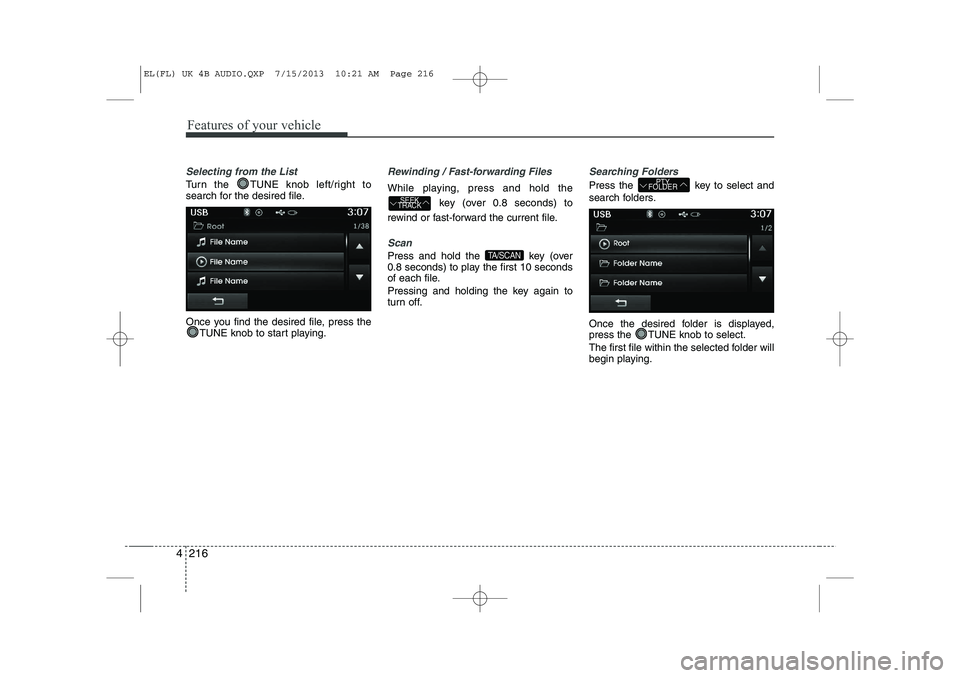
Selecting from the List
Turn the TUNE knob left/right to
search for the desired file.
Once you find the desired file, press the
TUNE knob to start playing.
Rewinding / Fast-forwarding Files
While playing, press and hold the
key (over 0.8 seconds) to
rewind or fast-forward the current file.
Scan
Press and hold the key (over
0.8 seconds) to play the first 10 seconds
of each file.
Pressing and holding the key again to
turn off.
Searching Folders
Press the key to select and
search folders.
Once the desired folder is displayed,
press the TUNE knob to select.
The first file within the selected folder will
begin playing.PTY
FOLDER
TA/SCAN
SEEK
TRACK
EL(FL) UK 4B AUDIO.QXP 7/15/2013 10:21 AM Page 216
Page 1289 of 1534
Features of your vehicle
218
4
Copying Files
Press the button to copy the cur- rent file into My Music.
✽✽
NOTICE
Selecting another feature during copy- ing will display a pop-up asking whether
you wish to cancel copying. To cancel,
select 'Yes’.
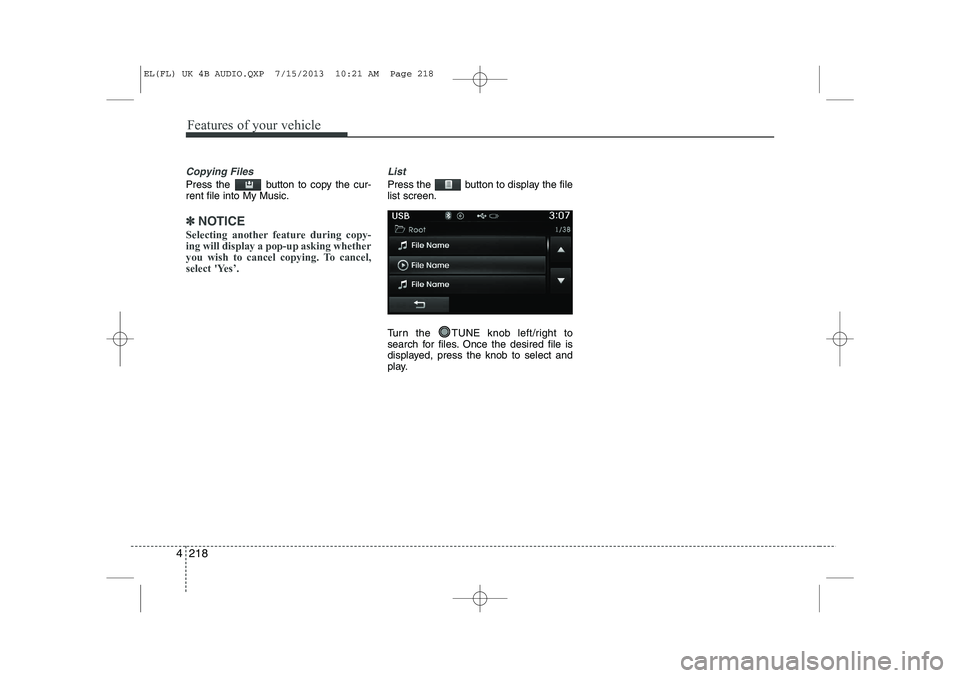
List
Press the button to display the file list screen.
Turn the TUNE knob left/right to
search for files. Once the desired file is
displayed, press the knob to select and
play.
EL(FL) UK 4B AUDIO.QXP 7/15/2013 10:21 AM Page 218
Page 1291 of 1534
Features of your vehicle
220
4
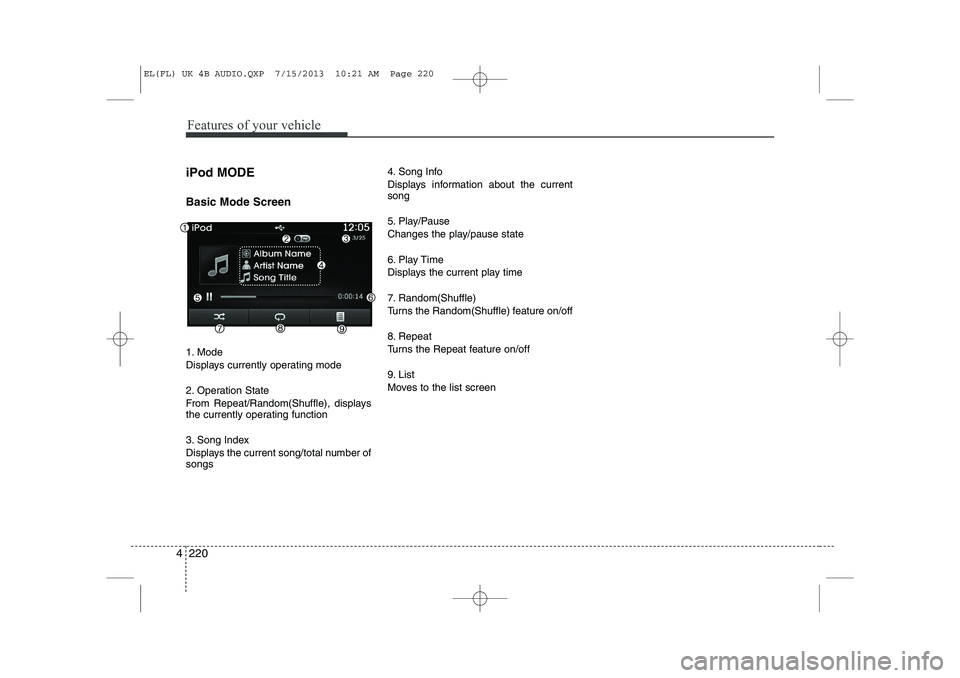
iPod MODE Basic Mode Screen
1. Mode
Displays currently operating mode
2. Operation State
From Repeat/Random(Shuffle), displays
the currently operating function
3. Song Index
Displays the current song/total number of songs 4. Song Info
Displays information about the current song
5. Play/Pause
Changes the play/pause state
6. Play Time
Displays the current play time
7. Random(Shuffle)
Turns the Random(Shuffle) feature on/off
8. Repeat
Turns the Repeat feature on/off
9. List
Moves to the list screen
EL(FL) UK 4B AUDIO.QXP 7/15/2013 10:21 AM Page 220
Page 1292 of 1534
4 221
Features of your vehicle
Using iPod®Mode
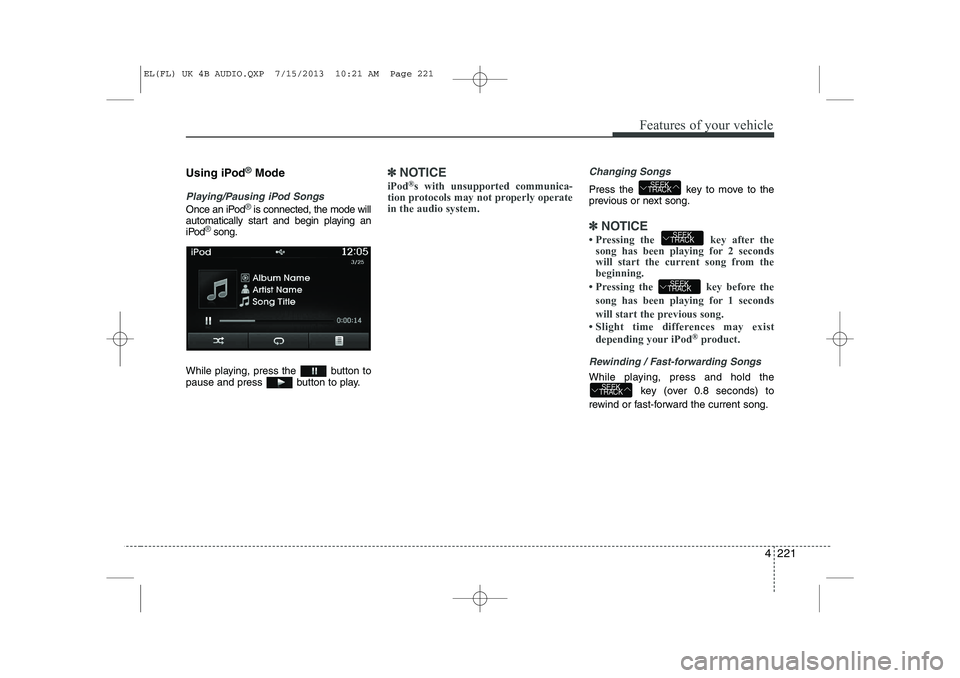
Playing/Pausing iPod Songs
Once an iPod®is connected, the mode will
automatically start and begin playing an
iPod
®song.
While playing, press the button to
pause and press button to play.
✽✽ NOTICE
iPod ®
s with unsupported communica-
tion protocols may not properly operate in the audio system. Changing Songs
Press the key to move to the
previous or next song.
✽✽ NOTICE