Page 110 of 479
421
Features of your vehicle
Closing the trunk
To close the trunk, lower the trunk lid,
then press down it until it locks. To be
sure the trunk lid is securely fas-
tened, always check by trying to pull
it up again.
Power trunk (if equipped)
The power trunk can be opened or
closed automatically with the smart
key, the power trunk main control
button, the open button, or the close
button on the trunk lid.
If you depress the power trunk main
control button, open button, or close
button while operating the power
trunk, you could stop operating the
power trunk.
If that happens, to operate the power
trunk again, push any button.
CAUTION
Make certain that you close the
trunk before driving your vehi-
cle. Possible damage may occur
to the trunk lift cylinders and
attached hardware if the trunk is
not closed prior to driving.
WARNING
The trunk swings upward. Make
sure no objects or people are
near the rear of the vehicle
when opening the trunk.
WARNING
The trunk lid should be always
kept completely closed while
the vehicle is in motion. If it is
left open or ajar, poisonous
exhaust gases may enter the
vehicle and serious illness or
death may result.
CAUTION
For your safety, do not leave the
power trunk open for a long
time, it could also to prevent
unnecessary charging system
drain.
Page 112 of 479
423
Features of your vehicle
Power trunk open button
Pressing the power trunk open button
opens the power trunk automatically.
To open the power trunk with all
doors closed and locked, press the
power trunk open button while carry-
ing the smart key.
Power trunk close button
Pressing the power trunk close but-
ton while the power trunk is opened,
closes the power trunk automatically.
Power trunk lock button
Pressing the power trunk lock button
while carrying the smart key, closes
the power trunk automatically, locks
all doors, and arms the system.
The chime sound will operate if you
press the power trunk lock button
when:
- Any door is open.
- The engine start/stop button is not
in the OFF position.
- The smart key is in the vehicle.
OVI043014OVI043015OVI043016
Page 114 of 479
425
Features of your vehicle
If the automatic stop and reversal
feature operates continuously more
than twice during one opening or
closing operation, the power trunk
may stop at that position. At this time,
close the trunk manually and operate
the trunk automatically again.How to reset the power trunk
If the battery has been discharged or
disconnected, or if the related fuse
has been replaced or disconnected,
for the power trunk to operate nor-
mally, reset the power trunk as fol-
low:
1. Put the shift lever in P (Park).
2. Close the trunk manually.
If the power trunk doesn't work prop-
erly after above procedure, we rec-
ommend that the system be checked
by an authorized HYUNDAI dealer.
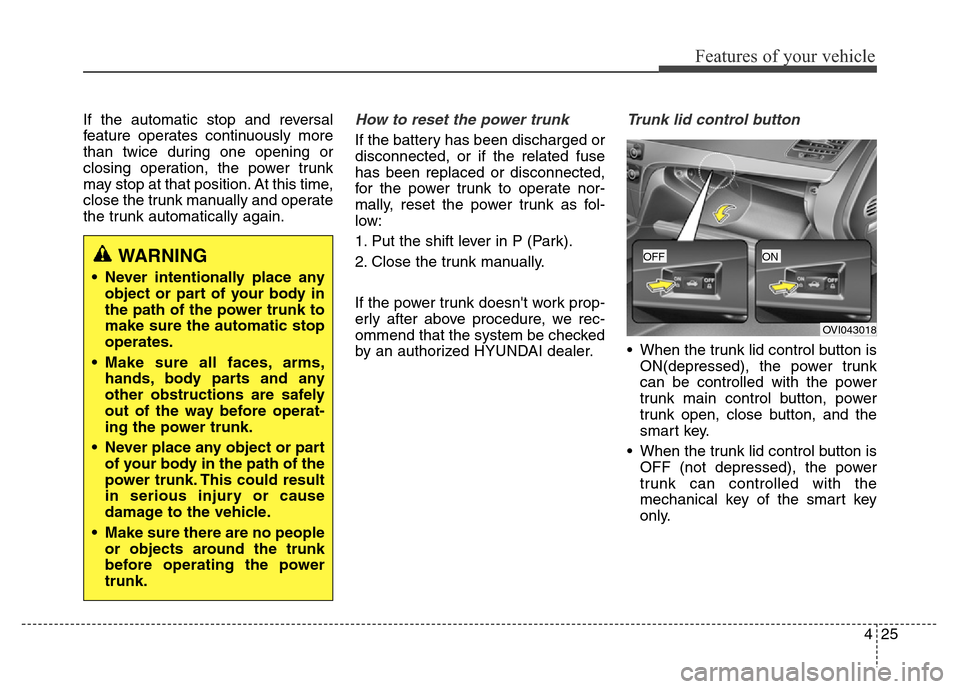
Trunk lid control button
• When the trunk lid control button is
ON(depressed), the power trunk
can be controlled with the power
trunk main control button, power
trunk open, close button, and the
smart key.
• When the trunk lid control button is
OFF (not depressed), the power
trunk can controlled with the
mechanical key of the smart key
only.
WARNING
• Never intentionally place any
object or part of your body in
the path of the power trunk to
make sure the automatic stop
operates.
• Make sure all faces, arms,
hands, body parts and any
other obstructions are safely
out of the way before operat-
ing the power trunk.
• Never place any object or part
of your body in the path of the
power trunk. This could result
in serious injury or cause
damage to the vehicle.
• Make sure there are no people
or objects around the trunk
before operating the power
trunk.
OVI043018
OFFON
Page 121 of 479

Features of your vehicle
32 4
Power window lock button
The driver can disable the power
window switches on the rear passen-
gers' doors by pressing the power
window lock switch. The indicator will
be illuminated.
When the power window lock switch
indicator is illuminated:
• The driver's master control can
operate all the power windows.
• The front passenger's control can
operate the front passenger's
power window.
• The rear passenger's control can-
not operate the rear passenger's
power window.
OVI043022
WARNING - Windows
• NEVER leave the keys in your
vehicle with unsupervised
children, when the Engine is
running.
• NEVER leave any child unat-
tended in the vehicle. Even
very young children may inad-
vertently cause the vehicle to
move, entangle themselves in
the windows, or otherwise
injure themselves or others.
• Always double check to make
sure all arms, hands, head
and other obstructions are
safely out of the way before
closing a window.
• Do not allow children to play
with the power windows. Keep
the driver’s door power win-
dow lock switch in the LOCK
position (depressed). Serious
injury can result from uninten-
tional window operation by
the child.
• Do not extend a face or arms
outside the window while
driving.CAUTION
• To prevent possible damage
to the power window system,
do not open or close two win-
dows or more at the same
time. This will also ensure the
longevity of the fuse.
• Never try to operate the main
switch on the driver's door
and the individual door win-
dow switch in opposing direc-
tions at the same time. If this
is done, the window will stop
and cannot be opened or
closed.
Page 143 of 479

Features of your vehicle
54 4
Folding the outside rearview mirror
To fold the outside rearview mirror,
press the button.
To unfold it, press the button again.The engine start/stop button must be
in the ON position to fold or unfold
the outside rearview mirrors.
The electric folding outside rearview
mirror can be operated for approxi-
mately 30 seconds after the engine
start/stop button is turned to the ACC
or OFF position.
Also, the outside rearview mirror will
fold or unfold as follows:
- The mirror will fold or unfold when
the door is locked or unlocked with
the smart key.
- The mirror will unfold when you
approach the locked vehicle with
the smart key in your possession.
OVI043041
CAUTION
In case of the electric type of
outside rearview mirror, don’t
fold it by hand. It could cause
the failure of the motor.
CAUTION
When cleaning the mirror, use a
paper towel or similar material
dampened with glass cleaner.
Do not spray glass cleaner
directly on the mirror as that
may cause the liquid cleaner to
enter the mirror housing.
Page 166 of 479
477
Features of your vehicle
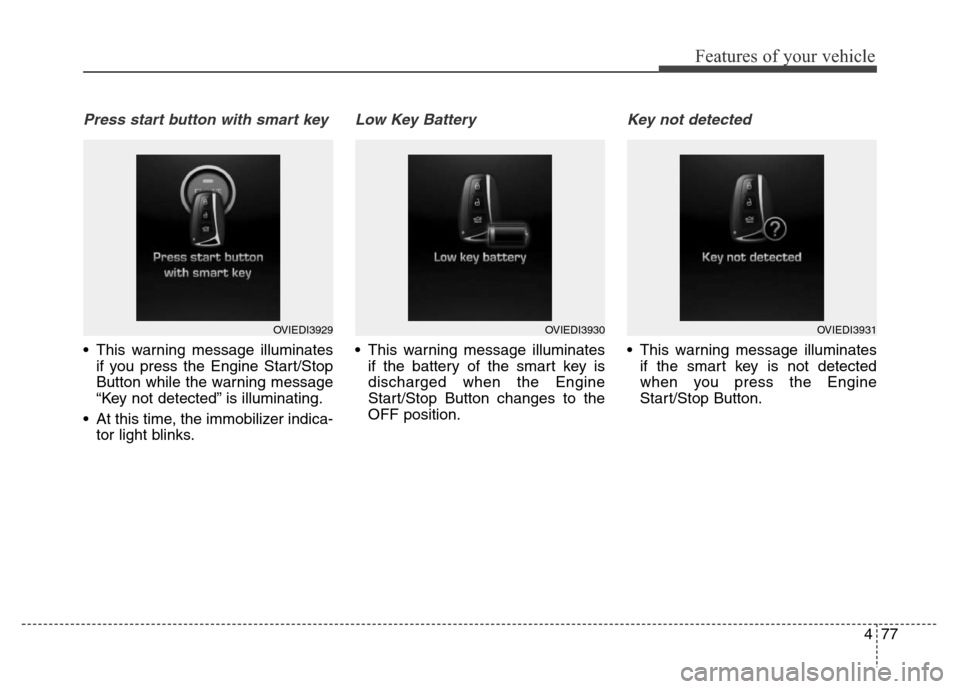
Press start button with smart key
• This warning message illuminates
if you press the Engine Start/Stop
Button while the warning message
“Key not detected” is illuminating.
• At this time, the immobilizer indica-
tor light blinks.
Low Key Battery
• This warning message illuminates
if the battery of the smart key is
discharged when the Engine
Start/Stop Button changes to the
OFF position.
Key not detected
• This warning message illuminates
if the smart key is not detected
when you press the Engine
Start/Stop Button.
OVIEDI3929OVIEDI3930OVIEDI3931
Page 167 of 479
Features of your vehicle
78 4
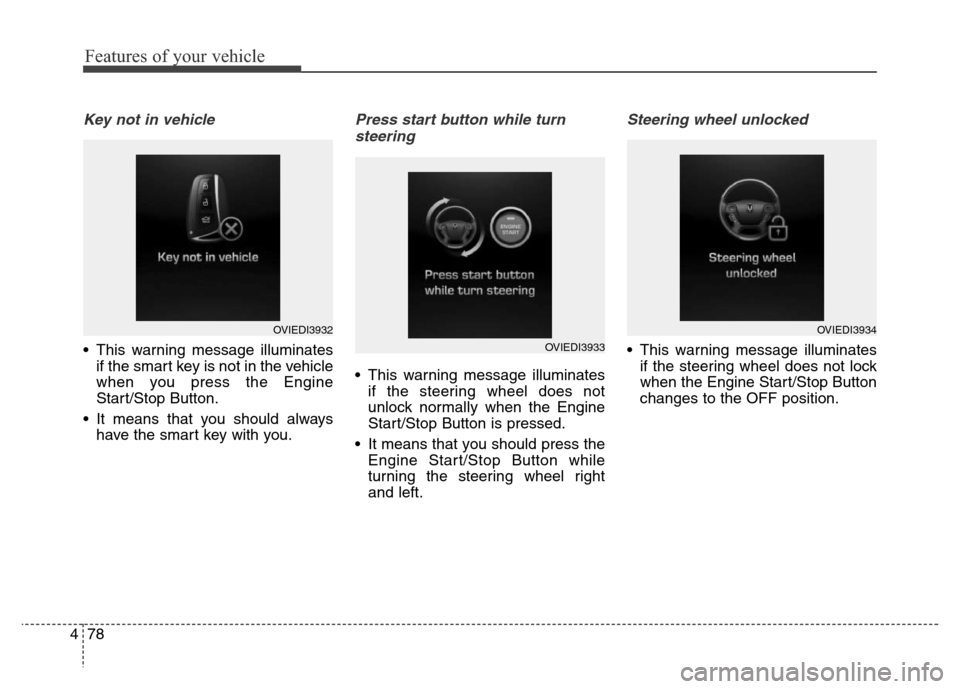
Key not in vehicle
• This warning message illuminates
if the smart key is not in the vehicle
when you press the Engine
Start/Stop Button.
• It means that you should always
have the smart key with you.
Press start button while turn
steering
• This warning message illuminates
if the steering wheel does not
unlock normally when the Engine
Start/Stop Button is pressed.
• It means that you should press the
Engine Start/Stop Button while
turning the steering wheel right
and left.
Steering wheel unlocked
• This warning message illuminates
if the steering wheel does not lock
when the Engine Start/Stop Button
changes to the OFF position.
OVIEDI3932
OVIEDI3933
OVIEDI3934
Page 188 of 479
499
Features of your vehicle
Indicator Lights
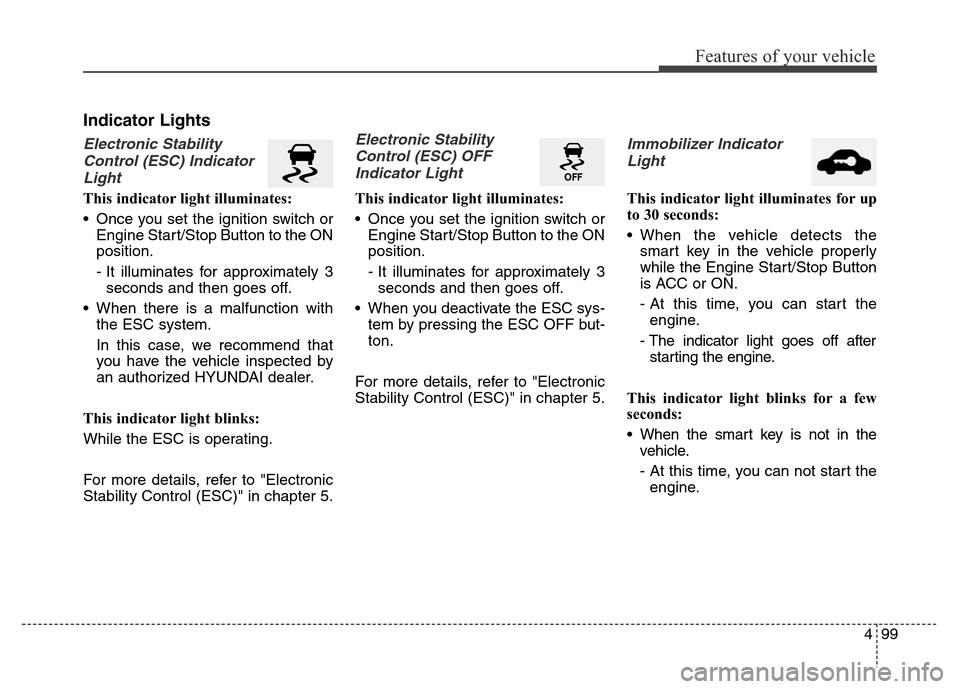
Electronic Stability
Control (ESC) Indicator
Light
This indicator light illuminates:
• Once you set the ignition switch or
Engine Start/Stop Button to the ON
position.
- It illuminates for approximately 3
seconds and then goes off.
• When there is a malfunction with
the ESC system.
In this case, we recommend that
you have the vehicle inspected by
an authorized HYUNDAI dealer.
This indicator light blinks:
While the ESC is operating.
For more details, refer to "Electronic
Stability Control (ESC)" in chapter 5.
Electronic Stability
Control (ESC) OFF
Indicator Light
This indicator light illuminates:
• Once you set the ignition switch or
Engine Start/Stop Button to the ON
position.
- It illuminates for approximately 3
seconds and then goes off.
• When you deactivate the ESC sys-
tem by pressing the ESC OFF but-
ton.
For more details, refer to "Electronic
Stability Control (ESC)" in chapter 5.
Immobilizer Indicator
Light
This indicator light illuminates for up
to 30 seconds:
• When the vehicle detects the
smart key in the vehicle properly
while the Engine Start/Stop Button
is ACC or ON.
- At this time, you can start the
engine.
- The indicator light goes off after
starting the engine.
This indicator light blinks for a few
seconds:
• When the smart key is not in the
vehicle.
- At this time, you can not start the
engine.