Page 85 of 573
84
uuGauges and DisplaysuInformation Display
Instrument Panel
Information DisplayThe information display shows the odometer, trip meter, engine oil life and
maintenance service item codes, and other gauges.
Press the (Select/Reset) knob to change the display.
Shows the total number of miles or kilometers that your vehicle has accumulated.■Switching the Display
1Switching the Display
Each time you press the knob, the information
display changes as follows:
Some of the items on the information display also
appear on the audio/information screen
*. They also
change along with the information display changes
while the fuel consumption is shown.
Outside Temperature,
Trip Meter B
Engine Oil Life Odometer, Trip Meter A
Outside Temperature,
Trip Meter A
■Odometer
Select/Reset
Knob
* Not available on all models
Page 86 of 573
Continued
85
uuGauges and DisplaysuInformation Display
Instrument Panel
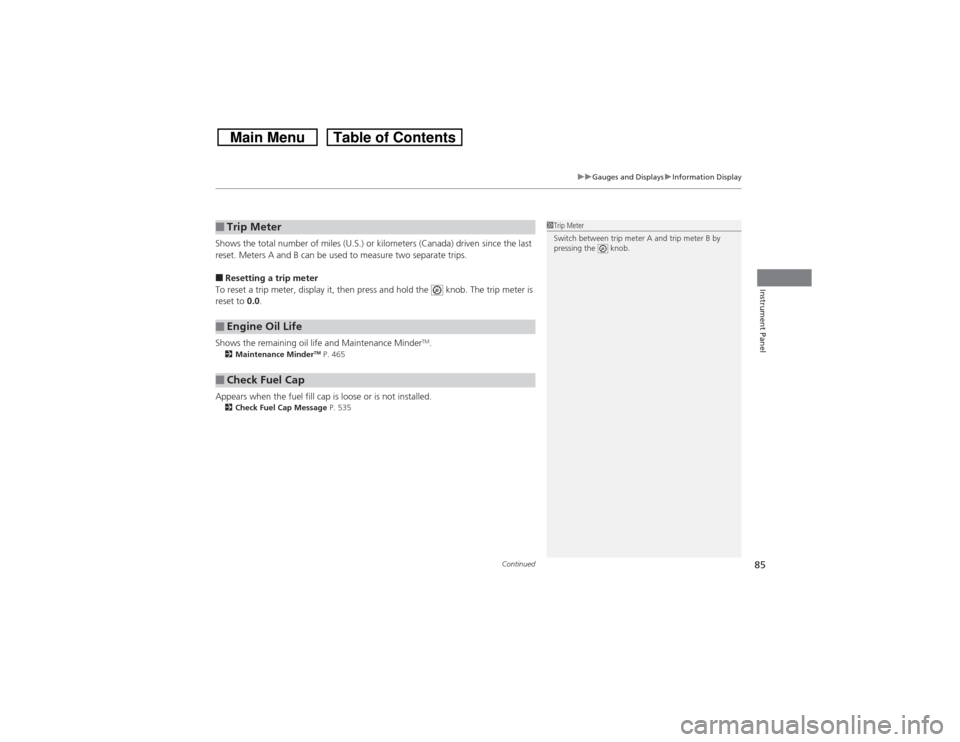
Shows the total number of miles (U.S.) or kilometers (Canada) driven since the last
reset. Meters A and B can be used to measure two separate trips.■Resetting a trip meter
To reset a trip meter, display it, then press and hold the knob. The trip meter is
reset to 0.0.
Shows the remaining oil life and Maintenance Minder
TM.
2Maintenance Minder
TM P. 465
Appears when the fuel fill cap is loose or is not installed.2Check Fuel Cap Message P. 535■Trip Meter■Engine Oil Life■Check Fuel Cap
1Trip Meter
Switch between trip meter A and trip meter B by
pressing the knob.
Page 87 of 573
uuGauges and DisplaysuInformation Display
86Instrument Panel
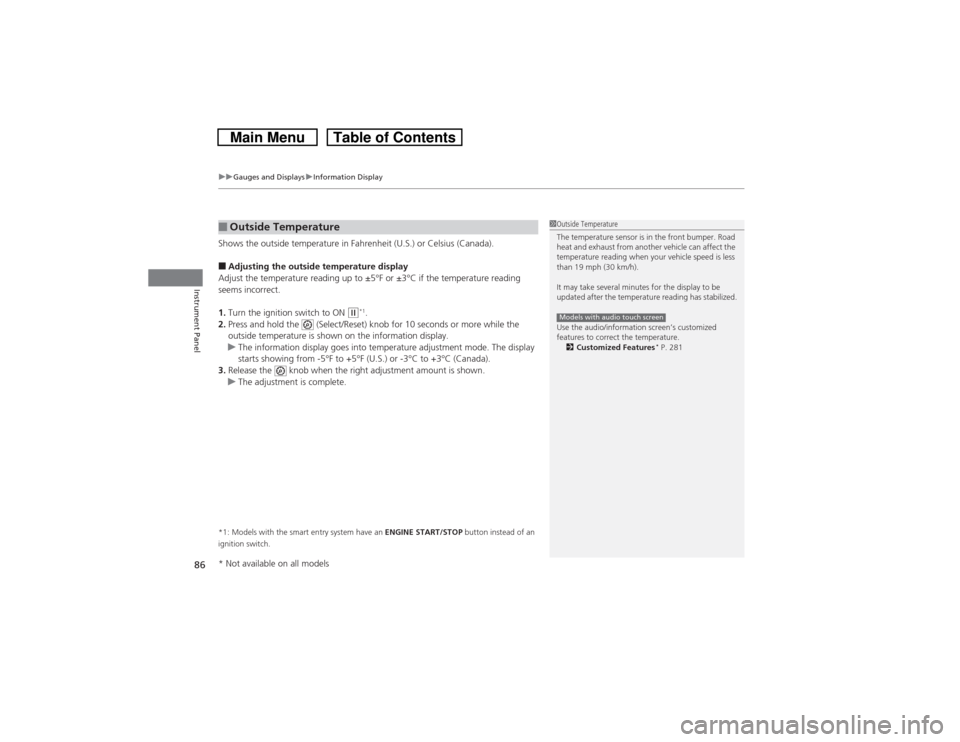
Shows the outside temperature in Fahrenheit (U.S.) or Celsius (Canada).■Adjusting the outside temperature display
Adjust the temperature reading up to ±5°F or ±3°C if the temperature reading
seems incorrect.
1.Turn the ignition switch to ON
(w*1.
2.Press and hold the (Select/Reset) knob for 10 seconds or more while the
outside temperature is shown on the information display.
uThe information display goes into temperature adjustment mode. The display
starts showing from -5°F to +5°F (U.S.) or -3°C to +3°C (Canada).
3.Release the knob when the right adjustment amount is shown.
uThe adjustment is complete.
*1: Models with the smart entry system have an ENGINE START/STOP button instead of an
ignition switch.■Outside Temperature
1Outside Temperature
The temperature sensor is in the front bumper. Road
heat and exhaust from another vehicle can affect the
temperature reading when your vehicle speed is less
than 19 mph (30 km/h).
It may take several minutes for the display to be
updated after the temperature reading has stabilized.
Use the audio/information screen’s customized
features to correct the temperature.
2Customized Features
* P. 281
Models with audio touch screen
* Not available on all models
Page 89 of 573

88Controls
Setting the ClockClockYou can adjust the time in the clock display with the ignition switch is in ON
(w*1.
■Using the Settings menu on the audio/information screen
1.Press and hold the DISP button.
2.Rotate to select Info Settings, then
press .
uRepeat the procedure to select Clock
Adjustment.
3.Rotate to change hour, then press .
4.Rotate to change minute, then press .■Using the audio touch screen
1.Select .
2.Select Clock.
3.Adjust the hours and minutes by selecting
/.
4.Select 12H or 24H.
5.Press Set to set the time.*1: Models with the smart entry system have an ENGINE START/STOP button instead of an
ignition switch.■Adjusting the Time
1Clock
The clock is automatically updated through the
navigation system, so the time does not need to be
adjusted.
These indications are used to show how to operate
the selector knob or the MENU/SEL (Selector) knob.
Rotate to select.
Press to enter.
You can customize the clock display to show the 12
hour clock or 24 hour clock.
2Customized Features
* P. 281
You can turn the clock display on and off.
2Customized Features* P. 281
Models with navigation systemModels without navigation systemModels with audio touch screen
Models without navigation systemModels with audio touch screen
3
4
* Not available on all models
Page 90 of 573

Continued
89
uuSetting the ClockuClock
Controls
■Using the MENU button
1.Press the MENU button.
2.Rotate to select CLOCK ADJUST in the
display.
3.Press . CLOCK ADJUST appears.
4.Rotate to select the item you want to
adjust (12/24 hour mode, hour, minute).
Then press .
5.Rotate to make the adjustment.
6.Press to enter your selection. The display
returns to CLOCK ADJUST. Repeat steps 4
to 6 to adjust other items.
7.To enter the selection, Rotate and select
SET, then press .
8.Press the MENU button to go back to the
normal display.
1Clock
You can switch the clock display between 24 hours
and 12 hours when in the menu mode.
Selector Knob Icon details
Rotate to select.
Press to enter.
To set the time to the nearest hour:
Press and hold the CLOCK button until the clock
display begins to blink, then press the
(6 (Reset)
button.
Depending on the displayed time, the clock sets
forward or backward.
Example:
1:06 will reset to 1:00
1:53 will reset to 2:00
Models without audio touch screen
MENU Button
Minute Setting Hour Setting12/24 Hour Mode
Page 91 of 573
90
uuSetting the ClockuClock
Controls
■Using the CLOCK button
1.Press and hold the CLOCK button until the
clock display begins to blink.
2.Press the
(4 (Hour) button to change the
hours.
3.Press the (5 (Minute) button to change the
minutes.
4.Press the CLOCK button to go back to the
normal display.
CLOCK Button
(6 Button(4 Button(5 Button
Page 116 of 573
115
uuOperating the Switches Around the Steering WheeluENGINE START/STOP Button
*
Continued
Controls
ENGINE START/STOP Button
*
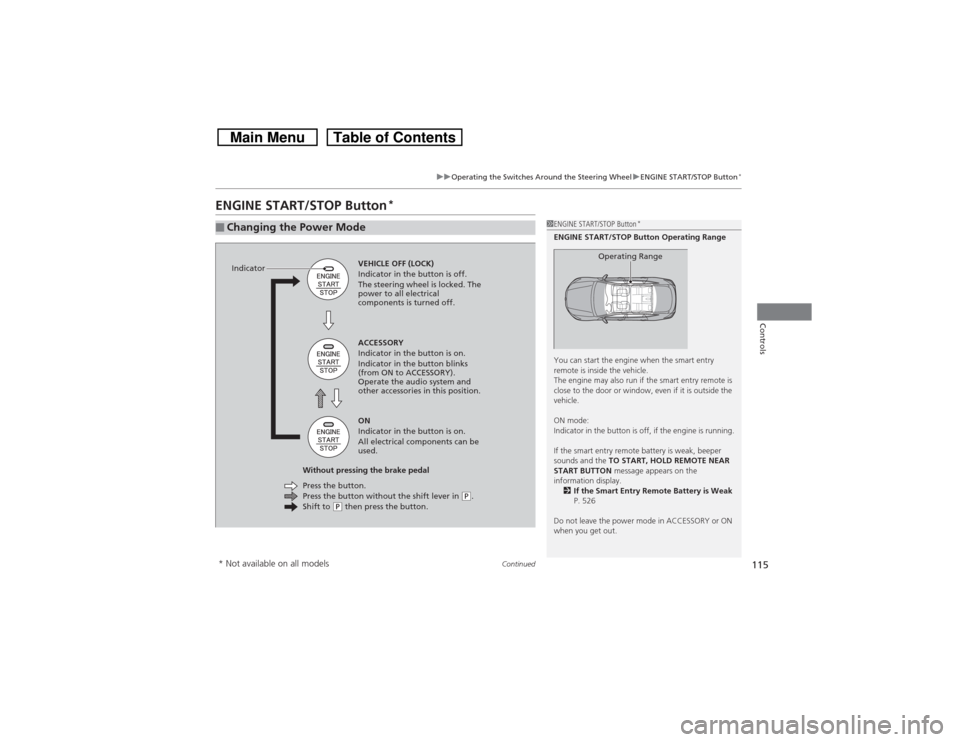
■Changing the Power Mode
1ENGINE START/STOP Button
*
ENGINE START/STOP Button Operating Range
You can start the engine when the smart entry
remote is inside the vehicle.
The engine may also run if the smart entry remote is
close to the door or window, even if it is outside the
vehicle.
ON mode:
Indicator in the button is off, if the engine is running.
If the smart entry remote battery is weak, beeper
sounds and the TO START, HOLD REMOTE NEAR
START BUTTON message appears on the
information display.
2If the Smart Entry Remote Battery is Weak
P. 526
Do not leave the power mode in ACCESSORY or ON
when you get out.
Operating Range
VEHICLE OFF (LOCK)
Indicator in the button is off.
The steering wheel is locked. The
power to all electrical
components is turned off.
Press the button without the shift lever in
(P.
Shift to
(P then press the button. Press the button. Without pressing the brake pedalACCESSORY
Indicator in the button is on.
Indicator in the button blinks
(from ON to ACCESSORY).
Operate the audio system and
other accessories in this position.
ON
Indicator in the button is on.
All electrical components can be
used. Indicator
* Not available on all models
Page 118 of 573

117
uuOperating the Switches Around the Steering WheeluENGINE START/STOP Button
*
Controls
If you open the driver’s door when the power mode is set to ACCESSORY, a warning
beep sounds.
Warning buzzers may sound from inside or/
and outside the vehicle to remind you that the
smart entry remote is out of the vehicle. If the
buzzer continues even after the remote is put
back inside, place it to be within its
operational range.
■When the power mode is in ON
If the smart entry remote is taken out of the
vehicle, and the driver’s door is closed,
warning buzzers sound from both inside and
outside the vehicle. A warning message on
the information display notifies the driver
inside that the remote is out.■When the power mode is in
ACCESSORY
If the smart entry remote is taken out of the
vehicle, and all the doors are closed, a
warning buzzer sounds from outside the
vehicle.
■Power Mode Reminder■Smart Entry Remote Reminder
1Smart Entry Remote Reminder
When the smart entry remote is within the system’s
operational range, and the driver’s door is closed, the
warning function cancels.
If the smart entry remote is taken out of the vehicle
after the engine has been started, you can no longer
change the ENGINE START/STOP button mode or
restart the engine. Always make sure if the remote is
in your vehicle when you operate the ENGINE
START/STOP button.
Removing the smart entry remote from the vehicle
through a window does not activate the warning
buzzer.
Do not put the smart entry remote on the dashboard
or in the glove box. It may cause the warning buzzer
to go off. Under some other conditions that can
prevent the vehicle from locating the remote, the
warning buzzer may also go off even if the remote is
within the system’s operational range.