Page 6 of 365
5
Quick Reference Guide
❙Seat Belt to Secure a Child Seat (P 61)
❙Seat Belt (Installing a Child Seat) (P 60)
❙Sun Visors
❙Vanity Mirrors
❙Moonroof Switch* (P 110)
❙Map Lights (P 132)
❙Front Seat (P 122)
❙Seat Belts (P 29)
❙Side Airbags (P 44)
❙Rear Seat (P 129)
❙LATCH to Secure a Child Seat (P 57)
❙Ceiling Light (P 132)
❙Side Curtain Airbags (P 47)
❙Coat Hook (P 136)
❙Grab Handle
❙Sunglasses Holder (P 138)
❙Seat Belt with Detachable Anchor (P 34)
❙Rear Entertainment System* (P 174)
❙Cargo Area Light (P 132)
❙Accessory Power Socket (P 135)
❙Console Side Pocket
❙USB Adapter Cable (P 151)
❙Auxiliary Input Jack* (P 151)
❙Accessory Power Socket* (P 135)
* Not available on all models
14 CR-V-31T0A6200.book 5 ページ 2014年2月10日 月曜日 午後7時1分
Page 150 of 365

149
Features
This chapter describes how to operate technology features.
Audio SystemAbout Your Audio System................ 150
USB Adapter Cable .......................... 151
Auxiliary Input Jack
*........................ 151
Audio Antenna ................................ 152
Audio System Theft Protection ......... 152
Audio System Basic Operation ........ 153
Audio Remote Controls.................... 154
Adjusting the Sound ........................ 155
Playing AM/FM Radio ....................... 156
Playing XM ® Radio
*......................... 159
Playing a CD .................................... 161
Playing an iPod® ............................... 164 Playing Internet Radio ...................... 167
Playing a USB Flash Drive ................. 169
Playing
Bluetooth ® Audio ................ 172
Rear Entertainment System
*........... 174
Audio Error Messages ...................... 186
General Information on the Audio
System ............................................. 190
Bluetooth® HandsFreeLink®
Using HFL ........................................ 194
HFL Menus ...................................... 196
Compass ............................................ 223
* Not available on all models
14 CR-V-31T0A6200.book 149 ページ 2014年2月10日 月曜日 午後7時1分
Page 152 of 365

151
uuAudio System uUSB Adapter Cable
Features
USB Adapter Cable
1. Unclip the USB connec tor and loosen the
adapter cable.
2. Install the iPod® dock connector or the USB
flash drive to the USB connector.
Auxiliary Input Jack*
Use the jack to connect a standard audio device.
1.Open the AUX cover.
2. Connect a standard audio device to the
input jack using a 1/8 inch (3.5 mm) stereo
miniplug.
u The audio system auto matically switches
to the AUX mode.
1 USB Adapter Cable
•Do not leave the iPod ® or USB flash drive in the
vehicle. Direct sunlight and high temperatures may
damage it.
•Do not use an extension cable with the USB
adapter cable.
•Do not connect the iPod ® or USB flash drive using a
hub.
•Do not use a device such as a card reader or hard
disk drive, as the device or your files may be
damaged.
•We recommend k eeping your data backed up
before using the device in your vehicle.
•Displayed messages may vary depending on the
device model and software version.
If the audio system does not recognize the iPod®, try
reconnecting it a few times or reboot the device. To
reboot, follow the manufac turer's instructions
provided with the iPod ® or visit www.apple.com/
ipod .
1Auxiliary Input Jack*
To switch the mode, pres s any of the audio mode
buttons. You can return to the AUX mode by
pressing the AUX button.
You cannot use the auxiliary input jack if you replace
the audio system.
* Not available on all models
14 CR-V-31T0A6200.book 151 ページ 2014年2月10日 月曜日 午後7時1分
Page 174 of 365
173
uuAudio System Basic Operation uPlaying Bluetooth ® Audio
Features
1. Make sure that your phone is paired and
connected to HFL.
2. Press the AUX button.
If the phone is not recognized, another HFL-
compatible phone, which is not compatible
for Bluetooth ® Audio, may already be
connected.
■To pause or resume a file
1. Press the SETUP button.
2. Rotate to select Resume/Pause, then press .
Each time you press , the setting switches between pause and resume.
■To Play Bluetooth ® Audio Files1 To Play Bluetooth ® Audio Files
To play the audio files, y ou may need to operate your
phone. If so, follow the phone maker's operating
instructions.
The pause function may no t be available on some
phones.
If any audio device is conne cted to the auxiliary input
jack, you may need to press the AUX button
repeatedly to select the Bluetooth® Audio system.
Switching to another mode pauses the music playing
from your phone.
14 CR-V-31T0A6200.book 173 ページ 2014年2月10日 月曜日 午後7時1分
Page 175 of 365

174
Features
Rear Entertainment System*
Allows the rear seat passengers to enjoy a different entertainment source, such as a
DVD or CD, than the front passengers.
The rear seat passenger can listen to audi o from the rear entertainment system with
a set of wireless headphones that comes with your vehicle. To turn on the headphones: Pivot the left
earpiece outward.
To adjust the volume: Turn the dial at the
bottom of the right earpiece.
If you want to listen to audio from the rear
entertainment system on the speakers, press
the AUX button until AUX mode is displayed.
■Wireless Headphones
Optional for U.S.1Rear Entertainment System*
The system also allows for auxiliary inputs from
standard video game consol es. The jacks are in the
console compartment.
V = Video jack
L = Left audio jack
R = Right audio jack
VL R
Auxiliary Input Jacks
1 Wireless Headphones
Wear the headphones co rrectly with the L earpiece
on your left ear and the R earpiece on y our right ear.
Wearing the headphones backward may affect the
audio reception.
* Not available on all models
14 CR-V-31T0A6200.book 174 ページ 2014年2月10日 月曜日 午後7時1分
Page 177 of 365
176
uuRear Entertainment System*uOperating the System
Features
■Control Panel in the Console Compartment
Play/Pause Button
Press to pause the CD/DVD.
Press again to resume. REAR CTRL OFF Button
Press to cancel the operation from
the rear seat.
CD/DVD Slot AUX VIDEO Jack
You can connect other audio or
videos. SOURCE Button
Press to change the source DVD or
AUX. The indicator comes on for
the selected source.
REAR POWER Button
Press to turn the rear
entertainment system on and
off.
(CD/DVD Eject) Button
Press to eject a CD/DVD.
14 CR-V-31T0A6200.book 176 ページ 2014年2月10日 月曜日 午後7時1分
Page 186 of 365
185
uuRear Entertainment System*uPlayable Discs
Features
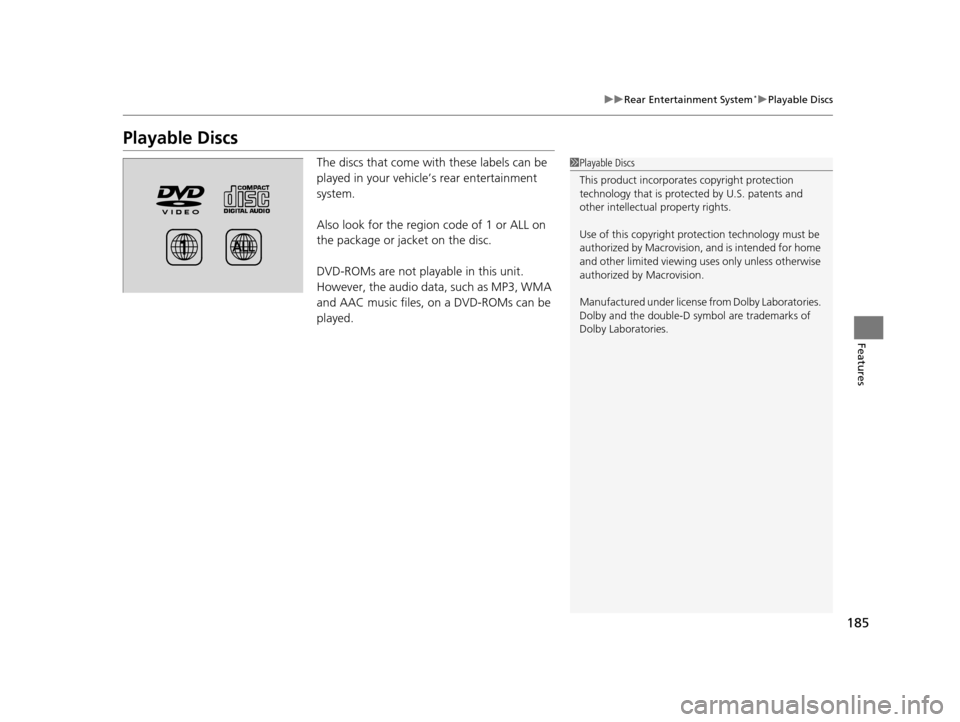
Playable Discs
The discs that come with these labels can be
played in your vehicle’s rear entertainment
system.
Also look for the region code of 1 or ALL on
the package or jacket on the disc.
DVD-ROMs are not playable in this unit.
However, the audio data, such as MP3, WMA
and AAC music files, on a DVD-ROMs can be
played.1Playable Discs
This product incorporates copyright protection
technology that is protected by U.S. patents and
other intellectual property rights.
Use of this copyright prot ection technology must be
authorized by Macrovision, and is intended for home
and other limited viewing us es only unless otherwise
authorized by Macrovision.
Manufactured under license from Dolby Laboratories.
Dolby and the double-D symbol are trademarks of
Dolby Laboratories.
14 CR-V-31T0A6200.book 185 ページ 2014年2月10日 月曜日 午後7時1分
Page 192 of 365
191
uuGeneral Information on the Audio System uRecommended CDs
Continued
Features
Recommended CDs
• Use only high-quality CD-R or CD-RW discs labeled for audio use.
• Use only CD-R or CD-RW discs on wh ich the recordings are closed.
• Play only standard round-shaped CDs.
• Some software files may not allow for audio play or text data display.
• Some versions of MP3 or WMA formats may be unsupported.1Recommended CDs
A Dual-disc cannot play on th is audio unit. If recorded
under certain conditions, a CD-R or CD-RW may not
play either.
■CDs with MP3 or WMA files
The CD packages or jackets should have one of these marks.
14 CR-V-31T0A6200.book 191 ページ 2014年2月10日 月曜日 午後7時1分