Page 72 of 469
71
uuIndicators u
Continued
Instrument Panel
*1:Models with the smart entry system have an ENGINE START/STOP button instead of an ignition switch.Indicator
Name
On/Blinking
Explanation
Message
*
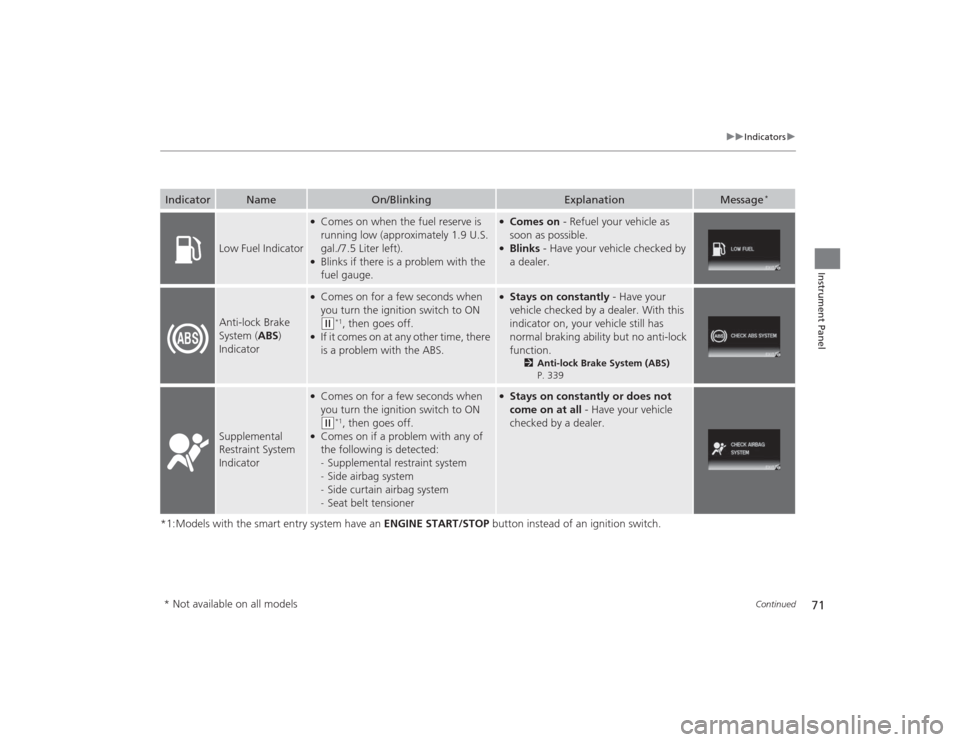
Low Fuel Indicator
●Comes on when the fuel reserve is
running low (approximately 1.9 U.S.
gal./7.5 Liter left).●Blinks if there is a problem with the
fuel gauge.
●Comes on - Refuel your vehicle as
soon as possible.●Blinks - Have your vehicle checked by
a dealer.
Anti-lock Brake
System ( ABS)
Indicator
●Comes on for a few seconds when
you turn the ignition switch to ON (w
*1, then goes off.
●If it comes on at any other time, there
is a problem with the ABS.
●Stays on constantly - Have your
vehicle checked by a dealer. With this
indicator on, your vehicle still has
normal braking ability but no anti-lock
function.
2 Anti-lock Brake System (ABS)
P. 339
Supplemental
Restraint System
Indicator
●Comes on for a few seconds when
you turn the ignition switch to ON (w
*1, then goes off.
●Comes on if a problem with any of
the following is detected:
- Supplemental restraint system
- Side airbag system
- Side curtain airbag system
- Seat belt tensioner
●Stays on constantly or does not
come on at all - Have your vehicle
checked by a dealer.
* Not available on all models
Page 73 of 469
72
uuIndicators u
Instrument Panel
*1:Models with the smart entry system have an ENGINE START/STOP button instead of an ignition switch.Indicator
Name
On/Blinking
Explanation
Message
*
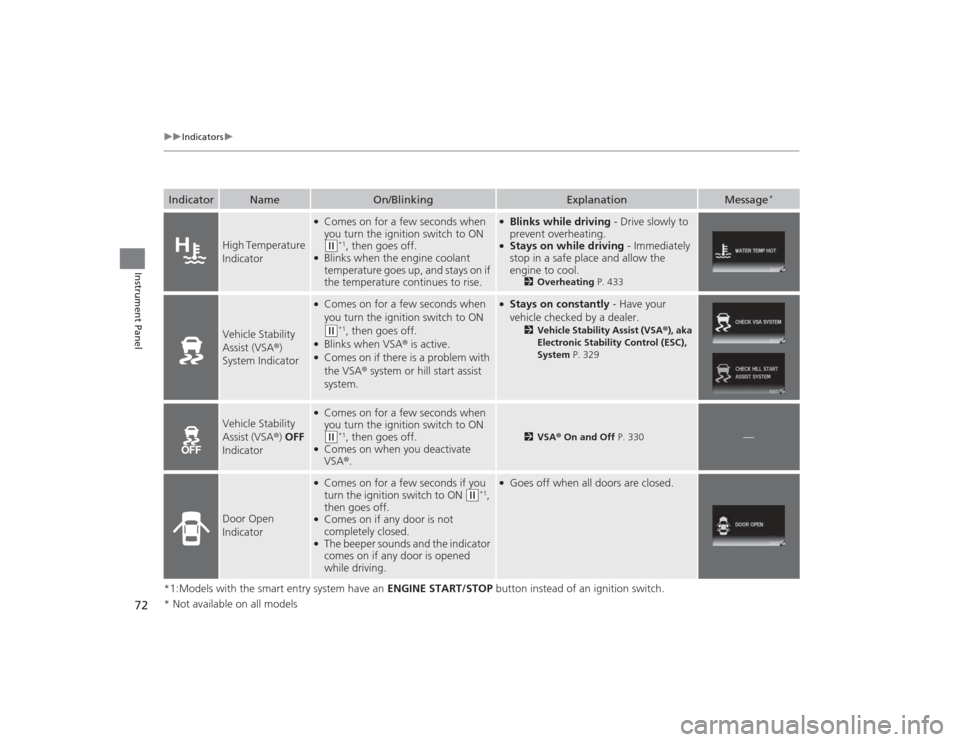
High Temperature
Indicator
●Comes on for a few seconds when
you turn the ignition switch to ON (w
*1, then goes off.
●Blinks when the engine coolant
temperature goes up, and stays on if
the temperature continues to rise.
●Blinks while driving - Drive slowly to
prevent overheating.●Stays on while driving - Immediately
stop in a safe place and allow the
engine to cool.
2 Overheating P. 433
Vehicle Stability
Assist (VSA®)
System Indicator
●Comes on for a few seconds when
you turn the ignition switch to ON (w
*1, then goes off.
●Blinks when VSA ® is active.●Comes on if there is a problem with
the VSA® system or hill start assist
system.
●Stays on constantly - Have your
vehicle checked by a dealer.
2 Vehicle Stability Assist (VSA® ), aka
Electronic Stability Control (ESC),
System P. 329
Vehicle Stability
Assist (VSA ®) OFF
Indicator
●Comes on for a few seconds when
you turn the ignition switch to ON (w
*1, then goes off.
●Comes on when you deactivate
VSA ®.
2 VSA ® On and Off P. 330
—
Door Open
Indicator
●Comes on for a few seconds if you
turn the ignition switch to ON
(w
*1,
then goes off.
●Comes on if any door is not
completely closed.●The beeper sounds and the indicator
comes on if any door is opened
while driving.
●Goes off when all doors are closed.
* Not available on all models
Page 74 of 469

73
uuIndicators u
Continued
Instrument Panel
*1:Models with the smart entry system have an ENGINE START/STOP button instead of an ignition switch.Indicator
Name
On/Blinking
Explanation
Message
*
Trunk Open
Indicator
●Comes on for a few seconds if you turn the
ignition switch to ON
(w
*1, then goes off.
●Comes on if the trunk is not completely
closed.
●Goes off when the trunk is closed.
Electric Power
Steering (EPS)
System
Indicator
●Comes on when you turn the ignition switch to
ON
(w
*1, and goes off when the engine starts.
●Comes on if there is a problem with the
EPS system.
●Stays on constantly or does not come on
at all - Have your vehicle checked by a dealer.
2If the Electric Power Steering (EPS)
System Indicator Comes On P. 437
Daytime
Running
Lights
Indicator
*
●Comes on for a few seconds when you turn
the ignition switch to ON
(w
*1, then goes off.
●Comes on if there is a problem with the
DRL system.
●Have your vehicle checked by a dealer.
2Daytime Running Lights P. 139
—
Low Tire
Pressure/
TPMS
Indicator
●Comes on for a few seconds when you
turn the ignition switch to ON
(w
*1.
●May come on briefly if the ignition switch
is turned to ON
(w
*1 and the vehicle is not
moved within 45 seconds, to indicate the
calibration process is not yet complete.
●Comes on and stays on when:
- One or more tires’ pressures are
determined to be significantly low.
- The system has not been calibrated.
●Comes on while driving - Stop in a
safe place, check tire pressures, and
inflate the tire(s) if necessary.●Stays on after the tires are inflated
to the recommended pressures - The
system needs to be calibrated.
2 TPMS Calibration P. 333
●Blinks for about one minute, and then
stays on if there is a problem with the
TPMS, or when a compact spare tire
* is
temporarily installed.
●Blinks and remains on - Have your
vehicle checked by a dealer. If the
vehicle is fitted with a compact spare,
get your regular tire repaired or
replaced and put back on your vehicle
as soon as you can.
U.S.
models* Not available on all models
Page 76 of 469

75
uuIndicators u
Continued
Instrument Panel
*1:Models with the smart entry system have an ENGINE START/STOP button instead of an ignition switch.Indicator
Name
On/Blinking
Explanation
Message
*
Immobilizer
System Indicator
●Comes on briefly when you turn the
ignition switch to ON
(w
*1, then
goes off.
●Comes on if the immobilizer system
cannot recognize the key
information.
●Blinks - You cannot start the engine.
Turn the ignition switch to LOCK
(0
*1,
pull the key out, and then insert the key
and turn it to ON
(w
*1 again.
●Repeatedly blinks - The system may
be malfunctioning. Have your vehicle
checked by a dealer.●Do not attempt to alter this system or
add other devices to it. Electrical
problems can occur.
—
Security System
Alarm Indicator
*
●Blinks when the security system
alarm has been set.
2 Security System Alarm
* P. 125
—
Low Temperature
Indicator
●Comes on for a few seconds when
you turn the ignition switch to ON (w
*1, then goes off.
●Comes on when the engine coolant
temperature is low.
●If the indicator stays on after the engine
has reached normal operating
temperature, there may be problem
with the temperature sensors. Have
your vehicle inspected by a dealer.
—
Smart Entry
System Indicator
*
●Comes on for a few seconds when
you change the power mode to ON,
then goes off.●Comes on as soon as a problem is
detected in the smart entry system
or push button starting system.
●Stays on constantly or does not
come on at all - Have your vehicle
checked by a dealer.
Indicator* Not available on all models
Page 82 of 469
81
uuIndicators uintelligent Multi-Information Display (i -MID) Warning and Information Messages
*
Instrument Panel
Message
Condition
Explanation
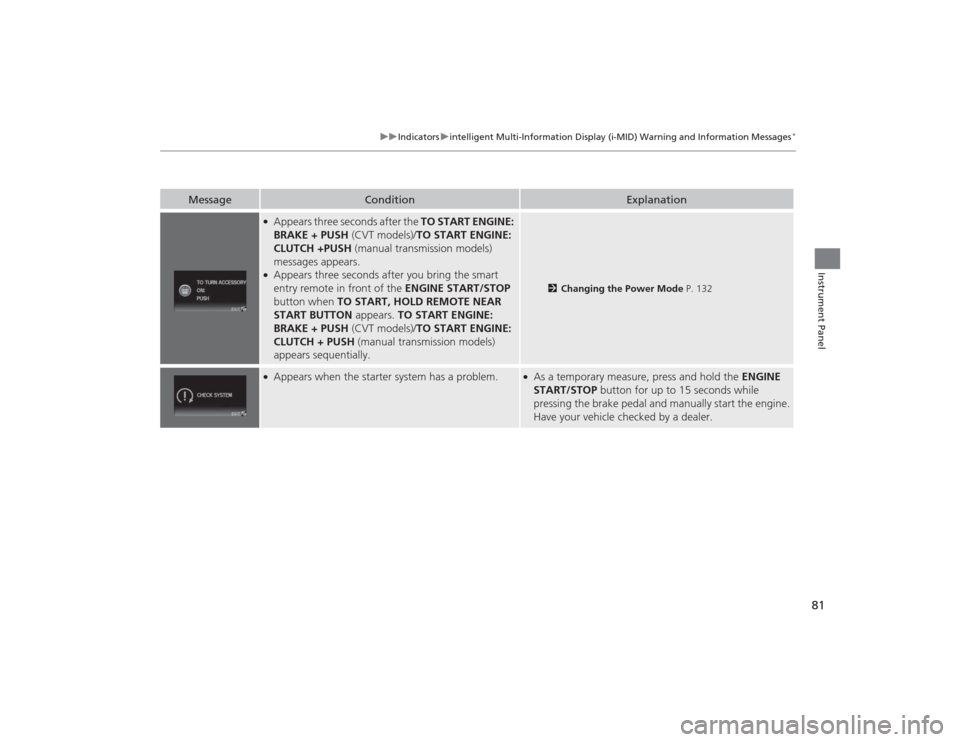
●Appears three seconds after the TO START ENGINE:
BRAKE + PUSH (CVT models)/TO START ENGINE:
CLUTCH +PUSH (manual transmission models)
messages appears.●Appears three seconds after you bring the smart
entry remote in front of the ENGINE START/STOP
button when TO START, HOLD REMOTE NEAR
START BUTTON appears. TO START ENGINE:
BRAKE + PUSH (CVT models)/TO START ENGINE:
CLUTCH + PUSH (manual transmission models)
appears sequentially.
2 Changing the Power Mode P. 132
●Appears when the starter system has a problem.
●As a temporary measure, press and hold the ENGINE
START/STOP button for up to 15 seconds while
pressing the brake pedal and manually start the engine.
Have your vehicle checked by a dealer.
Page 86 of 469
85
uuGauges and Displays uInformation Display
*
Instrument Panel
Shows the estimated average fuel economy of each trip meter in mpg or l/100 km.
The display is updated at set intervals. When a trip meter is reset, the average fuel
economy is also reset.
Shows the remaining oil life and Maintenance Minder
TM.
2 Maintenance Minder
TM P. 353
Shows the estimated distance you can travel on the remaining fuel. This distance is
estimated from the fuel economy of your previous trips.
Appears when the fuel fill cap is loose or is not installed.2Check/Tighten Fuel Cap Message P. 436■
Average Fuel Economy
■
Engine Oil Life
■
Range
■
Check Fuel Cap
Page 174 of 469
173
uuAudio System uAudio System Theft Protection
*
Features
Audio System Theft Protection
*
The audio system is disabled when it is disconnected from the power source, such as
when the battery is disconnected or goes dead. In certain conditions, the system
may display ENTER CODE
*1/Enter Code
*2. If this occurs, reactivate the audio
system.
■Reactivating the audio system
1. Turn the ignition switch to ON
(w
*3.
2. Turn on the audio system.
3. Press and hold the audio system power button for more than two seconds.
u The audio system is reactivated when the audio control unit establishes a
connection with the vehicle control unit. If the control unit fails to recognize
the audio unit, you must go to a dealer and have the audio unit checked.
■Entering the audio security code
ENTER CODE appears on the display when the power is reconnected.
1. Turn on the audio system.
2. Enter the audio security code using the preset buttons. If you enter an incorrect
digit, continue to the last digit, then try again. If you do not enter the code
correctly after 10 tries, leave the system for one hour before trying again, or visit
a dealer to have the system reset.*1: Models with one display
*2: Models with the display audio system
*3: Models with the smart entry system have an ENGINE START/STOP button instead of an
ignition switch.Models with i-MIDModels with information display* Not available on all models
Page 305 of 469

304Driving
Before DrivingDriving PreparationCheck the following items before you start driving.
•Make sure there are no obstructions on the windows, door mirrors, exterior
lights, or other parts of the vehicle.
u Remove any frost, snow, or ice.
u Remove any snow on the roof, as this can slip down and obstruct your field of
vision while driving. If frozen solid, remove ice once it has softened.
u When removing ice from around the wheels, be sure not to damage the wheel
or wheel components.
• Make sure the hood is securely closed.
u If the hood opens while driving, your front view will be blocked.
• Make sure the tires are in good condition.
u Check air pressure, check for damage and excessive wear.
2 Checking and Maintaining Tires P. 391
•Make sure there are no people or objects behind or around the vehicle.
u There are blind spots from the inside.■
Exterior Checks
1Exterior ChecksNOTICEWhen doors are frozen shut, use warm water around
the door edges to melt any ice. Do not try to force
them open, as this can damage the rubber trim
around the doors. When done, wipe dry to avoid
further freezing.
Do not pour warm water into the key cylinder.
You will be unable to insert the key if the water
freezes in the hole.
Heat from the engine and exhaust can ignite
flammable materials left under the hood, causing a
fire. If you've parked your vehicle for an extended
period, inspect and remove any debris that may have
collected, such as dried grass and leaves that have
fallen or have been carried in for use as a nest by a
small animal.
Also check under the hood for leftover flammable
materials after you or someone else has performed
maintenance on your vehicle.