2014 FORD TAURUS window
[x] Cancel search: windowPage 314 of 550

Battery
•Check and recharge as necessary. Keep connections clean.
•If storing your vehicle for more than 30 days without recharging the
battery, it may be advisable to disconnect the battery cables to ensure
battery charge is maintained for quick starting.
Note:If battery cables are disconnected, it will be necessary to reset
memory features.
Brakes
•Make sure brakes and parking brake are fully released.
Tires
•Maintain recommended air pressure.
Miscellaneous
•Make sure all linkages, cables, levers and pins under vehicle are
covered with grease to prevent rust.
•Move vehicles at least 25 feet (8 meters) every 15 days to lubricate
working parts and prevent corrosion.
Removing Vehicle from Storage
When your vehicle is ready to come out of storage, do the following:
•Wash your vehicle to remove any dirt or grease film build-up on
window surfaces.
•Check windshield wipers for any deterioration.
•Check under the hood for any foreign material that may have collected
during storage (mice/squirrel nests).
•Check the exhaust for any foreign material that may have collected
during storage.
•Check tire pressures and set tire inflation per the Tire Label.
•Check brake pedal operation. Drive the vehicle 15 feet (4.5 meters)
back and forth to remove rust build-up.
•Check fluid levels (including coolant, oil and gas) to make sure there
are no leaks and fluids are at recommended levels.
•If the battery was removed, clean the battery cable ends and inspect.
Contact your authorized dealer if you have any concerns or issues.
Vehicle Care313
2014 Taurus
Owners Guide gf, 1st Printing, April 2013
USA(fus)
Page 360 of 550
ACCESSORIES
For a complete listing of the accessories that are available for your
vehicle, please contact your authorized dealer or visit our online store at:
Accessories.Ford.com(U.S. only).
Ford Custom Accessories are available for your vehicle through your
authorized Ford or Ford of Canada dealer. Ford Motor Company will
repair or replace any properly authorized dealer-installed Ford Custom
Accessories found to be defective in factory-supplied materials or
workmanship during the warranty period, as well as any component
damaged by the defective accessories. The accessories will be warranted
for whichever provides you the greatest benefit:
•12 months or 12000 miles (20000 kilometers) (whichever occurs first),
or
•the remainder of your new vehicle limited warranty.
Contact your authorized dealer for details and a copy of the warranty.
Exterior style
•Moon roof deflector
•Rear spoiler
•Chrome mirror caps
•Side window deflector
•Splash guards
Interior style
•All-weather floor mats
•Carpeted floor mats
•Sport pedals
•Ambient lighting
•Rear seat entertainment*
Lifestyle
•Ash cup / smoker’s package
•Cargo organization and management
•Cargo net
•Roof racks and carriers*
Accessories359
2014 Taurus
Owners Guide gf, 1st Printing, April 2013
USA(fus)
Page 387 of 550
Adjusting the Interaction Level
Push the voice icon; when prompted, say “Voice settings”, then
any of the following:
When you say: The system:
“Interaction mode standard” Provides more detailed interaction and
guidance.
“Interaction mode advanced” Provides less audible interaction and
more tone prompts.
The system defaults to the standard interaction mode.
Confirmation prompts are short questions the system asks when it is not
sure of your request or when there are multiple possible responses to your
request. (For example, the system may ask “Phone, is that correct?”) If
turned off, the system simply makes a best guess as to what you requested
and you may still occasionally be asked to confirm settings.
“Confirmation prompts on”
“Confirmation prompts off”
The system creates candidate lists when it has the same confidence level
of several options based on your voice command. When turned on, you
may be prompted with as many as four possibilities for clarification.
For example, “Say 1 after the tone to call John Doe at home. Say 2 after
the tone to call Johnny Doe on mobile. Say 3 after the tone to call Jane
Doe at home.” Or, “Say 1 after the tone to play John Doe, Say 2 after the
tone to play Johnny Doe.”
“Phone candidate lists on”
“Phone candidate lists off”
“Media candidate lists on”
“Media candidate lists off”
Helpful Hints
•Make sure the interior of the vehicle is as quiet as possible. Wind
noise from open windows and road vibrations may prevent the system
from correctly recognizing spoken commands.
•After pressing the voice icon, wait until after the tone sounds and
Listening appears before saying a command. Any command spoken
prior to this does not register with the system.
•Speak naturally, without long pauses between words.
•At any time you can interrupt the system while it is speaking by
pressing the voice icon.
386SYNC®
2014 Taurus
Owners Guide gf, 1st Printing, April 2013
USA(fus)
Page 404 of 550

In the Event of a Crash
Not all crashes deploy an airbag or activate the fuel pump shut-off
(which would activate 911 Assist); however, if 911 Assist is triggered,
SYNC tries to contact emergency services. If a connected phone is
damaged or loses connection to SYNC, SYNC searches for, and tries to
connect to, any available previously paired phone and tries to make the
call to 911.
Before making the call:
•SYNC provides a short window of time (about 10 seconds) to cancel
the call. Failure to cancel the call results in SYNC attempting to dial
911.
•SYNC says the following, or a similar message: “SYNC will attempt to
call 911, to cancel the call, press Cancel on your screen or press and
hold the phone button on your steering wheel.”
If the call is not cancelled and a successful call is made, a pre-recorded
message is played for the 911 operator, then the occupant(s) in the
vehicle is able to talk with the operator. Be prepared to provide your
name, phone number and location immediately, because not all 911
systems are capable of receiving this information electronically.
911 Assist May Not Work If
•Your cellular phone or 911 Assist hardware was damaged in a crash.
•The vehicle’s battery or SYNC system has no power.
•The phone(s) paired and connected to the system was thrown from
the vehicle.
911 Assist Privacy Notice
Once 911 Assist is set on, it may disclose to emergency services that the
vehicle has been in a crash involving the deployment of an airbag or
activation of the fuel pump shut-off. Certain versions or updates to 911
Assist may also be capable of electronically or verbally disclosing to 911
operators the vehicle location, and/or other details about the vehicle or
crash to assist 911 operators to provide the most appropriate emergency
services. If you do not want to disclose this information, do not turn the
feature on.
SYNC®403
2014 Taurus
Owners Guide gf, 1st Printing, April 2013
USA(fus)
Page 437 of 550
How to Use Voice Commands with Your System
Press the voice icon. After the tone, speak your command
clearly.
These commands can be said at any time.
“Cancel”
“Exit”
“Go back”
“List of commands”
“Main menu”
“Next page”
“Previous page”
“What can I say?”
“Help”
What Can I Say?
To access the available voice commands for the current session, do one
of the following:
•During a voice session, press the Help icon (?) in the lower left status
bar of the screen.
•Say, “What can I say?” for an on-screen listing of the possible voice
commands associated with your current voice session.
•Press the voice icon. After the tone, say, “Help” to hear a list of
possible voice commands.
Helpful Hints
•Make sure the interior of your vehicle is as quiet as possible. Wind
noise from open windows and road vibrations may prevent the system
from correctly recognizing spoken commands.
•After pressing the voice icon, wait until after the tone sounds and
Listening appears before saying a command. Any command spoken
prior to this does not register with the system.
•Speak naturally, without long pauses between words.
•At any time, you can interrupt the system while it is speaking by
pressing the voice icon.
436MyFord Touch® (If Equipped)
2014 Taurus
Owners Guide gf, 1st Printing, April 2013
USA(fus)
Page 478 of 550
Setting 911 Assist On
If your vehicle is equipped with Navigation, touch the i
(Information) button to access these features. If your vehicle is
not equipped with Navigation, touch the corner of the
touchscreen with the green tab.
PressApps>911 Assist,>On.
You can also access 911 Assist by:
•Pressing the Settings icon >Settings>Phone>911
Assist,or
•Pressing the Settings icon >Help>911 Assist.
To Make Sure that 911 Assist Works Properly
•SYNC must be powered and working properly at the time of the
incident and throughout feature activation and use.
•The 911 Assist feature must be set on before the incident.
•You must pair and connect a Bluetooth-enabled and compatible phone
to SYNC.
•A connected Bluetooth-enabled phone must have the ability to make
and maintain an outgoing call at the time of the incident.
•A connected Bluetooth-enabled phone must have adequate network
coverage, battery power and signal strength.
•
The vehicle must have battery power and be located in the United
States, Canada or in a territory in which 911 is the emergency number.
In the Event of a Crash
Not all crashes deploy an airbag or activate the fuel pump shut-off (which
would trigger 911 Assist); however, SYNC tries to contact emergency
services if 911 Assist triggers. If a connected phone sustains damage or
loses connection to SYNC, SYNC searches for, and tries to connect to, any
available previously paired phone and tries to make the call to 911.
Before making the call:
•SYNC provides a short window of time (about 10 seconds) to cancel
the call. If you fail to cancel the call, SYNC attempts to dial 911.
•SYNC says the following, or a similar message: “SYNC will attempt to
call 911, to cancel the call, press Cancel on your screen or press and
hold the phone button on your steering wheel.”
If you do not cancel the call, and SYNC makes a successful call, a
pre-recorded message plays for the 911 operator, and then the occupant(s)
in your vehicle is able to talk with the operator. Be prepared to provide
your name, phone number and location immediately, because not all 911
systems are capable of receiving this information electronically.
MyFord Touch® (If Equipped)477
2014 Taurus
Owners Guide gf, 1st Printing, April 2013
USA(fus)
Page 493 of 550

E.MAX A/C:Touch to cool your vehicle with recirculated air. Touch
again for normal A/C operation. MAX A/C:
•Distributes air through instrument panel vents.
•Is more economical and efficient than normal A/C mode.
•May help reduce odors from entering your vehicle.
F.A/C:Touch to turn the air conditioning on or off.
•Use with recirculated air to improve cooling performance and
efficiency.
•Engages automatically in MAX A/C, defrost and floor/defrost.
G.AUTO:Touch to engage automatic operation, then set the
temperature using the temperature control. The system automatically
controls:
•Fan speed
•Airflow distribution
•A/Conoroff
•Outside or recirculated air.
H.Rear defroster:Touch to turn the rear window defroster and heated
mirrors.
I.Defrost:Touch to clear the windshield of fog and thin ice. Touch
again to return to the previous airflow selection. When on, defrost:
•Provides outside air to reduce window fogging.
•Distributes air through the windshield defroster vents and demister
vents.
J.Manual controls:Select any of the following airflow distribution
modes:
•Floor and Defrost:Distributes air through the windshield defroster
vents, demister vents, floor vents and rear seat floor vents, and
provides outside air to reduce window fogging.
•Panel:Distributes air through the instrument panel vents.
•Panel and Floor:Distributes air through the instrument panel vents,
demister vents, floor vents and rear seat floor vents.
•Floor:Distributes air through the demister vents, floor vents and
rear seat floor vents.
K.Driver settings:Depending on your vehicle and option package, you
may have the following features:
•Touch+or–to adjust the temperature.
•If your vehicle is equipped with heated seats, touch the heated seat
icon to control the heated seat. See theSeatschapter.
•If your vehicle is equipped with cooled seats, touch the cooled seat
icon to control the cooled seat. See theSeatschapter.
492MyFord Touch® (If Equipped)
2014 Taurus
Owners Guide gf, 1st Printing, April 2013
USA(fus)
Page 502 of 550
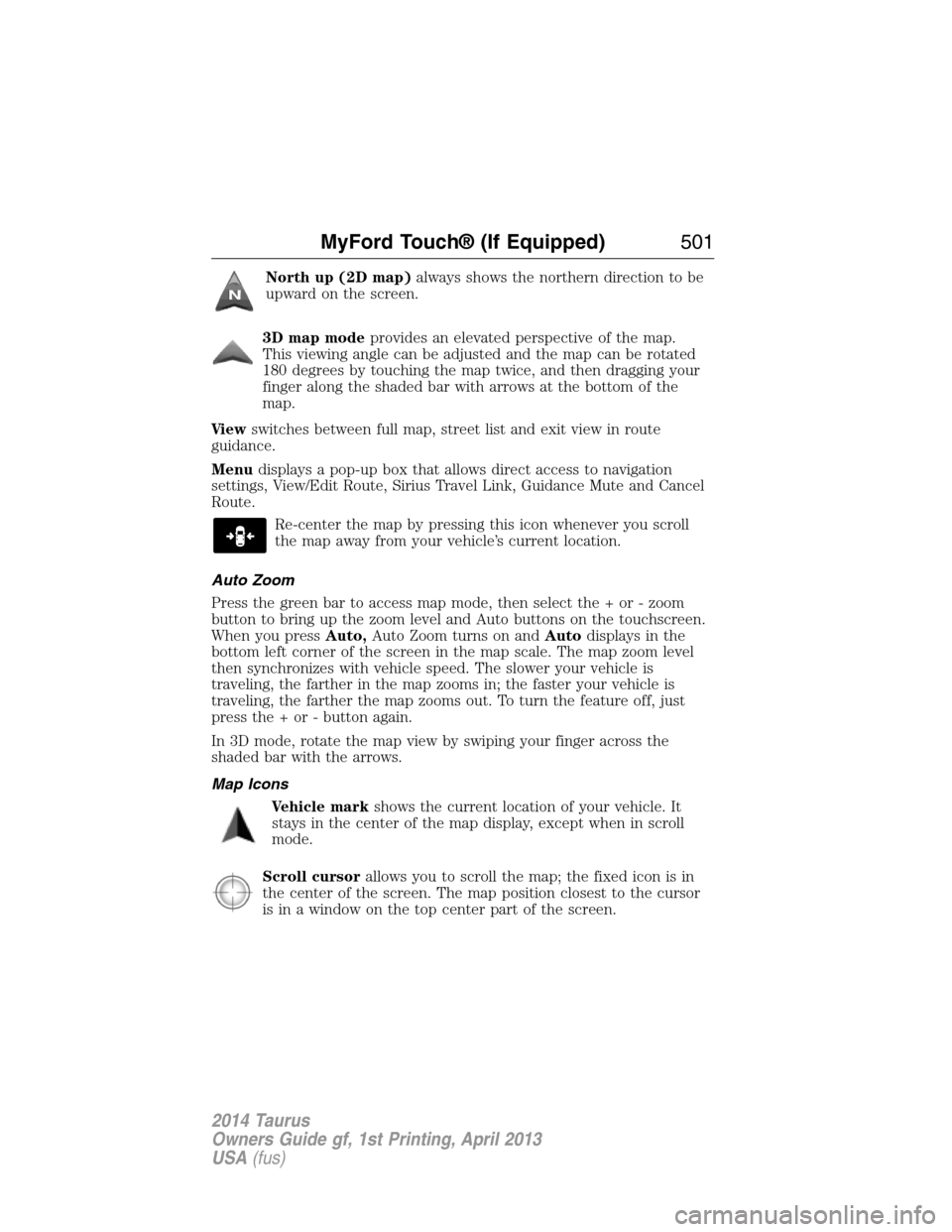
North up (2D map)always shows the northern direction to be
upward on the screen.
3D map modeprovides an elevated perspective of the map.
This viewing angle can be adjusted and the map can be rotated
180 degrees by touching the map twice, and then dragging your
finger along the shaded bar with arrows at the bottom of the
map.
Vi e wswitches between full map, street list and exit view in route
guidance.
Menudisplays a pop-up box that allows direct access to navigation
settings, View/Edit Route, Sirius Travel Link, Guidance Mute and Cancel
Route.
Re-center the map by pressing this icon whenever you scroll
the map away from your vehicle’s current location.
Auto Zoom
Press the green bar to access map mode, then select the + or - zoom
button to bring up the zoom level and Auto buttons on the touchscreen.
When you pressAuto,Auto Zoom turns on andAutodisplays in the
bottom left corner of the screen in the map scale. The map zoom level
then synchronizes with vehicle speed. The slower your vehicle is
traveling, the farther in the map zooms in; the faster your vehicle is
traveling, the farther the map zooms out. To turn the feature off, just
press the + or - button again.
In 3D mode, rotate the map view by swiping your finger across the
shaded bar with the arrows.
Map Icons
Vehicle markshows the current location of your vehicle. It
stays in the center of the map display, except when in scroll
mode.
Scroll cursorallows you to scroll the map; the fixed icon is in
the center of the screen. The map position closest to the cursor
is in a window on the top center part of the screen.
MyFord Touch® (If Equipped)501
2014 Taurus
Owners Guide gf, 1st Printing, April 2013
USA(fus)