Page 78 of 461
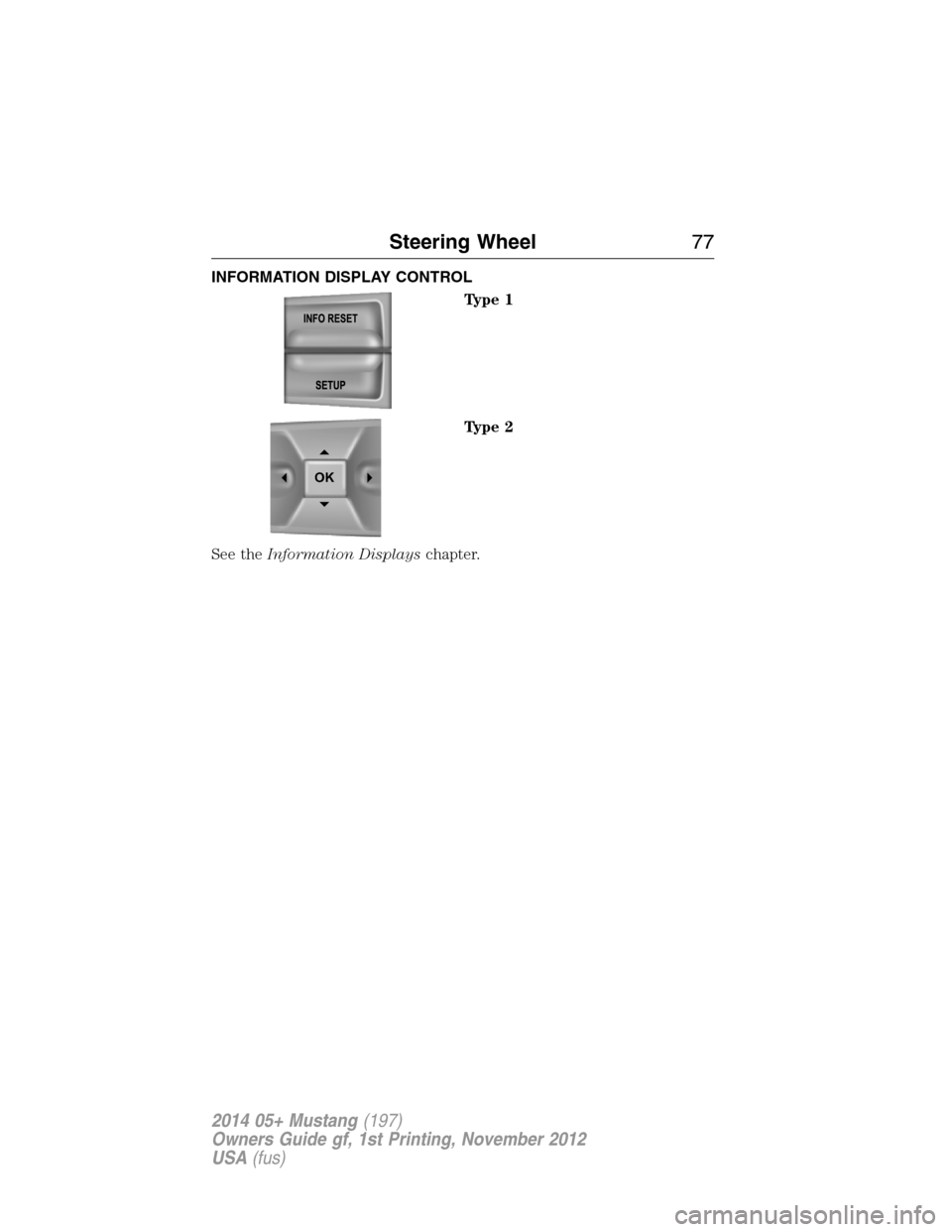
INFORMATION DISPLAY CONTROL
Type 1
Type 2
See theInformation Displayschapter.
OK
Steering Wheel77
2014 05+ Mustang(197)
Owners Guide gf, 1st Printing, November 2012
USA(fus)
Page 82 of 461
AUTOLAMPS (If equipped)
WARNING:In severe weather conditions, it may be necessary to
switch your headlamps on manually.
Note:If the vehicle is equipped with autolamps, it will have the
windshield wiper rainlamp feature.When the windshield wipers are
turned to low- or high-speed wiping during daylight, and the headlamp
control is in the autolamp position, the exterior lamps will turn on after a
brief delay and will remain on until the wipers are turned off.
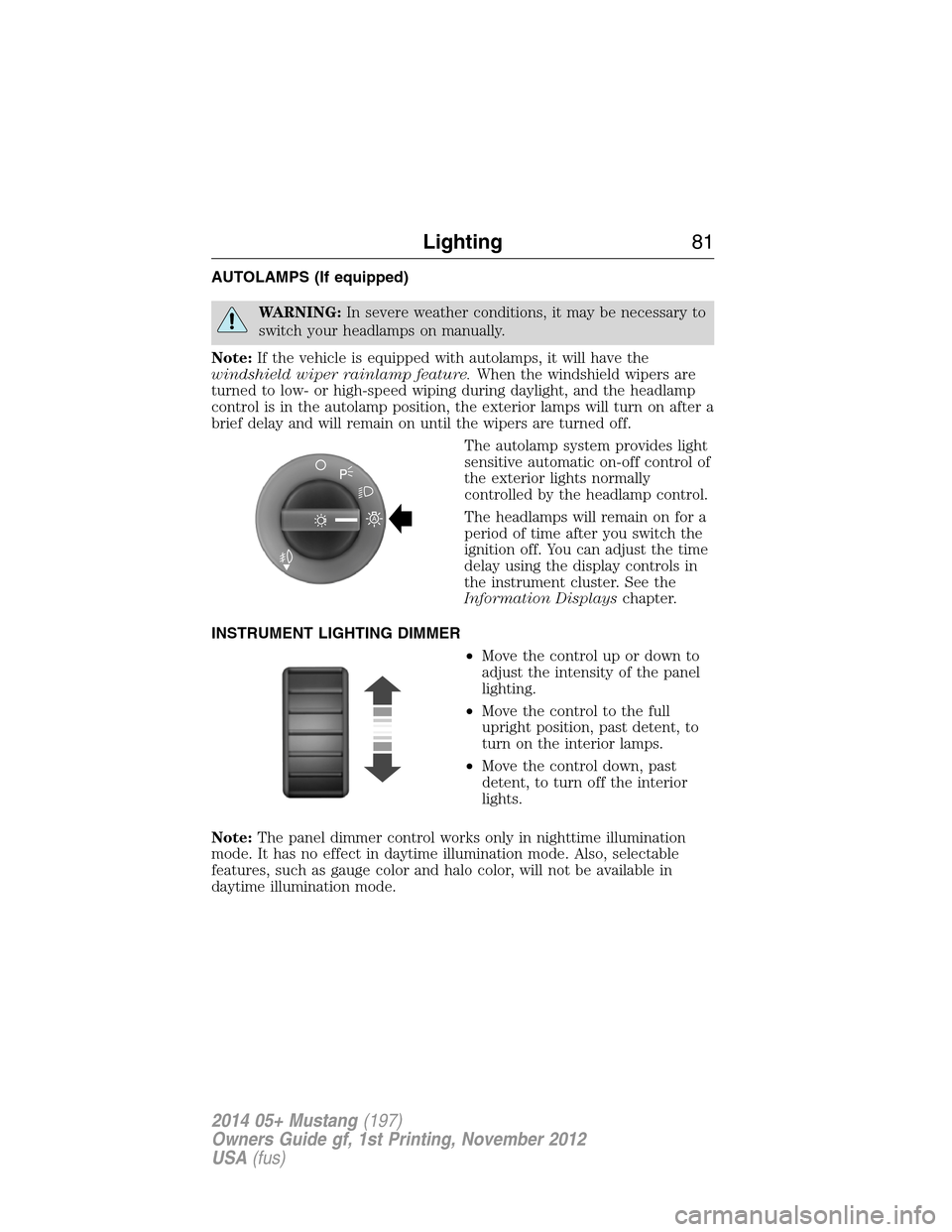
The autolamp system provides light
sensitive automatic on-off control of
the exterior lights normally
controlled by the headlamp control.
The headlamps will remain on for a
period of time after you switch the
ignition off. You can adjust the time
delay using the display controls in
the instrument cluster. See the
Information Displayschapter.
INSTRUMENT LIGHTING DIMMER
•Move the control up or down to
adjust the intensity of the panel
lighting.
•Move the control to the full
upright position, past detent, to
turn on the interior lamps.
•Move the control down, past
detent, to turn off the interior
lights.
Note:The panel dimmer control works only in nighttime illumination
mode. It has no effect in daytime illumination mode. Also, selectable
features, such as gauge color and halo color, will not be available in
daytime illumination mode.
A
Lighting81
2014 05+ Mustang(197)
Owners Guide gf, 1st Printing, November 2012
USA(fus)
Page 83 of 461
Note:If the battery is disconnected, discharged, or a new battery is
installed, the dimmer switch requires re-calibration. Rotate the dimmer
switch from the full dim position to the full dome On position to reset.
This will ensure that your displays are visible under all lighting
conditions.
HEADLAMP EXIT DELAY
You can set the delay time to keep the headlamps on for up to three
minutes after the ignition is turned off.
Follow the steps below to change the delay time (Steps 1 through 6
must be done within 10 seconds):
1. Turn the ignition off.
2. Turn the lighting control to the autolamp position.
3. Turn the lighting control to the off position.
4. Turn the ignition on.
5. Turn the ignition off.
6. Turn the lighting control to the autolamp position. The headlamps and
parking lamps will turn on.
7. Turn the lighting control to the off position when the desired delay
time has been reached. The headlamps and parking lamps will turn off.
You can set the headlamp exit delay to one of the following settings:
•Off
•10 seconds
•20 seconds
•30 seconds
•60 seconds
•90 seconds
•120 seconds
•180 seconds.
Note:You can also adjust the time delay using the display controls in
the instrument cluster. See theInformation Displayschapter.
82Lighting
2014 05+ Mustang(197)
Owners Guide gf, 1st Printing, November 2012
USA(fus)
Page 93 of 461
GAUGES
Type 1
Cluster shown in standard measure. Metric similar.
A. Speedometer
B. Fuel gauge
C. Engine coolant temperature gauge
D. Tachometer
E. Information display. SeeInformation displaysfor more information.
Fuel Gauge
Indicates approximately how much fuel is left in the fuel tank (when the
ignition is on). The fuel gauge may vary slightly when the vehicle is in
motion or on a grade. The fuel icon and arrow indicates which side of
the vehicle the fuel filler door is located.
92Instrument Cluster
2014 05+ Mustang(197)
Owners Guide gf, 1st Printing, November 2012
USA(fus)
Page 94 of 461

Engine Coolant Temperature Gauge
Indicates engine coolant temperature. At normal operating temperature,
the level indicator will be in the normal range. If the engine coolant
temperature exceeds the normal range, stop the vehicle as soon as safely
possible, switch off the engine and let the engine cool.
WARNING:Never remove the coolant reservoir cap while the
engine is running or hot.
Type 2
Cluster shown in standard measure. Metric similar.
A. Speedometer
B. Information display. See theInformation Displayschapter for more
information.
C. Tachometer
D. Fuel gauge
E. Engine coolant temperature gauge
Note:The instrument cluster gauges are backlit with white backlighting
when the headlamps are off. When the headlamps are on, you can select
one of the preset colors for the nighttime gauge backlighting or create
up to three custom colors using the MyColor® feature (if equipped).
Ambient color and halo color are also selectable. See theInformation
Displayschapter for more information. When certain gauges enter a
warning state, they will be backlit in red.
ABC
DE
Instrument Cluster93
2014 05+ Mustang(197)
Owners Guide gf, 1st Printing, November 2012
USA(fus)
Page 100 of 461

GENERAL INFORMATION
WARNING:Driving while distracted can result in loss of vehicle
control, accident and injury. Ford strongly recommends that drivers
use extreme caution when using any device or feature that may take their
focus off the road. Your primary responsibility is the safe operation of the
vehicle. We recommend against the use of any handheld device while
driving and that you comply with all applicable laws.
Various systems on your vehicle can be controlled using the information
display controls located on the steering wheel. Corresponding
information is displayed in the information display.
Information Display Controls (Type 1)
•Press the INFO button to scroll
through trip, fuel usage and
MyKey® information.
•Press the SETUP button to scroll
through various vehicle feature
settings.
•Press the RESET button to
choose settings, reset information
and confirm messages.
Info
Press INFO repeatedly to cycle
through the following features:
TRIP A/B
Registers the distance of individual journeys. Press and release INFO
until the A or B trip appears in the display (this represents the trip
mode). Press and release RESET to reset trip information.
Information Displays99
2014 05+ Mustang(197)
Owners Guide gf, 1st Printing, November 2012
USA(fus)
Page 101 of 461
MYKEY MILES (km)
For more information, see theMyKey®chapter.
MILES (km) TO E
This displays an estimate of approximately how far you can drive with
the fuel remaining in your tank under normal driving conditions.
Remember to turn the ignition off when refueling to allow this feature to
correctly detect the added fuel.
AVG MPG (L/100 km)
Average fuel economy displays your average fuel economy in miles/gallon
or liters/100 km.
MPG (L/km)
This displays instantaneous fuel economy as a bar graph ranging from↓
poor economy to↑excellent economy.
Your vehicle must be moving to calculate instantaneous fuel economy.
When your vehicle is not moving, this function shows↓, one or no bars
illuminated. Instantaneous fuel economy cannot be reset.
TIMER
Timer displays the trip elapsed drive time.
To operate, do the following:
1. Press and release RESET in order to start the timer.
2. Press and release RESET to pause the timer.
3. Press and hold RESET until the timer resets.
Blank Screen
The display will be blank after cycling through all of the Info menu
items.
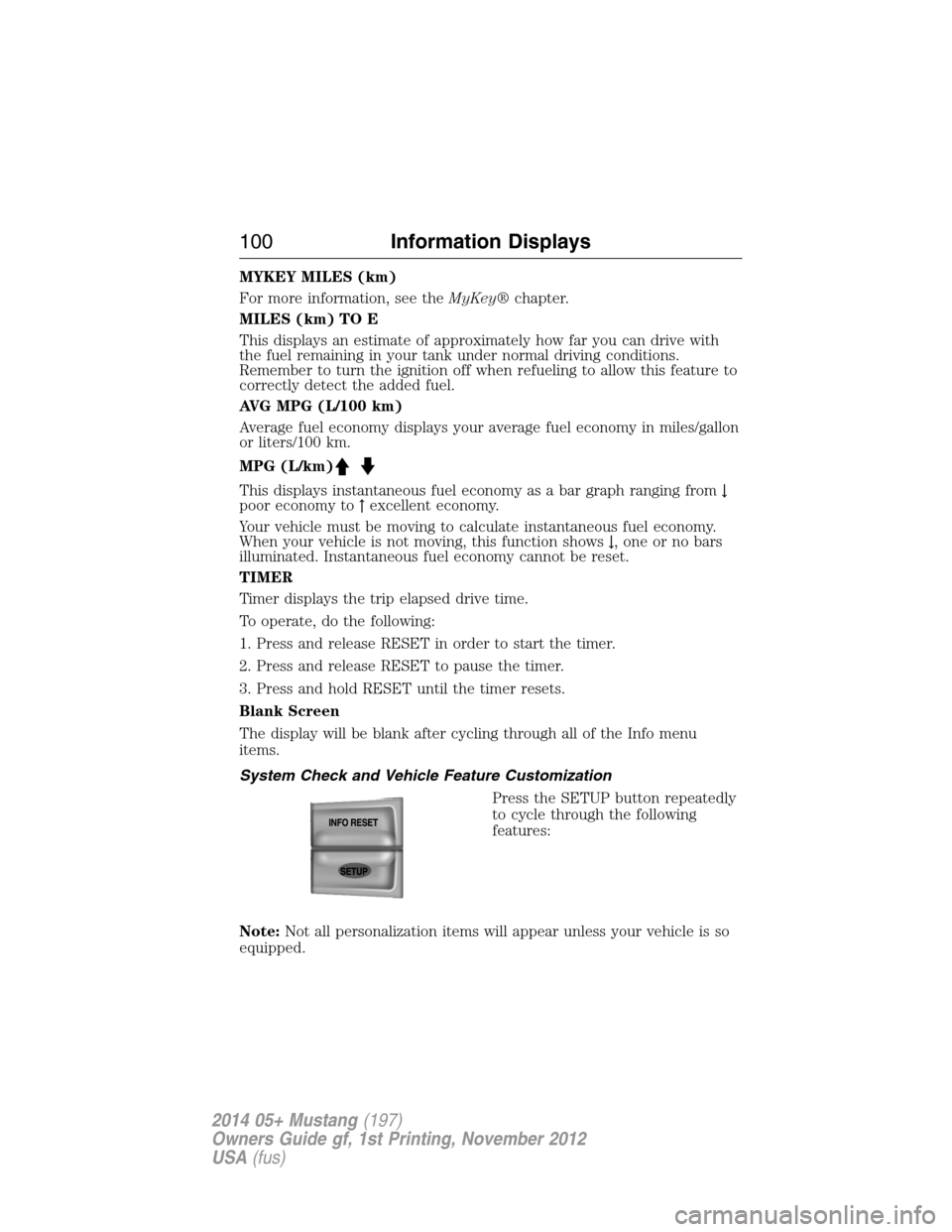
System Check and Vehicle Feature Customization
Press the SETUP button repeatedly
to cycle through the following
features:
Note:Not all personalization items will appear unless your vehicle is so
equipped.
100Information Displays
2014 05+ Mustang(197)
Owners Guide gf, 1st Printing, November 2012
USA(fus)
Page 102 of 461

RESET FOR SYSTEM CHECK
When this message appears,
press the RESET button and the
information display will begin to
cycle through the following systems
and provide a status of the item if
needed.
1. XXX% OIL LIFE
2. CHARGING SYSTEM
3. DOORS STATUS
4. TRUNK STATUS
5. BRAKE SYSTEM
6. FUEL LEVEL
7. MYKEY DISTANCE (if MyKey® is programmed)
8. MYKEY(S) PROGRAMMED
9. ADMIN KEYS PROGRAMMED
Note:Some systems show a message only if a condition is present.
OIL LIFE
This displays the remaining oil life.
An oil change is required whenever indicated by the information center
and according to the recommended maintenance schedule. USE ONLY
RECOMMENDED ENGINE OILS.
To reset the oil monitoring system to 100% after each oil change perform
the following:
1. Press and release SETUP to display OIL LIFE XXX% HOLD RESET =
NEW.
2. Press and hold RESET for two seconds and release to reset the oil life
to 100%.
Information Displays101
2014 05+ Mustang(197)
Owners Guide gf, 1st Printing, November 2012
USA(fus)