ACCESSING AND ADJUSTING MODES THROUGH YOUR RIGHT
VEHICLE INFORMATION DISPLAY
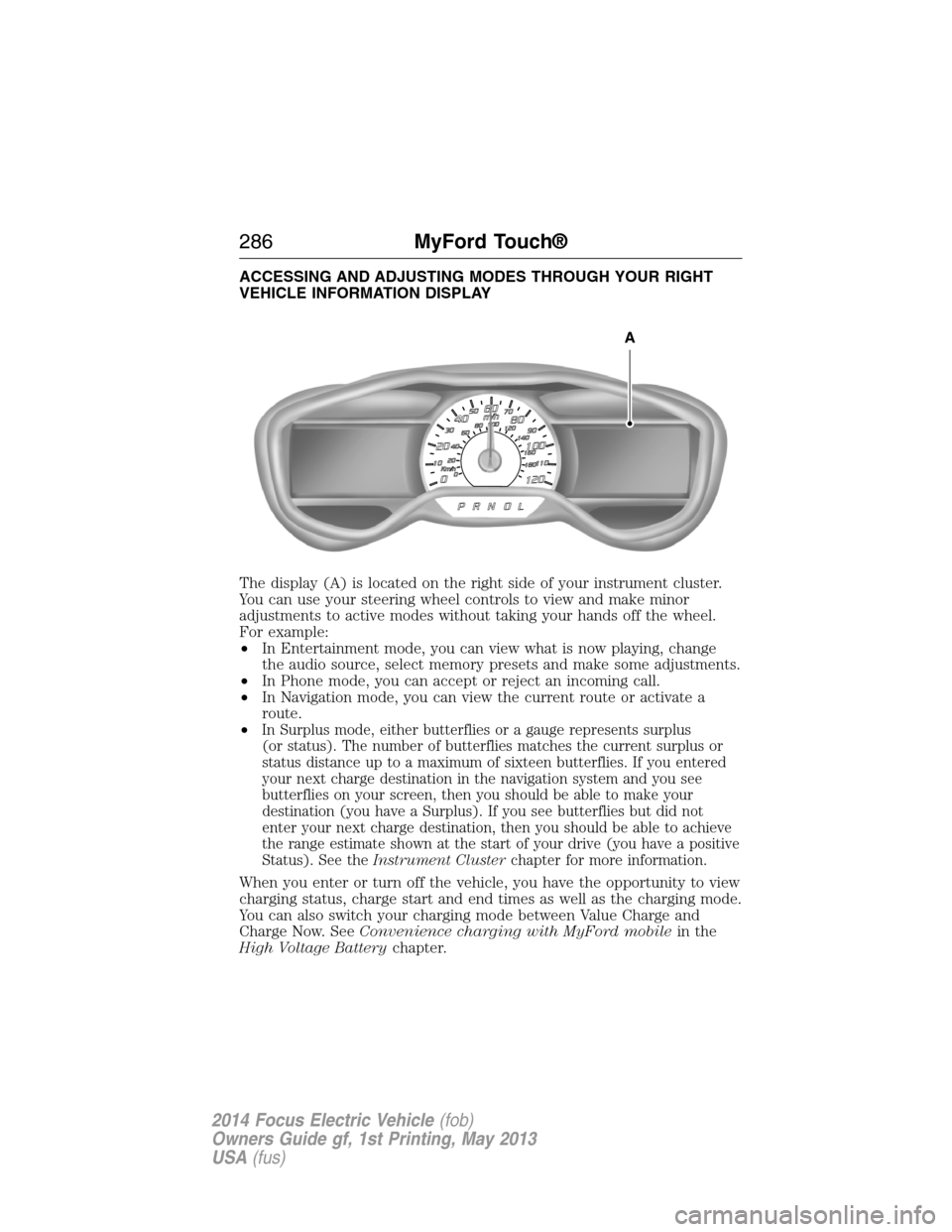
The display (A) is located on the right side of your instrument cluster.
You can use your steering wheel controls to view and make minor
adjustments to active modes without taking your hands off the wheel.
For example:
•In Entertainment mode, you can view what is now playing, change
the audio source, select memory presets and make some adjustments.
•In Phone mode, you can accept or reject an incoming call.
•In Navigation mode, you can view the current route or activate a
route.
•
In Surplus mode, either butterflies or a gauge represents surplus
(or status). The number of butterflies matches the current surplus or
status distance up to a maximum of sixteen butterflies. If you entered
your next charge destination in the navigation system and you see
butterflies on your screen, then you should be able to make your
destination (you have a Surplus). If you see butterflies but did not
enter your next charge destination, then you should be able to achieve
the range estimate shown at the start of your drive (you have a positive
Status). See theInstrument Clusterchapter for more information.
When you enter or turn off the vehicle, you have the opportunity to view
charging status, charge start and end times as well as the charging mode.
You can also switch your charging mode between Value Charge and
Charge Now. SeeConvenience charging with MyFord mobilein the
High Voltage Batterychapter.
A
286MyFord Touch®
2014 Focus Electric Vehicle(fob)
Owners Guide gf, 1st Printing, May 2013
USA(fus)
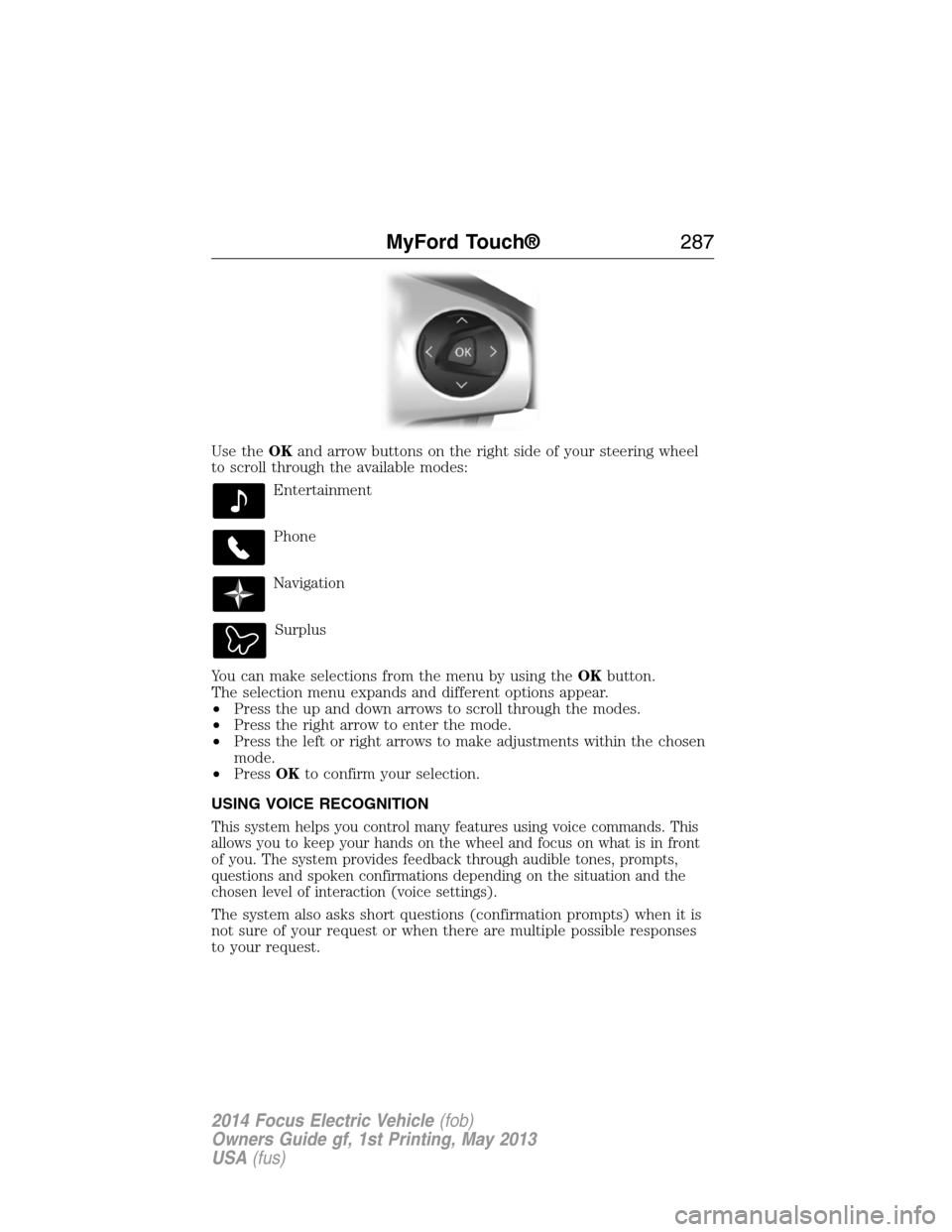
Use theOKand arrow buttons on the right side of your steering wheel
to scroll through the available modes:
Entertainment
Phone
Navigation
Surplus
You can make selections from the menu by using theOKbutton.
The selection menu expands and different options appear.
•Press the up and down arrows to scroll through the modes.
•Press the right arrow to enter the mode.
•Press the left or right arrows to make adjustments within the chosen
mode.
•PressOKto confirm your selection.
USING VOICE RECOGNITION
This system helps you control many features using voice commands. This
allows you to keep your hands on the wheel and focus on what is in front
of you. The system provides feedback through audible tones, prompts,
questions and spoken confirmations depending on the situation and the
chosen level of interaction (voice settings).
The system also asks short questions (confirmation prompts) when it is
not sure of your request or when there are multiple possible responses
to your request.
MyFord Touch®287
2014 Focus Electric Vehicle(fob)
Owners Guide gf, 1st Printing, May 2013
USA(fus)