Page 88 of 396
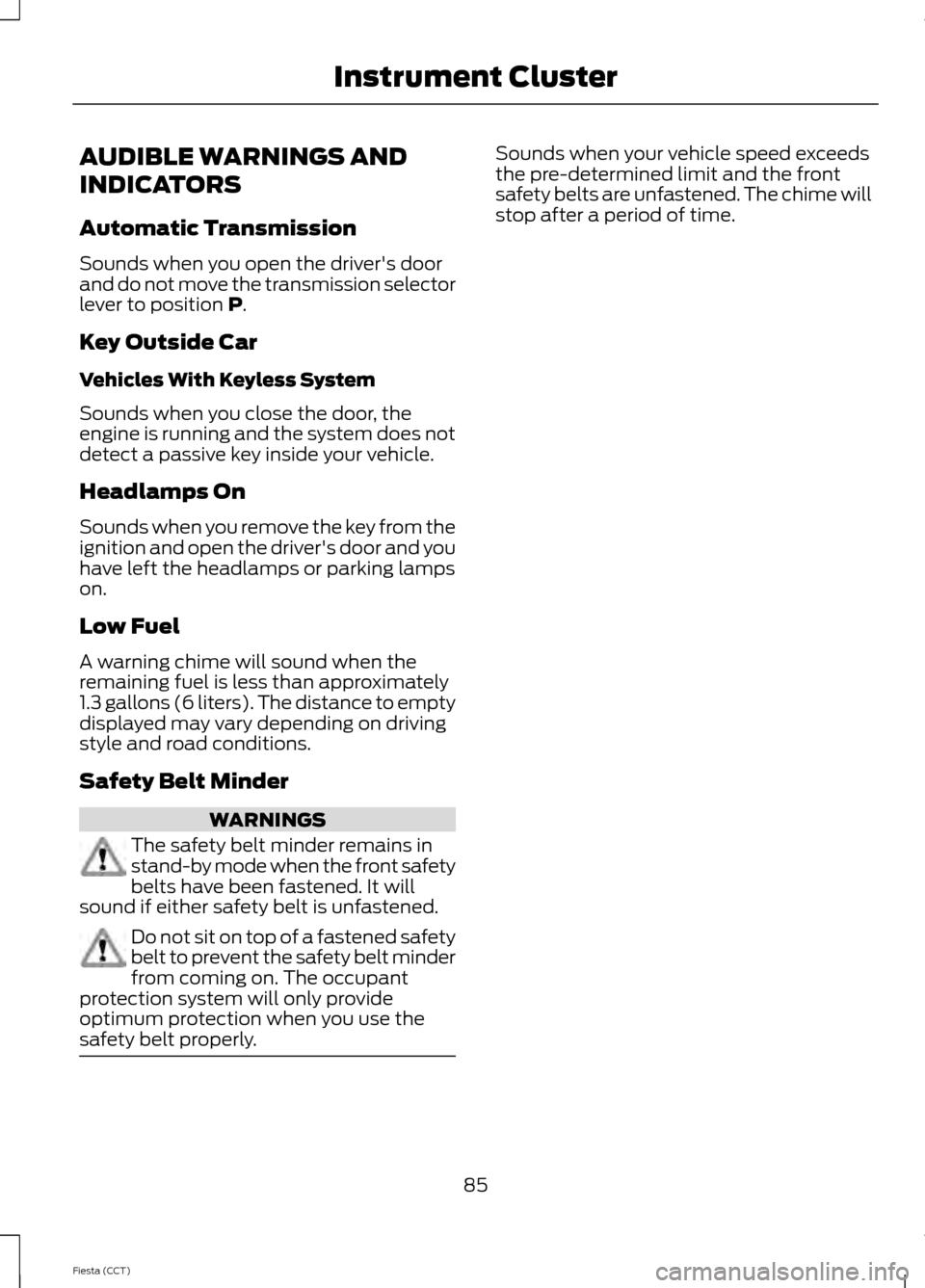
AUDIBLE WARNINGS AND
INDICATORS
Automatic Transmission
Sounds when you open the driver's door
and do not move the transmission selector
lever to position P.
Key Outside Car
Vehicles With Keyless System
Sounds when you close the door, the
engine is running and the system does not
detect a passive key inside your vehicle.
Headlamps On
Sounds when you remove the key from the
ignition and open the driver's door and you
have left the headlamps or parking lamps
on.
Low Fuel
A warning chime will sound when the
remaining fuel is less than approximately
1.3 gallons (6 liters). The distance to empty
displayed may vary depending on driving
style and road conditions.
Safety Belt Minder WARNINGS
The safety belt minder remains in
stand-by mode when the front safety
belts have been fastened. It will
sound if either safety belt is unfastened. Do not sit on top of a fastened safety
belt to prevent the safety belt minder
from coming on. The occupant
protection system will only provide
optimum protection when you use the
safety belt properly. Sounds when your vehicle speed exceeds
the pre-determined limit and the front
safety belts are unfastened. The chime will
stop after a period of time.
85
Fiesta (CCT) Instrument Cluster
Page 89 of 396
GENERAL INFORMATION
WARNING
Driving while distracted can result in
loss of vehicle control, crash and
injury. We strongly recommend that
you use extreme caution when using any
device that may take your focus off the
road. Your primary responsibility is the safe
operation of your vehicle. We recommend
against the use of any hand-held device
while driving and encourage the use of
voice-operated systems when possible.
Make sure you are aware of all applicable
local laws that may affect the use of
electronic devices while driving. Note:
The information display will remain
on for several minutes after you switch the
ignition off.
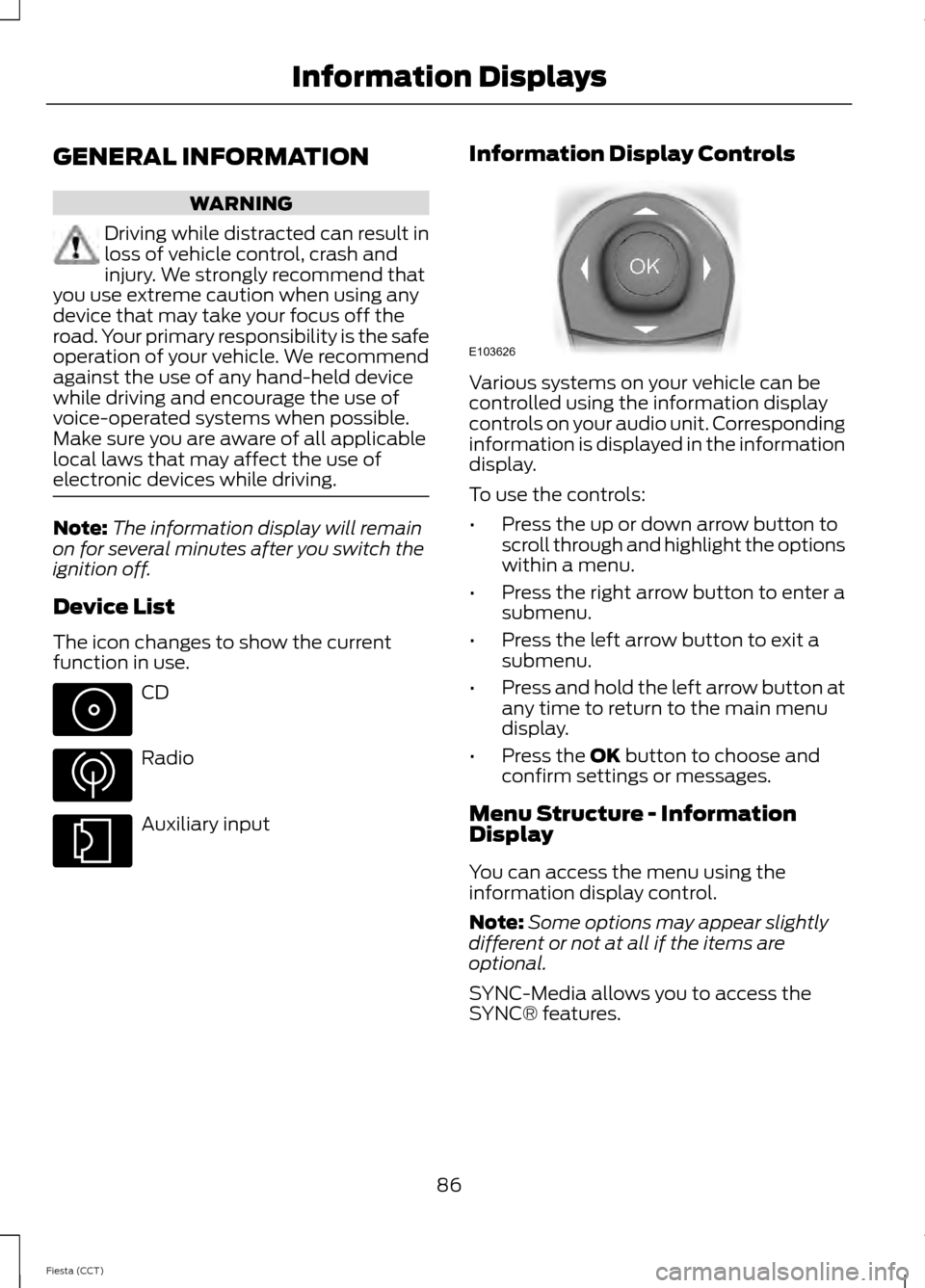
Device List
The icon changes to show the current
function in use. CD
Radio
Auxiliary input Information Display Controls Various systems on your vehicle can be
controlled using the information display
controls on your audio unit. Corresponding
information is displayed in the information
display.
To use the controls:
•
Press the up or down arrow button to
scroll through and highlight the options
within a menu.
• Press the right arrow button to enter a
submenu.
• Press the left arrow button to exit a
submenu.
• Press and hold the left arrow button at
any time to return to the main menu
display.
• Press the OK button to choose and
confirm settings or messages.
Menu Structure - Information
Display
You can access the menu using the
information display control.
Note: Some options may appear slightly
different or not at all if the items are
optional.
SYNC-Media allows you to access the
SYNC® features.
86
Fiesta (CCT) Information Displays E103626
Page 91 of 396
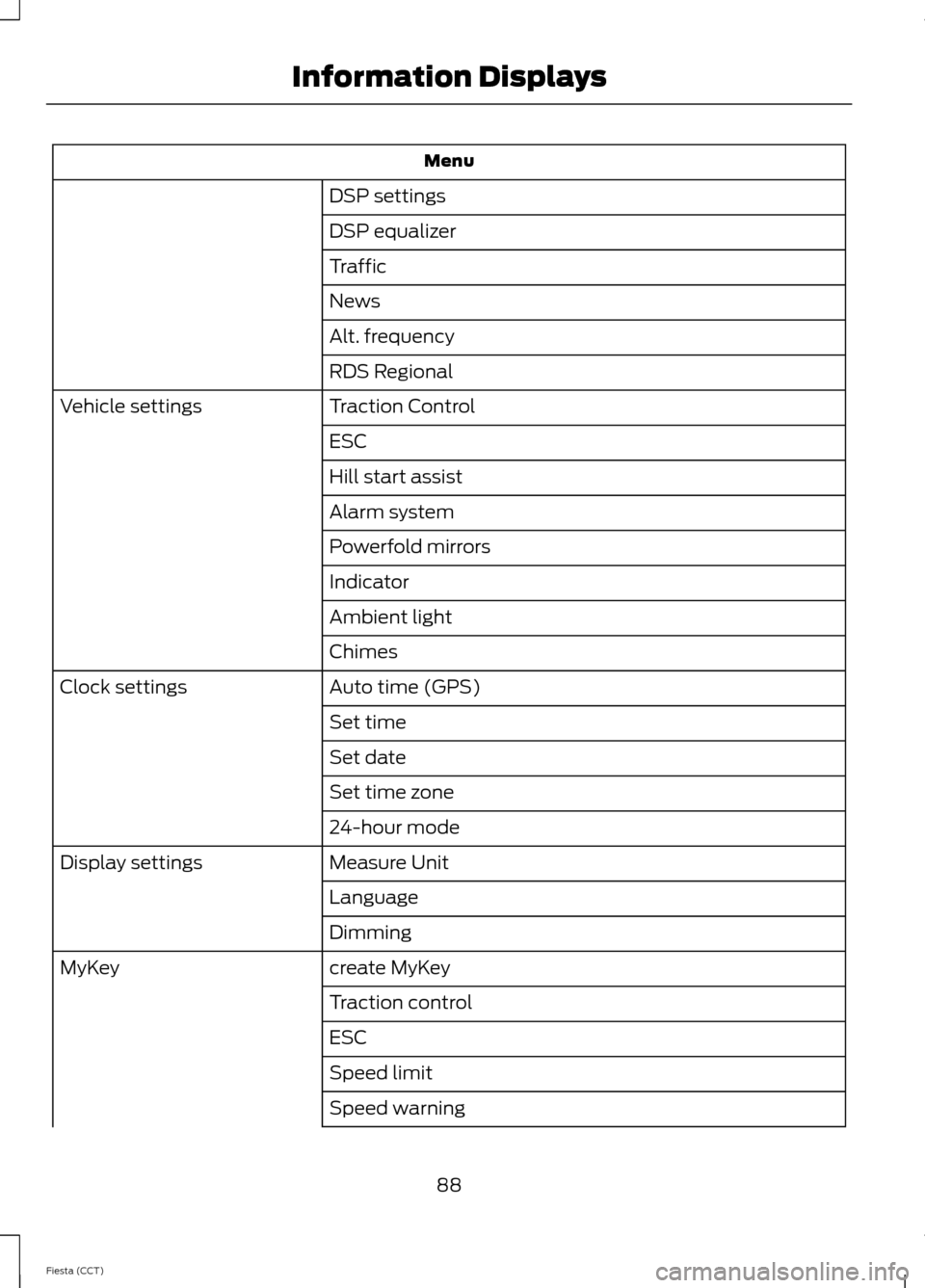
Menu
DSP settings
DSP equalizer
Traffic
News
Alt. frequency
RDS Regional
Traction Control
Vehicle settings
ESC
Hill start assist
Alarm system
Powerfold mirrors
Indicator
Ambient light
Chimes
Auto time (GPS)
Clock settings
Set time
Set date
Set time zone
24-hour mode
Measure Unit
Display settings
Language
Dimming
create MyKey
MyKey
Traction control
ESC
Speed limit
Speed warning
88
Fiesta (CCT) Information Displays
Page 92 of 396
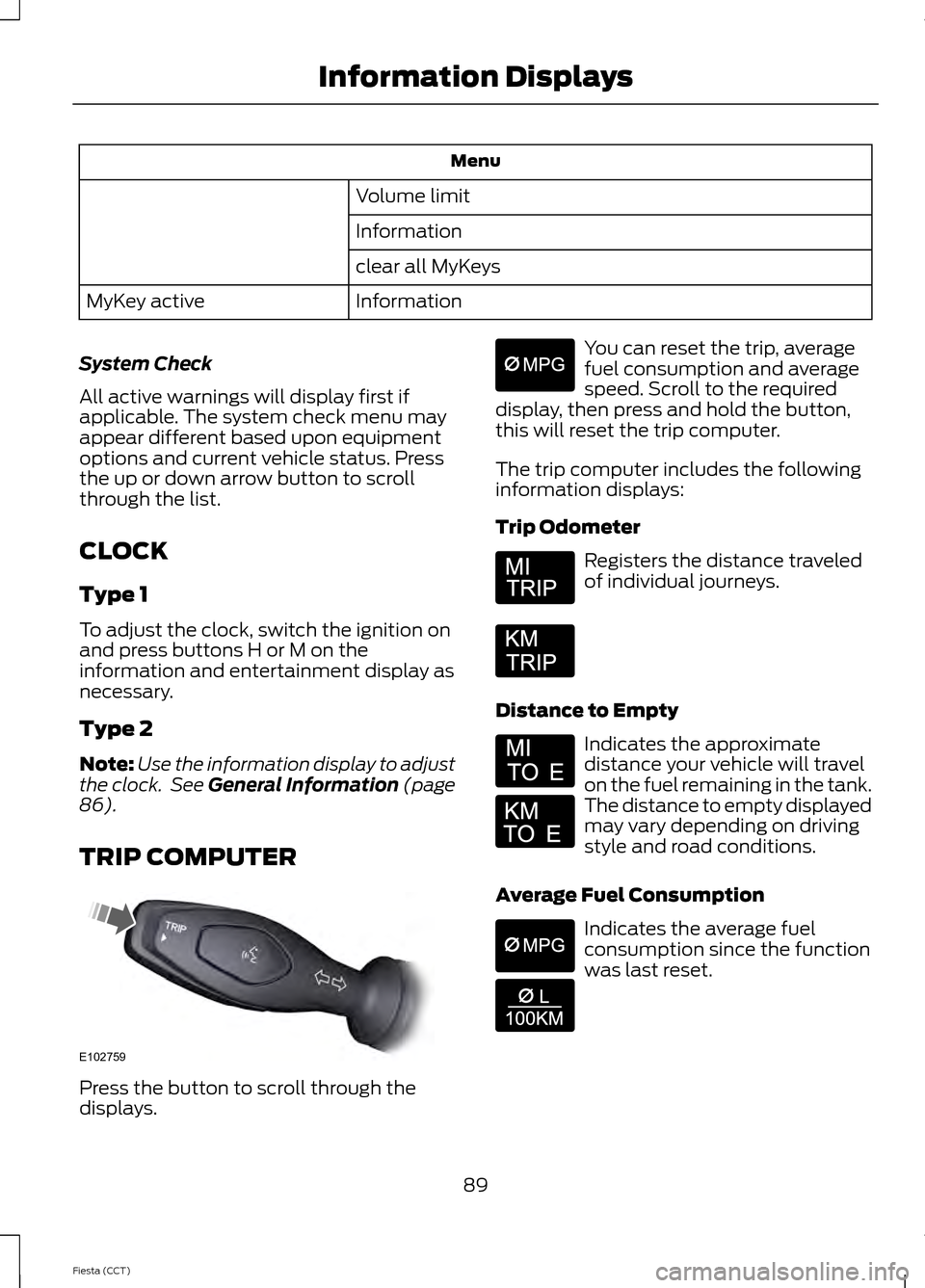
Menu
Volume limit
Information
clear all MyKeys
Information
MyKey active
System Check
All active warnings will display first if
applicable. The system check menu may
appear different based upon equipment
options and current vehicle status. Press
the up or down arrow button to scroll
through the list.
CLOCK
Type 1
To adjust the clock, switch the ignition on
and press buttons H or M on the
information and entertainment display as
necessary.
Type 2
Note: Use the information display to adjust
the clock. See General Information (page
86).
TRIP COMPUTER Press the button to scroll through the
displays. You can reset the trip, average
fuel consumption and average
speed. Scroll to the required
display, then press and hold the button,
this will reset the trip computer.
The trip computer includes the following
information displays:
Trip Odometer Registers the distance traveled
of individual journeys.
Distance to Empty Indicates the approximate
distance your vehicle will travel
on the fuel remaining in the tank.
The distance to empty displayed
may vary depending on driving
style and road conditions.
Average Fuel Consumption Indicates the average fuel
consumption since the function
was last reset.
89
Fiesta (CCT) Information DisplaysE102759 E164638E
Page 93 of 396
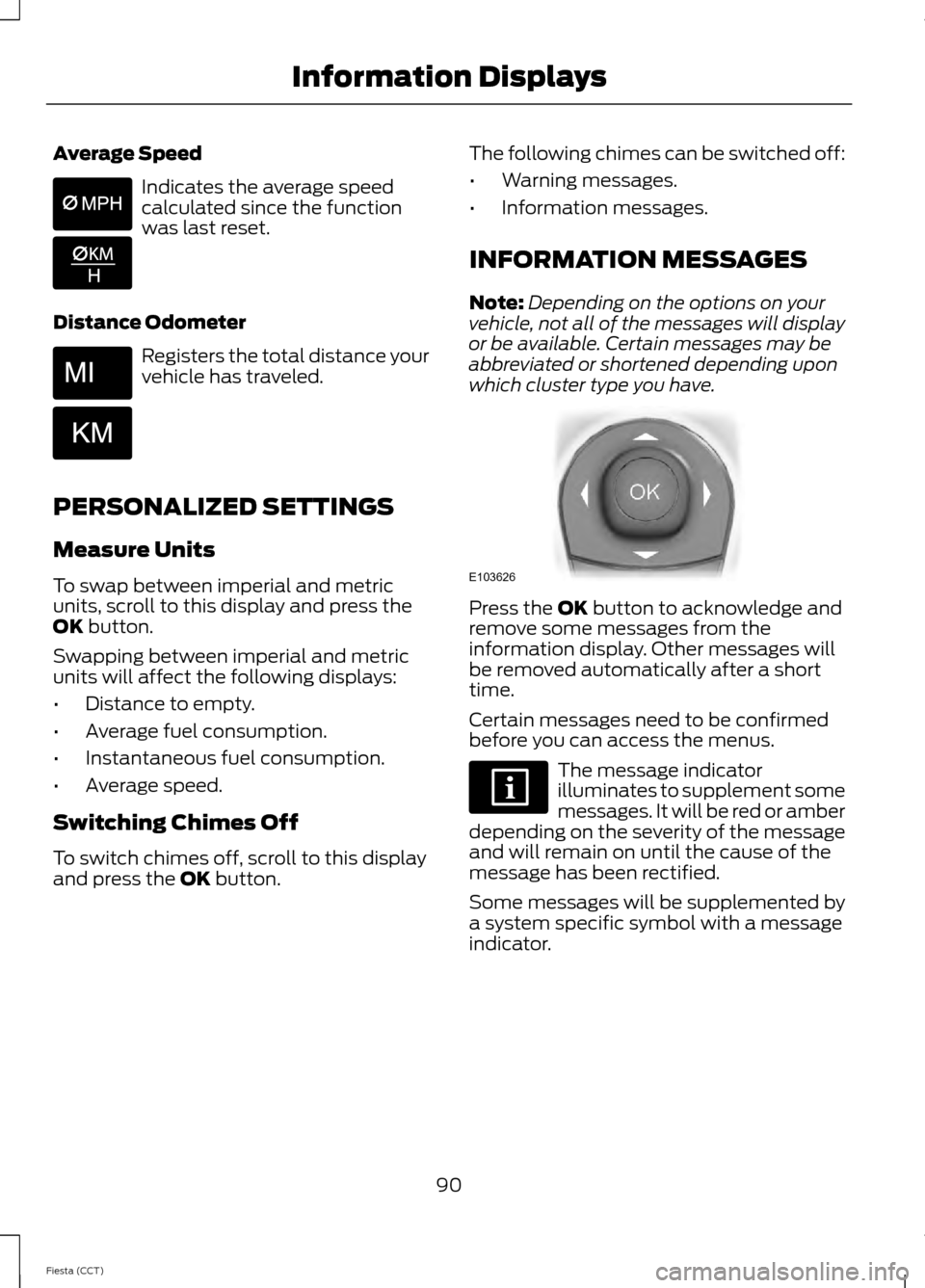
Average Speed
Indicates the average speed
calculated since the function
was last reset.
Distance Odometer Registers the total distance your
vehicle has traveled.
PERSONALIZED SETTINGS
Measure Units
To swap between imperial and metric
units, scroll to this display and press the
OK button.
Swapping between imperial and metric
units will affect the following displays:
• Distance to empty.
• Average fuel consumption.
• Instantaneous fuel consumption.
• Average speed.
Switching Chimes Off
To switch chimes off, scroll to this display
and press the
OK button. The following chimes can be switched off:
•
Warning messages.
• Information messages.
INFORMATION MESSAGES
Note: Depending on the options on your
vehicle, not all of the messages will display
or be available. Certain messages may be
abbreviated or shortened depending upon
which cluster type you have. Press the
OK button to acknowledge and
remove some messages from the
information display. Other messages will
be removed automatically after a short
time.
Certain messages need to be confirmed
before you can access the menus. The message indicator
illuminates to supplement some
messages. It will be red or amber
depending on the severity of the message
and will remain on until the cause of the
message has been rectified.
Some messages will be supplemented by
a system specific symbol with a message
indicator.
90
Fiesta (CCT) Information Displays E103626
Page 101 of 396
PRINCIPLE OF OPERATION
Outside Air
Keep the air intakes in front of the
windshield free from obstruction (such as
snow or leaves) to allow the climate
control system to function effectively.
Recirculated Air
WARNING
Prolonged use of recirculated air may
cause the windows to mist up. If the
windows mist up, follow the settings
for demisting the windshield. The air currently in the passenger
compartment recirculates. Outside air does
not enter your vehicle.
Heating
Heating performance depends on the
temperature of the engine coolant.
Air Conditioning
Note:
The air conditioning operates only
when the temperature is above 39°F (4°C).
Note: When you use air conditioning, your
vehicle uses more fuel.
The system directs air through the
evaporator for cooling. The evaporator
extracts humidity from the air to help keep
the windows free of mist. The system
directs the resulting condensation to the
outside of your vehicle, which may cause
a small pool to form under your vehicle.
This is normal.
General Information on Controlling
the Interior Climate
Fully close all the windows. Warming the Interior
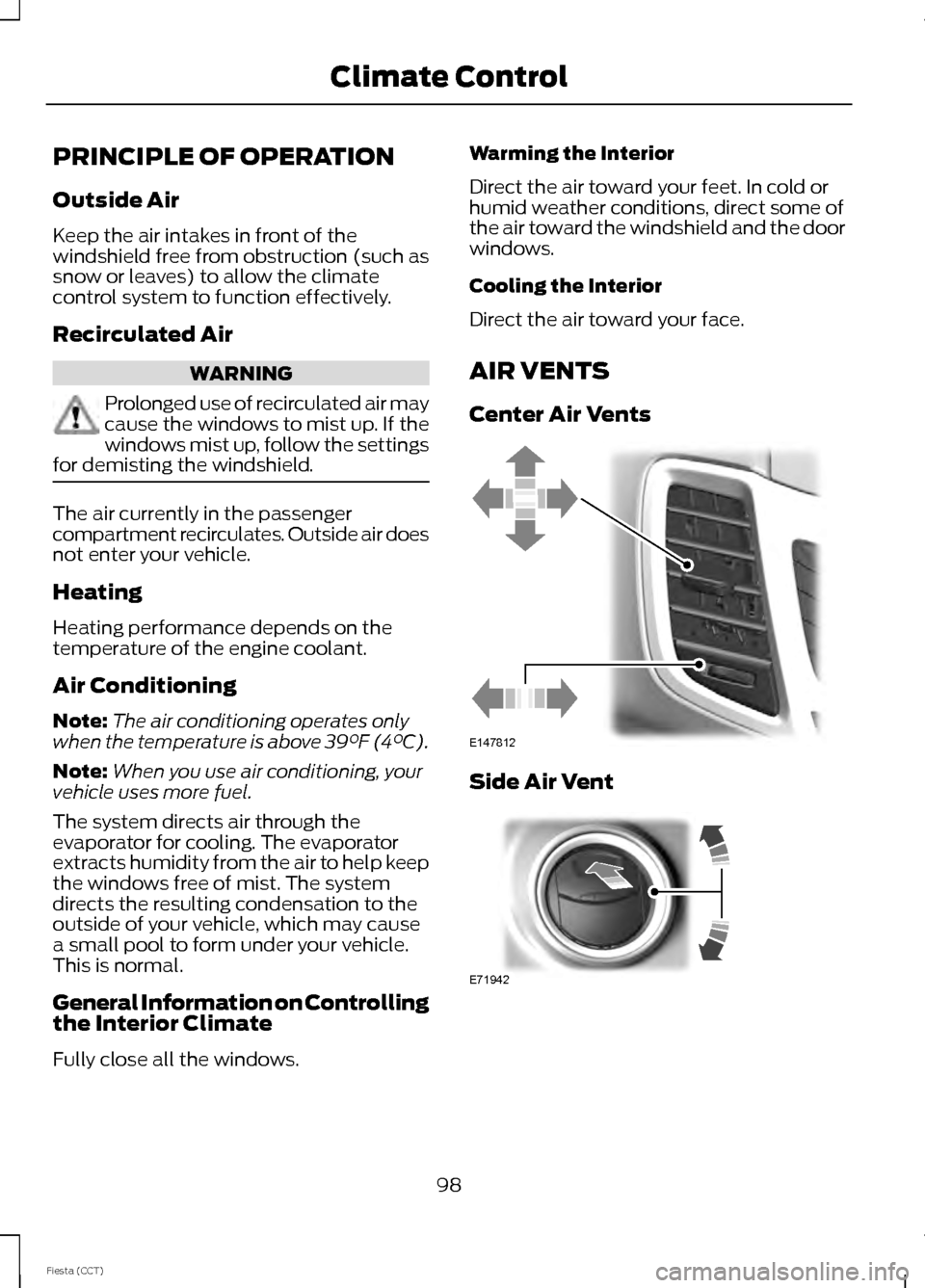
Direct the air toward your feet. In cold or
humid weather conditions, direct some of
the air toward the windshield and the door
windows.
Cooling the Interior
Direct the air toward your face.
AIR VENTS
Center Air Vents
Side Air Vent
98
Fiesta (CCT) Climate ControlE147812 E71942
Page 109 of 396

SITTING IN THE CORRECT
POSITION
WARNINGS
Do not recline the seatback too far
as this can cause the occupant to
slide under the safety belt, resulting
in serious injury in the event of a collision. Sitting improperly, out of position or
with the seatback reclined too far,
can result in serious injury or death
in the event of a collision. Always sit
upright against your seatback, with your
feet on the floor. Do not place objects higher than the
seatback to reduce the risk of serious
injury in the event of a collision or
during heavy braking. When you use them properly, the seat,
head restraint, safety belt and air bags will
provide optimum protection in the event
of a collision.
We recommend that you follow these
guidelines:
•
Sit in an upright position with the base
of your spine as far back as possible.
• Do not recline the seatback more than
30 degrees. •
Adjust the head restraint so that the
top of it is level with the top of your
head and as far forward as possible.
Make sure that you remain
comfortable.
• Keep sufficient distance between
yourself and the steering wheel. We
recommend a minimum of 10 inches
(25 centimeters) between your
breastbone and the air bag cover.
• Hold the steering wheel with your arms
slightly bent.
• Bend your legs slightly so that you can
press the pedals fully.
• Position the shoulder strap of the
safety belt over the center of your
shoulder and position the lap strap
tightly across your hips.
Make sure that your driving position is
comfortable and that you can maintain full
control of your vehicle.
HEAD RESTRAINTS WARNINGS
Fully adjust the head restraint before
you sit in or operate your vehicle. This
will help minimize the risk of neck
injury in the event of a crash. Do not adjust
the head restraint when your vehicle is
moving. The head restraint is a safety device.
Whenever possible it should be
installed and properly adjusted when
the seat is occupied. An improperly
adjusted head restraint may not
adequately protect an occupant during an
impact from the rear. Install the head restraint properly to
help minimize the risk of neck injury
in the event of a crash.
106
Fiesta (CCT) SeatsE68595
Page 111 of 396
Installing the Head Restraint
Align the steel stems into the guide sleeves
and push the head restraint down until it
locks.
Folding the Head Restraint
1. Press and hold button E.
2. Pull it back up to reset.
Tilting Head Restraints (If Equipped)
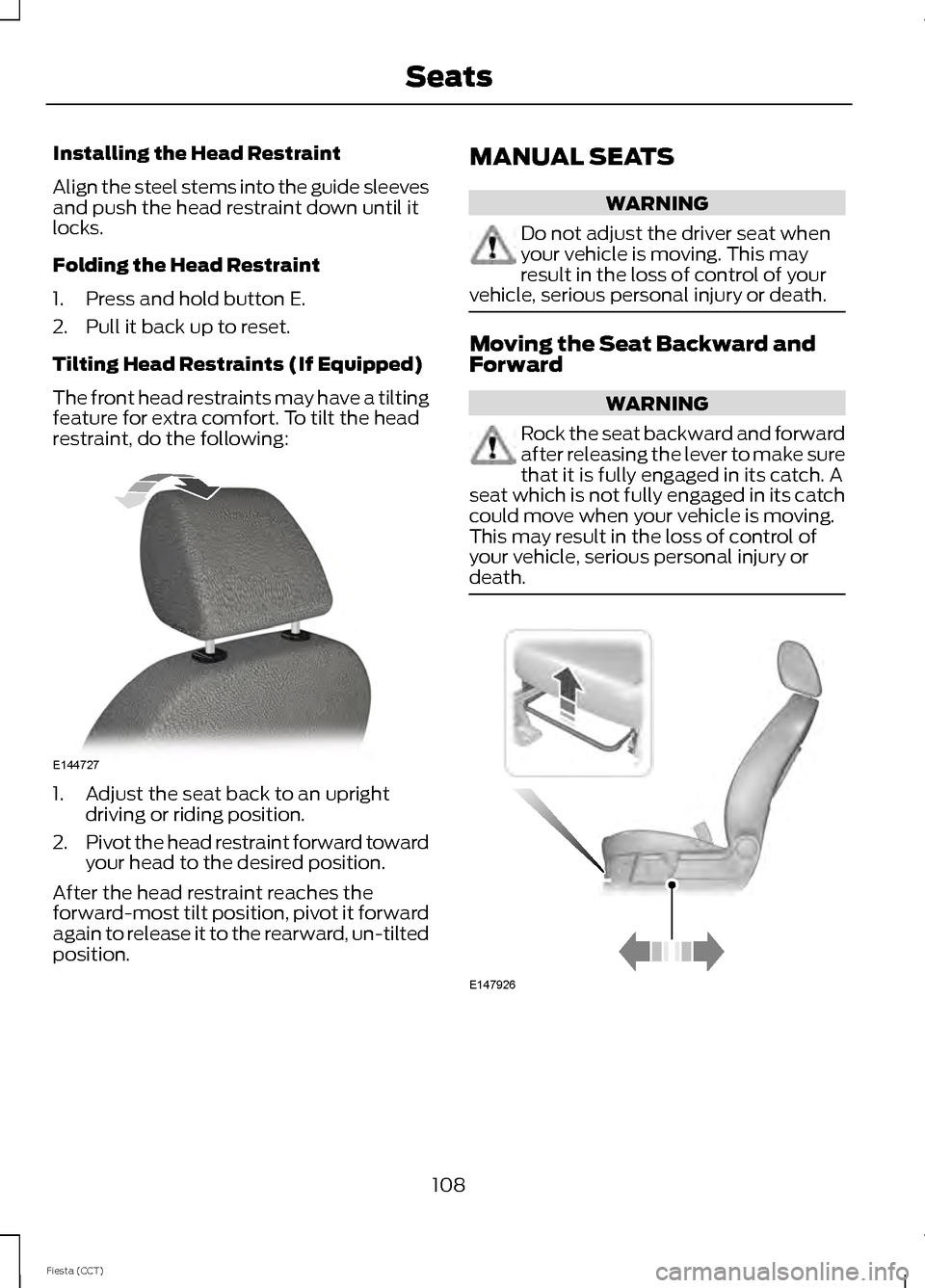
The front head restraints may have a tilting
feature for extra comfort. To tilt the head
restraint, do the following:
1. Adjust the seat back to an upright
driving or riding position.
2. Pivot the head restraint forward toward
your head to the desired position.
After the head restraint reaches the
forward-most tilt position, pivot it forward
again to release it to the rearward, un-tilted
position. MANUAL SEATS WARNING
Do not adjust the driver seat when
your vehicle is moving. This may
result in the loss of control of your
vehicle, serious personal injury or death. Moving the Seat Backward and
Forward
WARNING
Rock the seat backward and forward
after releasing the lever to make sure
that it is fully engaged in its catch. A
seat which is not fully engaged in its catch
could move when your vehicle is moving.
This may result in the loss of control of
your vehicle, serious personal injury or
death. 108
Fiesta (CCT) SeatsE144727 E147926