2014 FORD F150 USB
[x] Cancel search: USBPage 392 of 472
This feature allows you to plug in media
playing devices, memory sticks, flash drives
or thumb drives, and charge devices if they
support this feature.
In order to playback video from your iPod
or iPhone, you must have a special
combination USB/RCA composite video
cable (which you can buy from Apple).
When you connect the cable to your iPod
or iPhone, plug the other end into both the
RCA jacks and the USB port.
Playing Music from Your Device
Note:
The system is capable of indexing up
to 30,000 songs. Insert your device and select the
SD Card or USB tab once the
system recognizes it. You can
then select from the following options:
Repeat
This feature replays the currently playing
song or album.
Shuffle
Touch this button to play music on the
selected album or folder in random order.
Similar Music
This feature allows you to choose music
similar to what is currently playing.
More Info
Touch this button to see disc information
such as current track, artist name, album
and genre.
Options
Touch this button to view and adjust
various media settings. Sound Settings
allows you to adjust
settings for:
• Bass
• Midrange
• Treble
• Balance and Fade
• DSP (Digital Signal processing)
• Occupancy Mode
• Speed Compensated Volume.
Note: Your vehicle may not have all these
sound settings.
Media Player Settings
allows you to
select more settings, which is under Media
Player. See
Settings (page 366).
Device Information
displays software
and firmware information about the
currently connected media device.
Update Media Index indexes your device
when you connect it for the first time and
each time the content changes (such as
adding or removing tracks) to make sure
you have the latest voice commands
available for all media on the device.
Browse
This feature allows you to view the
contents of the device. It also allows you
to search by categories, such as genre,
artist or album.
If you want to view song information such
as Title, Artist, File, Folder, Album, and
Genre, touch the on-screen album art.
You can also touch
What’ s Playing to
hear how the system pronounces the
current band and song. This can be helpful
when using voice commands to make sure
the system correctly plays your request.
389
F150 (TF6) , enUSA MyFord Touch
™
(If Equipped)E142611
Page 393 of 472
Playing Video from Your Device
To access and play video from your device,
your vehicle's transmission must be in
position P with the ignition in accessory
mode. See Starting and Stopping the
Engine (page 135).
SD Card and USB Voice Commands If you are listening to a USB
device or an SD card, press the
voice button on the steering
wheel controls. When prompted, say any
of the following commands.
If you are not listening to a USB device or
an SD card, press the voice button and,
after the tone, say "USB" or "SD card",
then any of the following commands. "USB" or "SD CARD"
"Browse" *
"Next"
"Pause" "Play"
"Play album
"Play artist
"Play audiobook
"Play composer
"Play movie
"Play music video
"Play playlist
"Play podcast
"Play podcast episode
"Play song
"Play TV show
"Play TV show episode
"Play video
"Play video podcast
"Play video podcast episode
"Play video playlist
"Previous"
"Repeat all"
"Repeat off"
"Repeat one" "Shuffle"
"Shuffle album" "Shuffle off"
"What's this?" "Help"
* If you have said you would like to browse
your USB or SD card, the system prompts
you to specify what you would like to
browse. When prompted, see the following
"Browse" chart.
** These commands are only available in
USB mode and are device-dependent.
390
F150 (TF6) , enUSA MyFord Touch
™
(If Equipped)E142599
Page 394 of 472
"BROWSE"
"Album
"All audiobooks" "All authors"
"All composers" "All folders""All genres"
"All movies" *
"All music videos" *
"All playlists"
"All podcasts" "All songs"
"All TV shows" *
"All video playlists" *
"All video podcasts" *
"All videos" *
"Artist
"Audiobook
"Composer
"Playlist
"Podcast
"TV show
"Video
"Video playlist
"Video podcast
"Help"
* This command is only available in USB
mode and is device-dependent.
Supported Media Players, Formats
and Metadata Information
SYNC is capable of hosting nearly any
digital media player, including iPod,
Zune ™, plays from device players, and
most USB drives. Supported audio formats
include MP3, WMA, WAV and AAC.
It is also able to organize your indexed
media from your playing device by
metadata tags. Metadata tags, which are
descriptive software identifiers embedded
in the media files, provide information
about the file.
If your indexed media files contain no
information embedded in these metadata
tags, SYNC may classify the empty
metadata tags as Unknown.
In order to playback video from your iPod
or iPhone, you must have a special
combination USB/RCA composite video
cable (which you can buy from Apple).
When you connect the cable to your iPod
or iPhone, plug the other end into both the
RCA jacks and the USB port.
Bluetooth Audio
Your system allows you to stream audio
over your vehicle's speakers from your
connected, Bluetooth-enabled cellular
phone.
391
F150 (TF6) , enUSA MyFord Touch
™
(If Equipped)
Page 396 of 472
3. Press the lower left corner on the
touchscreen. Select either a tuned FM
station or a CD (if there is a CD already
loaded into the system).
4. Adjust the volume as desired.
5. Turn the portable music player on and adjust the volume to ½ the maximum.
6. Press the lower left corner on the touchscreen. Select the A/V In tab.
(You should hear audio from your
portable music player although it may
be low.)
7. Adjust the sound on your portable music player until it reaches the level
of the FM station or CD by switching
back and forth between the controls.
In order to playback video from your iPod
or iPhone, you must have a special
combination USB/RCA composite video
cable (which you can buy from Apple).
When you connect the cable to your iPod
or iPhone, plug the other end into both the
RCA jacks and the USB port. Troubleshooting
•
Do not connect the audio input jack to
a line level output. The jack only works
correctly with devices that have a
headphone output with a volume
control.
• Do not set the portable music player's
volume level higher than is necessary
to match the volume of the CD or FM
radio as this causes distortion and
reduces sound quality.
• If the music sounds distorted at lower
listening levels, turn the portable music
player volume down. If the problem
persists, replace or recharge the
batteries in the portable media player.
• Control the portable media player in
the same manner when used with
headphones, as the auxiliary input jack
does not provide control (such as Play
or Pause) over the attached portable
media player.
PHONE 393
F150 (TF6) , enUSA MyFord Touch
™
(If Equipped)A
B
C
D
E
F
E161968
Page 464 of 472

E
Economical Driving......................................210
Electronic Locking Differential.................161 Activating the Electronic Locking
Differential........................................................ 161
Emission Control System
..........................144
On-Board Diagnostics (OBD-II).................... 145
Readiness for Inspection/Maintenance (I/M) Testing................................................... 146
End User License Agreement...................421 SYNC® End User License Agreement
(EULA)............................................................... 421
Engine Block Heater.....................................137 Using the Engine Block Heater...................... 138
Engine Coolant Check
.................................241
Adding Engine Coolant.................................... 242
Checking the Engine Coolant......................... 241
Recycled Engine Coolant................................ 242
Severe Climates................................................. 243
What You Should Know About Fail-Safe Cooling.............................................................. 243
Engine Immobilizer See: Passive Anti-Theft System...................... 61
Engine Oil Check
..........................................240
Adding Engine Oil.............................................. 240
Engine Oil Dipstick......................................240
Engine Specifications................................296 Drivebelt Routing............................................... 296
Entertainment...............................................376 A/V Inputs............................................................ 392
AM/FM Radio...................................................... 378
Bluetooth Audio.................................................. 391
Browsing Device Content................................ 376
CD........................................................................\
.... 387
SD Card Slot and USB Port........................... 388
SIRIUS® Satellite Radio (If Activated)........................................................ 383
Supported Media Players, Formats and Metadata Information................................. 391Essential Towing Checks...........................201
Before Towing a Trailer................................... 206
Hitches.................................................................... 201
Launching or Retrieving a Boat or Personal Watercraft (PWC)........................................ 207
Safety Chains...................................................... 202
Trailer Brakes....................................................... 202
Trailer Lamps...................................................... 206
Trailer Towing Connector................................. 201
Using a Step Bumper (If Equipped)..........206
When Towing a Trailer..................................... 206
Event Data Recording See: Data Recording.............................................. 9
Export Unique Options..................................13
Extended Service Plan (ESP).................436 SERVICE PLANS (CANADA ONLY).............437
SERVICE PLANS (U.S. Only)......................... 436
Exterior Mirrors
................................................76
Auto-dimming Feature (if equipped)...........77
Clearance Lamps ................................................. 77
Fold-Away Exterior Mirrors................................ 77
Heated Exterior Mirrors ...................................... 77
Integrated Blind Spot Mirror (If Equipped).......................................................... 78
Memory Mirrors ..................................................... 77
Power Exterior Mirrors......................................... 76
Signal Indicator Mirrors ...................................... 77
Telescoping Mirrors ............................................. 77
F
Fastening the Safety Belts...........................31 Fastening the Cinch Tongue............................. 32
Safety Belt Extension Assembly.................... 34
Safety Belt Locking Modes............................... 32
Using Safety Belts During Pregnancy...........32
Using the Safety Belt with Cinch Tongue (Front Center Seat)......................................... 31
Floor Mats.........................................................211
Fog Lamps - Front See: Front Fog Lamps......................................... 72
Foot Pedals See: Adjusting the Pedals................................. 68
Ford Credit
..........................................................11
(U.S. Only)................................................................. 11
Four-Wheel Drive..........................................153
Front Fog Lamps.............................................72
Front Passenger Sensing System.............41
461
F150 (TF6) , enUSA Index
Page 470 of 472
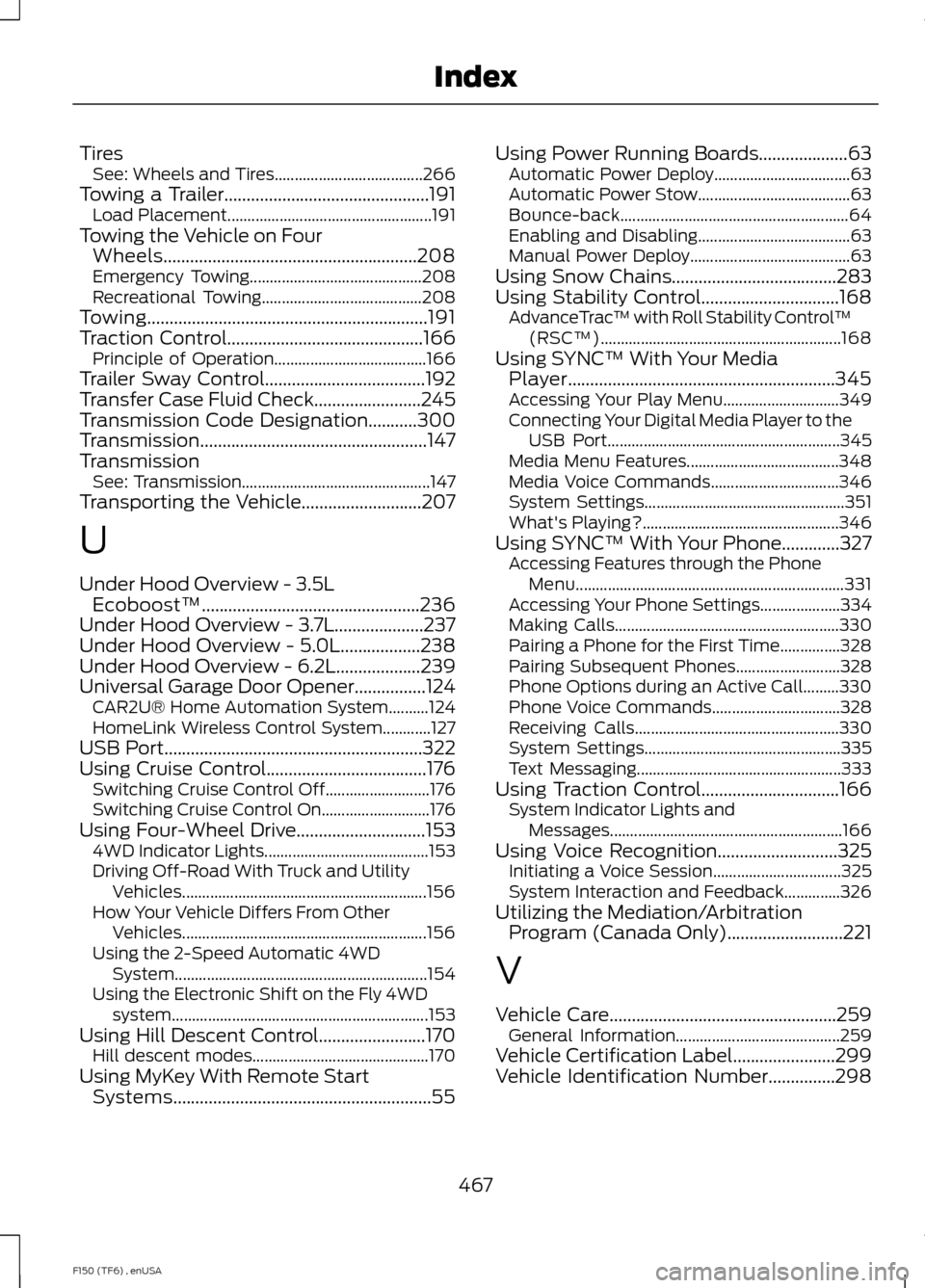
Tires
See: Wheels and Tires..................................... 266
Towing a Trailer..............................................191 Load Placement................................................... 191
Towing the Vehicle on Four Wheels.........................................................208
Emergency Towing........................................... 208
Recreational Towing........................................ 208
Towing...............................................................191
Traction Control............................................166
Principle of Operation...................................... 166
Trailer Sway Control....................................192
Transfer Case Fluid Check........................245
Transmission Code Designation...........300
Transmission ...................................................
147
Transmission See: Transmission............................................... 147
Transporting the Vehicle...........................207
U
Under Hood Overview - 3.5L Ecoboost™.................................................236
Under Hood Overview - 3.7L....................237
Under Hood Overview - 5.0L..................238
Under Hood Overview - 6.2L...................239
Universal Garage Door Opener................124 CAR2U® Home Automation System..........124
HomeLink Wireless Control System............127
USB Port
..........................................................322
Using Cruise Control....................................176 Switching Cruise Control Off.......................... 176
Switching Cruise Control On........................... 176
Using Four-Wheel Drive
.............................153
4WD Indicator Lights......................................... 153
Driving Off-Road With Truck and Utility Vehicles............................................................. 156
How Your Vehicle Differs From Other Vehicles............................................................. 156
Using the 2-Speed Automatic 4WD System............................................................... 154
Using the Electronic Shift on the Fly 4WD system................................................................ 153
Using Hill Descent Control........................170 Hill descent modes............................................ 170
Using MyKey With Remote Start Systems..........................................................55 Using Power Running Boards....................63
Automatic Power Deploy.................................. 63
Automatic Power Stow...................................... 63
Bounce-back......................................................... 64
Enabling and Disabling...................................... 63
Manual Power Deploy........................................ 63
Using Snow Chains
.....................................283
Using Stability Control...............................168 AdvanceTrac ™ with Roll Stability Control ™
(RSC™)............................................................ 168
Using SYNC™ With Your Media Player............................................................345
Accessing Your Play Menu............................. 349
Connecting Your Digital Media Player to the USB Port.......................................................... 345
Media Menu Features...................................... 348
Media Voice Commands................................ 346
System Settings.................................................. 351
What's Playing?................................................. 346
Using SYNC™ With Your Phone.............327 Accessing Features through the Phone
Menu................................................................... 331
Accessing Your Phone Settings.................... 334
Making Calls........................................................ 330
Pairing a Phone for the First Time...............328
Pairing Subsequent Phones.......................... 328
Phone Options during an Active Call.........330
Phone Voice Commands................................ 328
Receiving Calls................................................... 330
System Settings................................................. 335
Text Messaging................................................... 333
Using Traction Control...............................166 System Indicator Lights and
Messages.......................................................... 166
Using Voice Recognition...........................325 Initiating a Voice Session................................ 325
System Interaction and Feedback..............326
Utilizing the Mediation/Arbitration Program (Canada Only)..........................221
V
Vehicle Care...................................................259 General Information......................................... 259
Vehicle Certification Label.......................299
Vehicle Identification Number...............298
467
F150 (TF6) , enUSA Index