Page 319 of 635

Your vehicle has also been equipped with a TPMS
malfunction indicator to indicate when the system is not
operating properly. The TPMS malfunction indicator is
combined with the low tire pressure telltale. When the
system detects a malfunction, the telltale will flash for
approximately one minute and then remain continuously
illuminated. This sequence will continue upon subse-
quent vehicle start-ups as long as the malfunction exists.
When the malfunction indicator is illuminated, the sys-
tem may not be able to detect or signal low tire pressure
as intended. TPMS malfunctions may occur for a variety
of reasons, including the installation of replacement or
alternate tires or wheels on the vehicle that prevent the
TPMS from functioning properly. Always check the
TPMS malfunction telltale after replacing one or more
tires or wheels on your vehicle, to ensure that the
replacement or alternate tires and wheels allow the TPMS
to continue to function properly.CAUTION!
The TPMS has been optimized for the original
equipment tires and wheels. TPMS pressures and
warning have been established for the tire size
equipped on your vehicle. Undesirable system opera-
tion or sensor damage may result when using re-
placement equipment that is not of the same size,
type, and/or style. Aftermarket wheels can cause
sensor damage. Do not use tire sealant from a can or
balance beads if your vehicle is equipped with a
TPMS, as damage to the sensors may result.
9. Malfunction Indicator Light (MIL) The Malfunction Indicator Light (MIL) is part of
an Onboard Diagnostic system, called OBD, that
monitors engine and automatic transmission con-
trol systems. The light will illuminate when the key is in
the ON/RUN position, before engine start. If the bulb
4
UNDERSTANDING YOUR INSTRUMENT PANEL 317
Page 327 of 635
The system allows the driver to select information by
pressing the following buttons mounted on the steering
wheel:UP Arrow Button
Press and release the UP arrow button to scroll
upward through the main menu and Vehicle
Info and Trip Info sub-menus (Fuel Economy,
Vehicle Info, Tire PSI, Cruise, Messages, Trip
Info, Vehicle Speed, and Turn Menu OFF) and
sub-menus.
DOWN Arrow Button
Press and release the DOWN arrow button to
scroll downward through the main menu and
Vehicle Info and Trip Info sub-menus (Fuel
Economy, Vehicle Info, Tire PSI, Cruise, Mes-
sages, Trip Info, Vehicle Speed, and Turn Menu OFF) and
sub-menus.
EVIC Steering Wheel Buttons
4
UNDERSTANDING YOUR INSTRUMENT PANEL 325
Page 331 of 635
•Low Fuel Telltale
When the fuel level reaches approximately 3.0 gal
(11.0 L) this light will turn on, and remain on until
fuel is added.
• Windshield Washer Fluid Low Indicator
This telltale will turn on to indicate the wind-
shield washer fluid is low.
• Adaptive Cruise Control (ACC) Malfunction
This light will turn on when a ACC is not
operating and needs service. For further infor-
mation, refer to “Adaptive Cruise Control
(ACC)” in “Understanding The Features Of
Your Vehicle.” •
SERV AWD (Service All Wheel Drive) Indicator — If
Equipped
This light will turn on when the All Wheel
Drive feature requires service. For further in-
formation, refer to “All Wheel Drive” in “Start-
ing And Operating.”
EVIC Red Telltale Lights
This area will show reconfigurable red telltales. These
telltales include:
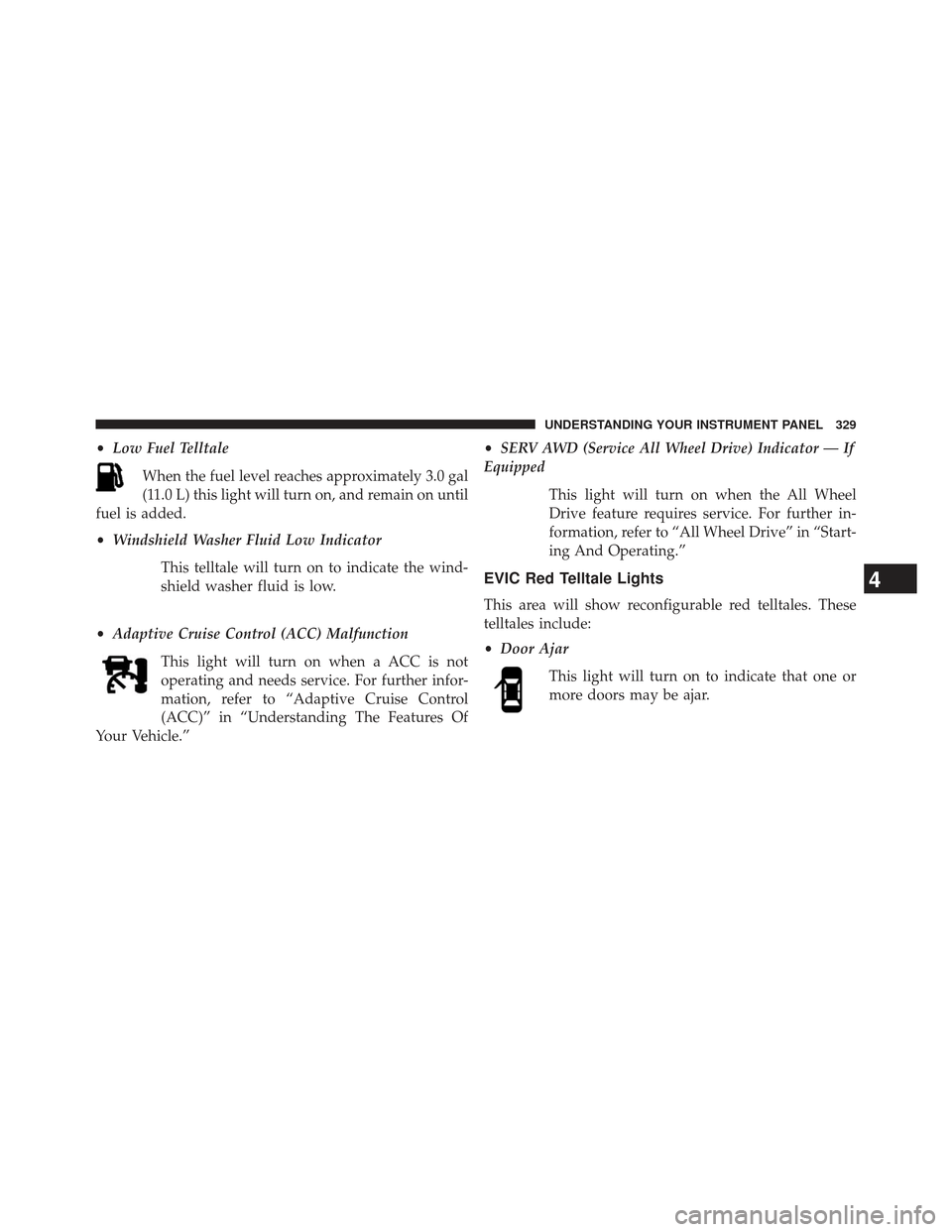
•Door Ajar
This light will turn on to indicate that one or
more doors may be ajar.
4
UNDERSTANDING YOUR INSTRUMENT PANEL 329
Page 340 of 635

the available information displays, then press RIGHT
arrow to display any one of the following choices.
•Coolant Temp
Displays the actual coolant temperature.
• AWD Status — If Equipped
Displays a vehicle ICON with four wheels highlighted
and �AW D �if All Wheel Drive is active. Displays a
vehicle ICON with two wheels highlighted and �RWD�if
All Wheel Drive is inactive.
• Oil Temperature
Displays the actual oil temperature.
• Oil Pressure
Displays the actual oil pressure.
• Trans Temperature
Displays the actual transmission temperature. •
Engine Hours
Displays the number of hours of engine operation.
• Tire Pressure
Shows the actual tire pressure for each tire (EXCLUDING
THE SPARE TIRE).
Messages #
Select from Main Menu using the UP or DOWN buttons.
This feature shows the number of stored warning mes-
sages (in the # place holder). Pressing the RIGHT arrow
button will allow you to see what the stored messages
are. Pressing the BACK button takes you back to the
Main Menu.
338 UNDERSTANDING YOUR INSTRUMENT PANEL
Page 341 of 635

Turn Menu OFF
Select from Main Menu using the DOWN button. Push-
ing the SELECT button blanks the menu display. Pushing
any one of the four steering wheel buttons brings the
menu back.
Uconnect® SETTINGS
The Uconnect® system uses a combination of soft and
hard keys located on the center of the instrument panel
that allows you to access and change the customer
programmable features.
Hard-Keys
Hard-Keys are located on the left and right side of the
Uconnect® 4.3 screen. In addition, there is a Scroll/Enter
control knob located on the right side of the Climate
Controls in the center of the instrument panel. Turn the
control knob to scroll through menus and change settings(i.e., 30, 60, 90), press the center of the control knob one or
more times to select or change a setting (i.e., ON, OFF).
Soft-Keys
Soft-Keys are accessible on the Uconnect® touchscreen.
Customer Programmable Features — Uconnect®
4.3 Settings
In this mode the Uconnect® system allows you to access
programmable features that may be equipped such as
Display, Clock, Safety/Assistance, Lights, Doors &
Locks, Heated Seats, Engine Off Operation, Compass
Settings, Audio, Phone/Bluetooth® and SIRIUS Setup
through hard-keys and soft-keys.
NOTE:
Only one touchscreen area may be selected at a
time.4
UNDERSTANDING YOUR INSTRUMENT PANEL 339
Page 348 of 635

the back arrow soft-key. Refer to “Lights/SmartBeam™
— If Equipped” in “Understanding The Features Of Your
Vehicle” for further information.
•Daytime Running Lights — If Available
Touch the “Daytime Running Lights” soft-key to change
this display. When this feature is selected, the headlights
will turn on whenever the engine is running. To make
your selection, touch the “Daytime Running Lights”
soft-key and select “ON” or “OFF.” Then touch the back
arrow soft-key.
• Steering Directed Lights — If Equipped
Touch the “Steering Directed Lights” soft-key to change
this display. When this feature is selected, the headlights
turn relative to a change in direction of the steering
wheel. To make your selection, touch the “Steering
Directed Lights” soft-key and select “ON” or ‘OFF.” Then
touch the back arrow soft-key. •
Flash Lights With Lock
Touch the “Flash Headlights With Lock” soft-key to
change this display. When this feature is selected, the
signal lights will flash when the doors are locked with the
Remote Keyless Entry (RKE) transmitter. This feature
may be selected with or without the sound horn on lock
feature selected. To make your selection, touch the “Flash
Headlights With Lock” soft-key and select “ON” or
“OFF.” Then touch the back arrow soft-key.
Doors & Locks
After pressing the Doors & Locks soft-key the following
settings will be available.
• Auto Lock
When this feature is selected, all doors will lock auto-
matically when the vehicle reaches a speed of 15 mph
(24 km/h). To make your selection, touch the “Auto
Unlock On Exit” soft-key, until a check-mark appears
346 UNDERSTANDING YOUR INSTRUMENT PANEL
Page 364 of 635
•Steering Directed Lights — If Equipped
When this feature is selected, the headlights turn relative
to a change in direction of the steering wheel. To make
your selection, touch the “Steering Directed Lights”
soft-key, until a check-mark appears next to setting,
showing that setting has been selected. Touch the back
arrow soft-key to return to the previous menu.
• Flash Lamps With Lock
When this feature is selected, the exterior lights will flash
when the doors are locked with the Remote Keyless
Entry (RKE) transmitter. This feature may be selected
with or without the sound horn on lock feature selected.
To make your selection, touch the “Flash Lamps with
Lock” soft-key, until a check-mark appears next to set-
ting, showing that setting has been selected. Touch the
back arrow soft-key to return to the previous menu.Doors & Locks
After pressing the Doors & Locks soft-key the following
settings will be available.
• Auto Lock
When this feature is selected, all doors will lock auto-
matically when the vehicle reaches a speed of 15 mph
(24 km/h). To make your selection, touch the Auto
Unlock On Exit soft-key, until a check-mark appears next
to setting, showing that setting has been selected. Touch
the back arrow soft-key to return to the previous menu.
• Auto Unlock On Exit
When this feature is selected, all doors will unlock when
the vehicle is stopped and the transmission is in the
PARK or NEUTRAL position and the driver’s door is
opened. To make your selection, touch the Auto Unlock
On Exit soft-key, until a check-mark appears next to
362 UNDERSTANDING YOUR INSTRUMENT PANEL
Page 367 of 635

Auto-On Comfort & Remote Start
After pressing the Auto-On Comfort & Remote Start
soft-key the following settings will be available.
•Sound Horn With Remote Start
When this feature is selected, the horn will sound when
the remote start is activated. To make your selection,
touch the Sound Horn With Remote Start soft-key, until a
check-mark appears next to setting, showing that setting
has been selected. Touch the back arrow soft-key to
return to the previous menu.
• Auto-On Driver Heated/Ventilated Seat & Steering
Wheel With Vehicle Start — If Equipped
When this feature is selected the driver’s heated seat and
heated steering wheel will automatically turn on when
temperatures are below 40° F (4.4° C). When tempera-
tures are above 80° F (26.7° C) the driver vented seat will
turn on. To make your selection, touch the Auto Heated Seats soft-key, until a check-mark appears next to setting,
showing that setting has been selected. Touch the back
arrow soft-key to return to the previous menu.
Engine Off Options
After pressing the Engine Off Options soft-key the fol-
lowing settings will be available.
•
Easy Exit Seat
This feature provides automatic driver seat positioning to
enhance driver mobility when entering and exiting the
vehicle. To make your selection, touch the Easy Exit Seats
soft-key, until a check-mark appears next to setting,
showing that setting has been selected. Touch the back
arrow soft-key to return to the previous menu.
• Engine Off Power Delay
When this feature is selected, the power window
switches, radio, Uconnect® phone system (if equipped),
DVD video system (if equipped), power sunroof (if
4
UNDERSTANDING YOUR INSTRUMENT PANEL 365