Page 316 of 635
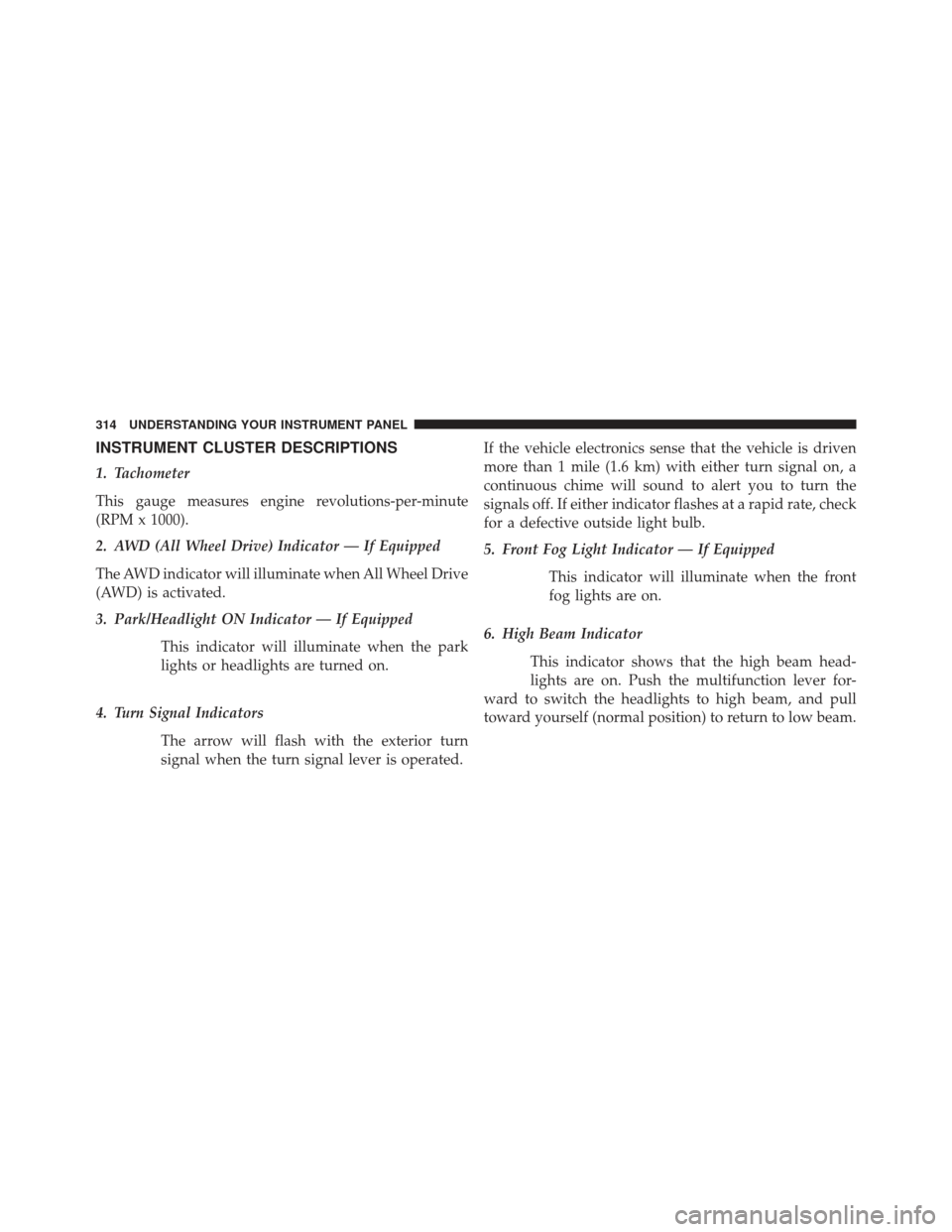
INSTRUMENT CLUSTER DESCRIPTIONS
1. Tachometer
This gauge measures engine revolutions-per-minute
(RPM x 1000).
2. AWD (All Wheel Drive) Indicator — If Equipped
The AWD indicator will illuminate when All Wheel Drive
(AWD) is activated.
3. Park/Headlight ON Indicator — If EquippedThis indicator will illuminate when the park
lights or headlights are turned on.
4. Turn Signal Indicators The arrow will flash with the exterior turn
signal when the turn signal lever is operated. If the vehicle electronics sense that the vehicle is driven
more than 1 mile (1.6 km) with either turn signal on, a
continuous chime will sound to alert you to turn the
signals off. If either indicator flashes at a rapid rate, check
for a defective outside light bulb.
5. Front Fog Light Indicator — If Equipped
This indicator will illuminate when the front
fog lights are on.
6. High Beam Indicator This indicator shows that the high beam head-
lights are on. Push the multifunction lever for-
ward to switch the headlights to high beam, and pull
toward yourself (normal position) to return to low beam.
314 UNDERSTANDING YOUR INSTRUMENT PANEL
Page 329 of 635

•Unstored Messages
This message type is displayed indefinitely or until the
condition that activated the message is cleared. Examples
of this message type are �Turn Signal On�(if a turn signal
is left on) and �Lights On�(if driver leaves the vehicle).
• Unstored Messages Until RUN
These messages deal primarily with the Remote Start
feature. This message type is displayed until the ignition
is in the RUN state. Examples of this message type are
�Remote Start Aborted - Door Ajar� and�Press Brake
Pedal and Push Button to Start�.
• Five Second Unstored Messages
When the appropriate conditions occur, this type of
message takes control of the main display area for five
seconds and then returns to the previous screen. Ex-
amples of this message type are �Memory System Un-
available - Not in Park� and�Automatic High Beams On�. The Reconfigurable Telltales section is divided into the
white telltales area on the right, amber telltales in the
middle, and red telltales on the left.
EVIC White Telltale Lights
This area will show reconfigurable white caution tell-
tales. These telltales include:
•
Shift Lever Status
The shift lever status “P,R,N,D,5,4,3,2,1” are displayed
indicating the shift lever position. Telltales “5,4,3,2,1”
indicate the Electronic Range Select (ERS) feature has
been engaged and the gear selected is displayed. For
further information on ERS, refer to “Starting And Oper-
ating”
4
UNDERSTANDING YOUR INSTRUMENT PANEL 327
Page 331 of 635
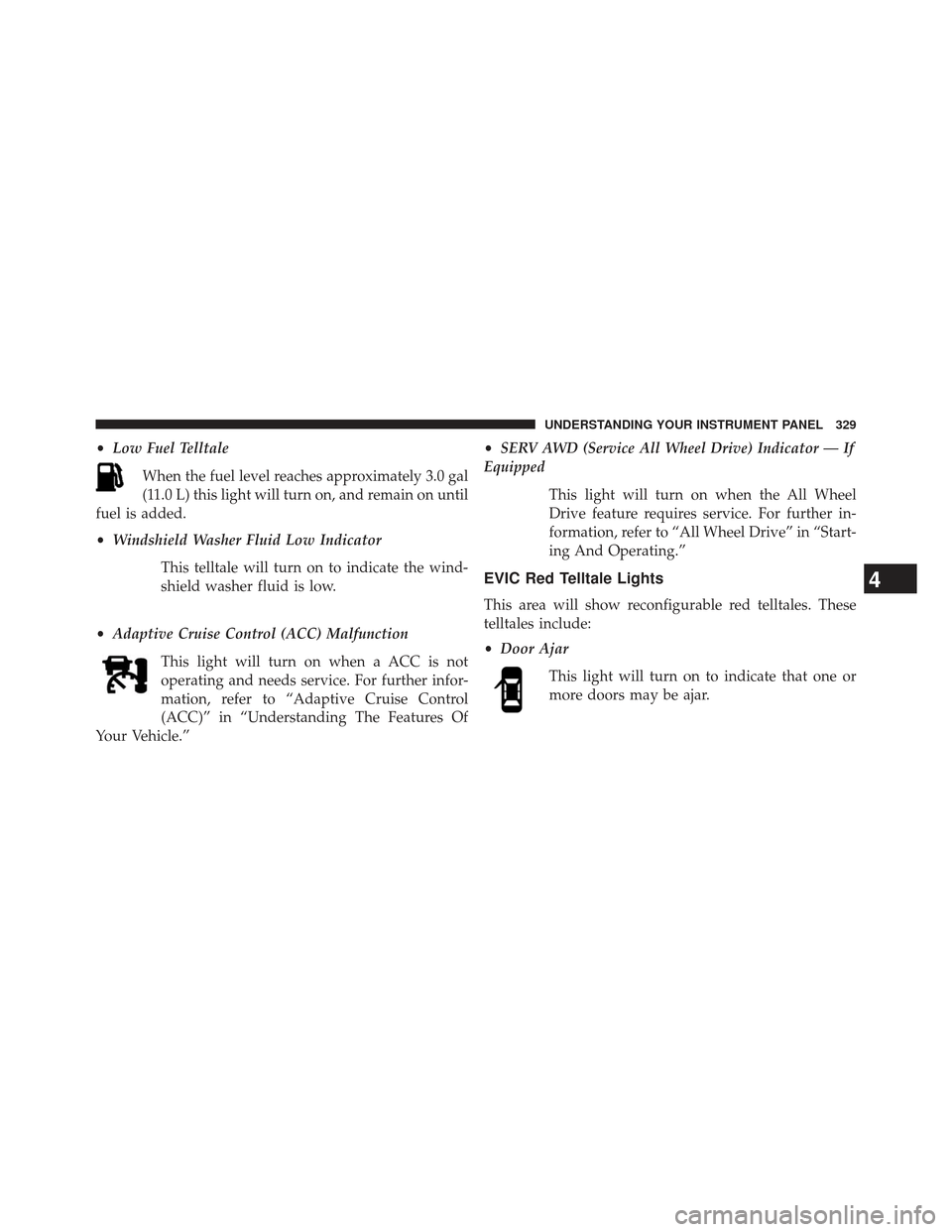
•Low Fuel Telltale
When the fuel level reaches approximately 3.0 gal
(11.0 L) this light will turn on, and remain on until
fuel is added.
• Windshield Washer Fluid Low Indicator
This telltale will turn on to indicate the wind-
shield washer fluid is low.
• Adaptive Cruise Control (ACC) Malfunction
This light will turn on when a ACC is not
operating and needs service. For further infor-
mation, refer to “Adaptive Cruise Control
(ACC)” in “Understanding The Features Of
Your Vehicle.” •
SERV AWD (Service All Wheel Drive) Indicator — If
Equipped
This light will turn on when the All Wheel
Drive feature requires service. For further in-
formation, refer to “All Wheel Drive” in “Start-
ing And Operating.”
EVIC Red Telltale Lights
This area will show reconfigurable red telltales. These
telltales include:
•Door Ajar
This light will turn on to indicate that one or
more doors may be ajar.
4
UNDERSTANDING YOUR INSTRUMENT PANEL 329
Page 341 of 635

Turn Menu OFF
Select from Main Menu using the DOWN button. Push-
ing the SELECT button blanks the menu display. Pushing
any one of the four steering wheel buttons brings the
menu back.
Uconnect® SETTINGS
The Uconnect® system uses a combination of soft and
hard keys located on the center of the instrument panel
that allows you to access and change the customer
programmable features.
Hard-Keys
Hard-Keys are located on the left and right side of the
Uconnect® 4.3 screen. In addition, there is a Scroll/Enter
control knob located on the right side of the Climate
Controls in the center of the instrument panel. Turn the
control knob to scroll through menus and change settings(i.e., 30, 60, 90), press the center of the control knob one or
more times to select or change a setting (i.e., ON, OFF).
Soft-Keys
Soft-Keys are accessible on the Uconnect® touchscreen.
Customer Programmable Features — Uconnect®
4.3 Settings
In this mode the Uconnect® system allows you to access
programmable features that may be equipped such as
Display, Clock, Safety/Assistance, Lights, Doors &
Locks, Heated Seats, Engine Off Operation, Compass
Settings, Audio, Phone/Bluetooth® and SIRIUS Setup
through hard-keys and soft-keys.
NOTE:
Only one touchscreen area may be selected at a
time.4
UNDERSTANDING YOUR INSTRUMENT PANEL 339
Page 342 of 635
Press the�Settings� hard-key to access the Settings screen,
use the Page Up/Down soft-keys to scroll through the
following settings. Touch the desired setting soft-key to
change the setting using the description shown on the
following pages for each setting.
Display
• Brightness
Touch the “Brightness” soft-key to change this display.
When in this display, you may select display brightness
with the headlights on and the headlights off. Adjust the
brightness with the + and – setting soft-keys or by
1 — Uconnect® 4.3 Settings Hard-Key
Uconnect® 4.3 Soft-Keys
340 UNDERSTANDING YOUR INSTRUMENT PANEL
Page 346 of 635
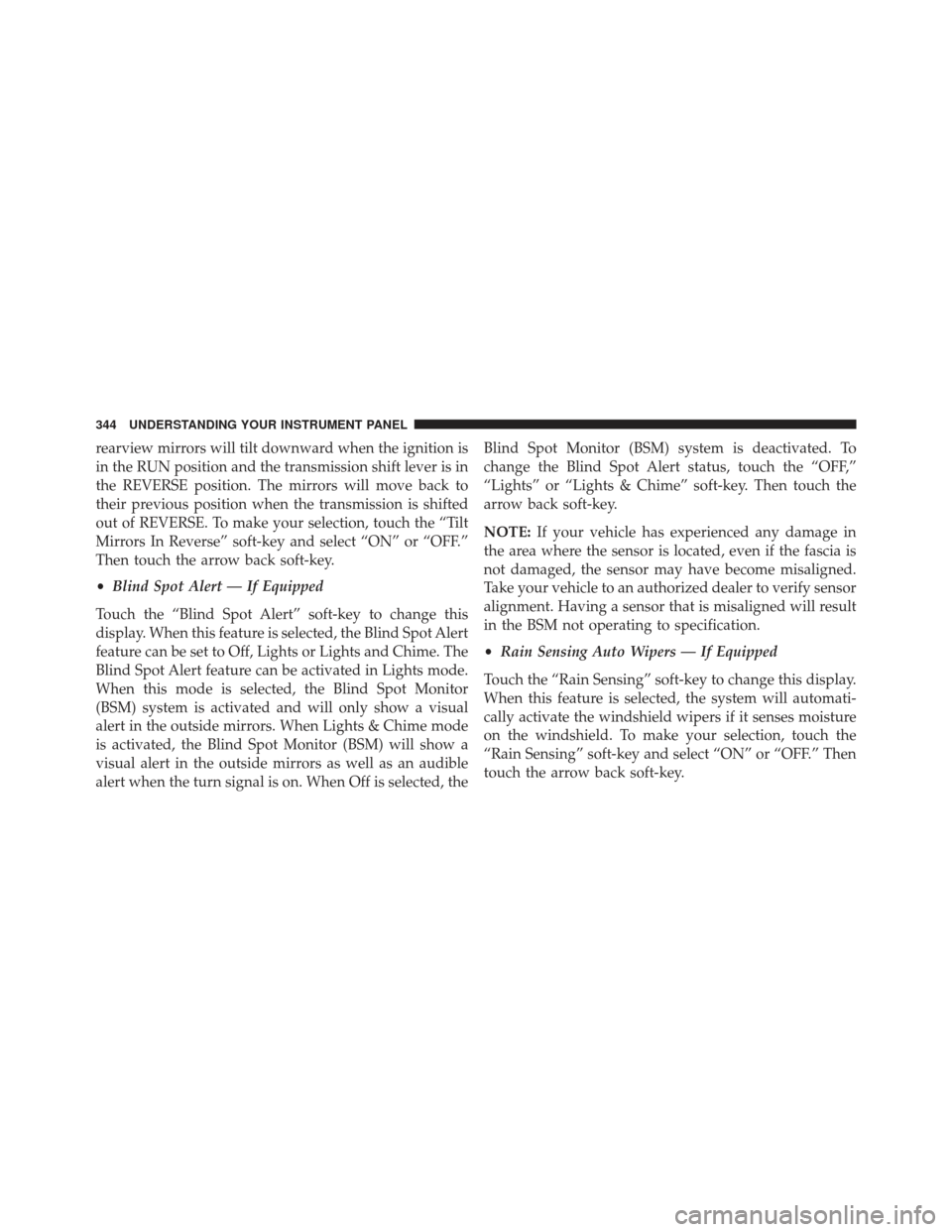
rearview mirrors will tilt downward when the ignition is
in the RUN position and the transmission shift lever is in
the REVERSE position. The mirrors will move back to
their previous position when the transmission is shifted
out of REVERSE. To make your selection, touch the “Tilt
Mirrors In Reverse” soft-key and select “ON” or “OFF.”
Then touch the arrow back soft-key.
•Blind Spot Alert — If Equipped
Touch the “Blind Spot Alert” soft-key to change this
display. When this feature is selected, the Blind Spot Alert
feature can be set to Off, Lights or Lights and Chime. The
Blind Spot Alert feature can be activated in Lights mode.
When this mode is selected, the Blind Spot Monitor
(BSM) system is activated and will only show a visual
alert in the outside mirrors. When Lights & Chime mode
is activated, the Blind Spot Monitor (BSM) will show a
visual alert in the outside mirrors as well as an audible
alert when the turn signal is on. When Off is selected, the Blind Spot Monitor (BSM) system is deactivated. To
change the Blind Spot Alert status, touch the “OFF,”
“Lights” or “Lights & Chime” soft-key. Then touch the
arrow back soft-key.
NOTE:
If your vehicle has experienced any damage in
the area where the sensor is located, even if the fascia is
not damaged, the sensor may have become misaligned.
Take your vehicle to an authorized dealer to verify sensor
alignment. Having a sensor that is misaligned will result
in the BSM not operating to specification.
• Rain Sensing Auto Wipers — If Equipped
Touch the “Rain Sensing” soft-key to change this display.
When this feature is selected, the system will automati-
cally activate the windshield wipers if it senses moisture
on the windshield. To make your selection, touch the
“Rain Sensing” soft-key and select “ON” or “OFF.” Then
touch the arrow back soft-key.
344 UNDERSTANDING YOUR INSTRUMENT PANEL
Page 347 of 635

•Hill Start Assist — If Equipped
Touch the “Hill Start Assist” soft-key to change this
display. When this feature is selected, the Hill Start Assist
(HSA) system is active. Refer to “Electronic Brake Control
System” in “Starting And Operating” for system function
and operating information. To make your selection, touch
the “Hill Start Assist” soft-key and select “ON” or “OFF.”
Then touch the arrow back soft-key.
Lights
• Illuminated Approach
Touch the “Illuminated Approach” soft-key to change
this display. When this feature is selected, the headlights
will activate and remain on for 0, 30, 60, or 90 seconds
when the doors are unlocked with the Remote Keyless
Entry (RKE) transmitter. To change the Illuminated Ap-
proach status, touch the “0,” “30,” “60” or “90” soft-key.
Then touch the back arrow soft-key. •
Headlights With Wipers
Touch the “Headlights With Wipers” soft-key to change
this display. When this feature is selected, and the
headlight switch is in the AUTO position, the headlights
will turn on approximately 10 seconds after the wipers
are turned on. The headlights will also turn off when the
wipers are turned off if they were turned on by this
feature. To make your selection, touch the “Headlights
With Wipers” soft-key and select “ON” or “OFF.” Then
touch the back arrow soft-key.
• Auto High Beams “SmartBeams™”
Touch the “Auto High Beams” soft-key to change this
display. When this feature is selected, the high beam
headlights will deactivate automatically under certain
conditions. To make your selection, touch the “Auto High
Beams” soft-key and select “ON” or “OFF.” Then touch
4
UNDERSTANDING YOUR INSTRUMENT PANEL 345
Page 348 of 635

the back arrow soft-key. Refer to “Lights/SmartBeam™
— If Equipped” in “Understanding The Features Of Your
Vehicle” for further information.
•Daytime Running Lights — If Available
Touch the “Daytime Running Lights” soft-key to change
this display. When this feature is selected, the headlights
will turn on whenever the engine is running. To make
your selection, touch the “Daytime Running Lights”
soft-key and select “ON” or “OFF.” Then touch the back
arrow soft-key.
• Steering Directed Lights — If Equipped
Touch the “Steering Directed Lights” soft-key to change
this display. When this feature is selected, the headlights
turn relative to a change in direction of the steering
wheel. To make your selection, touch the “Steering
Directed Lights” soft-key and select “ON” or ‘OFF.” Then
touch the back arrow soft-key. •
Flash Lights With Lock
Touch the “Flash Headlights With Lock” soft-key to
change this display. When this feature is selected, the
signal lights will flash when the doors are locked with the
Remote Keyless Entry (RKE) transmitter. This feature
may be selected with or without the sound horn on lock
feature selected. To make your selection, touch the “Flash
Headlights With Lock” soft-key and select “ON” or
“OFF.” Then touch the back arrow soft-key.
Doors & Locks
After pressing the Doors & Locks soft-key the following
settings will be available.
• Auto Lock
When this feature is selected, all doors will lock auto-
matically when the vehicle reaches a speed of 15 mph
(24 km/h). To make your selection, touch the “Auto
Unlock On Exit” soft-key, until a check-mark appears
346 UNDERSTANDING YOUR INSTRUMENT PANEL