Page 267 of 635
To Set A Desired Speed
When the vehicle reaches the speed desired, press the
SET-button and release. The EVIC will display the set
speed.
NOTE: You must observe the display when setting or
changing speed, not the speedometer.
To Vary The Speed Setting
To Increase Speed
When the Normal (Fixed Speed) Cruise Control is set,
you can increase speed by pushing the RES +button.
The speed increment shown is dependant on the speed of
U.S. (mph) or Metric (km/h) units:
U.S. Speed (mph)
• Pressing the RES +button once will result ina1mph
increase in set speed. Each subsequent tap of the
button results in an increase of 1 mph. •
If the button is continually pressed, the set speed will
continue to increase until the button is released, then
the new set speed will be established.
Metric Speed (km/h)
• Pressing the RES +button once will result in a 2 km/h
increase in set speed. Each subsequent tap of the
button results in an increase of 2 km/h.
• If the button is continually pressed, the set speed will
continue to increase until the button is released, then
the new set speed will be established.
To Decrease Speed
When the Normal (Fixed Speed) Cruise Control is set,
you can decrease speed by pushing the SET -button.
3
UNDERSTANDING THE FEATURES OF YOUR VEHICLE 265
Page 268 of 635

The speed decrement shown is dependant on the speed
of U.S. (mph) or Metric (km/h) units:
U.S. Speed (mph)
•Pressing the SET -button once will result ina1mph
decrease in set speed. Each subsequent tap of the
button results in a decrease of 1 mph.
• If the button is continually pressed, the set speed will
continue to decrease until the button is released, then
the new set speed will be established.
Metric Speed (km/h)
• Pressing the SET -button once will result in a 2 km/h
decrease in set speed. Each subsequent tap of the
button results in a decrease of 2 km/h.
• If the button is continually pressed, the set speed will
continue to decrease until the button is released, then
the new set speed will be established.To Cancel
The system will disable normal Cruise Control without
erasing the memory if:
• You softly tap or depress the brake pedal.
• You press the CANCEL button.
• The Electronic Stability Control/Traction Control Sys-
tem (ESC/TCS) activates.
To Resume
Press the RES +button and then remove your foot from
the accelerator pedal. The EVIC will display the last set
speed.
To Turn Off
The system will turn off and erase the set speed in
memory if:
• You push and release the ON/OFF button.
266 UNDERSTANDING THE FEATURES OF YOUR VEHICLE
Page 269 of 635

•You turn off the ignition.
• You switch off ESC.
If the Cruise Control system is turned off and reactivated,
the system will return to the last driver setting (ACC or
Normal Cruise Control).
Forward Collision Warning — If Equipped
The Forward Collision Warning (FCW) system provides
the driver with audible and visual warnings (within the
EVIC) when it detects a potential frontal collision. The
warnings are intended to provide the driver with enough
time to react and avoid the potential collision.
FCW monitors the information from the forward looking
sensor as well as the Electronic Brake Controller (EBC),
wheel speed sensors, i.e., to calculate a probable rear-end
collision. When the system determines that a rear-end
collision is probable a warning message (both audible
and visual) will be displayed on the EVIC. When the system determines a collision with the vehicle in front of
you is no longer probable, the warning message will be
deactivated.
NOTE:
The minimum speed for FCW activation is
10 mph (16 km/h).
WARNING!
Forward Collision Warning (FCW) is not intended to
avoid a collision on its own, nor can FCW detect
every type of potential collision. The driver has the
responsibility to avoid a collision by controlling the
vehicle via braking and steering. Failure to follow
this warning could lead to serious injury or death.
3
UNDERSTANDING THE FEATURES OF YOUR VEHICLE 267
Page 330 of 635
•Electronic Speed Control ON
This light will turn on when the electronic
speed control is ON. For further information,
refer to “Electronic Speed Control” in “Under-
standing The Features Of Your Vehicle.”
• Electronic Speed Control SET
This light will turn on when the electronic
speed control is SET. For further information,
refer to “Electronic Speed Control” in “Under-
standing The Features Of Your Vehicle.”
• Adaptive Cruise Control (ACC) ON
This light will turn on when the ACC is ON.
For further information, refer to “Adaptive
Cruise Control (ACC)” in “Understanding The
Features Of Your Vehicle.” •
Adaptive Cruise Control (ACC) SET
This light will turn on when the ACC is SET.
For further information, refer to “Adaptive
Cruise Control (ACC)” in “Understanding The
Features Of Your Vehicle.”
EVIC Amber Telltales
This area will show reconfigurable amber caution tell-
tales. These telltales include:
•Forward Collision Warning (FCW) OFF
This telltale informs the driver that the For-
ward Collision Warning feature is Off. The
telltale is On when the front radar sensor is
blocked and requires cleaning, the ACC/FCW
sensors require service, or the ACC/FCW system is
unavailable because of a system error. For further infor-
mation, refer to “Adaptive Cruise Control (ACC)” in
“Understanding The Features Of Your Vehicle.”
328 UNDERSTANDING YOUR INSTRUMENT PANEL
Page 331 of 635
•Low Fuel Telltale
When the fuel level reaches approximately 3.0 gal
(11.0 L) this light will turn on, and remain on until
fuel is added.
• Windshield Washer Fluid Low Indicator
This telltale will turn on to indicate the wind-
shield washer fluid is low.
• Adaptive Cruise Control (ACC) Malfunction
This light will turn on when a ACC is not
operating and needs service. For further infor-
mation, refer to “Adaptive Cruise Control
(ACC)” in “Understanding The Features Of
Your Vehicle.” •
SERV AWD (Service All Wheel Drive) Indicator — If
Equipped
This light will turn on when the All Wheel
Drive feature requires service. For further in-
formation, refer to “All Wheel Drive” in “Start-
ing And Operating.”
EVIC Red Telltale Lights
This area will show reconfigurable red telltales. These
telltales include:
•Door Ajar
This light will turn on to indicate that one or
more doors may be ajar.
4
UNDERSTANDING YOUR INSTRUMENT PANEL 329
Page 582 of 635
CavityCartridge Fuse Mini-FuseDescription
37 —15 Amp Blue Radio
38 —20 Amp Yellow Power Outlet Inside Arm
Rest
40 ——Fuse — Spare
41 ——Fuse — Spare
42 30 Amp Pink —Rear Defrost
43 —25 Amp Natural Rear Heated Seats/
Steering Wheel
44 —10 Amp Red Park Assist/Blind Spot/
Camera
45 —15 Amp Blue Cluster/Rearview
Mirror/Compass
46 —10 Amp Red Adaptive Cruise Control
47 —10 Amp Red Adaptive Front Lighting
48 —20 Amp Yellow Active Suspension
580 MAINTAINING YOUR VEHICLE
Page 612 of 635
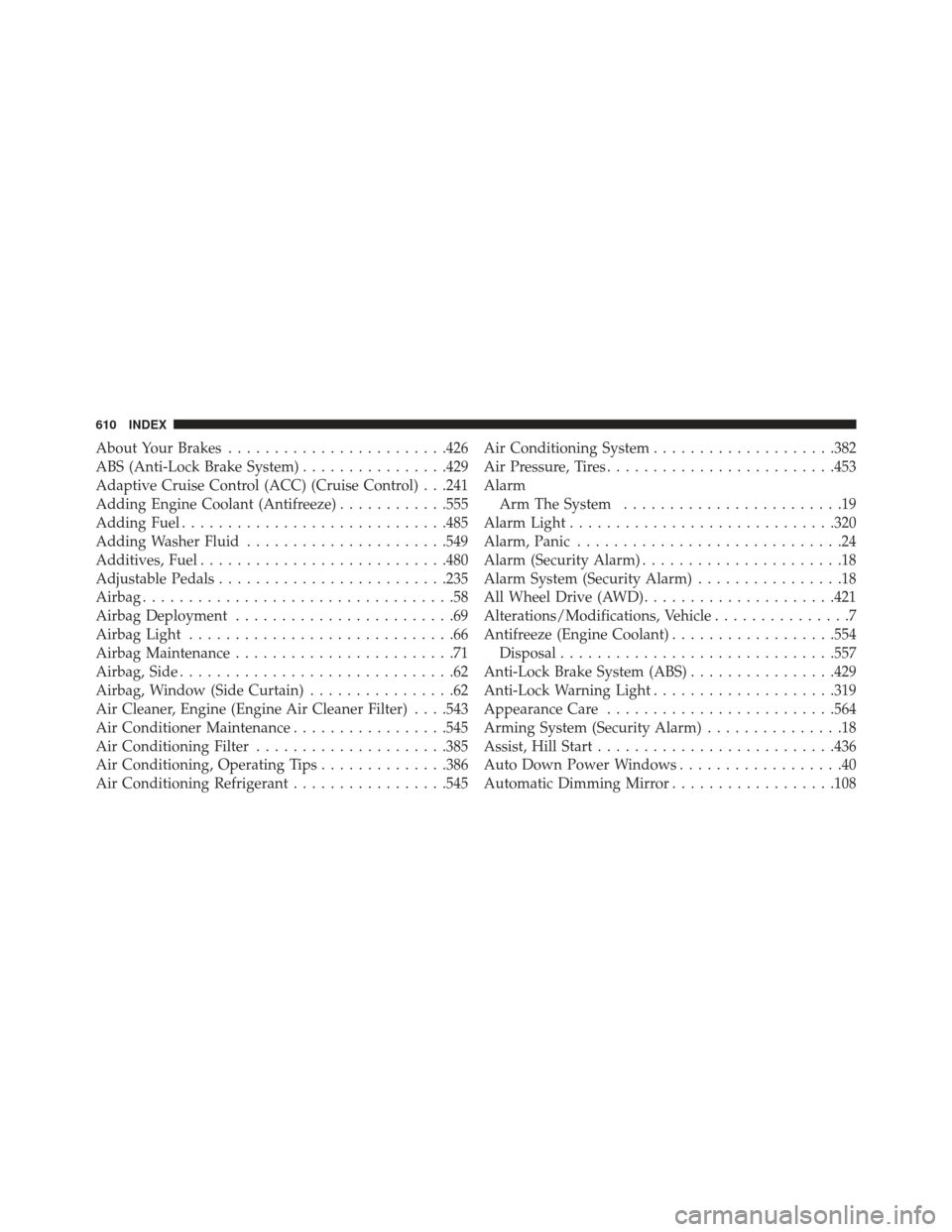
About Your Brakes....................... .426
ABS (Anti-Lock Brake System) ................429
Adaptive Cruise Control (ACC) (Cruise Control) . . .241
Adding Engine Coolant (Antifreeze) ............555
Adding Fuel ............................ .485
Adding Washer Fluid ..................... .549
Additives, Fuel .......................... .480
Adjustable Pedals ........................ .235
Airbag ..................................58
Airbag Deployment ........................69
Airbag Light .............................66
Airbag Maintenance ........................71
Airbag, Side ..............................62
Airbag, Window (Side Curtain) ................62
Air Cleaner, Engine (Engine Air Cleaner Filter) . . . .543
Air Conditioner Maintenance .................545
Air Conditioning Filter .....................385
Air Conditioning, Operating Tips ..............386
Air Conditioning Refrigerant .................545Air Conditioning System
....................382
Air Pressure, Tires ........................ .453
Alarm Arm The System ........................19
Alarm Light ............................ .320
Alarm, Panic .............................24
Alarm (Security Alarm) ......................18
Alarm System (Security Alarm) ................18
All Wheel Drive (AWD) .....................421
Alterations/Modifications, Vehicle ...............7
Antifreeze (Engine Coolant) ..................554
Disposal ............................. .557
Anti-Lock Brake System (ABS) ................429
Anti-Lock Warning Light ....................319
Appearance Care ........................ .564
Arming System (Security Alarm) ...............18
Assist, Hill Start ......................... .436
Auto Down Power Windows ..................40
Automatic Dimming Mirror ..................108
610 INDEX
Page 615 of 635
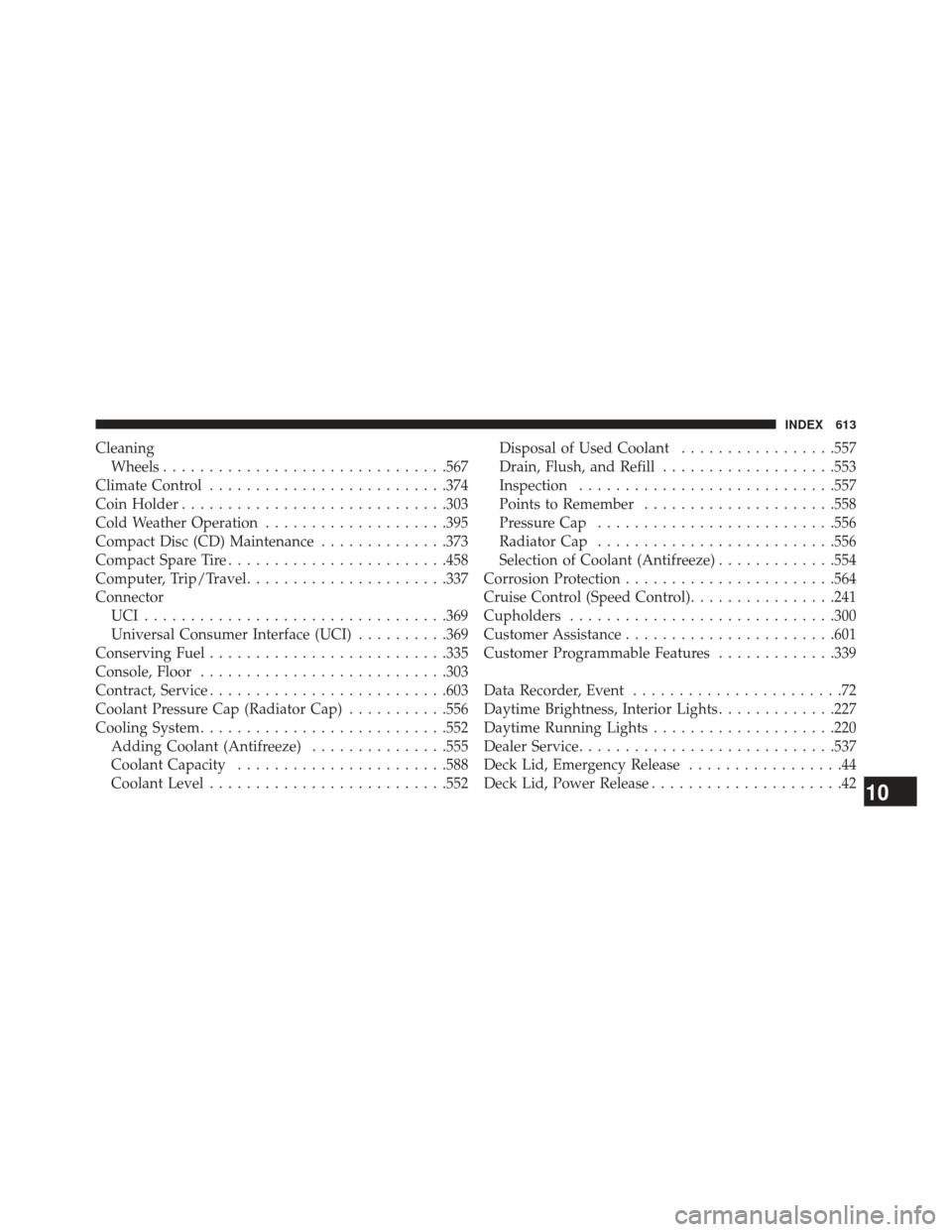
CleaningWheels .............................. .567
Climate Control ......................... .374
Coin Holder ............................ .303
Cold Weather Operation ....................395
Compact Disc (CD) Maintenance ..............373
Compact Spare Tire ....................... .458
Computer, Trip/Travel ..................... .337
Connector UCI................................ .369
Universal Consumer Interface (UCI) ..........369
Conserving Fuel ......................... .335
Console, Floor .......................... .303
Contract, Service ......................... .603
Coolant Pressure Cap (Radiator Cap) ...........556
Cooling System .......................... .552
Adding Coolant (Antifreeze) ...............555
Coolant Capacity ...................... .588
Coolant Level ......................... .552Disposal of Used Coolant
.................557
Drain, Flush, and Refill ...................553
Inspection ........................... .557
Points to Remember .....................558
Pressure Cap ......................... .556
Radiator Cap ......................... .556
Selection of Coolant (Antifreeze) .............554
Corrosion Protection ...................... .564
Cruise Control (Speed Control) ................241
Cupholders ............................ .300
Customer Assistance ...................... .601
Customer Programmable Features .............339
Data Recorder, Event .......................72
Daytime Brightness, Interior Lights .............227
Daytime Running Lights ....................220
Dealer Service ........................... .537
Deck Lid, Emergency Release .................44
Deck Lid, Power Release .....................
4210
INDEX 613