Page 53 of 635

WARNING!
•A belt that is buckled into the wrong buckle will
not protect you properly. The lap portion could ride
too high on your body, possibly causing internal
injuries. Always buckle your belt into the buckle
nearest you.
• A belt that is too loose will not protect you prop-
erly. In a sudden stop, you could move too far
forward, increasing the possibility of injury. Wear
your seat belt snugly.
(Continued)
WARNING! (Continued)
•A belt that is worn under your arm is dangerous.
Your body could strike the inside surfaces of the
vehicle in a collision, increasing head and neck
injury. A belt worn under the arm can cause inter-
nal injuries. Ribs aren’t as strong as shoulder
bones. Wear the belt over your shoulder so that
your strongest bones will take the force in a colli-
sion.
• A shoulder belt placed behind you will not protect
you from injury during a collision. You are more
likely to hit your head in a collision if you do not
wear your shoulder belt. The lap and shoulder belt
are meant to be used together.
2
THINGS TO KNOW BEFORE STARTING YOUR VEHICLE 51
Page 80 of 635

WARNING!(Continued)
•When your child restraint is not in use, secure it in
the vehicle with the seat belt or LATCH anchor-
ages, or remove it from the vehicle. Do not leave it
loose in the vehicle. In a sudden stop or accident, it
could strike the occupants or seatbacks and cause
serious personal injury.
Children Too Large For Booster Seats
Children who are large enough to wear the shoulder belt
comfortably, and whose legs are long enough to bend
over the front of the seat when their back is against the
seatback, should use the seat belt in a rear seat. Use this
simple 5-step test to decide whether the child can use the
vehicle’s seat belt alone:
1. Can the child sit all the way back against the back of the vehicle seat? 2. Do the child’s knees bend comfortably over the front
of the vehicle seat – while they are still sitting all the
way back?
3. Does the shoulder belt cross the child’s shoulder between their neck and arm?
4. Is the lap part of the belt as low as possible, touching the child’s thighs and not their stomach?
5. Can the child stay seated like this for the whole trip?
78 THINGS TO KNOW BEFORE STARTING YOUR VEHICLE
Page 313 of 635
INSTRUMENT PANEL FEATURES
1 — Air Outlet7 — ESC Off Switch13 — Engine Start/Stop Button
2 — Instrument Cluster 8 — Uconnect® System Hard Controls 14 — Trunk Release Button
3 — Hazard Switch 9 — SD Memory Card Slot15 — Dimmer Controls
4 — Uconnect® System 10 — Power Outlet16 — Hood Release
5 — Climate Control Hard Controls 11 — CD/DVD Slot 17 — Headlight Switch
6 — Glove Compartment 12 — Storage Compartment
4
UNDERSTANDING YOUR INSTRUMENT PANEL 311
Page 318 of 635

NOTE:•You must apply the brakes before shifting from
PARK.
• The highest available transmission gear is displayed
in the lower right corner of the Electronic Vehicle
Information Center (EVIC) whenever the Electronic
Range Select (ERS) feature is active. Use the +/-
selector on the shift lever to activate ERS. Refer to
“Automatic Transmission” in “Starting And Operat-
ing” for further information.
8. Tire Pressure Monitoring Telltale Light — If Equipped
Each tire, including the spare (if provided),
should be checked monthly when cold and
inflated to the inflation pressure recommended
by the vehicle manufacturer on the vehicle
placard or tire inflation pressure label. (If your vehicle
has tires of a different size than the size indicated on the vehicle placard or tire inflation pressure label, you should
determine the proper tire inflation pressure for those
tires.)
As an added safety feature, your vehicle has been
equipped with a Tire Pressure Monitoring System
(TPMS) that illuminates a low tire pressure telltale when
one or more of your tires is significantly under-inflated.
Accordingly, when the low tire pressure telltale illumi-
nates, you should stop and check your tires as soon as
possible, and inflate them to the proper pressure. Driving
on a significantly under-inflated tire causes the tire to
overheat and can lead to tire failure. Under-inflation also
reduces fuel efficiency and tire tread life, and may affect
the vehicle’s handling and stopping ability.
Please note that the TPMS is not a substitute for proper
tire maintenance, and it is the driver ’s responsibility to
maintain correct tire pressure, even if under-inflation has
not reached the level to trigger illumination of the TPMS
low tire pressure telltale.
316 UNDERSTANDING YOUR INSTRUMENT PANEL
Page 324 of 635

engine running. If the “ESC Activation/Malfunction In-
dicator Light” comes on continuously with the engine
running, a malfunction has been detected in the ESC
system. If this light remains on after several ignition
cycles, and the vehicle has been driven several miles
(kilometers) at speeds greater than 30 mph (48 km/h), see
your authorized dealer as soon as possible to have the
problem diagnosed and corrected.
NOTE:•The “ESC Off Indicator Light” and the “ESC
Activation/Malfunction Indicator Light” come on
momentarily each time the ignition switch is turned
to ON/RUN.
• Each time the ignition is turned to ON/RUN, the
ESC system will be ON, even if it was turned off
previously. •
The ESC system will make buzzing or clicking
sounds when it is active. This is normal; the sounds
will stop when ESC becomes inactive following the
maneuver that caused the ESC activation.
20. Seat Belt Reminder Light
When the ignition switch is first turned to ON/
RUN, this light will turn on for four to eight
seconds as a bulb check. During the bulb check, if
the driver’s seat belt is unbuckled, a chime will sound.
After the bulb check or when driving, if the driver’s seat
belt remains unbuckled, the Seat Belt Reminder Light
will illuminate and the chime will sound. Refer to
“Occupant Restraints” in “Things To Know Before Start-
ing Your Vehicle” for further information.
322 UNDERSTANDING YOUR INSTRUMENT PANEL
Page 332 of 635
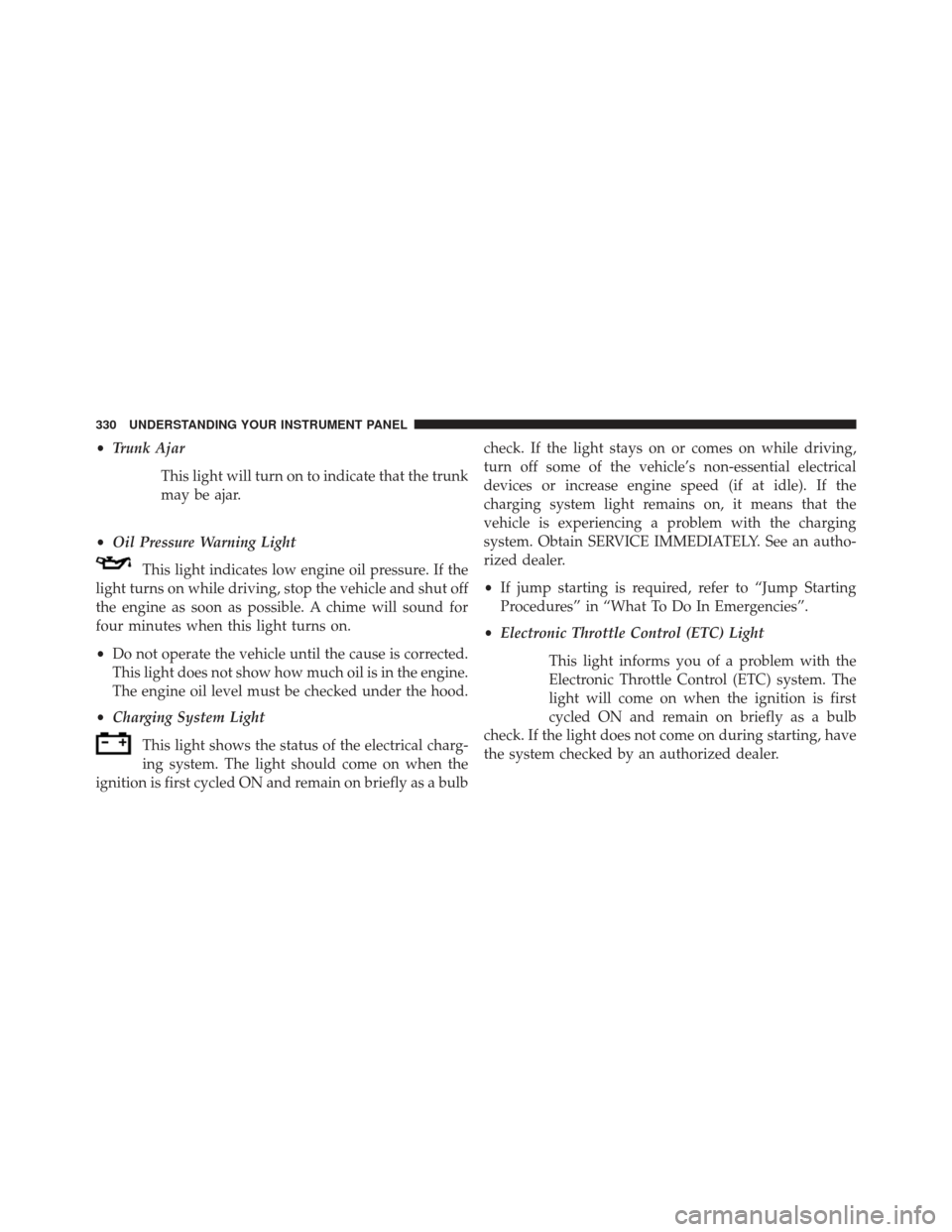
•Trunk Ajar
This light will turn on to indicate that the trunk
may be ajar.
• Oil Pressure Warning Light
This light indicates low engine oil pressure. If the
light turns on while driving, stop the vehicle and shut off
the engine as soon as possible. A chime will sound for
four minutes when this light turns on.
• Do not operate the vehicle until the cause is corrected.
This light does not show how much oil is in the engine.
The engine oil level must be checked under the hood.
• Charging System Light
This light shows the status of the electrical charg-
ing system. The light should come on when the
ignition is first cycled ON and remain on briefly as a bulb check. If the light stays on or comes on while driving,
turn off some of the vehicle’s non-essential electrical
devices or increase engine speed (if at idle). If the
charging system light remains on, it means that the
vehicle is experiencing a problem with the charging
system. Obtain SERVICE IMMEDIATELY. See an autho-
rized dealer.
•
If jump starting is required, refer to “Jump Starting
Procedures” in “What To Do In Emergencies”.
• Electronic Throttle Control (ETC) Light
This light informs you of a problem with the
Electronic Throttle Control (ETC) system. The
light will come on when the ignition is first
cycled ON and remain on briefly as a bulb
check. If the light does not come on during starting, have
the system checked by an authorized dealer.
330 UNDERSTANDING YOUR INSTRUMENT PANEL
Page 336 of 635

Oil Change Due
Your vehicle is equipped with an engine oil change
indicator system. The “Oil Change Due” message will
flash in the EVIC display for approximately 10 seconds
after a single chime has sounded to indicate the next
scheduled oil change interval. The engine oil change
indicator system is duty cycle based, which means the
engine oil change interval may fluctuate dependent upon
your personal driving style.
Unless reset, this message will continue to display each
time you cycle the ignition to the ON/RUN position. To
turn off the message temporarily, push and release the
MENU button. To reset the oil change indicator system
(after performing the scheduled maintenance), perform
the following procedure:
1. Without pushing the brake pedal, push the ENGINESTART/STOP button and cycle the ignition to the
ON/RUN position (do not start the engine.) 2. Fully depress the accelerator pedal, slowly, three times
within 10 seconds.
3. Without pushing the brake pedal, push the ENGINE START/STOP button once to return the ignition to the
OFF/LOCK position.
NOTE: If the indicator message illuminates when you
start the vehicle, the oil change indicator system did not
reset. If necessary, repeat this procedure.
Fuel Economy
Press and release the UP or DOWN button until “Fuel
Economy” displays highlighted in the EVIC and press
the SELECT button. Press and release the UP/DOWN
buttons until one of the following Fuel Economy func-
tions displays in the EVIC:
• Average Fuel Economy/Fuel Saver Mode
• Distance To Empty (DTE)
334 UNDERSTANDING YOUR INSTRUMENT PANEL
Page 349 of 635

next to setting, showing that setting has been selected.
Touch the arrow back soft-key to return to the previous
menu.
•Auto Unlock On Exit
Touch the “Auto Unlock On Exit” soft-key to change this
display. When this feature is selected, all doors will
unlock when the vehicle is stopped and the transmission
is in the PARK or NEUTRAL position and the driver’s
door is opened. To make your selection, touch the “Auto
Unlock On Exit” soft-key and select “ON” or “OFF.”
Then touch the arrow back soft-key.
• Flash Lights With Lock
Touch the “Flash Lights With Lock” soft-key to change
this display. When this feature is selected, the front and
rear turn signals will flash when the doors are locked or unlocked with the Remote Keyless Entry (RKE) transmit-
ter. To make your selection, touch the “Flash Lights With
Lock” soft-key and select “ON” or “OFF”. Then touch the
arrow back soft-key.
•
Sound Horn With Remote Start
Touch the “Sound Horn With Remote Start” soft-key to
change this display. When this feature is selected, the
horn will sound when the remote start is activated. To
make your selection, touch the “Sound Horn With Re-
mote Start” soft-key and select “ON” or “OFF.” Then
touch the arrow back soft-key.
• Sound Horn With Lock
Touch the “Sounds Horn With Lock” soft-key to change
this display. When this feature is selected, the horn will
chirp when the doors are locked or unlocked with the
Remote Keyless Entry (RKE) transmitter. To make your
4
UNDERSTANDING YOUR INSTRUMENT PANEL 347
