Page 277 of 635
Service The ParkSense® Rear Park Assist
System
During vehicle start up, when the ParkSense® Rear Park
Assist System has detected a faulted condition, the
instrument cluster will actuate a single chime, once per
ignition cycle, and it will display the “CLEAN PARK
ASSIST”, “SERVICE PARK ASSIST” or “SERVICE PARK
ASSIST SYSTEM” message for five seconds. Refer to
“Electronic Vehicle Information Center (EVIC)” in “Un-
derstanding Your Instrument Panel” for further informa-
tion. When the shift lever is moved to REVERSE and the
system has detected a faulted condition, the EVIC will
display the “CLEAN PARK ASSIST”,�SERVICE PARK
ASSIST� or the “SERVICE PARK ASSIST SYSTEM” mes-
sage for as long as the vehicle is in REVERSE. Under this
condition, ParkSense® will not operate.
If “CLEAN PARK ASSIST” appears in the Electronic
Vehicle Information Center (EVIC) make sure the rear
fascia/bumper is clean and clear of snow, ice, mud, dirt or other obstruction and then cycle the ignition. If the
message continues to appear see an authorized dealer.
If “SERVICE PARK ASSIST” or “SERVICE PARK ASSIST
SYSTEM” appears in the EVIC, see an authorized dealer.
Cleaning The ParkSense® System
Clean the ParkSense® sensors with water, car wash soap
and a soft cloth. Do not use rough or hard cloths. Do not
scratch or poke the sensors. Otherwise, you could dam-
age the sensors.
ParkSense® System Usage Precautions
NOTE:
•
Ensure that the rear bumper is free of snow, ice, mud,
dirt and debris to keep the ParkSense® system oper-
ating properly.
• Jackhammers, large trucks, and other vibrations could
affect the performance of ParkSense®.
3
UNDERSTANDING THE FEATURES OF YOUR VEHICLE 275
Page 311 of 635
UNDERSTANDING YOUR INSTRUMENT PANEL
CONTENTS
�INSTRUMENT PANEL FEATURES ..........311
� INSTRUMENT CLUSTER .................312
� INSTRUMENT CLUSTER — PREMIUM .......313
� INSTRUMENT CLUSTER DESCRIPTIONS .....314
� ELECTRONIC VEHICLE INFORMATION
CENTER (EVIC) ...................... .324
▫ Electronic Vehicle Information Center (EVIC)
Displays .......................... .326
▫ EVIC White Telltale Lights ...............327
▫ EVIC Amber Telltales ...................328 ▫
EVIC Red Telltale Lights ................329
▫ Gear Shift Indicator (GSI) — If Equipped . . . .332
▫ Oil Change Due ..................... .334
▫ Fuel Economy ....................... .334
▫ Vehicle Speed ....................... .336
▫ Trip Info .......................... .337
▫ Units ............................. .337
▫ Vehicle Info (Customer Information Features) . .337
▫ Messages # ......................... .338
▫ Turn Menu OFF ...................... .339
4
Page 313 of 635
INSTRUMENT PANEL FEATURES
1 — Air Outlet7 — ESC Off Switch13 — Engine Start/Stop Button
2 — Instrument Cluster 8 — Uconnect® System Hard Controls 14 — Trunk Release Button
3 — Hazard Switch 9 — SD Memory Card Slot15 — Dimmer Controls
4 — Uconnect® System 10 — Power Outlet16 — Hood Release
5 — Climate Control Hard Controls 11 — CD/DVD Slot 17 — Headlight Switch
6 — Glove Compartment 12 — Storage Compartment
4
UNDERSTANDING YOUR INSTRUMENT PANEL 311
Page 314 of 635
INSTRUMENT CLUSTER
312 UNDERSTANDING YOUR INSTRUMENT PANEL
Page 315 of 635
INSTRUMENT CLUSTER — PREMIUM
4
UNDERSTANDING YOUR INSTRUMENT PANEL 313
Page 316 of 635
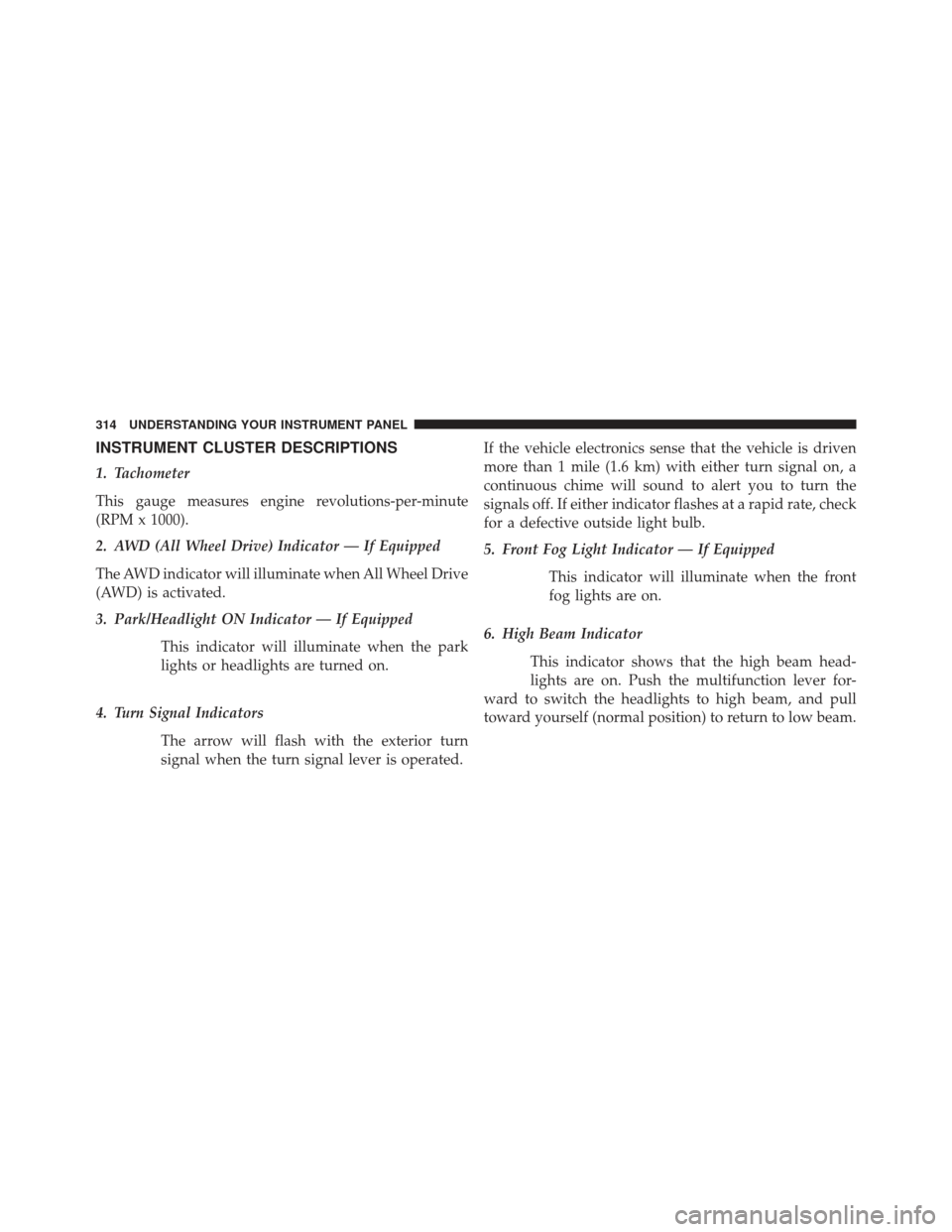
INSTRUMENT CLUSTER DESCRIPTIONS
1. Tachometer
This gauge measures engine revolutions-per-minute
(RPM x 1000).
2. AWD (All Wheel Drive) Indicator — If Equipped
The AWD indicator will illuminate when All Wheel Drive
(AWD) is activated.
3. Park/Headlight ON Indicator — If EquippedThis indicator will illuminate when the park
lights or headlights are turned on.
4. Turn Signal Indicators The arrow will flash with the exterior turn
signal when the turn signal lever is operated. If the vehicle electronics sense that the vehicle is driven
more than 1 mile (1.6 km) with either turn signal on, a
continuous chime will sound to alert you to turn the
signals off. If either indicator flashes at a rapid rate, check
for a defective outside light bulb.
5. Front Fog Light Indicator — If Equipped
This indicator will illuminate when the front
fog lights are on.
6. High Beam Indicator This indicator shows that the high beam head-
lights are on. Push the multifunction lever for-
ward to switch the headlights to high beam, and pull
toward yourself (normal position) to return to low beam.
314 UNDERSTANDING YOUR INSTRUMENT PANEL
Page 317 of 635

7. Odometer Display/Electronic Vehicle Information
Center (EVIC) Display
Odometer Display
The odometer display shows the total distance the ve-
hicle has been driven.
U.S. Federal regulations require that upon transfer of
vehicle ownership, the seller certify to the purchaser the
correct mileage that the vehicle has been driven. If your
odometer needs to be repaired or serviced, the repair
technician should leave the odometer reading the same
as it was before the repair or service. If s/he cannot do so,
then the odometer must be set at zero, and a sticker must
be placed in the door jamb stating what the mileage was
before the repair or service. It is a good idea for you to
make a record of the odometer reading before the repair/
service, so that you can be sure that it is properly reset, or
that the door jamb sticker is accurate if the odometer
must be reset at zero.Electronic Vehicle Information Center (EVIC) Display
The Electronic Vehicle Information Center (EVIC) fea-
tures a driver-interactive display that is located in the
instrument cluster. For further information, refer to
“Electronic Vehicle Information Center (EVIC) found in
Understanding Your Instrument Panel”.
The Shift Lever Indicator is self-contained within the
EVIC display. It displays the gear position of the auto-
matic transmission.
4
UNDERSTANDING YOUR INSTRUMENT PANEL 315
Page 323 of 635

NOTE:The light may flash momentarily during sharp
cornering maneuvers, which change fluid level condi-
tions. The vehicle should have service performed, and
the brake fluid level checked.
If brake failure is indicated, immediate repair is neces-
sary.
WARNING!
Driving a vehicle with the red brake light on is
dangerous. Part of the brake system may have failed.
It will take longer to stop the vehicle. You could have
a collision. Have the vehicle checked immediately.
Vehicles equipped with the Anti-Lock Brake System
(ABS), are also equipped with Electronic Brake Force
Distribution (EBD). In the event of an EBD failure, the
Brake Warning Light will turn on along with the ABS
Light. Immediate repair to the ABS system is required. Operation of the Brake Warning Light can be checked by
turning the ignition switch from the OFF position to the
ON/RUN position. The light should illuminate for ap-
proximately two seconds. The light should then turn off
unless the parking brake is applied or a brake fault is
detected. If the light does not illuminate, have the light
inspected by an authorized dealer.
The light also will turn on when the parking brake is
applied with the ignition switch in the ON/RUN posi-
tion.
NOTE:
This light shows only that the parking brake is
applied. It does not show the degree of brake application.
19. Electronic Stability Control (ESC) Activation/
Malfunction Indicator Light — If Equipped
The “ESC Activation/Malfunction Indicator
Light” in the instrument cluster will come on
when the ignition switch is turned to the
ON/RUN position. It should go out with the
4
UNDERSTANDING YOUR INSTRUMENT PANEL 321