2014 DODGE CHALLENGER SRT door lock
[x] Cancel search: door lockPage 219 of 529

NOTE:U.S. Federal regulations require that upon trans-
fer of vehicle ownership, the seller certify to the pur-
chaser the correct mileage that the vehicle has been
driven. If your odometer needs to be repaired or serviced,
the repair technician should leave the odometer reading
the same as it was before the repair or service. If s/he
cannot do so, then the odometer must be set at zero, and
a sticker must be placed in the door jamb stating what the
mileage was before the repair or service. It is a good idea
for you to make a record of the odometer reading before
the repair/service, so that you can be sure that it is
properly reset, or that the door jamb sticker is accurate if
the odometer must be reset at zero.
This display shows the Electronic Vehicle Information
Center (EVIC) messages when the appropriate conditions
exist. For further information, refer to Electronic Vehicle
Information Center (EVIC). 20. Brake Warning Light
This light monitors various brake functions,
including brake fluid level and parking brake
application. If the brake light turns on it may
indicate that the parking brake is applied, that
the brake fluid level is low, or that there is a problem with
the anti-lock brake system reservoir.
If the light remains on when the parking brake has been
disengaged, and the fluid level is at the full mark on the
master cylinder reservoir, it indicates a possible brake
hydraulic system malfunction. In this case, the light will
remain on until the condition has been corrected.
The dual brake system provides a reserve braking capac-
ity in the event of a failure to a portion of the hydraulic
system. A leak in either half of the dual brake system is
indicated by the Brake Warning Light which will turn on
when the brake fluid level in the master cylinder has
dropped below a specified level.
218 UNDERSTANDING YOUR INSTRUMENT PANEL
Page 241 of 529

Personal Settings (Customer-Programmable
Features)
Personal Settings allows the driver to set and recall
features when the transmission is in PARK.
Press and release the MENU button until Personal Set-
tings displays in the EVIC, then press the SELECT button.
Use the UP or DOWN button to display one of the
following choices.
Language
When in this display, you may select one of three
languages for all display nomenclature, including the trip
functions and the Uconnect® gps (if equipped). Press the
SELECT button while in this display to select English,
Espanol, or Francais. Then, as you continue, the informa-
tion will display in the selected language.NOTE:
The EVIC will not change the Uconnect® language
selection. Refer to “Uconnect® phone” in “Understanding
The Features Of Your Vehicle” for further information.
Unlock Doors Automatically on Exit
When ON is selected, both doors will unlock when the
vehicle is stopped and the transmission is in the PARK or
NEUTRAL position and the driver’s door is opened. To
make your selection, press and release the SELECT
button until “ON” or “OFF” appears.
Remote Key Unlock
When Driver Door 1st Press is selected, only the driver’s
door will unlock on the first press of the Remote Keyless
Entry (RKE) transmitter UNLOCK button. When Driver
Door 1st Press is selected, you must press the RKE
transmitter UNLOCK button twice to unlock the passen-
ger door. When All Doors 1st Press is selected, both of
the doors will unlock on the first press of the RKE
transmitter UNLOCK button. To make your selection,
240 UNDERSTANDING YOUR INSTRUMENT PANEL
Page 242 of 529

press and release the SELECT button until “Driver Door
1st Press” or “All Doors 1st Press” appears.
Remote Start Comfort Sys. — If Equipped
When this feature is selected and the remote start is
activated, the heated steering wheel and driver heated
seat features will automatically turn on in cold weather.
In warm weather, the driver vented seat feature will
automatically turn on when the remote start is activated.
These features will stay on through the duration of
remote start or until the key is turned to RUN. To make
your selection, press and release the SELECT button until
a check-mark appears next to the feature showing the
system has been activated or the check-mark is removed
showing the system has been deactivated.
Sound Horn with Remote Key Lock
When ON is selected, a short horn sound will occur when
the RKE transmitter LOCK button is pressed. This feature
may be selected with or without the flash lights onlock/unlock feature. To make your selection, press and
release the SELECT button until “ON” or “OFF” appears.
Flash Lights With Remote Key Lock
When ON is selected, the front and rear turn signals will
flash when the doors are locked or unlocked with the
RKE transmitter. This feature may be selected with or
without the sound horn on lock feature selected. To make
your selection, press and release the SELECT button until
“ON” or “OFF” appears.
Headlamps On with Wipers (Available with Auto
Headlights Only)
When ON is selected, and the headlight switch is in the
AUTO (A) position, the headlights will turn on approxi-
mately 10 seconds after the wipers are turned on. The
headlights will also turn off when the wipers are turned
off if they were turned on by this feature. To make your
selection, press and release the SELECT button until
“ON” or “OFF” appears.
4
UNDERSTANDING YOUR INSTRUMENT PANEL 241
Page 243 of 529
NOTE:Turning the headlights on during the daytime
causes the instrument panel lights to dim. To increase the
brightness, refer to “Lights” in “Understanding The
Features Of Your Vehicle.”
Delay Turning Headlights Off
When this feature is selected, the driver can choose to
have the headlights remain on for 0, 30, 60, or 90 seconds
when exiting the vehicle. To make your selection, press
and release the SELECT button until “0,” “30,” “60,” or
“90” appears.
Hill Start Assist (HSA) — If Equipped
When on is selected, the HSA system is active. Refer to
“Electronic Brake Control System” in “Starting And
Operating” for system function and operating informa-
tion. To make your selection, press and release the
SELECT button until “ON” or “OFF” appears.
Turn Headlights On With Remote Key Unlock
When this feature is selected, the headlights will activate
and remain on for up to 90 seconds when the doors are
unlocked with the RKE transmitter. To make your selec-
tion, press and release the SELECT button until “OFF,”
“30 sec.,” “60 sec.,” or “90 sec.” appears.
Delay Power Off To Accessories Until Exit
When this feature is selected, the power window
switches, radio, Uconnect® phone (if equipped), power
sunroof (if equipped), and ignition-powered power out-
lets will remain active for up to 60 minutes after the
ignition switch is turned OFF. Opening either front
vehicle door will cancel this feature. To make your
selection, press and release the SELECT button until
“Off,” “45 sec.,” “5 min.,” “10 min.,” “30 min.,” or “60
min.” appears.
242 UNDERSTANDING YOUR INSTRUMENT PANEL
Page 244 of 529
Turn-by-Turn Navigation — If Equipped
When ON is selected, the Turn-by-Turn directions will
appear in the display as the vehicle approaches a desig-
nated turn within a programmed route. To make your
selection, press and release the SELECT button until
“ON” or “OFF” appears.
Keyless Enter-N-Go™ (Passive Entry)
This feature allows you to lock and unlock the vehicle’s
door(s) without having to press the RKE transmitter lock
or unlock buttons. To make your selection, press and
release the SELECT button until a check-mark appears
next to the feature showing the system has been activated
or the check-mark is removed showing the system has
been deactivated. Refer to “Keyless Enter-N-Go™” in
“Things To Know Before Starting Your Vehicle”.
Enable/Disable The Rear Park Assist System
The Rear Park Assist system will scan for objects behind
the vehicle when the transmission is in the REVERSE
position and the vehicle speed is less than 11 mph
(18 km/h). The system can be enabled with Sound Only,
Sound and Display, or turned OFF through the EVIC. To
make your selection, press and release the SELECT
button until a check-mark appears next to the feature
showing the system has been activated or the check-mark
is removed showing the system has been deactivated.
Refer to “Rear Park Assist System” in “Understanding
The Features Of Your Vehicle” for system function and
operating information.
Display Units Of Measure In
The EVIC, odometer, and Uconnect® gps (if equipped)
can be changed between English and Metric units of
measure. To make your selection, press and release the
SELECT button until “ENGLISH” or “METRIC” appears.
4
UNDERSTANDING YOUR INSTRUMENT PANEL 243
Page 434 of 529
Body Lubrication
Locks and all body pivot points, including such items as
seat tracks, door hinge pivot points and rollers, liftgate,
tailgate, decklid, sliding doors and hood hinges, should
be lubricated periodically with a lithium based grease,
such as MOPAR® Spray White Lube to assure quiet, easy
operation and to protect against rust and wear. Prior to
the application of any lubricant, the parts concerned
should be wiped clean to remove dust and grit; after
lubricating excess oil and grease should be removed.
Particular attention should also be given to hood latching
components to ensure proper function. When performing
other underhood services, the hood latch, release mecha-
nism and safety catch should be cleaned and lubricated.
The external lock cylinders should be lubricated twice a
year, preferably in the Fall and Spring. Apply a small
amount of a high quality lubricant, such as MOPAR®
Lock Cylinder Lubricant directly into the lock cylinder.
Windshield Wiper Blades
Clean the rubber edges of the wiper blades and the
windshield periodically with a sponge or soft cloth and a
mild nonabrasive cleaner. This will remove accumula-
tions of salt or road film.
Operation of the wipers on dry glass for long periods
may cause deterioration of the wiper blades. Always use
washer fluid when using the wipers to remove salt or dirt
from a dry windshield.
Avoid using the wiper blades to remove frost or ice from
the windshield. Keep the blade rubber out of contact with
petroleum products such as engine oil, gasoline, etc.
NOTE:Life expectancy of wiper blades varies depend-
ing on geographical area and frequency of use. Poor
performance of blades may be present with chattering,
marks, water lines or wet spots. If any of these conditions
are present, clean the wiper blades or replace as neces-
sary.
7
MAINTAINING YOUR VEHICLE 433
Page 507 of 529
About Your Brakes....................... .332
ABS (Anti-Lock Brake System) ................336
Adding Engine Coolant (Antifreeze) ............439
Adding Fuel ............................ .383
Adding Washer Fluid ..................... .434
Additives, Fuel .......................... .381
Airbag ..................................59
Airbag Deployment ........................70
Airbag Light .............................67
Airbag Maintenance ........................72
Airbag, Side ..............................63
Airbag, Window (Side Curtain) ................63
Air Cleaner, Engine (Engine Air Cleaner Filter) . . . .426
Air Conditioner Maintenance .................429
Air Conditioning Filter .....................288
Air Conditioning, Operating Tips ..............289
Air Conditioning Refrigerant .................429
Air Conditioning System ....................281
Air Pressure, Tires ........................ .361Alarm
Arm The System ........................20
Alarm Light ............................ .220
Alarm, Panic .............................27
Alarm (Security Alarm) ......................19
Alarm System (Security Alarm) ................19
Alterations/Modifications, Vehicle ...............7
Antenna, Satellite Radio .....................267
Antifreeze (Engine Coolant) ..................438
Disposal ............................. .441
Anti-Lock Brake System (ABS) ................336
Anti-Lock Warning Light ....................221
Appearance Care ........................ .449
Arming System (Security Alarm) ...............19
Assistance Towing ........................ .127
Auto Down Power Windows ..................42
Automatic Dimming Mirror ..................108
Automatic Door Locks ......................35
Automatic Headlights ..................... .162
506 INDEX
Page 508 of 529
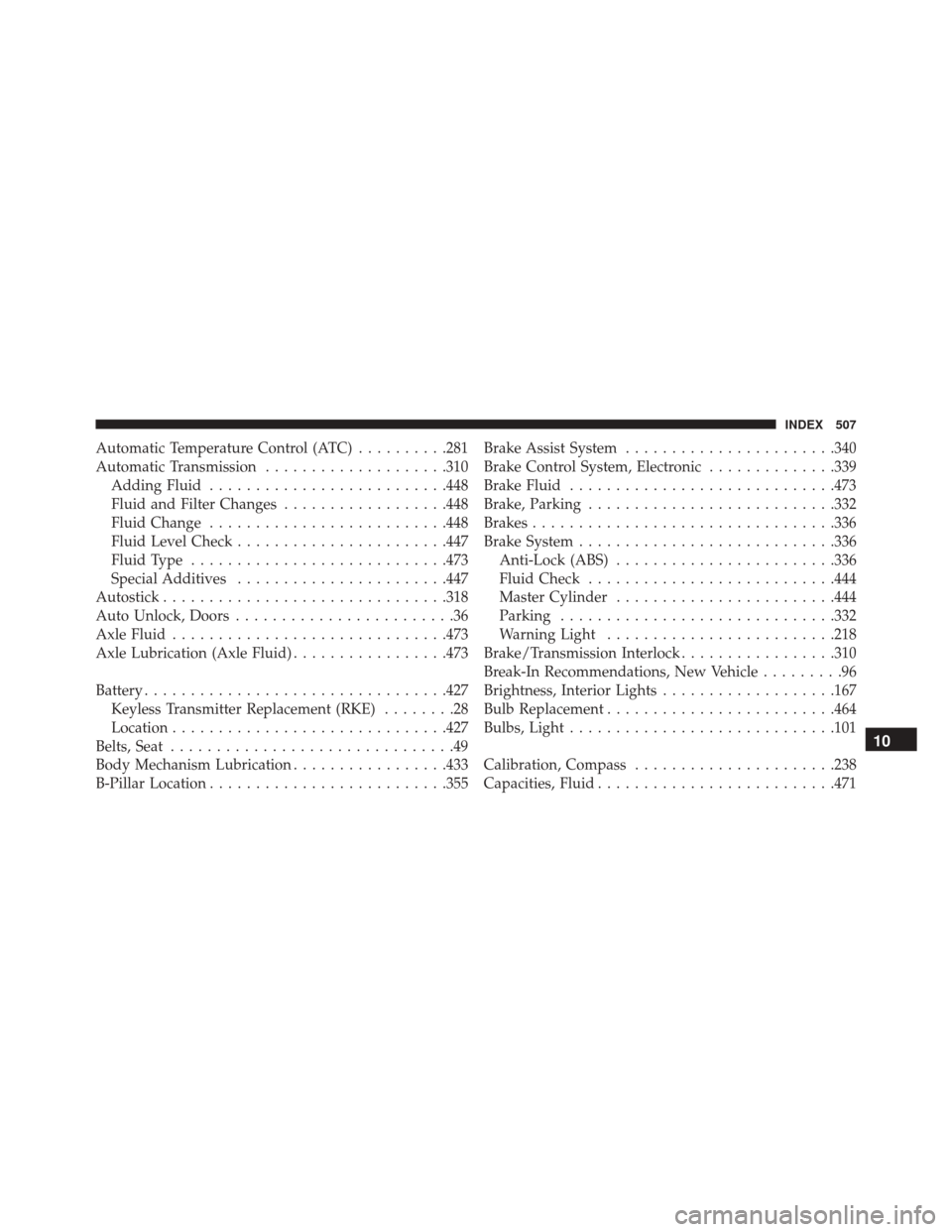
Automatic Temperature Control (ATC)..........281
Automatic Transmission ....................310
Adding Fluid ......................... .448
Fluid and Filter Changes ..................448
Fluid Change ......................... .448
Fluid Level Check ...................... .447
Fluid Type ........................... .473
Special Additives ...................... .447
Autostick .............................. .318
Auto Unlock, Doors ........................36
Axle Fluid ............................. .473
Axle Lubrication (Axle Fluid) .................473
Battery ................................ .427
Keyless Transmitter Replacement (RKE) ........28
Location ............................. .427
Belts, Seat ...............................49
Body Mechanism Lubrication .................433
B-Pillar Location ......................... .355Brake Assist System
...................... .340
Brake Control System, Electronic ..............339
Brake Fluid ............................ .473
Brake, Parking .......................... .332
Brakes ................................ .336
Brake System ........................... .336
Anti-Lock (ABS) ....................... .336
Fluid Check .......................... .444
Master Cylinder ....................... .444
Parking ............................. .332
Warning Light ........................ .218
Brake/Transmission Interlock .................310
Break-In Recommendations, New Vehicle .........96
Brightness, Interior Lights ...................167
Bulb Replacement ........................ .464
Bulbs, Light ............................ .101
Calibration, Compass ..................... .238
Capacities, Fluid ......................... .471
10
INDEX 507