Page 184 of 529

or other obstruction and then cycle the ignition. If the
message continues to appear see an authorized dealer.
If�SERVICE PARK ASSIST SYSTEM� appears in the
EVIC, see an authorized dealer.
Cleaning The ParkSense® System
Clean the ParkSense® sensors with water, car wash soap
and a soft cloth. Do not use rough or hard cloths. Do not
scratch or poke the sensors. Otherwise, you could dam-
age the sensors.
ParkSense® System Usage Precautions
NOTE:
• Ensure that the rear bumper is free of snow, ice, mud,
dirt and debris to keep the ParkSense® system oper-
ating properly. •
Jackhammers, large trucks, and other vibrations could
affect the performance of ParkSense®.
• When you turn ParkSense® off in DRIVE, the instru-
ment cluster will display �PARK ASSIST SYSTEM
OFF� for five seconds. Furthermore, once you turn
ParkSense® off, it remains off until you turn it on
again, even if you cycle the ignition key.
• When you move the shift lever to the REVERSE
position and ParkSense® is turned off, the EVIC will
display “PARK ASSIST SYSTEM OFF” message for as
long as the vehicle is in REVERSE.
• ParkSense®, when on, will MUTE the radio when it is
sounding a tone.
3
UNDERSTANDING THE FEATURES OF YOUR VEHICLE 183
Page 188 of 529
NOTE:HomeLink® is disabled when the Vehicle Secu-
rity Alarm is active.
Before You Begin Programming HomeLink®
Ensure your vehicle is parked outside of the garage
before you begin programming.
For efficient programming and accurate transmission of the
radio-frequency signal it is recommended that a new
battery be placed in the hand-held transmitter of the device
that is being programmed to the HomeLink® system.
Erase all channels before you begin programming. To
erase the channels place the ignition in the ON/RUN
position and press and hold the two outside HomeLink®
buttons (I and III) for up to 20 seconds. The Electronic
Vehicle Information Center (EVIC) will display “CLEAR-
ING CHANNELS.” Release the buttons when the EVIC
displays “CHANNELS CLEARED.”
NOTE:
• Erasing all channels should only be performed when
programming HomeLink® for the first time. Do not
erase channels when programming additional buttons.
• If you have any problems, or require assistance, please
call toll-free 1-800-355-3515 or, on the Internet at
www.HomeLink.com for information or assistance.
HomeLink® Buttons
3
UNDERSTANDING THE FEATURES OF YOUR VEHICLE 187
Page 192 of 529
5. Press and hold the programmed HomeLink® button.The EVIC will display “CHANNEL # TRANSMIT.” If
the garage door opener/device activates, program-
ming is complete.
To program the remaining two HomeLink® buttons,
repeat each step for each remaining button. DO NOT
erase the channels.
Reprogramming A Single HomeLink® Button
To reprogram a channel that has been previously trained,
follow these steps:
1. Cycle the ignition to the ON/RUN position.
2. Press and hold the desired HomeLink® button until the indicator light begins to flash after 20 seconds. Do
not release the button.
3. Without releasing the button proceed with “Program-
ming A Non-Rolling Code” step 2 and follow all
remaining steps.
Canadian/Gate Operator Programming
For programming transmitters in Canada/United States
that require the transmitter signals to “time-out” after
several seconds of transmission.
Canadian radio frequency laws require transmitter sig-
nals to time-out (or quit) after several seconds of trans-
mission – which may not be long enough for HomeLink®
to pick up the signal during programming. Similar to this
Canadian law, some U.S. gate operators are designed to
time-out in the same manner.
It may be helpful to unplug the device during the cycling
process to prevent possible overheating of the garage
door or gate motor.
1. Turn the ignition switch to the ON/RUN position.
2.
Place the hand - held transmitter 1 to 3 inches (3 to 8 cm)
away from the HomeLink® button you wish to pro-
gram.
3
UNDERSTANDING THE FEATURES OF YOUR VEHICLE 191
Page 209 of 529
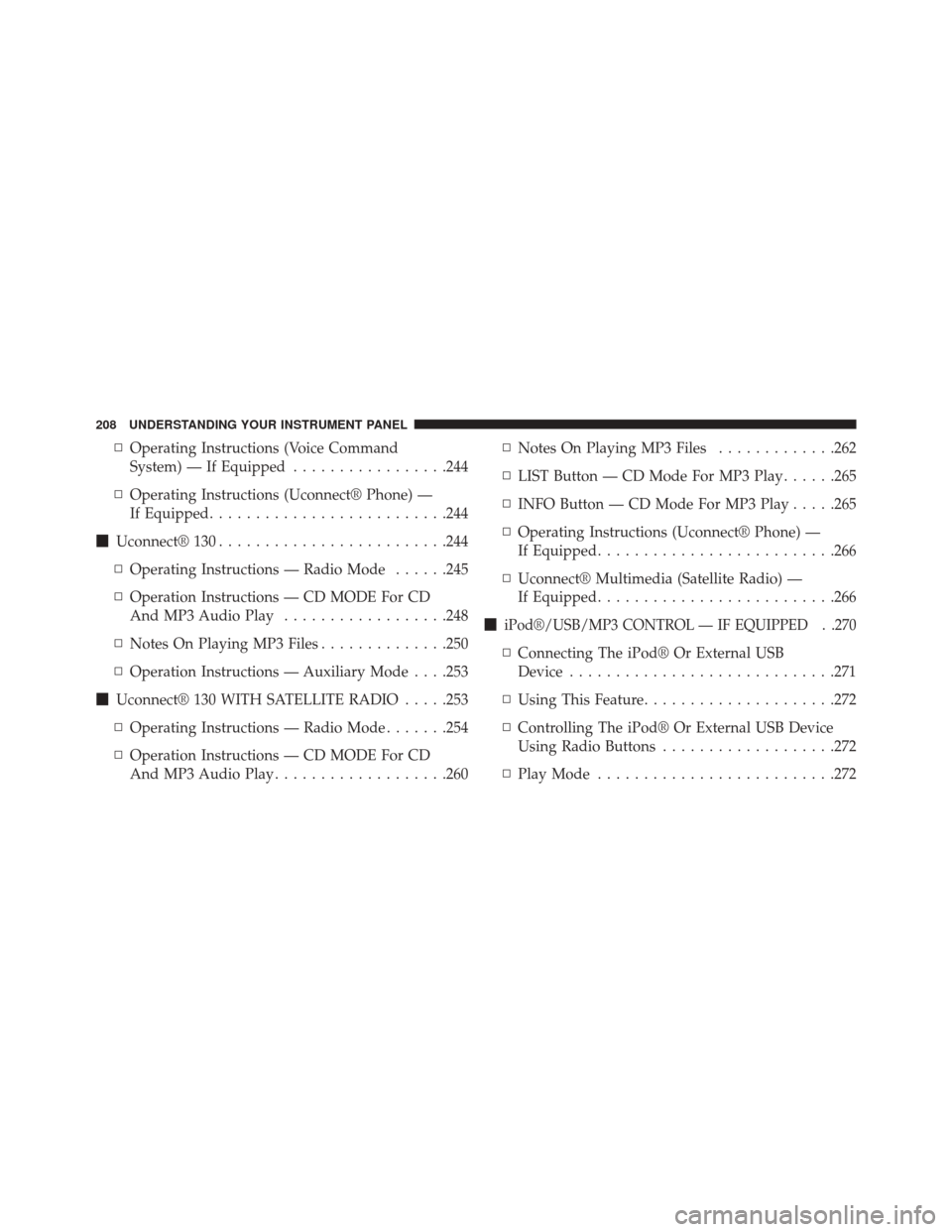
▫Operating Instructions (Voice Command
System) — If Equipped .................244
▫ Operating Instructions (Uconnect® Phone) —
If Equipped ......................... .244
� Uconnect® 130 ........................ .244
▫ Operating Instructions — Radio Mode ......245
▫ Operation Instructions — CD MODE For CD
And MP3 Audio Play ..................248
▫ Notes On Playing MP3 Files ..............250
▫ Operation Instructions — Auxiliary Mode . . . .253
� Uconnect® 130 WITH SATELLITE RADIO .....253
▫ Operating Instructions — Radio Mode .......254
▫ Operation Instructions — CD MODE For CD
And MP3 Audio Play ...................260 ▫
Notes On Playing MP3 Files .............262
▫ LIST Button — CD Mode For MP3 Play ......265
▫ INFO Button — CD Mode For MP3 Play .....265
▫ Operating Instructions (Uconnect® Phone) —
If Equipped ......................... .266
▫ Uconnect® Multimedia (Satellite Radio) —
If Equipped ......................... .266
�
iPod®/USB/MP3 CONTROL — IF EQUIPPED . .270
▫ Connecting The iPod® Or External USB
Device ............................ .271
▫ Using This Feature .....................272
▫ Controlling The iPod® Or External USB Device
Using Radio Buttons ...................272
▫ Play Mode ......................... .272
208 UNDERSTANDING YOUR INSTRUMENT PANEL
Page 210 of 529
▫List Or Browse Mode ...................274
▫ Bluetooth® Streaming Audio (BTSA) .......276
� HARMAN KARDON® Logic7® HIGH
PERFORMANCE MULTICHANNEL SURROUND
SOUND SYSTEM WITH DRIVER-SELECTABLE
SURROUND (DSS) — IF EQUIPPED .........277
� STEERING WHEEL AUDIO CONTROLS — IF
EQUIPPED .......................... .278
▫ Radio Operation ..................... .279
▫ CD Player .......................... .280�
CD/DVD DISC MAINTENANCE ...........280
� RADIO OPERATION AND MOBILE PHONES . .281
� CLIMATE CONTROLS ...................281
▫ Automatic Temperature Control (ATC) ......281
▫ Automatic Operation ...................282
▫ Blower Control ...................... .283
▫ Manual Operation .....................283
▫ Operating Tips ...................... .287
4
UNDERSTANDING YOUR INSTRUMENT PANEL 209
Page 211 of 529
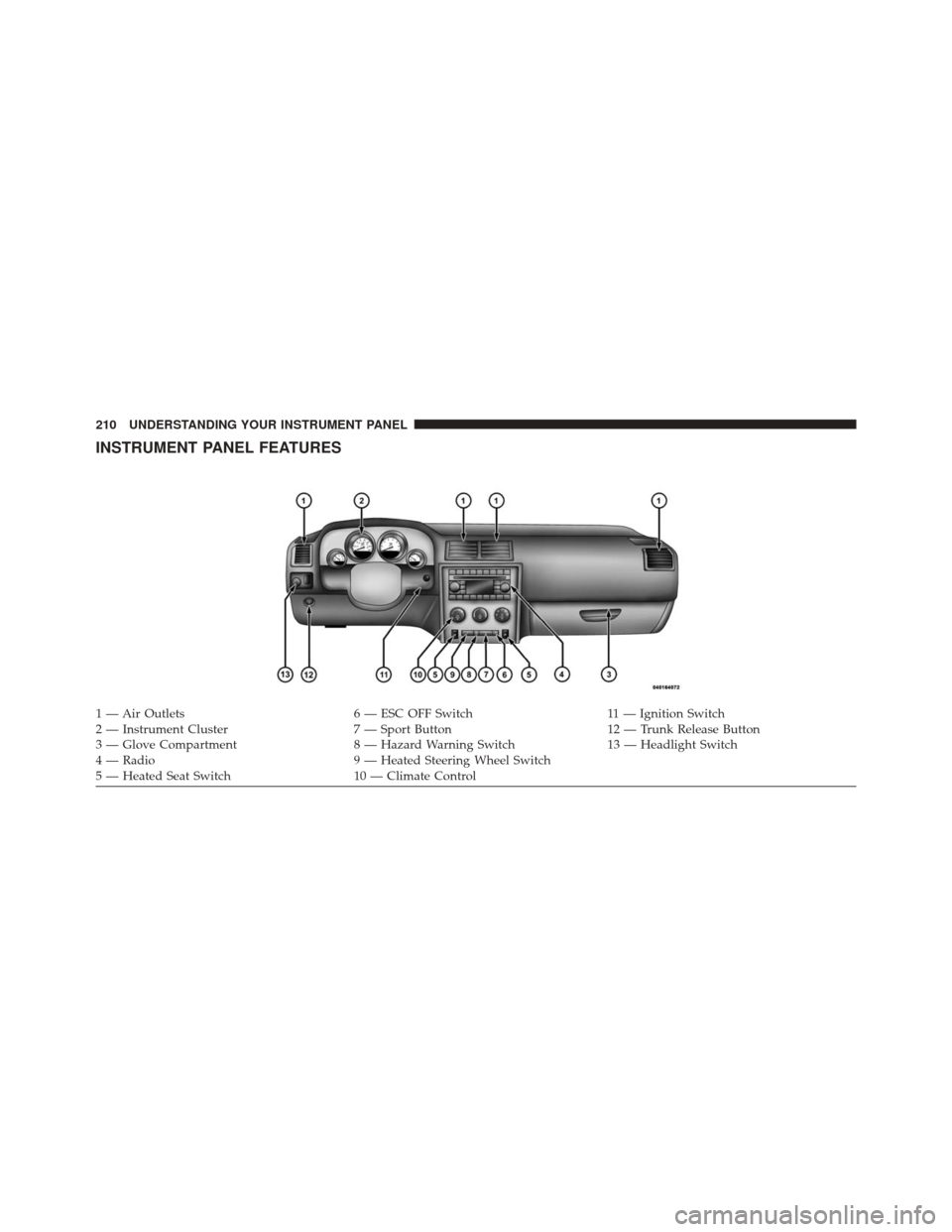
INSTRUMENT PANEL FEATURES
1 — Air Outlets6 — ESC OFF Switch11 — Ignition Switch
2 — Instrument Cluster 7 — Sport Button12 — Trunk Release Button
3 — Glove Compartment 8 — Hazard Warning Switch13 — Headlight Switch
4 — Radio 9 — Heated Steering Wheel Switch
5 — Heated Seat Switch 10 — Climate Control
210 UNDERSTANDING YOUR INSTRUMENT PANEL
Page 213 of 529

INSTRUMENT CLUSTER DESCRIPTIONS
1. Fuel Gauge
The pointer shows the level of fuel in the fuel tank when
the ignition switch is in the ON/RUN position.
2. Trip Odometer Button
Press this button to change the display from odometer to
either of two trip odometer settings. The letter “A” or “B”
will appear when in the trip odometer mode. Push in and
hold the button for two seconds to reset the trip odometer
to 0 miles (km). The odometer must be in TRIP mode to
reset it.
3. Speedometer
Indicates vehicle speed.4. Electronic Speed Control Indicator Light
This light will turn on when the electronic
speed control is on.
5. Tachometer
The red segments indicate the maximum permissible
engine revolutions per minute (RPM x 1000) for each gear
range. Ease up on the accelerator before reaching the red
area.
6. Charging System Warning Light This light shows the status of the electrical charg-
ing system. The light should turn on when the
ignition switch is first placed in ON/RUN and remain on
briefly as a bulb check. If the light stays on or turns on
while driving, turn off some of the vehicle’s non-essential
electrical devices (i.e., radio) or slightly increase engine
speed (if at idle). If the light remains on, it means that the
212 UNDERSTANDING YOUR INSTRUMENT PANEL
Page 243 of 529
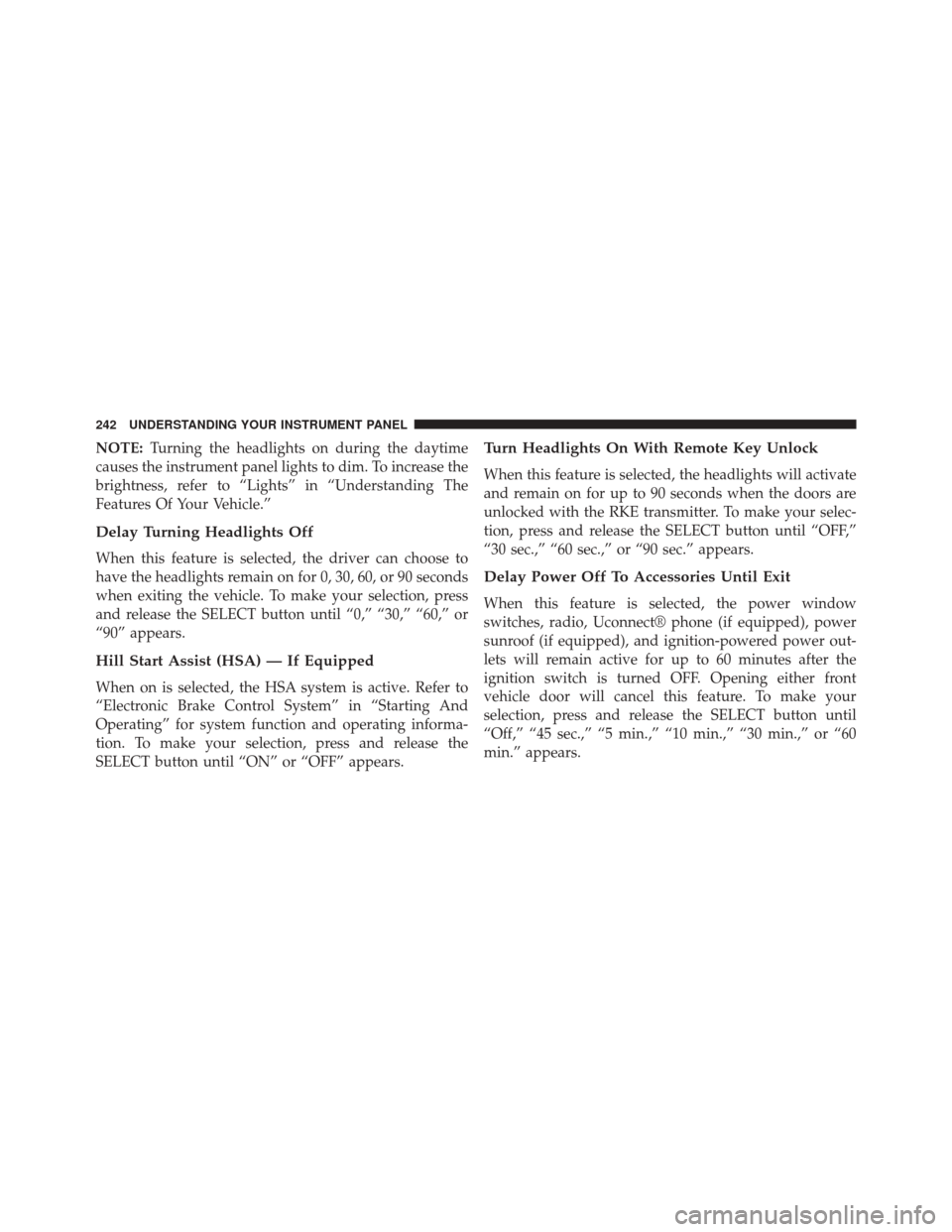
NOTE:Turning the headlights on during the daytime
causes the instrument panel lights to dim. To increase the
brightness, refer to “Lights” in “Understanding The
Features Of Your Vehicle.”
Delay Turning Headlights Off
When this feature is selected, the driver can choose to
have the headlights remain on for 0, 30, 60, or 90 seconds
when exiting the vehicle. To make your selection, press
and release the SELECT button until “0,” “30,” “60,” or
“90” appears.
Hill Start Assist (HSA) — If Equipped
When on is selected, the HSA system is active. Refer to
“Electronic Brake Control System” in “Starting And
Operating” for system function and operating informa-
tion. To make your selection, press and release the
SELECT button until “ON” or “OFF” appears.
Turn Headlights On With Remote Key Unlock
When this feature is selected, the headlights will activate
and remain on for up to 90 seconds when the doors are
unlocked with the RKE transmitter. To make your selec-
tion, press and release the SELECT button until “OFF,”
“30 sec.,” “60 sec.,” or “90 sec.” appears.
Delay Power Off To Accessories Until Exit
When this feature is selected, the power window
switches, radio, Uconnect® phone (if equipped), power
sunroof (if equipped), and ignition-powered power out-
lets will remain active for up to 60 minutes after the
ignition switch is turned OFF. Opening either front
vehicle door will cancel this feature. To make your
selection, press and release the SELECT button until
“Off,” “45 sec.,” “5 min.,” “10 min.,” “30 min.,” or “60
min.” appears.
242 UNDERSTANDING YOUR INSTRUMENT PANEL