Page 196 of 529
POWER SUNROOF — IF EQUIPPED
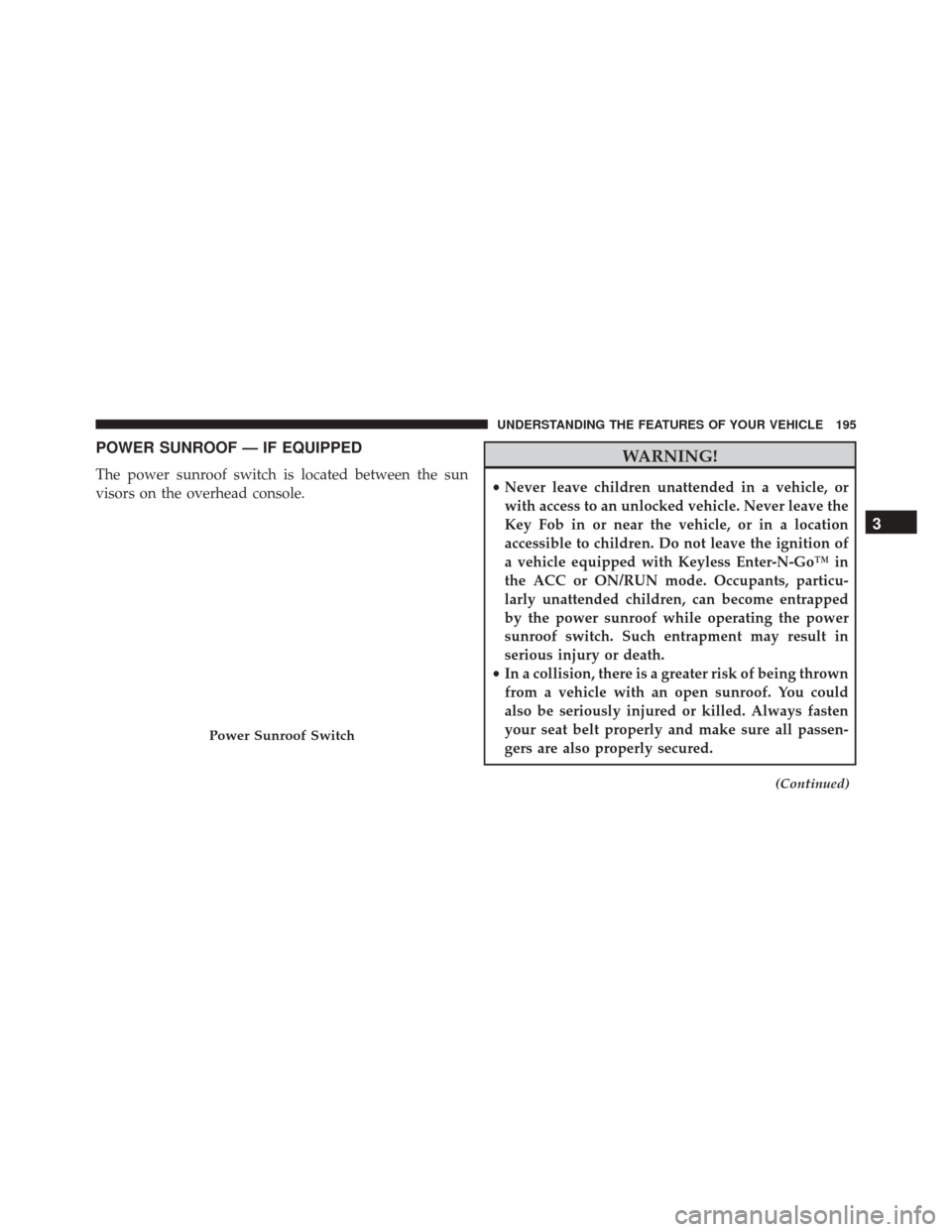
The power sunroof switch is located between the sun
visors on the overhead console.
WARNING!
•Never leave children unattended in a vehicle, or
with access to an unlocked vehicle. Never leave the
Key Fob in or near the vehicle, or in a location
accessible to children. Do not leave the ignition of
a vehicle equipped with Keyless Enter-N-Go™ in
the ACC or ON/RUN mode. Occupants, particu-
larly unattended children, can become entrapped
by the power sunroof while operating the power
sunroof switch. Such entrapment may result in
serious injury or death.
• In a collision, there is a greater risk of being thrown
from a vehicle with an open sunroof. You could
also be seriously injured or killed. Always fasten
your seat belt properly and make sure all passen-
gers are also properly secured.
(Continued)
Power Sunroof Switch
3
UNDERSTANDING THE FEATURES OF YOUR VEHICLE 195
Page 197 of 529
WARNING!(Continued)
•Do not allow small children to operate the sunroof.
Never allow your fingers, other body parts, or any
object, to project through the sunroof opening.
Injury may result.
Opening Sunroof — Express
Press the switch rearward and release it within one-half
second. The sunroof and sunshade will open automati-
cally from any position. The sunroof and sunshade will
open fully and stop automatically. This is called “Express
Open”. During Express Open operation, any movement
of the sunroof switch will stop the sunroof.
Opening Sunroof — Manual Mode
To open the sunroof, press and hold the switch rearward
to full open. Any release of the switch will stop the movement. The sunroof and sunshade will remain in a
partially opened condition until the switch is pushed and
held rearward again.
Closing Sunroof — Express
Press the switch forward and release it within one-half
second and the sunroof will close automatically from any
position. The sunroof will close fully and stop automati-
cally. This is called “Express Close”. During Express
Close operation, any movement of the switch will stop
the sunroof.
Closing Sunroof — Manual Mode
To close the sunroof, press and hold the switch in the
forward position. Any release of the switch will stop the
movement and the sunroof will remain in a partially
closed condition until the switch is pushed and held
forward again.
196 UNDERSTANDING THE FEATURES OF YOUR VEHICLE
Page 206 of 529
WARNING!
Do not operate this vehicle with a console compartment
lid in the open position. Driving with the console
compartment lid open may result in injury in a collision.
REAR WINDOW FEATURES
Rear Window Defroster
The rear window defroster button is located on
the climate control (Mode) knob. Press this button
to turn on the rear window defroster and the heated
outside mirrors (if equipped). An indicator in the button
will illuminate when the rear window defroster is on. The
rear window defroster automatically turns off after ap-
proximately 10 minutes. For an additional five minutes of
operation, press the button a second time.
NOTE: To prevent excessive battery drain, use the rear
window defroster only when the engine is operating.
Center Console
3
UNDERSTANDING THE FEATURES OF YOUR VEHICLE 205
Page 213 of 529

INSTRUMENT CLUSTER DESCRIPTIONS
1. Fuel Gauge
The pointer shows the level of fuel in the fuel tank when
the ignition switch is in the ON/RUN position.
2. Trip Odometer Button
Press this button to change the display from odometer to
either of two trip odometer settings. The letter “A” or “B”
will appear when in the trip odometer mode. Push in and
hold the button for two seconds to reset the trip odometer
to 0 miles (km). The odometer must be in TRIP mode to
reset it.
3. Speedometer
Indicates vehicle speed.4. Electronic Speed Control Indicator Light
This light will turn on when the electronic
speed control is on.
5. Tachometer
The red segments indicate the maximum permissible
engine revolutions per minute (RPM x 1000) for each gear
range. Ease up on the accelerator before reaching the red
area.
6. Charging System Warning Light This light shows the status of the electrical charg-
ing system. The light should turn on when the
ignition switch is first placed in ON/RUN and remain on
briefly as a bulb check. If the light stays on or turns on
while driving, turn off some of the vehicle’s non-essential
electrical devices (i.e., radio) or slightly increase engine
speed (if at idle). If the light remains on, it means that the
212 UNDERSTANDING YOUR INSTRUMENT PANEL
Page 229 of 529
Gear Shift Indicator (GSI) — If Equipped
The Gear Shift Indicator (GSI) system is enabled on
vehicles with a manual transmission, or when a vehicle
with an automatic transmission is in manual shift mode.
The GSI provides the driver with a visual indication
within the EVIC when the recommended gear shift point
has been reached. This indication notifies the driver that
changing gear will allow a reduction in fuel consump-
tion.
When the shift up indicator (+) is shown on the display,
the GSI is advising the driver to engage a higher gear.When the shift down indicator (-) is shown on the
display, the GSI is advising the driver to engage a lower
gear.
GSI Shift Up (+) Indicator
228 UNDERSTANDING YOUR INSTRUMENT PANEL
Page 231 of 529

Vehicles Equipped With Keyless Enter-N-Go™
1. Without pressing the brake pedal, cycle the ignition tothe ON/RUN position (Do not start the engine.)
2. Fully depress the accelerator pedal, slowly, three times within 10 seconds.
3. Cycle the ignition to the OFF/LOCK position.
Vehicles Not Equipped With Keyless Enter-N-Go™
1. Turn the ignition switch to the ON/RUN position (Do not start the engine.)
2. Fully depress the accelerator pedal, slowly, three times within 10 seconds.
3. Turn the ignition switch to the OFF/LOCK position.
NOTE: If the indicator message illuminates when you
start the vehicle, the oil change indicator system did not
reset. If necessary, repeat this procedure.Trip Functions
To access, press and release the MENU button until “Trip
Functions” appears in the EVIC, then press and release
the SELECT button.
The Trip Functions include the following:
• Average Fuel Economy
• Distance To Empty
• Trip A
• Trip B
• Elapsed Time
• Display Units of Measure in
Press the UP or DOWN button to cycle through the Trip
functions, press the SELECT button to select a feature.
The Trip Functions mode displays the following.
230 UNDERSTANDING YOUR INSTRUMENT PANEL
Page 233 of 529
Display Units Of Measure In
To make your selection, press and release the SELECT
button until “ENGLISH” or “METRIC” appears.
To Reset The Display
Reset will only occur while a resettable function is being
displayed. Press and release the SELECT button once to
clear the resettable function being displayed. To reset all
resettable functions, press and release the SELECT button
a second time within three seconds of resetting the
currently-displayed function. (>Reset ALL will display
during this three-second window.)
Performance Features
WARNING!
Measurement of vehicle statistics with the Perfor-
mance Features is intended for off-highway or off-
road use only and should not be done on any public
roadways. It is recommended that these features be
used in a controlled environment and within the
limits of the law. The capabilities of the vehicle as
measured by the performance pages must never be
exploited in a reckless or dangerous manner, which
can jeopardize the user ’s safety or the safety of
others. Only a safe, attentive, and skillful driver can
prevent accidents.This mode provides performance based sus-
pension tuning with improved handling and
acceleration through an electronic controlled
232 UNDERSTANDING YOUR INSTRUMENT PANEL
Page 236 of 529
•The time and speed will continue to display until the
SELECT button is pressed.
• Pressing the SELECT button will clear the current run
and display the vehicle’s best 1/8 mile (1/4 mile) run.
• To clear the vehicle’s best 1/8 mile (1/4 mile) run,
press and hold the SELECT button for five seconds.
Instantaneous G-Force
When selected, this screen displays the current G-Force
(lateral and longitudinal) along with a friction circle that
displays the directions of the forces.
Peak G-Force
When selected, this screen displays all four G-Force
values (two lateral and two longitudinal).
• When a force greater than zero is measured, the
display will update the value as it climbs. As the
G-Force falls, the peak forces will continue to display. •
Pressing the SELECT button will clear the peak force
values.
Digital Speedometer
When selected, this screen displays vehicle speed and
records top speed.
• Press and hold the SELECT button for three seconds to
toggle between current speed and top speed.
• To reset top speed, quickly press and release the
SELECT button when top speed is displayed.
Launch RPM Set (Manual Transmission Only)
When selected, this screen displays the vehicle’s current
Launch RPM used for Launch Control (refer to “ESC
Operating Modes – Launch Control” in “Starting and
Operating”).
• This feature will only function when the vehicle is
stationary.
4
UNDERSTANDING YOUR INSTRUMENT PANEL 235