Page 139 of 539

10. Thanks
11. See You in 15 minutes
12. I am on my way
13. I’ll be late
14. Are you there yet?
15. Where are we meeting?
16. Can this wait?
17. Bye for now
18. When can we meet?
19. Send number to call
20. Start without meTurn SMS Incoming Announcement ON/OFF
Turning the SMS Incoming Announcement OFF will stop
the system from announcing the new incoming mes-
sages.
•
Press the
button.
• After the “Ready” prompt and the following beep, say
“Setup, SMS Incoming Message Announcement,” you
will then be given a choice to change it.
Bluetooth® Communication Link
Mobile phones have been found to lose connection to the
Uconnect® Phone. When this happens, the connection
can generally be reestablished by switching the phone
off/on. Your mobile phone is recommended to remain in
Bluetooth® ON mode.
Power-Up
After switching the ignition key from OFF to either the
ON or ACC position, or after a language change, you
must wait at least 15 seconds prior to using the system.
3
UNDERSTANDING THE FEATURES OF YOUR VEHICLE 137
Page 145 of 539

General Information
This device complies with Part 15 of the FCC rules and
RSS 210 of Industry Canada. Operation is subject to the
following conditions:
•Changes or modifications not expressly approved by
the party responsible for compliance could void the
user’s authority to operate the equipment.
• This device may not cause harmful interference.
• This device must accept any interference received,
including interference that may cause undesired op-
eration.
VOICE COMMAND — IF EQUIPPED
Voice Command System Operation
The Uconnect® Voice Command system allows
you to control your AM, FM radio, disk player,
USB mass storage class device, iPod® family of
devices, Bluetooth® Streaming Audio Device,
satellite radio, disc player, and a memo recorder.
NOTE: Take care to speak into the Voice Interface System
as calmly and normally as possible. The ability of the
Voice Interface System to recognize user voice commands
may be negatively affected by rapid speaking or a raised
voice level.
3
UNDERSTANDING THE FEATURES OF YOUR VEHICLE 143
Page 148 of 539
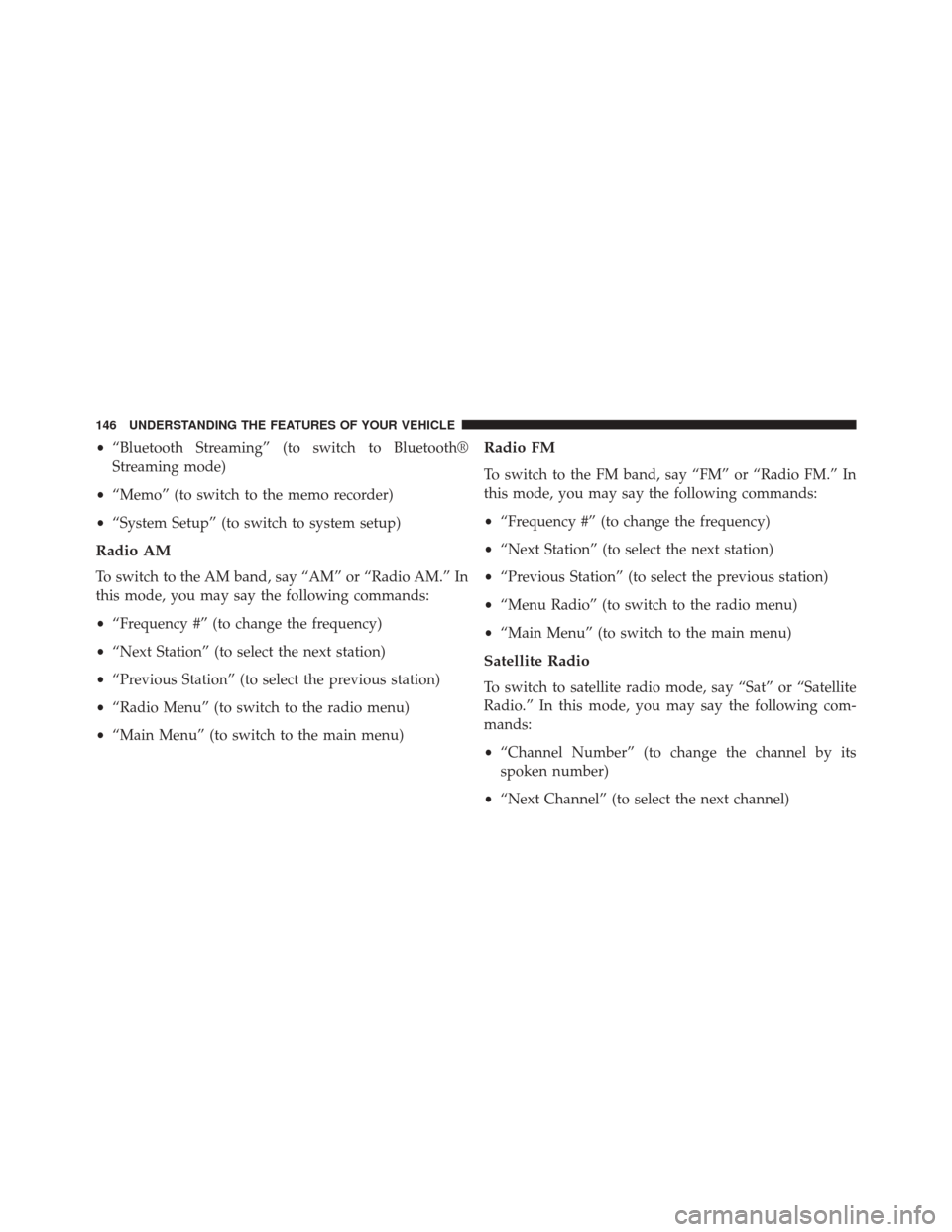
•“Bluetooth Streaming” (to switch to Bluetooth®
Streaming mode)
• “Memo” (to switch to the memo recorder)
• “System Setup” (to switch to system setup)
Radio AM
To switch to the AM band, say “AM” or “Radio AM.” In
this mode, you may say the following commands:
•“Frequency #” (to change the frequency)
• “Next Station” (to select the next station)
• “Previous Station” (to select the previous station)
• “Radio Menu” (to switch to the radio menu)
• “Main Menu” (to switch to the main menu)
Radio FM
To switch to the FM band, say “FM” or “Radio FM.” In
this mode, you may say the following commands:
•“Frequency #” (to change the frequency)
• “Next Station” (to select the next station)
• “Previous Station” (to select the previous station)
• “Menu Radio” (to switch to the radio menu)
• “Main Menu” (to switch to the main menu)
Satellite Radio
To switch to satellite radio mode, say “Sat” or “Satellite
Radio.” In this mode, you may say the following com-
mands:
•“Channel Number” (to change the channel by its
spoken number)
• “Next Channel” (to select the next channel)
146 UNDERSTANDING THE FEATURES OF YOUR VEHICLE
Page 149 of 539
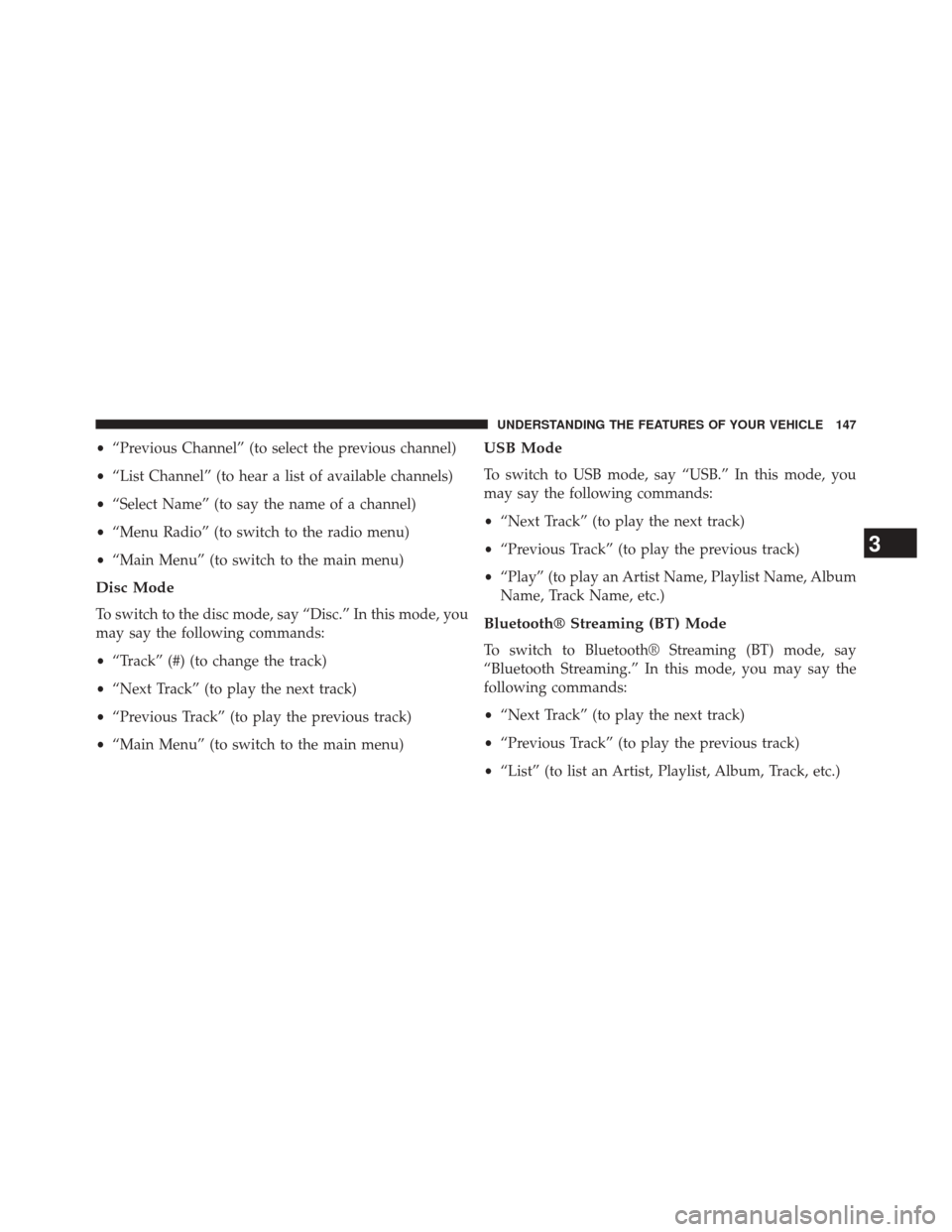
•“Previous Channel” (to select the previous channel)
• “List Channel” (to hear a list of available channels)
• “Select Name” (to say the name of a channel)
• “Menu Radio” (to switch to the radio menu)
• “Main Menu” (to switch to the main menu)
Disc Mode
To switch to the disc mode, say “Disc.” In this mode, you
may say the following commands:
•“Track” (#) (to change the track)
• “Next Track” (to play the next track)
• “Previous Track” (to play the previous track)
• “Main Menu” (to switch to the main menu)
USB Mode
To switch to USB mode, say “USB.” In this mode, you
may say the following commands:
•“Next Track” (to play the next track)
• “Previous Track” (to play the previous track)
• “Play” (to play an Artist Name, Playlist Name, Album
Name, Track Name, etc.)
Bluetooth® Streaming (BT) Mode
To switch to Bluetooth® Streaming (BT) mode, say
“Bluetooth Streaming.” In this mode, you may say the
following commands:
• “Next Track” (to play the next track)
• “Previous Track” (to play the previous track)
• “List” (to list an Artist, Playlist, Album, Track, etc.)
3
UNDERSTANDING THE FEATURES OF YOUR VEHICLE 147
Page 209 of 539
▫List Or Browse Mode ...................269
▫ Bluetooth® Streaming Audio (BTSA) .......271
� HARMAN KARDON® Logic7® HIGH
PERFORMANCE MULTICHANNEL SURROUND
SOUND SYSTEM WITH DRIVER-SELECTABLE
SURROUND (DSS) — IF EQUIPPED .........272
� STEERING WHEEL AUDIO CONTROLS — IF
EQUIPPED .......................... .274
▫ Radio Operation ..................... .274
▫ CD Player .......................... .275�
CD/DVD DISC MAINTENANCE ...........275
� RADIO OPERATION AND MOBILE PHONES . .276
� CLIMATE CONTROLS ...................276
▫ Automatic Temperature Control (ATC) ......276
▫ Automatic Operation ...................277
▫ Blower Control ...................... .278
▫ Manual Operation .....................278
▫ Operating Tips ...................... .282
4
UNDERSTANDING YOUR INSTRUMENT PANEL 207
Page 255 of 539
Program Type16-Digit Character
Display
Information Inform
Jazz Jazz
News News
Nostalgia Nostalga
Oldies Oldies
Personality Persnlty
Public Public
Rhythm and Blues R & B
Religious Music Rel Musc
Religious Talk Rel Talk
Rock Rock
Soft Soft
Soft Rock Soft Rck
Soft Rhythm and Blues Soft R&BProgram Type16-Digit Character
Display
Sports Sports
Talk Talk
Top 40 Top 40
Weather Weather
By pressing the SEEK button when the Music Type icon
is displayed, the radio will be tuned to the next frequency
station with the same selected Music Type name. The
Music Type function only operates when in the FM
mode.
If a preset button is activated while in the Music Type
(Program Type) mode, the Music Type mode will be
exited and the radio will tune to the preset station.
4
UNDERSTANDING YOUR INSTRUMENT PANEL 253
Page 273 of 539
device, then follow the same steps to go to the desired
track in that list. Not all iPod® or external USB device
sub-menu levels are available on this system.
• MUSIC TYPE button: TheMUSIC TYPE button is
another shortcut button to the genre listing on your
audio device.
CAUTION!
• Leaving the iPod® or external USB device (or any
supported device) anywhere in the vehicle in ex-
treme heat or cold can alter the operation or dam-
age the device. Follow the device manufacturer ’s
guidelines.
• Placing items on the iPod® or external USB device,
or connections to the iPod® or external USB device
in the vehicle, can cause damage to the device
and/or to the connectors.
WARNING!
Do not plug in or remove the iPod® or external USB
device while driving. Failure to follow this warning
could result in an accident.
Bluetooth® Streaming Audio (BTSA)
Music can be streamed from your cellular phone to the
Uconnect® phone system.
Controlling BTSA Using Radio Buttons
To enter BTSA mode, press either “AUX” button on the
radio or press the VR button and say “Bluetooth Stream-
ing Audio.”
Play Mode
When switched to BTSA mode, some audio devices can
start playing music over the vehicle’s audio system, but
some devices require the music to be initiated on the
4
UNDERSTANDING YOUR INSTRUMENT PANEL 271
Page 274 of 539
device first, then it will get streamed to the Uconnect®
phone system. Seven devices can be paired to the
Uconnect® phone system, but just one can be selected
and played.
Selecting A Different Audio Device
1. Press the PHONE button to begin.
2. After the�Ready�prompt and following the beep, say
�Setup�, then say �Select Audio Devices.�
3. Say the name of the audio device or ask the Uconnect® phone system to list the audio devices.
Next Track
Use the SEEK UP button, or press the VR button on the
radio and say “Next Track,” to jump to the next music
track on your cellular phone.
Previous Track
Use the SEEK DOWN button, or press the VR button on
the radio and say “Previous Track,” to jump to the
previous music track on your cellular phone.
Browse
Browsing is not available on a Bluetooth® Streaming
Audio (BTSA) device. Only the current song that is
playing will display info.
HARMAN KARDON® Logic7® HIGH
PERFORMANCE MULTICHANNEL SURROUND
SOUND SYSTEM WITH DRIVER-SELECTABLE
SURROUND (DSS) — IF EQUIPPED
Your vehicle is equipped with a Harman Kardon® audio
system with GreenEdge™ technology that offers superior
sound quality, higher Sound Pressure Levels (SPL) and
reduced energy consumption. The new system utilizes
272 UNDERSTANDING YOUR INSTRUMENT PANEL